headswap AI Generator

Transform your photos effortlessly with PixelDojo's AI-powered head swap tools. Whether you're aiming to perfect a professional headshot or create fun, creative images, our technology enables you to achieve seamless and realistic head swaps in seconds. Say goodbye to complex editing software and hello to intuitive, high-quality results.
Join thousands of satisfied users who have enhanced their photos with PixelDojo's AI tools. Rated 4.8/5 based on 10,000+ reviews.
Why Choose Pixel Dojo for headswap
Professional-quality results with cutting-edge AI technology
Achieve Professional-Quality Edits Instantly
Replace unflattering expressions or awkward angles with ease, ensuring your photos always showcase your best self.
Unleash Your Creativity
Experiment with fun and imaginative head swaps, creating unique images that stand out on social media or personal projects.
Save Time and Effort
Our intuitive AI tools eliminate the need for complex editing software, allowing you to achieve desired results quickly and effortlessly.
How It Works
Creating stunning head swap images with PixelDojo is simple and straightforward. Follow these steps to get started:
Step 1: Choose Your Tool
Select the 'Face Swap' feature from PixelDojo's suite of AI tools to begin your head swap project.
Step 2: Upload Your Images
Upload the source image (the photo you want to modify) and the target image (the photo with the desired head). Ensure both images are clear and well-lit for optimal results.
Step 3: Generate and Download
Click 'Generate' to let PixelDojo's AI seamlessly swap the heads. Once satisfied with the result, download your new image in high resolution.
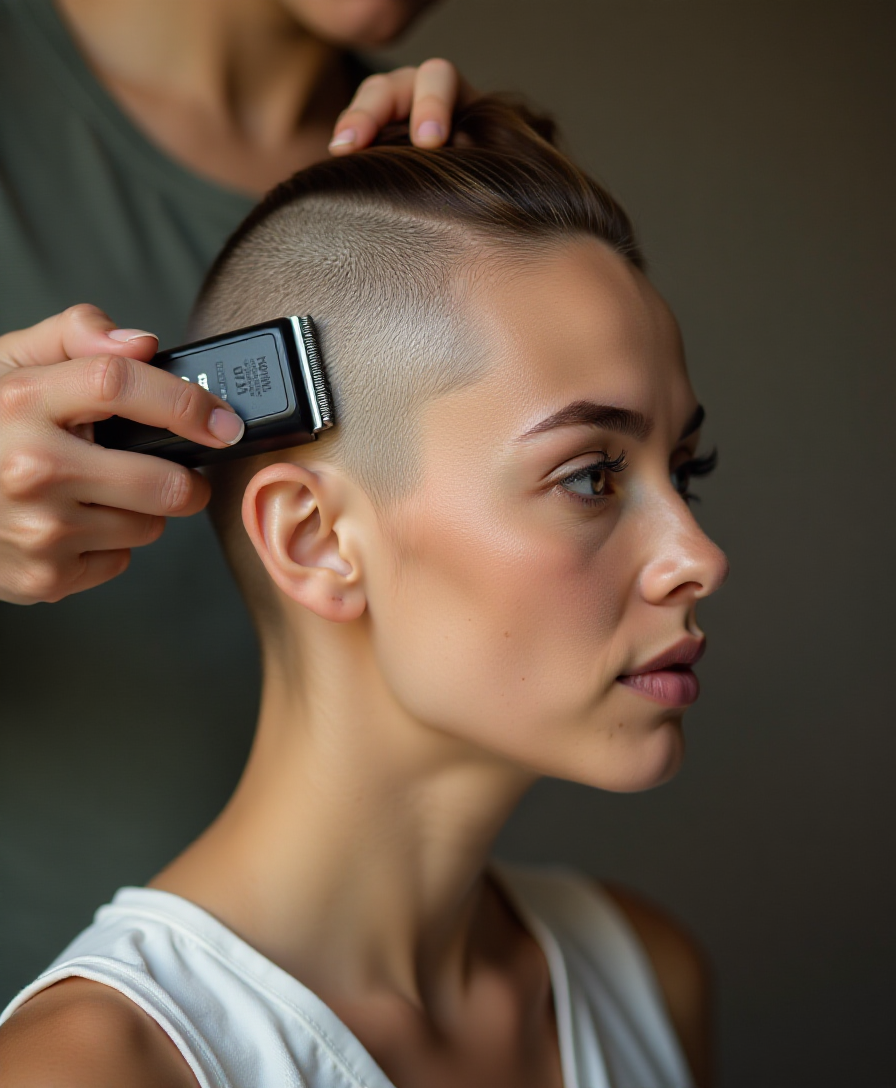
![Quickly change someone's hair style and hair color, powered by FLUX.1 Kontext [pro] - change_haircut](https://cdn.pixeldojo.ai/cdn-cgi/image/f=auto,q=90,w=3840/pixeldojo/generated-images/1752259290971-1xgnuq077.png)
![Quickly change someone's hair style and hair color, powered by FLUX.1 Kontext [pro] - change_haircut](https://cdn.pixeldojo.ai/cdn-cgi/image/f=auto,q=90,w=3840/pixeldojo/generated-images/1752259642547-vwgtpj086.png)
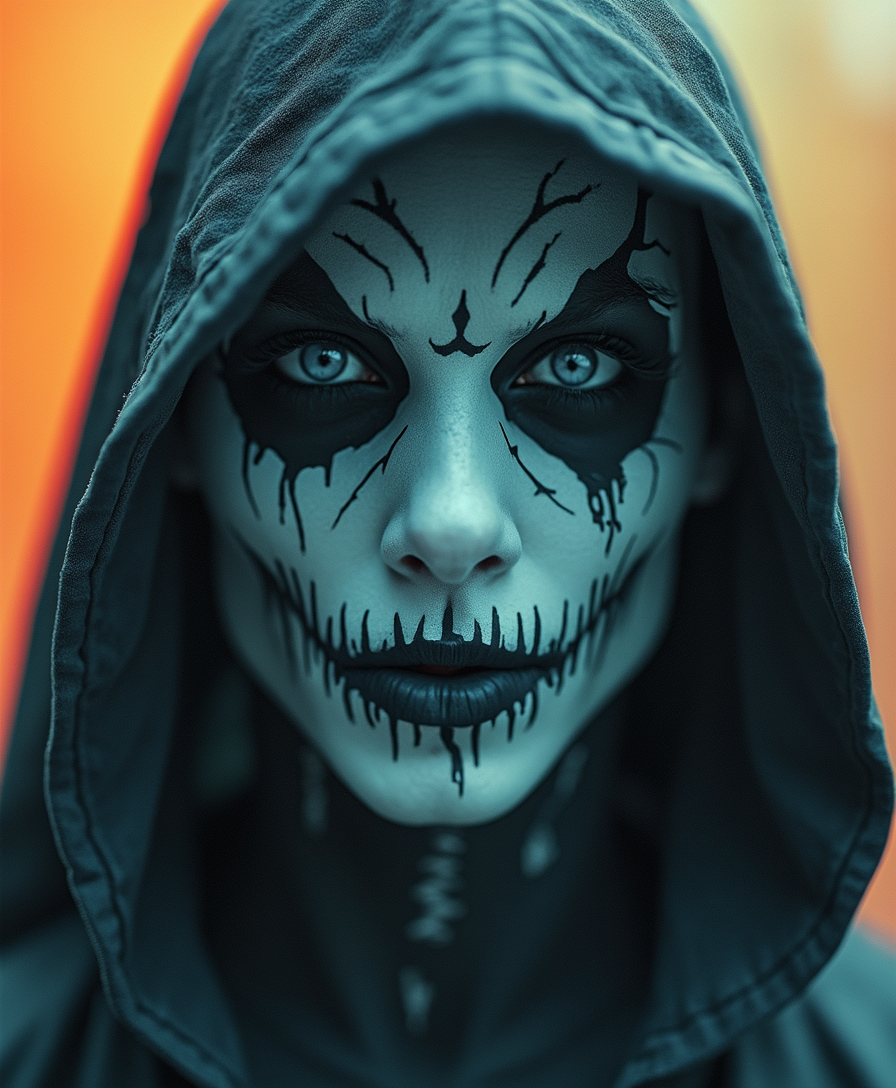


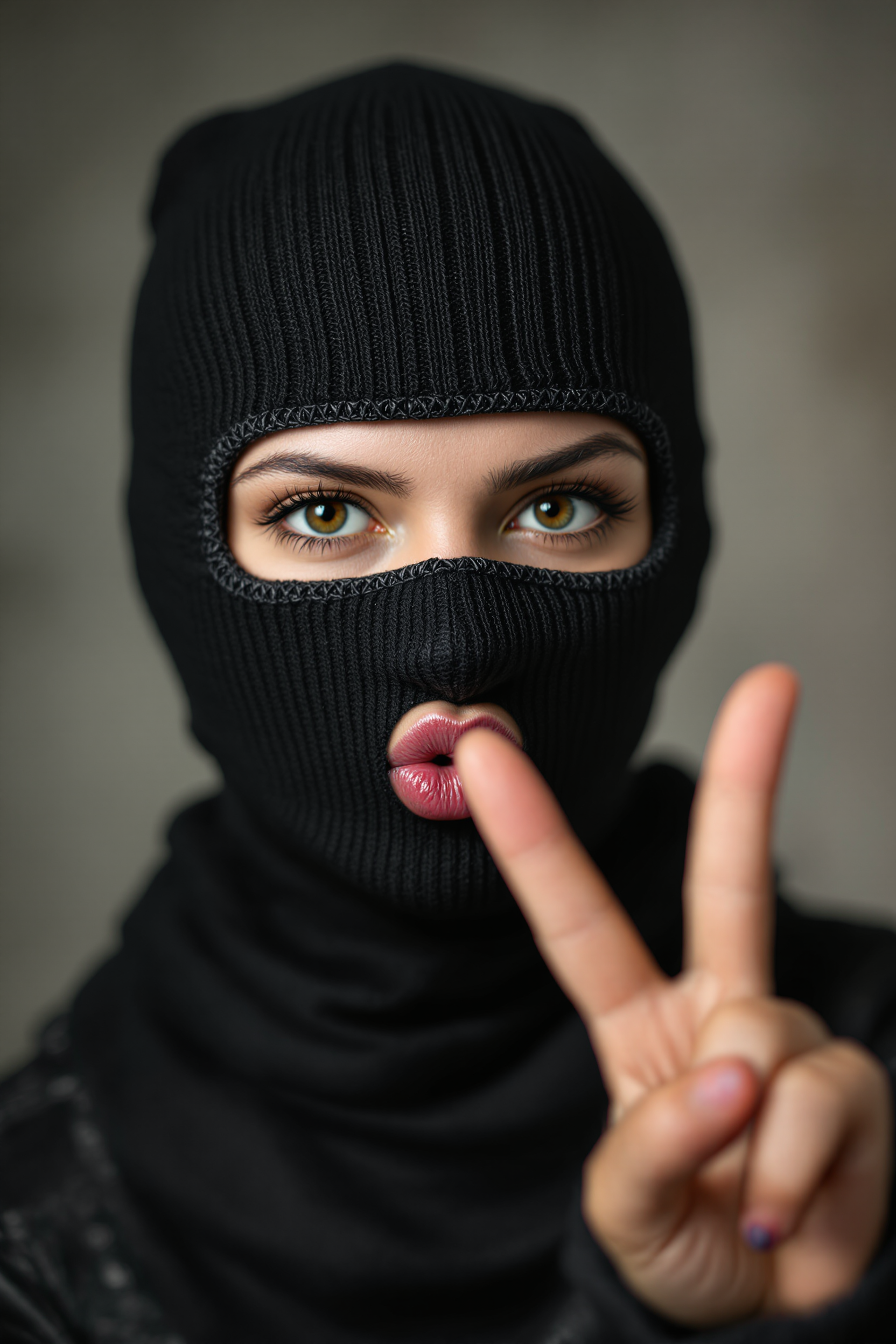
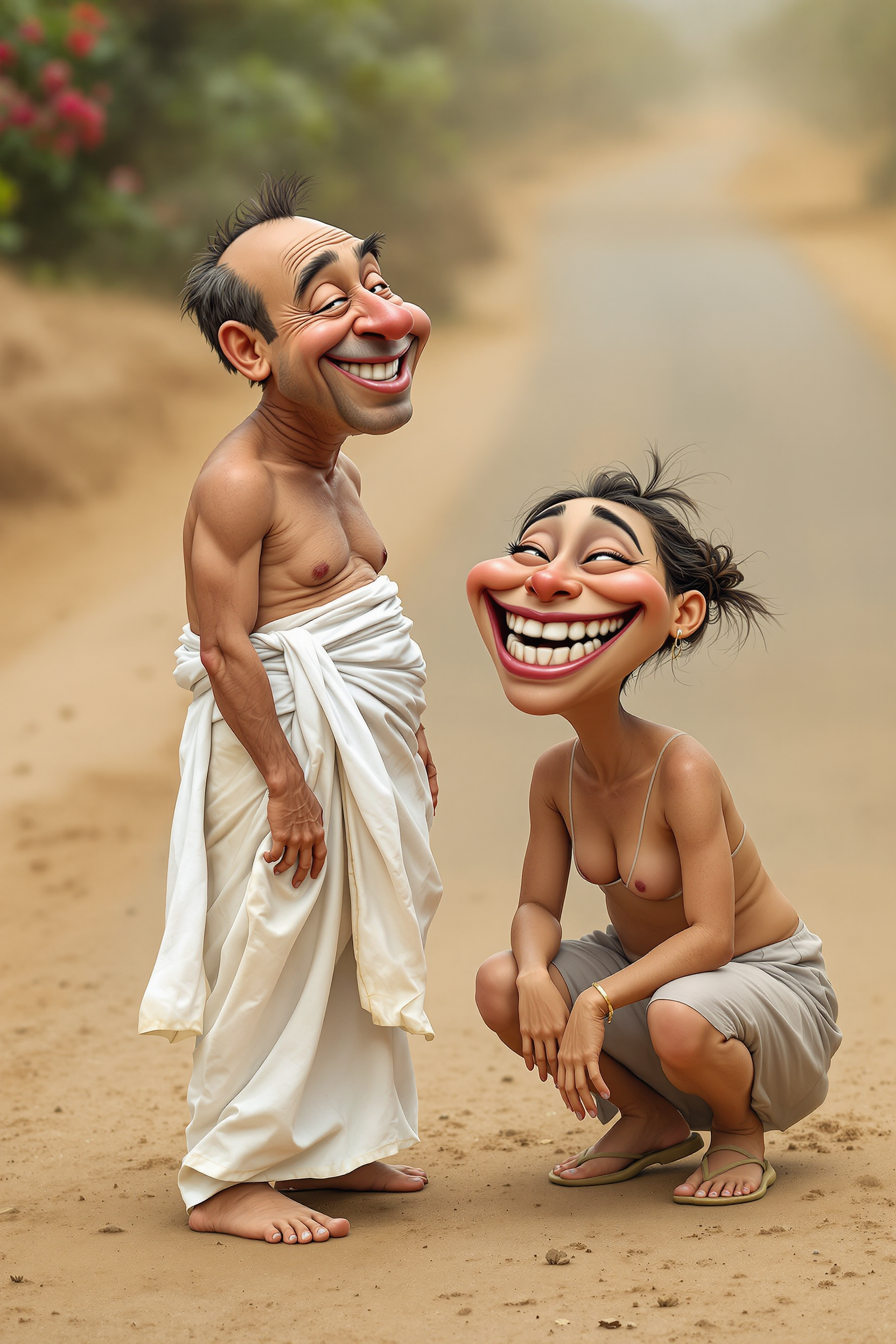
![Shadowrun Math Projection - A close-up of a person's face (Jessica Szohr) with set logical ambient background, DayGlo pink black holographic equations projected Crisis Point their skin. The background is Ghost and [Egyptian|Folk] , with the equations appearing Cinestill and ever-changing, creating a World of Warcraft and perfect symmetry mood](https://cdn.pixeldojo.ai/cdn-cgi/image/f=auto,q=90,w=3840/pixeldojo/generated-images/1743825092743-6uv9kpzp9.png)

The Pixel Dojo Advantage
Why PixelDojo outperforms other options for head swap image generation:
| Others | Pixel Dojo |
|---|---|
| Traditional Photo Editing Software | No need for advanced editing skills; achieve professional results with just a few clicks. |
| Generic AI Tools | Specifically designed for head swaps, ensuring more accurate and realistic outcomes. |
| Manual Photo Editing | Significantly reduces editing time, allowing you to focus on creativity rather than technical details. |
Loved by creators on PixelDojo
Real feedback from people using PixelDojo, pulled from our in-product surveys.
Easy to use once you get the hang of it
Love it make anything I can think of so far
Great for all your ideas use it encourage more people to use it
Because it is awesome
exceptional quality and great overall design of platform and interface. very intuative. love the creative freedom.
Qwen image 2 is amazing!!
Explore more AI tools on PixelDojo
Popular AI Models
AI Tools
Compare & Switch
- Best AI Image Generators
- Best AI Video Generators
- Midjourney Alternatives
- Civitai Alternatives
- Runway Alternatives
- Leonardo Alternatives
- Pika Alternatives
- Luma Alternatives
- Magnific Alternatives
- Veo Alternatives
- Flux Alternatives
- Freepik Alternatives
- Seedance Alternatives
- Seedream Alternatives
- Pixverse Alternatives
- GPT Image Alternatives
- Synthesia Alternatives
- Playground Alternatives
- NightCafe Alternatives
- Canva AI Alternatives
- ElevenLabs Alternatives
- ComfyUI Alternatives
- Fal Alternatives
- Replicate Alternatives
Common Questions
Everything you need to know about headswap
How does PixelDojo's AI head swap tool work?
PixelDojo's AI analyzes the source and target images to seamlessly blend the head from the target onto the source, ensuring natural and realistic results.
Do I need advanced editing skills to use PixelDojo's head swap feature?
Not at all. PixelDojo's tools are designed for users of all skill levels, providing an intuitive interface for effortless editing.
Can I use PixelDojo's head swap tool for group photos?
Yes, our AI can handle multiple faces in group photos, allowing you to perform head swaps seamlessly across various subjects.
Is there a limit to the number of head swaps I can perform?
PixelDojo offers credit-based plans starting at $10 a month, with no daily caps on edits. You can choose the plan that best fits your requirements.
Will the head swap look natural?
Absolutely. Our AI ensures that lighting, angles, and skin tones are matched to produce a natural and cohesive image.
Can I try PixelDojo's head swap tool before subscribing?
Yes, PixelDojo offers a trial period for you to explore our tools and experience the quality of our AI-powered edits.