seedance 2.5 ai video

Unlock professional-grade AI video creation with Seedance 2.5 AI video capabilities on PixelDojo. Transform simple ideas, reference images, or storyboards into polished 30-second cinematic clips featuring seamless multi-shot storytelling, consistent characters across scenes, realistic motion, and native audio sync. Whether you're crafting scroll-stopping social ads, product showcases that convert, short films, or brand stories, you achieve director-level results without cameras, crews, or complex editing software. PixelDojo puts advanced Seedance tools—including Seedance 2, Seedance 2 Reference, and Seedance 2 Video Edit—at your fingertips alongside 100+ cutting-edge AI models, so you focus on creativity while generating ready-to-publish videos that captivate audiences and drive engagement.
Loved by 1M+ creators worldwide • 100+ cutting-edge AI tools in one platform • Generate cinematic videos with native audio and multi-reference control • Cancel anytime • Trusted for marketing, social, and storytelling projects
Why Choose Pixel Dojo for seedance 2.5 ai video
Professional-quality results with cutting-edge AI technology
Produce Complete 30-Second Stories in One Pass
Create full narrative arcs with setup, action, and resolution—complete with smooth camera moves, scene transitions, and synced audio—without stitching short clips. Ideal for ads, Reels, and product demos that hold attention and convert viewers into customers.
Maintain Perfect Character & Brand Consistency
Upload multiple reference images, videos, or audio clips to lock in exact looks, styles, voices, and product details across every shot. Your characters stay identical and branding remains flawless from first frame to last, saving hours of fixes.
Direct Like a Pro with Multimodal Control & Easy Edits
Guide lighting, motion, camera angles, and pacing using text, images, video refs, or even 3D blockouts. Then refine specific regions or timestamps with Seedance 2 Video Edit tools for pixel-perfect results ready for social, ecommerce, or film.
How It Works
Creating high-converting Seedance 2.5-style AI videos on PixelDojo is simple and fast. Follow these steps using our dedicated Seedance tools to go from concept to finished cinematic clip in minutes.
Step 1: Choose Your Seedance Tool
Log into PixelDojo and head to Generate Videos. Select Seedance 2 for powerful text-to-video and multi-shot storytelling, or Seedance 2 Reference for maximum control with up to multiple image/video/audio inputs. For refinements, pick Seedance 2 Video Edit. Pair with Marketing Studio for brand-focused outputs or Consistent Characters for identity lock-in.
Step 2: Enter Your Prompt and References
Describe your scene in detail—include subject actions, camera movements (dolly, pan, tracking), lighting, mood, style, and timing. Upload reference images for characters/products, short video clips for motion guidance, or audio for sync. Specify multi-shot sequences or one-take flows for natural storytelling continuity. Add style keywords for cinematic realism.
Step 3: Customize, Enhance & Download
Generate your video, then use Seedance 2 Video Edit, Video Reframe, or Video Upscaler for precise tweaks like region fixes, extensions, or 4K polish. Apply Video Autocaption or Merge Videos if needed. Preview, download in high quality, and publish directly—or iterate quickly with new prompts. Access related tools like Kling Video or WAN 2.7 for variety.

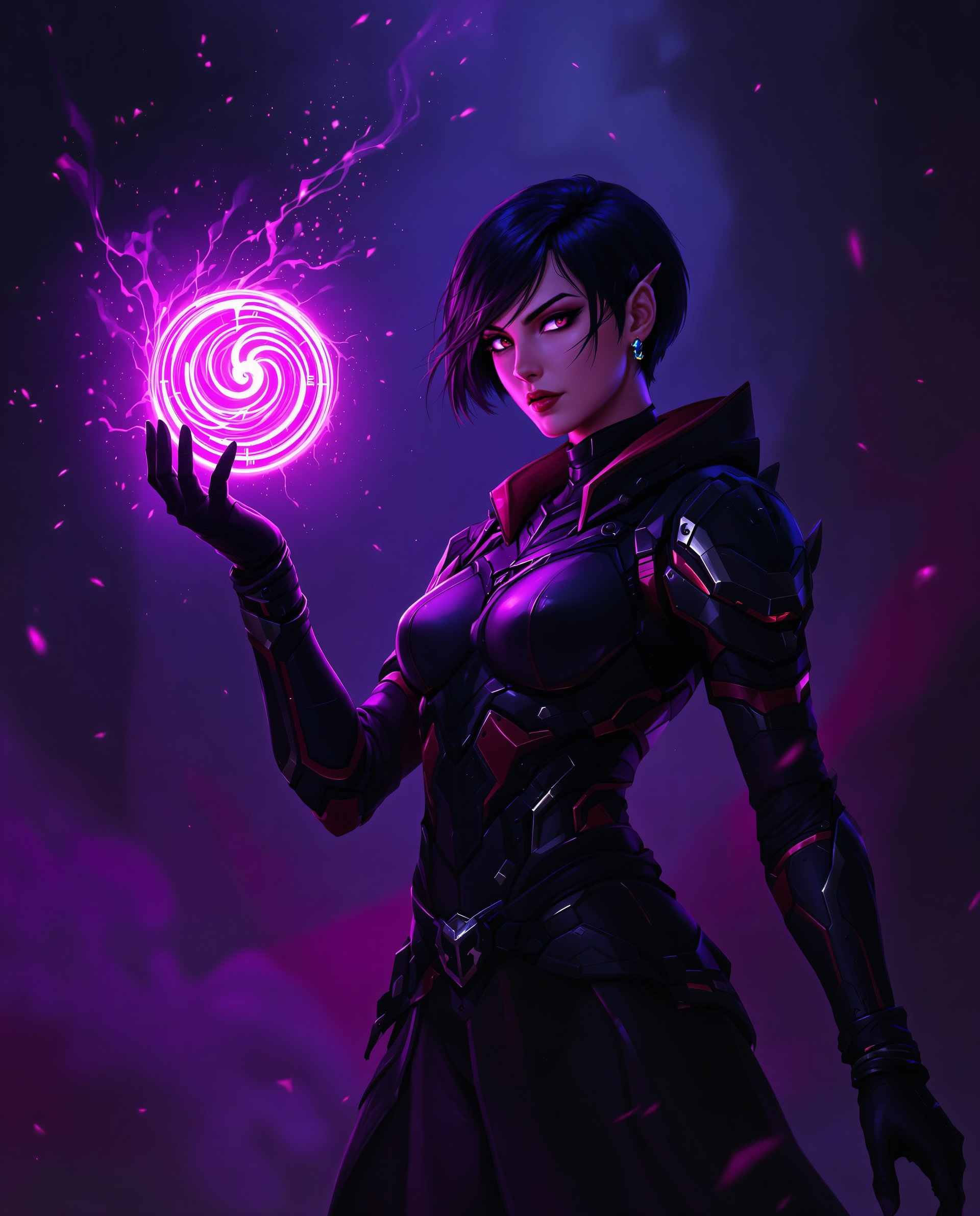





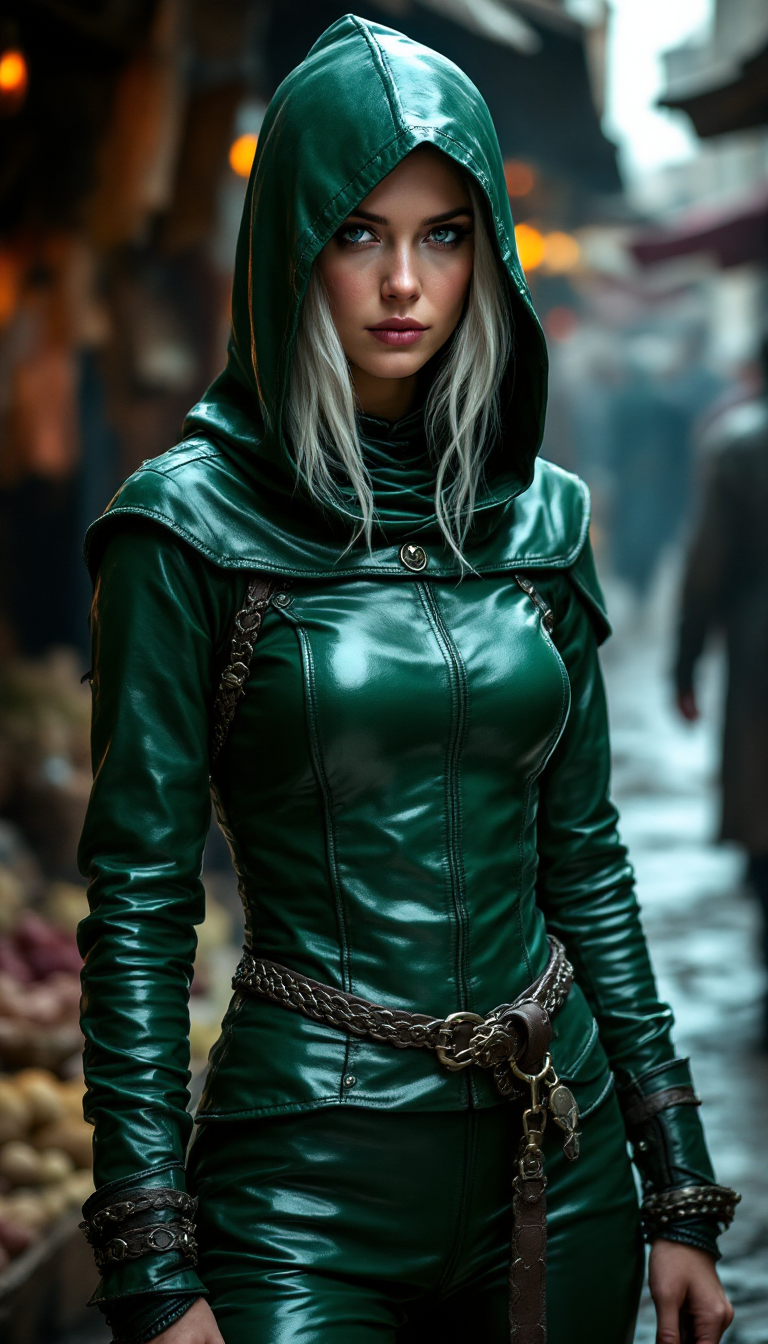


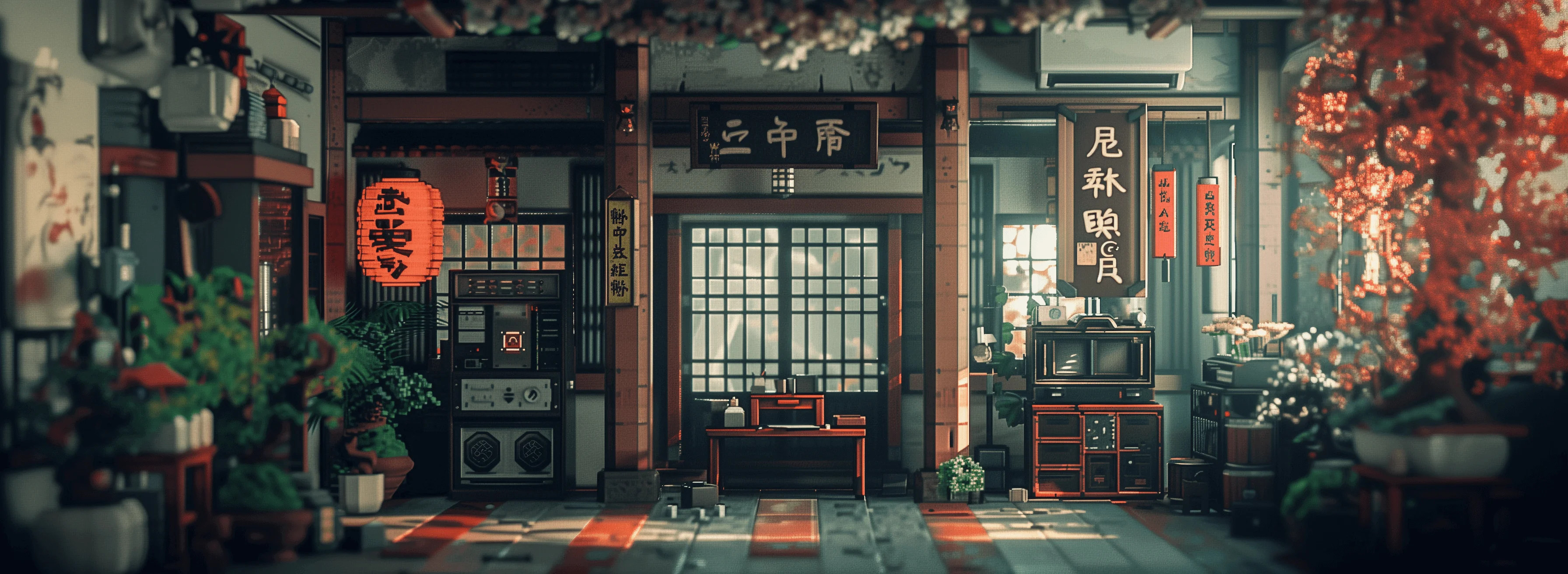

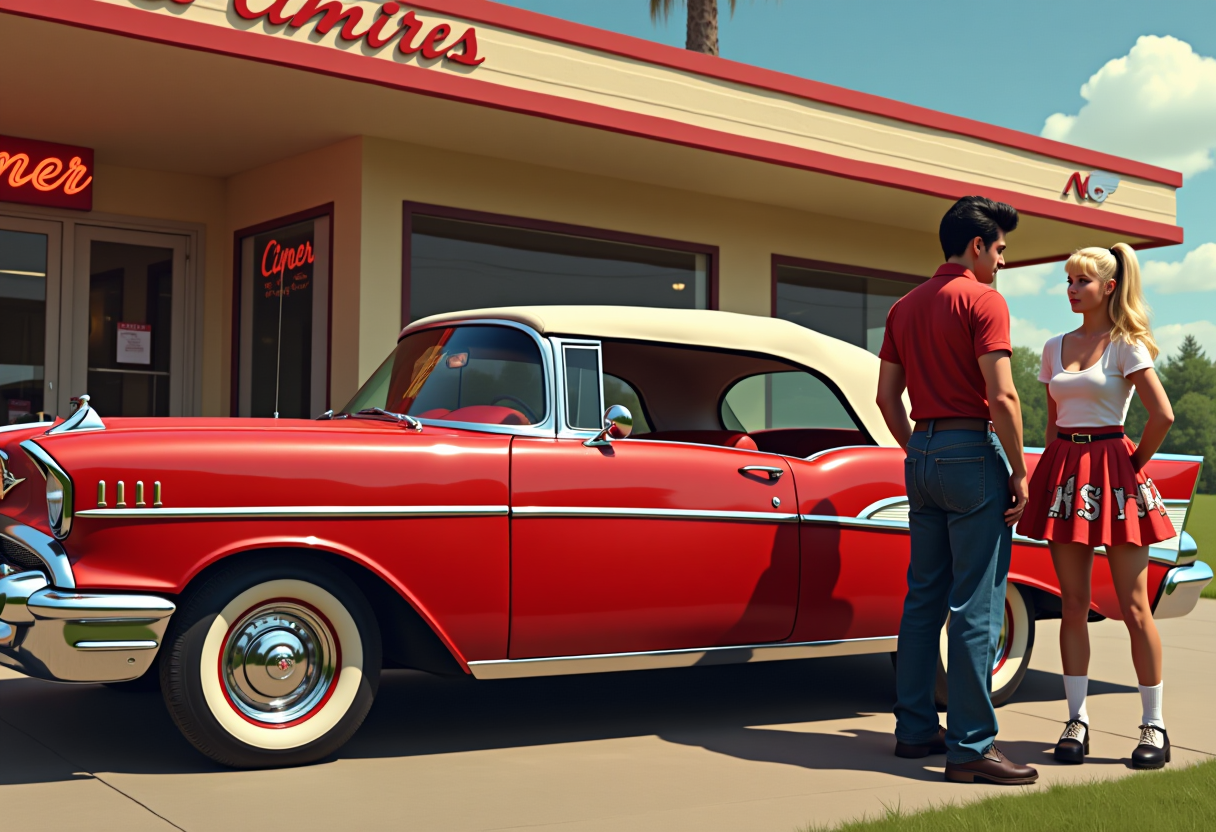
The Pixel Dojo Advantage
Why PixelDojo outperforms other options for Seedance 2.5 AI video generation and cinematic AI video creation
| Others | Pixel Dojo |
|---|---|
| Traditional video production | Skip expensive shoots, actors, locations, and post-production crews. Generate complete multi-shot 30-second cinematic videos with consistent characters and native audio in minutes instead of days or weeks, at a fraction of the cost. |
| Generic AI tools | Access specialized Seedance 2, Seedance 2 Reference, and Seedance 2 Video Edit alongside 100+ models like VEO 3.1, Kling Video, and WAN series in one subscription. Enjoy superior multimodal reference handling, longer coherent clips, and seamless editing workflows tailored for professional results. |
| Manual video editing | Eliminate tedious frame-by-frame work and continuity headaches. AI handles realistic physics, motion, lighting, and audio sync automatically while you direct via simple prompts and refs—then refine only what needs tweaking with dedicated edit tools. |
Loved by creators on PixelDojo
Real feedback from people using PixelDojo, pulled from our in-product surveys.
it is an amazing site to create a pics and vids for those who don't have the hardware themselves
good tools in one place
Prompt updates, strong features, and a community that is always willing to help and hear/act on professional feedback. I've never had a better experience.
user friendly all in one thing
I really like the schedule of AI work performed!
The best tools for IA on the web !
Explore more AI tools on PixelDojo
Popular AI Models
AI Tools
Compare & Switch
- All AI Tool Alternatives
- Pollo AI Alternative
- PixelDojo vs Pollo AI
- Pollo AI Review
- MotionMuse AI Alternative
- MioCreate Alternative
- Dessi AI Alternative
- Runway Alternatives
- CapCut Alternatives
- Leonardo Alternatives
- OpenArt Alternatives
- Midjourney Alternatives
- Canva AI Alternatives
- Pika Alternatives
- InVideo Alternatives
- Higgsfield Alternatives
- Krea Alternatives
- Luma Alternatives
- Magic Hour Alternatives
- HeyGen Alternatives
- PixAI Alternatives
- Vidu Alternatives
- Seedream Alternatives
- Tensor.Art Alternatives
Common Questions
Everything you need to know about seedance 2.5 ai video
What is Seedance 2.5 AI video and how does PixelDojo help me create it?
Seedance 2.5 is ByteDance's advanced AI video model known for generating native 30-second high-quality clips (up to 4K) in a single pass with multimodal references (images, video, audio), improved prompt accuracy, realistic motion, native audio, multi-shot storytelling, and precise region/timestamp editing. On PixelDojo you achieve these outcomes using Seedance 2, Seedance 2 Reference for heavy reference control, and Seedance 2 Video Edit, plus complementary tools like Consistent Characters and Video Upscaler, all in one easy platform loved by 1M+ creators.
Can I create 30-second cinematic AI videos with consistent characters using Seedance tools on PixelDojo?
Yes. Seedance 2 and Seedance 2 Reference excel at multi-shot narratives and character consistency when you provide reference images or clips. Generate complete story arcs with smooth transitions and locked-in appearances for people, products, or brands. Extend further or refine with Seedance 2 Video Edit and tools like WAN Video Character Swap or Kling Video Character Swap for even more control.
What kinds of projects work best with Seedance 2.5 AI video generation on PixelDojo?
Perfect for social media Reels and TikToks that stop the scroll, ecommerce product demos and ads that convert, brand storytelling, short films, music visuals, explainers, and marketing campaigns. Use Marketing Studio for optimized commercial outputs, pair with Text to Music or Seed Audio for soundtracks, and upscale with Video Upscaler or Clarity Pro for final polish ready for any platform.
How do I get the best results with Seedance AI video prompts and references?
Be specific: describe subjects, actions, camera moves (tracking shot, slow push-in, orbit), lighting, mood, style, and timing cues. Upload multiple references—character angles, product shots, style frames, motion clips, or even 3D-like blockouts—for superior control. Start with Seedance 2 Reference, iterate quickly, then edit specifics. PixelDojo's Image Analyzer or Video Analyzer can help refine inputs, and community examples inspire winning formulas.
Does PixelDojo support editing and enhancing Seedance-generated videos?
Absolutely. After generation with Seedance 2 or Seedance 2 Reference, use Seedance 2 Video Edit for targeted changes, plus Runway Aleph, Grok Video Edit, Kling Video Edit, Video Reframe, Merge Videos, Extract Frame, Video Autocaption, and Video Upscaler. Enhance further with Portrait Upscaler or Reality Polisher on keyframes. Everything stays in one workflow so your videos go from draft to professional publish-ready fast.
Is there a free way to try Seedance 2.5 style AI video creation and can I cancel anytime?
PixelDojo offers access to 100+ cutting-edge AI tools including the full Seedance suite with flexible plans. 1M+ creators trust the platform for reliable results. Start creating immediately, explore without long-term commitment, and cancel anytime. Commercial use is supported so your ads, social content, and projects are ready for real-world deployment.