openai gpt image
Generated on PixelDojo. Produced by PixelDojo's generation pipeline.
You can transform a single idea into photorealistic product photography, crystal-clear infographics packed with readable text, or an entire illustrated story series featuring the same characters from every angle. PixelDojo puts OpenAI GPT Image 2 at your fingertips so you achieve these professional outcomes in minutes instead of days. Marketers launch complete campaign visuals that convert, designers prototype layouts that wow clients, and storytellers build immersive worlds without hiring studios. Pair GPT Image 2 with Flux.2 Studio, Krea Image, Riverflow and QWEN Image 2 to explore endless styles while keeping everything inside one platform. Skip expensive photoshoots, stock limitations and revision cycles. Your next high-impact visual is ready the moment you describe it.
Real image examples generated on PixelDojo
Every example below was produced on PixelDojo. Hover to see the prompt.
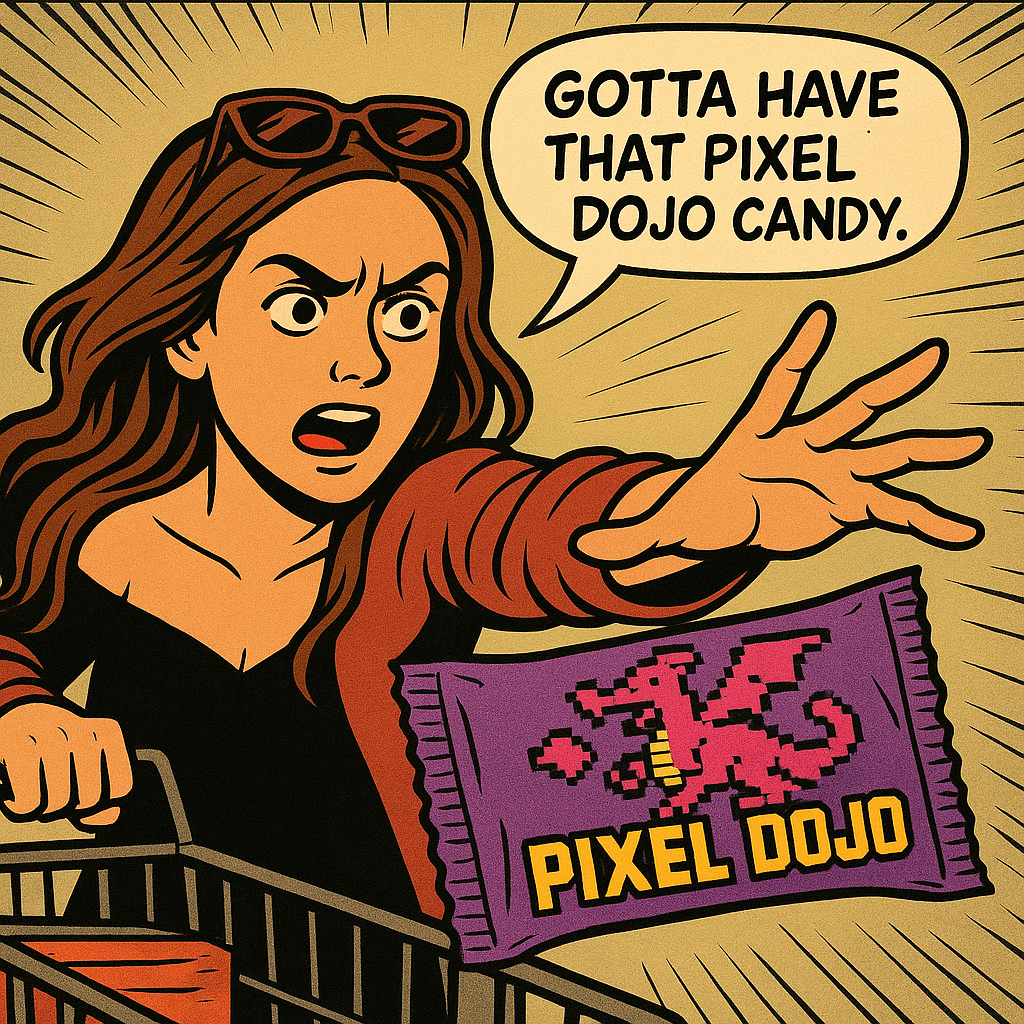
Show me this woman in the cartoon image edited with OpenAI Image 1
openai-image-1
Image from library
google-gemini-image
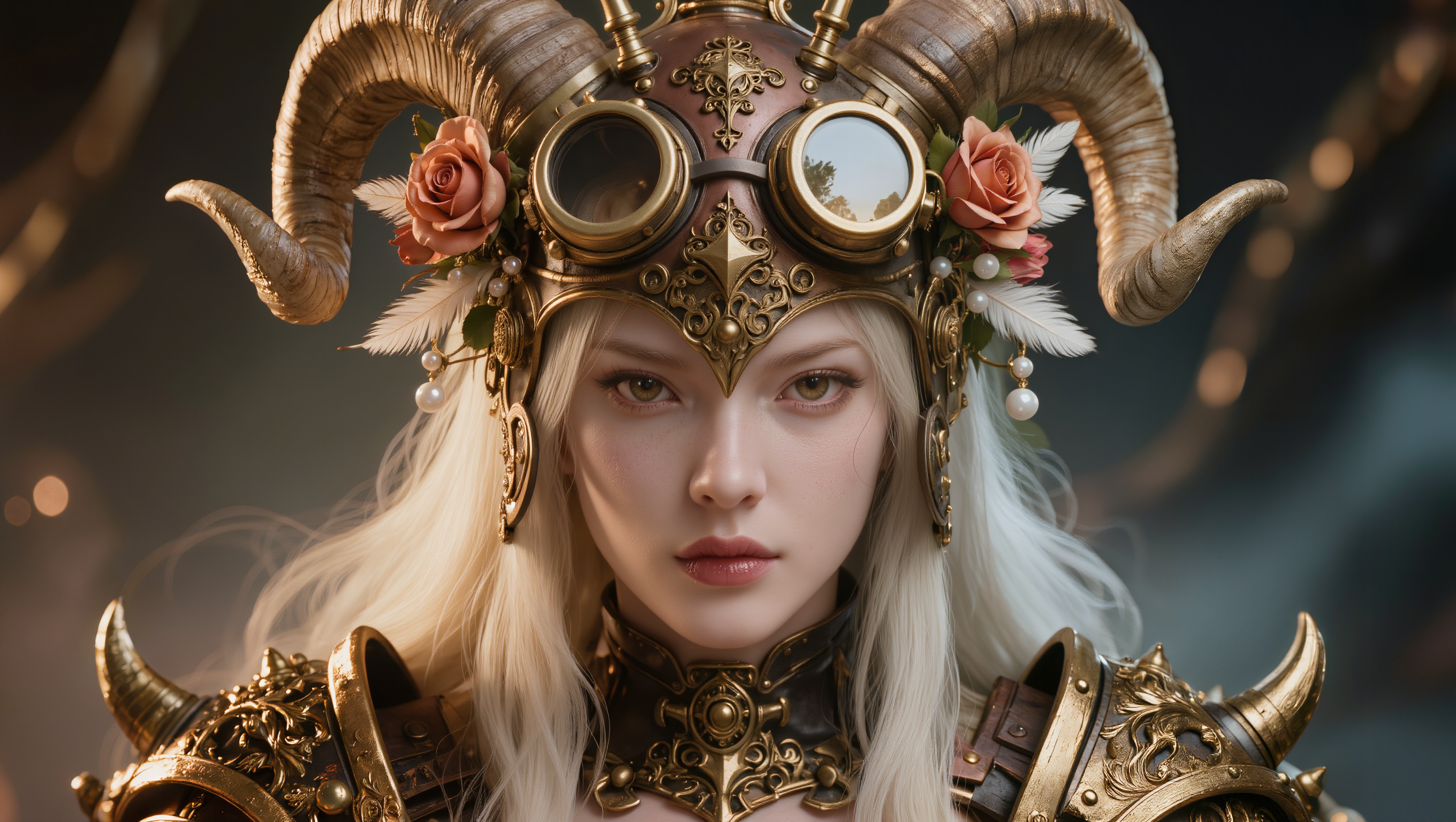
A highly detailed close-up portrait of a fierce female warrior in steampunk cyberpunk styl…
kling-image
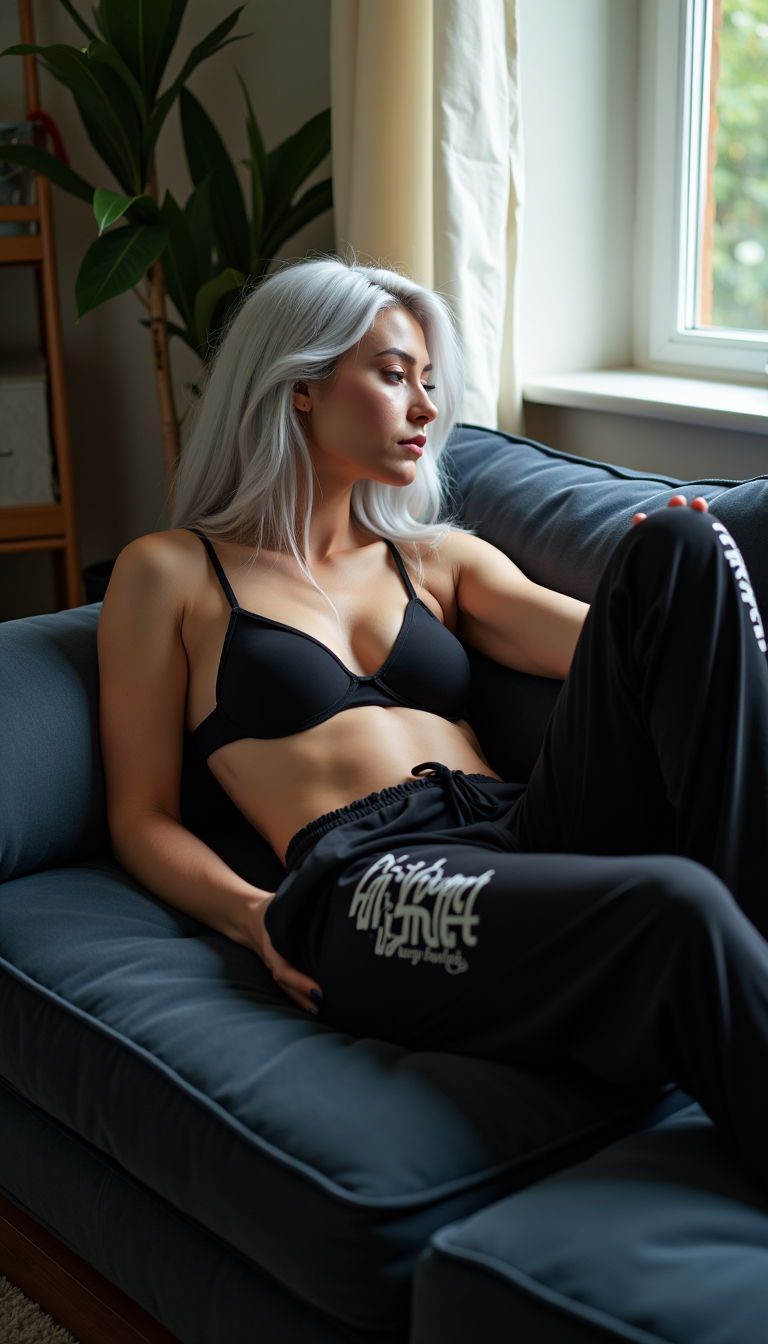
A pale young woman with silver hair
flux
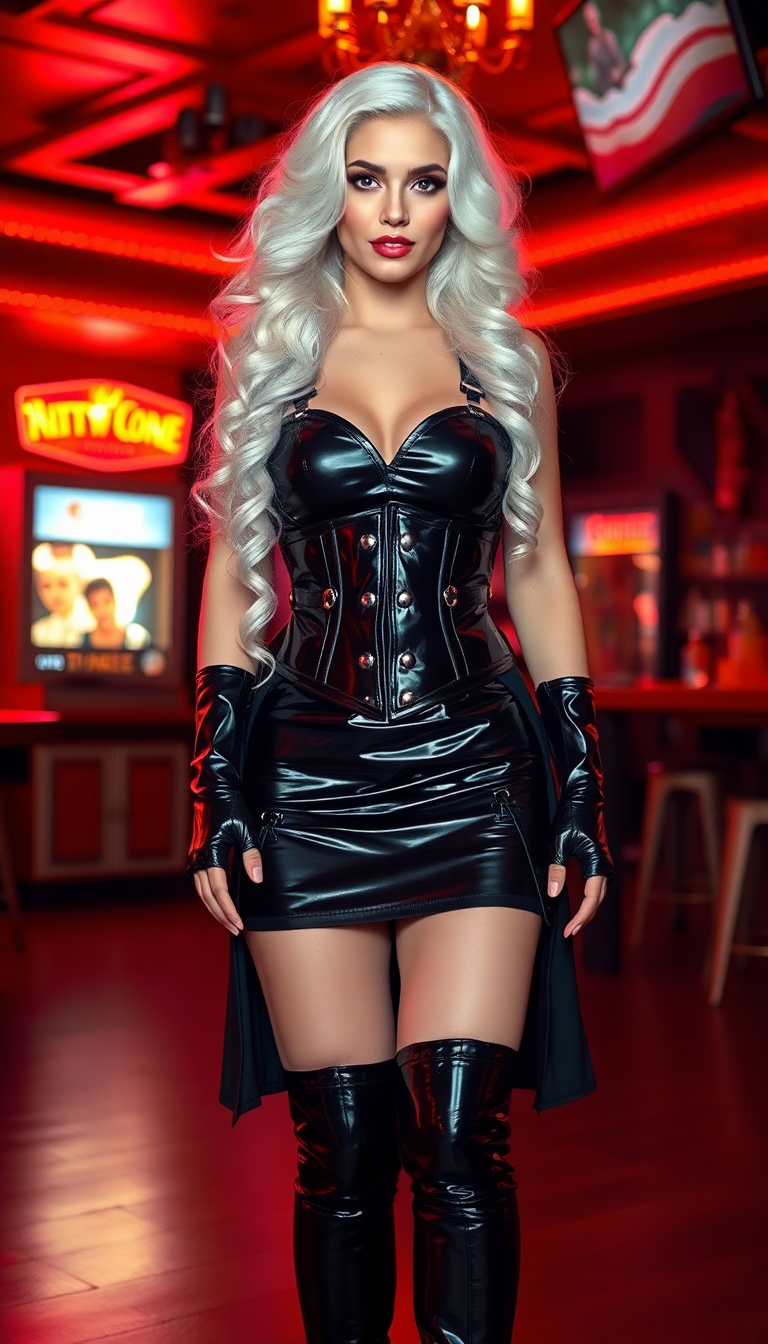
Standing in the strip club
flux
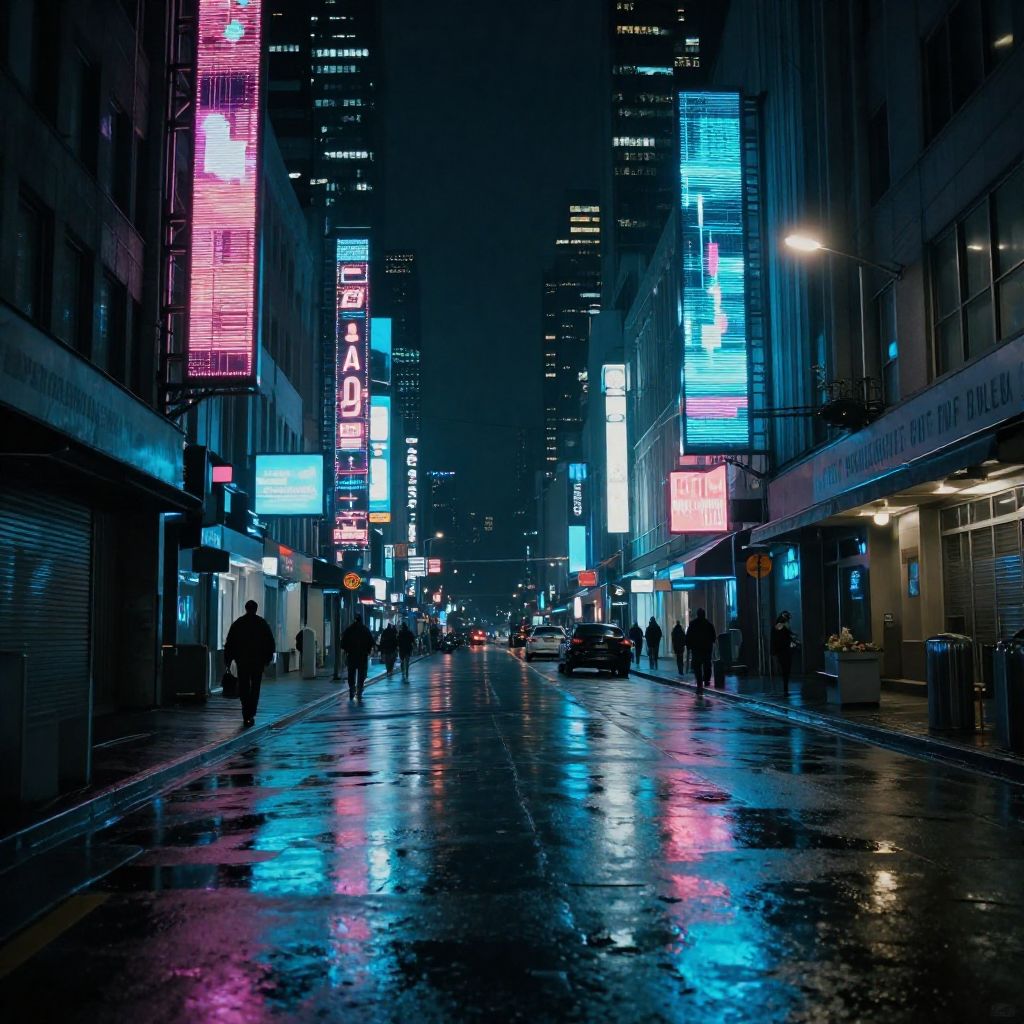
A cyberpunk city street at night
z-image-turbo
Models you can run on PixelDojo for openai gpt image
Switch models without switching tools. Each one runs in the same PixelDojo studio.
What you can do with openai gpt image on PixelDojo
GPT Image Generation
We give you OpenAI GPT image models on PixelDojo so you can turn written prompts into original stills for campaigns, product shots, and concept work.
Natural Language Prompts
Describe subject, lighting, and style in plain language. We generate matching images you can download and reuse in your pipeline.
Prompt Iteration Controls
We let you adjust wording and regenerate so you can compare versions and lock in the composition you need.
Export for Production Use
Save outputs from GPT image runs and bring them into decks, social posts, and design files without leaving PixelDojo.
Thousands of creators worldwide generate millions of GPT images every month on PixelDojo. Users rate the platform 4.9 out of 5 for delivering studio-quality results that actually get used in real campaigns, books and products. Join them with 40+ cutting-edge AI tools you can cancel anytime.
Why Choose Pixel Dojo for openai gpt image
Professional-quality results with cutting-edge AI technology
Photorealistic Images That Convert Visitors
You produce portraits with authentic skin texture, product shots with natural lighting and scenes that look captured by a professional camera. These visuals lift e-commerce sales and social engagement because they feel real, not generated.
Perfect Text and Complex Layouts Every Time
You create infographics, posters, slides and UI mockups where every headline, label and diagram appears exactly as written. GPT Image 2 reasoning plus tools like Image Analyzer ensure dense, accurate compositions that used to take hours of manual work.
Consistent Characters Across Entire Series
You generate comics, children's books, brand stories and avatar sets where the same person, clothing and objects stay identical from frame to frame. Combine GPT Image 2 with Consistent Characters and Character Sheets for narrative continuity that builds recognition.
How It Works
You go from concept to production-ready OpenAI GPT images in three straightforward steps using PixelDojo’s specialized tools.
Step 1: Choose Your Tool
Open PixelDojo and select GPT Image 2 inside Generate Images. For complementary looks you can also pick Flux.2 Studio, Krea Image or Seedream 5. This combination gives you reasoning-powered generation that plans composition, counts objects and follows every constraint you set.
Step 2: Enter Your Prompt
Write a structured prompt that starts with the scene and environment, then names the main subject, adds materials, lighting, camera angle and mood, and finishes with constraints such as photorealistic, exact quoted text, 16:9 ratio and no extra elements. For multi-image stories specify character continuity so GPT Image 2 keeps identities locked.
Step 3: Customize & Download
Refine the result with Image to Image, Inpainting, Change Camera Angle or Style Transfer. Polish lighting with Magic Lighting, remove backgrounds, then upscale using P-Image Upscale or Magnific Upscaler. Download instantly in the format you need and drop the files into your campaign, book or website.
The Pixel Dojo Advantage
Why PixelDojo outperforms other options for openai gpt image generation
| Others | Pixel Dojo |
|---|---|
| Traditional photography and design studios | You receive unlimited custom variations in minutes rather than waiting days and paying thousands. GPT Image 2 plus Background Remover, Reality Polisher and Marketing Studio produce on-brand visuals without location scouting or retouching teams. |
| Generic AI tools | You access GPT Image 2 together with 40+ purpose-built tools including Consistent Characters, Ideogram Character, Flux Pro Virtual Try-On and WAN Video Character Swap all in one place, eliminating app switching and quality drops. |
| Manual photo editing software | You skip hours of layers and masks. Magic Lighting, Image Outpainting, Style Transfer and Clarity Pro let you achieve professional-grade changes instantly, then upscale to print resolution with Portrait Upscaler. |
Loved by creators on PixelDojo
Real feedback from people using PixelDojo, pulled from our in-product surveys.
All the tools, readily available and easy to understand
You guys, the LORA training is the BEST in the space right now, great job with that!
Tons of variety. Ease of use. Tools for beginners and advance users.
easiest workflow to get best output image or video
awesome functionality, UX, constant flood of improvements, discord interactivity
Awesome site with so many features
Explore more AI tools on PixelDojo
AI Tools
Compare & Switch
- Best AI Image Generators
- Best AI Video Generators
- Midjourney Alternatives
- Civitai Alternatives
- Runway Alternatives
- Leonardo Alternatives
- Pika Alternatives
- Luma Alternatives
- Magnific Alternatives
- Veo Alternatives
- Flux Alternatives
- Freepik Alternatives
- Seedance Alternatives
- Seedream Alternatives
- Pixverse Alternatives
- GPT Image Alternatives
- Synthesia Alternatives
- Playground Alternatives
- NightCafe Alternatives
- Canva AI Alternatives
- ElevenLabs Alternatives
- ComfyUI Alternatives
- Fal Alternatives
- Replicate Alternatives
Common Questions
Everything you need to know about openai gpt image
How do I create photorealistic images with OpenAI GPT Image 2 on PixelDojo?
Select GPT Image 2 and begin your prompt with photorealistic photograph of followed by the subject, real skin texture, 50mm lens, natural window light and everyday imperfections. Add Image Analyzer if you have a reference photo. Users routinely produce magazine-quality portraits and product shots this way, then enhance them with Reality Polisher for even more authenticity.
What are the best GPT Image 2 prompts for infographics and text-heavy designs?
Use the structure Scene: clean white background infographic. Subject: numbered flowchart of your topic. Important details: quoted exact text such as Step 1: Research, clean sans-serif font, subtle arrows. Constraints: high quality, 16:9, no extra decorations. GPT Image 2 reasoning plus Image to Image lets you iterate until every label is perfectly placed and readable.
Can I generate consistent character series with openai gpt image?
Yes. Prompt GPT Image 2 for a set of sequential images while naming the same character, clothing and objects in every frame. PixelDojo’s Consistent Characters and Character Sheets lock identity automatically. You can produce up to eight related images in one request for comics, storyboards or branded mascot campaigns, then swap faces later with Face Swap if needed.
How does PixelDojo help me create complete marketing assets with GPT Image?
You generate banners, social posts, product mocks and infographics in matching styles using GPT Image 2 and Marketing Studio together. Apply Virtual Try-On for apparel, then extend into video with Kling Video or WAN 2.7 Video. Everything stays on-brand and ready to publish without leaving the platform.
Is there a risk-free way to try OpenAI GPT image generation?
PixelDojo lets you start with GPT Image 2 and the full suite of 40+ tools immediately. Thousands of creators already rely on it for daily work. You can cancel anytime if it does not fit your workflow, so there is zero long-term commitment while you test photorealistic results and text accuracy yourself.
Which PixelDojo editing tools work best after generating with GPT Image 2?
After generation use Inpainting for precise fixes, Change Camera Angle for new viewpoints, Style Transfer for artistic versions and Background Remover for easy composites. Follow with P-Image Upscale or Creative Upscaler to reach 4K, then Portrait Upscaler for faces. All tools sit in the same workspace so your GPT images become production-ready without extra software.