pixeldojo grok imagine AI Generator
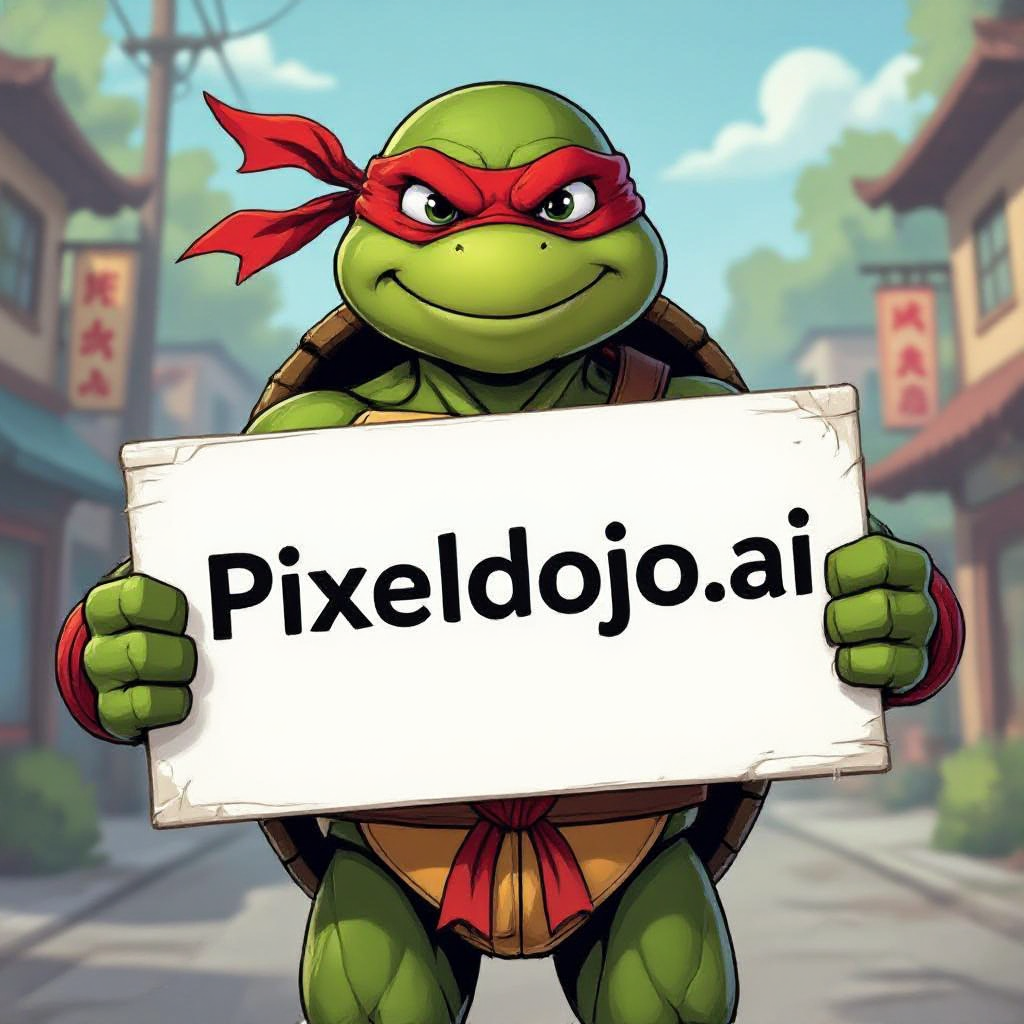
Generated on PixelDojo. Produced by PixelDojo's generation pipeline.
Imagine describing a cinematic portrait, a photorealistic product mockup, or an entire fantasy world and watching it appear as a breathtaking visual in seconds. With PixelDojo's Grok Imagine tools you achieve exactly that. You generate hyper-realistic portraits that capture every skin texture and emotion, cinematic scenes that tell complete stories, and artistic masterpieces that stand out on social media or in client presentations. No more waiting for inspiration or struggling with complex software. You simply describe what you want in natural language and our dedicated Grok Image tool delivers stunning variations instantly. Whether you are a marketer needing scroll-stopping visuals, a designer prototyping concepts, a content creator building your personal brand, or an artist exploring new styles, Grok Imagine on PixelDojo helps you achieve professional-quality images that drive real results. Generate product mockups that look photographed, fantasy worlds that feel alive, or hyper-detailed portraits that convey exactly the mood you envision. PixelDojo removes the friction. You get seamless access to Grok Image alongside 40+ other cutting-edge tools like Flux.2 Studio, QWEN Image 2, WAN 2.7, Seedream 5 and Kling Image. Combine generation with Inpainting, Magic Lighting, Style Transfer, Background Remover and Consistent Characters to refine, upscale and maintain visual consistency across entire campaigns. Then extend stills into motion with Grok Video and Grok Imagine Video Extend. You focus on your vision while the platform handles execution so you ship professional outcomes faster than ever.
Real image examples generated on PixelDojo
Every example below was produced on PixelDojo. Hover to see the prompt.
A ninja turtle holding a sign that reads "pixeldojo
hidream
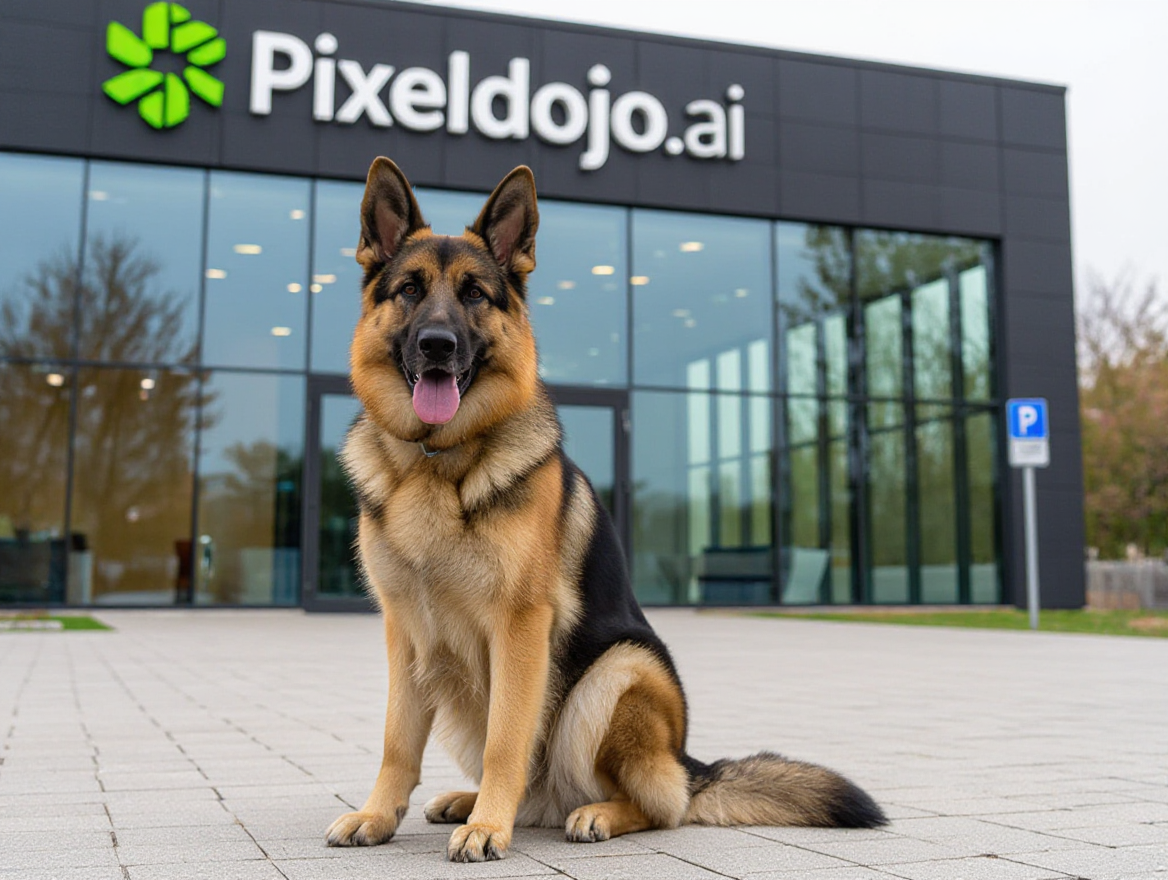
A german shepherd sitting in front of pixeldojo
hidream
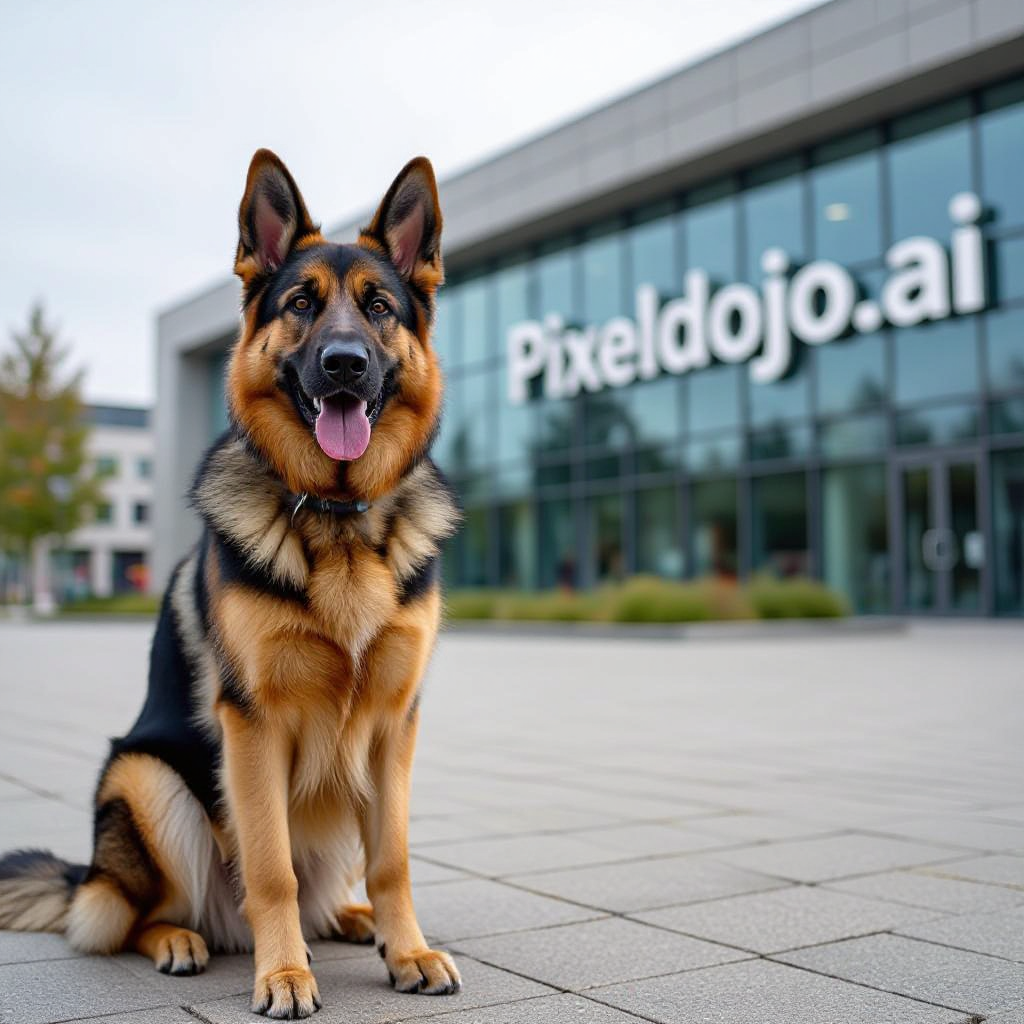
A german shepherd sitting in front of pixeldojo
hidream
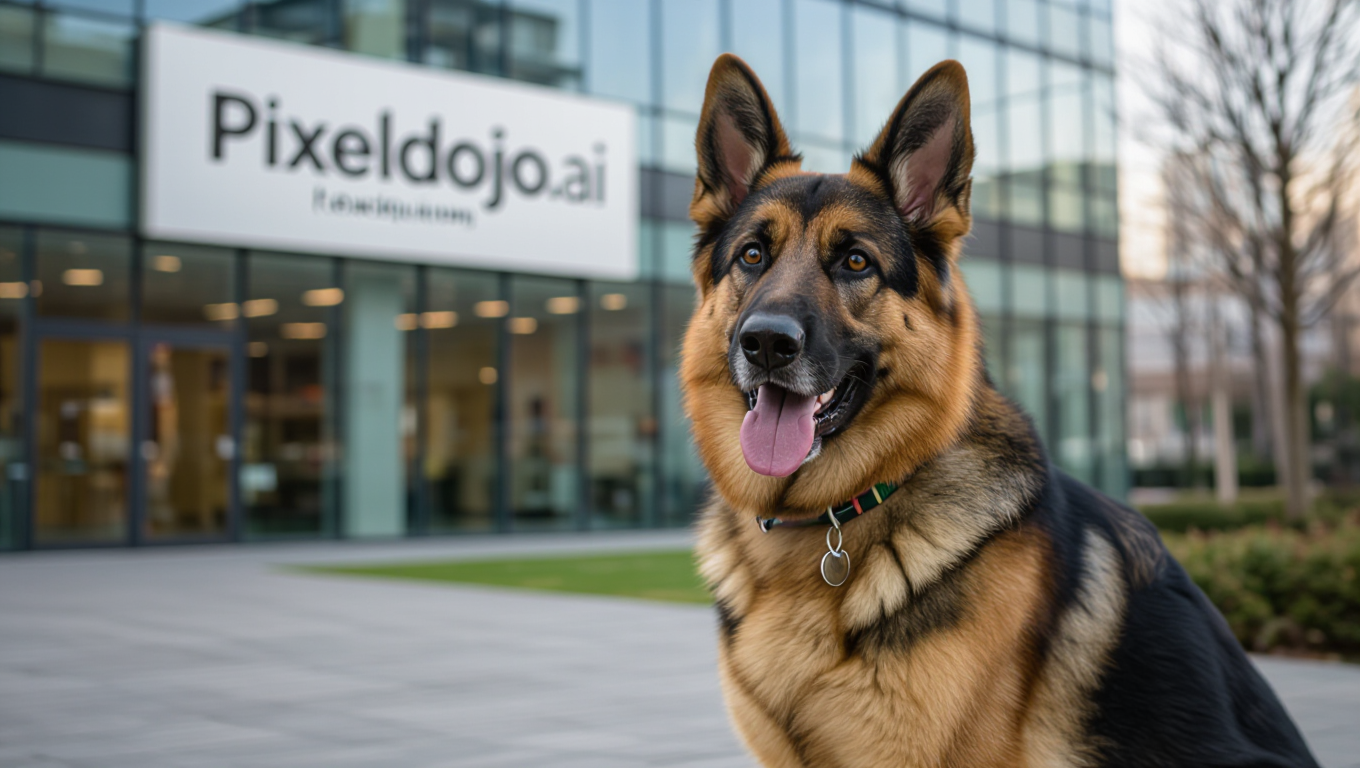
A german shepherd sitting in front of pixeldojo
hidream
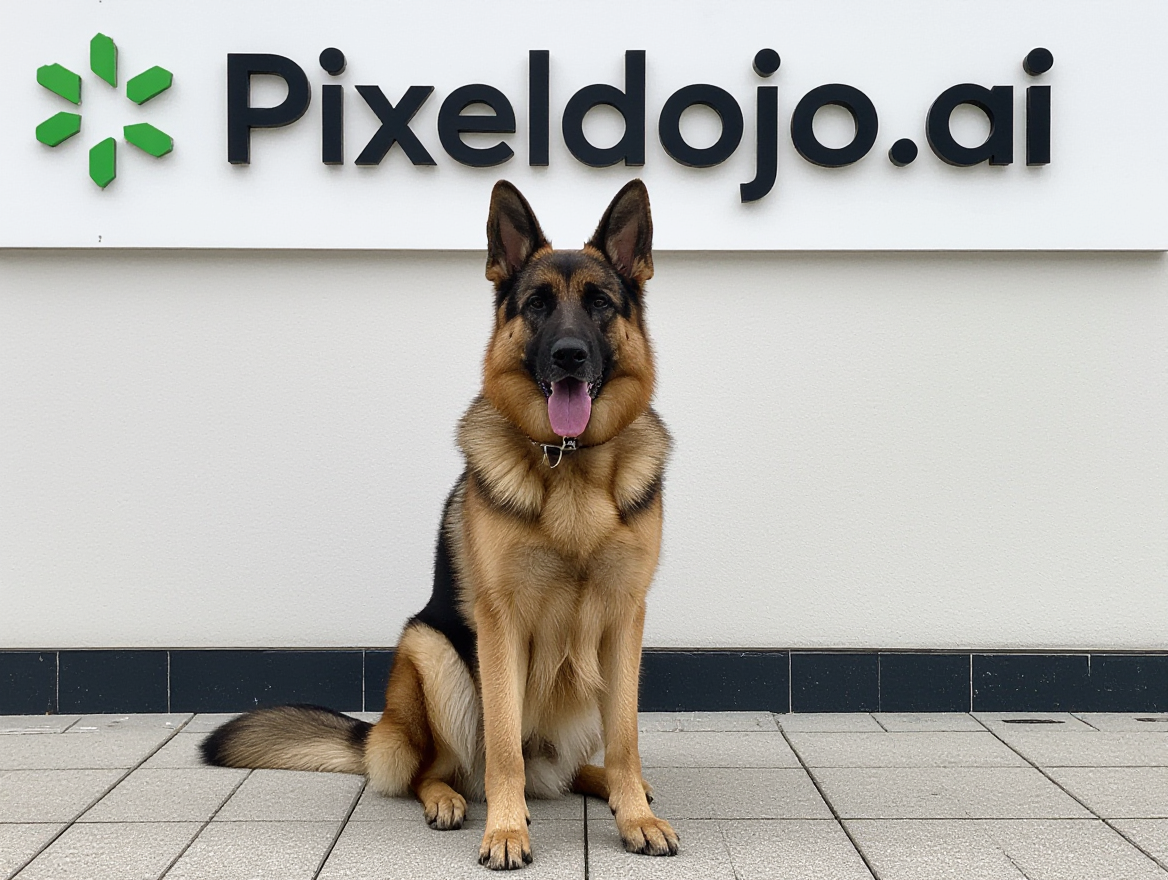
A german shepherd sitting in front of pixeldojo
hidream
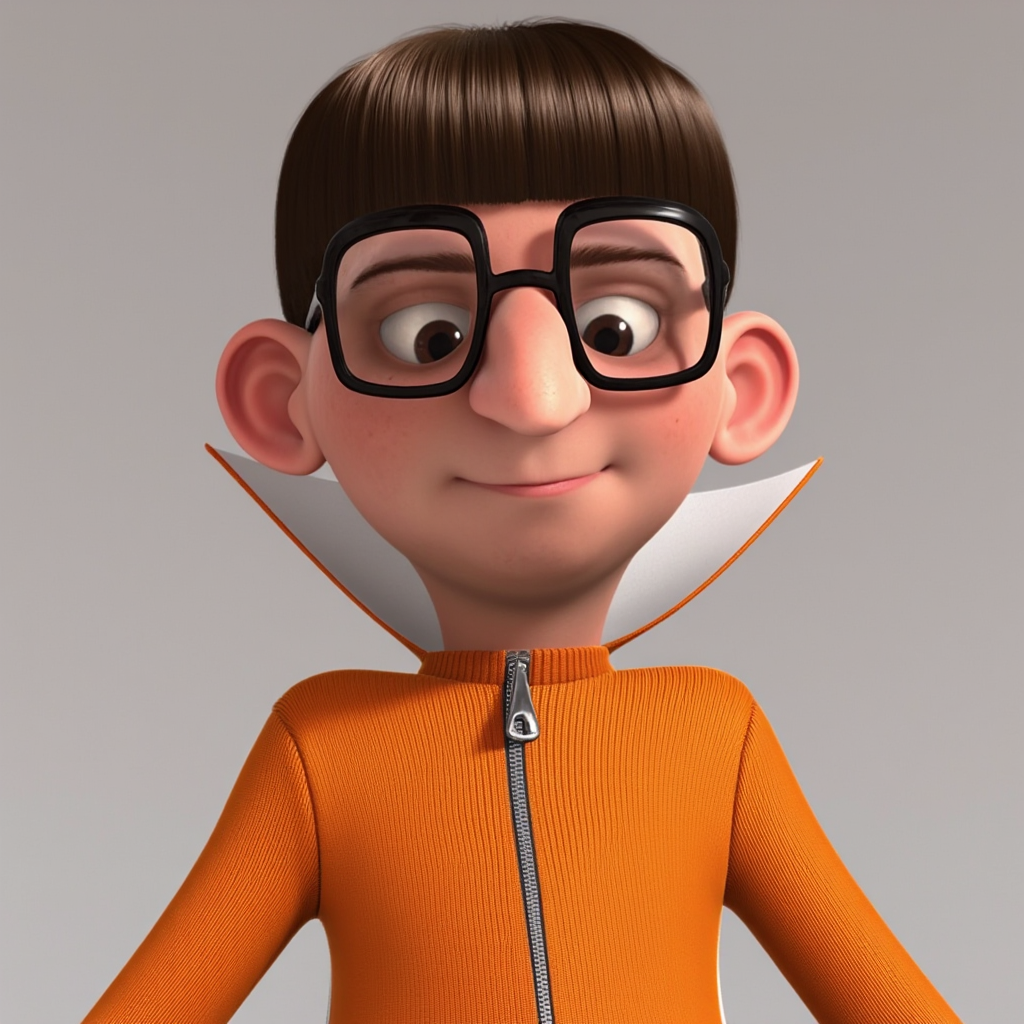
TOKVECDESPICTOR
flux
Models you can run on PixelDojo for pixeldojo grok imagine
Switch models without switching tools. Each one runs in the same PixelDojo studio.
What you can do with pixeldojo grok imagine on PixelDojo
Prompt to Image
We turn your text prompts into still images with Grok Imagine on PixelDojo. You can describe subject, style, and scene and generate multiple options in one place.
Iterate Without Starting Over
We let you reuse a prompt, tweak details, and generate new variants so you can refine composition and look. Keep what works and adjust lighting, framing, or mood as you go.
Style and Scene Control
We support clear instructions for art style, camera angle, and setting so outputs stay closer to your brief. Creators can mix references in the prompt to match a consistent visual direction.
Export Ready Assets
We give you generated images you can download and use in mockups, posts, and concept decks. You stay in one workflow from idea to files you can share with a team.
Loved by thousands of creators worldwide who have generated millions of Grok Imagine images. Average 4.8/5 rating. 40+ cutting-edge AI tools, commercial-use license included, cancel anytime.
Why Choose Pixel Dojo for pixeldojo grok imagine
Professional-quality results with cutting-edge AI technology
Ship Photorealistic Campaigns in Minutes
You produce hyper-realistic portraits, product shots and cinematic stills that look professionally photographed. Clients and audiences cannot tell they were generated, giving you a massive speed advantage over traditional shoots.
Iterate Without Limits or Extra Subscriptions
You access Grok Image, Grok Video, Flux.2 Studio, QWEN Image 2 and dozens more in one workspace. Refine with Magic Lighting, Inpainting and Consistent Characters then upscale with P-Image Upscale or Magnific Upscaler, all without leaving PixelDojo.
Keep Characters and Brands Consistent Across Every Asset
You lock in the same face, style and identity using Consistent Characters (now including Grok Imagine), Character Sheets and Face Swap. Build entire series, ads and social campaigns that feel cohesive from the first frame to the last video.
How It Works
You go from idea to polished Grok Imagine visual in three simple steps using PixelDojo's dedicated Grok Image tool plus the full editing and video suite.
Step 1: Choose Your Tool
Log into PixelDojo and open Generate Images. Select the dedicated Grok Image tool from the suite that also includes Flux.2 Studio, QWEN Image 2, Recraft V4.1, Seedream 5 and WAN 2.7. Choose Fast for quick drafts or Quality / Imagine-2 for higher fidelity, sharper text and richer detail. Pick your aspect ratio (1:1, 16:9, 9:16 and more) so the output already matches your destination.
Step 2: Enter Your Prompt
Describe your vision in natural language. Include the main subject, style (photorealistic, cinematic, artistic), lighting, camera angle or lens, mood, colors and textures. Example: 'Photorealistic cinematic portrait of a confident entrepreneur in a modern glass office at golden hour, 85mm lens, shallow depth of field, warm rim light, sharp skin texture, 8K detail.' Grok Imagine excels at complex prompts and real-world knowledge so you get accurate lighting, composition and even text when needed. Generate multiple variations instantly.
Step 3: Customize & Download
Review the results then refine with PixelDojo's editing tools: Inpainting for precise changes, Magic Lighting to adjust mood, Style Transfer, Background Remover or Image Outpainting. Use Consistent Characters or Character Sheets to lock identity. Upscale with P-Image Upscale, Magnific Upscaler or Clarity Pro. Extend into video with Grok Video, Grok Imagine Video Extend or Kling Video. Download high-resolution files ready for commercial use. You can also train custom models with Flux Trainer or QWEN Trainer for even more control.
The Pixel Dojo Advantage
Why PixelDojo outperforms other options for Grok Imagine image generation
| Others | Pixel Dojo |
|---|---|
| Traditional photography and studio shoots | You skip location scouting, models, lighting setups and post-production days. Generate, iterate and deliver photorealistic Grok Imagine assets in minutes at a fraction of the cost while keeping full commercial rights. |
| Generic AI tools | You get a dedicated Grok Image model plus 40+ complementary tools (Flux.2 Studio, QWEN Image 2, WAN 2.7, Consistent Characters, Grok Video) in one seamless workflow instead of juggling multiple accounts and losing consistency. |
| Manual photo editing and illustration | You replace hours of retouching, compositing and drawing with instant generation plus AI-powered refinements like Reality Polisher, Image Analyzer and Virtual Try-On, then upscale or animate without extra software. |
Loved by creators on PixelDojo
Real feedback from people using PixelDojo, pulled from our in-product surveys.
Very easy to use
super easy to use
it's very easy to use
Practically every Ai suite in one place? Who wouldn't?
versatile menu of tools
Best AI tool availble the suite is rad
Explore more AI tools on PixelDojo
AI Tools
Compare & Switch
- Best AI Image Generators
- Best AI Video Generators
- Midjourney Alternatives
- Civitai Alternatives
- Runway Alternatives
- Leonardo Alternatives
- Pika Alternatives
- Luma Alternatives
- Magnific Alternatives
- Veo Alternatives
- Flux Alternatives
- Freepik Alternatives
- Seedance Alternatives
- Seedream Alternatives
- Pixverse Alternatives
- GPT Image Alternatives
- Synthesia Alternatives
- Playground Alternatives
- NightCafe Alternatives
- Canva AI Alternatives
- ElevenLabs Alternatives
- ComfyUI Alternatives
- Fal Alternatives
- Replicate Alternatives
Common Questions
Everything you need to know about pixeldojo grok imagine
How do I generate the best Grok Imagine images on PixelDojo?
Select the Grok Image tool in Generate Images, choose Quality or Imagine-2 mode for maximum fidelity, then write a detailed prompt covering subject, lighting, camera, mood and style. Generate variations, pick the strongest result and refine it with Inpainting, Magic Lighting or Style Transfer. Combine with Consistent Characters for series work. Most users get production-ready images on the first or second try.
What are the latest Grok Imagine prompting techniques for photorealistic results?
Use photographic language: specify lens (85mm f/1.4), lighting (golden hour rim light, natural window light), camera (Canon R5, ISO 400) and composition. Describe textures, emotions and environment in full sentences rather than keyword lists. Grok Imagine on PixelDojo follows complex natural language extremely well, so you can include multiple subjects, precise text rendering and cinematic direction in one prompt. Pair with PixelDojo's Image Analyzer for even tighter control.
Can I keep the same character across multiple Grok Imagine images and videos?
Yes. PixelDojo's Consistent Characters tool now includes Grok Imagine alongside Flux Kontext, WAN 2.7 and Seedream 4.5. Upload one or more references, generate a Character Sheet (front, 3/4, side, back) then reuse the identity in new Grok Image generations, Grok Video clips and Kling Avatar or P Video Avatar scenes. Face Swap and LoRA Face Swap give you additional options for perfect consistency.
Is Grok Imagine on PixelDojo free and can I use the images commercially?
PixelDojo offers generous free daily generations so you can test Grok Image, Grok Video and the rest of the 40+ tools with zero commitment. Paid plans unlock higher limits, priority speed, bulk generation and a full commercial-use license. You can cancel anytime. Thousands of creators already use PixelDojo Grok Imagine assets in client work, ads, social content and products.
How do I turn Grok Imagine stills into videos on PixelDojo?
Generate your still with Grok Image then send it directly to Grok Video, Grok Imagine Video Extend, WAN Reference to Video or Kling Video. Describe motion, camera movement and audio. You can also use P Video Animate, Seedance 2.5 or Film Studio. Edit the resulting clip with Grok Video Edit, WAN 2.7 Video Edit or Video Autocaption. The entire pipeline stays inside PixelDojo so style and character remain consistent.
What other PixelDojo tools work best with Grok Imagine?
After generating with Grok Image you can enhance with P-Image Upscale, Magnific Upscaler or Creative Upscaler, polish with Reality Polisher, remove backgrounds, change camera angle, apply Style Transfer or Magic Lighting, and analyze with Image Analyzer. For 3D use Rodin or Hunyuan 3D. Train custom LoRAs with Flux Trainer or QWEN Trainer. Developers access everything via the Developer API and ComfyUI. You never need another platform.