recraft svg AI Generator

Generated on PixelDojo. Produced by PixelDojo's generation pipeline.
Stop wasting hours tracing rasters or drawing paths by hand. With PixelDojo you generate true Recraft SVG graphics in seconds using Recraft V4.1. These are native vector files with clean, mathematical paths you can open, recolor, and scale from a 16-pixel favicon to a 16-foot billboard without losing a single edge. You get production-ready logos, icon sets, illustrations, and brand assets that drop straight into Figma, Illustrator, or your website. Recraft V4.1 delivers structured layers, precise geometry, and design-quality taste so your Recraft SVG looks professionally crafted, not generated. Pair it with PixelDojo’s Image to Image, Inpainting, Background Remover, and Style Transfer tools to refine every detail. Thousands of creators already use our 40+ cutting-edge AI tools to ship scalable graphics faster than ever. Cancel anytime and start creating Recraft SVG that actually works in the real world.
Real image examples generated on PixelDojo
Every example below was produced on PixelDojo. Hover to see the prompt.
Masterpiece
creative-upscaler
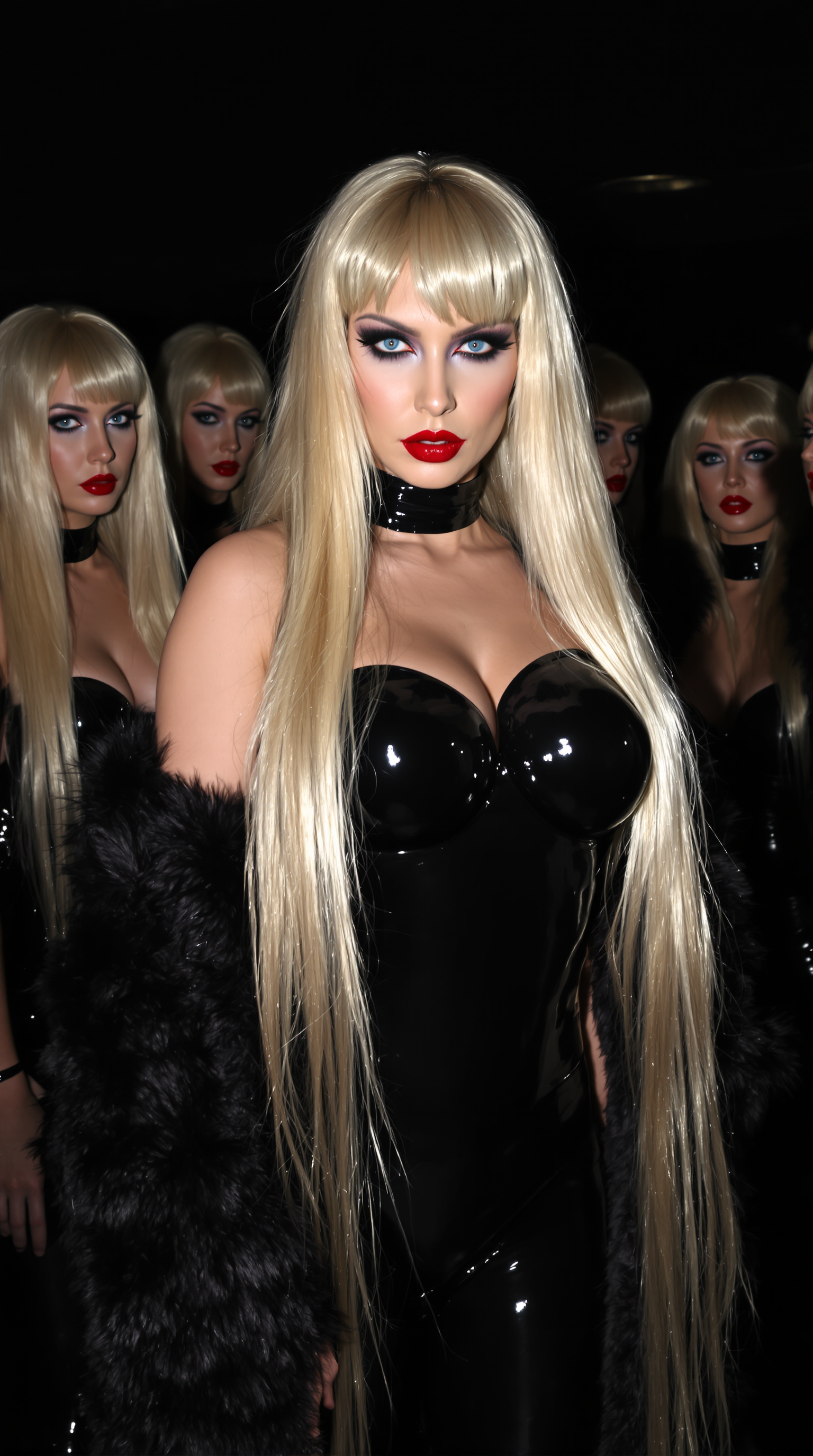
"SUBJECT & WARDROBE": "The central figure is a mature pale japanese woman with long shiny…
stable-diffusion
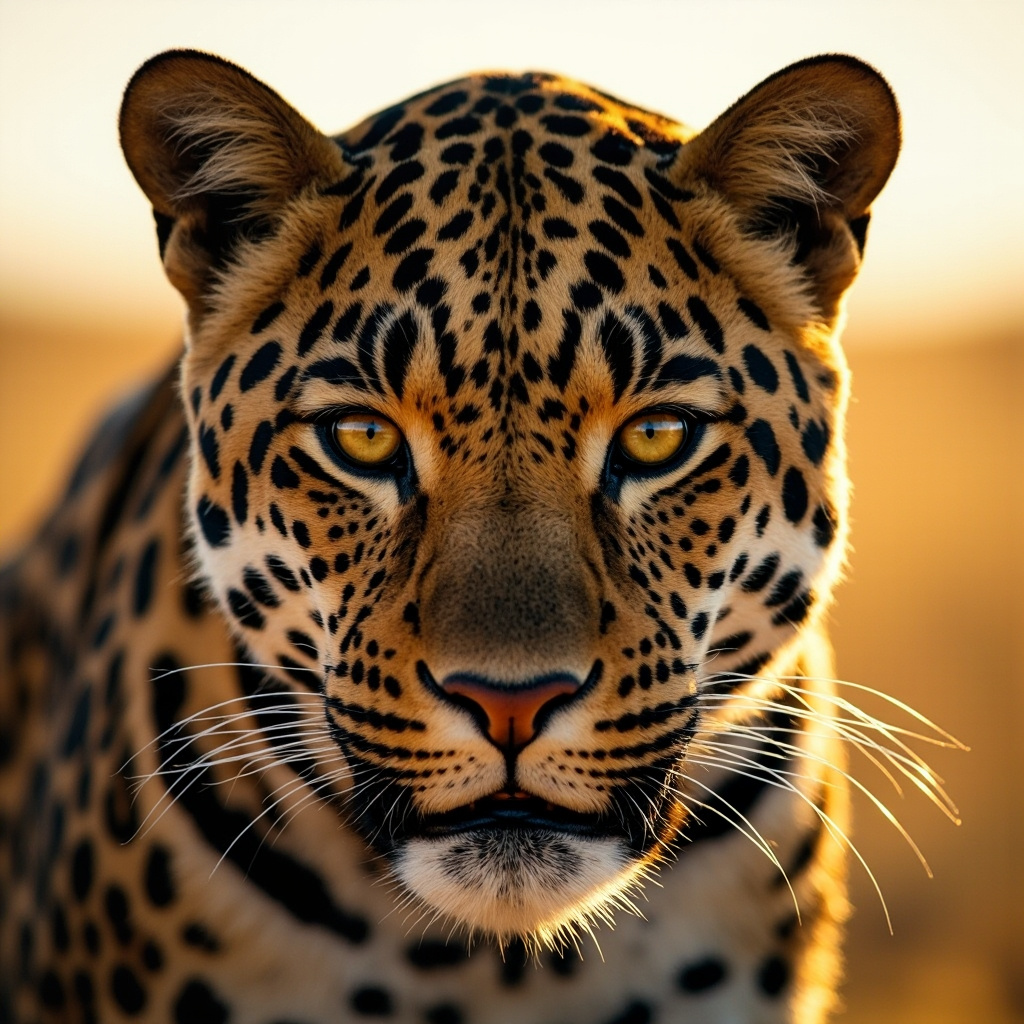
A close-up portrait of a leopard with distinctive spotted pattern and intense eyes
minimax-image-01
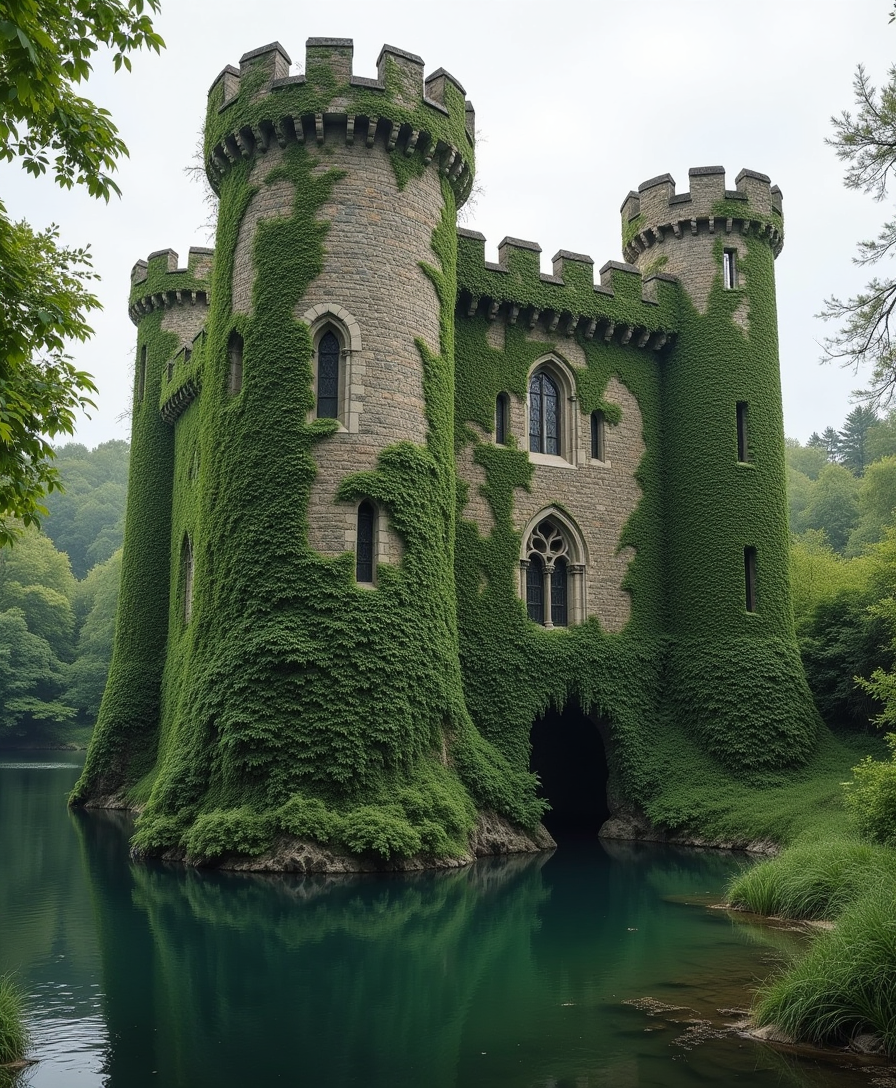
A majestic stone castle stands proudly
flux
recraft svg on PixelDojo
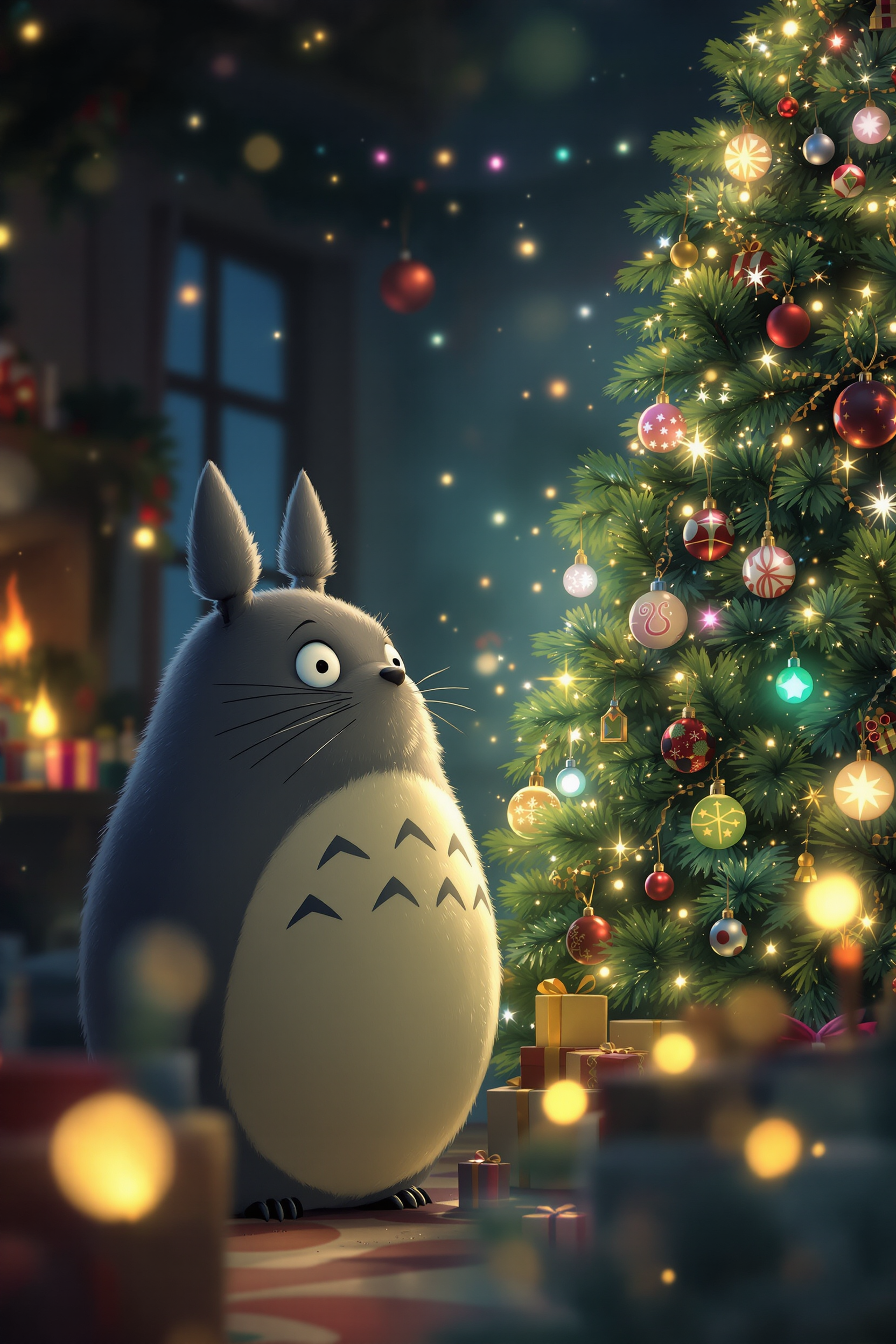
Create an enchanting scene where **Totoro**
flux
Models you can run on PixelDojo for recraft svg
Switch models without switching tools. Each one runs in the same PixelDojo studio.
What you can do with recraft svg on PixelDojo
Generate Recraft SVGs
We let you create Recraft-powered vector graphics from a prompt so you can produce logos, icons, and illustrations as SVG files.
Scale Without Pixelation
We output clean vector paths you can resize for print, web, and product work while keeping edges sharp.
Iterate Styles Fast
We support prompt tweaks and regenerations so you can refine composition, color, and line weight until the SVG matches your brief.
Export Ready Vectors
We give you SVG downloads you can open in design tools, edit further, and drop into layouts without raster conversion.
Loved by thousands of creators worldwide. PixelDojo’s Recraft V4.1 consistently delivers design-quality Recraft SVG for logos, icons, and illustrations that professionals trust for print, web, and brand kits.
Why Choose Pixel Dojo for recraft svg
Professional-quality results with cutting-edge AI technology
Infinite Scalability That Never Blurs
Your Recraft SVG stays razor-sharp at any size. Generate once and use the same file on business cards, apps, websites, and giant prints. No re-rendering, no quality loss—just perfect vectors every time.
Fully Editable Paths Ready for Your Workflow
Open Recraft SVG directly in Figma or Illustrator. Recolor individual shapes, tweak curves, duplicate elements, and maintain brand consistency. Native structured layers mean zero cleanup after generation.
Lightweight Files That Load Fast and Print Perfectly
Recraft SVG files are tiny yet detailed, ideal for high-performance websites and professional print. Create complete icon families, logos, and illustrations that integrate instantly into any project.
How It Works
Creating professional Recraft SVG on PixelDojo is fast and intuitive. Recraft V4.1 plus our editing suite lets you go from idea to production-ready vector in minutes.
Step 1: Choose Your Tool
Sign in to PixelDojo and open Generate Images. Select Recraft V4.1 and switch to the SVG / vector variant. This gives you native Recraft SVG with real editable paths instead of raster pixels. You can also start with raster and vectorize later using Recraft’s built-in tools.
Step 2: Enter Your Prompt
Write a clear prompt using Recraft SVG best practices: name the style explicitly (“flat vector”, “geometric icon”, “minimal line art”), constrain the palette (“two-color teal and coral”, “limited brand colors”), and keep composition simple. Recraft V4.1 excels with design language and handles long, detailed prompts. Generate four variants to pick the strongest direction.
Step 3: Customize & Download
Review your Recraft SVG, then refine with PixelDojo tools: Inpainting for precise changes, Style Transfer for consistency across a set, Background Remover, or Image Outpainting. Download the native SVG instantly. For existing images, upload and vectorize directly. Your Recraft SVG is now ready for Figma, web, print, or further editing with Character Sheets and Consistent Characters.
The Pixel Dojo Advantage
Why PixelDojo outperforms other options for recraft svg image generation
| Others | Pixel Dojo |
|---|---|
| Traditional vector illustration | Hours of manual path drawing become seconds with Recraft V4.1. You generate clean Recraft SVG, then polish with PixelDojo’s Inpainting, Style Transfer, and Character Sheets instead of starting from a blank canvas. |
| Generic AI tools | Most tools give you raster images that need messy tracing. PixelDojo’s Recraft V4.1 produces native Recraft SVG with structured, editable paths you can drop straight into professional workflows. |
| Manual photo editing and conversion | Converting photos usually creates high-point-count artifacts. On PixelDojo you generate Recraft SVG from scratch or vectorize cleanly, then enhance with Reality Polisher, Magic Lighting, and Image Analyzer for superior results. |
Loved by creators on PixelDojo
Real feedback from people using PixelDojo, pulled from our in-product surveys.
the number of options, and especially the quick response to questions on Discord
Love you guys!!
Trained my Lora super fast. Still working out how to creat content wit it, but I love it so far.
I love this app
It has all the tools I can think of...
deployment rate of splendid features is incredible. Legend
Explore more AI tools on PixelDojo
AI Tools
Compare & Switch
- Best AI Image Generators
- Best AI Video Generators
- Midjourney Alternatives
- Civitai Alternatives
- Runway Alternatives
- Leonardo Alternatives
- Pika Alternatives
- Luma Alternatives
- Magnific Alternatives
- Veo Alternatives
- Flux Alternatives
- Freepik Alternatives
- Seedance Alternatives
- Seedream Alternatives
- Pixverse Alternatives
- GPT Image Alternatives
- Synthesia Alternatives
- Playground Alternatives
- NightCafe Alternatives
- Canva AI Alternatives
- ElevenLabs Alternatives
- ComfyUI Alternatives
- Fal Alternatives
- Replicate Alternatives
Common Questions
Everything you need to know about recraft svg
How do I generate Recraft SVG images with PixelDojo Recraft V4.1?
Open Generate Images, choose Recraft V4.1, select the SVG vector variant, and enter a prompt that specifies vector style, palette, and simple composition. Generate multiple variants, refine with Inpainting or Style Transfer if needed, then download the native Recraft SVG. PixelDojo’s 40+ tools make the entire process seamless and you can cancel anytime.
What makes Recraft SVG better than regular AI images for logos and icons?
Recraft SVG from Recraft V4.1 consists of true mathematical paths that scale infinitely without blurring and stay tiny in file size. Regular AI images are pixels that degrade when enlarged and require extra tracing steps. You get production-ready, Figma-editable assets perfect for brand systems, UI, and print.
Can I edit Recraft SVG files from PixelDojo in Figma or Illustrator?
Absolutely. Recraft V4.1 outputs native Recraft SVG with clean, structured layers and real paths. Open the file directly, recolor shapes, adjust anchor points, and maintain consistency across sets. Combine with PixelDojo’s Consistent Characters and Character Sheets for complete branded collections.
What are the best prompting techniques for Recraft SVG generation on PixelDojo?
Use explicit design terms: “flat vector”, “geometric”, “minimal icon set with consistent line weight”, and constrain colors. Keep compositions bold and simple. Recraft V4.1 rewards detailed yet structured prompts. Generate four variants, pick the winner, and iterate cheaply. Pair with Ideogram 4 or Flux.2 Studio when you need complementary raster work.
Does PixelDojo let me vectorize existing images into Recraft SVG?
Yes. Upload a raster via Image to Image or generate first, then use Recraft V4.1’s vectorize capability for clean Recraft SVG output. Start with Background Remover for better results. The converted file remains fully editable with structured paths, unlike typical auto-traces.
How does Recraft V4.1 on PixelDojo compare for recraft svg versus other generation options?
PixelDojo uniquely gives you Recraft V4.1’s native Recraft SVG plus 40+ complementary tools including Flux.2 Studio, Ideogram 4, QWEN Image 2, WAN Image, Inpainting, Style Transfer, and Character Stylist—all in one place. You get design-quality vectors, easy iteration, and the freedom to cancel anytime while thousands of creators already ship professional assets daily.