reve 2.1 AI Generator
Generated on PixelDojo. Produced by PixelDojo's generation pipeline.
You can now create magazine-worthy 4K images featuring perfectly composed layouts, crystal-clear readable text, and intricate details that look professionally shot—all without leaving your browser. PixelDojo brings Reve 2.1 image generation techniques to your fingertips so you produce high-converting marketing visuals, product packaging mockups, infographics, and cinematic scenes in minutes instead of days. Imagine launching a campaign with posters that have sharp logos and headlines, packaging labels that stay legible at any size, and dense product shots where every element sits exactly where you want it. Our platform lets you achieve these outcomes using Flux.2 Studio for photoreal cinematic quality, Ideogram 4 for unmatched typography, GPT Image 2 for world-knowledge accuracy, and Recraft V4.1 for design-system consistency. You skip expensive photoshoots and endless revisions. You get print-ready files that rank in search, grab attention, and convert visitors because every composition follows your exact vision. Thousands of creators already use PixelDojo’s 40+ cutting-edge tools to ship assets that look like they came from a top studio. Cancel anytime and start generating Reve 2.1 style images that elevate your brand immediately.
Real image examples generated on PixelDojo
Every example below was produced on PixelDojo. Hover to see the prompt.
Marketing Studio example — unboxing-reveal
seedance-2-reference
Marketing Studio example — unboxing-reveal
seedance-2-reference
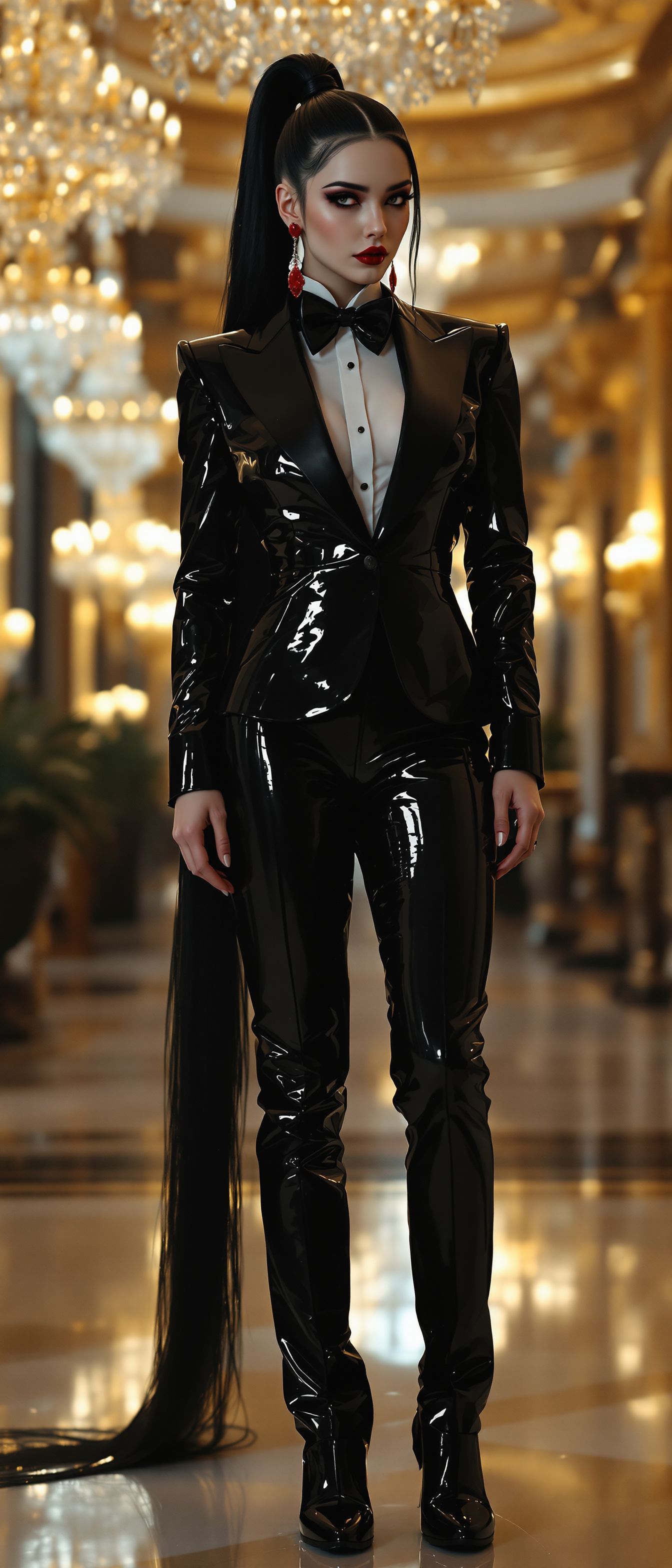
A striking 21-year-old pale goth woman
flux
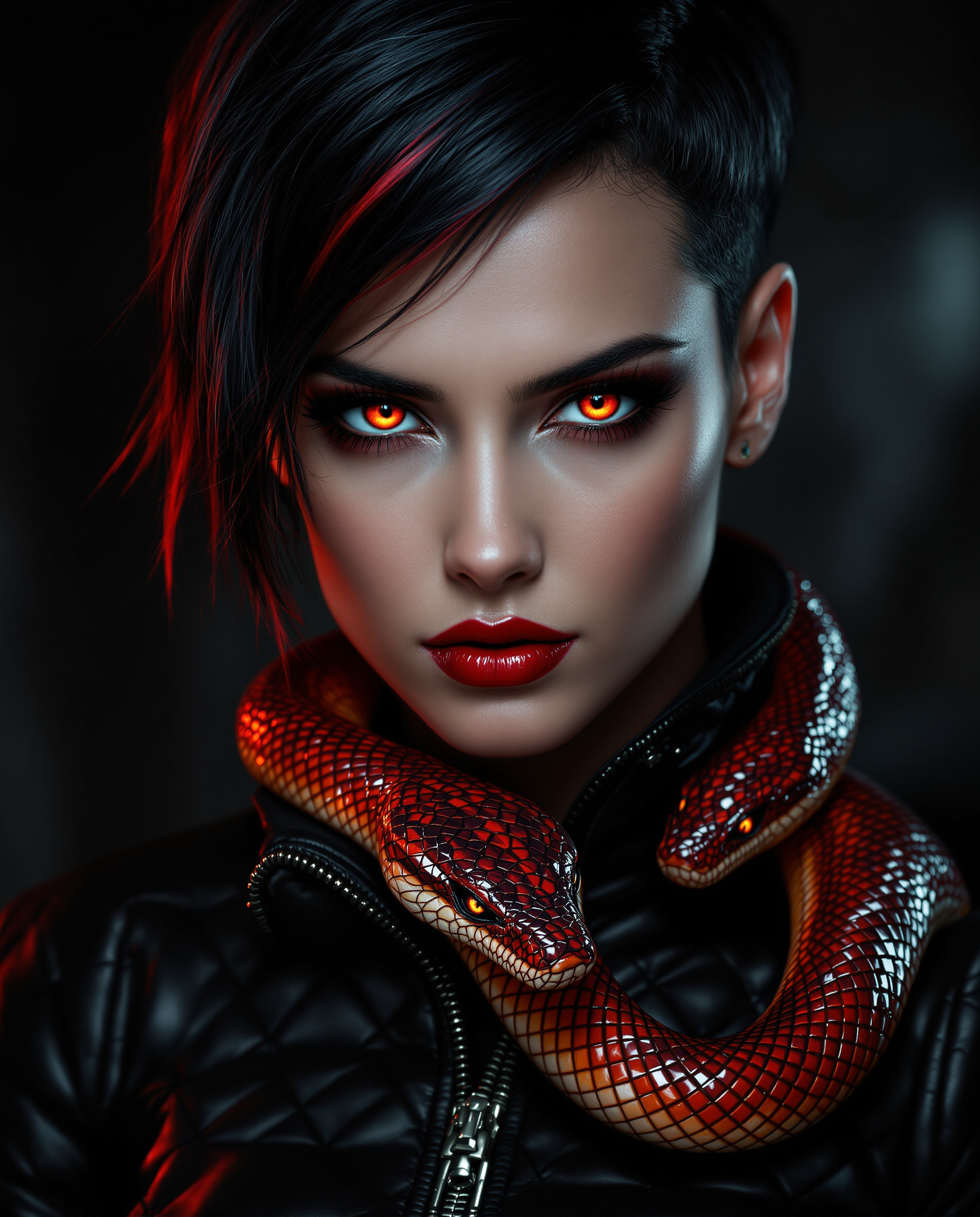
This is a hyper-realistic digital portrait of a striking female figure with a close-up foc…
flux
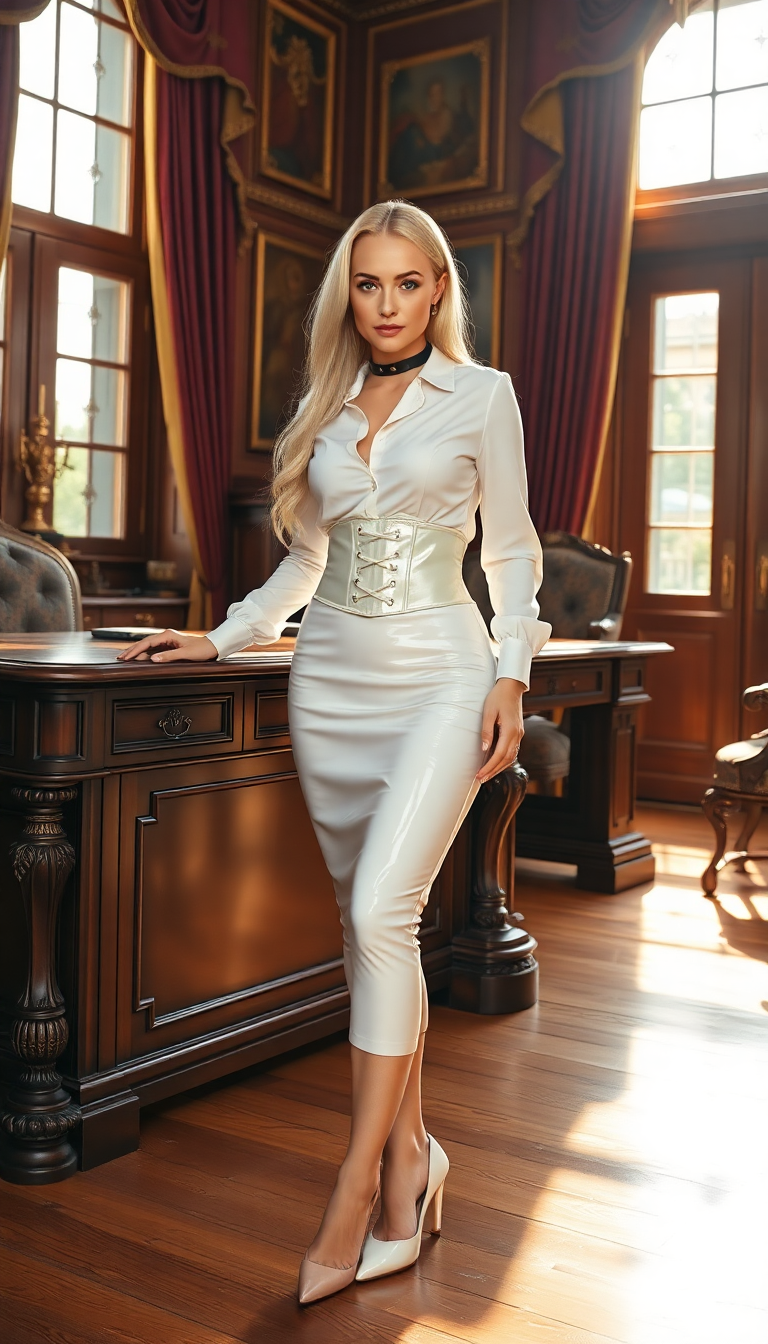
A striking portrait of a woman with pale blonde hair cascading down her back in long
flux
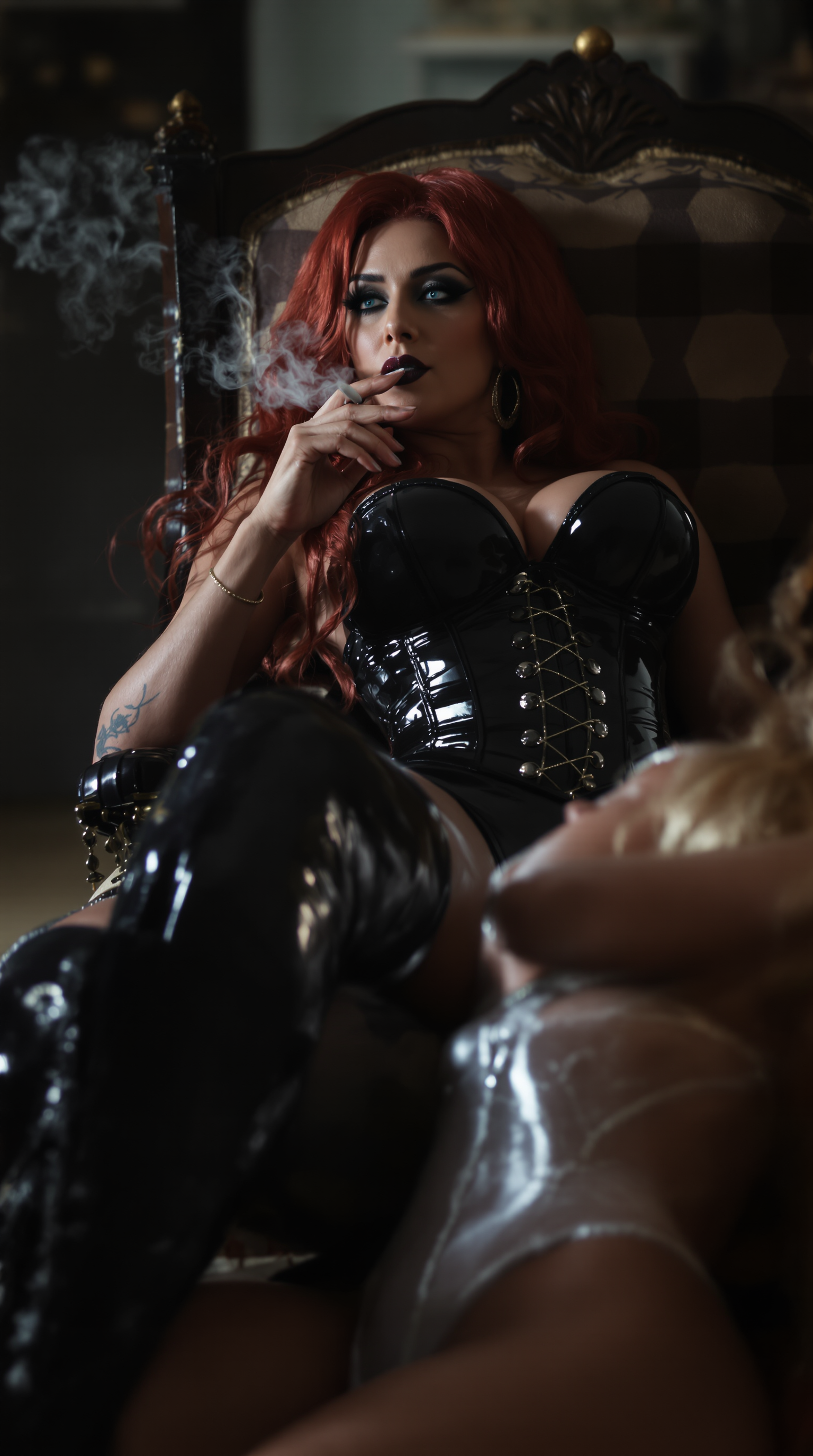
"SHOT COMPOSITION": "A medium shot captured with a 50mm lens on a Canon 5D camera
stable-diffusion
Models you can run on PixelDojo for reve 2.1
Switch models without switching tools. Each one runs in the same PixelDojo studio.
What you can do with reve 2.1 on PixelDojo
Prompt To Still Images
We run Reve 2.1 so you can turn written prompts into still images with subject, lighting, and composition under your control.
Style Direction In Studio
You can set art style, palette, and mood in the same PixelDojo workspace we use for other image models.
Fast Variation And Refine
Regenerate, try new seeds, and tweak crops without leaving the generator so you can compare options quickly.
Export And Keep Assets
Download common sizes and store Reve 2.1 outputs with your other PixelDojo files for later edits.
Loved by thousands of creators worldwide who generate professional 4K assets daily. 40+ cutting-edge AI tools with cancel-anytime flexibility. Join the community producing Reve 2.1 quality visuals that convert.
Why Choose Pixel Dojo for reve 2.1
Professional-quality results with cutting-edge AI technology
Deliver Print-Ready 4K Marketing Assets Fast
You produce native high-resolution images perfect for posters, ads, and packaging that stay sharp when printed or zoomed. Flux.2 Studio and P-Image Upscale combine to give you studio-grade files without extra processing, so your campaigns look premium and convert better.
Achieve Perfect Text and Layout Precision
You place headlines, logos, and body copy exactly where they belong with readable multilingual text that never garbles. Ideogram 4 and Recraft V4.1 let you quote exact wording and define regions so infographics and product shots follow your brief perfectly every time.
Iterate Specific Elements Without Starting Over
You tweak one region, lighting, or camera angle while keeping the rest of the composition intact. Inpainting plus Change Camera Angle and Image to Image tools give you Reve 2.1 style control so you refine until the visual sells, saving hours of rework.
How It Works
You create Reve 2.1 style images on PixelDojo by choosing the right tool, writing a region-aware prompt, then polishing with dedicated editors and upscalers. The process is designed so you move from idea to finished 4K file in three straightforward steps.
Step 1: Choose Your Tool
Open Generate Images and pick Flux.2 Studio for cinematic photorealism, GPT Image 2 for accurate world knowledge, Ideogram 4 when text must be perfect, or Recraft V4.1 for clean design systems. These tools already excel at the layout planning and detail Reve 2.1 is known for, giving you a strong starting point.
Step 2: Enter Your Prompt
Describe the scene by regions: subject centered, title at top in quoted text, background lighting, exact colors, and aspect ratio. Example: “16:9 cinematic product shot of luxury watch on marble, title ‘TIMELESS ELEGANCE’ in serif at top, side infographic of mechanics, warm rim light.” The more placement and quoted text you give, the closer the result matches Reve 2.1 precision.
Step 3: Customize & Download
Use Inpainting or Image to Image to refine one element, Change Camera Angle for a new viewpoint, then run P-Image Upscale or Magnific Upscaler for true 4K output. Download the finished file ready for print or web. You keep full control and iterate until the image converts.
The Pixel Dojo Advantage
Why PixelDojo outperforms other options for Reve 2.1 image generation: you get the layout intelligence, text accuracy, and 4K quality without the usual trade-offs, so your visuals actually convert.
| Others | Pixel Dojo |
|---|---|
| Traditional Reve 2.1 creation | You skip weeks of photoshoots, location scouting, and retouching. PixelDojo delivers comparable 4K precision and editable layouts in minutes using Flux.2 Studio plus Inpainting, at a fraction of the cost. |
| Generic AI tools | You avoid blurry text and random compositions. Ideogram 4, Recraft V4.1, and dedicated upscalers give you quoted-text accuracy and region control that generic generators simply cannot match. |
| Manual photo editing | You replace hours of layering and masking with one-click region edits and camera-angle changes. PixelDojo’s Image to Image and Reality Polisher let you iterate like a layout-first model while staying in a single platform. |
Loved by creators on PixelDojo
Real feedback from people using PixelDojo, pulled from our in-product surveys.
very useful set of tools for image creation, upscaling and enhancement
ease of use, variety of tools, high quality trainings, and a well-maintained discord channel
Ease of use, friendliness and support of the owner, continued innovation.
it is an amazing site to create a pics and vids for those who don't have the hardware themselves
good tools in one place
Prompt updates, strong features, and a community that is always willing to help and hear/act on professional feedback. I've never had a better experience.
Explore more AI tools on PixelDojo
AI Tools
Compare & Switch
- Best AI Image Generators
- Best AI Video Generators
- Midjourney Alternatives
- Civitai Alternatives
- Runway Alternatives
- Leonardo Alternatives
- Pika Alternatives
- Luma Alternatives
- Magnific Alternatives
- Veo Alternatives
- Flux Alternatives
- Freepik Alternatives
- Seedance Alternatives
- Seedream Alternatives
- Pixverse Alternatives
- GPT Image Alternatives
- Synthesia Alternatives
- Playground Alternatives
- NightCafe Alternatives
- Canva AI Alternatives
- ElevenLabs Alternatives
- ComfyUI Alternatives
- Fal Alternatives
- Replicate Alternatives
Common Questions
Everything you need to know about reve 2.1
How do I generate Reve 2.1 style 4K images with perfect text on PixelDojo?
Select Ideogram 4 or Recraft V4.1 in Generate Images, write a prompt that quotes exact wording and names regions (title top, subject center), then upscale with P-Image Upscale. You get readable multilingual text and native 4K files ready for marketing use. Thousands of creators already do this daily—try it today and cancel anytime.
Which PixelDojo tools work best for Reve 2.1 layout precision?
Flux.2 Studio and GPT Image 2 handle cinematic composition and world knowledge, while Ideogram 4 excels at typography. Follow with Inpainting and Change Camera Angle to refine specific regions exactly like a layout-first workflow. You achieve dense, coherent scenes without starting over.
Can I edit only one part of a Reve 2.1 image without regenerating everything?
Yes. Use Inpainting or Image to Image to target a single label, lighting change, or background while the rest stays locked. Combine with Style Transfer or Magic Lighting for fine control. PixelDojo’s 40+ tools make this Reve 2.1 style iteration fast and affordable.
Is PixelDojo suitable for professional marketing visuals like Reve 2.1 packaging and infographics?
Absolutely. You produce print-ready 4K assets with sharp logos, quoted headlines, and precise product placement using Recraft V4.1 plus Magnific Upscaler. Creators worldwide rely on these tools for campaigns that convert because the layouts follow your brief exactly.
How much does it cost to create Reve 2.1 quality images on PixelDojo?
You start generating immediately with flexible credits and 40+ tools included. No long-term commitment—cancel anytime. The speed and quality you gain compared with traditional methods make every image a high-ROI asset for your brand.
What prompting techniques give the best Reve 2.1 results on PixelDojo?
Name regions, quote exact text in single quotes, specify lighting, camera, colors, and aspect ratio. Example: “square 1:1 product shot, watch centered, ‘NORTHLINE ROASTERS’ label top, forest-green palette.” Flux.2 Studio and Ideogram 4 interpret these details into coherent 4K layouts you can then polish with editors.