riverflow 2.0 AI Generator
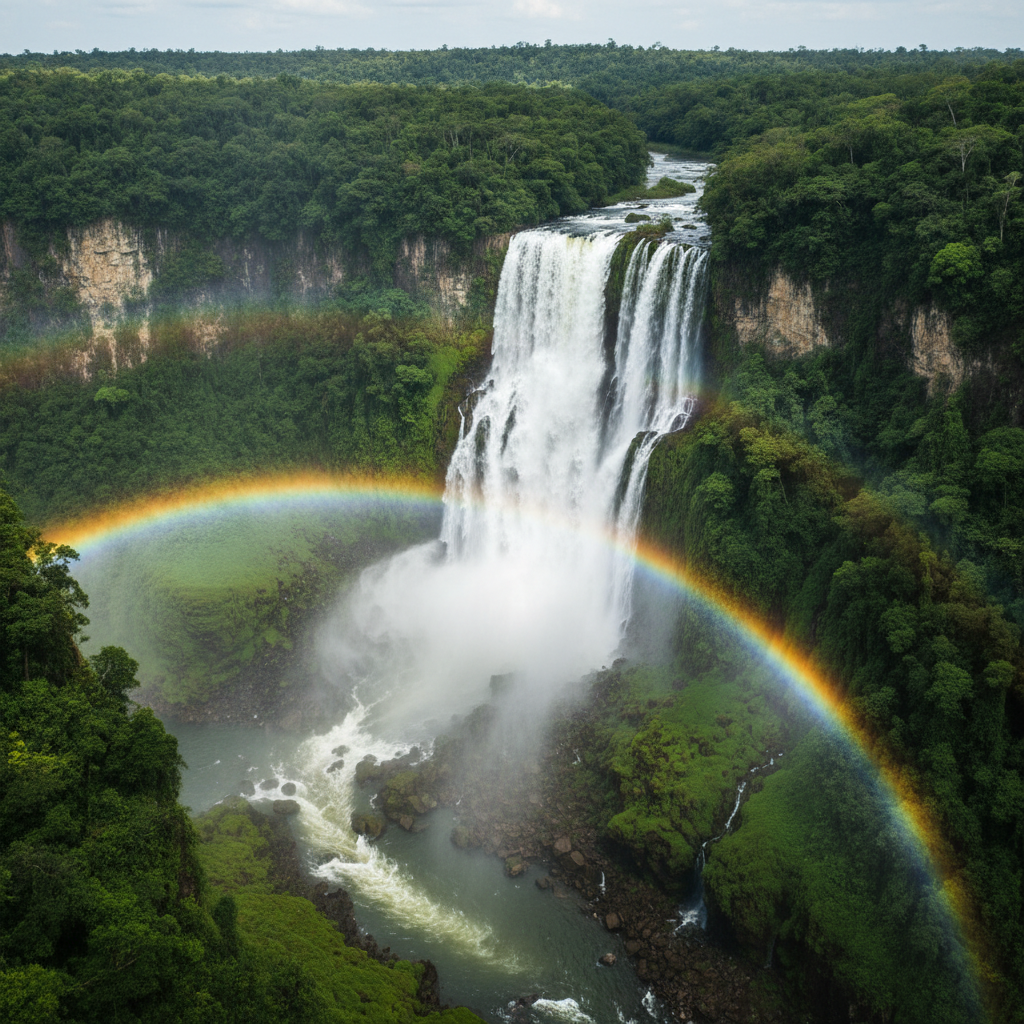
Generated on PixelDojo. Produced by PixelDojo's generation pipeline.
You can finally produce campaign-ready marketing images, photorealistic product photography and branded ads that look like they came from a professional studio—without booking locations, hiring photographers or spending weeks on revisions. PixelDojo puts Riverflow 2.0 at your fingertips so you generate high-resolution visuals with exact product details, perfectly rendered custom fonts and consistent lighting across an entire catalog. Whether you need hero shots for e-commerce, lifestyle scenes for social ads or packaging mockups with razor-sharp typography, you achieve print-ready results in minutes. Riverflow 2.0 on PixelDojo solves the reliability issues that used to force extra generations and manual fixes, letting you launch faster, cut production costs dramatically and keep every asset on-brand. Combine it with PixelDojo’s full suite including Flux.2 Studio, Krea Image, Image to Image, Inpainting and P-Image Upscale to go from idea to finished creative in one seamless workflow. Thousands of marketers and designers already use these tools to replace expensive photoshoots with unlimited variations you control.
Real image examples generated on PixelDojo
Every example below was produced on PixelDojo. Hover to see the prompt.
A powerful waterfall through a lush green canyon
google-gemini-image
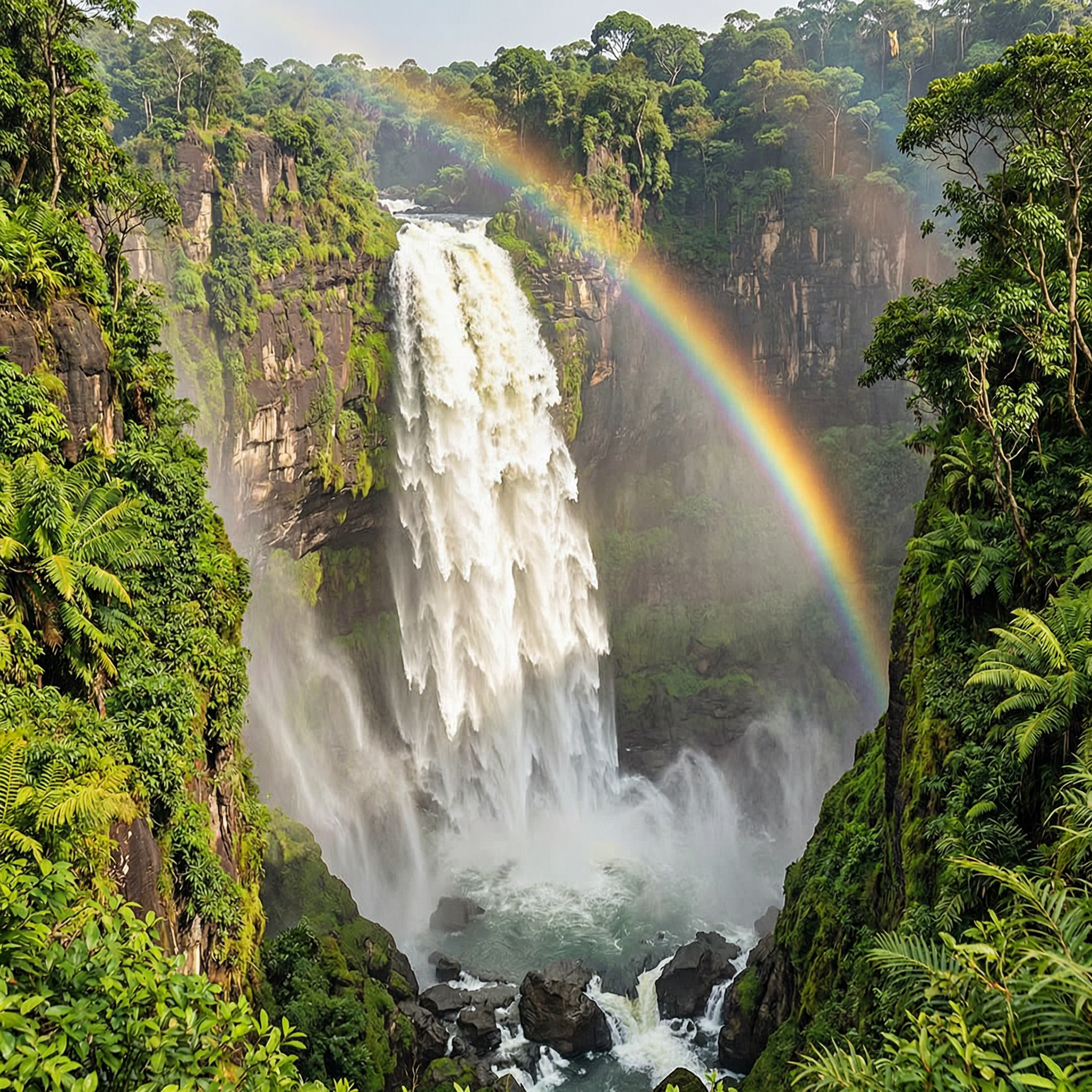
A powerful waterfall through a lush green canyon
wan-2.7-image
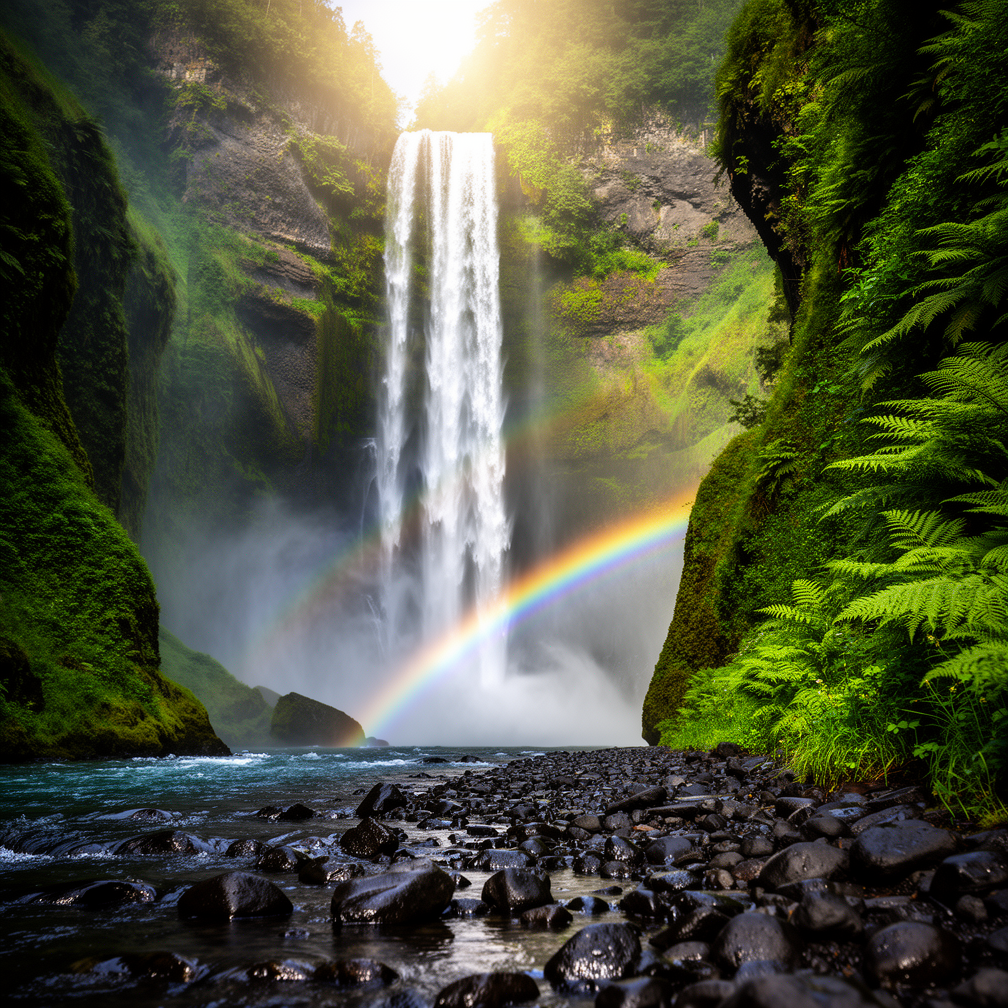
A powerful waterfall through a lush green canyon
flux-2-flex
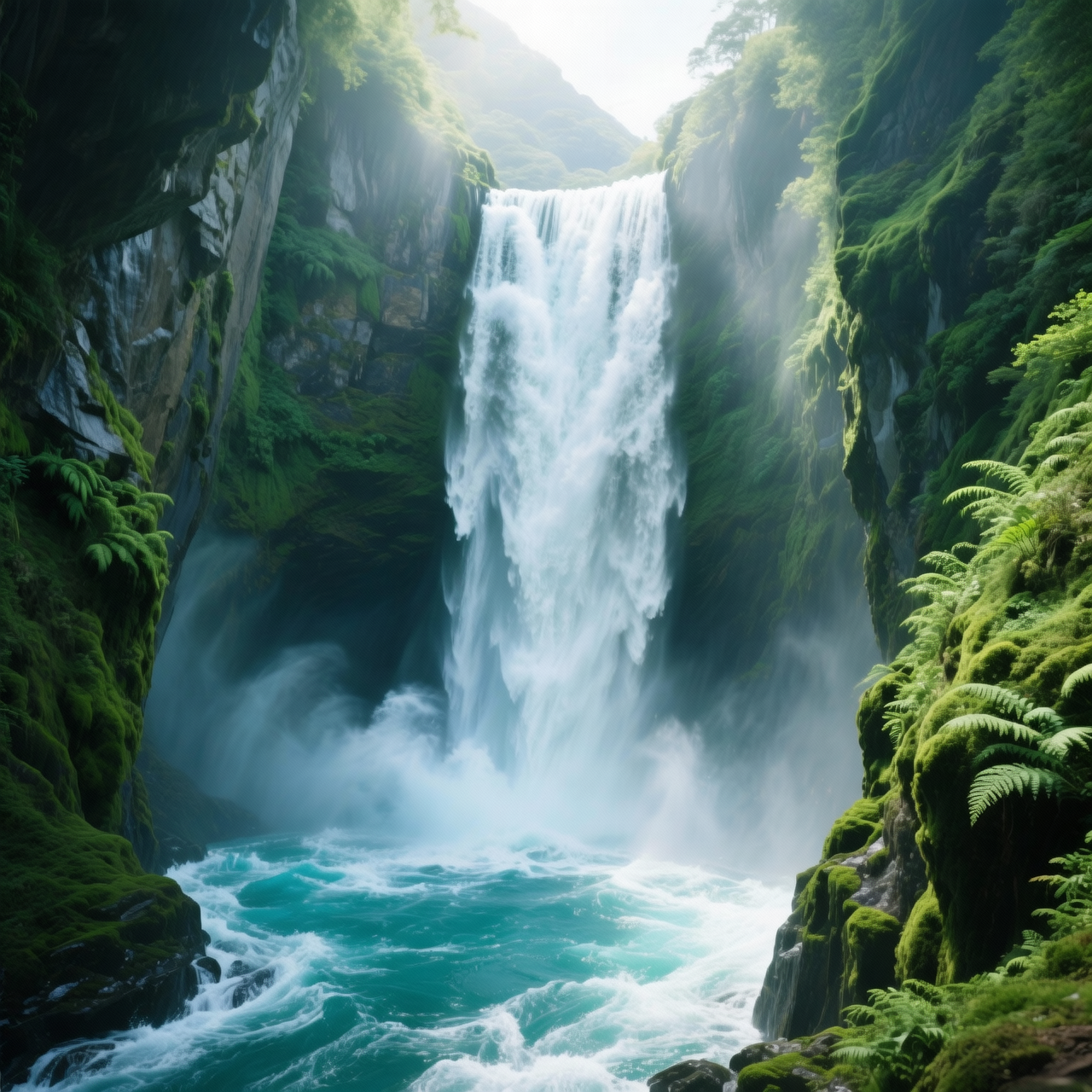
A powerful waterfall through a lush green canyon
wan-2.6-image
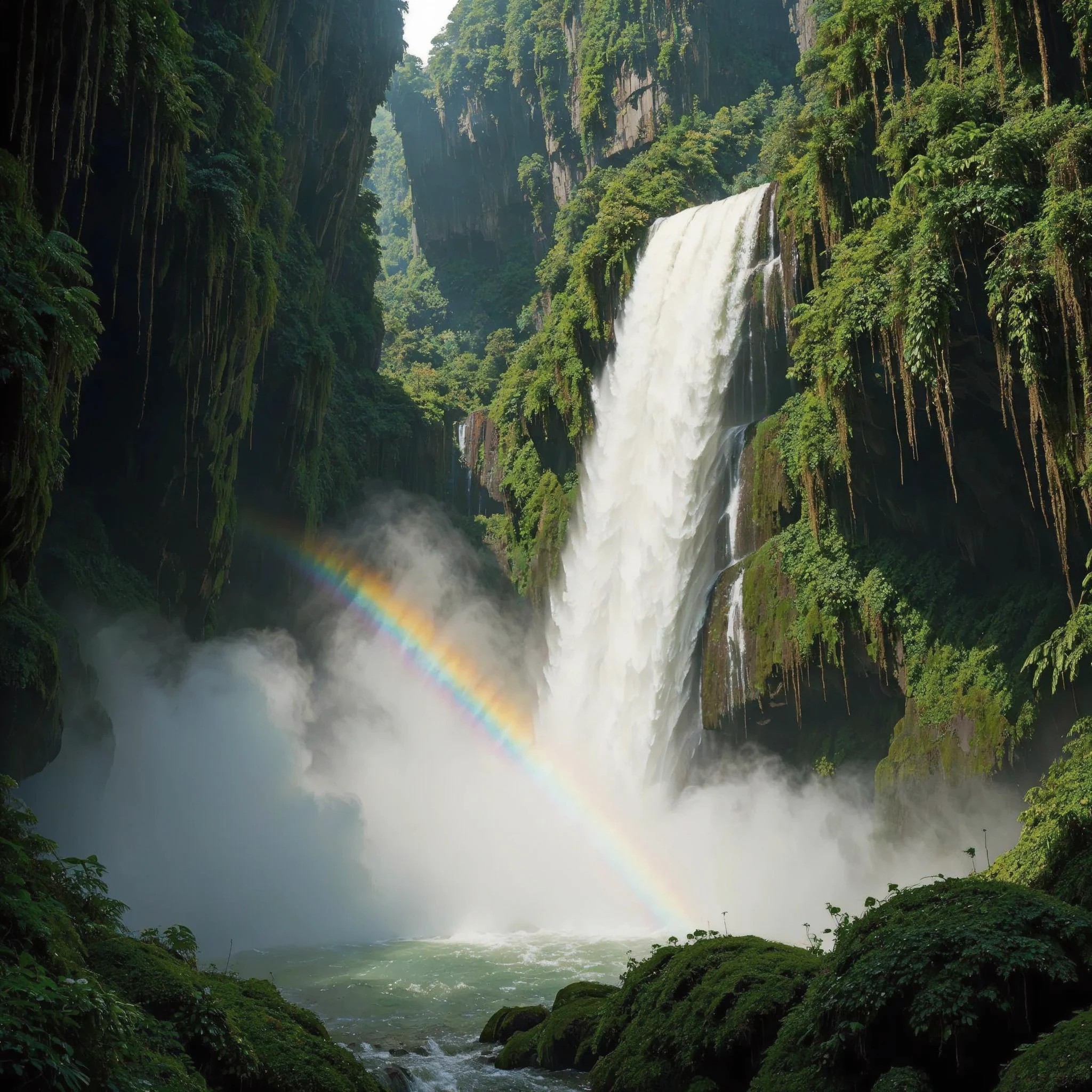
A powerful waterfall through a lush green canyon
luma-uni-1
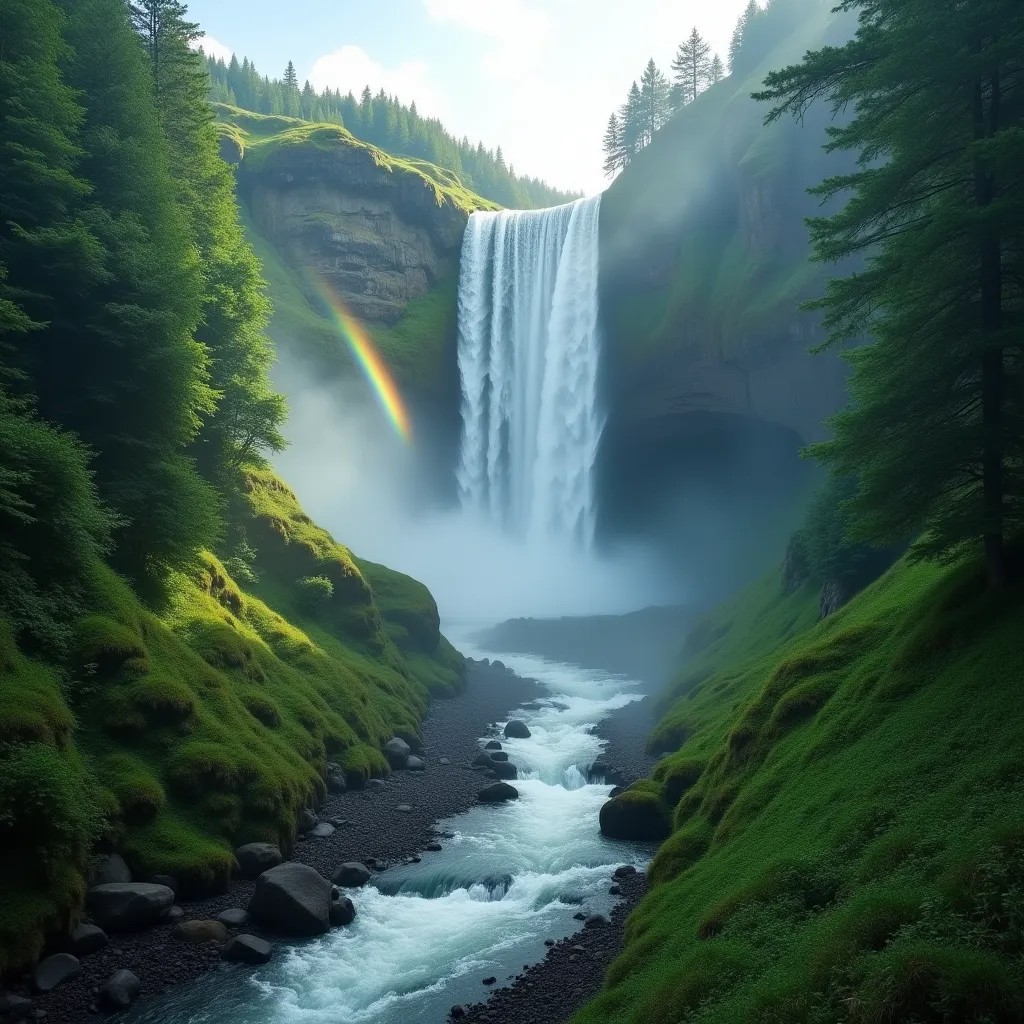
A powerful waterfall through a lush green canyon
flux-studio
Models you can run on PixelDojo for riverflow 2.0
Switch models without switching tools. Each one runs in the same PixelDojo studio.
What you can do with riverflow 2.0 on PixelDojo
Riverflow 2.0 Image Generation
We give creators access to Riverflow 2.0 so they can turn text prompts into still images with stronger prompt following and cleaner composition.
Style And Subject Control
We let you steer lighting, camera, and art direction in the prompt so outputs stay closer to the look you asked for.
Iterate Without Starting Over
We support follow-up generations from the same idea so you can refine a concept instead of rebuilding every attempt from scratch.
Ready For Creator Workflows
We deliver images you can download and use in boards, posts, and client drafts, with settings that stay consistent across a session.
Loved by thousands of creators worldwide who rely on PixelDojo’s 40+ cutting-edge AI tools including Riverflow 2.0 for professional marketing visuals they can trust and ship immediately.
Why Choose Pixel Dojo for riverflow 2.0
Professional-quality results with cutting-edge AI technology
Ship On-Brand Ads with Perfect Fonts and Logos
You produce marketing images where every headline, product label and logo matches your exact brand fonts and stays perfectly legible at any size. No more distorted text or hallucinated details that kill campaigns. Riverflow 2.0 plus PixelDojo editing tools like Style Transfer and Reality Polisher deliver assets ready for print, web and social without extra design time.
Create Studio-Quality Product Shots Overnight
You generate photorealistic lifestyle and catalog images that preserve every texture, material and proportion of your products. Skip the photoshoot entirely and still get results that look professionally lit and composed. Pair Riverflow with Image Outpainting, Change Camera Angle and Background Remover to explore endless scenes while keeping your product 100 percent accurate.
Cut Revisions and Launch Campaigns Faster
You receive more reliable first-pass results thanks to Riverflow 2.0’s built-in self-correction, so you spend far less time iterating. Combined with PixelDojo’s Inpainting, Magic Lighting and Magnific Upscaler you refine only what you want and download high-res files immediately. Cancel anytime and still keep everything you create.
How It Works
You create professional Riverflow 2.0 images on PixelDojo in three simple steps designed for marketers who need production-ready assets, not experiments.
Step 1: Choose Your Tool
Open PixelDojo and select Riverflow from the Generate Images collection. For extra creative range you can also start with Flux.2 Studio, Krea Image or WAN Image then refine in Riverflow. If you already have product photos, jump straight to Image to Image or Inpainting to transform them.
Step 2: Enter Your Prompt
Describe the exact scene, lighting, product placement and any on-image text you need. Specify custom fonts and include reference images for super-accurate details. Riverflow 2.0 understands marketing briefs so your prompt can be as detailed as a creative brief—headline copy, brand colors, lifestyle context and camera angle all in one go.
Step 3: Customize & Download
Fine-tune with PixelDojo’s Edit Images tools: Inpainting for local changes, Style Transfer for mood, Magic Lighting for atmosphere, Background Remover and Image Outpainting for composition. Upscale to print resolution with P-Image Upscale, Magnific Upscaler or Clarity Pro. Download instantly in the format you need. Everything stays in one platform so you never leave PixelDojo.
The Pixel Dojo Advantage
Why PixelDojo outperforms other options for Riverflow 2.0 image generation
| Others | Pixel Dojo |
|---|---|
| Traditional photoshoot production | You generate unlimited on-brand variations in minutes instead of weeks of scheduling, travel and post-production. PixelDojo’s Riverflow 2.0 plus editing suite gives you studio-quality results at a tiny fraction of the cost while you keep full commercial rights. |
| Generic AI tools | You get production-grade reliability, native font control and automatic detail repair that generic generators still miss. PixelDojo wraps Riverflow 2.0 with 40+ specialized tools so your entire workflow—from first concept to final 4K file—happens in one place without switching apps. |
| Manual photo editing | You replace hours of layer work, masking and retouching with AI-powered Inpainting, Reality Polisher and one-click upscaling. Riverflow 2.0 already delivers accurate products and text so you only polish the last 10 percent instead of rebuilding the image from scratch. |
Loved by creators on PixelDojo
Real feedback from people using PixelDojo, pulled from our in-product surveys.
The site is easy to navigate and use.
All the tools, readily available and easy to understand
You guys, the LORA training is the BEST in the space right now, great job with that!
Tons of variety. Ease of use. Tools for beginners and advance users.
easiest workflow to get best output image or video
awesome functionality, UX, constant flood of improvements, discord interactivity
Explore more AI tools on PixelDojo
AI Tools
Compare & Switch
- Best AI Image Generators
- Best AI Video Generators
- Midjourney Alternatives
- Civitai Alternatives
- Runway Alternatives
- Leonardo Alternatives
- Pika Alternatives
- Luma Alternatives
- Magnific Alternatives
- Veo Alternatives
- Flux Alternatives
- Freepik Alternatives
- Seedance Alternatives
- Seedream Alternatives
- Pixverse Alternatives
- GPT Image Alternatives
- Synthesia Alternatives
- Playground Alternatives
- NightCafe Alternatives
- Canva AI Alternatives
- ElevenLabs Alternatives
- ComfyUI Alternatives
- Fal Alternatives
- Replicate Alternatives
Common Questions
Everything you need to know about riverflow 2.0
What is Riverflow 2.0 image generation and how does PixelDojo make it easy for marketers?
Riverflow 2.0 is a production-focused AI model that creates photorealistic marketing images with exceptional product accuracy and font control. On PixelDojo you simply choose Riverflow from Generate Images, write a marketing-style prompt and receive assets ready for ads, packaging and e-commerce. You can immediately refine them with Image to Image, Inpainting, Style Transfer and P-Image Upscale so the whole process stays inside one platform. Thousands of creators already use this combination to replace expensive photoshoots and ship campaigns faster.
How do I create professional product photos with Riverflow 2.0 on PixelDojo?
Select Riverflow, upload a product reference if you have one, then describe the desired lighting, background and composition. Riverflow 2.0 preserves exact product details while generating a new scene. After generation use Change Camera Angle, Magic Lighting and Background Remover to explore variations, then upscale with Magnific Upscaler or Portrait Upscaler. You download high-resolution files that look like they came from a real studio session, all without leaving PixelDojo.
Can I use custom brand fonts inside Riverflow 2.0 images on PixelDojo?
Yes. Riverflow 2.0 natively supports custom fonts so your headlines, labels and logos render with the exact typeface, weight and spacing your brand requires. Inside PixelDojo you include the font details in your prompt or reference and the model validates the typography automatically. Combine this with Ideogram Character or Consistent Characters if you also need on-model talent, then polish with Reality Polisher for a completely finished creative.
What are the best Riverflow 2.0 techniques for high-converting marketing images?
Start with a detailed brief that includes product placement, lighting direction, exact copy and mood. Use Image to Image with a style reference for consistency across a campaign. After the first generation apply Inpainting only where needed and finish with Creative Upscaler or FLUX Video Upscale if you later turn stills into motion. PixelDojo’s Character Stylist and Virtual Try-On let you add people while keeping products perfect. These techniques routinely produce assets that outperform traditional photography in both speed and cost.
Does Riverflow 2.0 on PixelDojo support high-resolution 4K output for print?
Riverflow 2.0 generates at high native resolution and PixelDojo lets you push even further with P-Image Upscale, Magnific Upscaler and Clarity Pro. You receive files sharp enough for large-format print, packaging and billboards. Because the model already preserves fine product details and text, the upscaled version stays clean instead of introducing artifacts. Download in the exact aspect ratio you need and use commercially right away.
Is there a risk-free way to try Riverflow 2.0 AI image generation on PixelDojo?
Absolutely. PixelDojo gives you instant access to Riverflow 2.0 plus 40+ other cutting-edge tools. You can generate, edit and download your first images today. Loved by thousands of creators worldwide, you can cancel anytime with no long-term commitment. Everything you create remains yours with full commercial rights, so there is zero risk in seeing how much faster your marketing production can become.