same character different scenes AI Generator
Generated on PixelDojo. Produced by PixelDojo's generation pipeline.
You finally designed the perfect character—the exact face, the signature jacket, the energy that sells your story. Then you generate the next scene and they look like a different person. That frustration ends here. With PixelDojo you lock identity once and drop the same character into rainy alleys, sunlit beaches, spaceships, or quiet bedrooms without drift. Creators use this to finish graphic novels, children’s books, brand campaigns, and storyboards in a single afternoon instead of weeks of recasting. You get production-ready consistency so your audience always recognizes the hero, no matter the lighting, camera angle, or world you invent. Thousands of storytellers already ship complete visual sequences because PixelDojo turns one reference into unlimited matching scenes.
Real image examples generated on PixelDojo
Every example below was produced on PixelDojo. Hover to see the prompt.
A graceful slow pull-back revealing character1 and the scene
grok-r2v
The camera gently pans across character1
grok-r2v
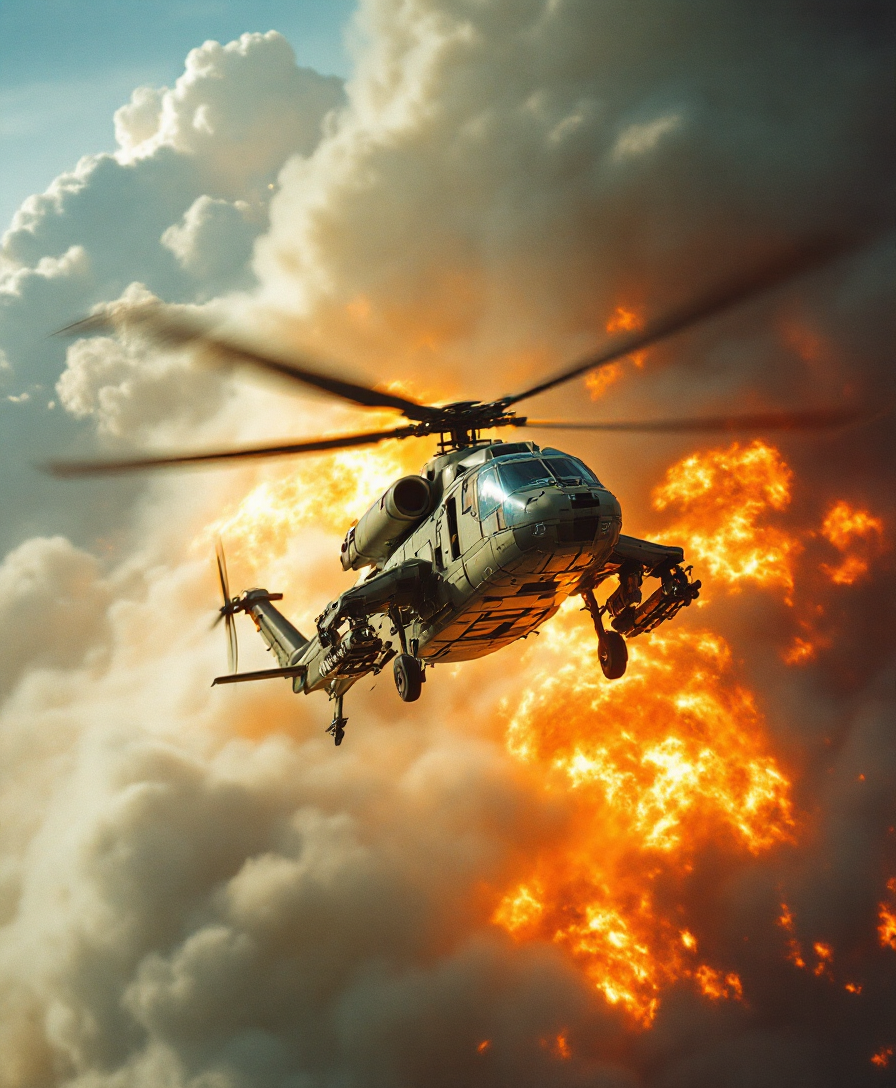
Analog film photo of a cinematic realism footage of a helicopter flying over a bunch of fi…
flux
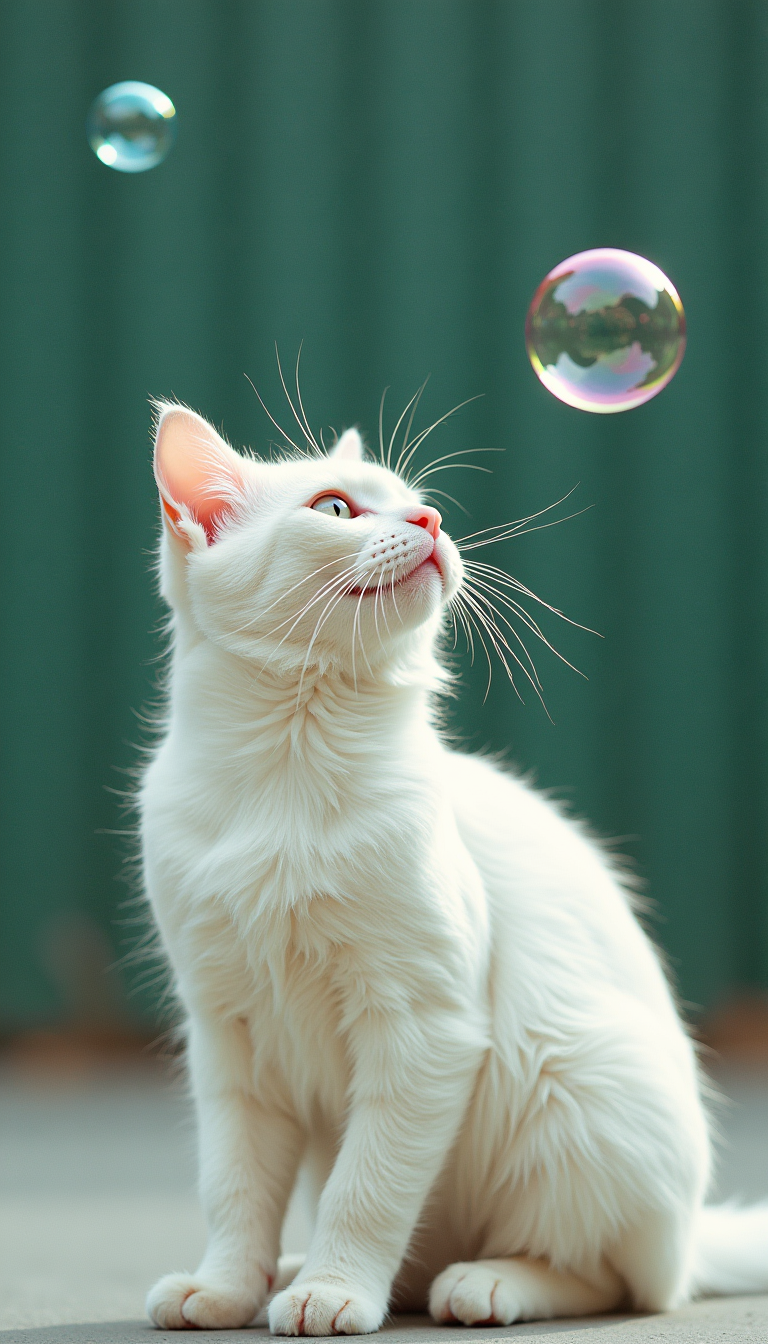
A white cat is watching a small bubble flying in front of it
flux
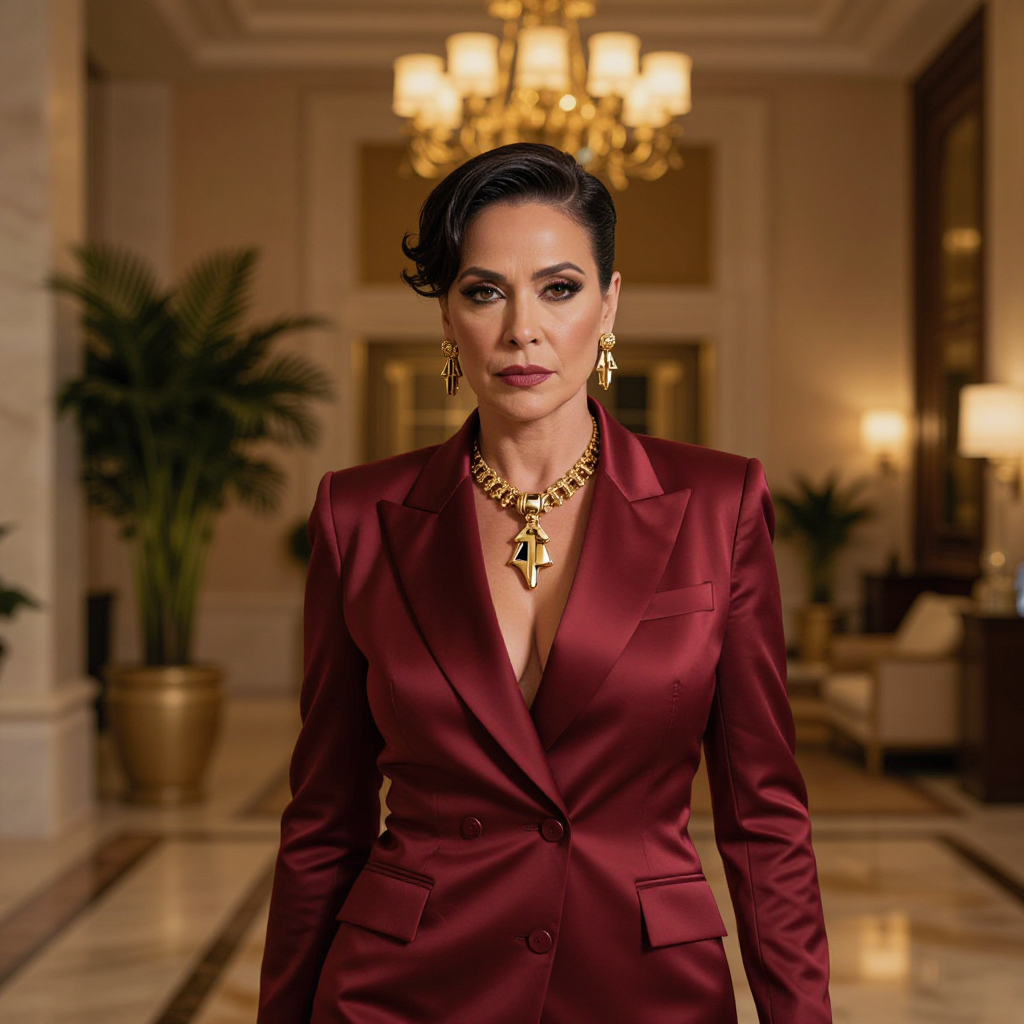
Glamour fashion portrait of an adult woman in a tailored crimson power suit with statement…
z-image-spicy
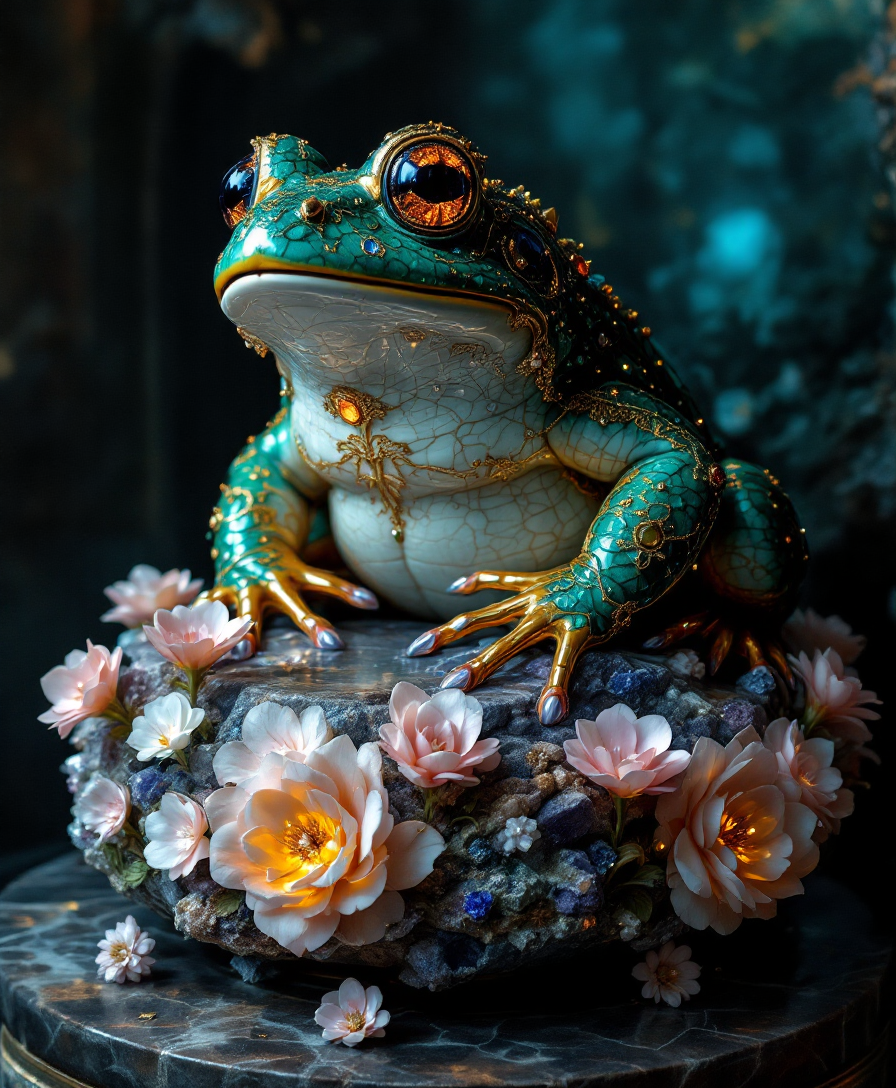
In a dimly lit alcove
flux
Models you can run on PixelDojo for same character different scenes
Switch models without switching tools. Each one runs in the same PixelDojo studio.
What you can do with same character different scenes on PixelDojo
Lock Character Across Scenes
Generate or upload a character once, then reuse that identity in new locations, lighting, and outfits so the same person stays recognizable from frame to frame.
Keep Faces And Details
We hold facial structure, hair, and signature traits steady while you change pose, camera, and setting for storyboards, comics, and campaign sets.
Multi Scene From One Brief
List several environments or moods in one go and we return matching images of the same character so you can cover a sequence without rebuilding the look each time.
Iterate Without Identity Drift
Tweak wardrobe, weather, and composition while we keep the character consistent, so variants stay on-model for the whole series.
Loved by thousands of creators worldwide who ship comics, ads, and stories faster. 40+ cutting-edge AI tools, cancel anytime, try it today. Average 4.9 rating from users who finally solved character drift.
Why Choose Pixel Dojo for same character different scenes
Professional-quality results with cutting-edge AI technology
Finish Complete Stories Without Recasting
Place your locked character in dozens of unique environments and poses while every panel still feels like the same person. You ship graphic novels, picture books, and sequential art that stay visually coherent from first page to last.
Keep Brand Faces Instantly Recognizable
Your mascot, spokesperson, or product hero looks identical across social posts, ads, packaging, and landing pages. You build trust because customers see the same face every time they encounter your brand.
Produce Professional Character Sheets in Minutes
Generate front, side, back, and expression views that stay true to the original design. You hand art directors, animators, or clients a complete visual bible without hiring a concept artist or spending days on revisions.
How It Works
You start with one strong reference, then reuse it across every new scene. PixelDojo’s dedicated character tools plus image generators keep identity locked while you change only the world around them.
Step 1: Lock Your Character Once
Open Consistent Characters or Character Sheets and upload 1–4 clear photos or generate a hero with GPT Image 2, Flux.2 Studio, or Ideogram Character. Capture a front-facing portrait plus a full-body shot. Name the character so you can call it later. This becomes your reusable identity that never changes.
Step 2: Describe Only What Changes
In Flux.2 Studio, Nano Banana 2, or GPT Image 2 write a short scene prompt: location, action, lighting, camera. Add identity-locking language such as “same character as reference, keep face, hair, and outfit exactly the same.” Use Image to Image or Inpainting if you already have a base shot. The tool pulls your saved character automatically so you never re-describe the face.
Step 3: Refine Angles and Download
Use Change Camera Angle, Style Transfer, or Magic Lighting to explore new viewpoints without losing identity. Generate extra expressions or outfits with Character Stylist. Upscale with P-Image Upscale or Portrait Upscaler, then download high-resolution files ready for comics, ads, or video. Repeat for as many scenes as you need—your character stays identical.
The Pixel Dojo Advantage
Why PixelDojo outperforms other options for same character different scenes image generation
| Others | Pixel Dojo |
|---|---|
| Traditional [category] creation | You skip weeks of hiring illustrators or photographing the same model in every location. One locked character plus scene prompts delivers an entire visual story in hours instead of a production budget. |
| Generic AI tools | Most generators treat every image as a brand-new person. PixelDojo’s Consistent Characters, Character Sheets, and dedicated identity tools remember the face, hair, and clothing so you never fight drift between scenes. |
| Manual photo editing | You no longer composite, clone, or painstakingly match lighting in Photoshop. Generate the next pose or environment in seconds, then refine only the details you want with Inpainting or Change Camera Angle. |
Loved by creators on PixelDojo
Real feedback from people using PixelDojo, pulled from our in-product surveys.
Practically every Ai suite in one place? Who wouldn't?
versatile menu of tools
Best AI tool availble the suite is rad
Versatility quality, value, ROI, innovation
variety of tools available and prompt tools
A "one-stop-shop" for creators! Thanks!!
Explore more AI tools on PixelDojo
AI Tools
Compare & Switch
- Best AI Image Generators
- Best AI Video Generators
- Midjourney Alternatives
- Civitai Alternatives
- Runway Alternatives
- Leonardo Alternatives
- Pika Alternatives
- Luma Alternatives
- Magnific Alternatives
- Veo Alternatives
- Flux Alternatives
- Freepik Alternatives
- Seedance Alternatives
- Seedream Alternatives
- Pixverse Alternatives
- GPT Image Alternatives
- Synthesia Alternatives
- Playground Alternatives
- NightCafe Alternatives
- Canva AI Alternatives
- ElevenLabs Alternatives
- ComfyUI Alternatives
- Fal Alternatives
- Replicate Alternatives
Common Questions
Everything you need to know about same character different scenes
How do I generate the same character in different scenes with AI?
Create or upload a clear reference in PixelDojo’s Consistent Characters or Character Sheets tool. Then open Flux.2 Studio, GPT Image 2, or Nano Banana 2 and describe only the new location, pose, and lighting while instructing the model to keep the original face, hair, and outfit identical. The saved character identity is applied automatically so every new scene matches.
What is the best way to keep character consistency across multiple AI images?
Start with a high-quality front-facing portrait plus a full-body shot, save it as a named character, and reuse it with identity-locking language in every prompt. PixelDojo also lets you generate complete Character Sheets showing front, side, and back views so later scenes have extra visual anchors. For long projects you can train a custom model with Flux Trainer to make the character even more reliable.
Can I change outfits or expressions while keeping the same face?
Yes. Use Character Stylist or simple prompt additions such as “same person wearing summer clothes” or “same character smiling.” Image to Image and Inpainting let you swap clothing or tweak emotion without altering facial structure. The core identity stays locked because you always start from the original reference.
How many scenes can I create with one consistent character?
There is no limit. Once the character is saved you can generate hundreds of unique environments, camera angles, and actions. Creators regularly produce 20–50 page comics, full children’s books, and multi-week marketing campaigns from a single locked identity. Upscale any result with P-Image Upscale when you need print quality.
Do I need to train a custom model for same character different scenes?
Not for most projects. PixelDojo’s built-in Consistent Characters and Character Sheets already deliver strong identity lock using references. If you need production-grade consistency across hundreds of shots or very specific art styles, Flux Trainer or QWEN Trainer lets you create a lightweight custom model from 10–20 images in minutes. You can start generating immediately and train later if needed.
Can I turn my consistent character images into video later?
Absolutely. Export any scene and feed it into Marketing Studio, Kling Video, WAN Reference to Video, or Seedance tools. Character Swap features in Kling and WAN keep the same face when you animate. Because the stills already match, the resulting video sequence feels like one continuous story rather than a series of recast actors.