try models without replicate AI Generator

Generated on PixelDojo. Produced by PixelDojo's generation pipeline.
Tired of switching platforms and managing keys just to experiment with the newest AI image models? PixelDojo lets you try models without Replicate so you can generate professional images and videos in one place. Access Nano Banana 2, GPT Image 2, Grok Image, Flux.2 Studio, Krea Image, Riverflow, Luma UNI 1, QWEN Image 2, WAN 2.6, Kling Image, Seedream 5, Ideogram 4 and many more instantly. You create photorealistic product shots, cinematic scenes, consistent brand characters and marketing videos that convert, all without technical setup. Thousands of creators worldwide already produce high-quality assets this way. With 40+ cutting-edge AI tools and the option to cancel anytime, you turn ideas into ready-to-use visuals today and keep exploring freely.
Real image examples generated on PixelDojo
Every example below was produced on PixelDojo. Hover to see the prompt.
Character Studio — Rhonda Dinsmore
character-studio
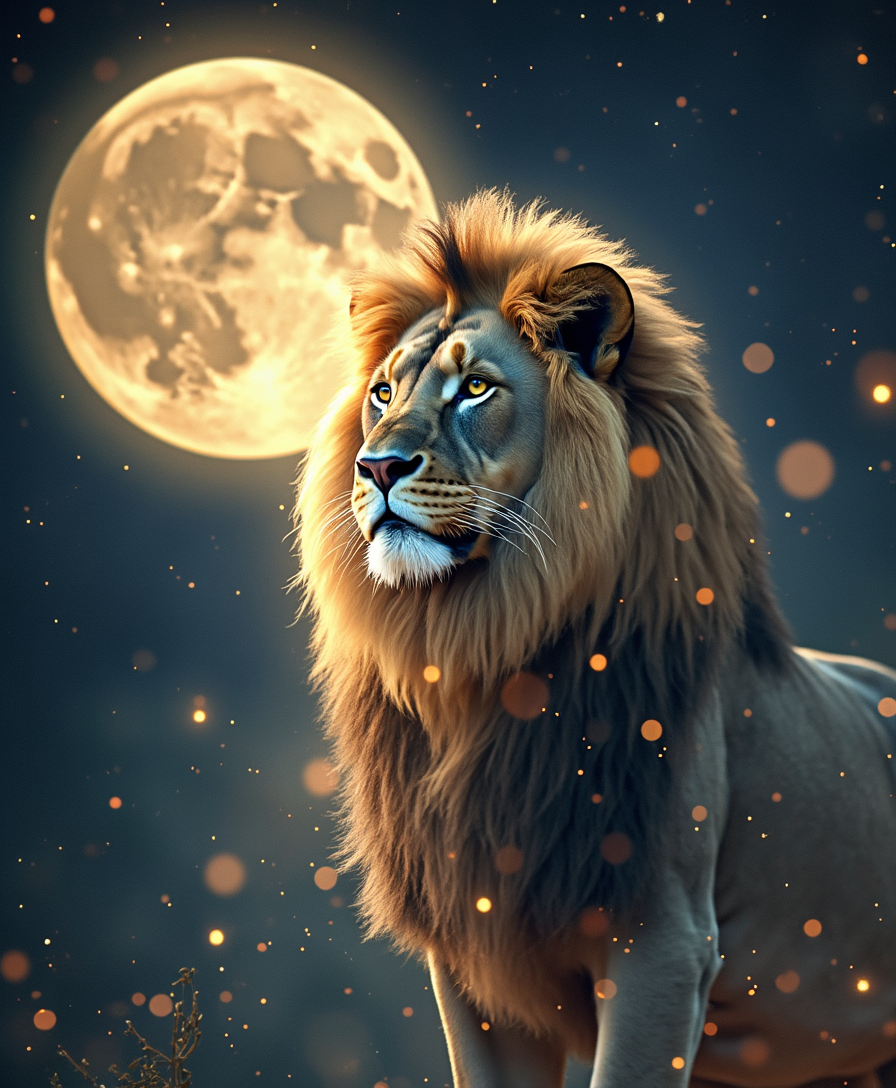
An artistic image of a full moon in Leo
flux
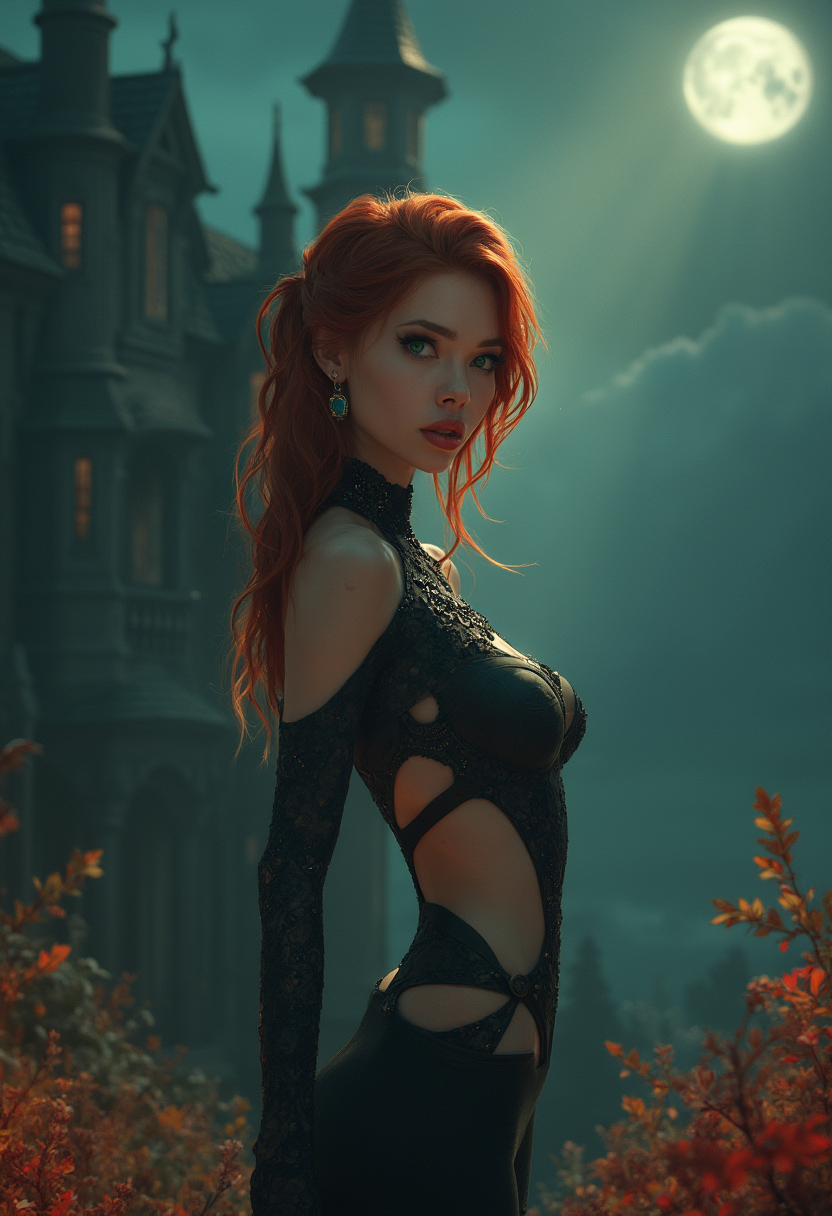
<lora:Fant5yP0ny:0
flux
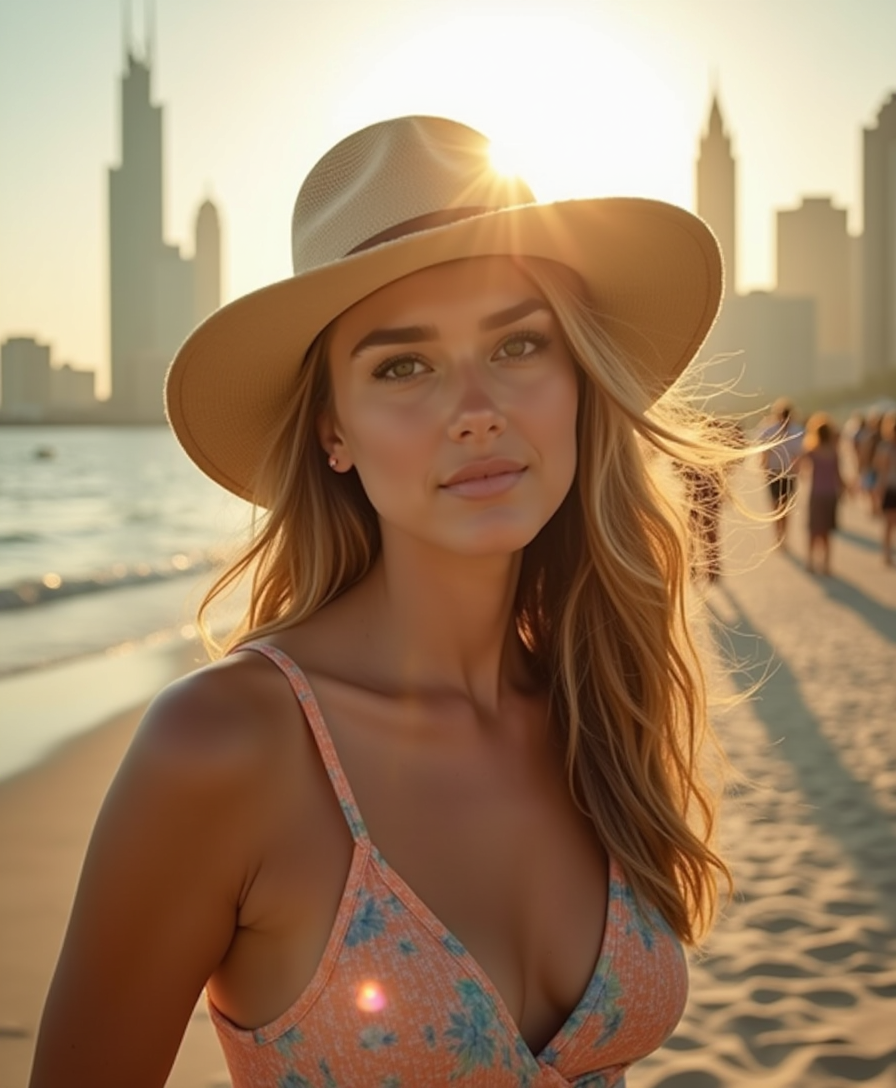
A beautiful woman wearing a 70's inspired summer outfit in Abu dhabi
flux
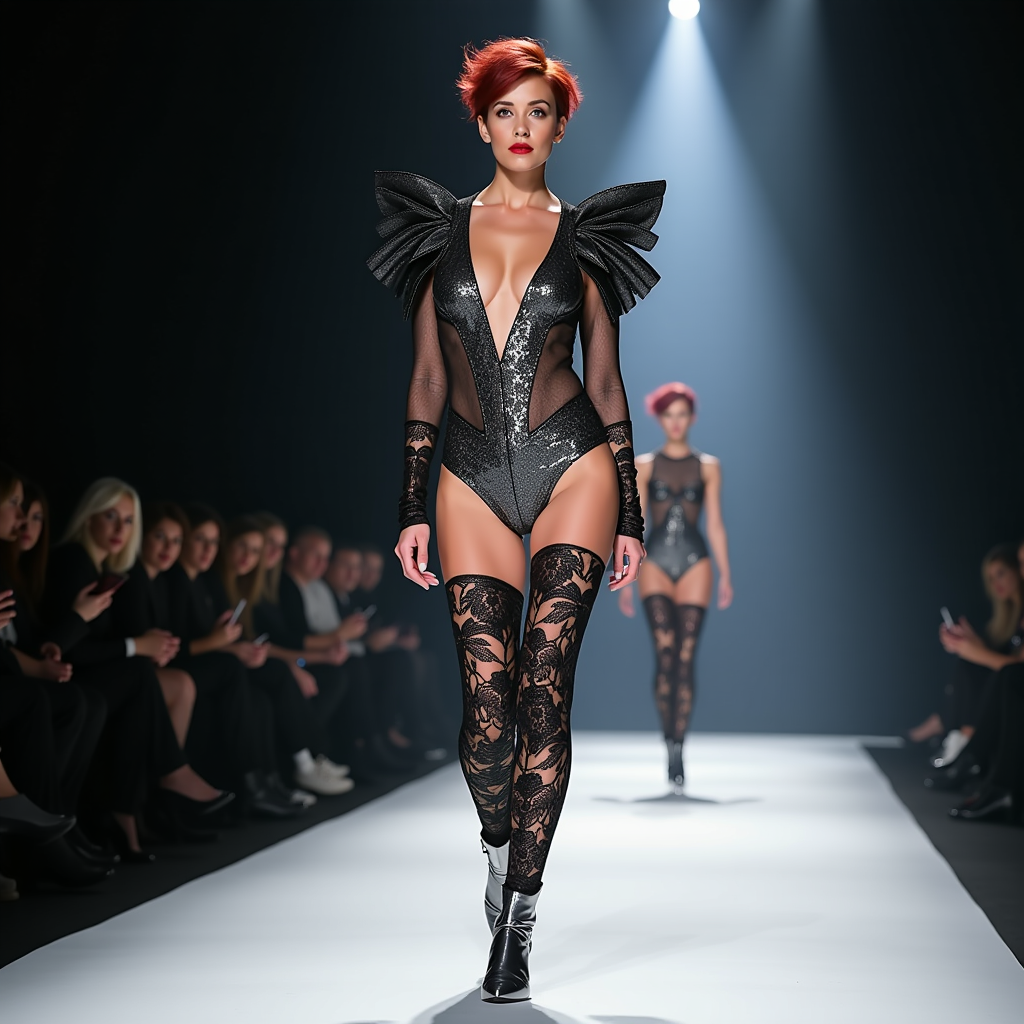
A striking photo of a 40-year-old woman with short red messy hair walking confidently on t…
flux
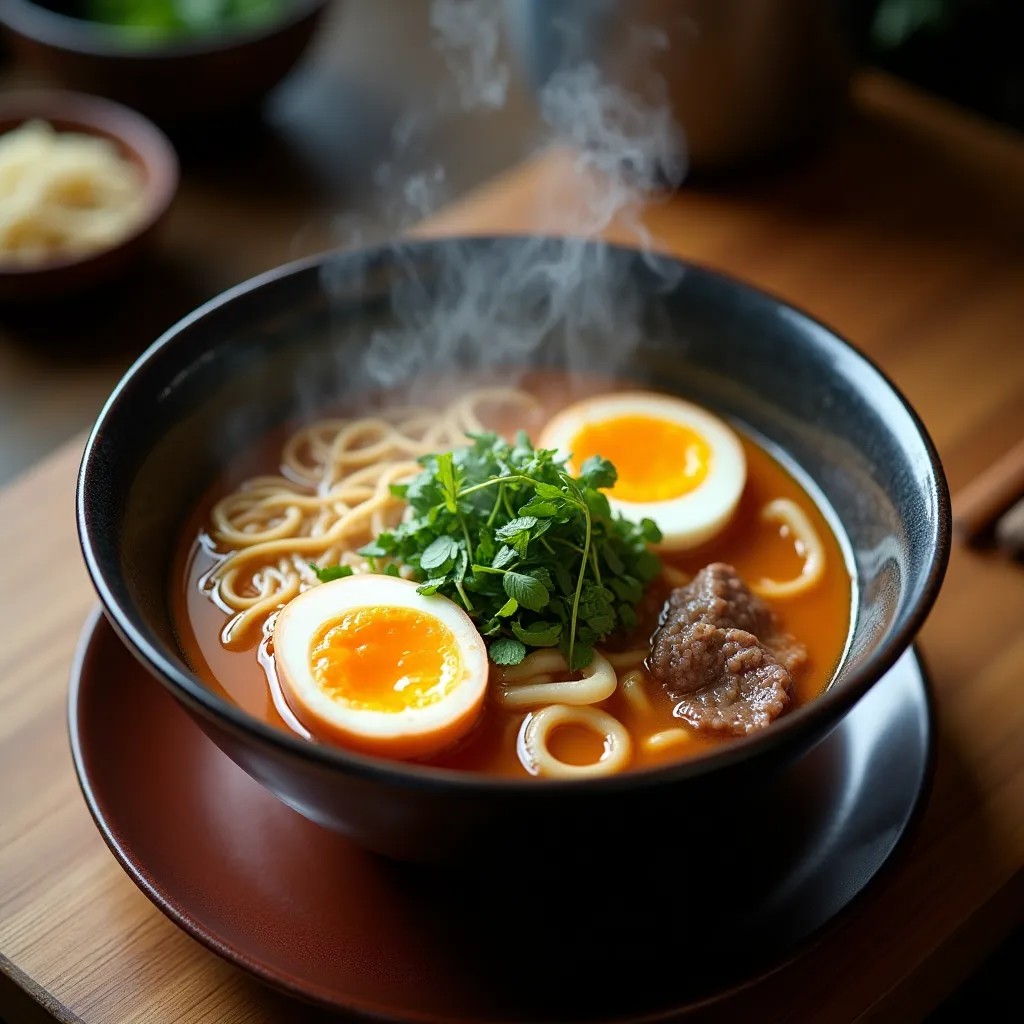
A steaming bowl of ramen with herbs and a soft egg
flux-studio
Models you can run on PixelDojo for try models without replicate
Switch models without switching tools. Each one runs in the same PixelDojo studio.
What you can do with try models without replicate on PixelDojo
Run Models In One Place
We host popular image models so you can try them in PixelDojo without a separate Replicate account or extra billing setup.
Compare Outputs Side By Side
We let you generate from several models in the same workspace so you can judge style, detail, and prompt follow-through before you commit.
Keep Prompts And Settings
We save your prompt, seed, and parameters across model switches so you can iterate without rebuilding every run from scratch.
Preview Before You Scale
We give you straightforward image generation previews so you can test a model on PixelDojo first, then use it in your usual workflow.
Loved by thousands of creators worldwide who generate professional images and videos daily. 40+ cutting-edge tools with cancel-anytime flexibility and commercial-ready output.
Why Choose Pixel Dojo for try models without replicate
Professional-quality results with cutting-edge AI technology
Unlock Every Top Model in Seconds
You generate photorealistic images with Flux.2 Studio, unique styles with Grok Image, versatile fusions with Nano Banana 2 and latest quality with Seedream 5. Produce high-converting ads, social posts and website visuals without leaving the dashboard or handling extra accounts.
Create Complete Campaigns Faster
You extend stills into motion using VEO 3.1, Grok Video, Kling Video, WAN 3.0 and Seedance 2.5, then polish with Inpainting, Style Transfer, Magic Lighting and Background Remover. Deliver full marketing assets that look studio-produced in a fraction of the usual time.
Keep Characters and Brands Consistent
You maintain identity across every image and video with Marketing Studio, Consistent Characters, Character Sheets, Ideogram Character, Face Swap and Flux Pro Virtual Try-On. Build cohesive campaigns that increase trust and drive more conversions.
How It Works
PixelDojo makes trying the latest AI models without Replicate simple and fast. Choose a tool, describe what you want, and refine until the result is perfect for your project.
Step 1: Choose Your Tool
Open PixelDojo and pick from Generate Images: Flux.2 Studio for photorealism, Grok Image for creative looks, Nano Banana 2 or GPT Image 2 for versatile results, Kling Image, WAN Image, Seedream 5 or Ideogram 4. For video select Marketing Studio, VEO 3.1, Grok Video or Kling Video. Everything runs in the browser with no extra setup.
Step 2: Enter Your Prompt
Type a clear description such as a luxury watch on marble with cinematic lighting. Add a reference image for Image to Image or use Character Stylist. Models like QWEN Image 2, Recraft V4.1 and Hunyuan Image 3 interpret your words accurately and return results in seconds.
Step 3: Customize & Download
Refine with Edit Images tools including Inpainting, Change Camera Angle, Style Transfer, Reality Polisher and Image Outpainting. Upscale via P-Image Upscale or Magnific Upscaler. For video apply Grok Video Edit or Video Autocaption. Download high-resolution files ready for use, or train a custom model with Flux Trainer if you need even more control.
The Pixel Dojo Advantage
Why PixelDojo outperforms other options for trying AI models without Replicate
| Others | Pixel Dojo |
|---|---|
| Traditional local setups | You skip hardware requirements, long downloads and complicated interfaces. PixelDojo delivers Flux.2 Studio, Grok Image and Seedream 5 instantly in the cloud so you start creating professional images right away. |
| Generic AI tools | You get far more variety than limited single-model platforms. PixelDojo combines 40+ specialized options including Kling Image, Recraft V4.1, WAN 2.7, Ideogram 4 plus full video and editing suites for complete creative freedom. |
| Manual photo editing | You replace hours of manual work with seconds of AI power. Achieve photorealistic quality, perfect lighting, style transfers and character consistency using Reality Polisher, Magic Lighting and Consistent Characters. |
Loved by creators on PixelDojo
Real feedback from people using PixelDojo, pulled from our in-product surveys.
Great variety of tools to create and modify images and video.
Lots of Tools, and the one time I needed support I got help right away
Easy to use once you get the hang of it
Love it make anything I can think of so far
Great for all your ideas use it encourage more people to use it
Because it is awesome
Explore more AI tools on PixelDojo
AI Tools
Compare & Switch
- Best AI Image Generators
- Best AI Video Generators
- Midjourney Alternatives
- Civitai Alternatives
- Runway Alternatives
- Leonardo Alternatives
- Pika Alternatives
- Luma Alternatives
- Magnific Alternatives
- Veo Alternatives
- Flux Alternatives
- Freepik Alternatives
- Seedance Alternatives
- Seedream Alternatives
- Pixverse Alternatives
- GPT Image Alternatives
- Synthesia Alternatives
- Playground Alternatives
- NightCafe Alternatives
- Canva AI Alternatives
- ElevenLabs Alternatives
- ComfyUI Alternatives
- Fal Alternatives
- Replicate Alternatives
Common Questions
Everything you need to know about try models without replicate
How do I try Flux models without Replicate on PixelDojo?
PixelDojo offers Flux.2 Studio and Flux.1 Studio directly. Choose the tool from Generate Images, enter your prompt, and generate high-quality photorealistic images instantly. Combine with Inpainting or Style Transfer for perfect results. No extra accounts or keys needed. Thousands of creators use this daily to produce commercial visuals.
Can I access Grok Image and Nano Banana 2 without Replicate?
Yes. Both Grok Image and Nano Banana 2 sit inside PixelDojo’s Generate Images section. Use them for unique aesthetics or multi-image fusion, then enhance lighting and details with Magic Lighting or Reality Polisher. You get professional output without switching platforms.
What AI video models can I try without Replicate?
PixelDojo includes VEO 3.1, Gemini Omni Flash, Grok Video, Kling Video, WAN 3.0, WAN 2.7 Video, Seedance 2.5, Hailuo 2.3, MiniMax H3, PixVerse V6 and more. Create clips then refine with Grok Video Edit, Kling Video Edit or Video Autocaption for complete marketing videos.
How can I create consistent characters without Replicate?
Use Characters & Faces tools such as Marketing Studio, Consistent Characters, Character Sheets, Ideogram Character, Face Swap, LoRA Face Swap and Flux Pro Virtual Try-On. These keep identity locked across images and videos so your brand stays cohesive and converts better.
Is there a simple way to try multiple models without Replicate accounts?
PixelDojo puts 40+ tools in one dashboard so you never leave the site. Switch between Flux.2 Studio, Seedream 5, QWEN Image 2, Kling Image and video models in seconds. Start creating immediately and cancel anytime if it does not fit your workflow.
Why choose PixelDojo to try new AI models without Replicate?
You gain instant access to the latest models plus professional editing, upscaling, character tools and even model training with Flux Trainer or QWEN Trainer. The result is faster production, higher quality and more variety than juggling separate services, all loved by thousands of creators worldwide.