z image turbo fast
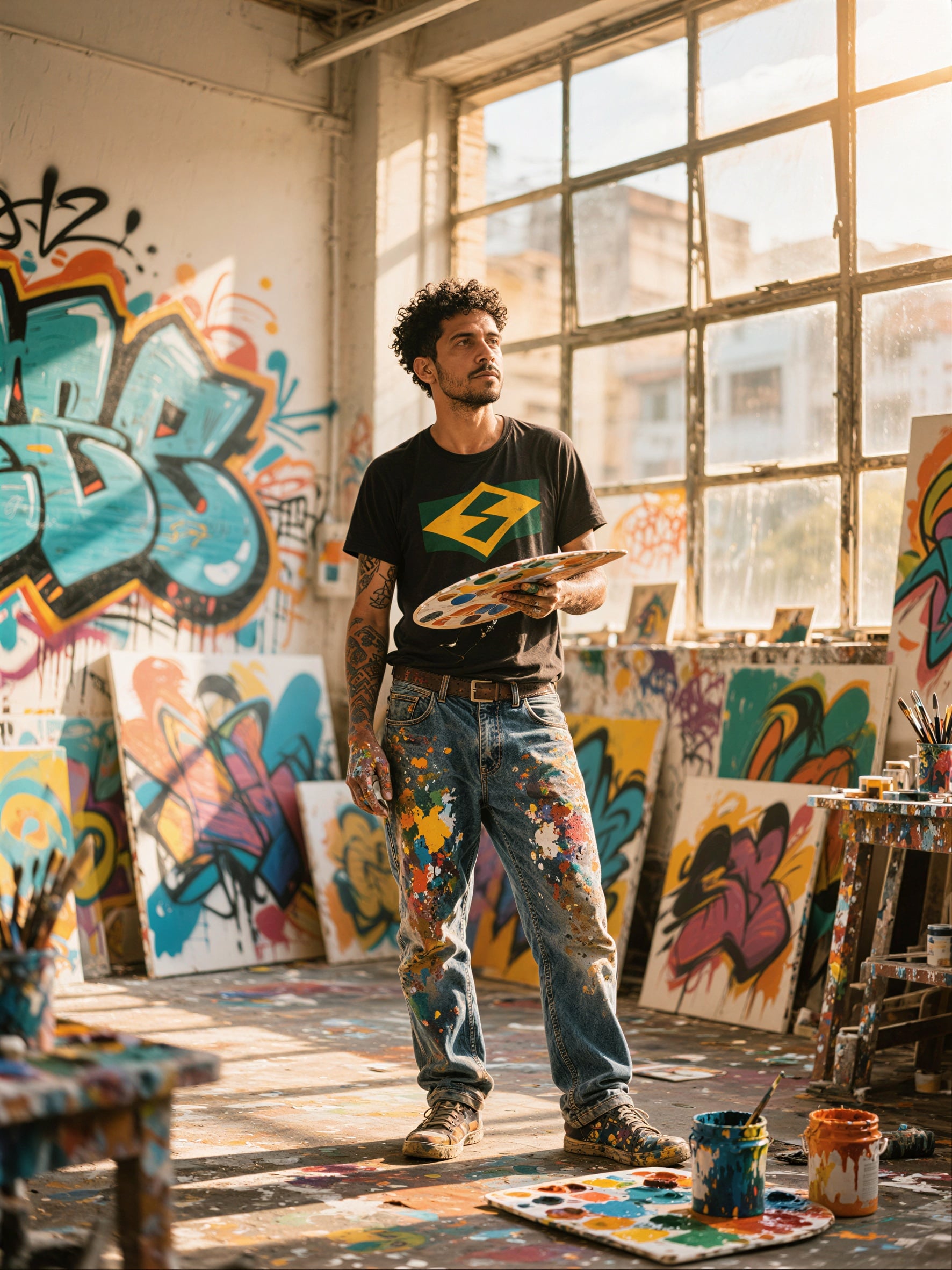
Generated on PixelDojo. Produced by PixelDojo's generation pipeline.
Transform your creative process with PixelDojo's Z Image Turbo, the ultimate tool for generating photorealistic images at unmatched speed. You can turn simple ideas into stunning, lifelike visuals in seconds, enabling you to iterate rapidly and produce professional-quality content for any project. Whether you're designing marketing materials, creating social media assets, or exploring artistic concepts, Z Image Turbo delivers the photorealism and speed you need to stay ahead. Combined with PixelDojo's extensive suite including Image to Image, Inpainting, Style Transfer, P-Image Upscale, Consistent Characters, and even video tools like Kling Video, you have a complete ecosystem at your fingertips. Thousands of creators already use it daily to bring visions to life faster than ever. Start today with no risk, cancel anytime, and access 40+ cutting-edge AI tools that make high-volume production effortless and enjoyable.
Real image examples generated on PixelDojo
Every example below was produced on PixelDojo. Hover to see the prompt.
P-Image Upscale
p-image-upscale
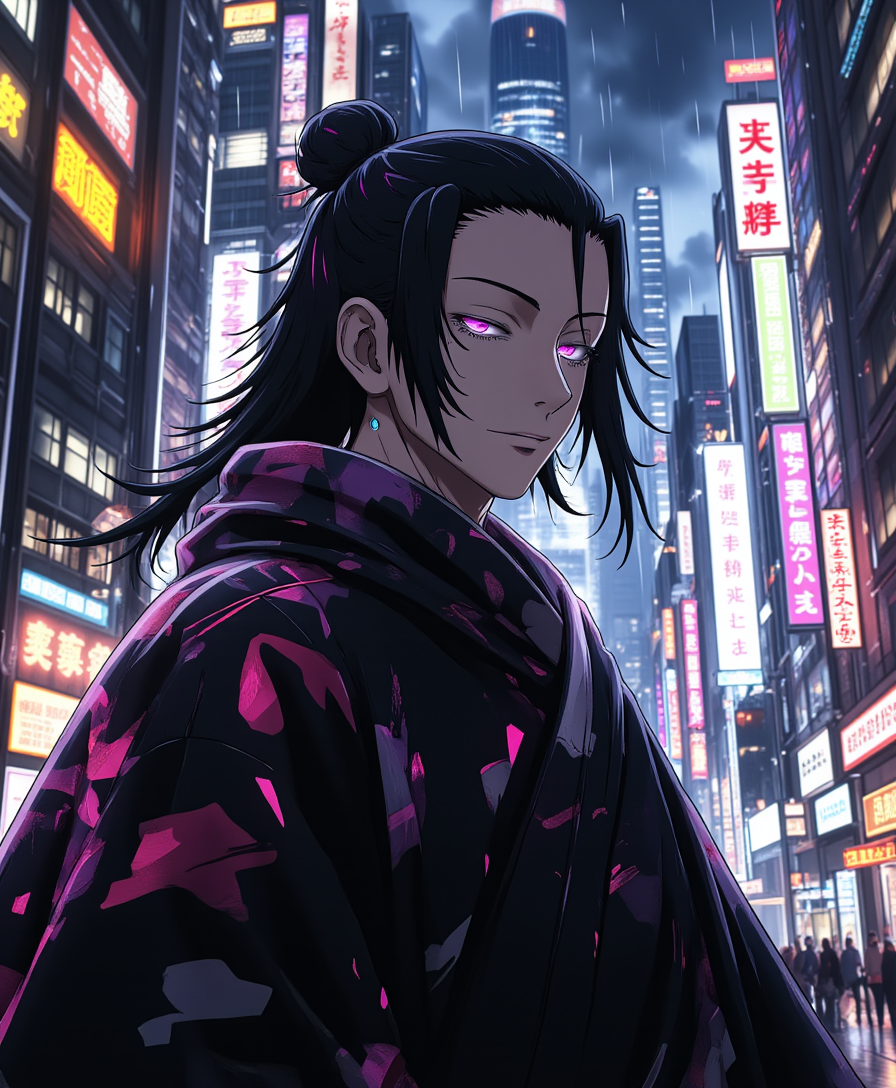
A photo of Geto
flux
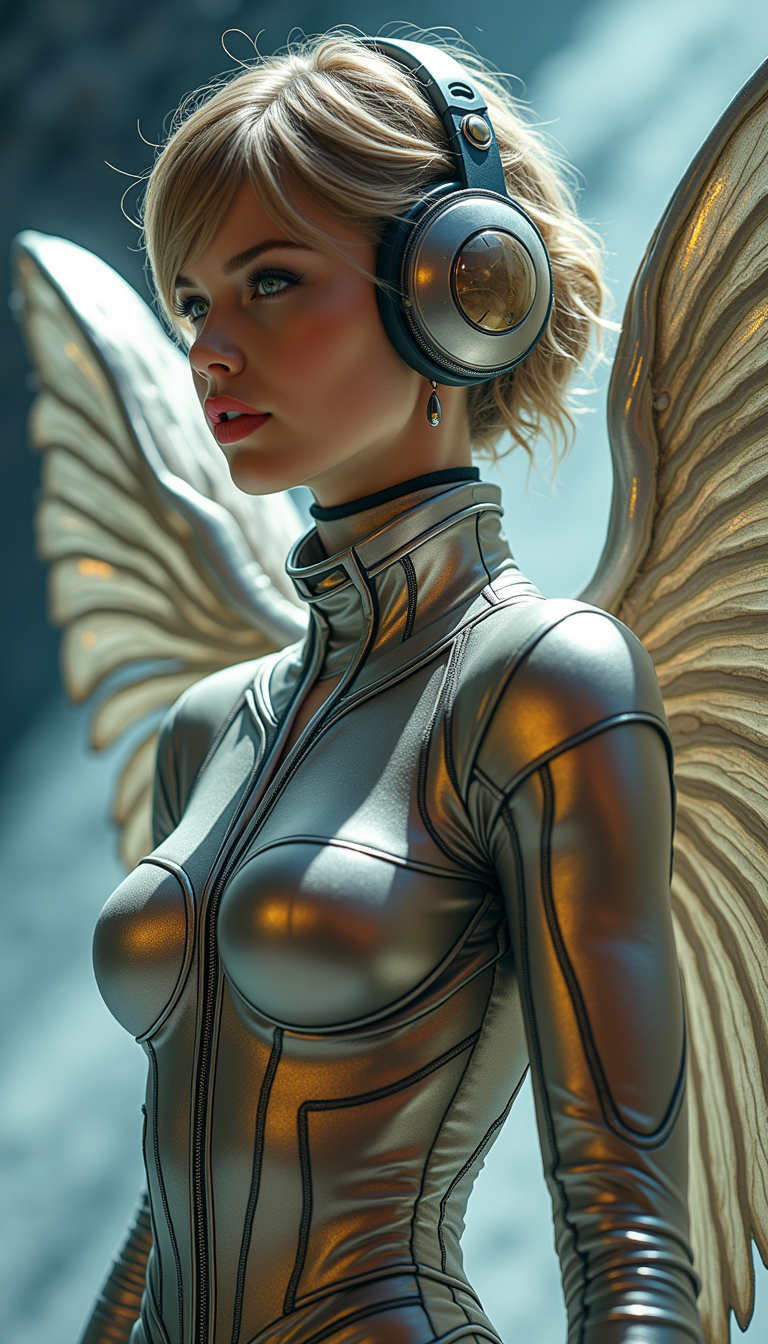
TOKSWIFTIE
flux

Masterpiece
creative-upscaler
Image from library
google-gemini-image
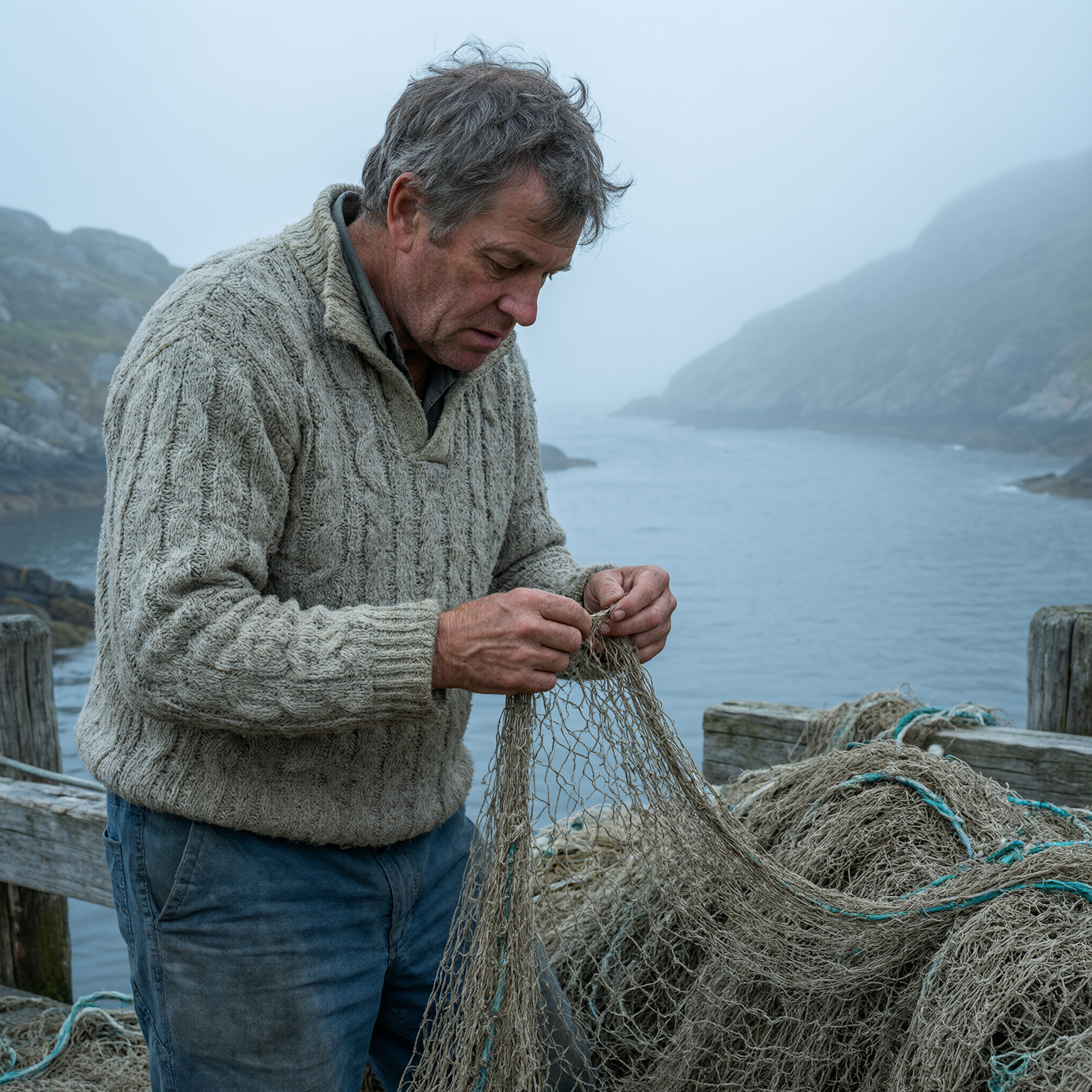
A weathered fisherman mending nets on a dock
qwen-3-pro
Models you can run on PixelDojo for z image turbo fast
Switch models without switching tools. Each one runs in the same PixelDojo studio.
What you can do with z image turbo fast on PixelDojo
Fast Turbo Image Runs
We run Z Image Turbo Fast so you can produce stills in short cycles and keep moving on ideas.
Quick Prompt Iteration
We let you change prompts and regenerate soon after, so you can compare options in one sitting.
Multiple Variants Per Session
We support several outputs from the same brief, which helps you pick a direction without long idle time.
Hosted Turbo On PixelDojo
We serve the model in our studio tools so you can generate, review, and save work in one place.
Trusted by thousands of creators worldwide for fast, high-quality AI image generation. PixelDojo's Z Image Turbo powers production workflows with photorealistic results in seconds. Enjoy 40+ tools, full commercial licenses, and the freedom to cancel anytime.
Why Choose Pixel Dojo for z image turbo fast
Professional-quality results with cutting-edge AI technology
Instant Photorealistic Masterpieces
You achieve gallery-worthy photorealistic images in seconds with Z Image Turbo, perfect for portraits, products, and scenes that look like they were captured by a professional photographer. This speed lets you generate dozens of options quickly, selecting the best without delays, boosting your output dramatically for campaigns and personal work.
Unlimited Fast Iterations
Refine your vision through rapid generations, testing prompts and variations instantly. PixelDojo makes it easy to produce four variants, pick winners, and enhance with tools like Magic Lighting or Reality Polisher, turning rough ideas into perfected assets in record time while maintaining top photorealistic quality.
End-to-End Production Power
From Z Image Turbo generation to custom training with Z-Image Trainer, character consistency via Consistent Characters, 3D with Rodin, audio, and video extension with WAN 3.0, you complete entire projects on one platform. Developers access via Developer API, ensuring scalable, commercial-ready results you can use anywhere without extra steps.
How It Works
Creating stunning fast photorealistic images with Z Image Turbo is straightforward on PixelDojo. Follow these steps to get professional results immediately and start iterating at turbo speed.
Step 1: Choose Your Tool
Sign up or log in to PixelDojo and go to the Generate Images section. Select Z Image Turbo from the impressive lineup including Nano Banana 2, GPT Image 2, Grok Image, Flux.2 Studio, Krea Image, Riverflow, Luma UNI 1, QWEN Image 2, and many more. This 6B parameter speed demon is ideal for photorealistic portraits and production workflows. You can also use the Developer API for automated high-volume needs.
Step 2: Enter Your Prompt
Craft a concise prompt under 80 words highlighting photorealistic details, lighting, camera, and subject. For example, describe a golden hour portrait or a product shot with natural language. PixelDojo supports LoRA weights for custom styles right here. Generate multiple images at once to iterate cheaply, pick the closest match, and refine quickly for the best photorealistic outcome.
Step 3: Customize & Download
Review your generations, then enhance using Edit Images tools like Inpainting, Change Camera Angle, Background Remover, Image Analyzer, or Image Outpainting. Upscale with P-Image Upscale, Magnific Upscaler, Clarity Pro, or Portrait Upscaler. For characters, use Consistent Characters, Character Sheets, or Face Swap. Download high-res files ready for commercial use, or extend to videos with Marketing Studio, VEO 3.1, or Kling Video.
The Pixel Dojo Advantage
Why PixelDojo outperforms other options for z image turbo fast image generation
| Others | Pixel Dojo |
|---|---|
| Traditional photography sessions | You skip costly shoots, travel, and scheduling to get custom photorealistic images tailored exactly to your vision in seconds, iterating freely as many times as needed without extra expenses or delays. |
| Generic AI generation platforms | PixelDojo provides Z Image Turbo fully integrated with 40+ specialized tools, LoRA training via Z-Image Trainer, a complete editing suite, multiple upscalers, character tools like Ideogram Character, API access, and unlimited commercial rights all in one seamless, affordable experience. |
| Time-consuming manual editing software | Generate the perfect base image instantly with Z Image Turbo then apply powerful AI-powered edits like Style Transfer, Magic Lighting, Reality Polisher, and Background Remover, achieving polished professional results in minutes instead of hours of tedious work. |
Loved by creators on PixelDojo
Real feedback from people using PixelDojo, pulled from our in-product surveys.
So many different models to try out
You keep adding to it to stay up to date and that is GOLD.
very easy to use and good support
Very easy to use
super easy to use
it's very easy to use
Explore more AI tools on PixelDojo
AI Tools
Compare & Switch
- Best AI Image Generators
- Best AI Video Generators
- Midjourney Alternatives
- Civitai Alternatives
- Runway Alternatives
- Leonardo Alternatives
- Pika Alternatives
- Luma Alternatives
- Magnific Alternatives
- Veo Alternatives
- Flux Alternatives
- Freepik Alternatives
- Seedance Alternatives
- Seedream Alternatives
- Pixverse Alternatives
- GPT Image Alternatives
- Synthesia Alternatives
- Playground Alternatives
- NightCafe Alternatives
- Canva AI Alternatives
- ElevenLabs Alternatives
- ComfyUI Alternatives
- Fal Alternatives
- Replicate Alternatives
Common Questions
Everything you need to know about z image turbo fast
What makes Z Image Turbo the best for fast photorealistic image generation on PixelDojo?
Z Image Turbo excels at producing photorealistic portraits and scenes in seconds thanks to its optimized design and fast inference. On PixelDojo, you benefit from easy one-click access, full LoRA support, and seamless integration with editing tools like Image Analyzer, Reality Polisher, and Inpainting. You can generate multiple variants quickly while keeping prompts concise under 80 words for optimal results, then refine and upscale for production-ready assets. This combination allows you to achieve professional photorealistic outcomes faster than any other method, all with included commercial use rights and 40+ additional tools.
How do I create high-quality portraits using Z Image Turbo fast techniques?
Start by selecting Z Image Turbo in the Generate Images section on PixelDojo. Use natural language prompts focused on details like natural lighting, skin texture, and camera specs such as photorealistic portrait with soft window light and 85mm lens. Generate three to four variants, choose the strongest, then apply Characters & Faces tools such as Consistent Characters, Character Sheets, or Face Swap for perfection. Enhance further with Magic Lighting and upscale using Portrait Upscaler or Clarity Pro. This entire workflow lets you produce magazine-quality portraits in under a minute, ideal for headshots, marketing, or personal branding.
Can I use custom LoRAs with Z Image Turbo for unique fast image generation?
Yes, PixelDojo's Z Image Turbo fully supports LoRA weights, allowing you to apply custom styles, characters, or branding instantly during generation. Train your own unique models using the dedicated Z-Image Trainer with your reference images, then load them for consistent results across hundreds of generations. You can combine this with other trainers like Flux Trainer or QWEN Trainer if desired. This capability enables personalized photorealistic images at turbo speed for campaigns, products, or series work while keeping everything inside one powerful platform.
Is Z Image Turbo suitable for production workflows and high-volume creation?
Absolutely. Its blazing-fast inference makes Z Image Turbo ideal for production environments, letting you generate batches of photorealistic images in seconds for tight deadlines. On PixelDojo, pair it with batch-friendly editing via Image to Image or Inpainting, then upscale or extend into video using tools like Seedance 2.5 or PixVerse V6. Developers can integrate via the Developer API, API Keys, and Buy API Credits for fully automated scaled operations. Thousands of creators rely on this setup for Marketing Studio projects and high-volume content, all with the flexibility to cancel anytime.
What are the best prompting techniques for Z Image Turbo fast results?
Keep your prompts under 80 words and use clear natural language describing the subject, pose, setting, lighting, camera, and quality. Focus on the model's strengths in photorealistic portraits and products. PixelDojo recommends generating three variants per prompt, selecting the closest, then refining the winner. Community-voted examples include scenes like a hot air balloon festival at dawn or a chalkboard sign with warm lighting. After generation, use the Image Analyzer for insights and iterate cheaply. These techniques consistently deliver superior, fast photorealistic outputs every time you create.
How does PixelDojo's Z Image Turbo integrate with other tools for complete projects?
It integrates seamlessly across the entire platform. After generating with Z Image Turbo, jump straight into Edit Images for Inpainting, Change Camera Angle, Style Transfer, or Background Remover. Enhance with Upscale & Enhance options like P-Image Upscale, Magnific Upscaler, or FLUX Video Upscale. Build characters using Ideogram Character, WAN Video Character Swap, or Virtual Try-On. Extend into 3D with Rodin or Hunyuan 3D, add audio via Text to Music, and create videos with VEO 3.1, Grok Video, or Kling Video. Train custom models and access everything through the Developer API. This all-in-one 40+ tool ecosystem means you complete full campaigns without ever leaving PixelDojo.