Ads & marketing · Lesson 2 of 2
How to make on-brand AI ads with a brand kit
Import your website once. Your logo, colors, voice and selling points ride on every image ad and motion graphic you make.
You need: Your website address.
Step by step
Open Brand kit and paste your website
In Marketing Studio, click Brand kit, paste your address and press Import.
Check what it found, then save
Logo, colors, fonts, brand voice and selling points load in. Edit anything. The first color leads every design.
Switch to Image and pick a template
Product shots, posters, UGC, marketplace. Your product goes in by position, and the brand chip shows the kit is on.
Generate a batch
Make one to eight designed ads at a time and keep the winners.
Switch to Motion for animated ads
Kinetic headlines, feature callouts, count-ups, price drops and logo stings, in your exact colors and words, rendered frame by frame.
Why it works
- A clean product cutout makes every template better. Save the product once with a plain background.
- Motion graphics spell every word exactly, so put the offer there and let the image ads carry the mood.
Made this way
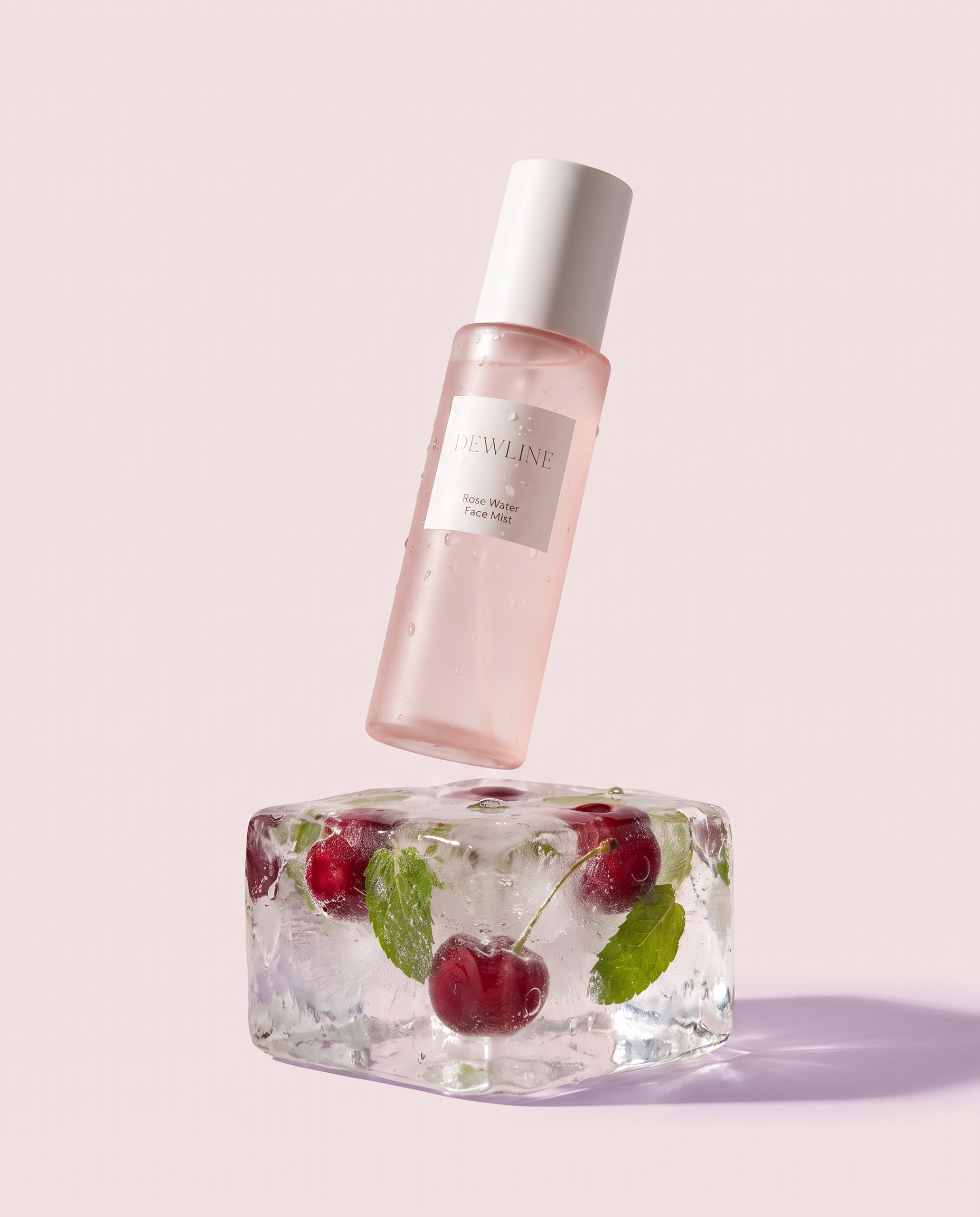
Your practice task
Import your own site, make one image ad and one motion graphic, and post the one that matches your brand best.
Read the transcript(1:40)
Set up your brand kit once in Marketing Studio, then turn your saved product into image ads and motion graphics. Open Marketing Studio with your saved product in the Composer. Video, image, and motion all share that product, so start by opening Brand Kit. Paste your website address into the field at the top. Here, use pixeldojo.ai as the website to build the kit from. Press Import to bring in your brand details. The kit fills with your logo, colors, fonts, brand voice, and selling points. Ready for review. Check the imported details before saving. Review the brand voice and selling points. Edit anything you want to change, then save your brand kit. Switch to image. The PixelDojo brand chip shows your saved kit carries across your ads. Choose a template, like Ice Float, for this product. Press Generate. In seconds, two design product ads come back with your brand kit applied. Here, Ice Float gives the bottle two different icy compositions. Now switch to motion. Kinetic headline is selected here, with your saved selling points in the lines row and your brand colors ready for the animation. Press Generate to render the motion graphic frame by frame, using your logo and selling points. The animated headline appears alongside your image ads. Your kit now supports image ads and motion graphics. Next, try another image template with the same saved product.