Best AI for Text Rendering

Generated on PixelDojo. Produced by PixelDojo's generation pipeline.
The best AI for text rendering and legible text in images on PixelDojo is GPT Image 2 when accuracy matters most, while Seedream 4.5 is the fastest strong option for quick poster and layout drafts. The example shown was generated live on PixelDojo for this exact prompt: a motivational quote poster with the crisp legible text "STAY CURIOUS" in elegant typography over a soft gradient. Running the same brief across GPT Image 2, Flux 2 Pro, Google Nano Banana Pro, and Seedream 4.5 shows why model choice matters: some models prioritize typographic precision, some balance speed and style, and some are better for fast creative exploration before a final render.
Side-by-side, same prompt
Every model below ran the identical prompt on PixelDojo so the outputs are directly comparable: “a motivational quote poster with the crisp legible text "STAY CURIOUS" in elegant typography over a soft gradient”
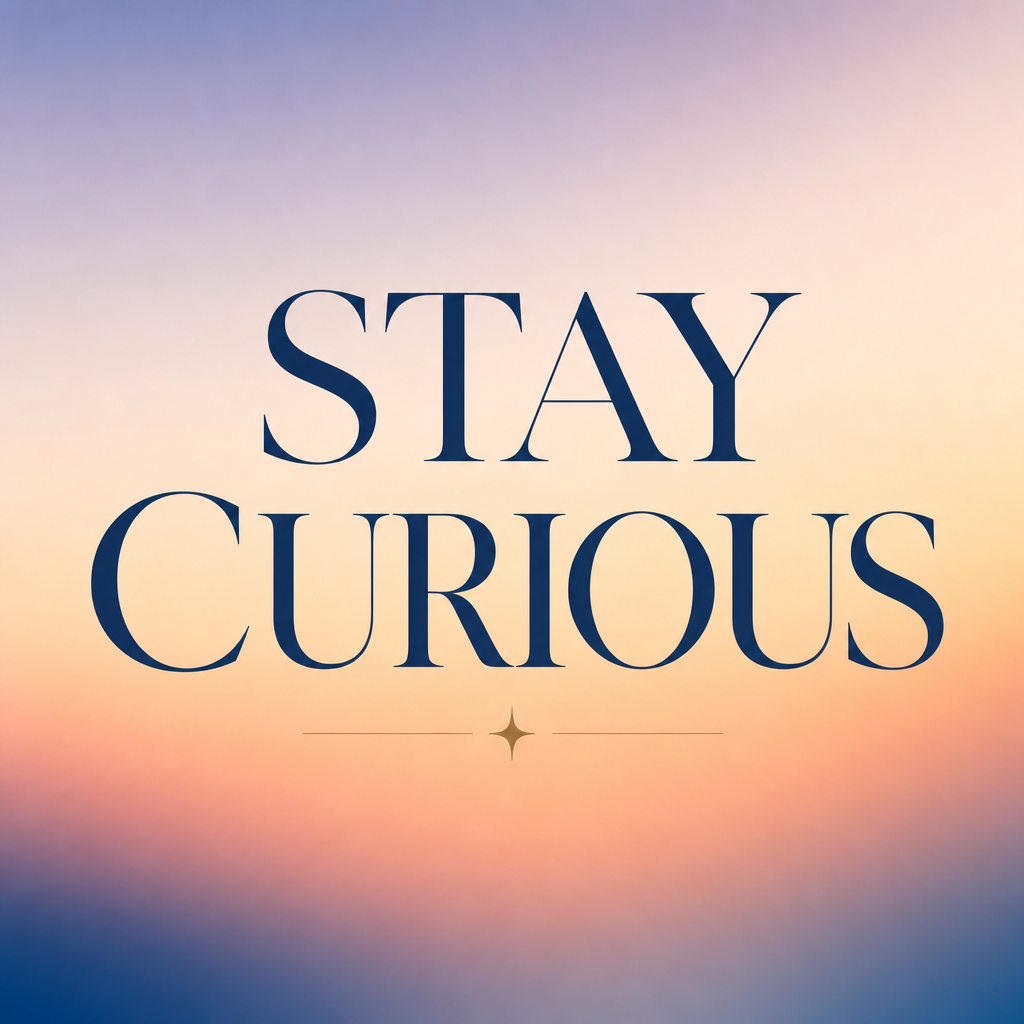
GPT Image 2
159sBest overall for final text accuracy and crisp legibility, with the tradeoff of the slowest render time at 158.7 seconds.
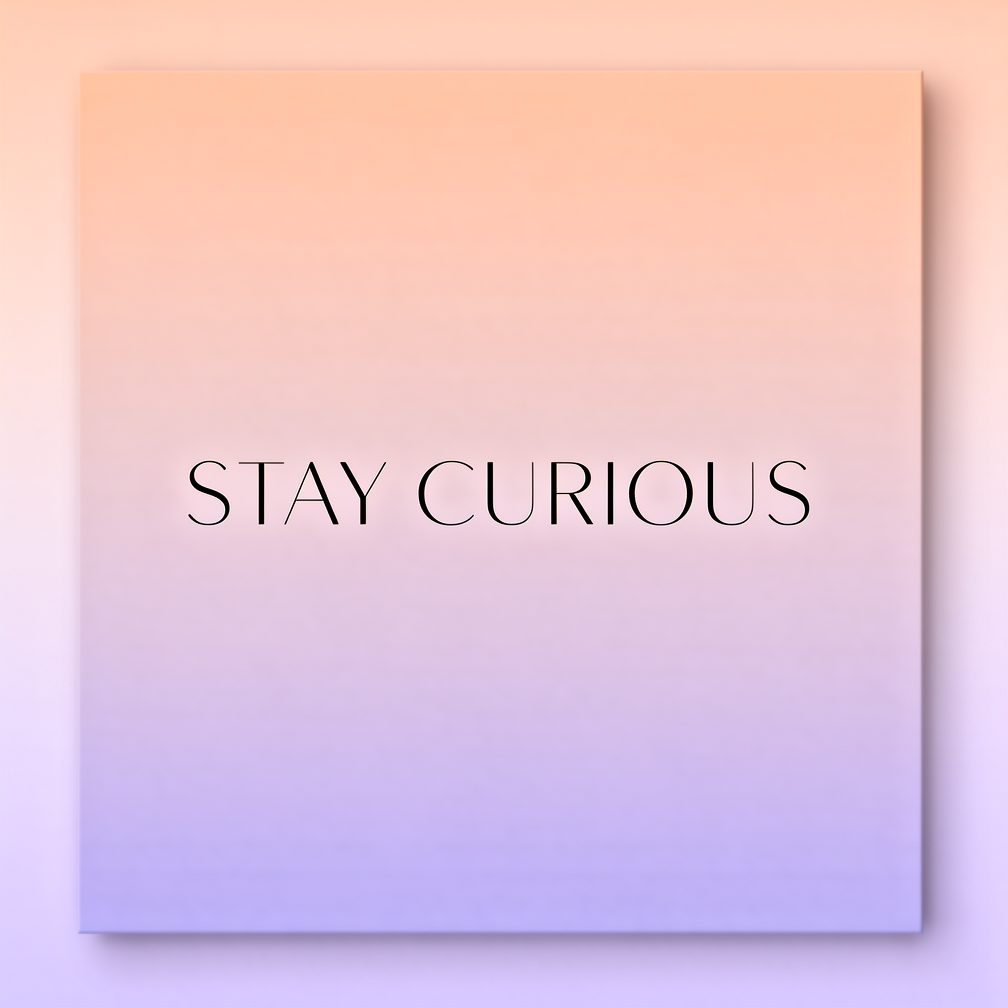
Flux 2 Pro
18sStrong balance of visual quality and speed, completing the brief in 17.6 seconds while remaining practical for styled typography concepts.
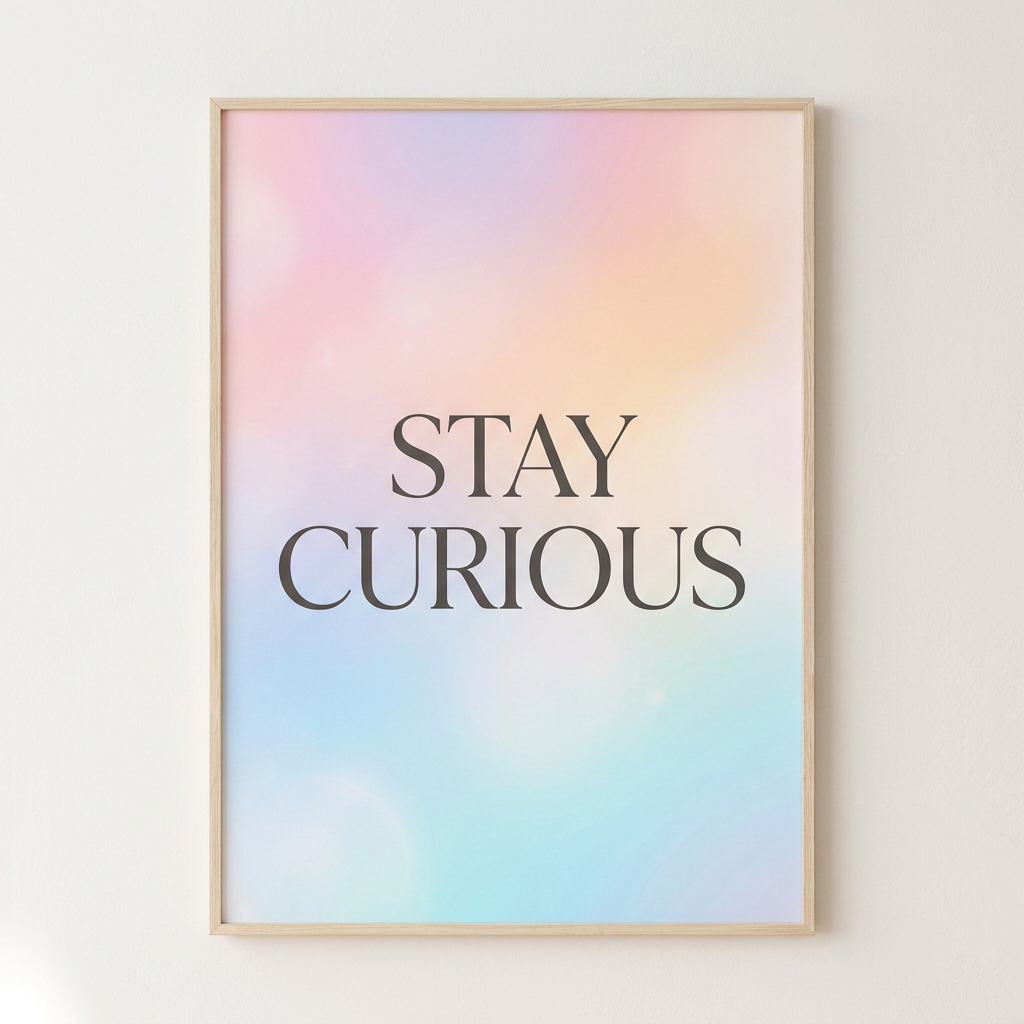
Google Nano Banana Pro
19sVersatile prompt-following option with a competitive 18.6 second render time, useful for testing compositions and alternate visual directions.
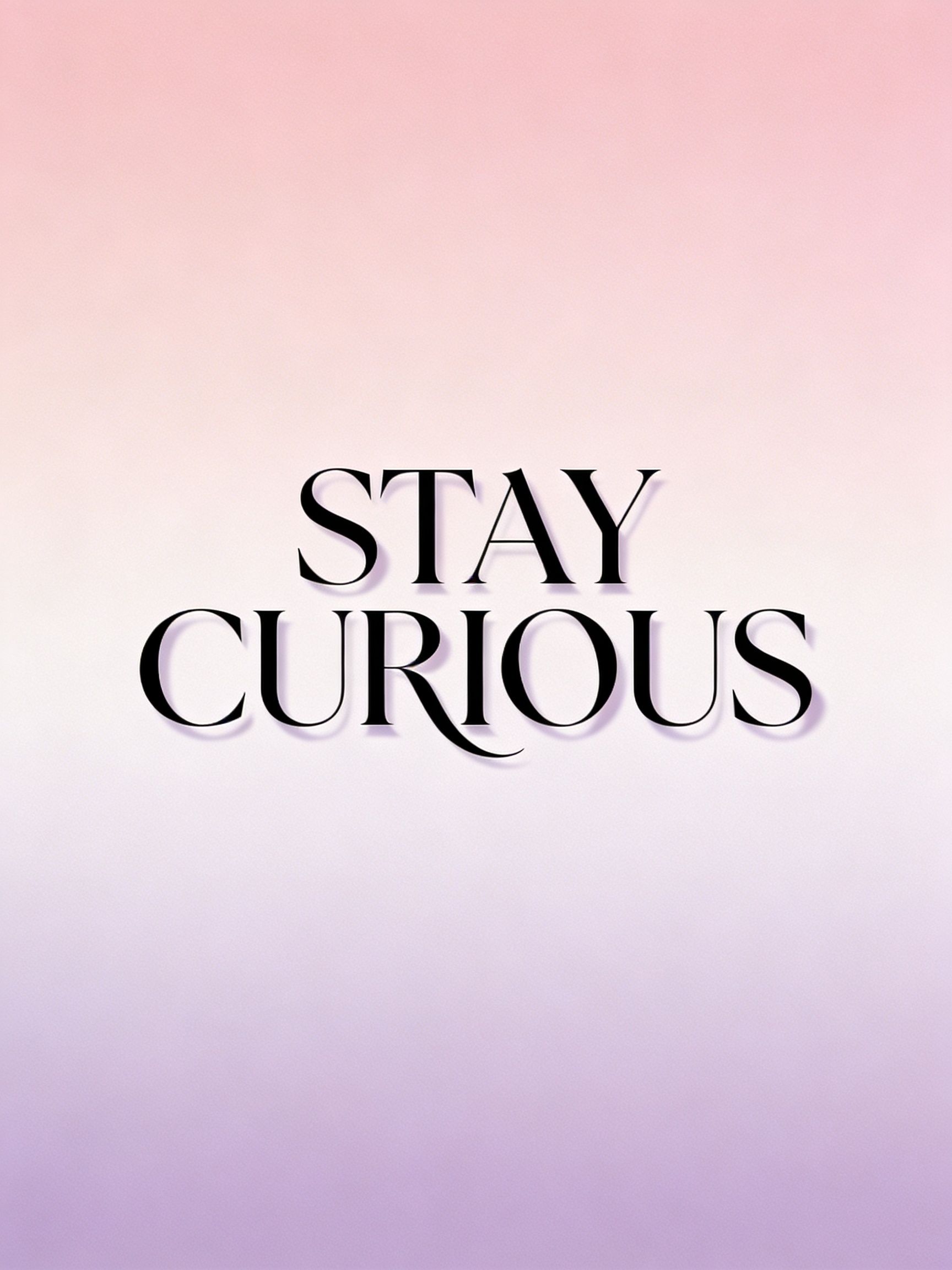
Seedream 4.5
8.4sFastest option in the comparison at 8.4 seconds, making it ideal for rapid drafts and quick iteration on text-based image ideas.
Real image examples generated on PixelDojo
Every example below was produced on PixelDojo. Hover to see the prompt.
Image of an ai painting a human and a human painting an ai
flux
Photorealistic
flux
Photorealistic
flux
Photorealistic
flux
Photorealistic
flux
Photorealistic
flux
Models you can run on PixelDojo for Best AI for Text Rendering
Switch models without switching tools. Each one runs in the same PixelDojo studio.
What you can do with Best AI for Text Rendering on PixelDojo
Precise Text Placement Control
We let creators position and align text elements directly in generated images.
Clear Text at High Resolution
Our models keep text legible and sharp even when images are scaled up.
Multi Language Text Support
Creators can render text using characters from various scripts and languages.
Post Generation Text Edits
We allow users to update text content without creating a new image.
Why Choose Pixel Dojo for Best AI for Text Rendering
Professional-quality results with cutting-edge AI technology
Compare top text-capable image models in one place
PixelDojo makes it easy to run the same prompt across GPT Image 2, Flux 2 Pro, Google Nano Banana Pro, and Seedream 4.5, so you can judge text clarity, spelling, layout, and visual style side by side.
Create crisp quote posters, ads, covers, and graphics
Use PixelDojo for image prompts that require readable words, including motivational posters, product mockups, social posts, thumbnails, packaging concepts, greeting cards, and branded visuals.
Balance legibility, style, and render speed
For the "STAY CURIOUS" poster brief, GPT Image 2 took 158.7 seconds, Flux 2 Pro took 17.6 seconds, Google Nano Banana Pro took 18.6 seconds, and Seedream 4.5 took 8.4 seconds. PixelDojo helps match the model to the job.
How It Works
Write the exact text in quotes
Enter the words exactly as they should appear, using quotation marks around the text. For example: crisp legible text "STAY CURIOUS". Keep the wording short for the best chance of clean spelling and balanced typography.
Choose the model based on the goal
Select GPT Image 2 for the highest priority on clean lettering, Seedream 4.5 for rapid drafts, Flux 2 Pro for a strong balance of speed and design polish, or Google Nano Banana Pro for prompt-following and versatile composition tests.
Refine typography and layout
If the first result is close but not perfect, adjust the prompt with type direction such as centered headline, large uppercase letters, generous spacing, high contrast, simple background, and no extra words.
Loved by creators on PixelDojo
Real feedback from people using PixelDojo, pulled from our in-product surveys.
Lots of different tools. It's easy to purchase more credits.
Amazing performance!
Excellent website for creating all types of media
Very eay to use, works well to train SDXL loras.
The amazing tools
Top notch quality and strong prompt adherence.
Explore more AI tools on PixelDojo
AI Tools
Compare & Switch
- Best AI Image Generators
- Best AI Video Generators
- Midjourney Alternatives
- Civitai Alternatives
- Runway Alternatives
- Leonardo Alternatives
- Pika Alternatives
- Luma Alternatives
- Magnific Alternatives
- Veo Alternatives
- Flux Alternatives
- Freepik Alternatives
- Seedance Alternatives
- Seedream Alternatives
- Pixverse Alternatives
- GPT Image Alternatives
- Synthesia Alternatives
- Playground Alternatives
- NightCafe Alternatives
- Canva AI Alternatives
- ElevenLabs Alternatives
- ComfyUI Alternatives
- Fal Alternatives
- Replicate Alternatives
Common Questions
Everything you need to know about Best AI for Text Rendering
Which PixelDojo model is best for legible text in images?
GPT Image 2 is the best choice when the text must be as accurate and readable as possible. It took longer in the comparison at 158.7 seconds, but it is the strongest option for final artwork where spelling, spacing, and crisp typography matter.
Which model is fastest for AI text rendering?
Seedream 4.5 was the fastest in this comparison at 8.4 seconds. It is a strong pick for quick concepting, variations, and early drafts before moving to a higher precision model for a final render.
How should prompts be written for readable AI text?
Keep the text short, place the exact wording in quotation marks, and specify readable design details. A strong prompt might include phrases such as crisp legible text, elegant typography, centered composition, high contrast, clean background, and no extra text.
Can AI image models handle long sentences or paragraphs?
Short text usually works best. One to four words are easier for image models to render cleanly than long quotes, paragraphs, or dense layouts. For longer copy, generate the background first, then add final text in a design editor.
What should be avoided when generating text in AI images?
Avoid vague requests like add nice text, crowded layouts, multiple slogans, tiny type, low contrast, and complex backgrounds behind the words. Clear lettering needs a simple prompt, enough visual space, and a model suited to text rendering.