chatgpt image tool
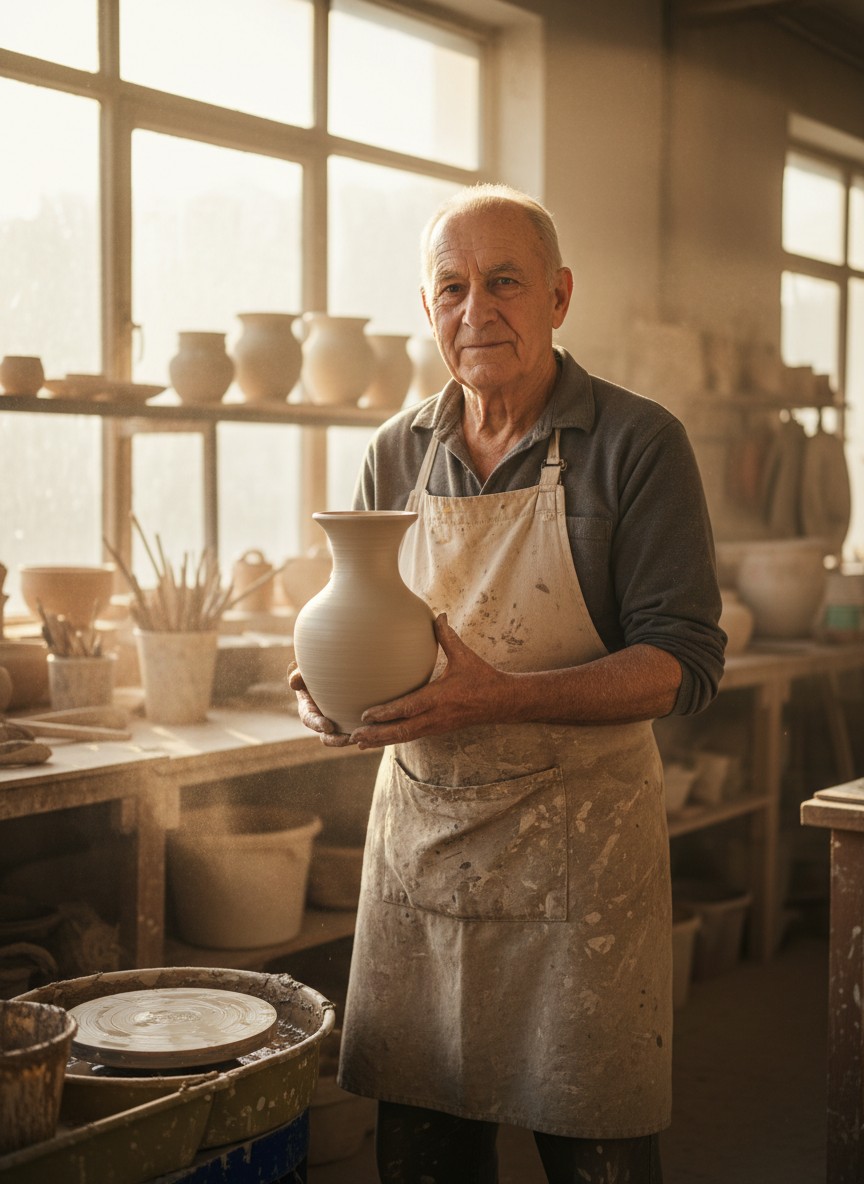
Generated on PixelDojo. Produced by PixelDojo's generation pipeline.
You can now turn any idea into a professional visual in seconds with PixelDojo's ChatGPT image tool. No more waiting for designers or struggling with complex software. Using GPT Image 2 alongside Nano Banana 2, Flux.2 Studio, Krea Image, and dozens more, you describe what you want in everyday language and receive photorealistic photos, detailed illustrations, infographics with crystal-clear text, and even multi-image series that stay perfectly consistent. Marketers produce high-converting ads and social posts. Content creators craft thumbnails and storyboards that capture attention. Entrepreneurs visualize products and branding without photoshoots. You get accurate lighting, composition, and style control that used to require years of expertise. Thousands of creators worldwide already rely on these 40+ cutting-edge tools to grow their brands. Cancel anytime with zero risk. Your next campaign-ready image is just a prompt away.
Real image examples generated on PixelDojo
Every example below was produced on PixelDojo. Hover to see the prompt.
Gg-portrait
image-to-image
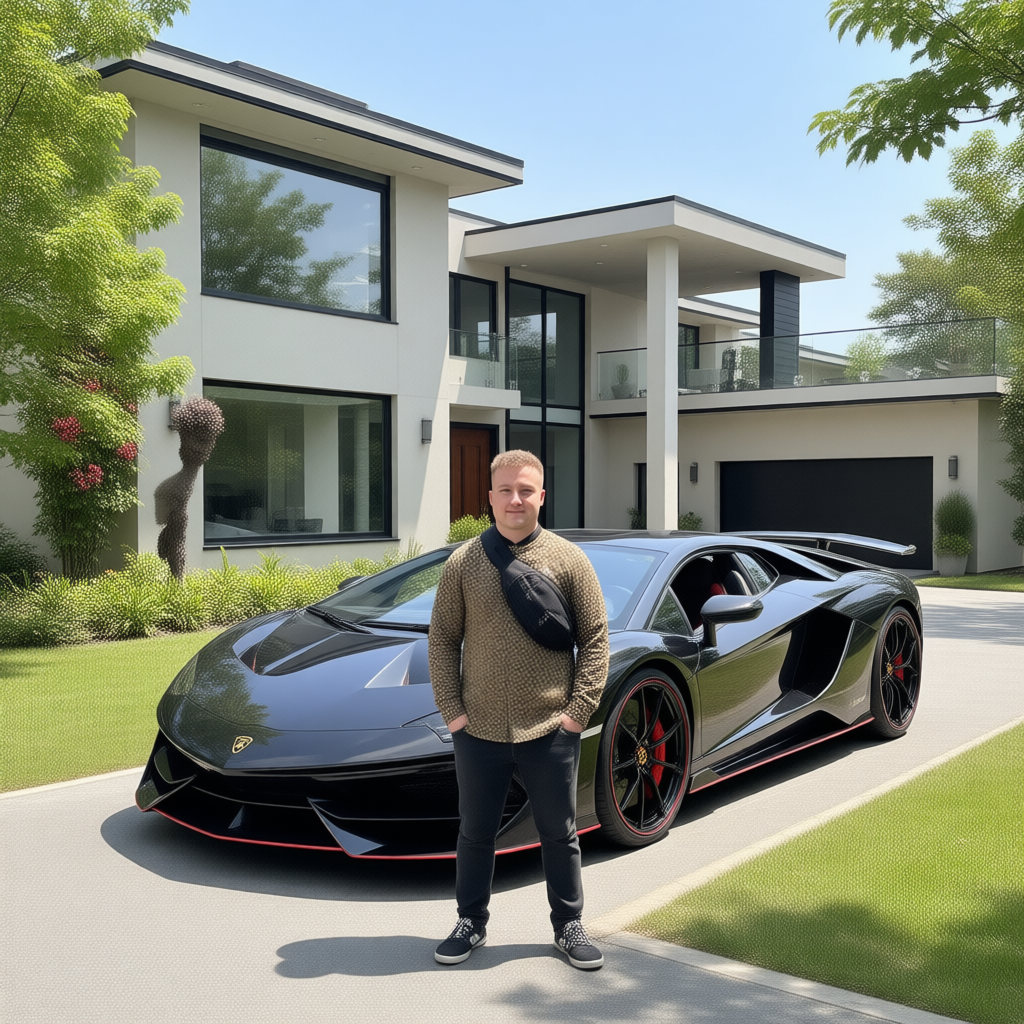
Canvas generate — From qwen-image
canvas-generate
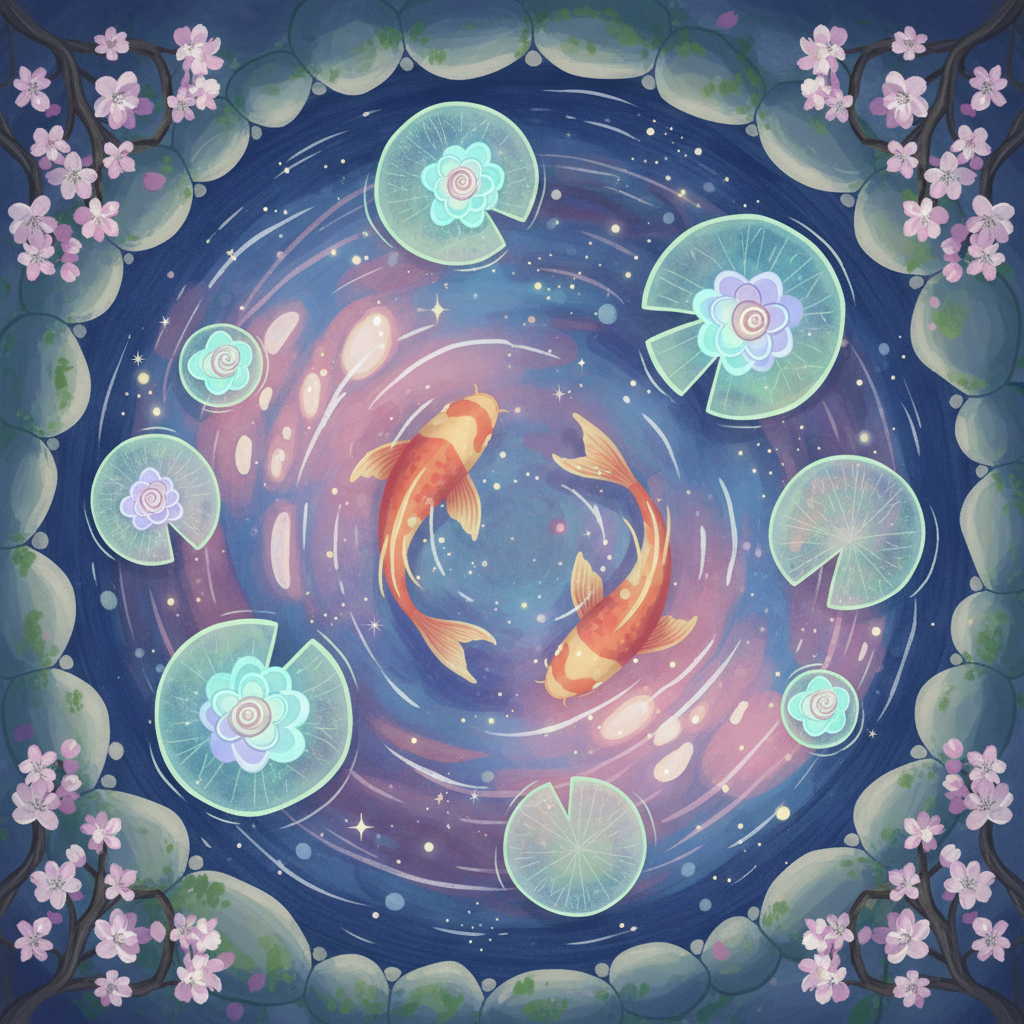
Gg-illustration
image-to-image
Gv-product
image-to-video
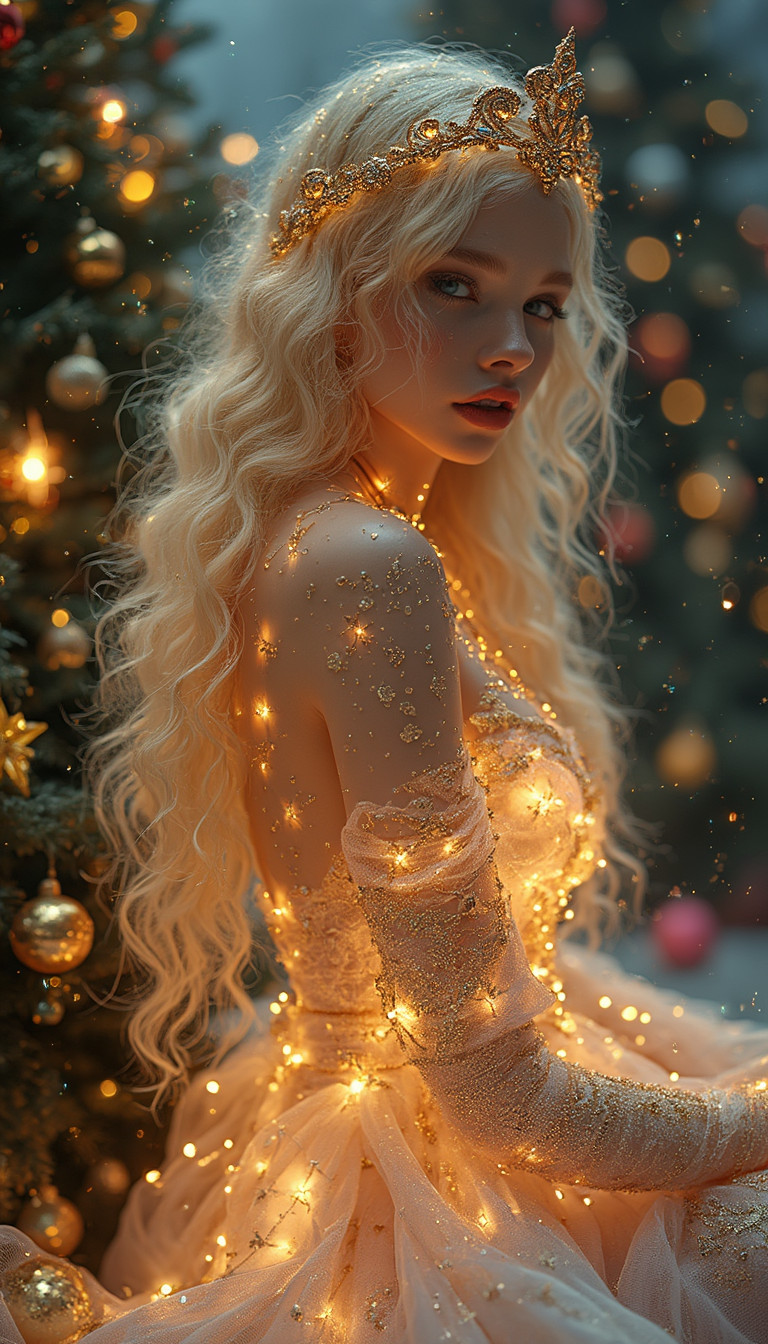
"Magnificent Christmas" is a hyper-realistic portrait of a Christmas woman with glowing sk…
flux
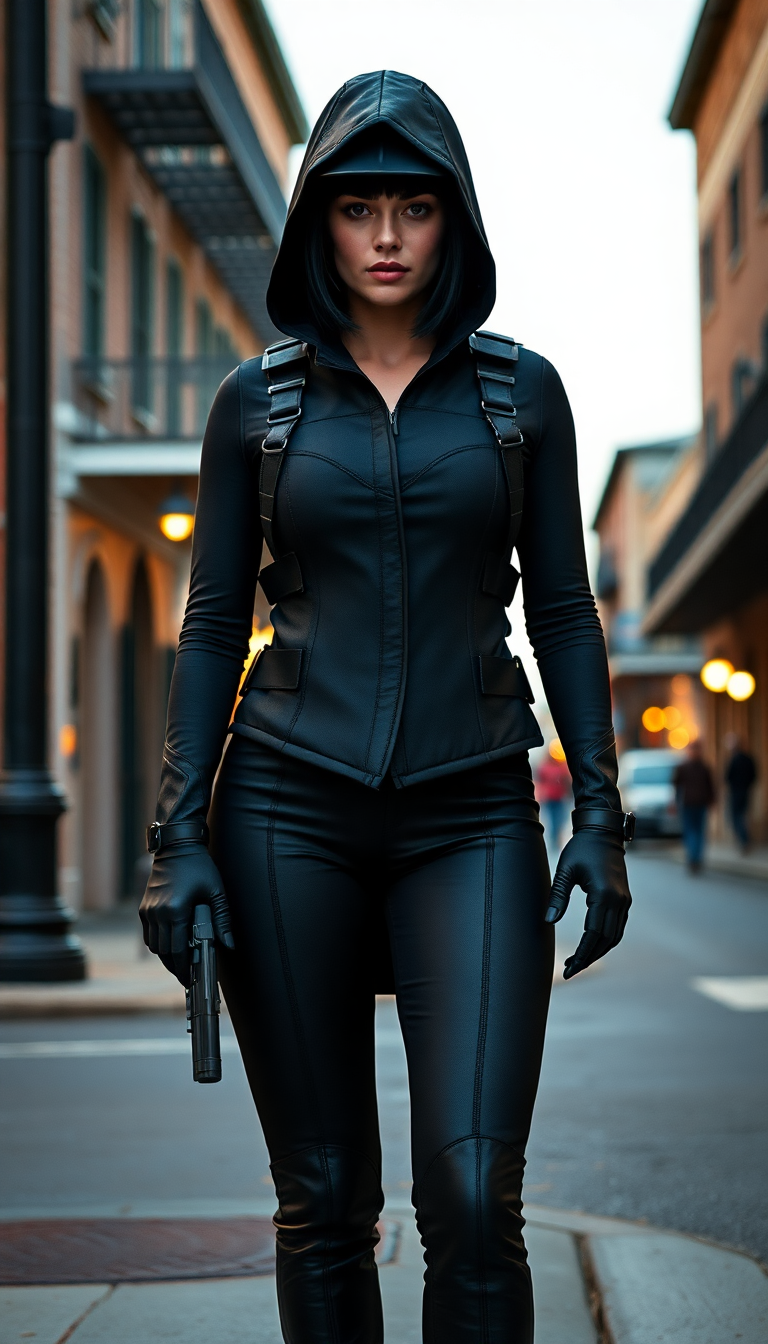
She wore a night black costume
flux
Models you can run on PixelDojo for chatgpt image tool
Switch models without switching tools. Each one runs in the same PixelDojo studio.
What you can do with chatgpt image tool on PixelDojo
Prompt to Image
We turn your written prompts into still images you can generate, review, and download. You stay in control of subject, composition, and overall look.
Guided Image Edits
We let you refine an image with follow-up prompts so you can adjust details without starting from scratch. Keep what works and change what does not.
Style and Mood Control
We support prompts that specify lighting, camera feel, art style, and color direction. You can produce a set of related images that share a consistent visual language.
Variations for Creators
We generate multiple takes from one idea so you can compare options quickly. Pick a direction, then iterate until the frame matches your brief.
Loved by thousands of creators worldwide who generate millions of images every month. Users rate PixelDojo 4.9 out of 5 for speed, quality, and ease. Access 40+ AI tools including GPT Image 2 in one powerful platform.
Why Choose Pixel Dojo for chatgpt image tool
Professional-quality results with cutting-edge AI technology
Launch High-Converting Campaigns in Minutes
You produce photorealistic ads, social graphics, and infographics that drive real engagement and sales. GPT Image 2 delivers precise text rendering, cinematic lighting, and professional composition so every visual looks agency-quality without the budget or delay.
Build Cohesive Visual Stories Instantly
You generate entire series of matching images from one prompt, keeping characters, objects, and style consistent across panels or campaigns. Perfect for comics, product lines, or brand narratives that keep audiences coming back.
Perfect Every Detail Without Restarting
You refine images using Inpainting, Change Camera Angle, Style Transfer, Magic Lighting, and Background Remover, then upscale with P-Image Upscale or Magnific Upscaler. Your work goes from draft to download-ready in moments, saving hours of manual effort.
How It Works
Creating professional images with PixelDojo's ChatGPT image tool is straightforward. You follow three simple steps and get results that look like they came from a full creative team.
Step 1: Choose Your Tool
Sign in to PixelDojo and go to Generate Images. Select GPT Image 2 for conversational ChatGPT-style generation that understands context and follows detailed instructions. Combine it with Flux.2 Studio or Riverflow for unique artistic styles, or start with Nano Banana 2 for speed. You can also train a custom model using Flux Trainer or QWEN Trainer to match your exact brand look.
Step 2: Enter Your Prompt
Type a clear natural-language description just as you would explain it to a photographer or illustrator. Include the main subject, what is happening, the setting, lighting such as golden hour or cinematic, the visual style, and any text you want rendered (place exact words in quotes). Mention composition, camera angle, or constraints like no extra objects. Upload a reference photo for Image to Image if you want to transform an existing asset. GPT Image 2 handles complex scenes, accurate text, and even multiple related images from one prompt.
Step 3: Customize & Download
Review your image and make targeted changes using Edit Images tools: Inpainting for specific areas, Style Transfer for a new look, Magic Lighting for atmosphere, or Reality Polisher for extra realism. Remove backgrounds, change camera angles, or outpaint to expand the scene. Then enhance with Upscale & Enhance options like Clarity Pro or Portrait Upscaler. Download in high resolution or continue into video with Marketing Studio or Kling Video. Iterate conversationally until it is exactly what you envisioned.
The Pixel Dojo Advantage
Why PixelDojo outperforms other options for ChatGPT image tool image generation. You gain speed, quality, and complete creative control that traditional methods and limited platforms simply cannot match.
| Others | Pixel Dojo |
|---|---|
| Traditional image creation | You skip costly photoshoots, designer fees, and weeks of revisions. Generate unlimited professional variations in seconds using GPT Image 2 and editing tools, then refine them conversationally until they convert perfectly. |
| Generic AI tools | You access GPT Image 2 plus 40+ specialized models like Seedream 5, Ideogram 4, WAN 2.7, and Flux.1 Studio, along with full editing, upscaling, character consistency, 3D, audio, and video suites. Everything lives in one place so you never hit a creative wall. |
| Manual photo editing | You eliminate hours of tedious pixel-level work. Conversational edits, automatic background removal, style transfer, and AI upscalers handle the heavy lifting while you stay focused on the big idea. Results stay consistent and publication-ready every time. |
Loved by creators on PixelDojo
Real feedback from people using PixelDojo, pulled from our in-product surveys.
good tools in one place
Prompt updates, strong features, and a community that is always willing to help and hear/act on professional feedback. I've never had a better experience.
user friendly all in one thing
I really like the schedule of AI work performed!
The best tools for IA on the web !
The guy that operates the website is constantly updating it
Explore more AI tools on PixelDojo
AI Tools
Compare & Switch
- Best AI Image Generators
- Best AI Video Generators
- Midjourney Alternatives
- Civitai Alternatives
- Runway Alternatives
- Leonardo Alternatives
- Pika Alternatives
- Luma Alternatives
- Magnific Alternatives
- Veo Alternatives
- Flux Alternatives
- Freepik Alternatives
- Seedance Alternatives
- Seedream Alternatives
- Pixverse Alternatives
- GPT Image Alternatives
- Synthesia Alternatives
- Playground Alternatives
- NightCafe Alternatives
- Canva AI Alternatives
- ElevenLabs Alternatives
- ComfyUI Alternatives
- Fal Alternatives
- Replicate Alternatives
Common Questions
Everything you need to know about chatgpt image tool
How do I write the best prompts for the ChatGPT image tool on PixelDojo?
You write in natural conversational language just like talking to a skilled artist. Start with the main subject and action, add the setting and lighting (golden hour, soft studio light, cinematic), specify the style or medium, and include composition details such as camera angle or depth of field. Place any text you want in the image inside quotation marks and describe its font, size, color, and placement. Keep the prompt focused on 1-3 clear sentences covering purpose, subject, environment, and constraints. PixelDojo's GPT Image 2 follows these instructions with high accuracy, and you can iterate by saying 'change only the lighting, keep everything else the same.'
What are the latest ChatGPT image generation techniques I can use with PixelDojo?
You use detailed yet concise natural-language prompts that include lighting, camera terms, and style for photorealism. GPT Image 2 supports generating multiple consistent images from one prompt, precise conversational editing, and strong text rendering even in non-English languages. Combine it with PixelDojo's Image to Image, Inpainting, and Character Sheets for even better control. Upload references, request specific aspect ratios, and refine with Magic Lighting or Reality Polisher. These techniques let you create infographics, marketing assets, and story sequences that look professionally produced.
Can PixelDojo's ChatGPT image tool generate images with accurate readable text?
Yes. GPT Image 2 excels at rendering clean, correctly spelled text inside images, including headings, labels, UI elements, and even mixed-language content. You simply put the exact words in quotes and describe font style, size, color, and location. This makes it ideal for infographics, menus, posters, and mockups. After generation you can further polish text areas with Inpainting or Reality Polisher if needed. Thousands of users already create publication-ready graphics this way.
How can I create consistent characters across multiple images using the ChatGPT image tool?
You start with GPT Image 2 and describe the character once, then request a series of images while reminding the model to keep appearance, clothing, and style identical. For even stronger consistency, use PixelDojo's Consistent Characters, Character Sheets, or Ideogram Character tools. You can also train a custom LoRA with Flux Trainer. The result is matching faces and outfits across comics, ads, or product shots without extra work.
Is there a free or low-risk way to try the ChatGPT image tool on PixelDojo?
Absolutely. You can start creating immediately with GPT Image 2 and the full suite of 40+ tools. PixelDojo is loved by thousands of creators worldwide and you can cancel anytime with no long-term commitment. Generate your first images, test editing features like Background Remover and Upscalers, and see the quality for yourself before deciding. There is zero risk to exploring everything the platform offers.
How does PixelDojo help me go beyond basic ChatGPT image generation?
You get GPT Image 2 plus specialized models such as Flux.2 Studio, Seedream 5, Kling Image, and WAN 2.7 for different styles and speeds. Then you edit with Inpainting, Style Transfer, Change Camera Angle, and Magic Lighting. Upscale with Magnific or Clarity Pro, create consistent characters, generate video in Marketing Studio or Kling Video, and even train your own models. All of this lives in one dashboard so you move from idea to finished campaign without switching tools.