clarity upscaler
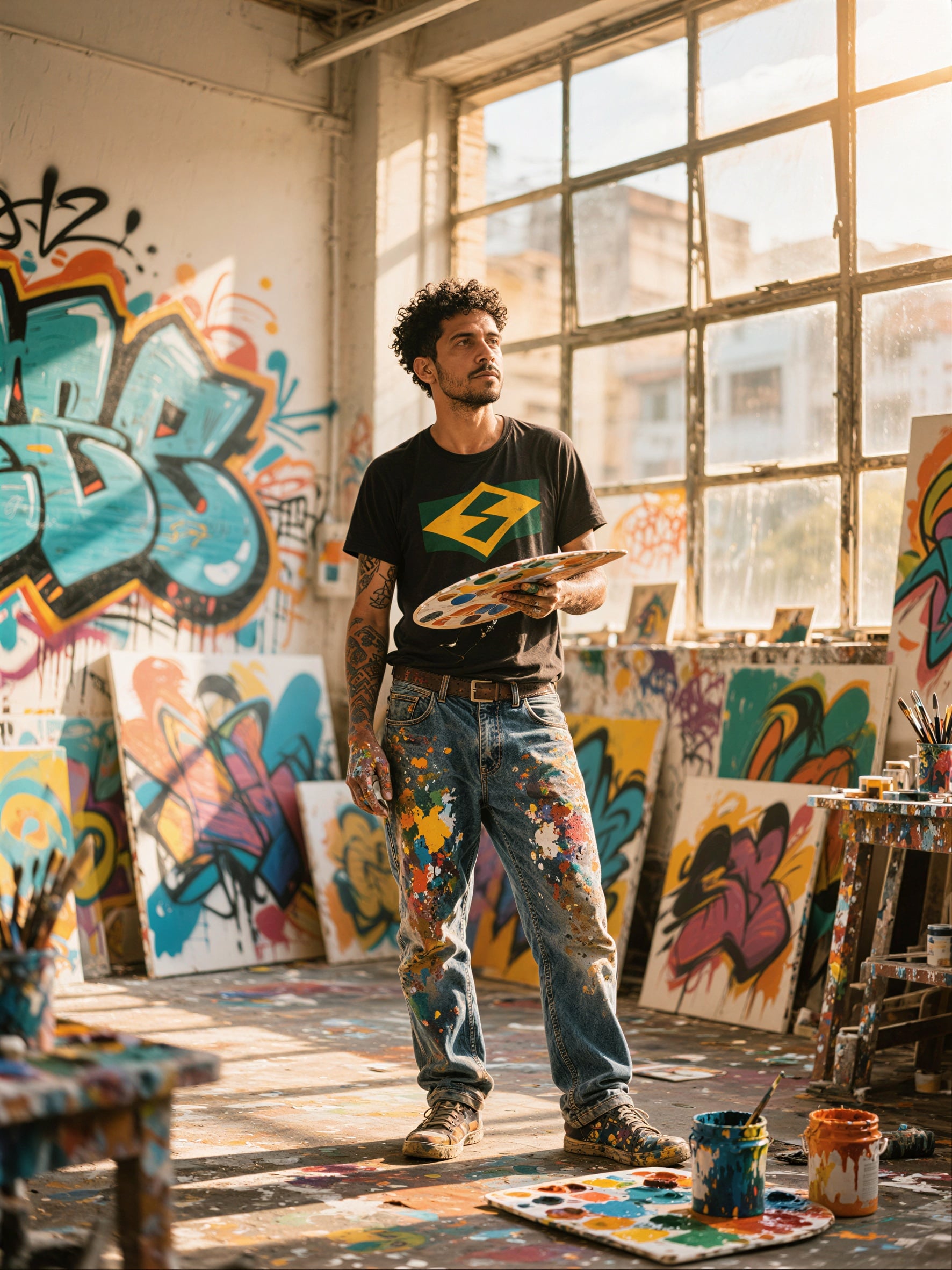
Generated on PixelDojo. Produced by PixelDojo's generation pipeline.
You deserve images that look professionally shot and ready for large prints, billboards, or high-end product catalogs. With PixelDojo's Clarity Upscaler, you transform everyday photos, old scans, or AI-generated artwork into breathtaking high-resolution results packed with natural textures, sharp edges, and lifelike details. Generate your base image using powerful tools like Flux.2 Studio, Seedream 5, or QWEN Image 2, then apply Clarity Pro to enlarge it up to 16 times while keeping faces, products, and scenes authentic. The outcome is print-ready 8K files that capture every pore, fabric weave, and lighting nuance without the plastic look or identity shifts common in lesser enhancers. Thousands of creators already use this workflow to deliver client work that wins praise and sales. You skip hours of manual retouching and get consistent, commercial-quality results in minutes. Whether you need hero shots for marketing campaigns or restored family portraits that feel brand new, Clarity Pro plus PixelDojo's full suite of 40+ cutting-edge AI tools puts professional outcomes in your hands. Cancel anytime and try it today to see the difference in your next project.
Real image examples generated on PixelDojo
Every example below was produced on PixelDojo. Hover to see the prompt.
P-Image Upscale
p-image-upscale

Upscaled version
stable-diffusion
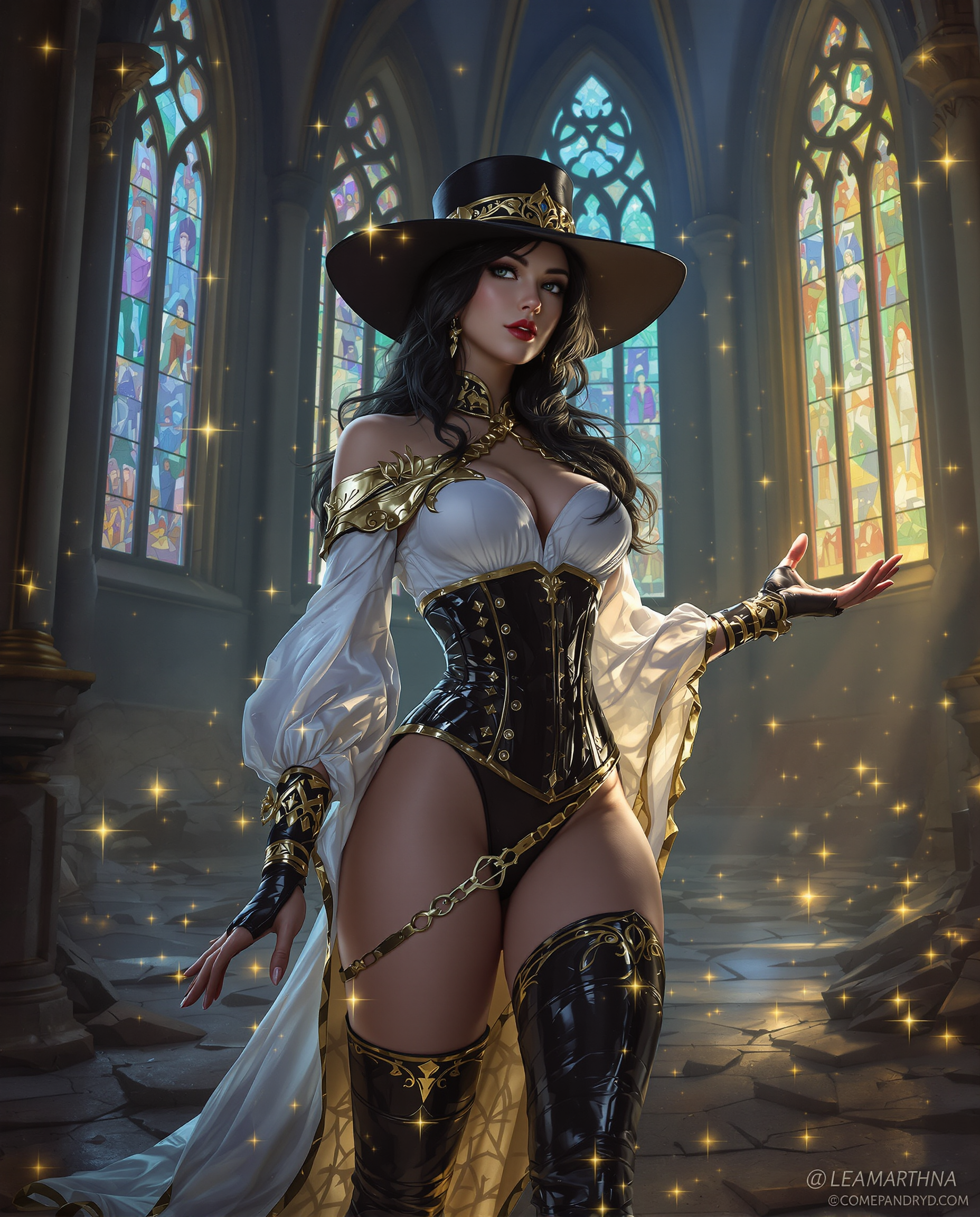
This is a realistic photo photograph of a female real person image that appears to be digi…
flux
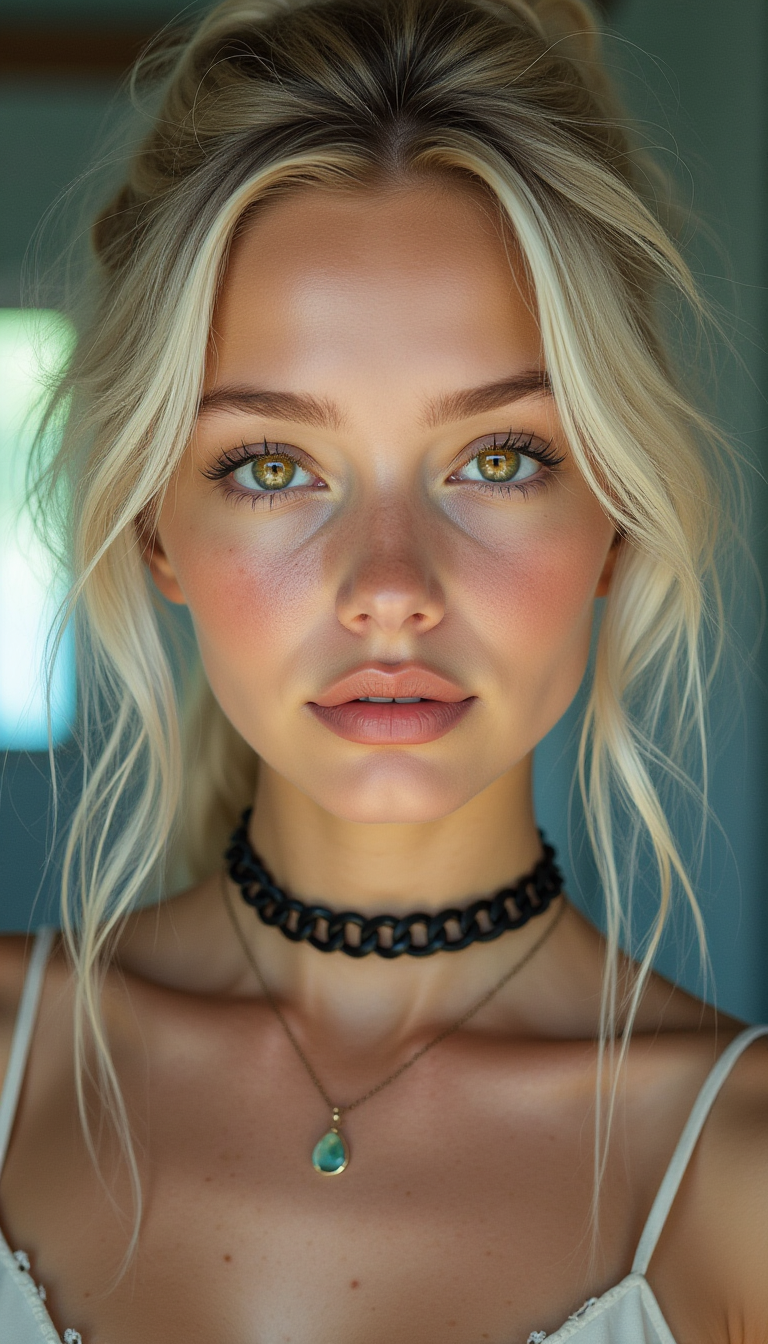
A lifelike portrait of a young woman with soft platinum-blonde hair styled in loose
flux
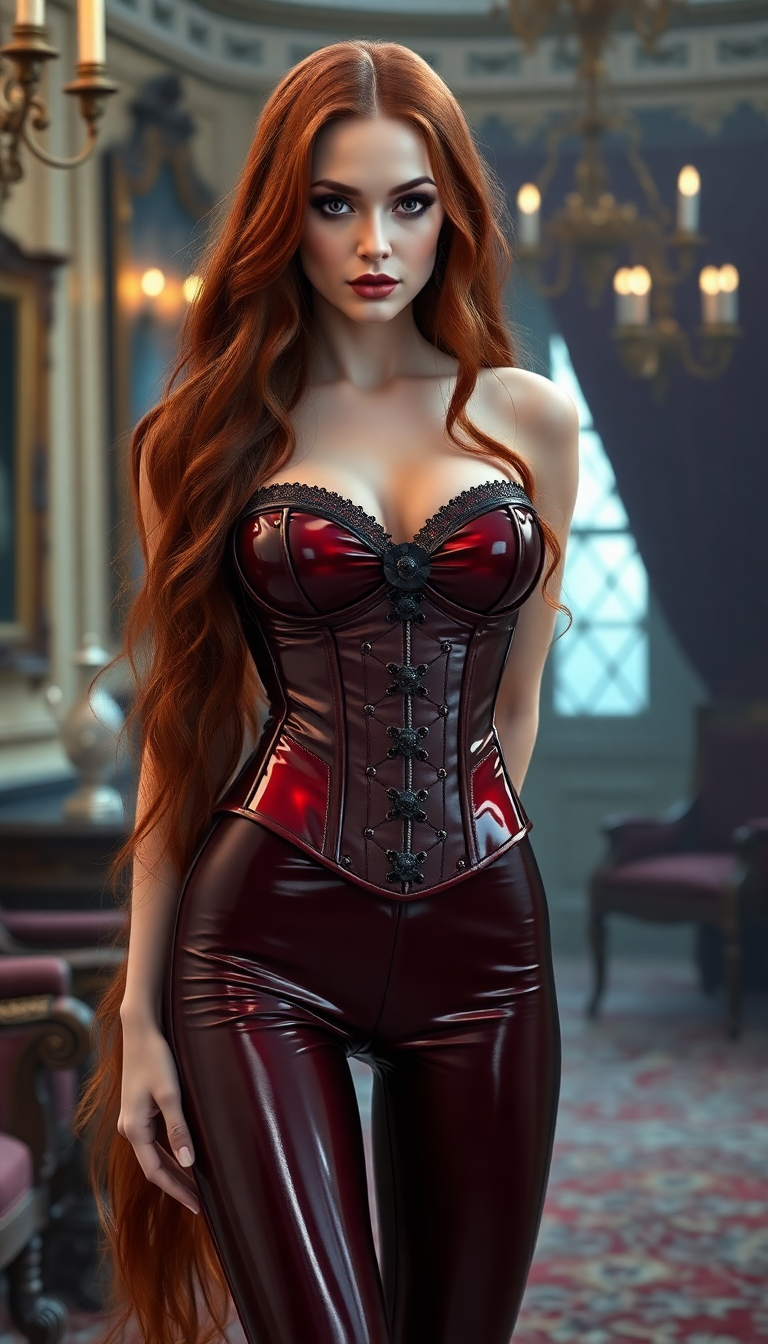
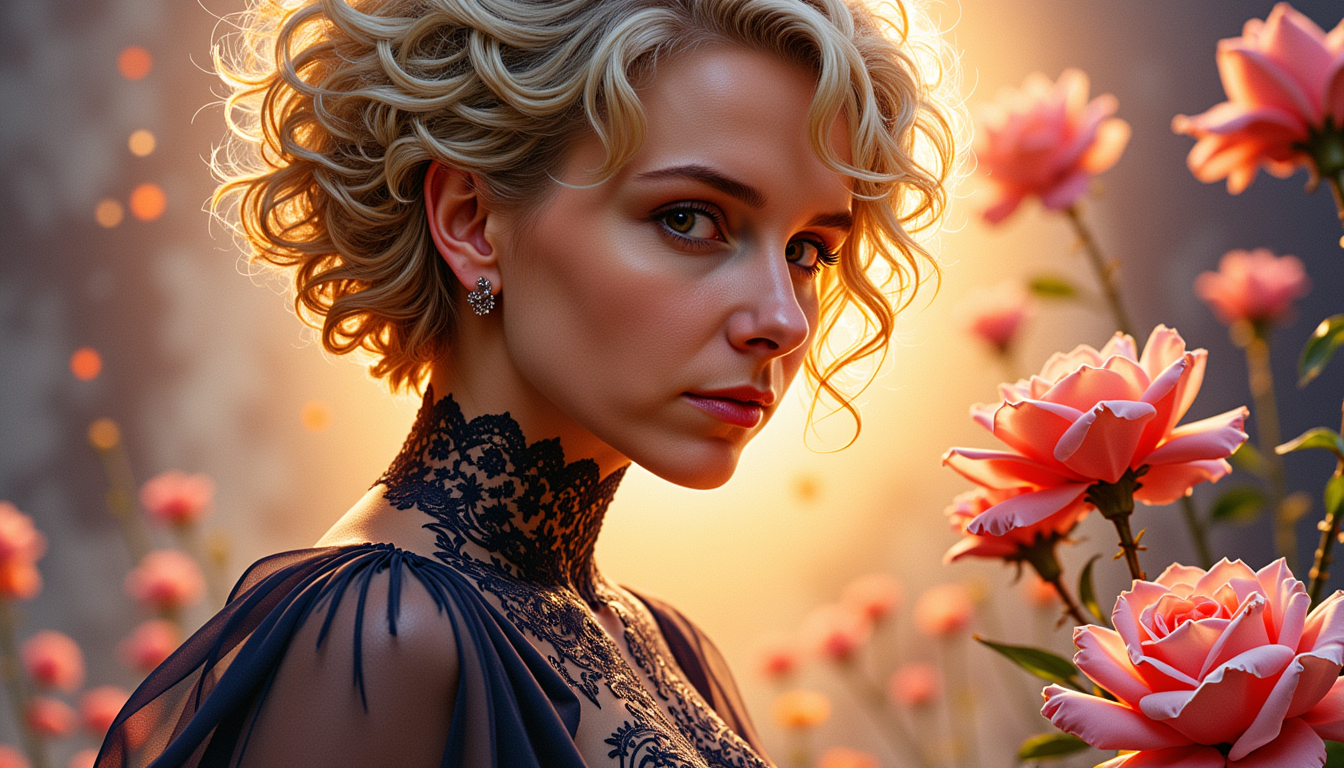
clarity upscaler on PixelDojo
flux
MO-LoRa-Pixie
stable-diffusion
Models you can run on PixelDojo for clarity upscaler
Switch models without switching tools. Each one runs in the same PixelDojo studio.
What you can do with clarity upscaler on PixelDojo
Detail-preserving image upscale
We enlarge generated or uploaded images while keeping edges, textures, and fine detail readable. You choose the target size and we return a cleaner high-res file you can use in production.
Clarity without extra noise
We reduce blur and mushy artifacts that often appear after generation. The upscaler favors natural sharpness so faces, type, and small objects stay defined.
Works with your existing outputs
We accept images from PixelDojo generations and common file formats you already have. You can upscale a single frame or a short set of stills in one pass.
Export-ready high-res files
We deliver upscaled results you can download and drop into print, web, or video workflows. You keep control over resolution so the file matches the use case.
Loved by thousands of creators worldwide who produce commercial-ready work daily. Access 40+ cutting-edge AI tools including Clarity Pro, Magnific Upscaler, and Portrait Upscaler. Flexible plans with cancel-anytime peace of mind and proven results across portraits, products, and art.
Why Choose Pixel Dojo for clarity upscaler
Professional-quality results with cutting-edge AI technology
Print-Ready 8K Masterpieces from Any Source
You turn 1024-pixel AI generations or smartphone snaps into gallery-quality 8K files with realistic skin, fabric, and landscape textures that hold up on large prints and high-DPI displays.
Identity-True Portraits with Natural Detail
Your subject's face, age, and features stay exactly as they are while Clarity Pro adds authentic pores, hair strands, and lighting for portraits that look captured, not generated.
Full Creative Control Without Guesswork
You dial the creativity slider from faithful reconstruction to expressive enhancement so every upscale matches your vision, whether restoring old photos or elevating product shots for e-commerce.
How It Works
You create stunning high-resolution images in three simple steps using PixelDojo's integrated generation and enhancement tools. Start with a base image from any of our 40+ models, then apply Clarity Pro for photorealistic results.
Step 1: Generate or Upload Your Base Image
Open Generate Images and choose Flux.2 Studio, Seedream 5, QWEN Image 2, or Kling Image to create your starting artwork or photo. Alternatively upload an existing image. Then navigate to Upscale & Enhance and select Clarity Pro for photorealistic sharpening or pair it with Portrait Upscaler for faces.
Step 2: Set Scale and Creativity for Perfect Results
Upload your image to Clarity Pro, choose 2x, 4x, 8x or 16x enlargement, and adjust the creativity control from negative values that stay close to the original to positive values that add rich new detail. Preview the photorealistic output instantly. Combine with P-Image Upscale for fast bulk jobs or Magnific Upscaler when you want extra artistic flair.
Step 3: Refine, Download, and Use Commercially
Make final tweaks with Reality Polisher or Background Remover if needed, then download your 8K PNG or JPG. All outputs come with commercial-use rights so you can print, post, or sell immediately. Repeat the process across your entire catalog using the same credits.
The Pixel Dojo Advantage
Why PixelDojo outperforms other options for clarity upscaler image generation. You get specialized photorealistic tools, seamless generation-to-enhance workflow, and commercial-ready files without extra software or steep learning curves.
| Others | Pixel Dojo |
|---|---|
| Traditional photography and darkroom work | You achieve studio-quality 8K results in minutes instead of booking shoots, waiting for processing, and spending hours in editing software. Clarity Pro plus Flux.2 Studio delivers consistent lighting and detail on demand. |
| Generic AI tools | You access purpose-built Clarity Pro for identity-preserving photorealism, Magnific Upscaler for creative reconstruction, and Portrait Upscaler for faces, all in one place with 40+ models rather than a single one-size-fits-all enhancer. |
| Manual photo editing | You skip tedious masking, cloning, and sharpening layers. PixelDojo's AI reconstructs natural textures automatically so you focus on creative direction and client delivery instead of technical grind. |
Loved by creators on PixelDojo
Real feedback from people using PixelDojo, pulled from our in-product surveys.
phenomenal site. would highly recommend
Amazing features, easy to use, privacy
the number of options, and especially the quick response to questions on Discord
Love you guys!!
Trained my Lora super fast. Still working out how to creat content wit it, but I love it so far.
I love this app
Explore more AI tools on PixelDojo
AI Tools
Compare & Switch
- Best AI Image Generators
- Best AI Video Generators
- Midjourney Alternatives
- Civitai Alternatives
- Runway Alternatives
- Leonardo Alternatives
- Pika Alternatives
- Luma Alternatives
- Magnific Alternatives
- Veo Alternatives
- Flux Alternatives
- Freepik Alternatives
- Seedance Alternatives
- Seedream Alternatives
- Pixverse Alternatives
- GPT Image Alternatives
- Synthesia Alternatives
- Playground Alternatives
- NightCafe Alternatives
- Canva AI Alternatives
- ElevenLabs Alternatives
- ComfyUI Alternatives
- Fal Alternatives
- Replicate Alternatives
Common Questions
Everything you need to know about clarity upscaler
What is the best AI clarity upscaler for photorealistic 8K results in 2026?
PixelDojo's Clarity Pro is purpose-built for photorealistic upscaling that preserves identity and adds natural detail up to 16x and 64 megapixels. Generate first with Seedream 5 or Flux.2 Studio, then enhance. You get commercial-use files, 40+ tools in one subscription, and cancel-anytime flexibility loved by thousands of creators.
How do I upscale AI generated images to 8K without losing facial identity?
Upload your Flux.2 Studio or QWEN Image 2 generation to Clarity Pro, set a moderate creativity value around zero, and choose 4x or 8x scale. The model reconstructs skin texture and hair while keeping the exact likeness. Pair with Portrait Upscaler for extra face refinement. Results are print-ready and commercially licensed.
Can I use PixelDojo Clarity Upscaler on old family photos and product shots?
Yes. Clarity Pro excels at restoring faded scans and making e-commerce images pop with crisp textures and true colors. Combine with Background Remover and Reality Polisher for catalog-ready files. Thousands of marketers already use this workflow to boost conversion rates on websites and ads.
Does the Clarity Pro upscaler work with all PixelDojo generation models?
Absolutely. Create with Nano Banana 2, GPT Image 2, Grok Image, Flux.2 Studio, Krea Image, Riverflow, Luma UNI 1, QWEN Image 2, Seedream 5, Ideogram 4 or any other model, then send the result straight to Clarity Pro, Magnific Upscaler or P-Image Upscale without leaving the platform. One credit system, one history, commercial rights included.
How much does it cost to create high-resolution images with PixelDojo Clarity Upscaler?
Clarity Pro uses a simple credit system starting at just a few credits per 8K output. Generate cheaply with P-Image or WAN Image then upscale keepers. Plans include 40+ tools, unlimited generations on higher tiers, and you can cancel anytime. No hidden fees, no extra software licenses.
Is there a risk-free way to try Clarity Upscaler before committing?
Yes. PixelDojo lets you try the full suite including Clarity Pro, Magnific Upscaler, Portrait Upscaler and all generation models today. Loved by thousands of creators worldwide, every plan includes commercial-use rights and you can cancel anytime with no questions asked. Start with a small project and see the photorealistic difference immediately.