flux 2 klein AI Generator
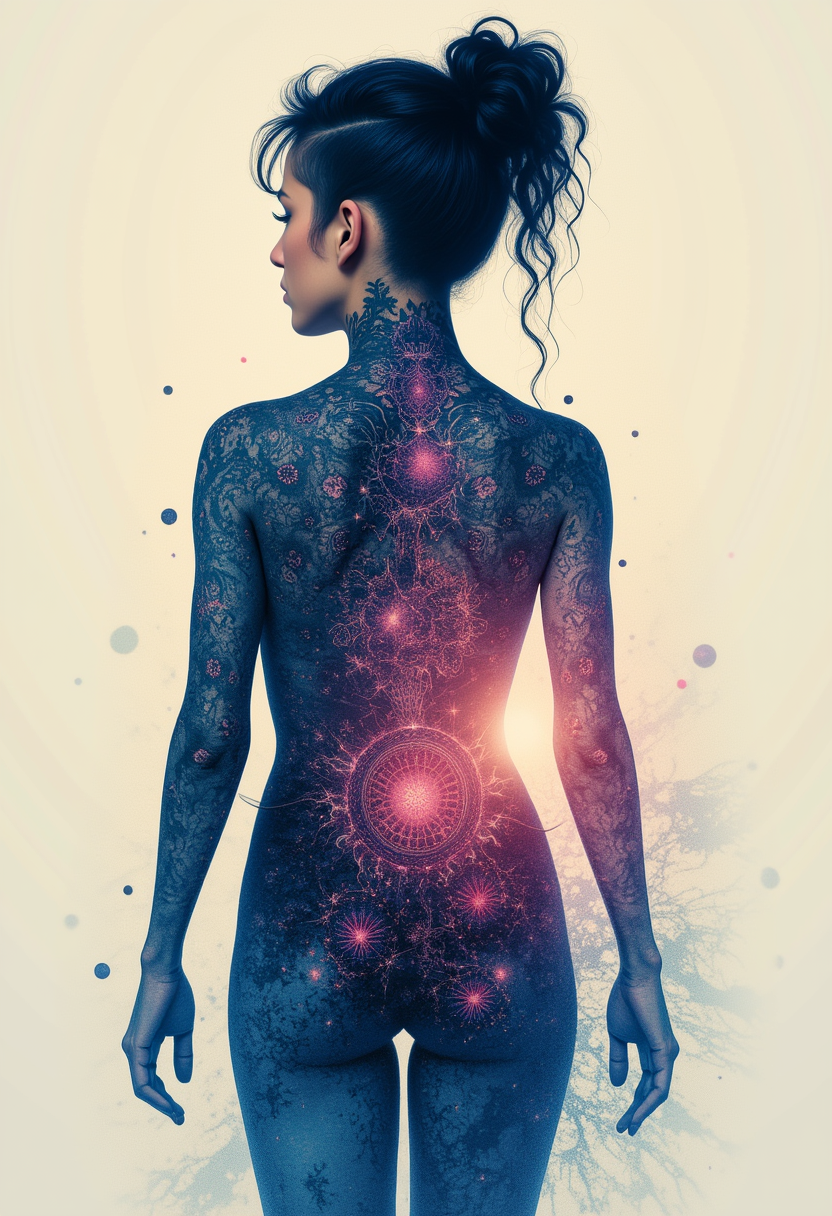
Generated on PixelDojo. Produced by PixelDojo's generation pipeline.
Imagine turning your creative vision into photorealistic images so quickly that you can iterate in real time, refine details on the fly, and ship professional assets before your coffee gets cold. That is exactly what you achieve with Flux 2 Klein image generation on PixelDojo. You no longer wait through long rendering cycles or juggle multiple disconnected apps. Instead, you open Flux.2 Studio, describe what you want, and watch high-quality results appear almost instantly. From there you jump straight into editing with Image to Image, Inpainting, Change Camera Angle, Style Transfer, Magic Lighting, Background Remover, and Reality Polisher. You keep characters consistent across a whole campaign using Consistent Characters, Character Sheets, Ideogram Character, Face Swap, and Flux Pro Virtual Try-On. When you need extra polish you upscale with P-Image Upscale, Magnific Upscaler, or Portrait Upscaler. The entire workflow lives in one place, so you stay in flow and produce more of the work that actually moves your projects forward. Whether you are building marketing visuals, product mockups, storyboards, or social content, Flux 2 Klein on PixelDojo gives you the speed and quality to create without friction.
Real image examples generated on PixelDojo
Every example below was produced on PixelDojo. Hover to see the prompt.
Kira-Lux-Flux
flux
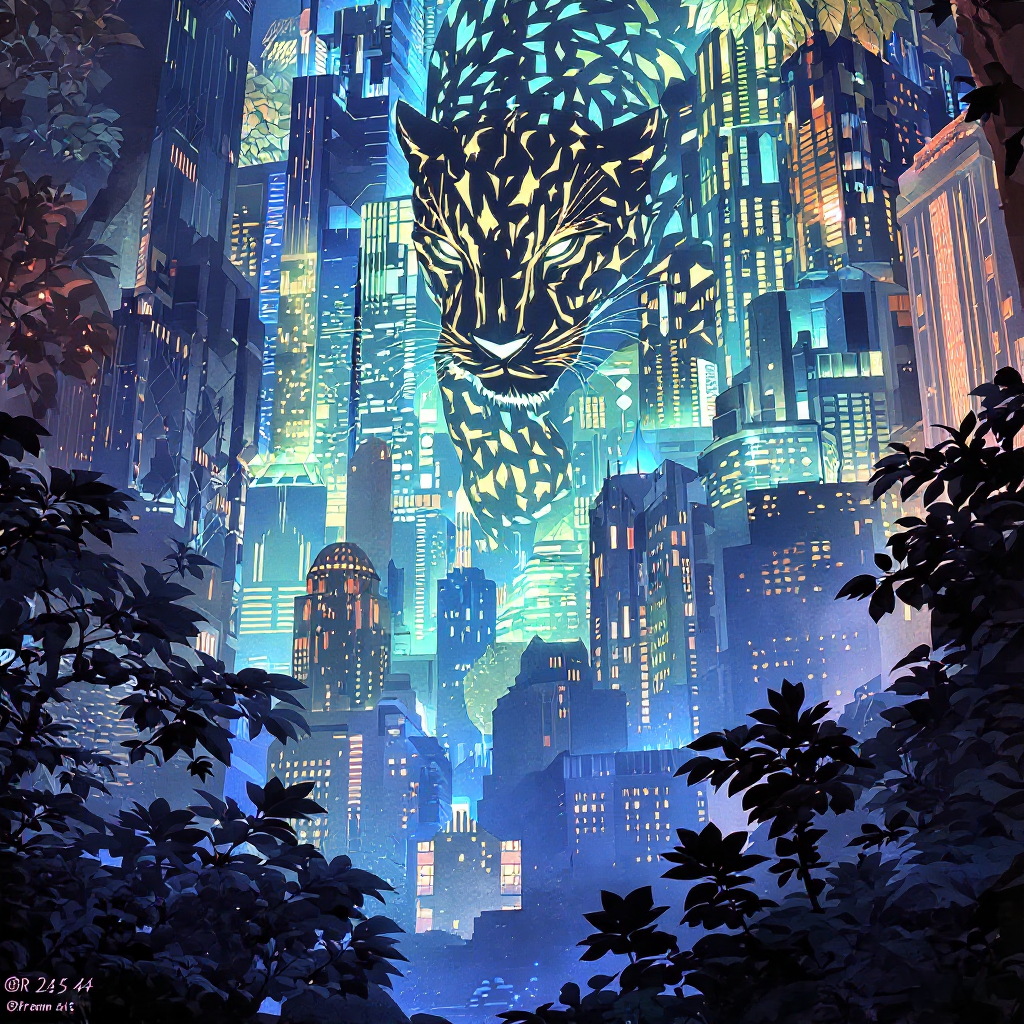
Delete text
flux-studio
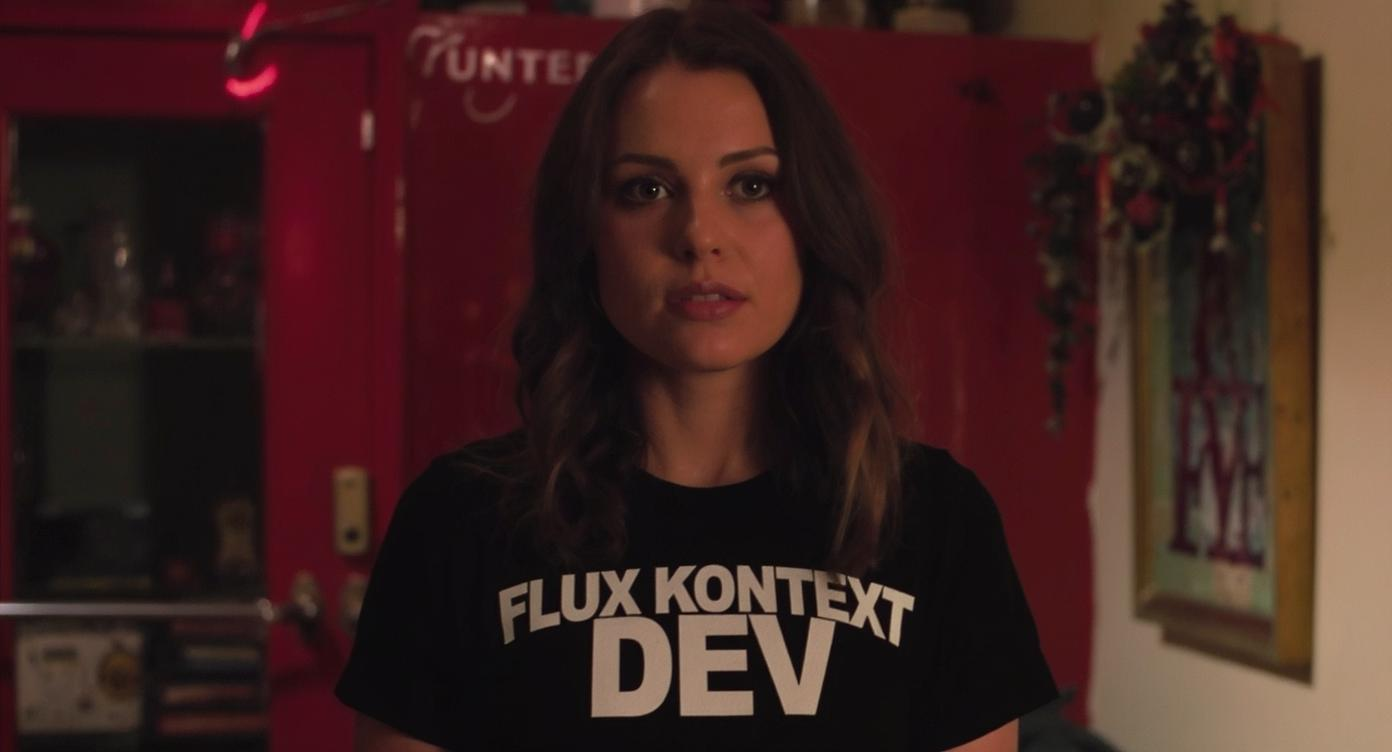
An image of a woman wearing a shirt that says FLUX KONTEXT DEV
flux-studio
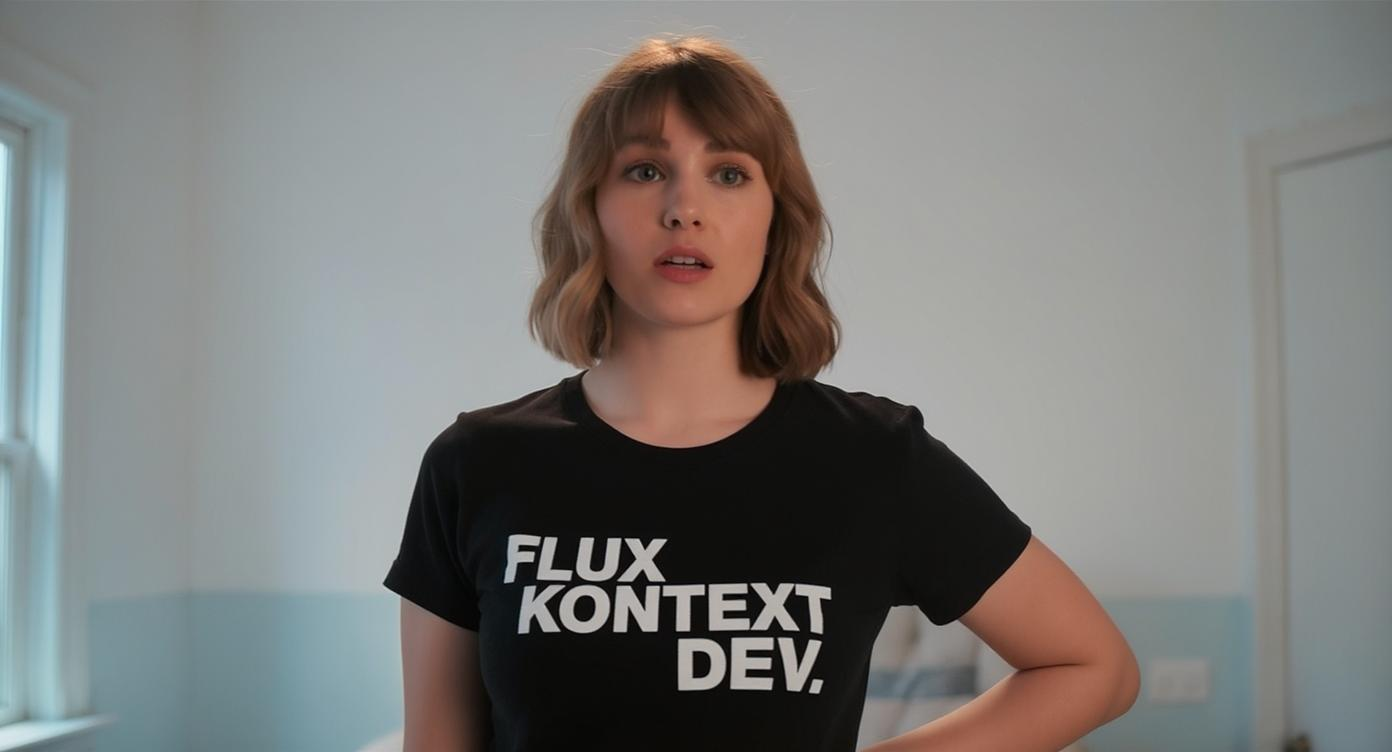
An image of a woman wearing a shirt that says FLUX KONTEXT DEV
flux-studio
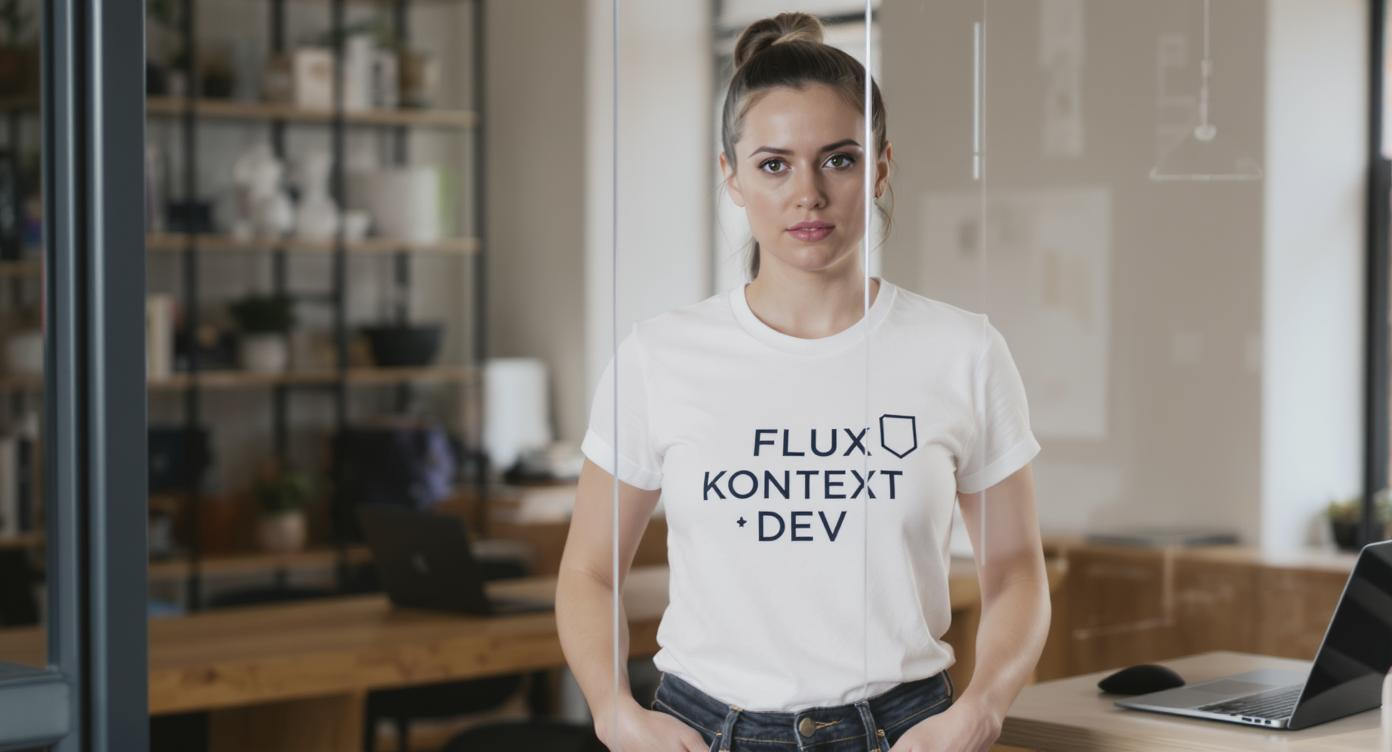
An image of a woman wearing a shirt that says FLUX KONTEXT DEV
flux-studio
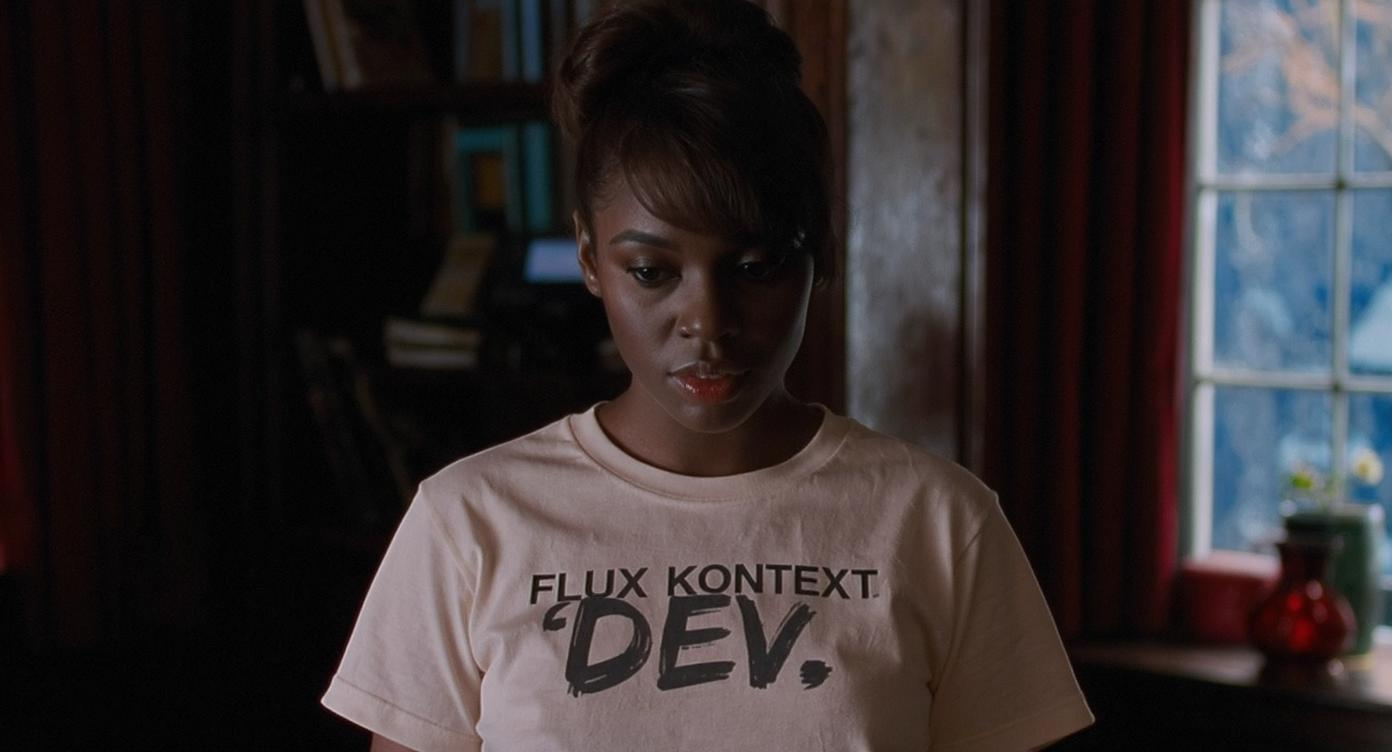
An image of a woman wearing a shirt that says FLUX KONTEXT DEV
flux-studio
Models you can run on PixelDojo for flux 2 klein
Switch models without switching tools. Each one runs in the same PixelDojo studio.
What you can do with flux 2 klein on PixelDojo
FLUX.2 Klein on PixelDojo
We host FLUX.2 Klein so you can generate images from text prompts in our studio without running the model locally.
Compact Model, Fast Turns
Klein is built for quicker iteration. You can try prompts, tweak details, and regenerate until the frame matches what you need.
Creator Controls You Already Use
Set aspect ratio, seed, and prompt strength, then save outputs to your PixelDojo library for later edits and exports.
Ready for Real Workflows
Use Klein for concept art, product mockups, and social stills, then continue in the same workspace with your other PixelDojo models and tools.
Loved by thousands of creators worldwide who rely on PixelDojo’s 40+ cutting-edge AI tools every day. Cancel anytime and keep creating with confidence.
Why Choose Pixel Dojo for flux 2 klein
Professional-quality results with cutting-edge AI technology
Ship Photorealistic Images in Seconds, Not Hours
You generate stunning, production-ready Flux 2 Klein images that look like they required a full photoshoot, then immediately use them in campaigns, presentations, or client work without losing momentum.
Iterate and Edit Without Starting From Scratch
You refine lighting, swap backgrounds, change camera angles, or restyle entire scenes using Image to Image, Inpainting, Magic Lighting, and Style Transfer so every version stays on-brand and on-deadline.
Keep Characters and Products Perfectly Consistent
You maintain the same faces, outfits, and product details across dozens of images with Consistent Characters, Character Sheets, Face Swap, LoRA Face Swap, and Virtual Try-On, giving your stories and catalogs a professional, cohesive look.
How It Works
You create professional Flux 2 Klein images on PixelDojo in three simple steps that keep you in creative control from first idea to final download.
Step 1: Choose Your Tool
Log in and go to Generate Images, then select Flux.2 Studio. You can also start from an existing photo with Image to Image or jump into specialized tools like Consistent Characters if you already have a subject in mind. Everything is ready in your dashboard so you begin creating immediately.
Step 2: Enter Your Prompt
Describe the scene, lighting, mood, and any text you need. Add one or more reference images for multi-reference generation or identity guidance. Flux.2 Studio understands detailed photorealistic prompts and delivers coherent results fast, so you can experiment freely.
Step 3: Customize & Download
Generate, then instantly refine with Inpainting, Change Camera Angle, Style Transfer, Background Remover, or Reality Polisher. Upscale with P-Image Upscale or Magnific Upscaler, train a custom look with Flux 2 Trainer if needed, and download in the format you want. Your finished assets are ready for use right away.
The Pixel Dojo Advantage
Why PixelDojo outperforms other options for Flux 2 Klein image generation
| Others | Pixel Dojo |
|---|---|
| Traditional photography and studio shoots | You skip location scouting, lighting setups, and post-production days. Generate, edit, and deliver photorealistic Flux 2 Klein images in minutes while keeping full creative control. |
| Generic AI image tools | You get a dedicated Flux.2 Studio plus a complete editing suite (Image to Image, Inpainting, Style Transfer, Character tools, and upscalers) in one seamless workflow instead of jumping between disconnected platforms. |
| Manual photo editing software | You achieve complex lighting changes, object replacements, and style transfers that would take hours of masking and cloning, all with a few clicks and instant previews. |
Loved by creators on PixelDojo
Real feedback from people using PixelDojo, pulled from our in-product surveys.
I really like how the site is kept up to date, and the leaderboard (where I'm currently #11 most popular artist)
This is the best image generator I've used so far. Well done!
es facil de comprender asi uno no sea programador
amazing web site
phenomenal site. would highly recommend
Amazing features, easy to use, privacy
Explore more AI tools on PixelDojo
AI Tools
Compare & Switch
- Best AI Image Generators
- Best AI Video Generators
- Midjourney Alternatives
- Civitai Alternatives
- Runway Alternatives
- Leonardo Alternatives
- Pika Alternatives
- Luma Alternatives
- Magnific Alternatives
- Veo Alternatives
- Flux Alternatives
- Freepik Alternatives
- Seedance Alternatives
- Seedream Alternatives
- Pixverse Alternatives
- GPT Image Alternatives
- Synthesia Alternatives
- Playground Alternatives
- NightCafe Alternatives
- Canva AI Alternatives
- ElevenLabs Alternatives
- ComfyUI Alternatives
- Fal Alternatives
- Replicate Alternatives
Common Questions
Everything you need to know about flux 2 klein
What is Flux 2 Klein image generation and how does PixelDojo make it easy for beginners?
Flux 2 Klein is a fast, unified image generation and editing approach that produces photorealistic results almost instantly. On PixelDojo you simply choose Flux.2 Studio, type a natural-language prompt, and generate. You then refine with familiar tools like Inpainting, Background Remover, and Style Transfer without needing technical knowledge. Thousands of creators already use this workflow daily.
How can I generate high-quality Flux 2 Klein images quickly for marketing and social media?
Open Flux.2 Studio, describe your product, lifestyle scene, or campaign concept, and generate in seconds. Immediately apply Magic Lighting, Change Camera Angle, or Reality Polisher, then upscale with P-Image Upscale or Magnific Upscaler. You walk away with ready-to-post assets that look professionally shot, all inside PixelDojo’s 40+ tool ecosystem.
What are the best prompts for photorealistic Flux 2 Klein portraits and product shots?
Be specific about lighting, materials, camera angle, and mood. Example: “Photorealistic close-up of a ceramic coffee mug on a sunlit wooden table, steam rising, shallow depth of field, natural window light, 85mm lens.” Add a reference photo via Image to Image or multi-reference for extra accuracy. PixelDojo’s Flux.2 Studio plus Image Analyzer helps you iterate until the result is perfect.
Can I edit existing Flux 2 Klein images or photos without losing quality?
Yes. Upload any image into Image to Image or Inpainting, describe the change you want, and Flux 2 Klein’s unified architecture keeps geometry, lighting, and identity intact. Follow up with Style Transfer, Magic Lighting, or Reality Polisher, then upscale. You stay in one platform instead of exporting and re-importing.
How do I create consistent characters across multiple Flux 2 Klein images on PixelDojo?
Start with Consistent Characters or Character Sheets to lock in a face and style. Use those as references in Flux.2 Studio with multi-reference generation. Fine-tune further with Face Swap, LoRA Face Swap, or Flux Pro Virtual Try-On. You can even train a custom model with Flux 2 Trainer so every future image matches perfectly.
Is Flux 2 Klein on PixelDojo suitable for commercial projects and client work?
Absolutely. You generate, edit, upscale, and download assets ready for ads, packaging, websites, and presentations. Combine Flux.2 Studio with Marketing Studio, Virtual Try-On, and the full editing suite. PixelDojo offers 40+ cutting-edge tools loved by thousands of creators, with the flexibility to cancel anytime, so you can scale your commercial output with confidence.