flux 2 pro vs seedream 5
Generated on PixelDojo. Produced by PixelDojo's generation pipeline.
You deserve images that stop the scroll, sell your products, and build your brand without hiring a studio or spending hours in software. On PixelDojo, Flux 2 Pro vs Seedream 5 puts two powerhouse generators in your hands so you pick the perfect match for every project. Flux.2 Studio delivers the photorealistic portraits, fine textures, and precise lighting that make people look like they belong in a magazine campaign. Seedream 5 gives you native high-resolution scenes, effortless character consistency across a whole series, and smart editing that keeps every element exactly where you want it. Switch between them in one dashboard, add your own references, and walk away with commercial-ready files in minutes. Thousands of creators already use this combo to launch ads, social posts, product shots, and story worlds that feel professional from the first generation. You keep full rights, cancel anytime, and never outgrow the 40+ cutting-edge tools waiting for your next idea.
Real image examples generated on PixelDojo
Every example below was produced on PixelDojo. Hover to see the prompt.
H3 vs Seedance 2
seedance-2-5
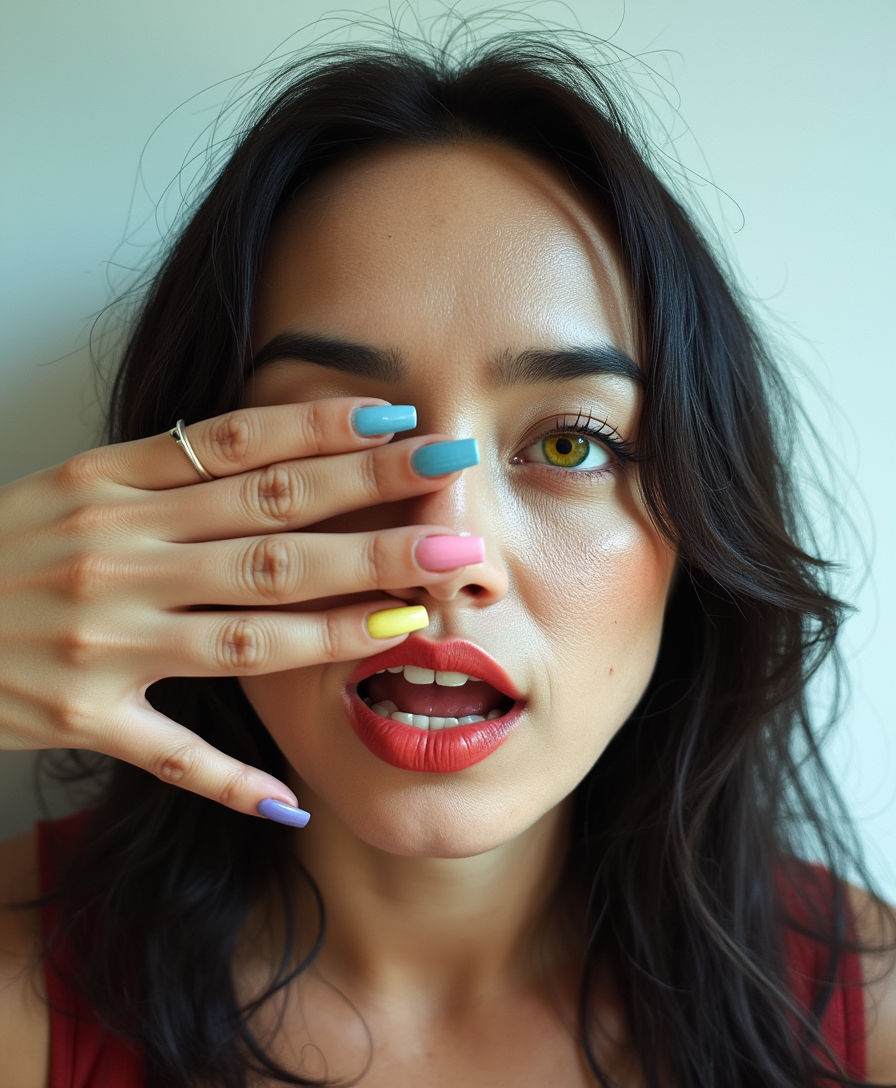
Analog film photo of a cinematic realism footage of TOKALEMAP with colorful nails covering…
flux-studio
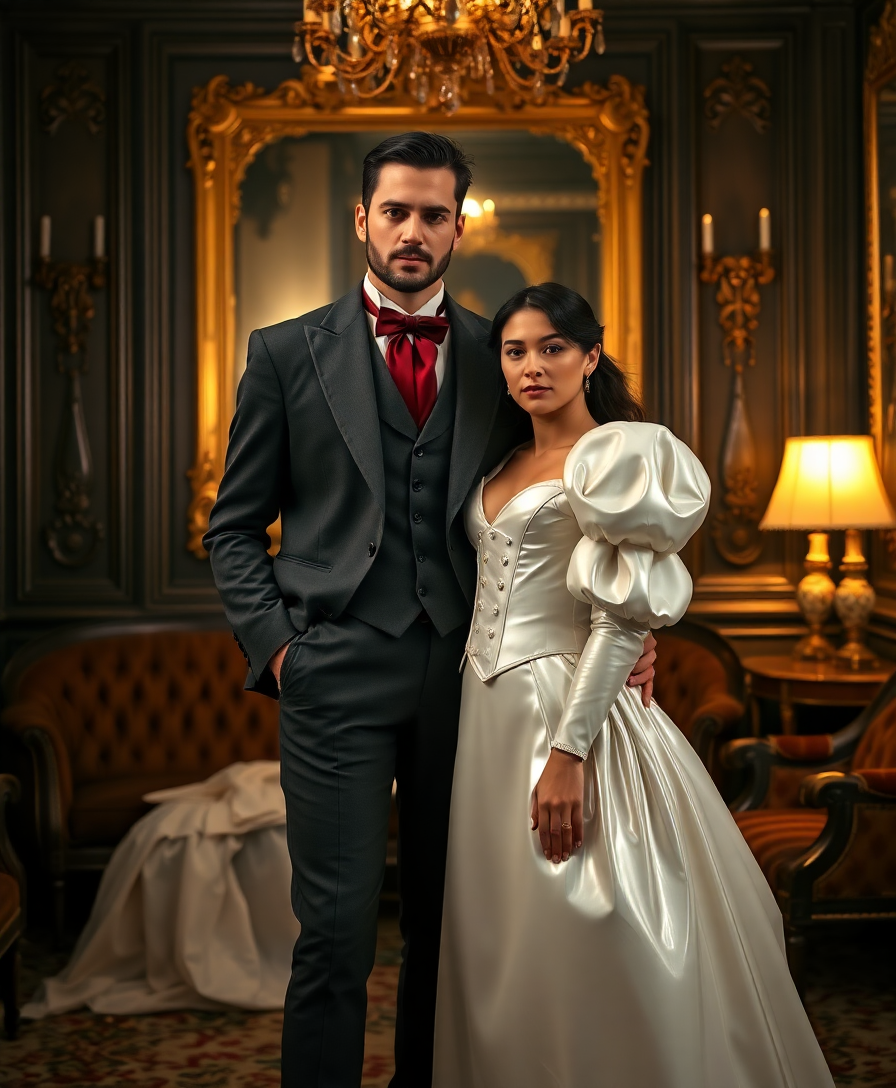
A breathtaking scene of opulent Victorian decadence unfolds in a luxurious parlour
flux
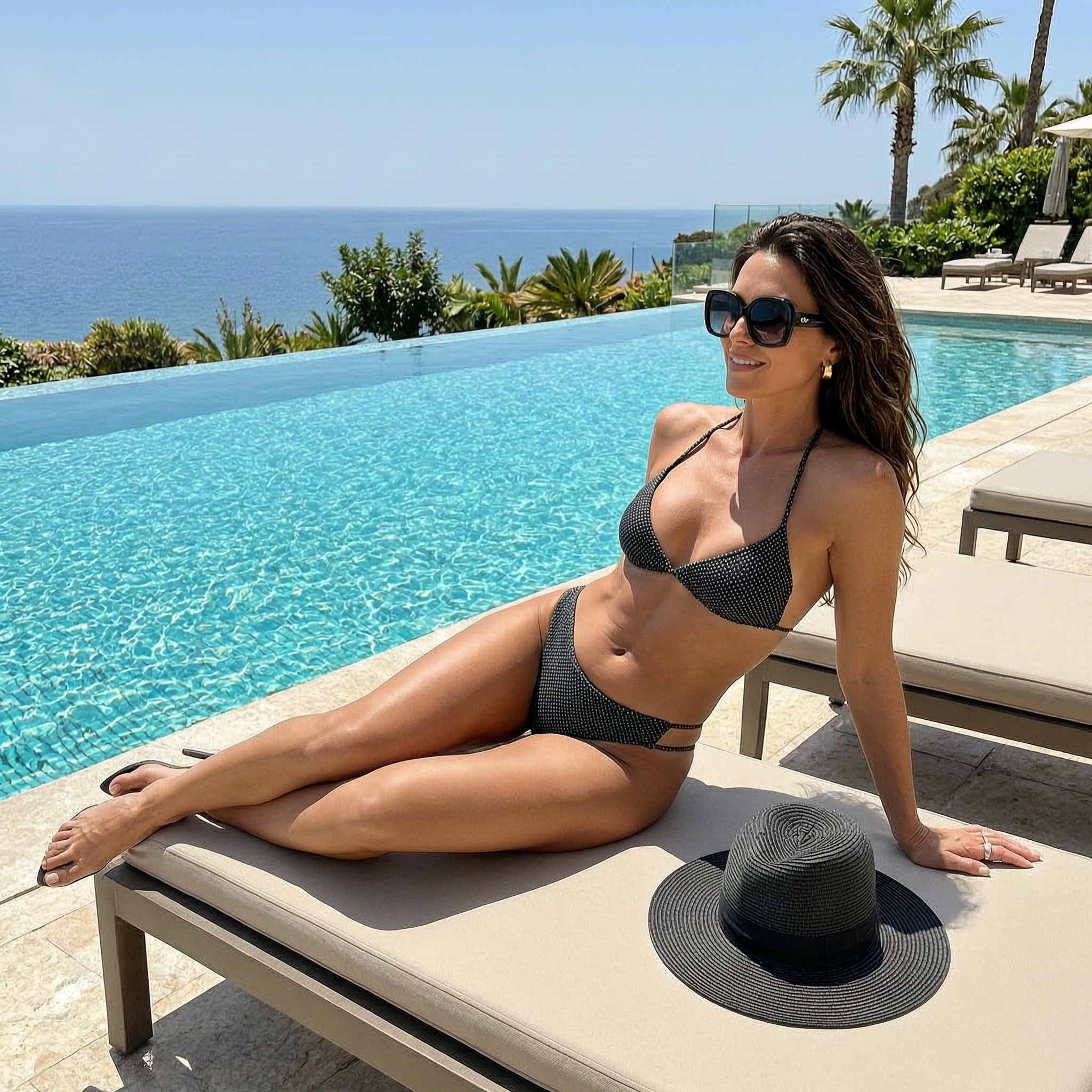
Luxury poolside glamour of an adult woman in a chic bikini and oversized sunglasses loungi…
wan-2.7-image

Colorshift style
flux
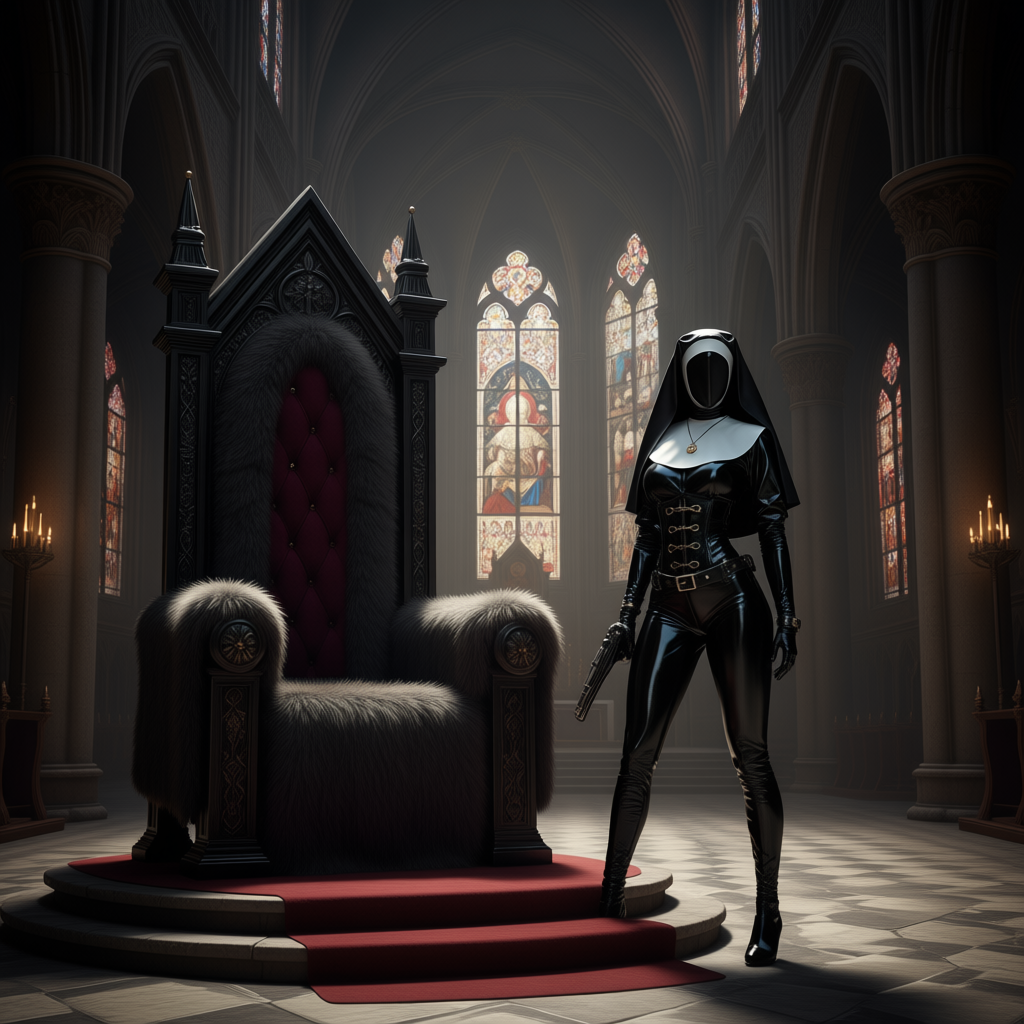
Show me character from a random angle with a neutral background and random lighting
consistent-characters
Models you can run on PixelDojo for flux 2 pro vs seedream 5
Switch models without switching tools. Each one runs in the same PixelDojo studio.
What you can do with flux 2 pro vs seedream 5 on PixelDojo
Side by side model runs
Generate the same prompt on Flux 2 Pro and Seedream 5 in one workspace so you can compare composition, lighting, and detail without leaving the editor.
Shared prompt and settings
We keep prompt, aspect ratio, and seed controls aligned across both models so differences you see come from the model, not from mismatched inputs.
Pick and refine the winner
Send either result into upscale, inpaint, or variation tools so you can keep iterating on the image that best matches the brief.
Export ready comparison sets
Download both outputs together for client reviews, style tests, or production handoff without rebuilding the comparison later.
5 million+ images created • Loved by thousands of creators worldwide • 100% commercial rights on every download • 40+ AI tools in one subscription
Why Choose Pixel Dojo for flux 2 pro vs seedream 5
Professional-quality results with cutting-edge AI technology
Photoreal Portraits That Convert Instantly
You get magazine-quality faces, skin texture, and lighting with Flux.2 Studio so your ads, profiles, and hero images look like they were shot by a pro photographer—ready to drive clicks and sales the same day.
Consistent Characters Across Every Scene
You lock in the same face, outfit, and style for an entire campaign using Seedream 5’s multi-reference power, then drop those characters into new backgrounds or stories without starting over.
4K Visuals and Instant Edits in One Place
You produce crisp high-resolution files and refine them with PixelDojo’s inpainting, style transfer, and background tools so every image ships print-ready or social-ready without extra software.
How It Works
You create professional results in three simple clicks by pairing Flux.2 Studio and Seedream 5 inside PixelDojo’s all-in-one workspace.
Step 1: Choose Your Tool
Open PixelDojo, pick Flux.2 Studio when you need photoreal detail and prompt precision, or Seedream 5 when you want high-res scenes and character lock-in. Both sit side-by-side so you can test the same idea on each in seconds.
Step 2: Enter Your Prompt
Type what you want in everyday language, upload up to ten reference photos for consistency, and hit generate. Flux.2 Studio follows camera angles and textures exactly; Seedream 5 builds rich, coherent worlds around your subject.
Step 3: Customize & Download
Use PixelDojo’s Image to Image, Inpainting, or Magic Lighting to perfect any area, then download in high resolution with full commercial rights. Switch models anytime and keep iterating until it feels exactly right.
The Pixel Dojo Advantage
Why PixelDojo outperforms other options for Flux 2 Pro vs Seedream 5 image generation
| Others | Pixel Dojo |
|---|---|
| Traditional photography and design studios | You skip location fees, models, and days of shooting; generate campaign-ready portraits and product scenes in minutes with Flux.2 Studio and Seedream 5, then edit on the spot. |
| Generic AI tools | You access both Flux.2 Studio and Seedream 5 plus 40+ specialized models in one place, so you never settle for average quality or jump between websites. |
| Manual photo editing software | You replace hours of layering and masking with one-click inpainting, style transfer, and background removal that keep your original vision intact. |
Loved by creators on PixelDojo
Real feedback from people using PixelDojo, pulled from our in-product surveys.
Great site and so much fun to use!
very useful set of tools for image creation, upscaling and enhancement
ease of use, variety of tools, high quality trainings, and a well-maintained discord channel
Ease of use, friendliness and support of the owner, continued innovation.
it is an amazing site to create a pics and vids for those who don't have the hardware themselves
good tools in one place
Explore more AI tools on PixelDojo
AI Tools
Compare & Switch
- Best AI Image Generators
- Best AI Video Generators
- Midjourney Alternatives
- Civitai Alternatives
- Runway Alternatives
- Leonardo Alternatives
- Pika Alternatives
- Luma Alternatives
- Magnific Alternatives
- Veo Alternatives
- Flux Alternatives
- Freepik Alternatives
- Seedance Alternatives
- Seedream Alternatives
- Pixverse Alternatives
- GPT Image Alternatives
- Synthesia Alternatives
- Playground Alternatives
- NightCafe Alternatives
- Canva AI Alternatives
- ElevenLabs Alternatives
- ComfyUI Alternatives
- Fal Alternatives
- Replicate Alternatives
Common Questions
Everything you need to know about flux 2 pro vs seedream 5
Which is better for photorealistic portraits Flux 2 Pro or Seedream 5 on PixelDojo?
You get the most lifelike skin, lighting, and facial detail from Flux.2 Studio, making it your first choice for headshots, lifestyle ads, and any image where people must look real. Seedream 5 shines when you also need a rich environment around that portrait. Switch between them on PixelDojo until the result matches your brief perfectly.
Can I keep the same character consistent with Flux 2 Pro vs Seedream 5?
Yes. Seedream 5 lets you upload up to ten reference images so the same face, clothing, and style appear across an entire series. Flux.2 Studio adds precise local edits and style control. Combine both inside PixelDojo’s Character Studio and you never lose identity between shots.
How do I generate 4K images with Flux 2 Pro vs Seedream 5?
Select Seedream 5 for native high-resolution output, then refine with PixelDojo’s upscalers if you need even more detail. Flux.2 Studio delivers crisp 4-megapixel files that upscale beautifully. Every download includes commercial rights so you can use the files immediately.
What editing tools work with Flux 2 Pro and Seedream 5 on PixelDojo?
You can inpaint, outpaint, change camera angle, transfer style, remove backgrounds, and polish lighting on any image from either model. PixelDojo’s Image Analyzer and Reality Polisher keep everything looking natural while you stay in the same workspace.
Is Flux 2 Pro vs Seedream 5 worth it for marketing and product shots?
Absolutely. Flux.2 Studio gives you studio-quality product textures and lighting; Seedream 5 adds consistent branding across variants and complex scenes. Thousands of creators already use this pair to produce ads, packaging, and social content that convert, all with one subscription you can cancel anytime.
Do I need design skills to use Flux 2 Pro vs Seedream 5 on PixelDojo?
No. You simply describe what you want, add optional references, and let the models do the heavy lifting. PixelDojo’s prompting guides and one-click edits turn beginners into confident creators in minutes. Full commercial rights come with every image.