Skin, hair, fabric, light
People that look real
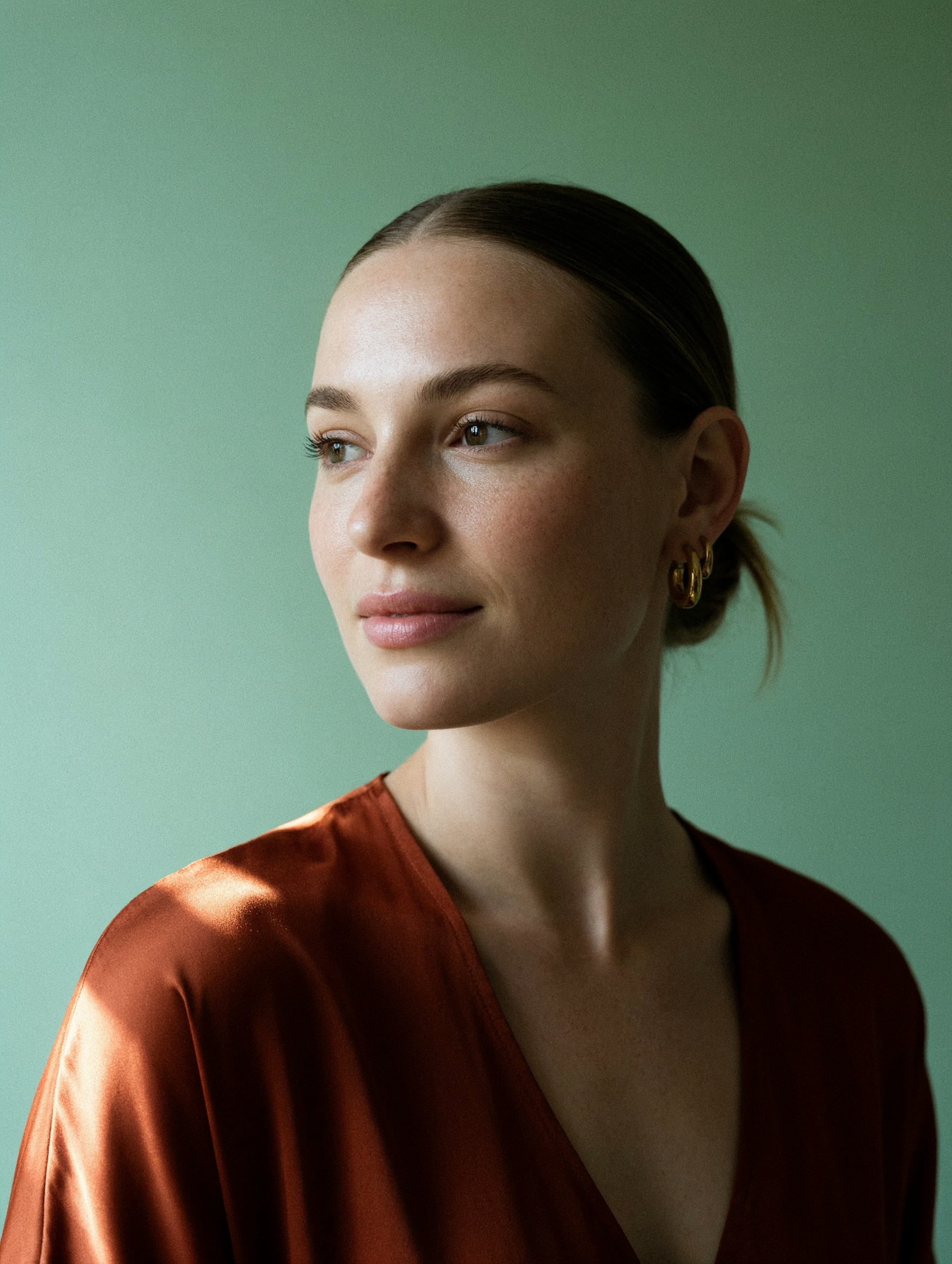
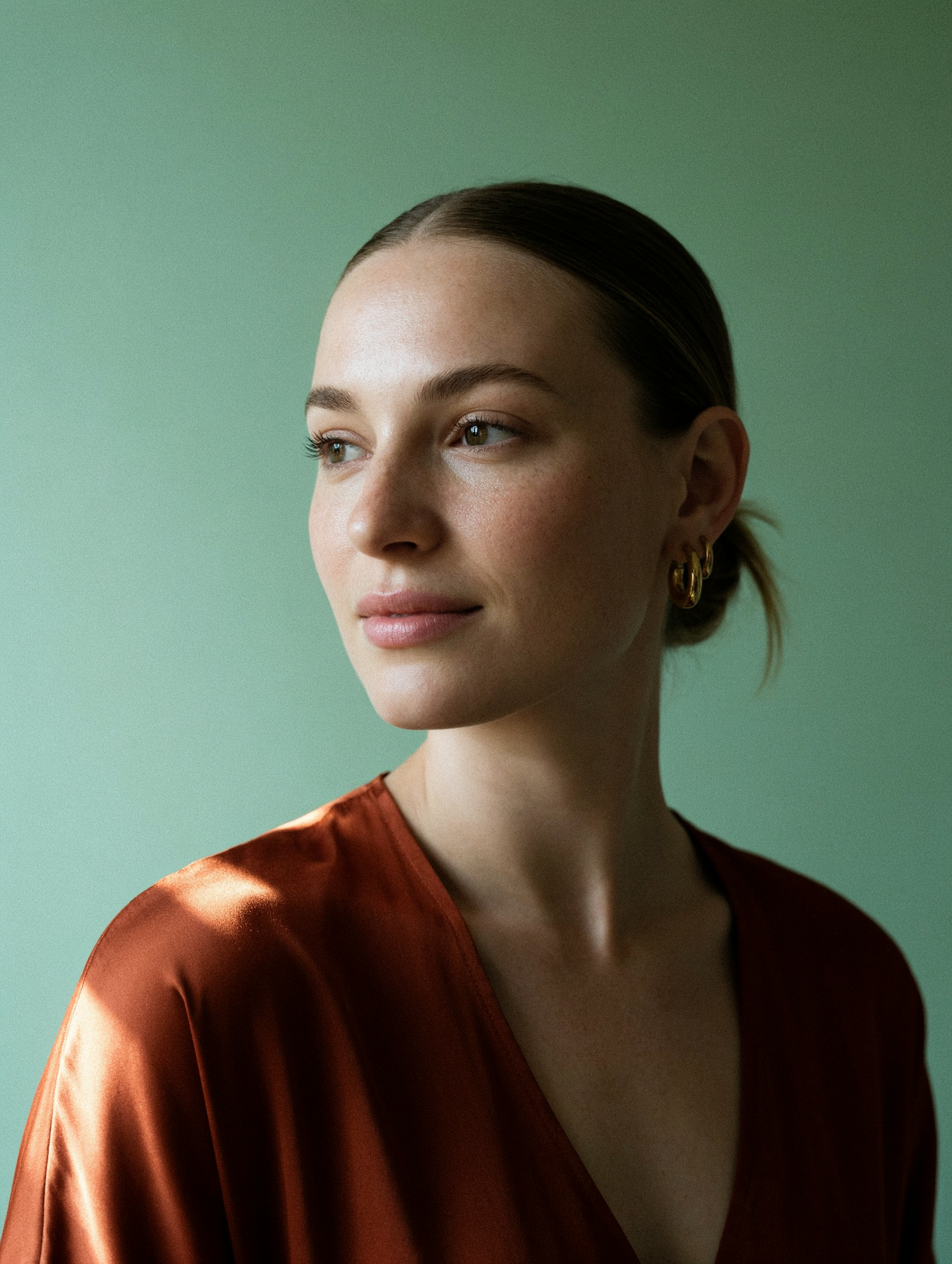
Describe the lens, the light and the face in plain terms. Skin keeps its texture and silk keeps its sheen.
Ideogram 4.6 Prompting Guide
Ideogram 4.6 makes polished portraits, product shots, illustrations and posters up to native 4K. It keeps exact brand colors from a hex code, draws on a see-through background, and edits your photos. Turn on Precise Edit to change one thing and keep the rest. A Medium 2K image is 2 credits. This guide shows the prompts that work, with the image each one made.
Ideogram 4.6 is the newest Ideogram model. It is a design model first. It handles photos, painted illustrations, icon sets, packaging and posters with the same prompt style, so one tool covers a whole brand.
Pick a quality tier to match the job. Draft is for quick tries. Low, Medium and High add detail and cost more. Pick 2K for most work and 4K when you need print size.
Add a photo and the same tool edits it. Precise Edit goes one step further. It changes only what you ask for and keeps the framing and layout as they were.
Every image on this page was made with the prompt and settings shown beside it, in one try, on Pixel Dojo.
2K · 4K
Native sizes
2 credits
A Medium 2K image
14
Shapes, square to banner
Describe the lens, the light and the face in plain terms. Skin keeps its texture and silk keeps its sheen.
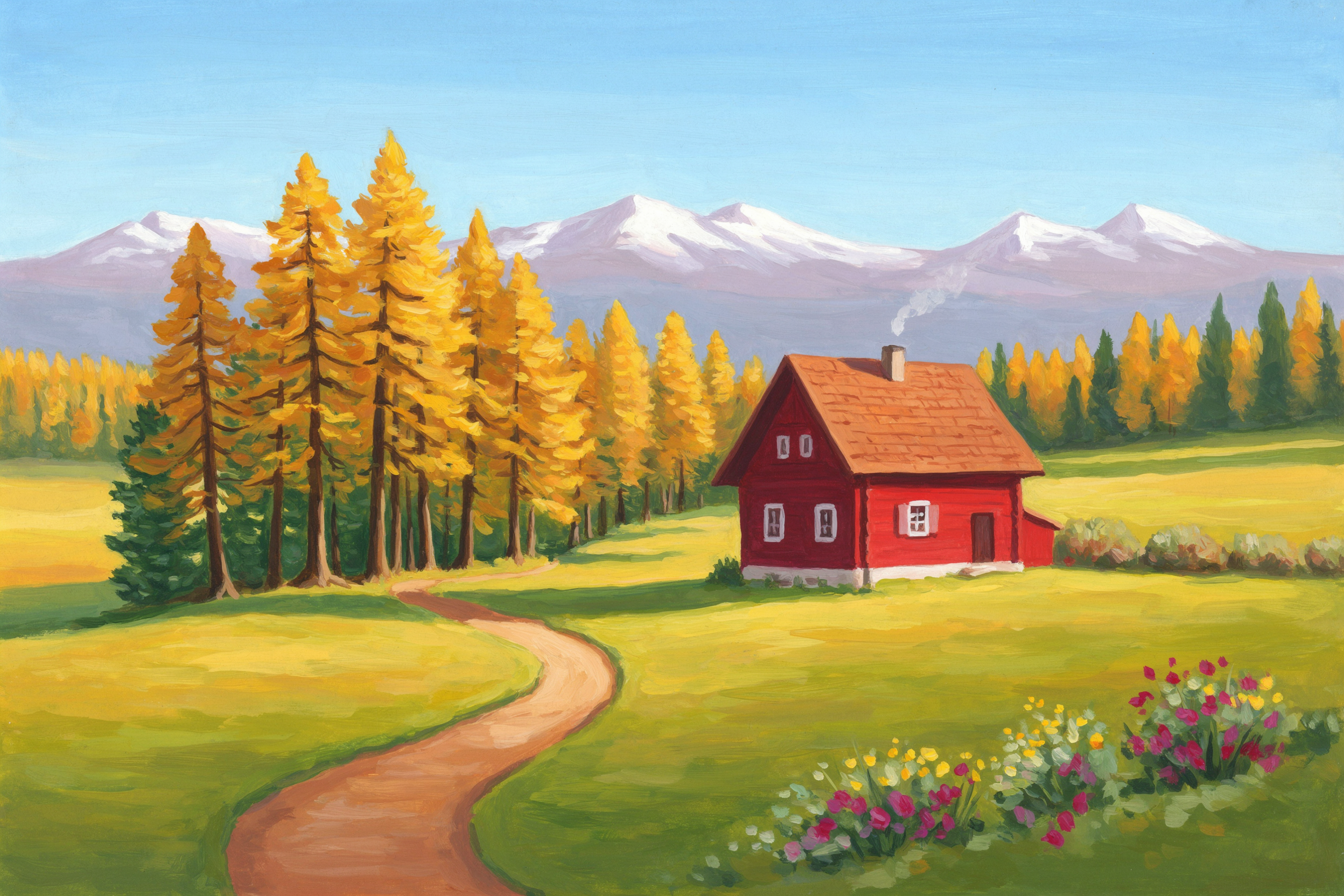
Name the medium and the palette and the style follows. The same model paints a storybook valley and prints a poster.
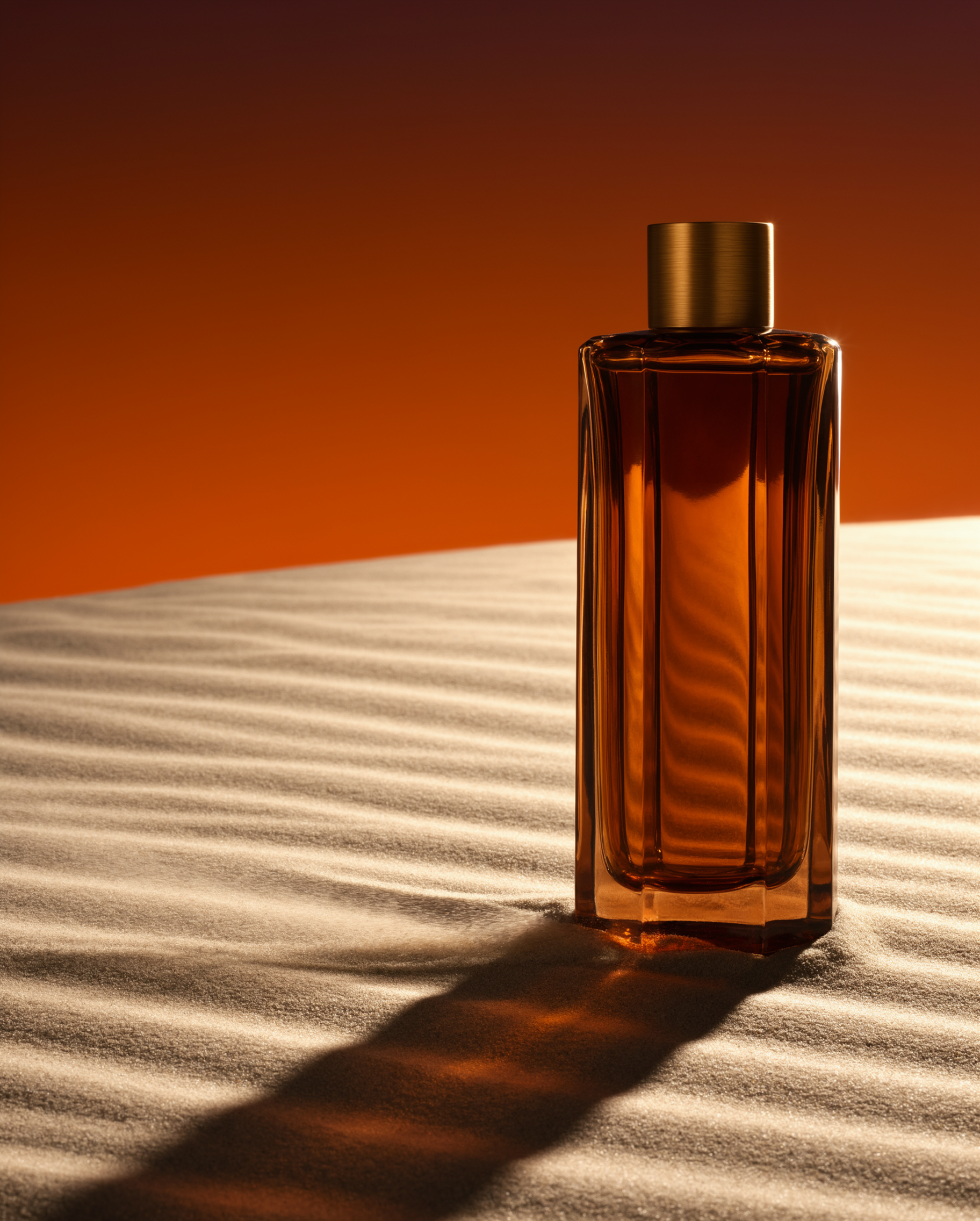
Pick 4K in the Resolution menu for print and large displays. Draft quality renders at 2K only.
Add a photo, turn on Precise Edit, and say what to change. The result comes back at the photo's own size.
Each example shows the exact prompt that produced the result. Copy any prompt with one click.
High · 2K · Portrait 3:4 · 3 credits
Editorial magazine portrait, medium close up at eye level. A striking woman in her late twenties with a sleek low bun, gold hoop earrings and a rust silk shirt looks just past the lens with a calm half smile, against a seamless sage green paper backdrop. Soft window light from the left with a gentle falloff, 85mm lens, shallow depth of field, fine film grain, natural skin texture.
Open with the shot type, then the face and clothes, then one backdrop and one light. The lens and the film grain finish the look.
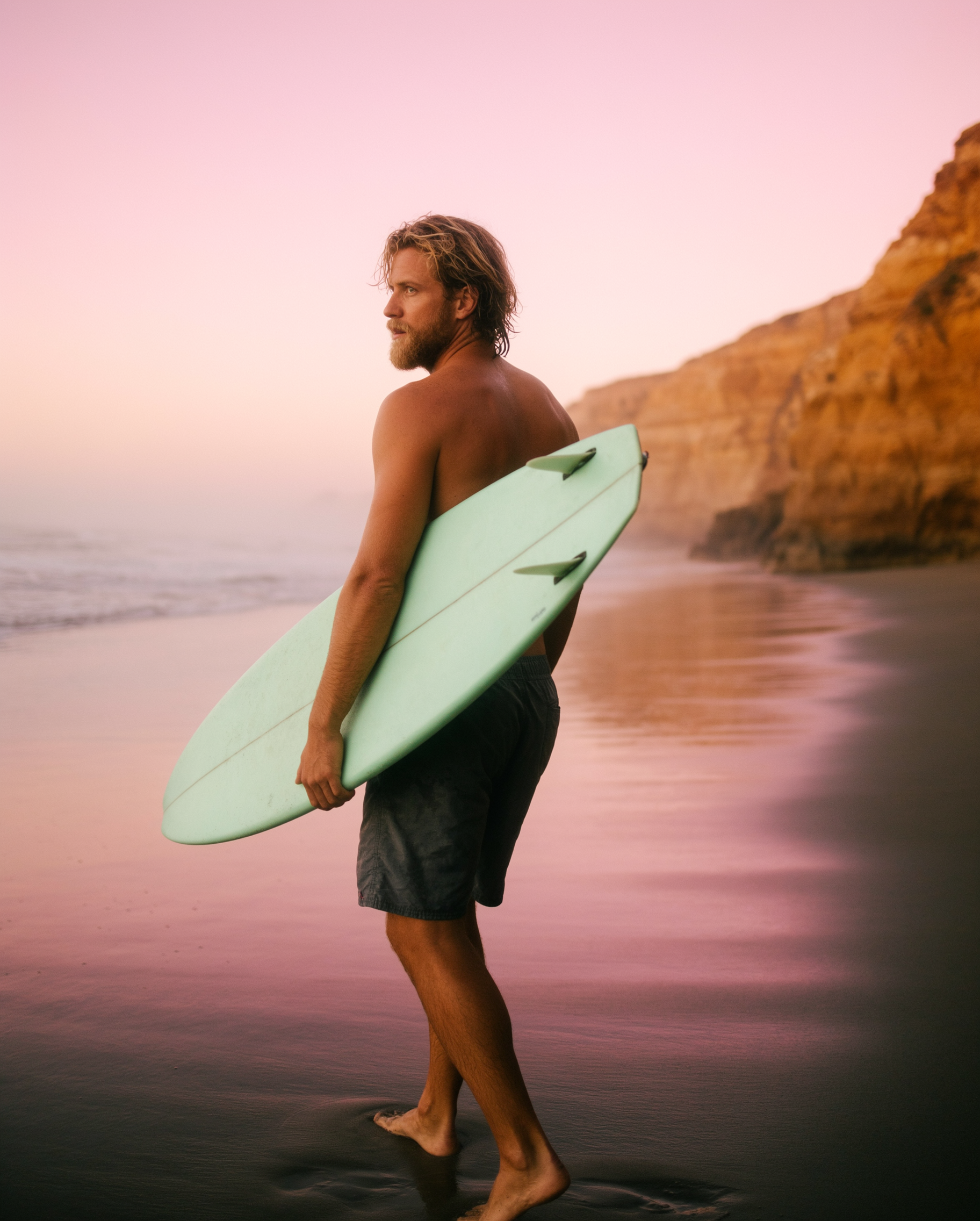
Medium · 2K · Portrait 4:5 · Magic Prompt Off · 2 credits
A 35mm film photograph of a handsome surfer in his early thirties with a sun bleached beard, carrying a pale green longboard under his arm along wet sand on the Algarve coast at dawn. He glances back over his shoulder toward the waves. Ochre cliffs, mist on the water, soft pink sky, Kodak Portra colors, slight halation on the highlights, candid framing.
Name a film stock and a place. Magic Prompt was set to Off, so the picture follows the words exactly as written.
Medium · 2K · Portrait 4:5 · Magic Prompt Off · 2 credits
A luxury product photograph of a faceted smoky amber glass perfume bottle with a brushed brass cap standing on a rippled sand dune at sunset. A thin ribbon of sand blows past the bottle. Hard warm side light, a long sharp shadow, crisp reflections in the glass, deep orange sky gradient. No text, no logo.
Name the material of the bottle and the cap, one surface, and where the light comes from. A long shadow adds drama for free.
Medium · 2K · Landscape 3:2 · Magic Prompt Off · 2 credits
A gouache painting of an alpine valley in early autumn: a red wooden chalet, larch trees turning gold, a winding path and snowy peaks under a clear sky. Visible brush strokes, chalky matte colors, storybook illustration quality, gentle morning light.
Name the paint, then list what is in the scene from foreground to sky. Words like "chalky matte" and "visible brush strokes" set the texture.
High · 2K · Portrait 2:3 · 3 credits
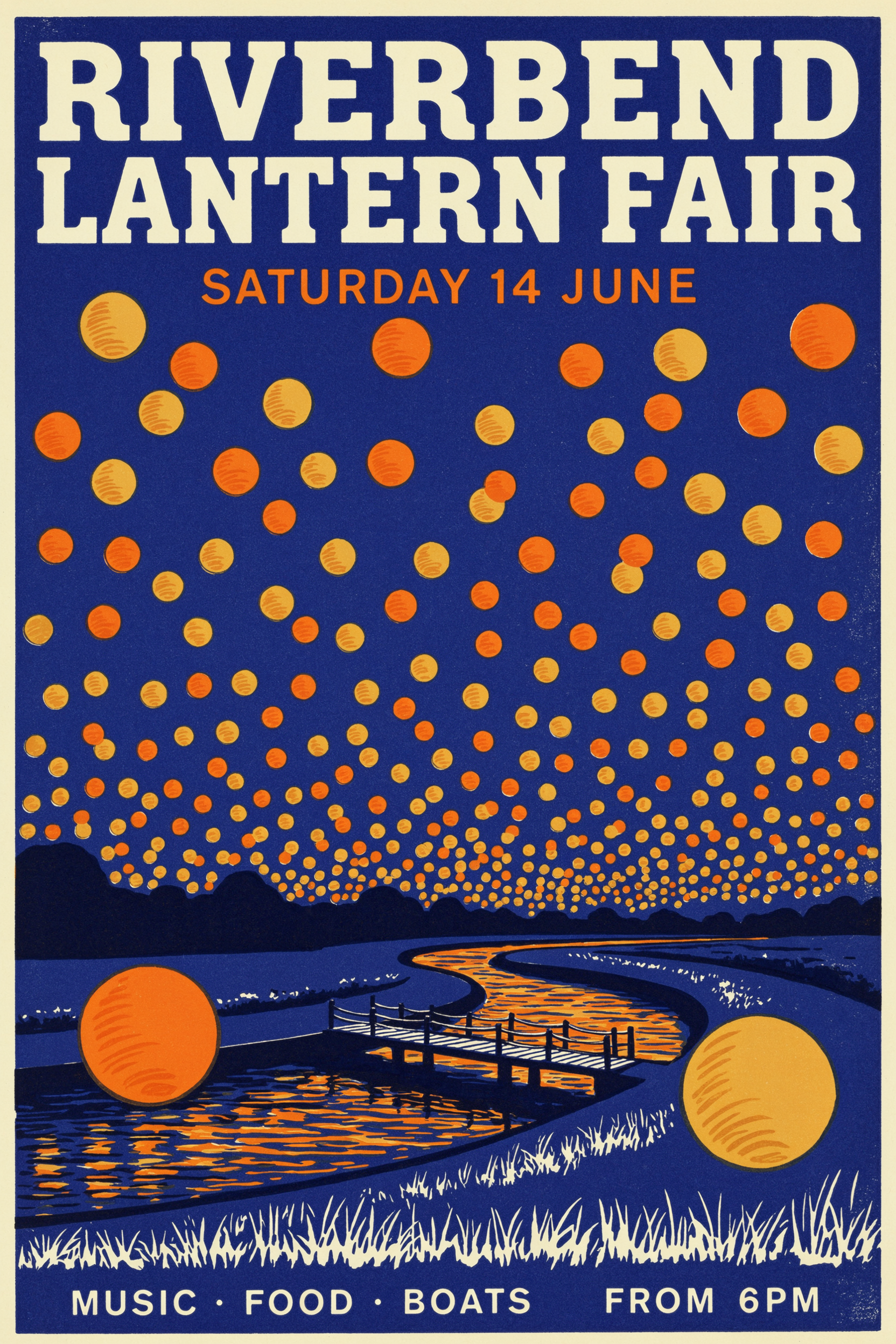
Event poster in a mid century screen print style: hundreds of paper lanterns float above a curving river at dusk past a small wooden footbridge, deep indigo sky, warm orange and gold lantern light, bold block headline at the top reading "RIVERBEND LANTERN FAIR", below it the line "SATURDAY 14 JUNE", and at the bottom "MUSIC FOOD BOATS FROM 6PM", generous margins, limited palette of indigo, tangerine, gold and cream, paper grain texture
Cap the palette at four colors and describe the print style. Write the layout from the top down: headline, date line, picture, footer.
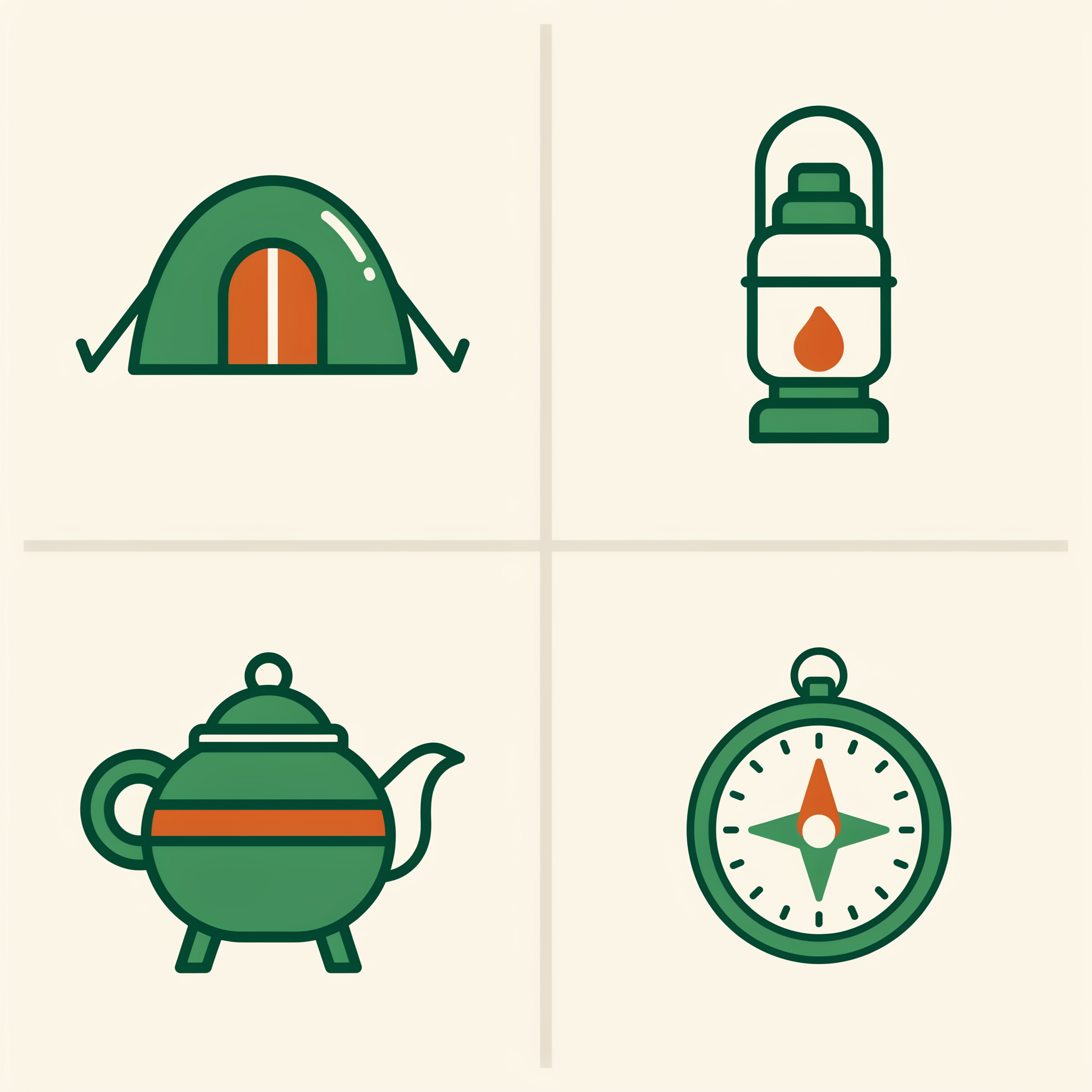
High · 2K · Square 1:1 · 3 credits
Flat vector icon set for a camping gear shop, four icons in a two by two grid on a cream background: a dome tent, a hanging lantern, an enamel kettle and a compass. Thick rounded dark green outlines, flat fills in forest green, burnt orange and cream, consistent line weight and corner radius across all four, simple and friendly, no text
List each icon once, then describe one shared style: outline weight, corner shape and fill colors. That is what makes a set look like a set.
Try ideas at Draft for 0.25 credits. Move the best one to Medium, and use High when the detail matters.
For photos, start with the shot type and the lens, then the subject, one action, the light and the texture.
For design work, say "screen print", "gouache" or "flat vector" and name three or four colors. Add an exact hex code when a brand color must match.
Auto adds detail to short prompts. Set it to Off when your prompt is already full and you want it followed exactly.
Choose a shape in the Shape menu, from Square to Tall banner. Auto shape works well when you have no preference.
Add a photo, turn on Precise Edit, and name the one change. Say what must stay the same, such as the face and the framing.
Turn on No background for stickers, logos and cutouts, and add "transparent background" to the prompt. It is not offered on Precise Edit.
| Setting | Values | Notes |
|---|---|---|
| Quality | Draft · Low · Medium · High | Medium is the default. Draft is the fastest and renders at 2K only. |
| Resolution | 2K · 4K | 2K is up to 2048 × 2048. 4K is up to 4096 × 4096. On Precise Edit the menu is called Largest size. |
| Shape | Auto · 1:1 · 16:9 · 9:16 · 4:3 · 3:4 · 3:2 · 2:3 · 5:4 · 4:5 · 2:1 · 1:2 · 3:1 · 1:3 | Not offered on Precise Edit, which keeps the first photo's size. |
| Credits from a prompt, 2K / 4K | Draft 0.25 · Low 1 / 2 · Medium 2 / 3.5 · High 3 / 5.5 | Per image. Draft is 0.25 at 2K only. |
| Credits with photos (edit or Precise Edit), 2K / 4K | Draft 0.25 · Low 1 / 2 · Medium 2 / 5.5 · High 6 / 16 | Per image. |
| Images per run | 1 to 4 | Each image is charged at its own price. |
| Photos for an edit | Up to 5 | Photo 1 is edited and the others guide it. Precise Edit takes up to 4 guide photos, or 3 with a mask. |
| Magic Prompt | Auto · On · Off | Prompt-only. Off uses your prompt exactly as written. |
| No background | On · Off | Returns a PNG with a see-through background. |
Ideogram 4.6 is the newest Ideogram image model. It makes photos, illustrations, logos, icons and posters up to native 4K. It also edits your photos, with a Precise Edit option that changes one thing and keeps the rest.
From a prompt, a Medium 2K image is 2 credits. Draft is 0.25, Low is 1 and High is 3. At 4K it is 2 for Low, 3.5 for Medium and 5.5 for High. With photos, Medium is 2 credits at 2K and 5.5 at 4K, and High is 6 at 2K and 16 at 4K.
Pick Ideogram 4.6 for design range, native 4K, exact brand colors and Precise Edit. Pick Seedream 5.5 for the cheapest quick images, at 1 credit for 2K from a prompt, and for edits with up to 10 reference images. The comparison page has side by side results.
Ideogram 4.6 is the newer version. It goes up to native 4K and can return a see-through background. The comparison page shows the same prompts run on both.
Add a photo, turn on Precise Edit, and describe one change. It changes only what you ask for and keeps the framing, layout and other details exactly as they were. The result comes back at the first photo's own size.
Draft is the fastest tier and costs 0.25 credits an image. It renders at 2K only, so it is the cheapest way to try an idea before you run the final at Medium or High.
Yes. Turn on No background and the image comes back as a PNG with nothing behind the subject. It works from a prompt and from a photo edit, but not on Precise Edit.