
Free with your plan, up to 8x
Creative
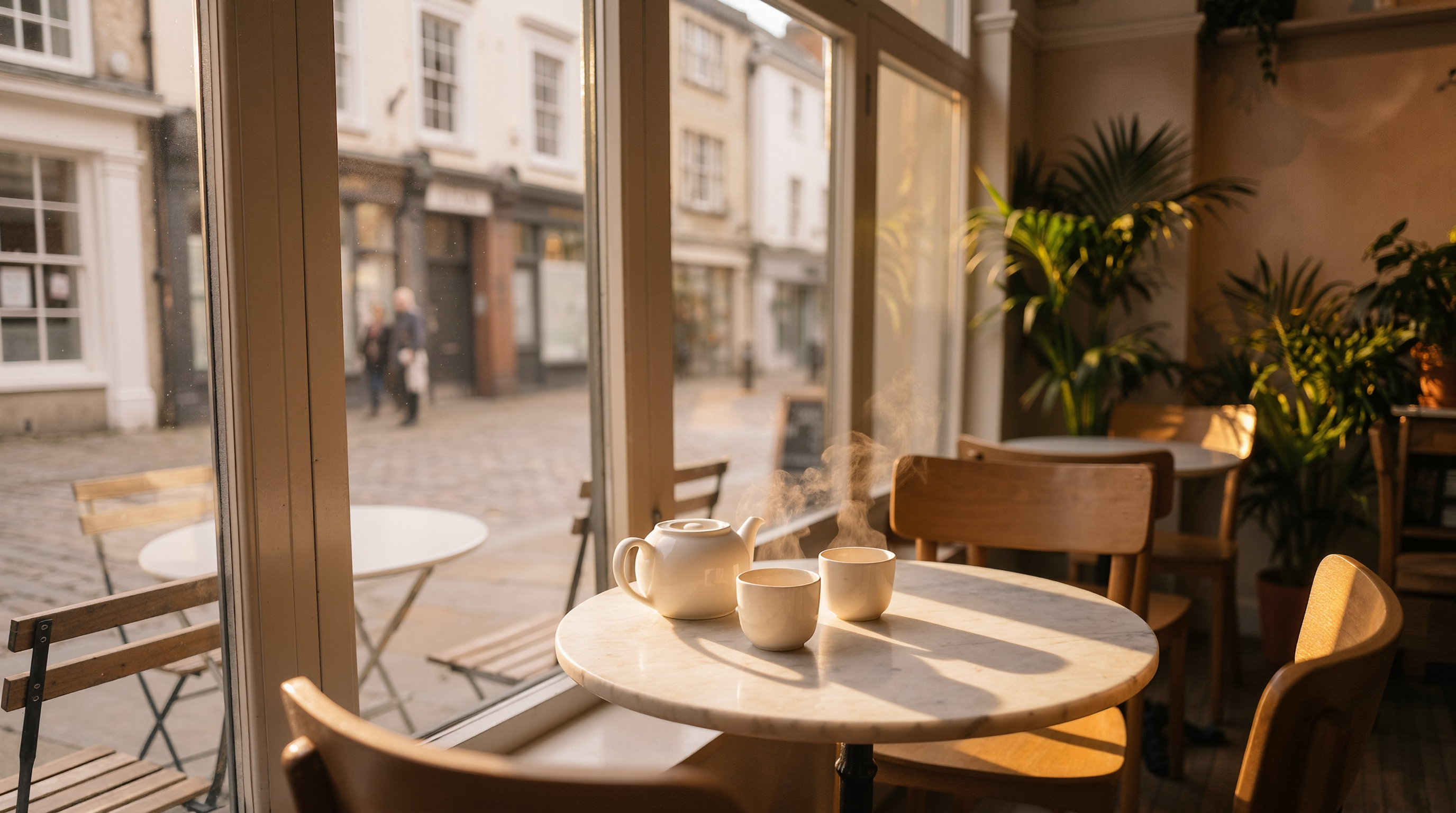
Adds fresh detail while keeping your picture. Pick a scale from 1x to 8x and a creativity level from Subtle to Bold. This ledger desk grew 2x with every page line still readable.
Upscale Guide
Pixel Dojo has five ways to upscale a photo and one fast way to upscale a video. Creative is free with a subscription. Magnific adds rich new detail. Clarity Pro keeps faces true. Portrait restores faces. Fast makes an image bigger in seconds for 0.1 credit. This guide shows which one to pick, how to set it, and what each one costs.
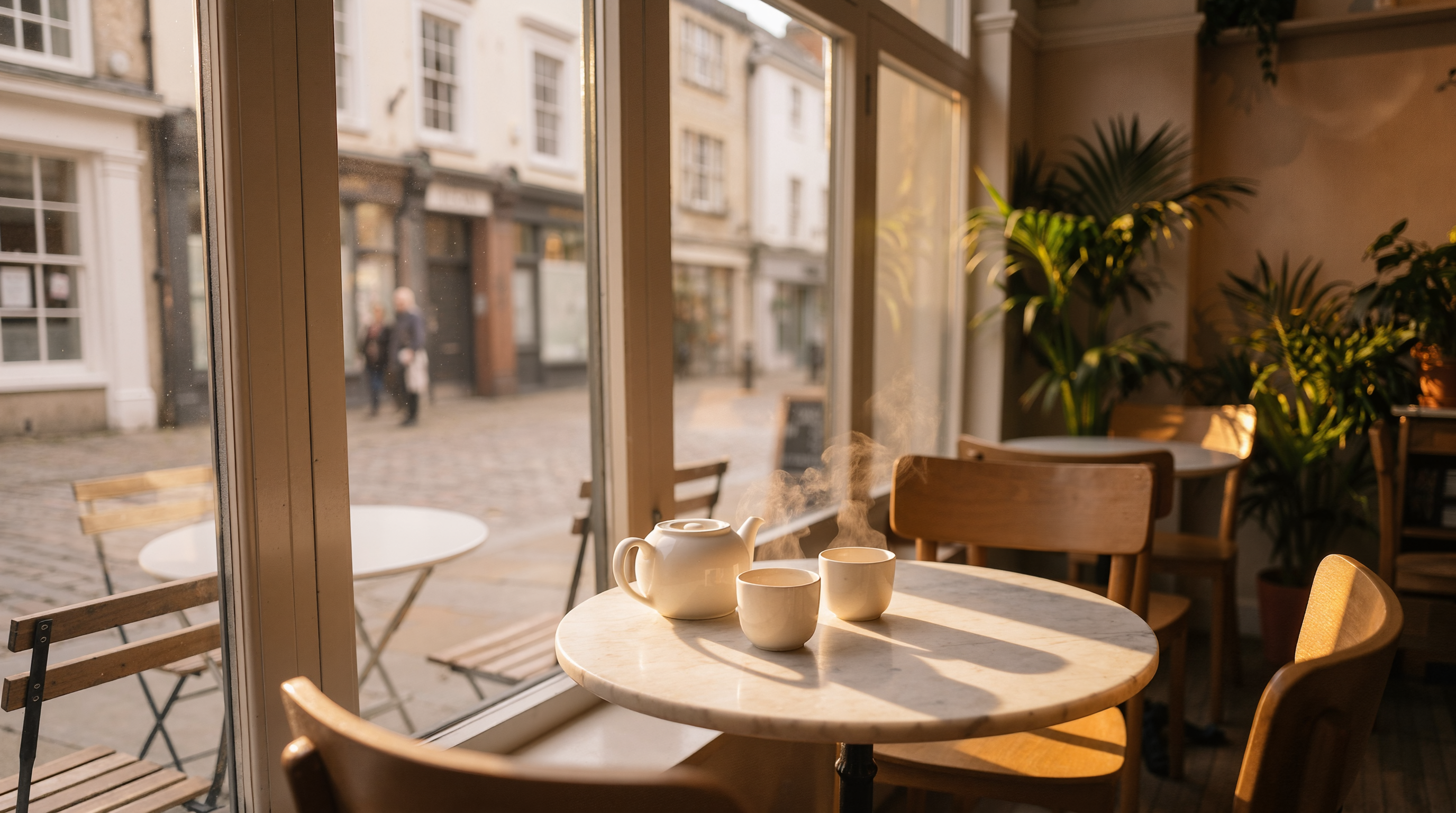
The Upscale page has one box for your image and five qualities to choose from: Creative, Magnific, Clarity Pro, Portrait and Fast. Pick the quality, pick how much bigger, and press the button. The price on the button is the price you pay.
Start with Creative. It adds fresh detail to most photos and costs nothing on the web with a subscription. Switch to Magnific when you want richer new texture or a very large print. Choose Clarity Pro when the picture is already good and you want it sharper without changing faces. Use Portrait on a face. Use Fast when you just need more pixels, quickly.
For video, P-Video Upscale has its own page. It sharpens a clip to 720p, 1080p, 2K or 4K, keeps the sound, and charges by the second.
Free
Creative, with a subscription
16x
Biggest scale (Magnific, Clarity Pro)
4K
Video upscale target
Adds fresh detail while keeping your picture. Pick a scale from 1x to 8x and a creativity level from Subtle to Bold. This ledger desk grew 2x with every page line still readable.

Choose Add detail to invent fine texture, or Precise to keep exactly what is there. This pottery still life was upscaled in Precise mode, so every bowl and leaf stayed where it was.

Made for people. Skin, eyes and hair come back sharp and the face still looks like the same person. This headshot went from 928 by 1152 to 1856 by 2304.
Sharpens a whole clip and keeps the original sound. Pick a target size and a frame rate. This perfume clip went from 768p to 2K for 7.2 credits.
Each example shows the exact prompt that produced the result. Copy any prompt with one click.
Creative · 1200 x 896 in, 2400 x 1792 out · Scale 2x · free with your plan
Quality: Creative. Scale: 2x. Everything else left at its default.
The input was a 1200 by 896 image of an open ledger. Creative at 2x kept the handwriting, the brass inkwell and the wood grain, and added crisp detail to each. Start here for most photos.
Magnific · 1024 x 1536 in, 2048 x 3072 out · Precise · 2x · Films & Photography · 5 credits
Quality: Magnific. Mode: Precise. Scale: 2x. Advanced, Optimized for: Films & Photography.
The input was a 1024 by 1536 image. The longest output side is 3072 px, which is in the 5 credit band. Precise kept every shape in place. Use Add detail instead when you want the texture to grow richer.
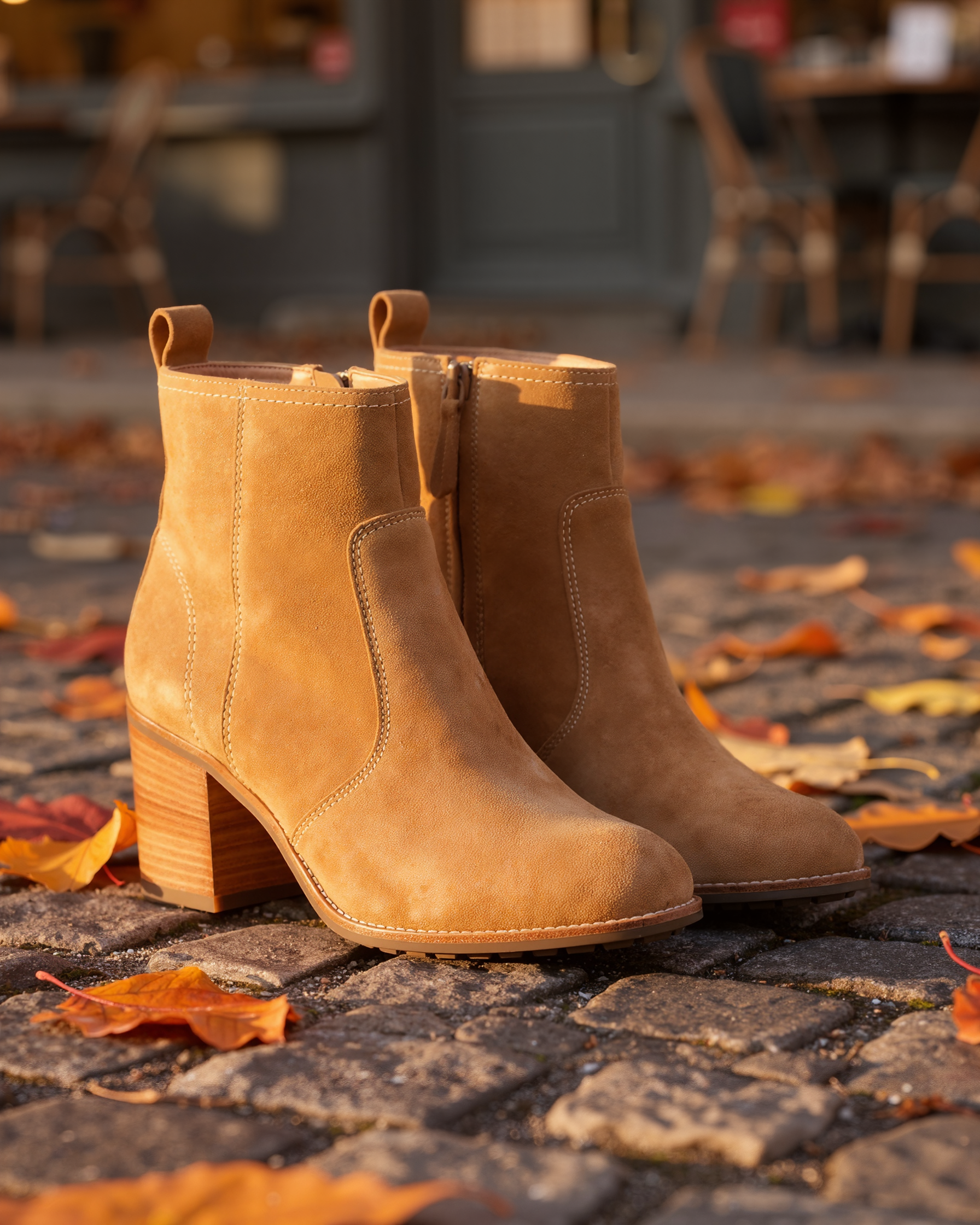
Clarity Pro · 896 x 1120 in, 1792 x 2240 out · 2x · PNG · 5 credits
Quality: Clarity Pro. Scale: 2x. Advanced: Creativity 0, Output format PNG.
The input was a 896 by 1120 product shot. The output is 4.0 megapixels, so it is 5 credits at 1 credit per megapixel rounded up. The suede texture and the stitching came out sharp and the colors did not shift.
Portrait · 928 x 1152 in, 1856 x 2304 out · Scale 2x · 1.5 credits
Quality: Portrait. Scale: 2x.
The input was a 928 by 1152 headshot. The output is 4.3 megapixels, which is the 1.5 credit band. Skin texture and beard hairs came back clear and the expression did not change.
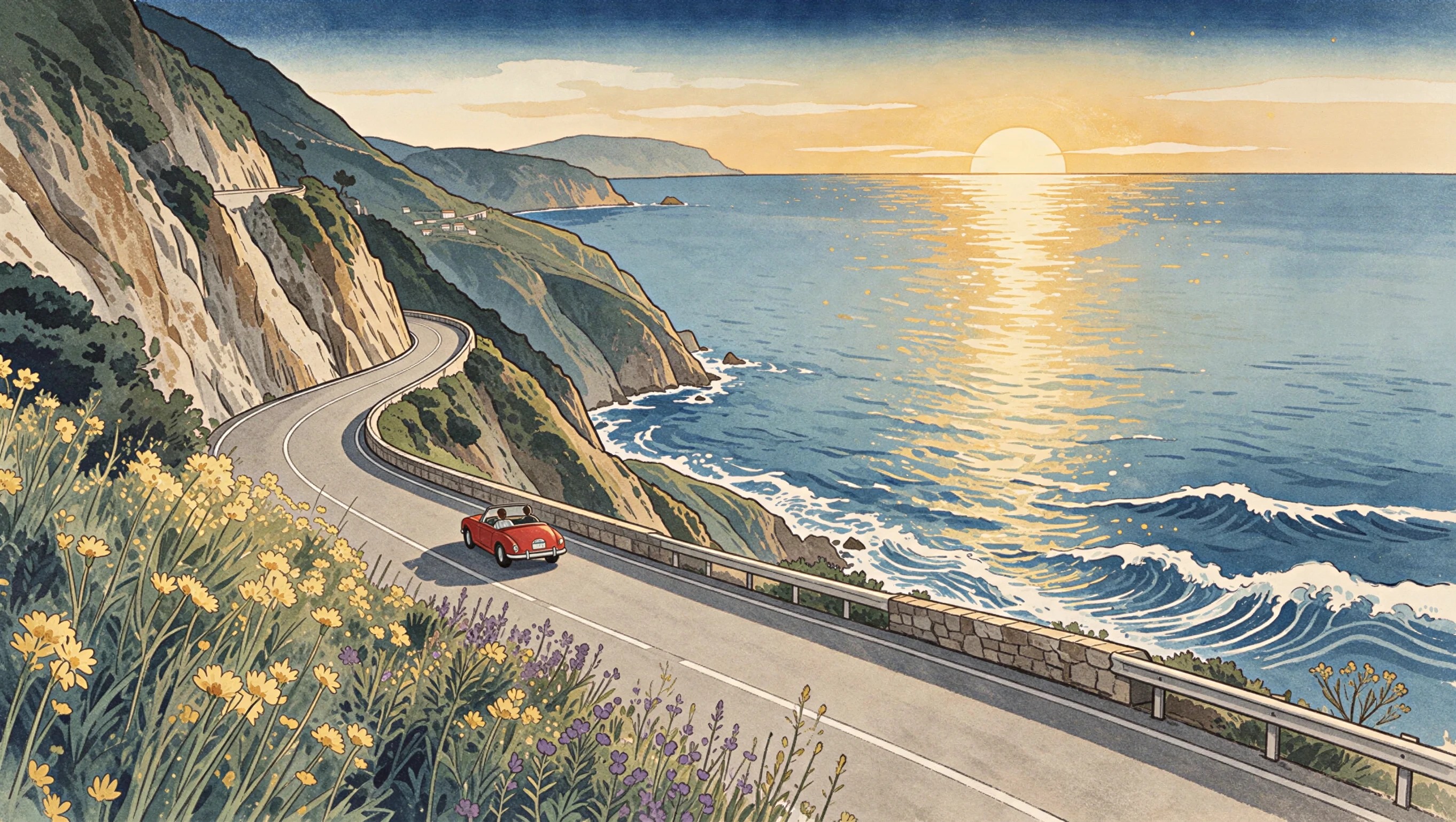
Fast · 1360 x 768 in, 2724 x 1538 out · Target size 4 MP (Standard, sharper) · Enhance Details on · 0.1 credit
Quality: Fast. Target size: 4 MP. Enhance Details: on. Enhance Realism: off.
The input was a 1360 by 768 woodblock style picture. Fast made it 2724 by 1538 for 0.1 credit. Enhance Details kept the brush lines and the wave edges crisp. Use it when you just need more pixels, quickly.
P-Video Upscale · 768p in, 2K out · 30 fps · 6 seconds · 7.2 credits
Target size: 2K (QHD), up to 20s. Frame rate: 30 fps.
The input was a 6 second 768p clip. At 2K the price is 1.2 credits per second, so 6 seconds is 7.2 credits. The mist, the gold cap and the glass all got crisper.
P-Video Upscale · 768p in, 4K out · 30 fps · 6 seconds · 14.4 credits
Target size: 4K (Ultra HD), up to 10s. Frame rate: 30 fps.
The input was a 6 second 768p clip with a spoken line. 4K is 2.4 credits per second, so this was 14.4 credits. The sound stayed exactly as recorded. 4K takes clips up to 10 seconds.
Creative for most photos and it is free. Magnific for rich new detail or huge prints. Clarity Pro for sharp photos with faces that stay true. Portrait for faces. Fast when you only need more pixels and want them in seconds.
A 4000 pixel photo at 8x is a giant file with little to gain. Upscale small images. Every quality has an output cap, so a large input with a big scale gets refused or costs a lot.
High creativity redraws features. On a person, stay on Subtle or Balanced in Creative, leave Clarity Pro creativity at 0, or use Portrait. Save Creative and Bold for landscapes, art and textures.
Magnific Precise keeps what is there. Add detail invents new texture, which looks great on rocks and fabric and less great on logos and small text.
Clarity Pro, Portrait, Magnific and Fast price by the size of the result. The button shows the exact credits once your image is loaded. Lower the scale to bring the price down.
A blurry clip at 4K is still a blurry clip, just bigger and 4 times the price of 720p. Start with 1080p. Move to 2K or 4K when the source is already clean.
60 fps makes motion smoother and doubles the price. Sport, panning shots and gameplay gain the most. A talking head or a product shot looks the same at 30 fps.
Creative: the free everyday choice. Scale 1x, 2x, 3x, 4x, 6x or 8x. The output can be up to 20 megapixels. It is free with a subscription on the web, one upscale at a time. The API and MCP charge 2.5 credits.
Magnific: rich new detail, up to 16x. The output can be up to 25.3 megapixels and 10,060 pixels on a side. It costs 3 credits when the longest output side is 2048 px or less, 5 credits up to 4096 px, 26 credits up to 8192 px, and 52 credits up to 16384 px.
Clarity Pro: sharper photos where faces stay true, up to 16x. The output can be up to 64 megapixels. It costs 1 credit per output megapixel, rounded up, with a minimum of 1 credit. A 1 megapixel image at 2x is 4 credits.
Portrait: restores faces in portraits, 1x to 8x. It costs 1.5 credits up to 4.4 megapixels of output, 3 up to 8.8, 6 up to 17.6, 12 up to 27.5, 24 up to 55, 48 up to 110, and 96 above that.
Fast: bigger in seconds, up to 128 megapixels. Pick a target size of 4, 8, 16, 32, 64 or 128 megapixels. It costs 0.1 credit up to 4 MP, 0.2 up to 8, 0.5 up to 16, 1 up to 32, 2 up to 64, and 3 up to 128.
Creative: choose Scale. Then open Creativity and pick Subtle, Balanced (the default), Creative or Bold. Add a Style preset such as Photorealistic or Anime if you want a look. Add a prompt only if you want to steer the new detail.
Magnific: choose Mode, either Add detail or Precise. Choose Scale from 2x to 16x. Open Advanced to pick an engine (Automatic, Sparkle for photos, Illusio for art, Sharpy for maximum sharpness) and an Optimized for setting such as Soft Portraits or Nature & Landscapes.
Clarity Pro: choose Scale from 2x, 4x, 8x or 16x. Open Advanced to move Creativity from -10 to 10. Zero is the default and negative values stay closer to the original. Pick PNG or JPG for the output.
Portrait: drag the Scale slider from 1x to 8x. The default is 4x. There is nothing else to set.
Fast: choose a Target size. Turn on Enhance Details to boost fine texture. Turn on Enhance Realism to reduce the plastic look of an AI image. Both are off by default.
You can open a quality straight from a link. Add ?mode=magnific, ?mode=pro, ?mode=portrait or ?mode=fast to the Upscale page address.
P-Video Upscale has its own page at /p-video-upscale. Upload one video of up to 50 MB. Choose a Target size and a Frame rate. The aspect ratio stays the same and so does the sound. A clip that is already larger than the target is not shrunk.
Each target has a longest clip it takes. 720p takes up to 80 seconds, 1080p up to 40 seconds, 2K up to 20 seconds, and 4K up to 10 seconds. The price is per second, rounded up to a whole second. 720p is 0.3 credits a second, 1080p is 0.6, 2K is 1.2 and 4K is 2.4. Choose 60 fps and the price doubles.
There is also a Video Upscaler for the API only. It takes a clip, a target of 720p, 1080p, 2K or 4K (1080p by default) and charges 1 credit per second of video. Its docs are at /api-platform/video-upscaler.
| Setting | Values | Notes |
|---|---|---|
| Creative: Scale | 1x, 2x (default), 3x, 4x, 6x, 8x | Free with a subscription on the web. Output up to 20 MP. |
| Creative: Creativity | Subtle, Balanced (default), Creative, Bold | Lower stays closer to your photo. |
| Magnific: Mode | Add detail (default), Precise | Add detail invents texture. Precise keeps what is there. |
| Magnific: Scale | 2x (default), 4x, 8x, 16x | 3 / 5 / 26 / 52 credits by longest output side. Up to 25.3 MP. |
| Clarity Pro: Scale | 2x (default), 4x, 8x, 16x | 1 credit per output megapixel, rounded up. Up to 64 MP. |
| Clarity Pro: Creativity | -10 to 10 (default 0) | Under Advanced. Negative stays closer to the original. |
| Portrait: Scale | 1x to 8x (default 4x) | From 1.5 credits. Priced by output size. |
| Fast: Target size | 4 (default), 8, 16, 32, 64, 128 MP | From 0.1 credit up to 3 credits. |
| Fast: Enhance Details / Realism | Off (default), On | Boosts texture or removes the plastic look. |
| P-Video Upscale: Target size | 720p, 1080p (default), 2K, 4K | Longest clip 80 s, 40 s, 20 s, 10 s. 0.3, 0.6, 1.2, 2.4 credits a second. |
| P-Video Upscale: Frame rate | 30 fps (default), 60 fps | 60 fps doubles the price. |
| Video Upscaler (API only) | 720p, 1080p (default), 2k, 4k | 1 credit per second of video. Docs at /api-platform/video-upscaler. |
Creative is the best first choice because it is free with a subscription and works on most photos. Use Magnific for rich new detail, Clarity Pro for sharp photos with true faces, Portrait for faces and Fast for speed.
Creative is free with a subscription on the web and runs one upscale at a time. The other qualities use credits, starting at 0.1 credit with Fast.
Creative and Portrait go up to 8x. Magnific and Clarity Pro go up to 16x. Fast goes up to 128 megapixels. Each quality also has an output cap, so a large image with a big scale may be refused.
It is 1 credit per megapixel of the result, rounded up, with a minimum of 1. A 1 megapixel image at 2x is 4 credits. The button shows the price once your image is loaded.
It depends on the longest side of the result. Up to 2048 px is 3 credits, up to 4096 px is 5, up to 8192 px is 26 and up to 16384 px is 52.
P-Video Upscale charges per second of video, rounded up. It is 0.3 credits a second to 720p, 0.6 to 1080p, 1.2 to 2K and 2.4 to 4K. 60 fps doubles those prices.
Up to 80 seconds at 720p, 40 seconds at 1080p, 20 seconds at 2K and 10 seconds at 4K. The file can be up to 50 MB.
Yes. P-Video Upscale keeps the original audio and the original aspect ratio.
Yes. The Video Upscaler model takes a clip and a target of 720p, 1080p, 2K or 4K, and charges 1 credit per second. See /api-platform/video-upscaler.