Hair and soft detail
Clean edges
Loose hair and soft edges stay natural. A portrait comes out ready to place on any color.

Background Remover Guide
Add a photo and press Remove BG. You get the subject back as a transparent PNG, ready to drop into any design. There are no settings and no prompt. It is free with a subscription. This guide shows what comes out and what to do with it next.

Background Remover cuts the subject out of any photo in seconds. The result is a PNG with a see-through background. Hair, glass and soft edges hold up.
It is free with a subscription. There is nothing to set. Add the image, press Remove BG and download the PNG.
Use it for product photos, profile pictures, stickers and collages. Use a prompt edit on Seedream 5.5 when you want to put the subject on a new scene. Use Image Outpainting when you want more room around the edges.
Free
With a subscription
PNG
Transparent background
1 click
No settings
Loose hair and soft edges stay natural. A portrait comes out ready to place on any color.
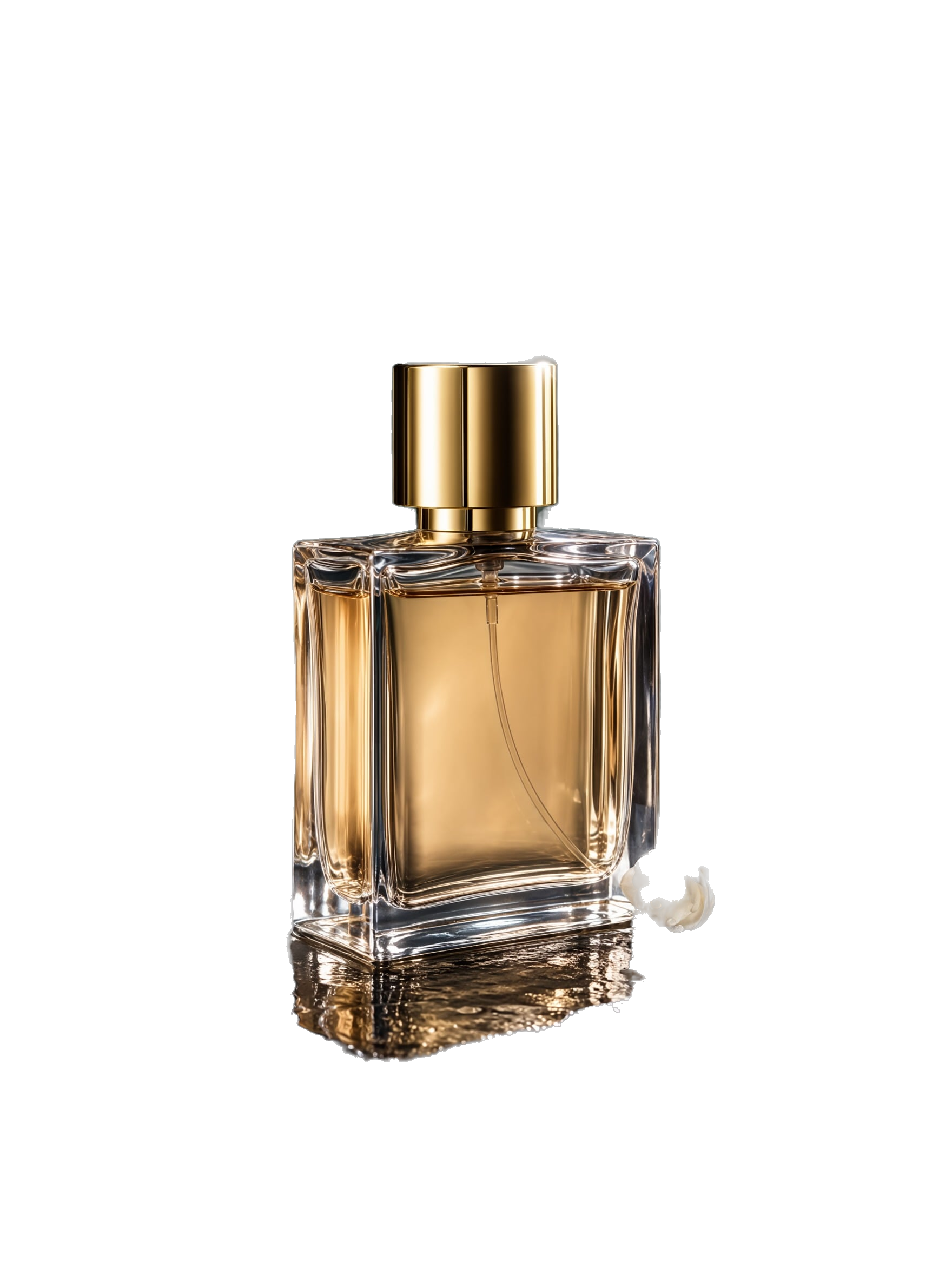
A glass perfume bottle keeps its shape and its edges, so it is ready for a shop page or an ad.
Each example shows the exact prompt that produced the result. Copy any prompt with one click.
Free with a subscription · input: a woman at a cafe table
No settings. Add the image and press Remove BG.
Hair, sweater and cup all stay. The cafe behind her is gone.

Free with a subscription · input: a watercolor fox under a birch tree
No settings. Add the image and press Remove BG.
Art works too. The fox and leaves come out ready to use as a sticker or in a card.
Free with a subscription · input: a perfume bottle on wet stone
No settings. Add the image and press Remove BG.
Glass edges hold. Drop the bottle on any backdrop for a shop page.
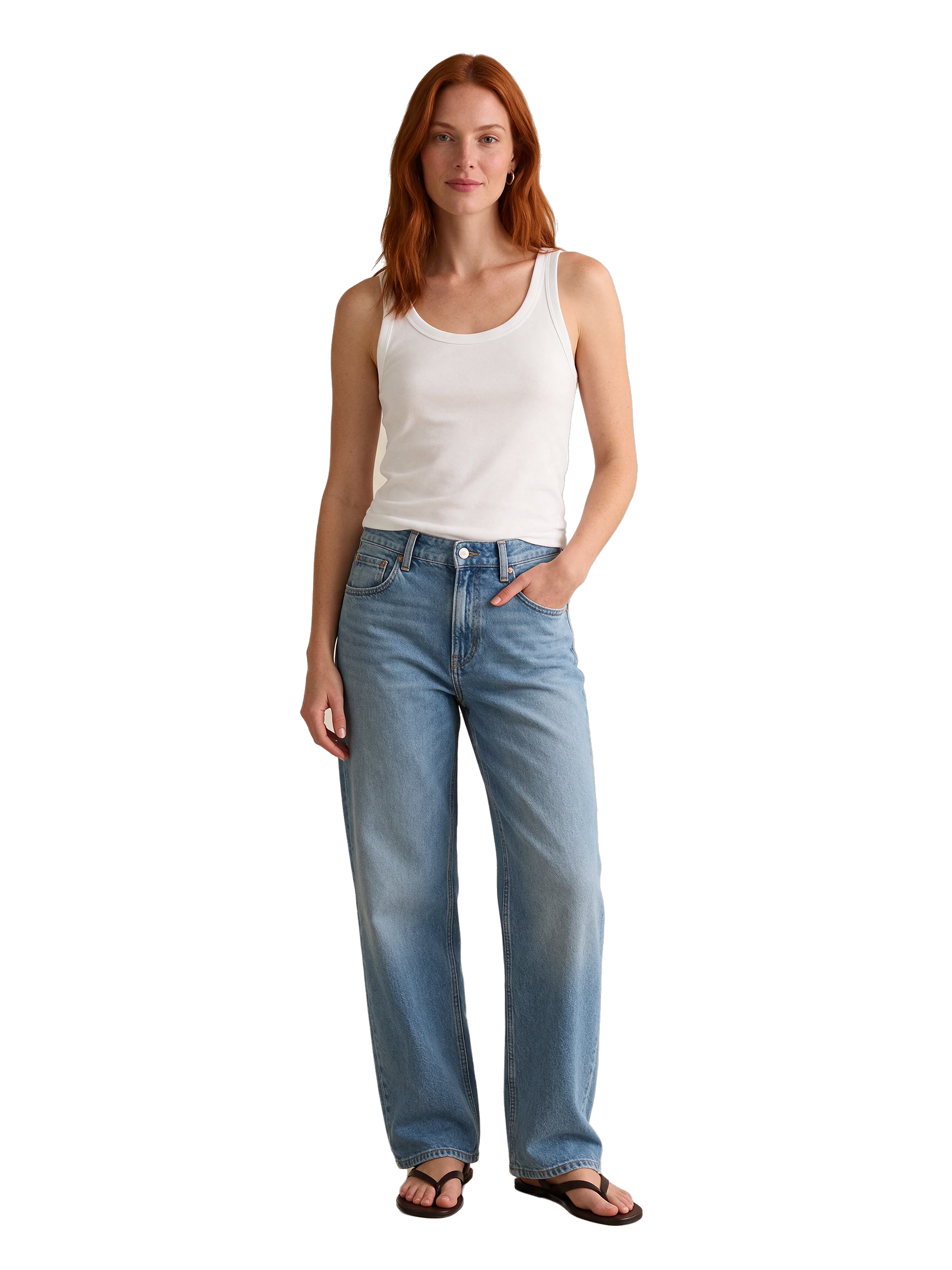
Free with a subscription · input: a woman in a white tank and jeans
No settings. Add the image and press Remove BG.
Her hair, tank top and jeans all hold their edges.
A clear subject with good light gives clean edges. Blurry photos give soft cut-outs.
Leave the full subject in the frame. A cropped subject has hard edges where it was cropped.
Download the result. The PNG keeps the see-through background.
Put the subject on a new scene. Add the cut-out as a reference in Seedream 5.5 and describe the new place.
Add more room around it with Image Outpainting at /outpaint, or make it larger with Creative Upscale at /creative-upscale.
Change the clothes on a person cut-out with Virtual Try-On at /virtual-try-on.
| Setting | Values | Notes |
|---|---|---|
| Image | One photo | Add the image and press Remove BG. |
| Settings | None | No prompt and no options. |
| Output | Transparent PNG | The background is see-through. |
| Credits | 0 | Free with a subscription. |
Yes. It costs 0 credits and is free with a subscription.
A PNG of your subject with a transparent background.
No. There are no settings. Add the image and press Remove BG.
Place the subject on a new background, expand the picture with Image Outpainting, upscale it with Creative Upscale or build a new scene with Seedream 5.5.
Yes. Seedream 5.5 can make a PNG with a see-through background from a prompt. Use Background Remover when you already have a photo.