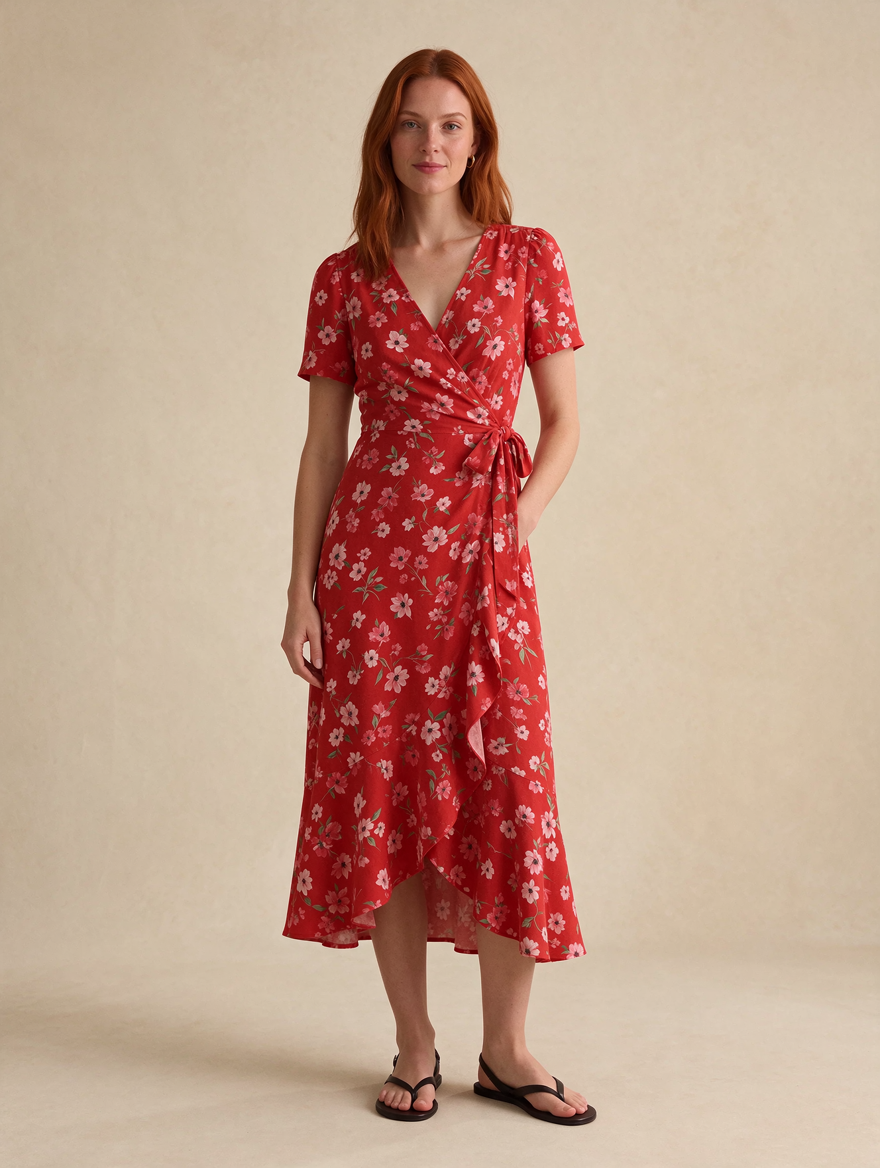
Hanger, flat lay or worn
Any clothing photo
A dress on a hanger works. So does a jacket laid flat on a table.
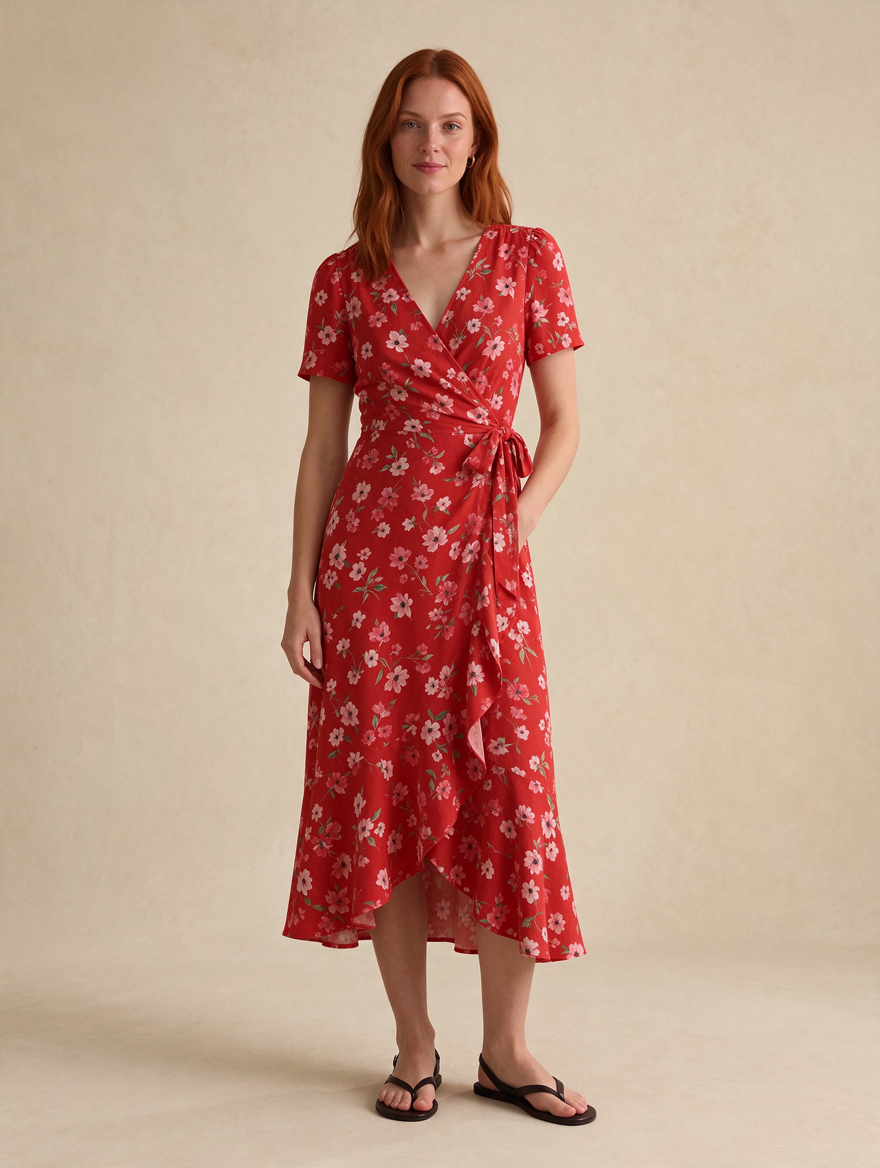
Virtual Try-On Guide
Add a photo of a person and a photo of the clothing. You get the same person wearing it. Their face, pose and background stay the same, and the clothing is copied closely. Every try-on is 1 credit. This guide shows five real results and which clothing photos work best.
Virtual Try-On needs two photos. The Person slot holds a photo of the person. The Garment slot holds a photo of the clothing. Press Try On and you see the person wearing it.
The person keeps their face, hair, body shape, pose, background and framing. The clothing keeps its color, pattern, cut and details. It is fitted to the person with natural folds and light.
Use it for shop previews, outfit ideas and mock-ups. Use a prompt edit on Seedream 5.5 when you want to change a look in words. Use Face Swap when you want to change the face, not the clothes.
2 photos
A person and a garment
1 credit
Every try-on
Any clothing photo
Flat lay or hanger
A dress on a hanger works. So does a jacket laid flat on a table.
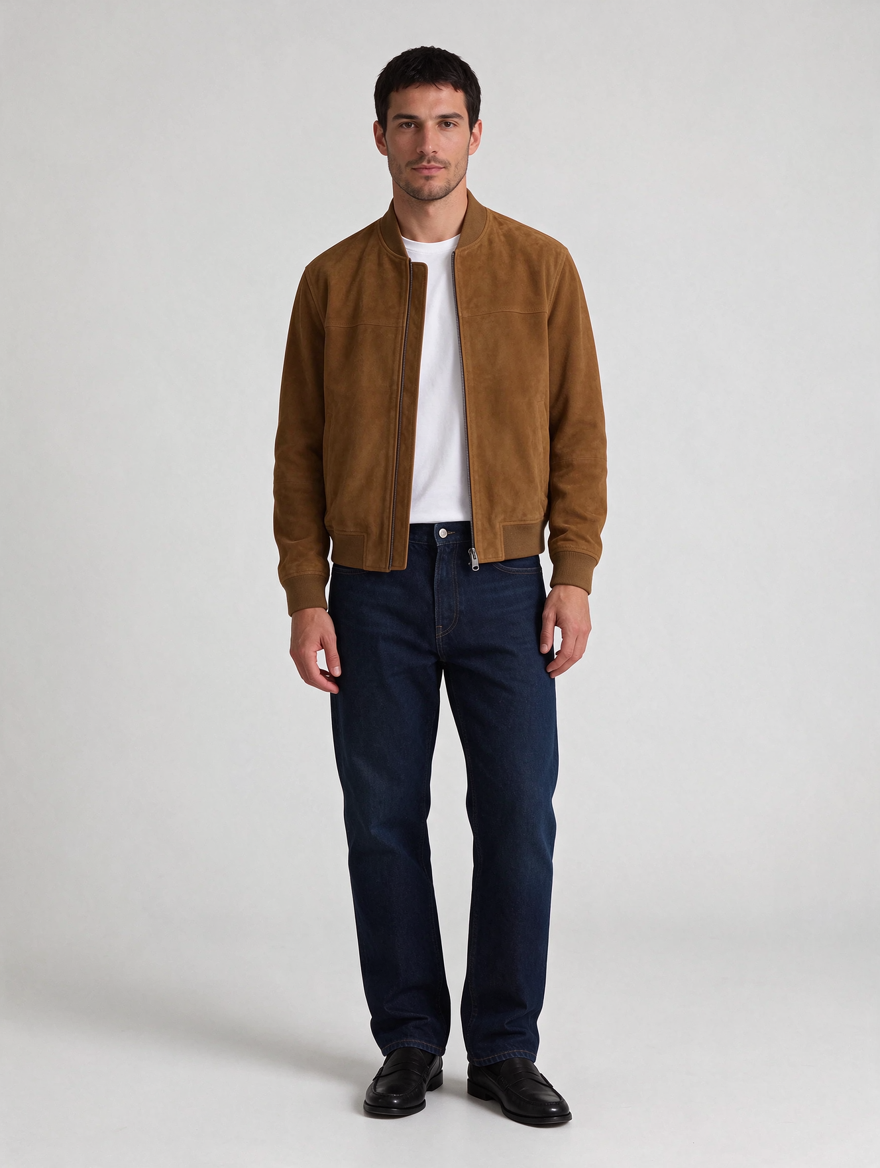
Only the clothing changes. The person, the pose and the background stay as they were.
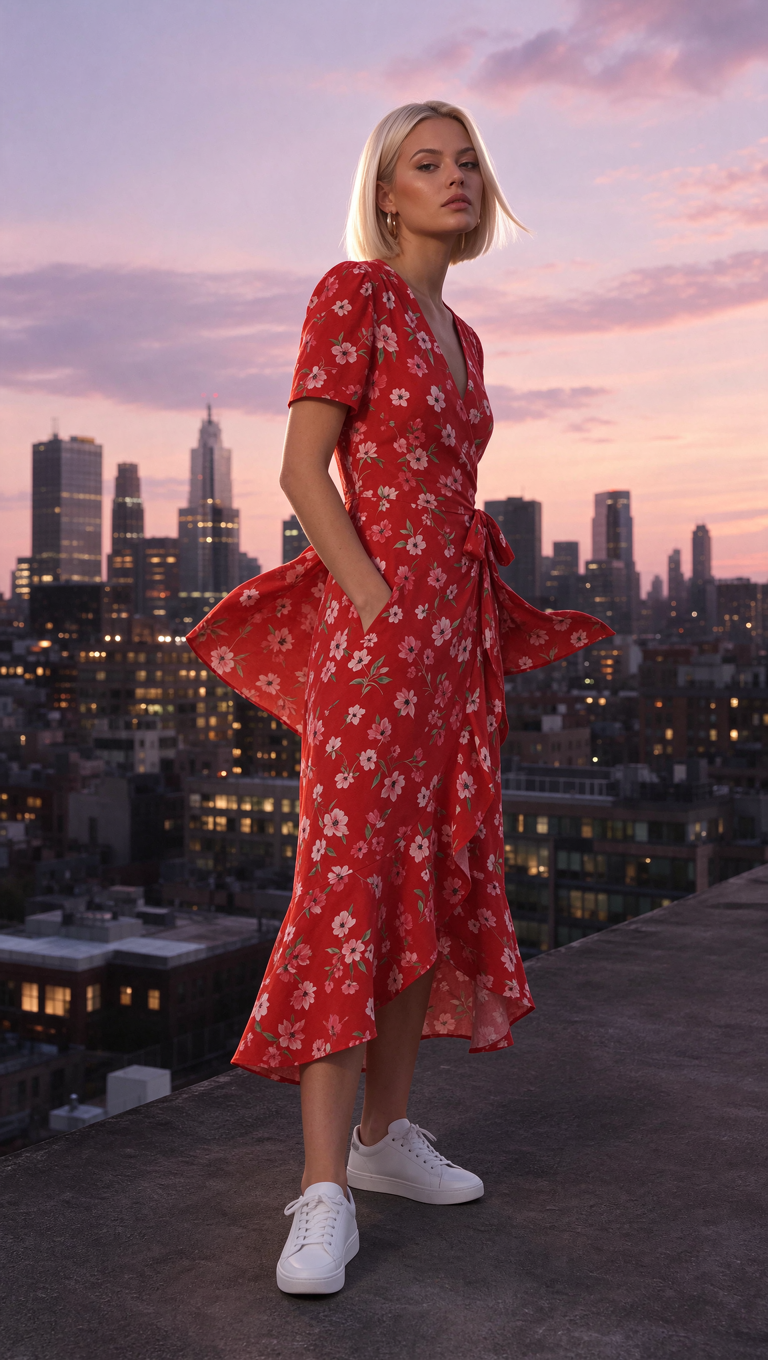
A standing photo on a rooftop takes the dress without losing the city behind her.
Each example shows the exact prompt that produced the result. Copy any prompt with one click.
Person: woman in a white tank and jeans · Garment: wrap dress on a hanger · description: red floral wrap dress · 1 credit
Description typed: red floral wrap dress
A hanger photo is enough. The color, the floral print and the wrap cut came across.
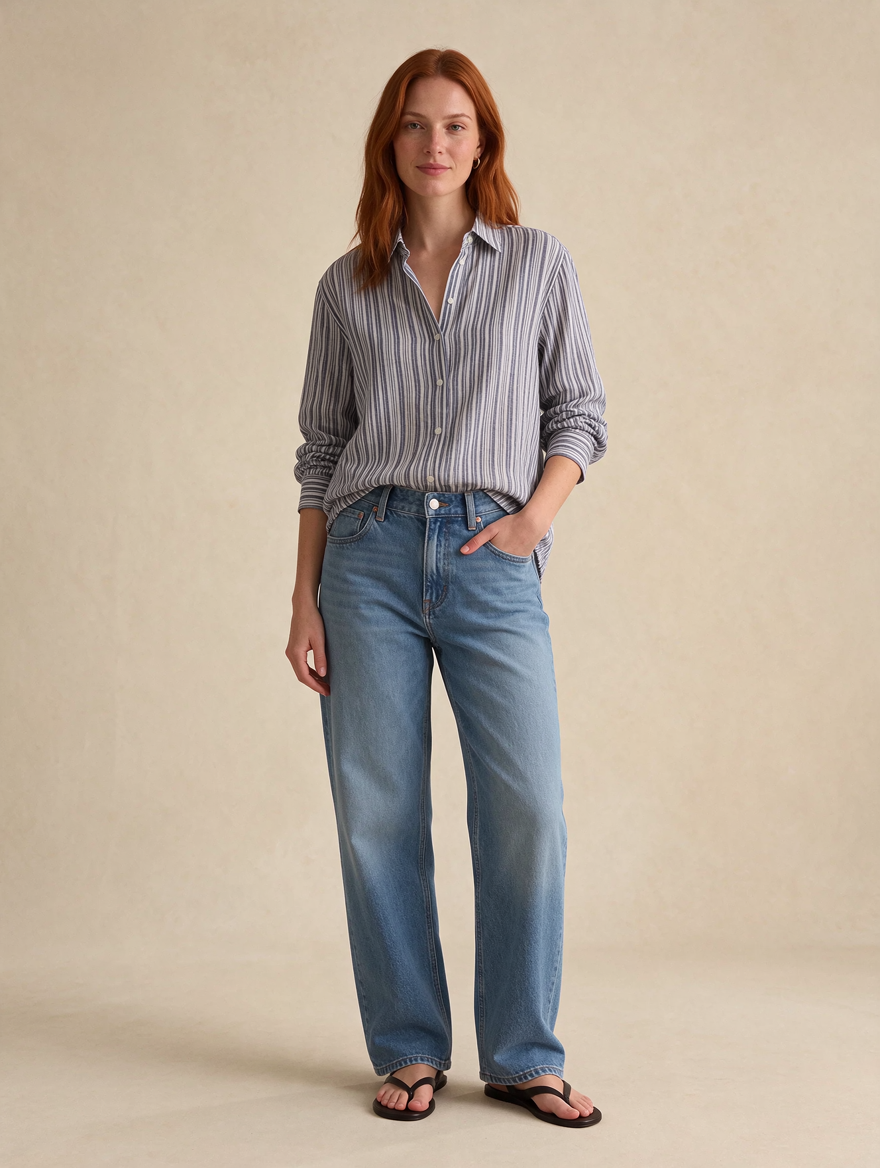
Person: woman in a white tank and jeans · Garment: striped linen shirt on a hanger · no description · 1 credit
No description typed.
The description is optional. A clear garment photo can speak for itself.
Person: man in a white tee · Garment: tan suede bomber, flat lay · description: tan suede bomber jacket · 1 credit
Description typed: tan suede bomber jacket
A flat lay works well. Naming the garment in the description helps the model read what it is.
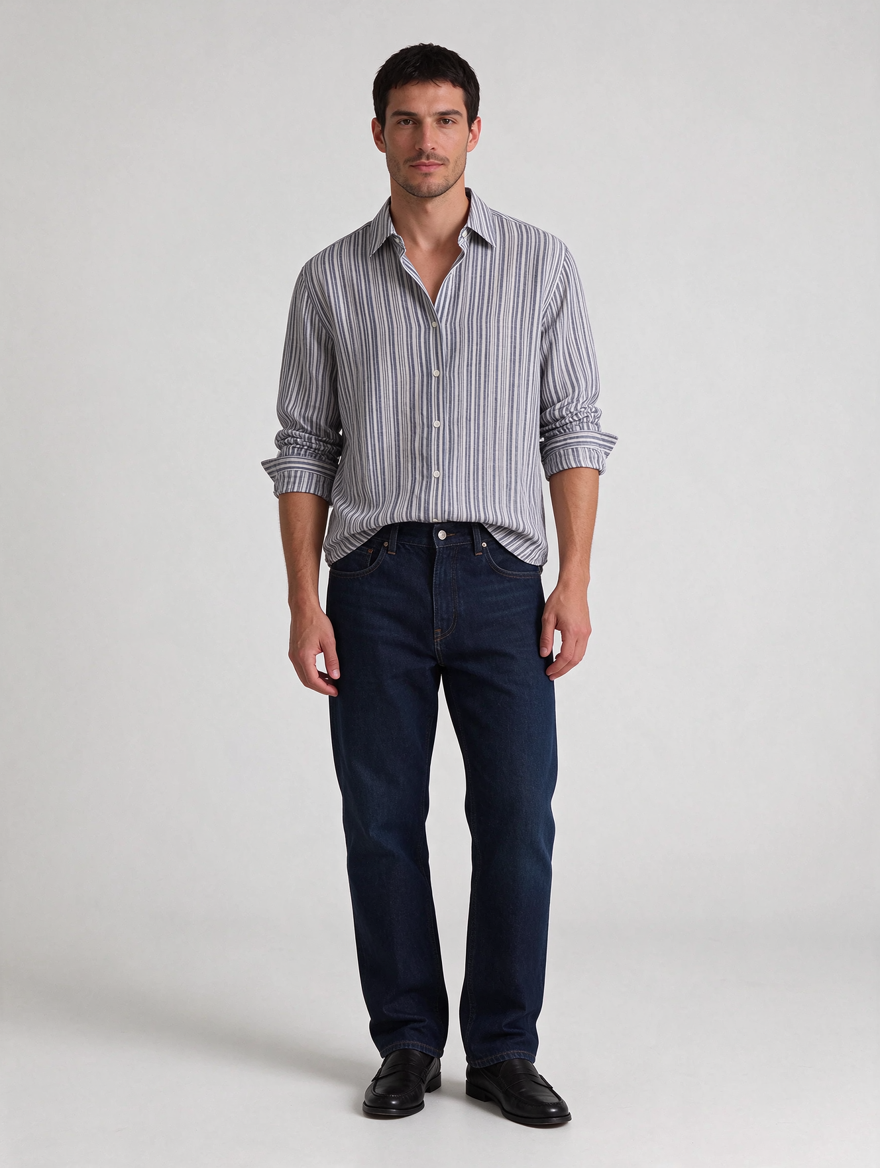
Person: man in a white tee · Garment: striped linen shirt on a hanger · no description · 1 credit
No description typed.
The same garment photo works on a different person. Use one clothing photo on many people.
Person: woman in a green suit on a rooftop · Garment: red floral wrap dress · no description · 1 credit
No description typed.
Tall full-length photos work. The rooftop and the sky stay the same while the suit becomes the dress.
A flat lay or a hanger photo on a plain background works best. The whole garment should be in view.
The Person slot comes first so the result keeps that photo's shape and background. Add the clothing in the Garment slot.
A standing or half-length photo where the body is easy to see gives the best fit. Plain backgrounds help.
The description box is optional. Type a few words like tan suede bomber jacket when the photo does not make the garment obvious.
A jacket suits a half-length photo. A dress suits a full-length one.
Keep the clothing photo and swap the person photo to see the same piece on different people.
| Setting | Values | Notes |
|---|---|---|
| Person | A photo of the person | Required. Their face, pose and background stay. |
| Garment | A photo of the clothing | Required. Flat lay or hanger works best. |
| Describe the clothing | Optional text | A few words, like tan suede bomber jacket. |
| Credits | 1 per try-on | One image comes back, in the shape of the person photo. |
It shows a person wearing a piece of clothing from a second photo. You add one photo of the person and one photo of the clothing.
Every try-on is 1 credit.
A flat lay or a garment on a hanger with a plain background. Show the whole piece.
No. The description is optional. It helps when the photo does not make the garment obvious.
Yes. The face, hair, pose, background and framing of the person photo stay the same. Only the clothing changes.