image to image ai free

Generated on PixelDojo. Produced by PixelDojo's generation pipeline.
Unlock the full potential of your photographs with PixelDojo's free AI image-to-image generator. Whether you're looking to enhance, stylize, or completely transform your images, our suite of AI-powered tools makes it simple and accessible. Elevate your visuals and bring your creative visions to life effortlessly.
Real image examples generated on PixelDojo
Every example below was produced on PixelDojo. Hover to see the prompt.
Image of an ai painting a human and a human painting an ai
flux
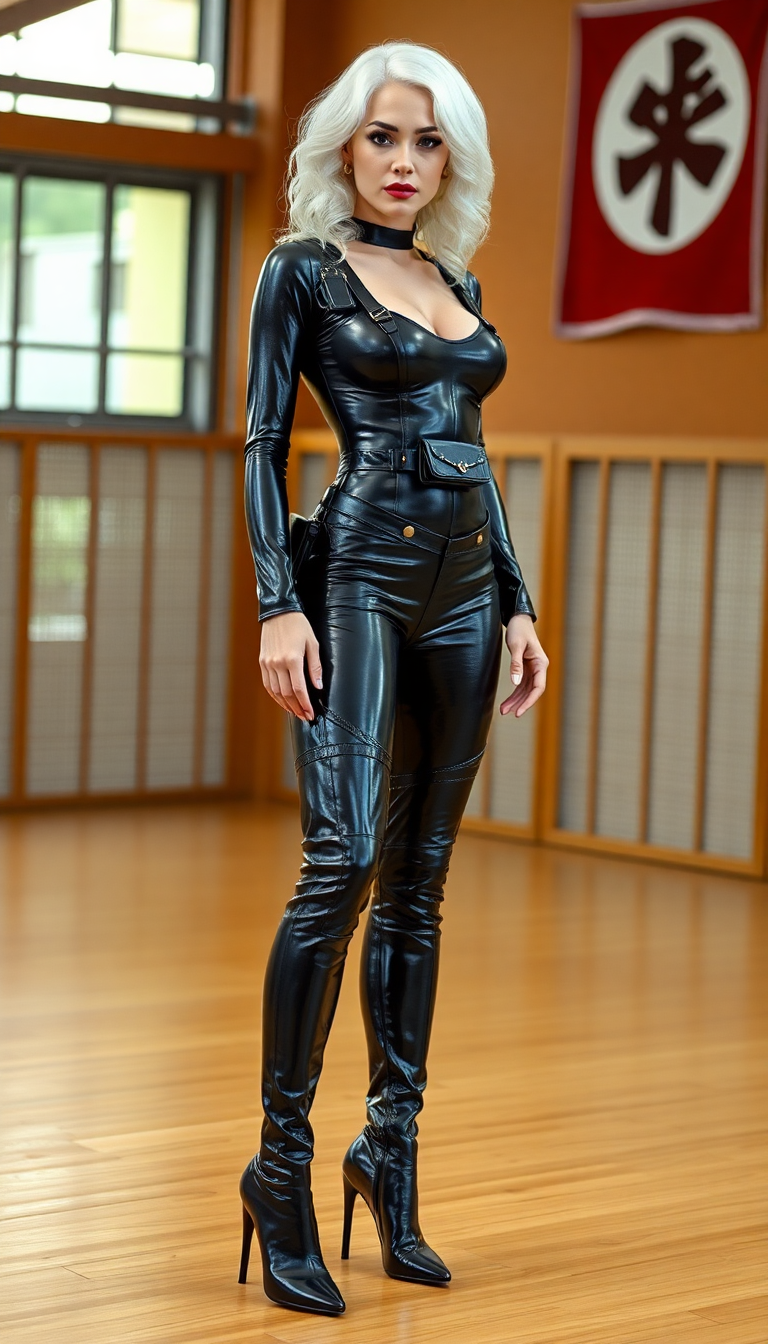
image to image ai free on PixelDojo
flux
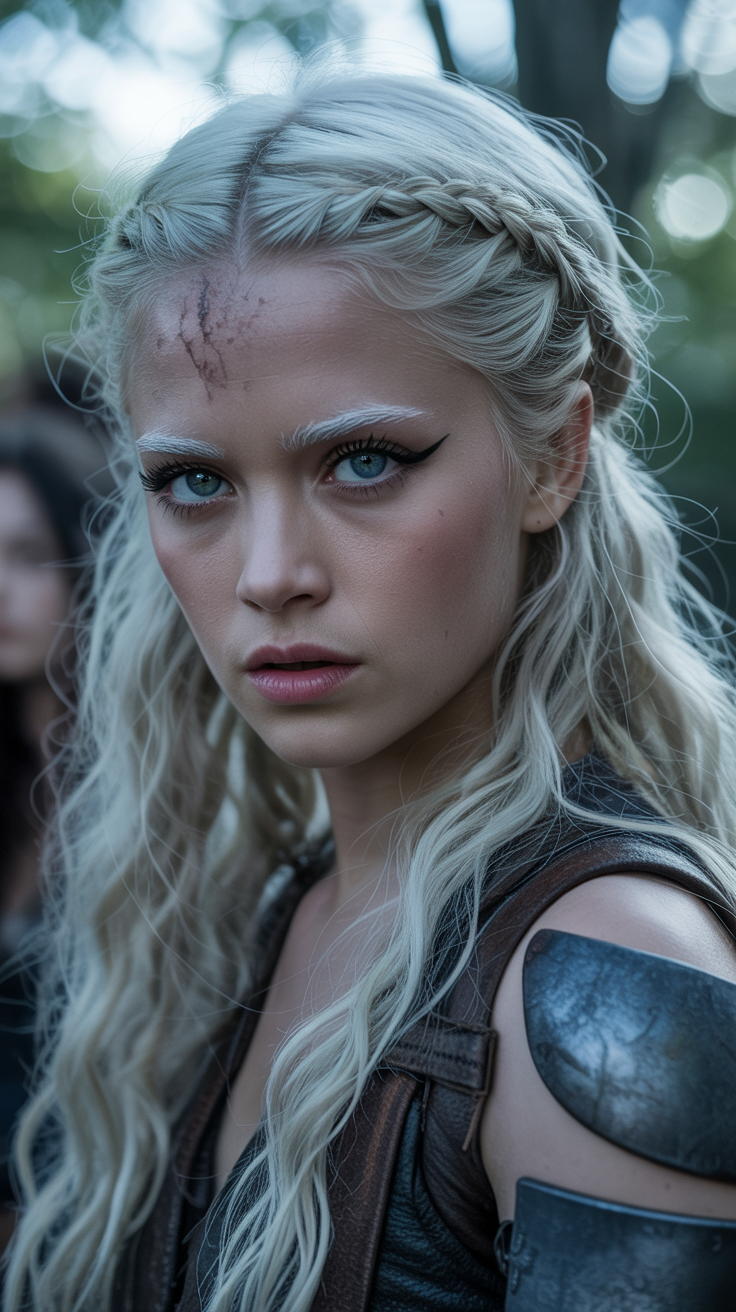
Cinematic film still
stable-diffusion
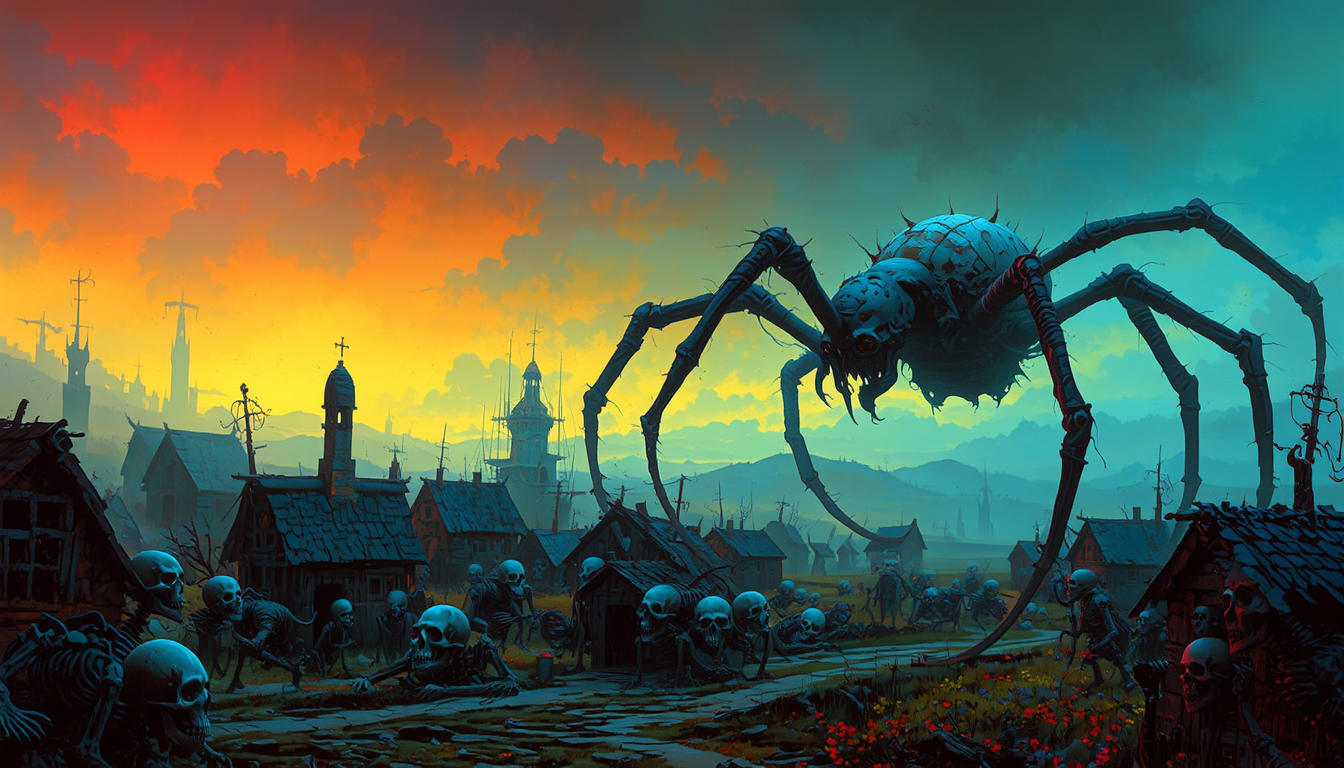
FantasyArt style
stable-diffusion

image to image ai free on PixelDojo
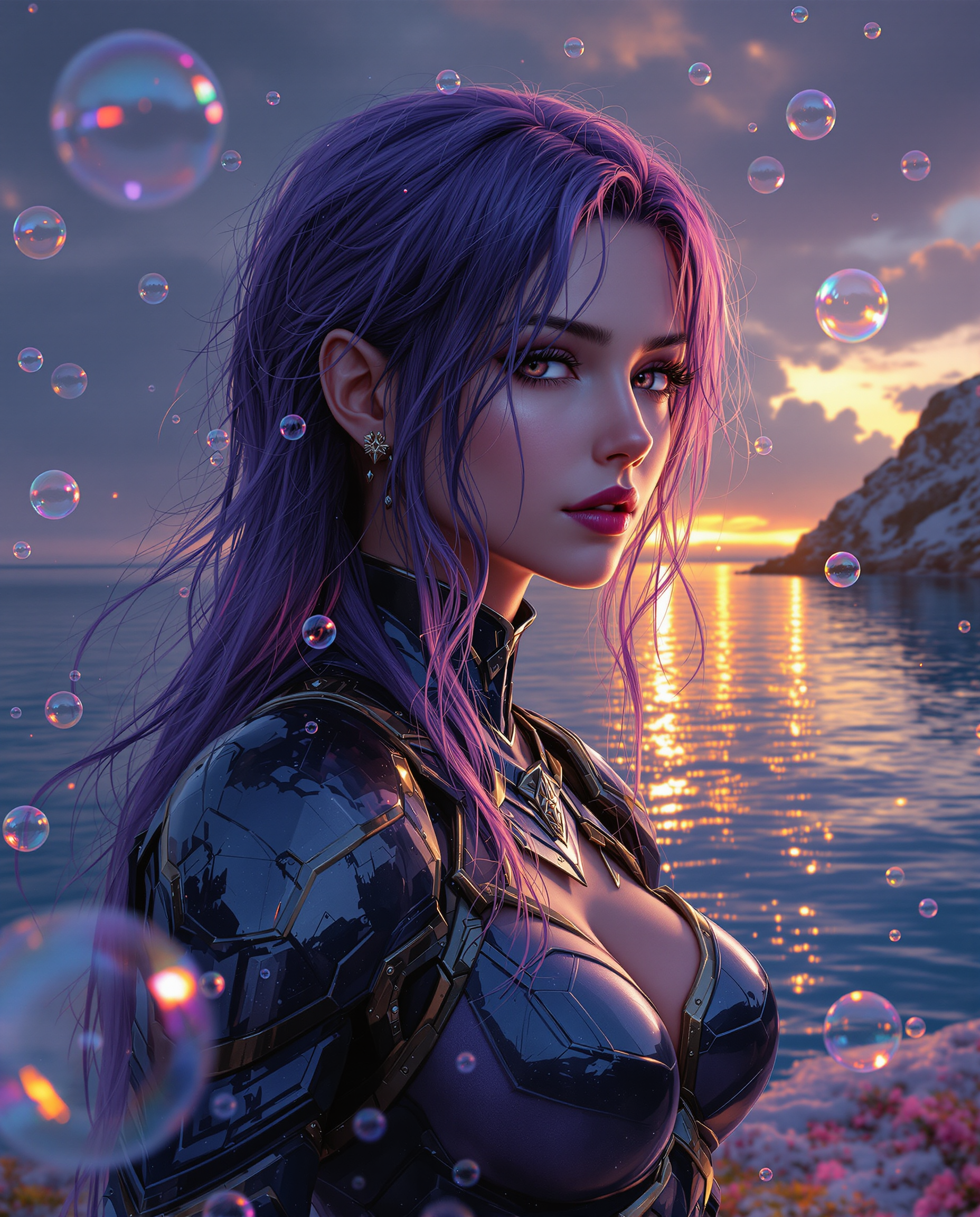
This image is a realistic photo photograph of a female real person digital artwork that fe…
flux
Models you can run on PixelDojo for image to image ai free
Switch models without switching tools. Each one runs in the same PixelDojo studio.
What you can do with image to image ai free on PixelDojo
Upload and Modify Images
We accept a source image and text prompt to produce an updated version.
Set Image Influence Level
Creators adjust how much the original image affects the generated result.
Produce Multiple Outputs
We generate several variations from one input image and prompt.
Apply Prompt Based Edits
We interpret text instructions to alter content while retaining overall structure.
Join over 10,000 satisfied creators who have transformed their images using PixelDojo's AI tools. Rated 4.8/5 for ease of use and quality results.
Why Choose Pixel Dojo for image to image ai free
Professional-quality results with cutting-edge AI technology
Effortless Image Enhancement
Quickly improve the quality and resolution of your photos without any technical expertise.
Creative Style Transformations
Apply various artistic styles to your images, giving them a unique and personalized touch.
Time-Saving Automation
Automate complex editing tasks, allowing you to focus more on your creative process.
How It Works
Transforming your images with PixelDojo is a straightforward process. Follow these simple steps to achieve stunning results:
Step 1: Upload Your Image
Select the 'Image to Image' tool and upload the photo you wish to enhance or transform.
Step 2: Choose Your Transformation
Select from a variety of AI-powered transformations such as style transfer, magic lighting, or material transfer to apply to your image.
Step 3: Customize and Download
Adjust the transformation settings to your preference, preview the changes, and download the final image.
The Pixel Dojo Advantage
Why PixelDojo is the superior choice for AI-powered image transformations:
| Others | Pixel Dojo |
|---|---|
| Traditional Photo Editing Software | No need for advanced editing skills; achieve professional results with minimal effort. |
| Generic AI Tools | A comprehensive suite of over 40 specialized AI tools tailored for diverse creative needs. |
| Manual Editing Processes | Significantly reduces editing time, allowing for rapid experimentation and creativity. |
Loved by creators on PixelDojo
Real feedback from people using PixelDojo, pulled from our in-product surveys.
amazing web site
phenomenal site. would highly recommend
Amazing features, easy to use, privacy
the number of options, and especially the quick response to questions on Discord
Love you guys!!
Trained my Lora super fast. Still working out how to creat content wit it, but I love it so far.
Explore more AI tools on PixelDojo
AI Tools
Compare & Switch
- Best AI Image Generators
- Best AI Video Generators
- Midjourney Alternatives
- Civitai Alternatives
- Runway Alternatives
- Leonardo Alternatives
- Pika Alternatives
- Luma Alternatives
- Magnific Alternatives
- Veo Alternatives
- Flux Alternatives
- Freepik Alternatives
- Seedance Alternatives
- Seedream Alternatives
- Pixverse Alternatives
- GPT Image Alternatives
- Synthesia Alternatives
- Playground Alternatives
- NightCafe Alternatives
- Canva AI Alternatives
- ElevenLabs Alternatives
- ComfyUI Alternatives
- Fal Alternatives
- Replicate Alternatives
Common Questions
Everything you need to know about image to image ai free
How can I use PixelDojo's free AI image generator to enhance my photos?
Simply upload your image to the 'Image to Image' tool, select the desired transformation, customize the settings, and download the enhanced photo.
What types of transformations can I apply to my images with PixelDojo?
PixelDojo offers a variety of transformations including style transfer, magic lighting, material transfer, and more to creatively enhance your images.
Is PixelDojo suitable for beginners with no editing experience?
Absolutely! PixelDojo's intuitive interface and AI-powered tools are designed for users of all skill levels to achieve professional-quality results effortlessly.
Can I use PixelDojo's AI tools for commercial projects?
Yes, PixelDojo's AI tools are suitable for both personal and commercial projects, providing high-quality results for various creative needs.
Are there any limitations on the number of images I can process with PixelDojo?
PixelDojo offers a generous free tier with the option to upgrade for higher usage limits, ensuring flexibility for all users.
How does PixelDojo ensure the privacy of my uploaded images?
PixelDojo prioritizes user privacy by processing images securely and not using them for any purpose other than the requested transformations.