krea nodes alternative
Generated on PixelDojo. Produced by PixelDojo's generation pipeline.
You want complete control over your AI image generation without the steep learning curve of traditional node editors. PixelDojo gives you that power as the leading krea nodes alternative, letting you chain advanced models, refine outputs, and produce stunning visuals, videos, and edits in one seamless platform. Achieve consistent brand assets, photorealistic scenes, and campaign-ready content faster than ever. Whether you are designing product shots, concept art, or social media series, you get professional results that convert viewers into customers. Thousands of creators already rely on PixelDojo to skip the setup hassle and focus on what matters: bringing your vision to life. With tools like Flux.2 Studio, Nano Banana 2, Krea Image, and full ComfyUI access, you build custom workflows that deliver high-quality images on demand. Start creating today and see how easy it is to outperform complex node-based systems while keeping full creative freedom.
Real image examples generated on PixelDojo
Every example below was produced on PixelDojo. Hover to see the prompt.
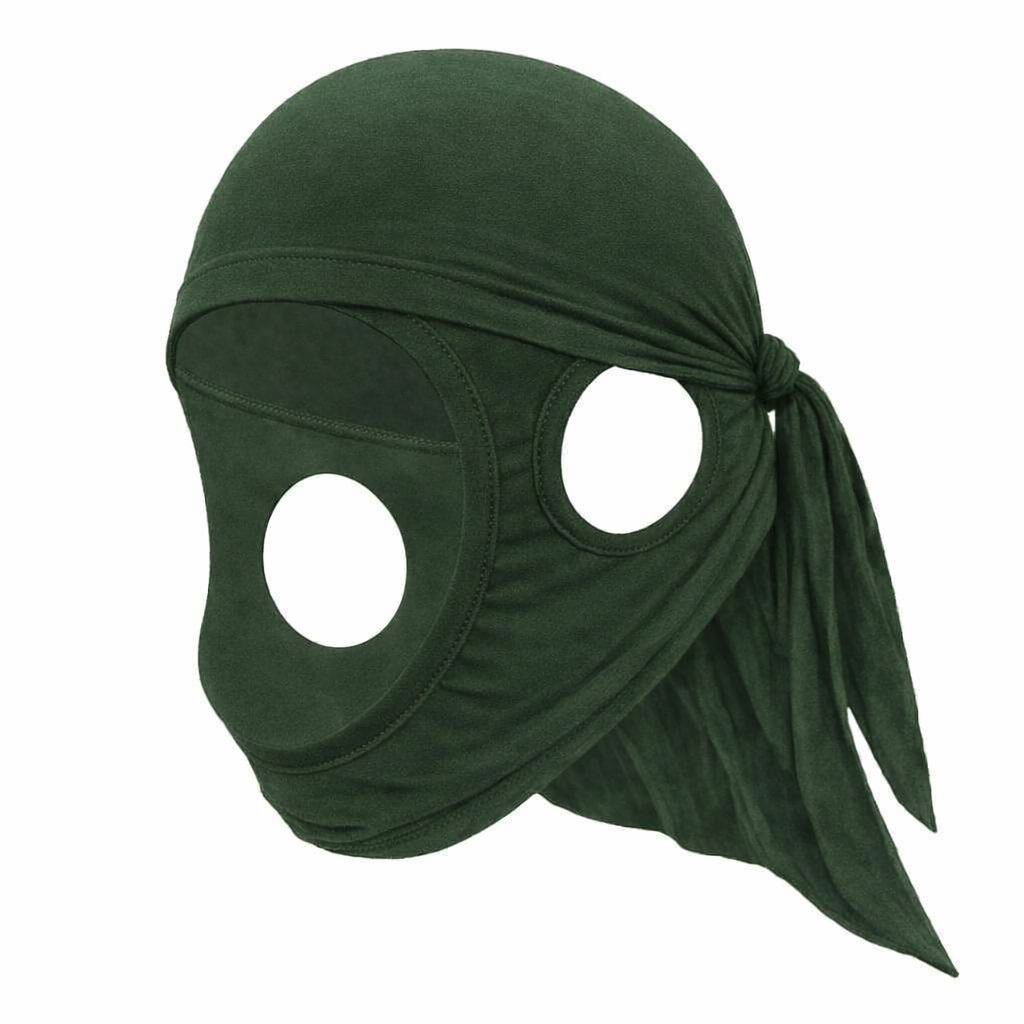
Create and dark green edited
gpt-image-1-5
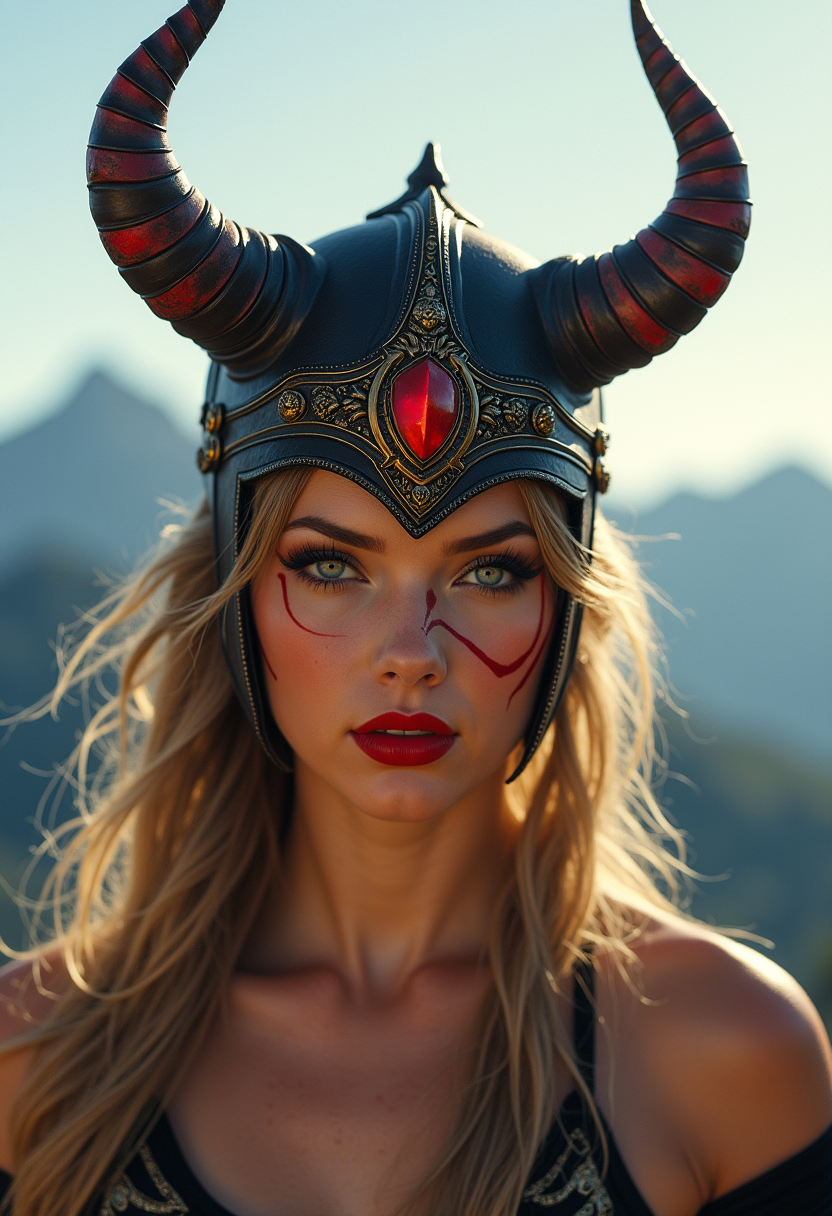
"SHOT COMPOSITION": "Wide shot capturing the full figure of the warrior against the expans…
flux
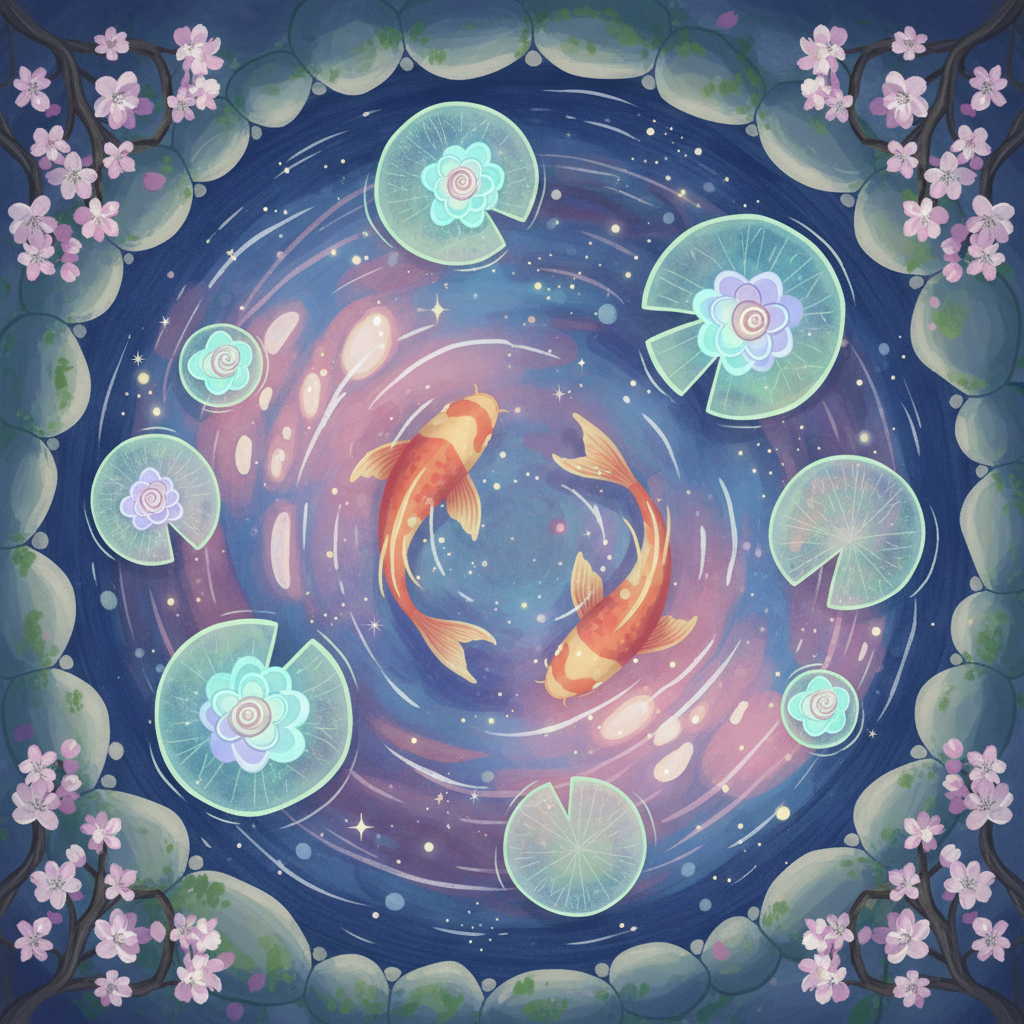
Gg-illustration
image-to-image
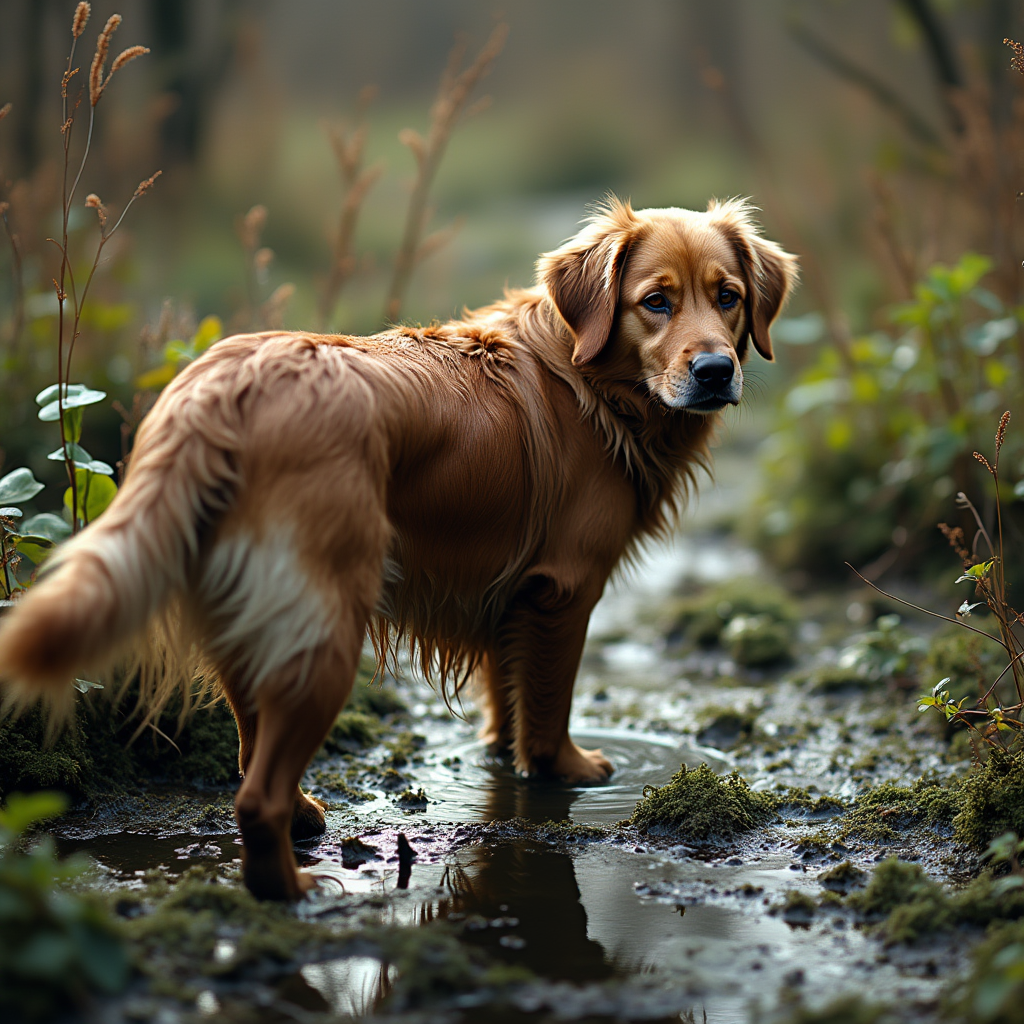
Create an image of a **dog in a bog**: - **Subject**: A dog
flux
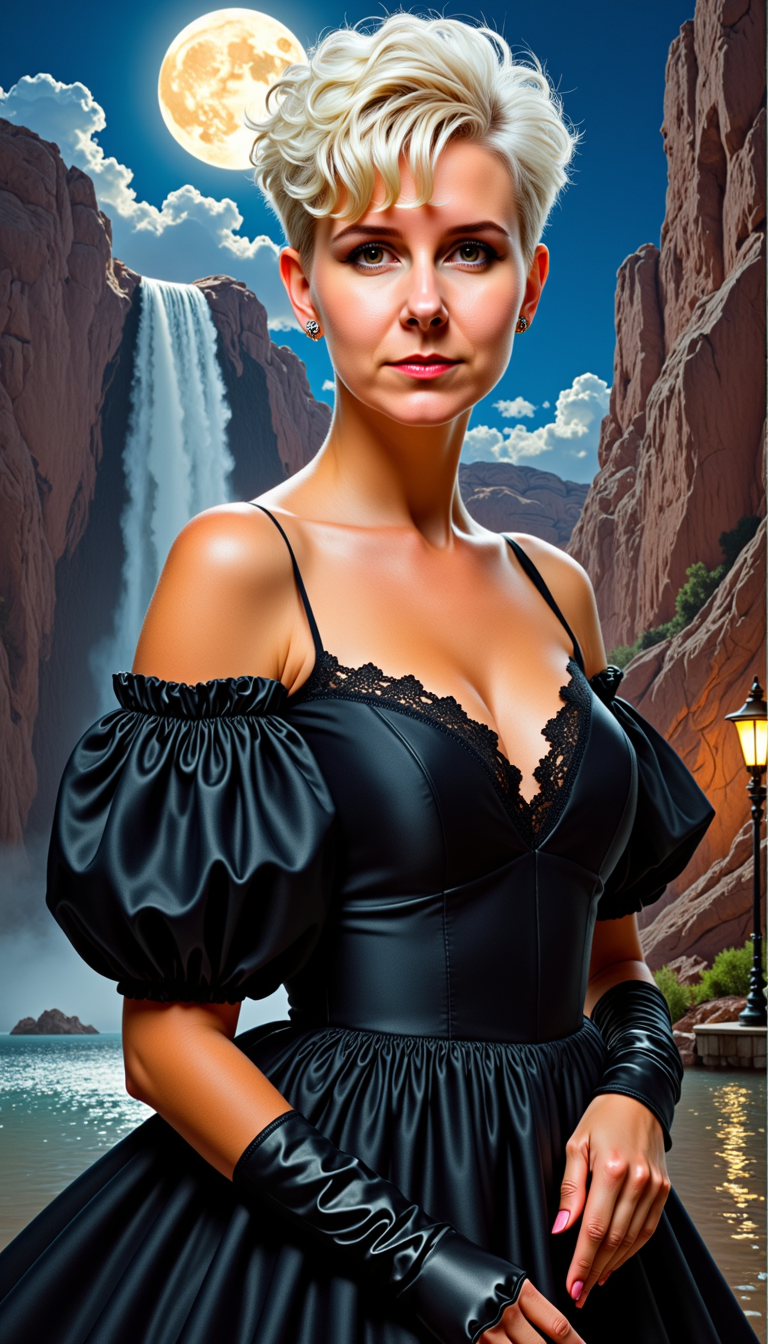
MO-LoRa-Pixie
stable-diffusion
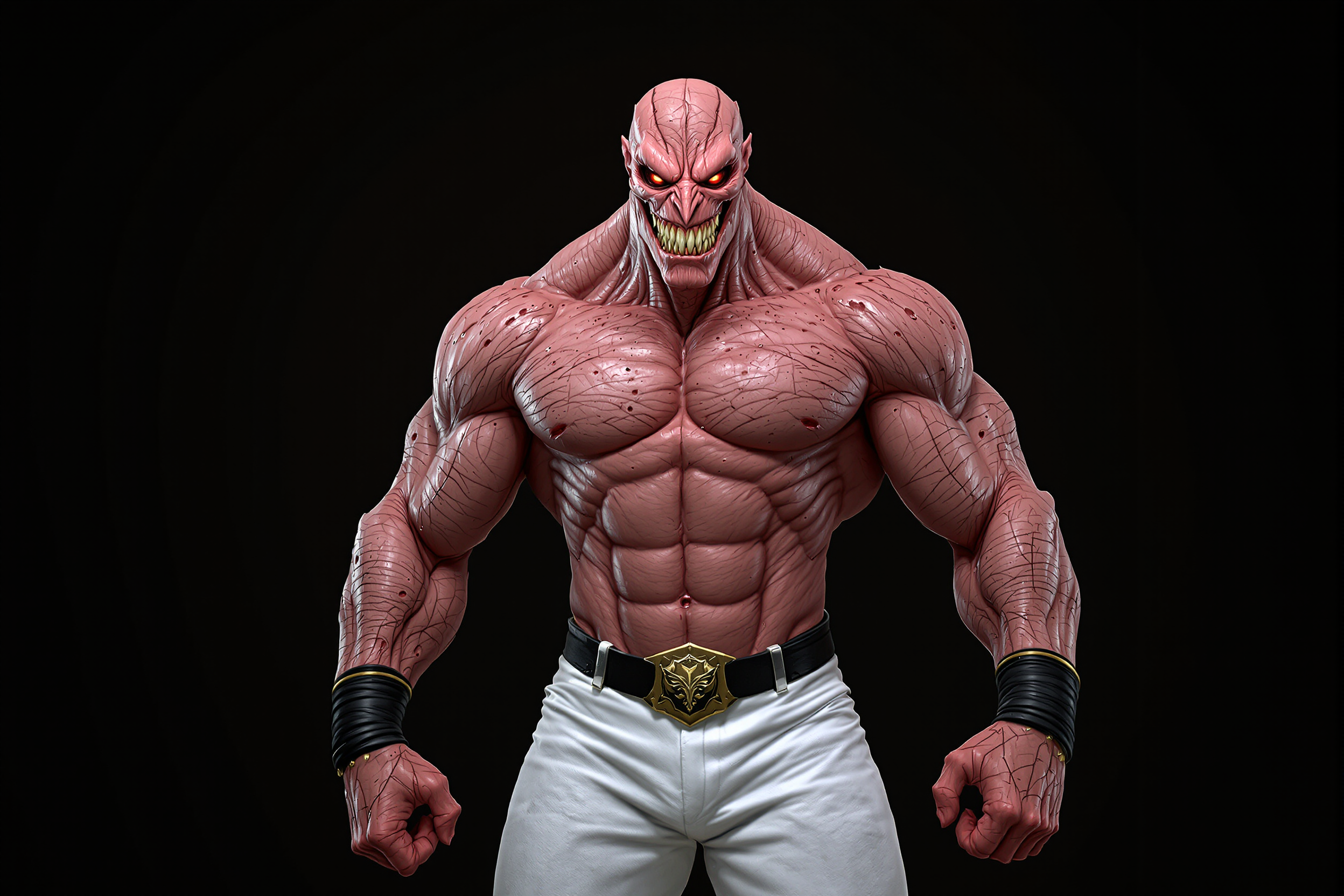
A hyper-realistic digital rendering of a menacing
flux
Models you can run on PixelDojo for krea nodes alternative
Switch models without switching tools. Each one runs in the same PixelDojo studio.
What you can do with krea nodes alternative on PixelDojo
Visual Node Workflows
We give you a node canvas for image generation so you can chain prompts, models, and edits without writing code. Build reusable graphs and rerun them when you need a new variation.
Many Image Models
We host a range of generation and refinement models on one workspace. Switch checkpoints and settings in the same flow instead of hopping between separate tools.
Iterate Without Restarting
You can branch a graph, tweak one node, and regenerate only what changed. Keep control over seeds, strength, and composition while you explore ideas.
Edit And Upscale In Flow
We include inpaint, outpaint, upscale, and restyle steps as nodes you can drop into the same pipeline. Finish a piece from first sketch to export without leaving PixelDojo.
Loved by thousands of creators worldwide with 40+ cutting-edge AI tools. Join a community that generates millions of images monthly. Cancel anytime with no risk. Rated highly for speed, quality, and ease of use in AI image generation workflows.
Why Choose Pixel Dojo for krea nodes alternative
Professional-quality results with cutting-edge AI technology
Build Complex Pipelines Without the Complexity
You create multi-step AI image generation flows that rival node editors, producing consistent, high-resolution visuals for entire campaigns in minutes instead of hours. Combine models like Flux.2 Studio and Seedream 5 to lock in brand styles across hundreds of assets.
Access Every Leading Model in One Place
You generate photorealistic photos, illustrations, and videos using Nano Banana 2, GPT Image 2, Grok Image, WAN 2.7, Kling Image, and more without switching platforms. Achieve unmatched variety and quality that keeps your content fresh and engaging.
Scale Your Creative Output Instantly
You turn one idea into dozens of variations, upscaled images, and even videos using P-Image Upscale, Marketing Studio, and video tools like VEO 3.1. Deliver client-ready work faster and grow your business with reliable, professional results every time.
How It Works
PixelDojo makes krea nodes alternative workflows simple so you can focus on results. Follow these steps to generate professional AI images using our powerful tools.
Step 1: Choose Your Tool
Log in to PixelDojo and select from Generate Images tools like Flux.2 Studio for photorealism, Nano Banana 2 for intelligent edits, or Krea Image for aesthetic control. For full node-style chaining, open ComfyUI under Developers to connect models visually. Pick the one that matches your project goal, such as product photography or concept art, and you are ready to create without extra setup.
Step 2: Enter Your Prompt
Describe your vision in natural language, add reference images if needed, and select styles or parameters. Use tools like GPT Image 2 for precise text rendering or Seedream 4.5 for ultra-realistic textures. The platform handles the rest, generating multiple high-quality options instantly so you can iterate quickly and refine until it matches exactly what you imagined.
Step 3: Customize & Download
Apply edits with Image to Image, Inpainting, or Style Transfer, then upscale using Magnific Upscaler or Clarity Pro. For videos, extend with Grok Video Edit or Kling Video. Download in any format, ready for use. With 40+ tools you can train custom models via Flux Trainer if needed, ensuring every output is uniquely yours and production-ready.
The Pixel Dojo Advantage
Why PixelDojo outperforms other options for krea nodes alternative image generation
| Others | Pixel Dojo |
|---|---|
| Traditional node-based creation | You skip the technical wiring and steep learning curve. PixelDojo delivers the same chaining power through simple tools and ComfyUI, producing polished images in a fraction of the time so you can launch campaigns sooner. |
| Generic AI tools | You get specialized models like WAN Image, Ideogram 4, and Recraft V4.1 plus full video and 3D options in one subscription. Achieve higher consistency and quality without juggling multiple accounts or limited features. |
| Manual photo editing | You generate, edit, and enhance entire sets automatically using Inpainting, Background Remover, and Portrait Upscaler. Save days of work while getting superior, original results that stand out in your market. |
Loved by creators on PixelDojo
Real feedback from people using PixelDojo, pulled from our in-product surveys.
Very easy to use
super easy to use
it's very easy to use
Practically every Ai suite in one place? Who wouldn't?
versatile menu of tools
Best AI tool availble the suite is rad
Explore more AI tools on PixelDojo
AI Tools
Compare & Switch
- Best AI Image Generators
- Best AI Video Generators
- Midjourney Alternatives
- Civitai Alternatives
- Runway Alternatives
- Leonardo Alternatives
- Pika Alternatives
- Luma Alternatives
- Magnific Alternatives
- Veo Alternatives
- Flux Alternatives
- Freepik Alternatives
- Seedance Alternatives
- Seedream Alternatives
- Pixverse Alternatives
- GPT Image Alternatives
- Synthesia Alternatives
- Playground Alternatives
- NightCafe Alternatives
- Canva AI Alternatives
- ElevenLabs Alternatives
- ComfyUI Alternatives
- Fal Alternatives
- Replicate Alternatives
Common Questions
Everything you need to know about krea nodes alternative
What makes PixelDojo the best krea nodes alternative for AI image generation?
PixelDojo combines the workflow flexibility of node systems with an intuitive interface and 40+ specialized tools including Flux.2 Studio, Nano Banana 2, and ComfyUI. You create complex pipelines for images, videos, and edits without coding, achieving professional outcomes faster. Thousands of creators choose it for reliability and the ability to cancel anytime.
How do I create node-style AI image workflows on PixelDojo without technical skills?
Start with easy Generate Images tools like Krea Image or GPT Image 2 for instant results, then advance to ComfyUI for visual chaining of models such as Seedream 5 and QWEN Image 2. The platform guides you with templates so you produce consistent, high-quality visuals for branding or marketing in minutes.
Can I generate videos and 3D assets as a krea nodes alternative on PixelDojo?
Yes, you access Marketing Studio, VEO 3.1, Kling Video, Seedance 2.5, Rodin, and Hunyuan 3D alongside image tools. Chain them together to turn stills into motion or 3D models, delivering complete campaigns from one platform that keep your audience engaged.
Is there a free way to try PixelDojo as a krea nodes alternative?
You can start generating immediately with our tools and explore the full suite. With 40+ cutting-edge AI tools loved by thousands, you experience the power risk-free and cancel anytime if it does not exceed your expectations.
How does PixelDojo handle consistent characters in AI image generation workflows?
Use Consistent Characters, Character Sheets, Ideogram Character, Face Swap, and LoRA Face Swap to lock in looks across images and videos. Combined with Flux Pro Virtual Try-On, you maintain brand identity effortlessly, producing series that feel cohesive and professional.
What upscaling and editing options are available for krea nodes alternative projects?
Enhance outputs with P-Image Upscale, Magnific Upscaler, Creative Upscaler, and Clarity Pro. Edit using Image Outpainting, Magic Lighting, Reality Polisher, and video tools like Runway Aleph or WAN 2.7 Video Edit. You get print-ready, high-fidelity assets every time.