lightricks ltx 2 AI Generator

Generated on PixelDojo. Produced by PixelDojo's generation pipeline.
You can now produce Hollywood-caliber cinematic stills and storyboard frames that capture the same photoreal lighting, camera precision, and emotional depth associated with Lightricks LTX-2 workflows—without a crew, location, or massive budget. PixelDojo puts 40+ cutting-edge AI tools at your fingertips so you instantly visualize concepts as production-ready images. Whether you need keyframes for motion, consistent character portraits, or atmospheric environments, you walk away with high-fidelity visuals that look like they belong on a cinema screen. Thousands of creators already use PixelDojo every day to skip traditional production delays and go straight from idea to polished still. Cancel anytime and start creating the images that bring your stories to life.
Real image examples generated on PixelDojo
Every example below was produced on PixelDojo. Hover to see the prompt.
Crisp stage LEDs and light beams through haze
creative-upscaler
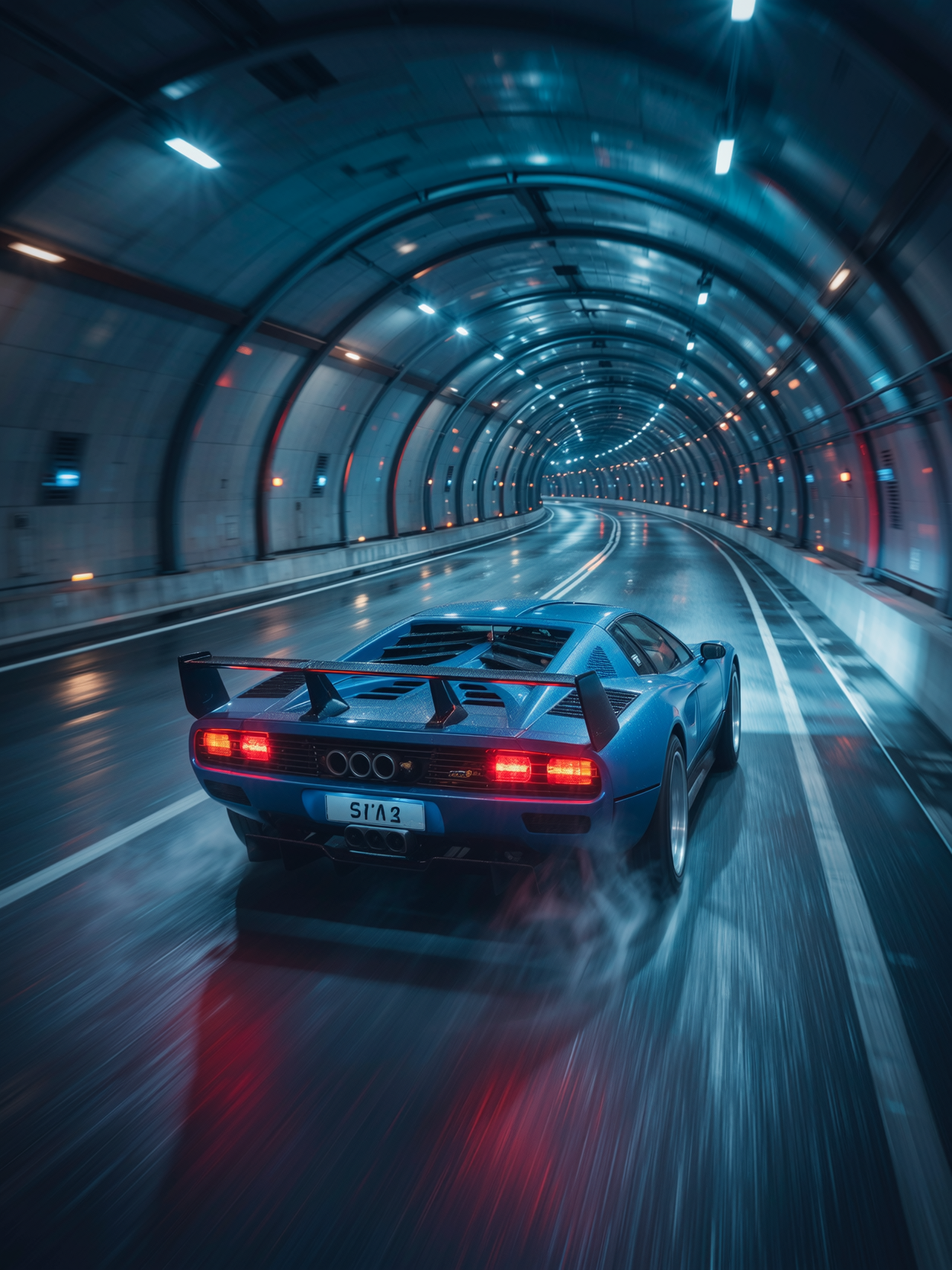
64K 300 dpi
wan-image
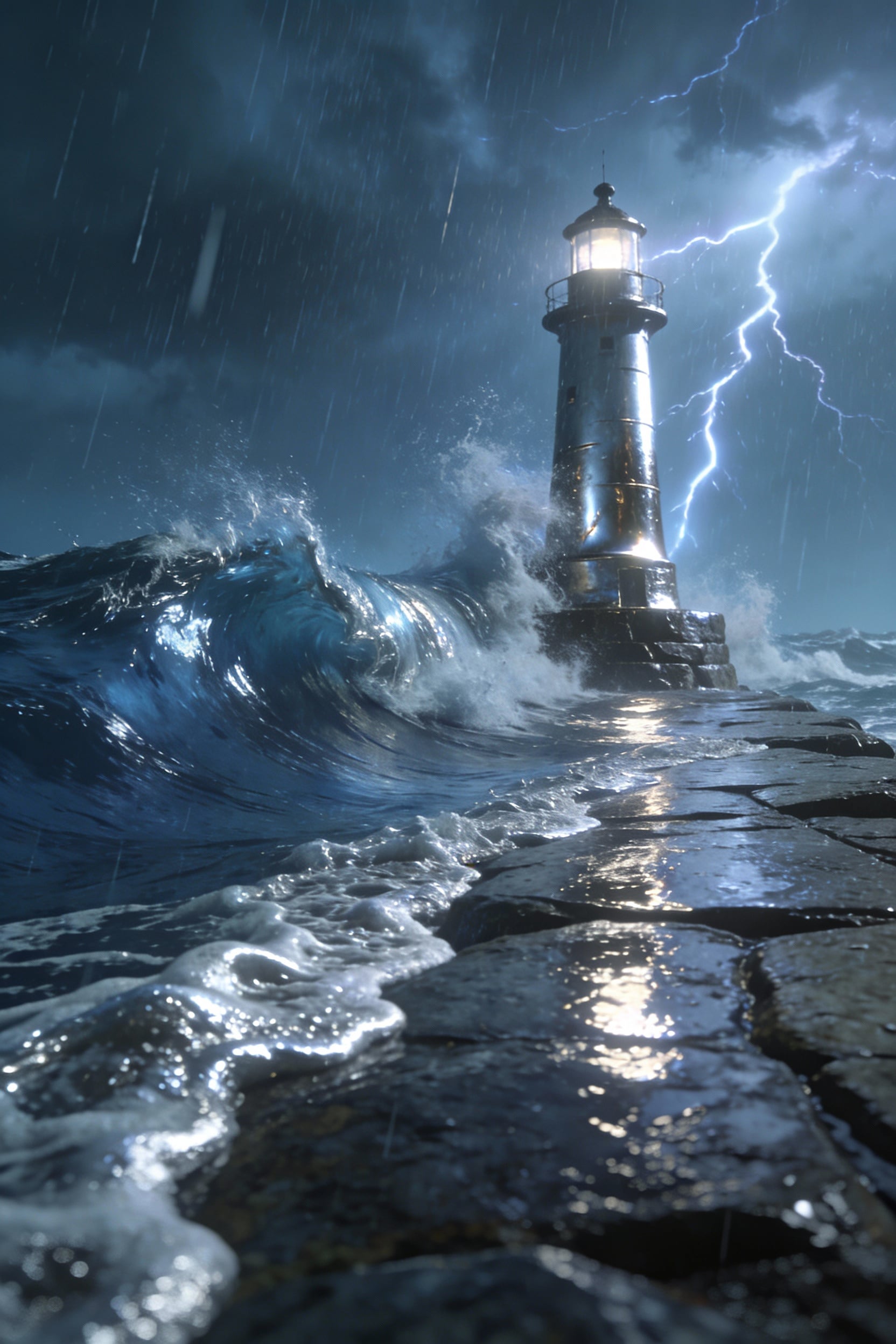
A lone lighthouse battling storm waves with subtle brushed-metal reflections on wet stone
seedream-4
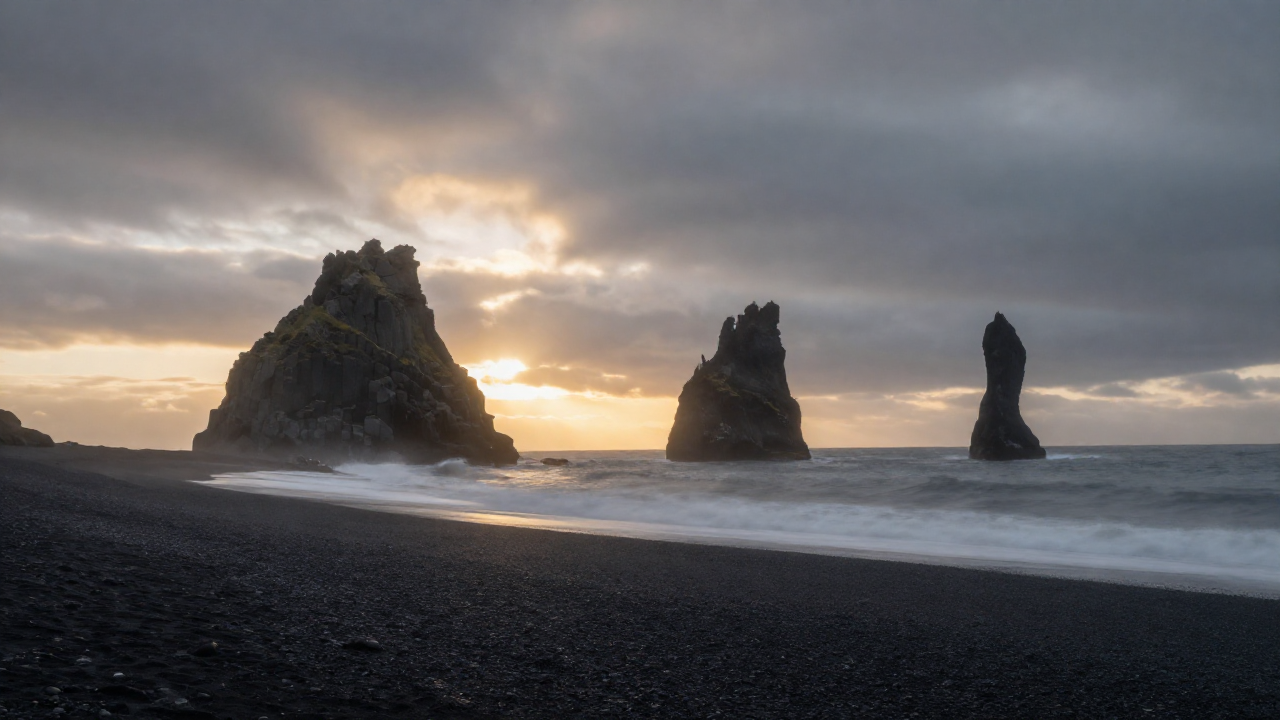
Z-landscape
image-to-image
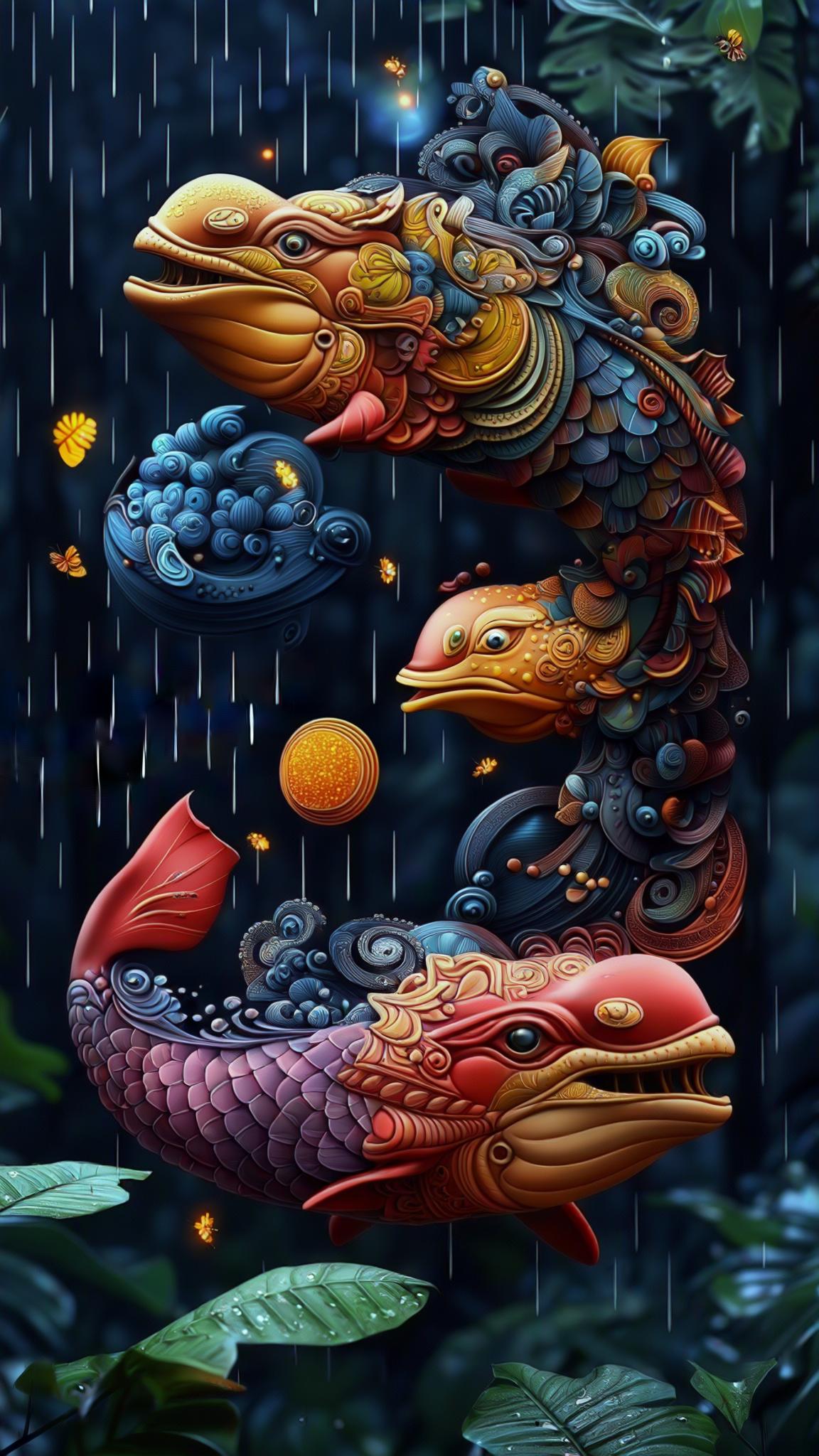
Bioluminescent skywhales weaving above a rain-drenched rainforest canopy
stable-diffusion
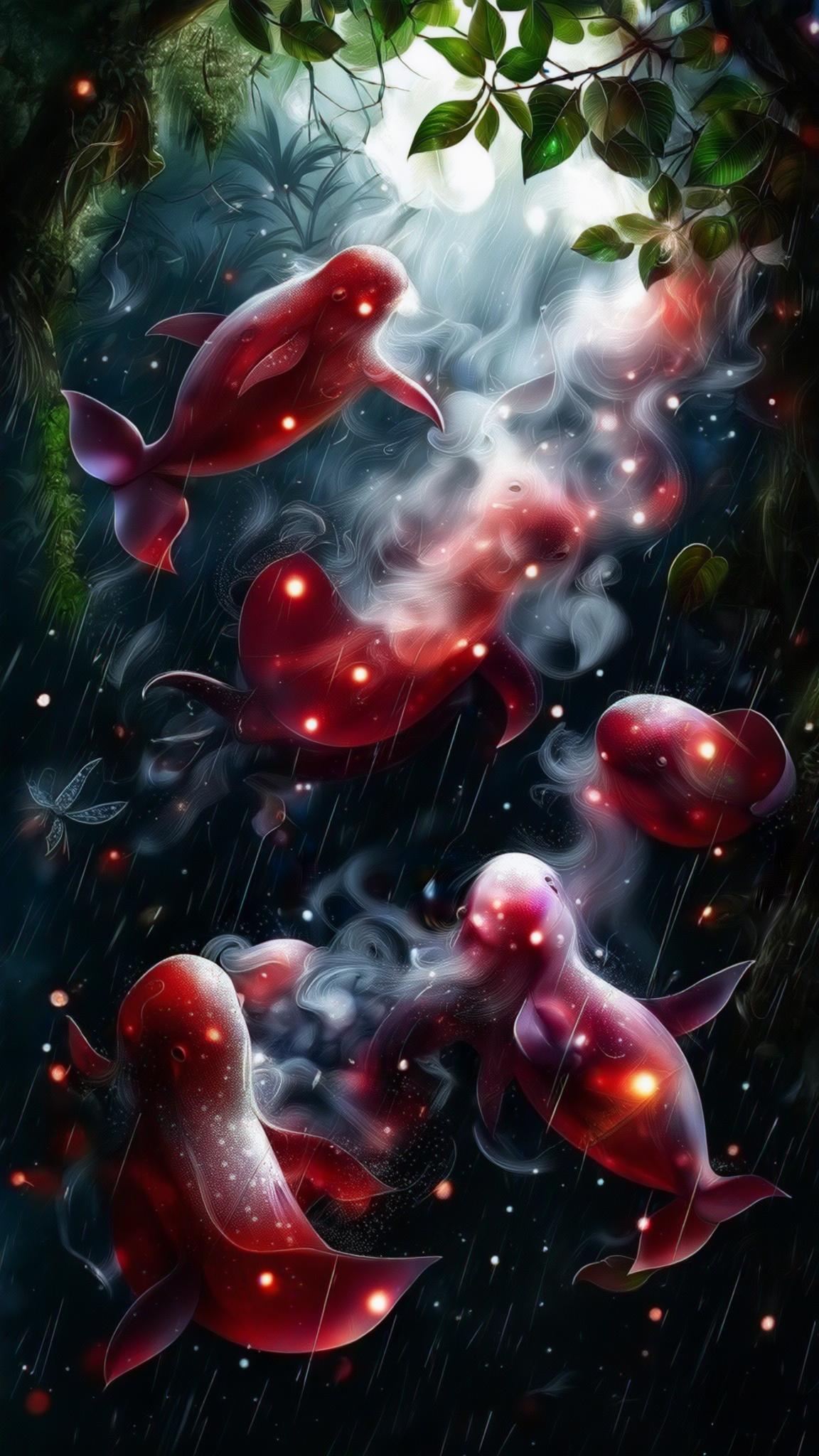
Bioluminescent skywhales weaving above a rain-drenched rainforest canopy
stable-diffusion
Models you can run on PixelDojo for lightricks ltx 2
Switch models without switching tools. Each one runs in the same PixelDojo studio.
What you can do with lightricks ltx 2 on PixelDojo
LTX 2 Image Access
We run Lightricks LTX 2 on PixelDojo so you can turn text prompts into still images and keep iterating in one place.
Prompt To Still Frames
Write the subject, setting, and mood. We generate LTX 2 images you can review, rerun, and save with your other projects.
Basic Generation Controls
Set aspect ratio, seed, and prompt emphasis so you can steer composition and keep results consistent across takes.
Batch Variant Review
Create several LTX 2 images from one prompt so you can compare looks and choose the frames that fit the brief.
Loved by thousands of creators worldwide. 40+ cutting-edge AI tools. Cancel anytime. Join marketers, filmmakers, and designers generating cinematic LTX-2 style images daily.
Why Choose Pixel Dojo for lightricks ltx 2
Professional-quality results with cutting-edge AI technology
Cinematic Still Quality Without the Crew
You achieve photoreal lighting, precise camera angles, and film-grain atmosphere in seconds so your stills feel like extracted frames from a high-end production.
Instant Storyboard and Keyframe Creation
You generate consistent character sheets, shot variations, and environment plates that lock visual identity across an entire sequence, ready for any downstream video work.
Full Creative Control Over Lighting and Lens
You dictate source, quality, and direction of light plus exact shot type so every image matches the mood and cinematography you envisioned.
How It Works
You create LTX-2 inspired cinematic images on PixelDojo in three simple steps using professional-grade tools built for photoreal results.
Step 1: Choose Your Tool
Open Flux.2 Studio or Nano Banana 2 for high-fidelity photoreal scenes and character work. These models excel at the detailed lighting, texture, and composition that define cinematic LTX-2 style stills. Select Kling Image or Ideogram 4 if you need extra prompt fidelity or stylized graphic looks.
Step 2: Enter Your Prompt
Write a single flowing paragraph that includes shot type, camera angle, lighting source-quality-direction, character appearance, and atmosphere. Example: “Medium close-up, low angle, late-afternoon sun, warm directional rim light from screen-left, 35mm film look, analog grain, a determined woman in a vintage leather jacket standing on a cliff overlooking crashing waves.” PixelDojo’s models follow cinematography language closely.
Step 3: Customize & Download
Use Change Camera Angle, Magic Lighting, or Style Transfer to refine the result in one click. Generate variations, upscale with P-Image Upscale or Magnific Upscaler, then download 4K-ready files. Your images are instantly usable as storyboards, product hero shots, or starting frames.
The Pixel Dojo Advantage
Why PixelDojo outperforms other options for LTX-2 style cinematic image generation
| Others | Pixel Dojo |
|---|---|
| Traditional cinematic still creation | You skip location scouting, lighting setups, and post-production days. PixelDojo delivers the same photoreal, film-look results in seconds so you iterate while the idea is still fresh. |
| Generic AI tools | You get specialized cinematic control with Flux.2 Studio, Nano Banana 2, and dedicated lighting and camera tools instead of generic outputs that lack the precise cinematography language LTX-2 workflows demand. |
| Manual photo editing | You generate the entire image from a prompt rather than compositing hours of stock and Photoshop layers. PixelDojo produces coherent lighting, texture, and atmosphere automatically. |
Loved by creators on PixelDojo
Real feedback from people using PixelDojo, pulled from our in-product surveys.
very useful set of tools for image creation, upscaling and enhancement
ease of use, variety of tools, high quality trainings, and a well-maintained discord channel
Ease of use, friendliness and support of the owner, continued innovation.
it is an amazing site to create a pics and vids for those who don't have the hardware themselves
good tools in one place
Prompt updates, strong features, and a community that is always willing to help and hear/act on professional feedback. I've never had a better experience.
Explore more AI tools on PixelDojo
AI Tools
Compare & Switch
- Best AI Image Generators
- Best AI Video Generators
- Midjourney Alternatives
- Civitai Alternatives
- Runway Alternatives
- Leonardo Alternatives
- Pika Alternatives
- Luma Alternatives
- Magnific Alternatives
- Veo Alternatives
- Flux Alternatives
- Freepik Alternatives
- Seedance Alternatives
- Seedream Alternatives
- Pixverse Alternatives
- GPT Image Alternatives
- Synthesia Alternatives
- Playground Alternatives
- NightCafe Alternatives
- Canva AI Alternatives
- ElevenLabs Alternatives
- ComfyUI Alternatives
- Fal Alternatives
- Replicate Alternatives
Common Questions
Everything you need to know about lightricks ltx 2
How do I generate LTX-2 style cinematic images with PixelDojo?
You simply choose Flux.2 Studio or Nano Banana 2, write a detailed cinematography-style prompt covering shot type, lighting, and atmosphere, then refine with Magic Lighting or Change Camera Angle. PixelDojo’s 40+ tools give you the photoreal quality and control needed for professional stills.
Can I create consistent character images for LTX-2 storyboards?
Yes. Use Consistent Characters, Character Sheets, or Ideogram Character together with Flux.2 Studio. Save your character once and generate matching portraits, full-body shots, and expressions that stay on-model across every frame you need.
What PixelDojo tools work best for photoreal LTX-2 lighting?
Flux.2 Studio and Nano Banana 2 handle complex lighting naturally. Pair them with Magic Lighting and Reality Polisher to lock in source, quality, and direction so your stills match the cinematic look you described.
How fast can I produce high-resolution cinematic stills?
Most generations finish in seconds. You can then upscale instantly with P-Image Upscale or Magnific Upscaler to 4K. PixelDojo lets you create, iterate, and download production-ready files without waiting for renders or crews.
Do I need design skills to make LTX-2 inspired images?
No. You describe the shot in plain language using camera and lighting terms. PixelDojo’s models interpret cinematography vocabulary and deliver professional results even if you have never used traditional software.
Can I cancel if PixelDojo is not right for my LTX-2 workflow?
Absolutely. You get 40+ cutting-edge AI tools loved by thousands of creators worldwide and can cancel anytime. There is zero risk to try generating your first cinematic stills today.