happy horse image to video
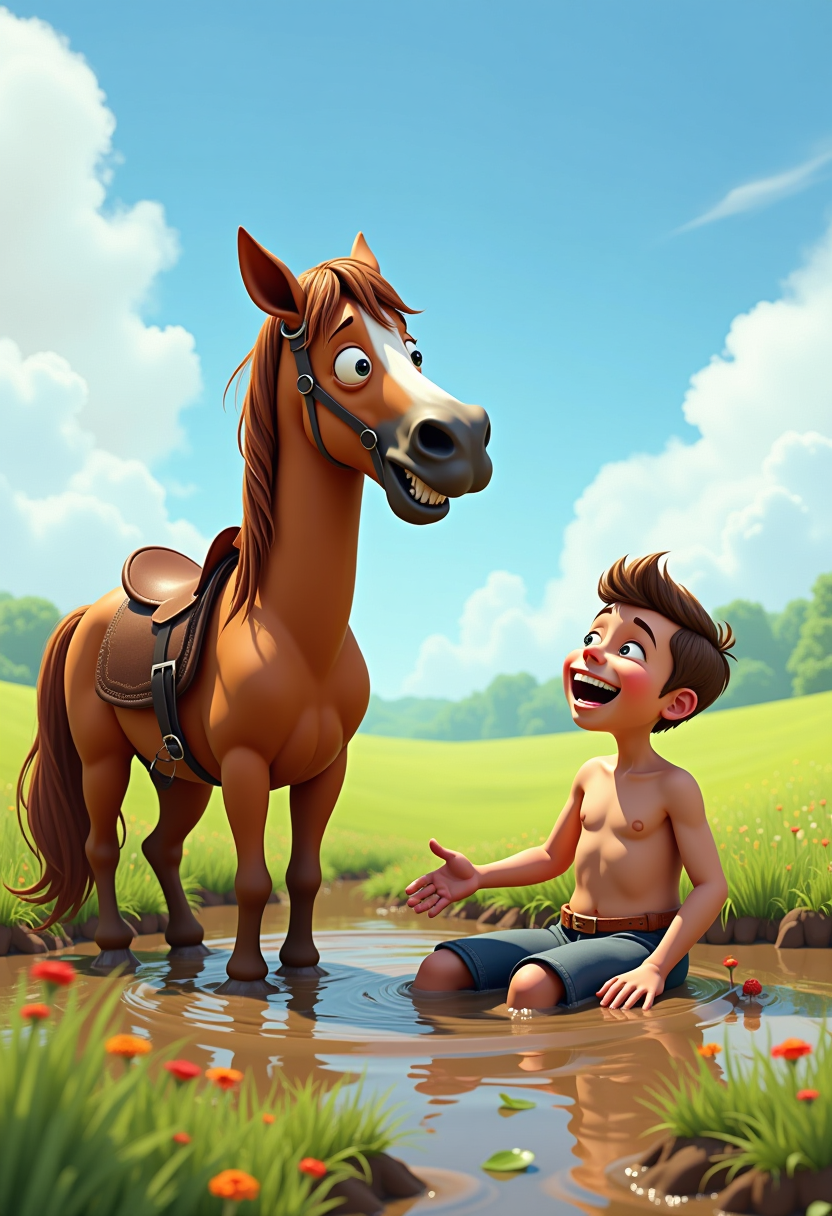
Imagine taking a simple photo of a majestic horse and watching it spring to life—galloping joyfully, prancing with delight, or playfully interacting in a vibrant video. With PixelDojo's Happy Horse 1.0 image to video tool, you can achieve exactly that. Transform any static horse image into captivating, high-quality animations that capture pure happiness and motion. Whether you're a content creator aiming for viral social media reels, a horse enthusiast sharing fun moments, or a marketer crafting engaging ads, you'll produce professional-grade videos in minutes. No editing skills or expensive software required—just upload, generate, and share the magic. Unlock endless creative possibilities and stand out with animations that make your horses smile, trot, and thrive on screen.
Join 50,000+ creators who've generated over 1M happy horse videos. Rated 4.9/5 stars. Trusted by equestrians, influencers, and brands worldwide. 'Fastest way to animate horses!' – Featured on top creator forums.
Why Choose Pixel Dojo for happy horse image to video
Professional-quality results with cutting-edge AI technology
Bring Horses to Life with Joyful Motion
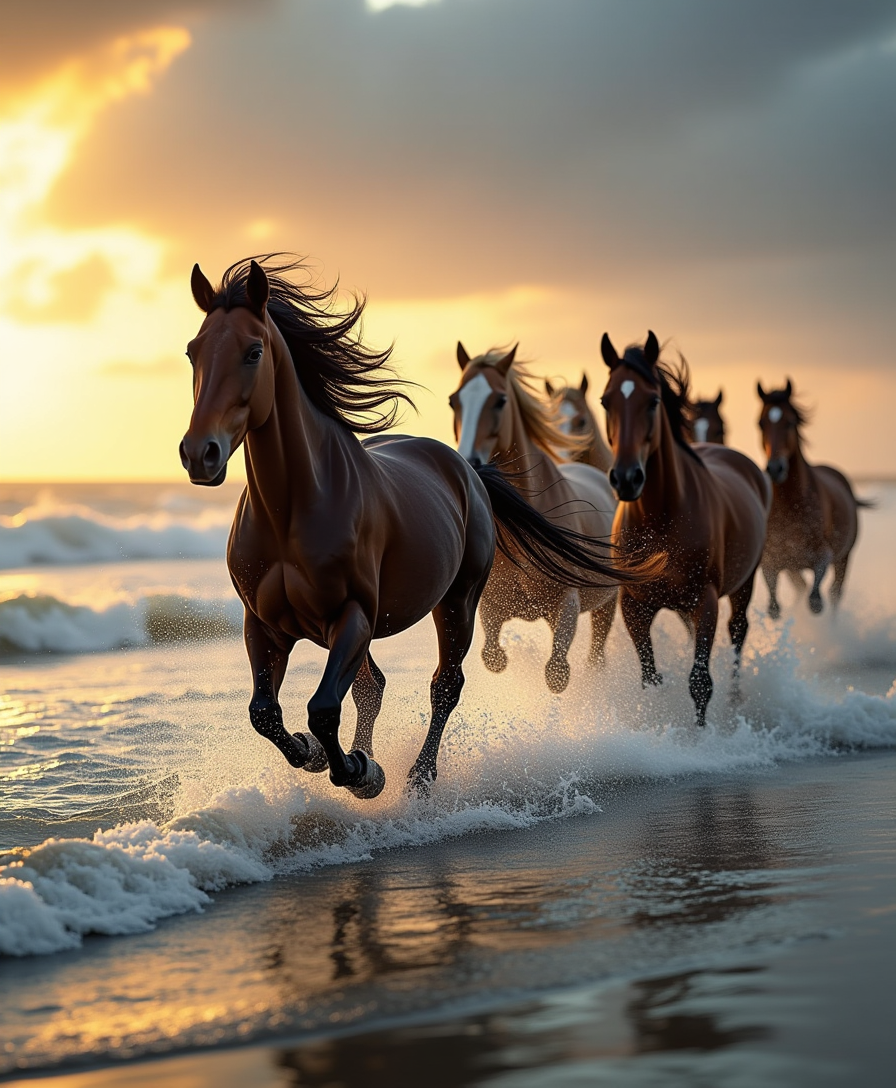
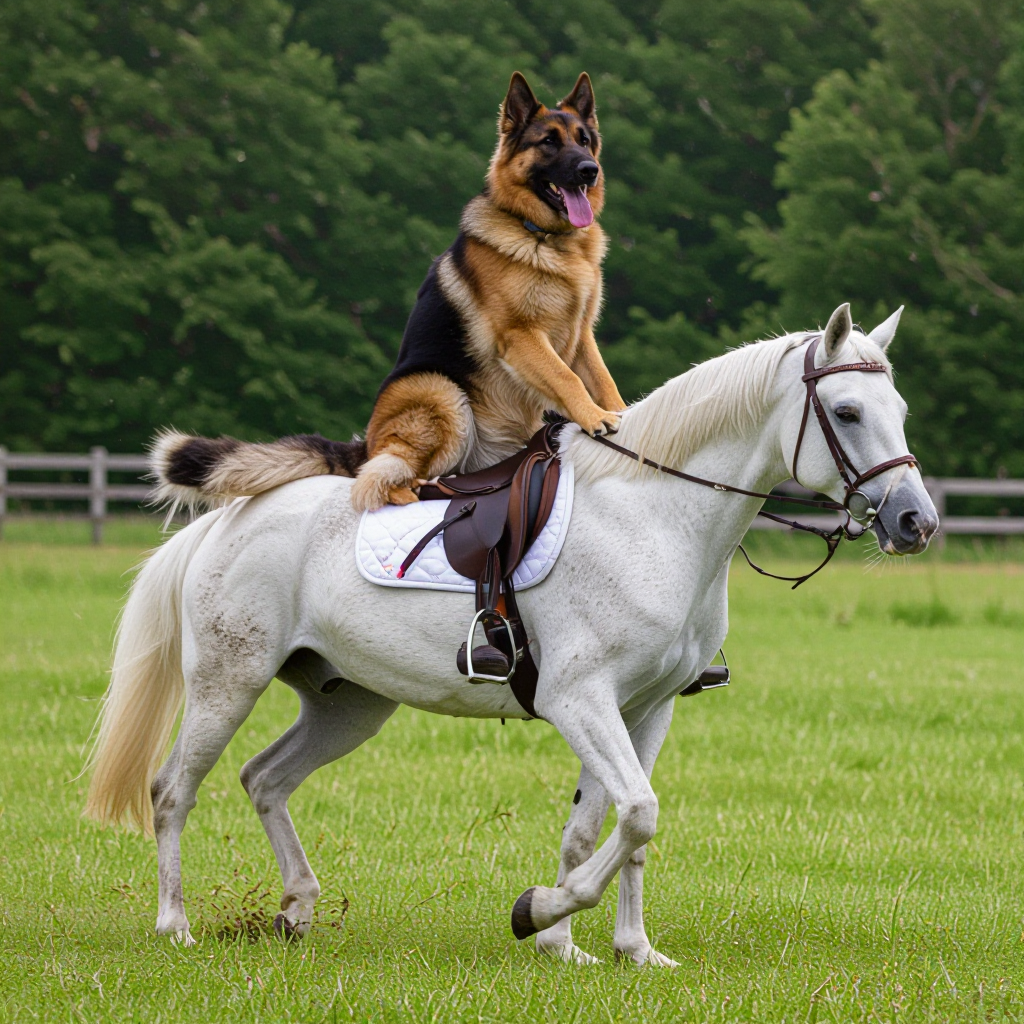
Watch your static horse images burst into dynamic animations—galloping freely, rearing playfully, or nuzzling affectionately. Happy Horse 1.0 ensures smooth, realistic movements that evoke happiness and energy, perfect for heartwarming content that captivates viewers and boosts engagement.
Create Viral Social Media Gold Instantly
Craft shareable videos tailored for TikTok, Instagram Reels, or YouTube Shorts. Your happy horse animations will grab attention, drive likes, and grow your following effortlessly, turning casual viewers into loyal fans without hours of production.
Achieve Pro Results Without Any Expertise
Skip learning complex software—upload your image, add a simple prompt, and get stunning videos ready to post. Combine with PonyXL for base images or Kling Video Edit for tweaks, delivering Hollywood-level quality that saves you time and money.
How It Works
Creating happy horse image to video content on PixelDojo is as simple as 1-2-3. Leverage Happy Horse 1.0 alongside tools like PonyXL for images and video editors for perfection, turning your ideas into animated masterpieces in under 5 minutes.
Step 1: Prepare Your Base Image
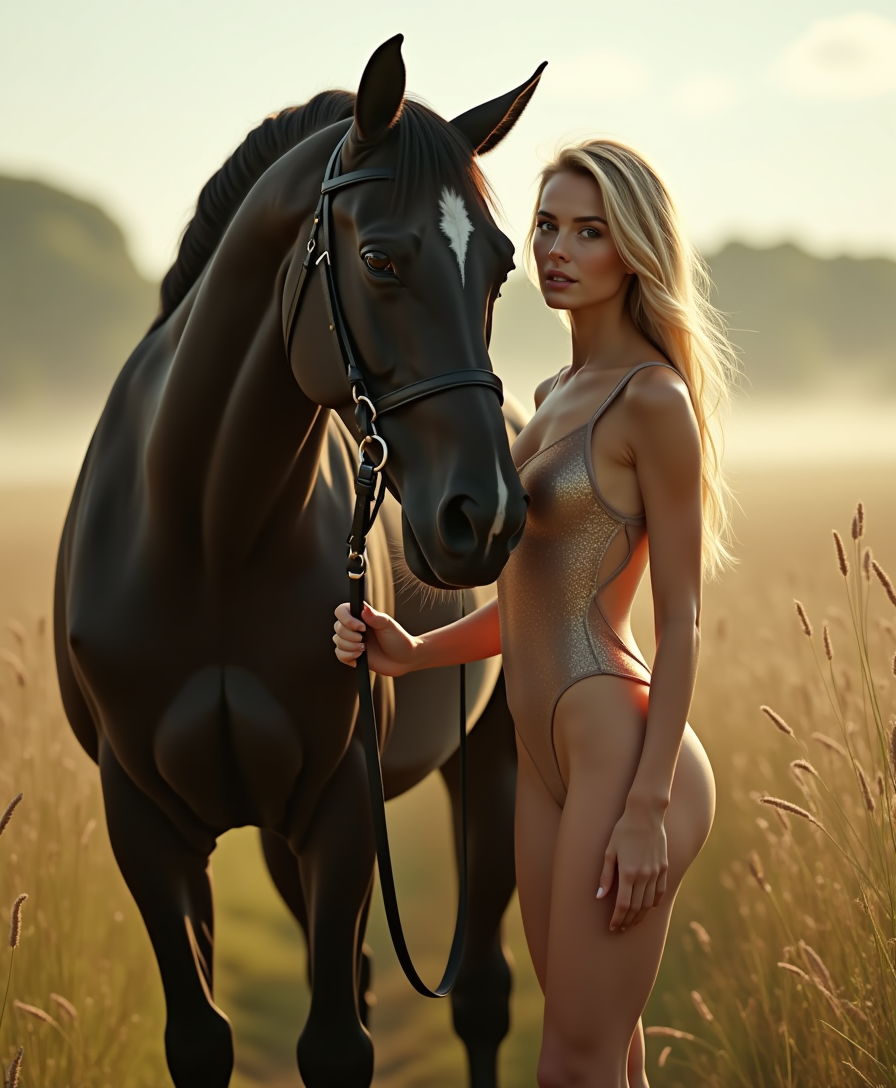
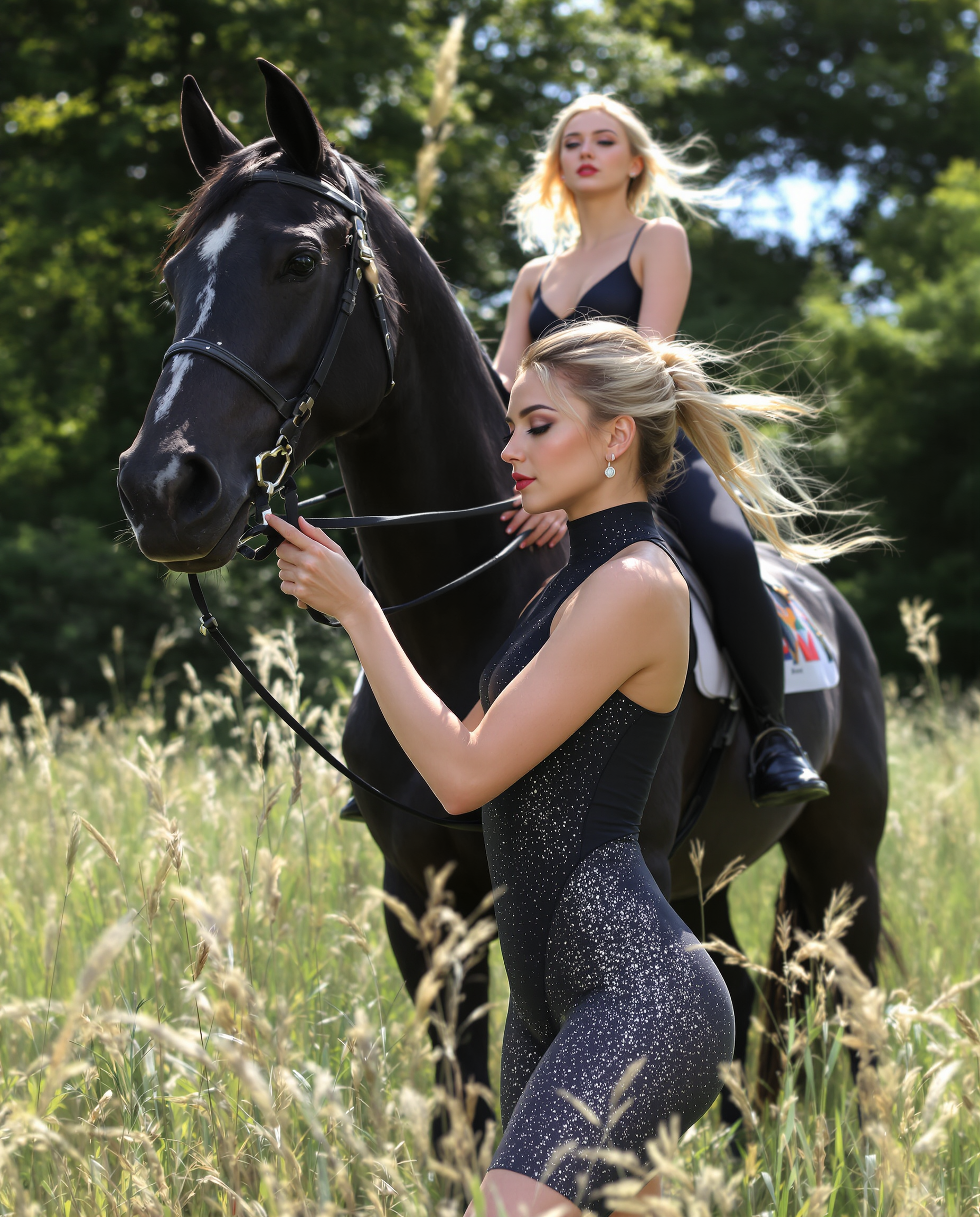
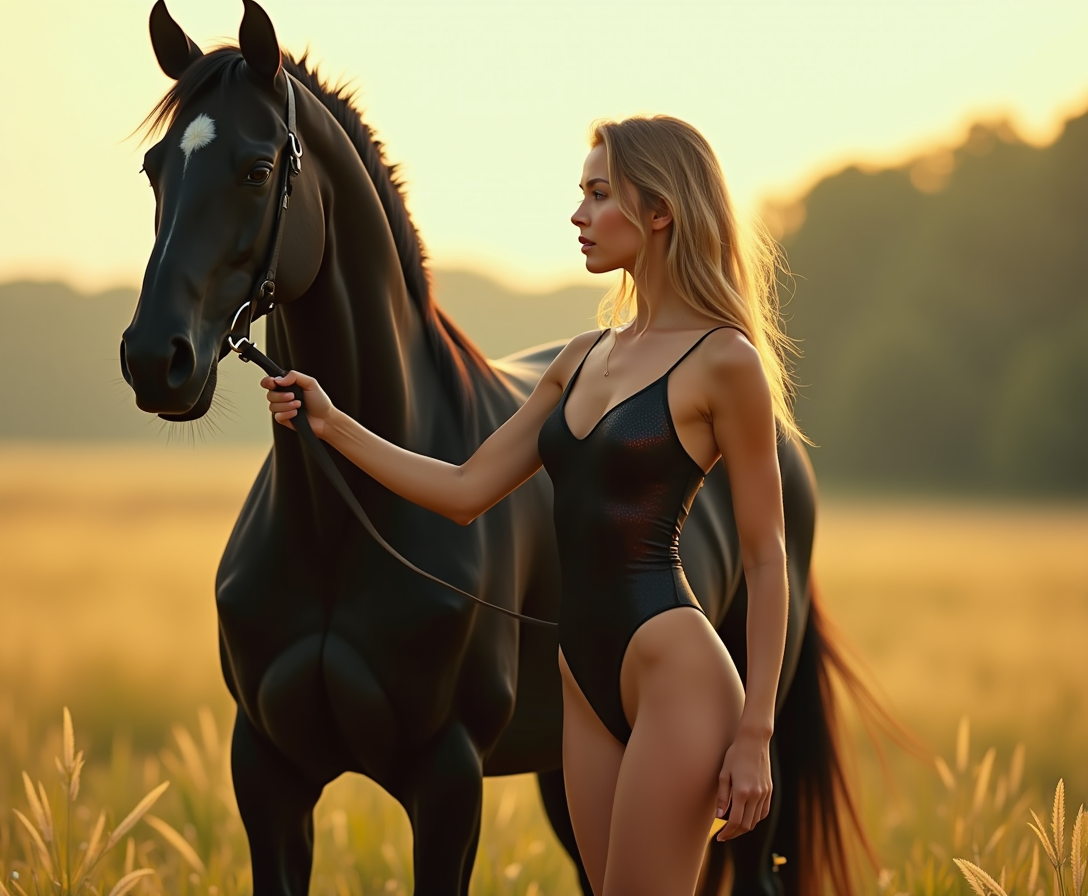
Start by generating a vibrant horse image using PonyXL or uploading your own photo via Image to Image. Focus on happy expressions—smiling horses in sunny meadows work best. This sets the foundation for lively animations.
Step 2: Animate with Happy Horse 1.0
Select Happy Horse 1.0 from the video generation tools, upload your image, and enter a motion prompt like 'horse gallops happily towards camera, tail wagging joyfully.' Generate to see your image come alive with fluid, enchanting movements.
Step 3: Customize & Download Your Video
Refine with Kling Video Edit or Seedance 2 Video Edit for effects like speed adjustments or backgrounds. Upscale with Video Upscaler if needed, then download your HD video ready for sharing—effortless pro results every time.

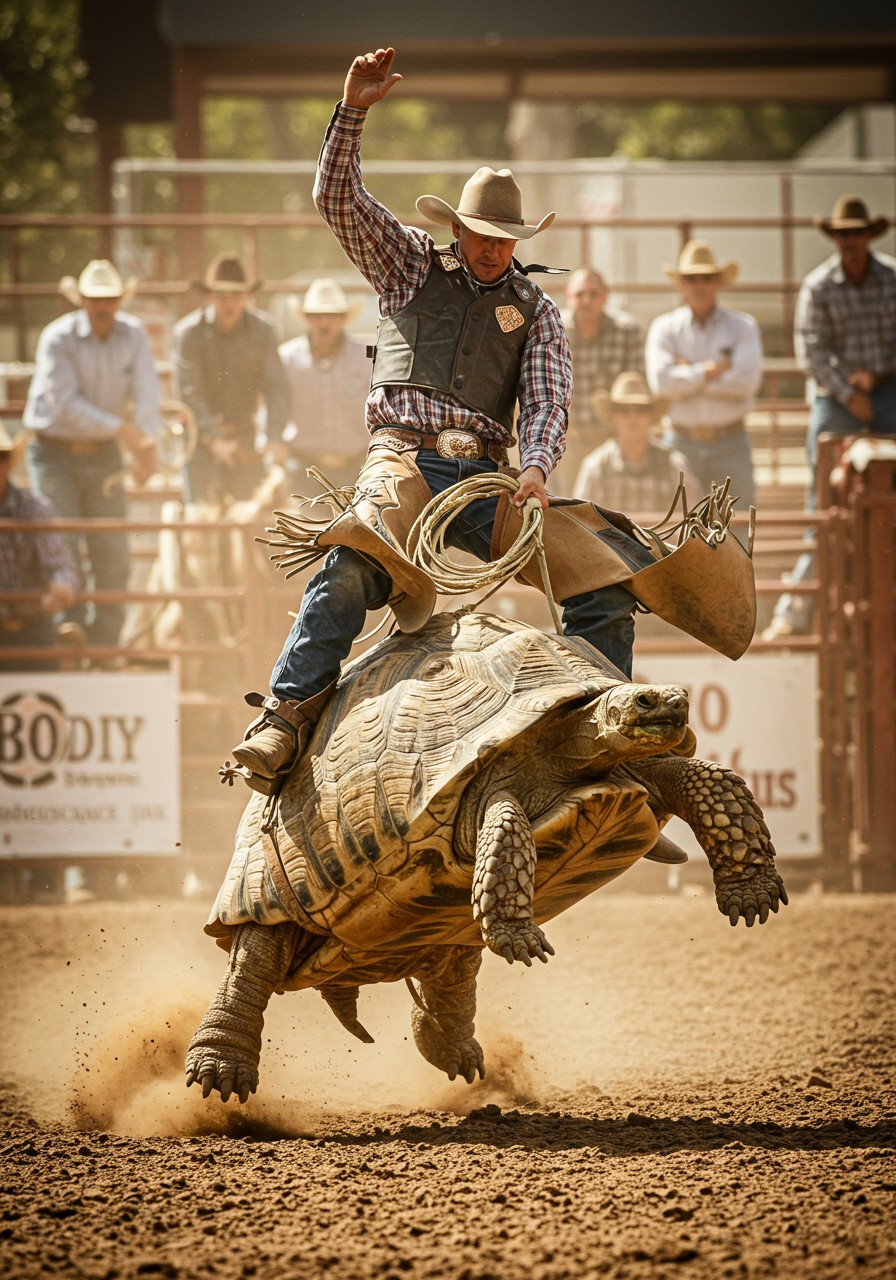
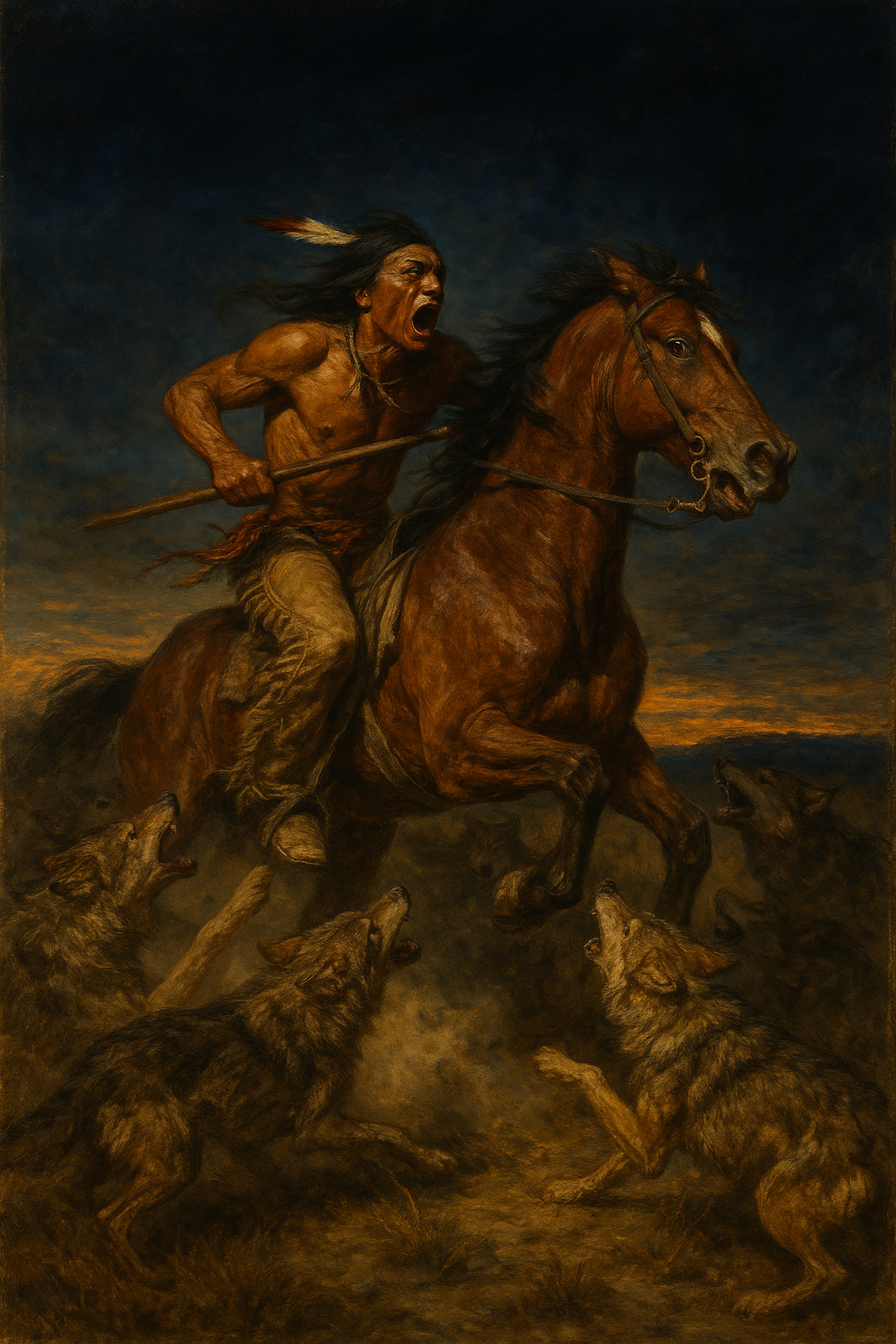
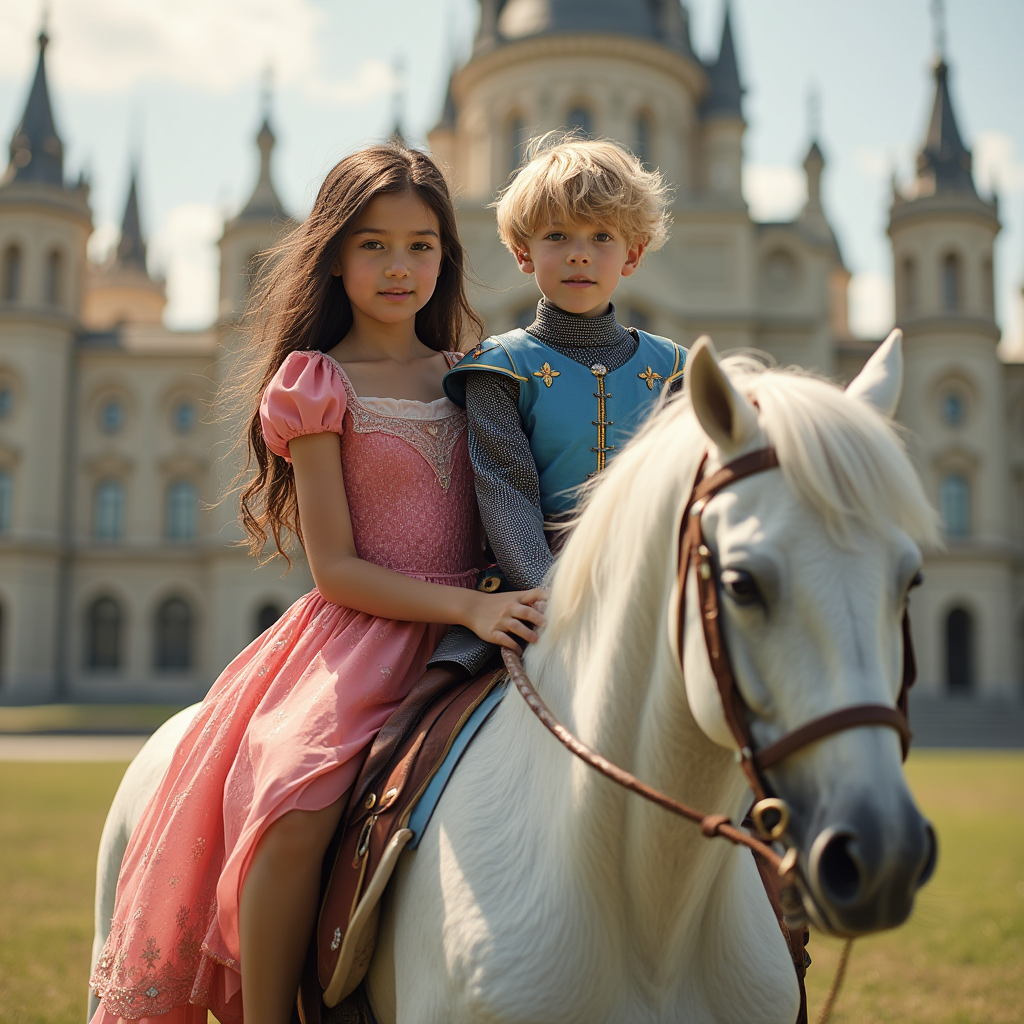
The Pixel Dojo Advantage
Why PixelDojo outperforms other options for happy horse image to video generation
| Others | Pixel Dojo |
|---|---|
| Traditional video production | Save weeks of filming and editing—generate joyful horse animations from one image in seconds, not days, at a fraction of the cost. |
| Generic AI tools | Happy Horse 1.0 specializes in cheerful horse motions with perfect consistency, unlike broad tools that produce jerky or off-style results. |
| Manual photo editing | No need for frame-by-frame animation skills—AI handles realistic happy movements, lighting, and expressions automatically for flawless output. |
Loved by creators on PixelDojo
Real feedback from people using PixelDojo, pulled from our in-product surveys.
variety of tools available and prompt tools
A "one-stop-shop" for creators! Thanks!!
Lots of different tools. It's easy to purchase more credits.
Amazing performance!
Excellent website for creating all types of media
Very eay to use, works well to train SDXL loras.
Explore more AI tools on PixelDojo
Popular AI Models
AI Tools
Compare & Switch
- Best AI Image Generators
- Best AI Video Generators
- Midjourney Alternatives
- Civitai Alternatives
- Runway Alternatives
- Leonardo Alternatives
- Pika Alternatives
- Luma Alternatives
- Magnific Alternatives
- Veo Alternatives
- Flux Alternatives
- Freepik Alternatives
- Seedance Alternatives
- Seedream Alternatives
- Pixverse Alternatives
- GPT Image Alternatives
- Synthesia Alternatives
- Playground Alternatives
- NightCafe Alternatives
- Canva AI Alternatives
- ElevenLabs Alternatives
- ComfyUI Alternatives
- Fal Alternatives
- Replicate Alternatives
Common Questions
Everything you need to know about happy horse image to video
How does Happy Horse image to video work on PixelDojo?
PixelDojo's Happy Horse 1.0 takes your uploaded horse image and uses advanced AI to add lifelike, joyful motions like prancing or trotting. Simply upload via the video tools section, add a prompt describing the action (e.g., 'horse jumps happily over a rainbow'), and generate. Enhance with WAN 2.7 Video Edit or Video Upscaler for pro polish. You'll get smooth 1080p videos in seconds, ideal for social media.
What are the best prompts for happy horse image to video generation?
Craft prompts focusing on emotion and motion: 'Cheerful pony gallops through flowers, smiling wide, slow-motion joy.' Pair with PonyXL-generated images for best results. Trends show vivid colors and sunny scenes boost realism—try 'happy horse rears up playfully in golden sunset.' Experiment in PixelDojo's interface for instant previews.
Can I use my own photos for AI happy horse image to video?
Absolutely! Upload personal horse photos directly to Happy Horse 1.0. Use Background Remover or Image Analyzer first to optimize. The AI preserves your horse's unique features while adding happy animations like wagging tails or head tosses, ensuring authentic, personalized videos.
How long are videos from happy horse image to video AI?
Happy Horse 1.0 produces 5-10 second clips perfect for reels, extendable with Grok Imagine Video Extend or Kling Video Edit up to 30+ seconds. Recent trends favor short, looping happy horse dances for maximum shares—your videos stay consistent and engaging throughout.
Is Happy Horse image to video free to try on PixelDojo?
No, PixelDojo has no free tier: Happy Horse 1.0 and 40+ tools use credits from a paid plan. Plans start at $10 a month, with no daily caps. Thousands of creators love it, and you can cancel anytime. Generate your first happy horse video now.
What editing options pair with happy horse image to video?
Post-generation, use Runway Aleph for advanced edits, Lip Sync for voiceovers, or OmniHuman for character swaps. Add music via Text to Music. These tools ensure your happy horse videos are fully customized, from speed tweaks to multi-scene merges, rivaling studio productions.