midjourney ai alternative
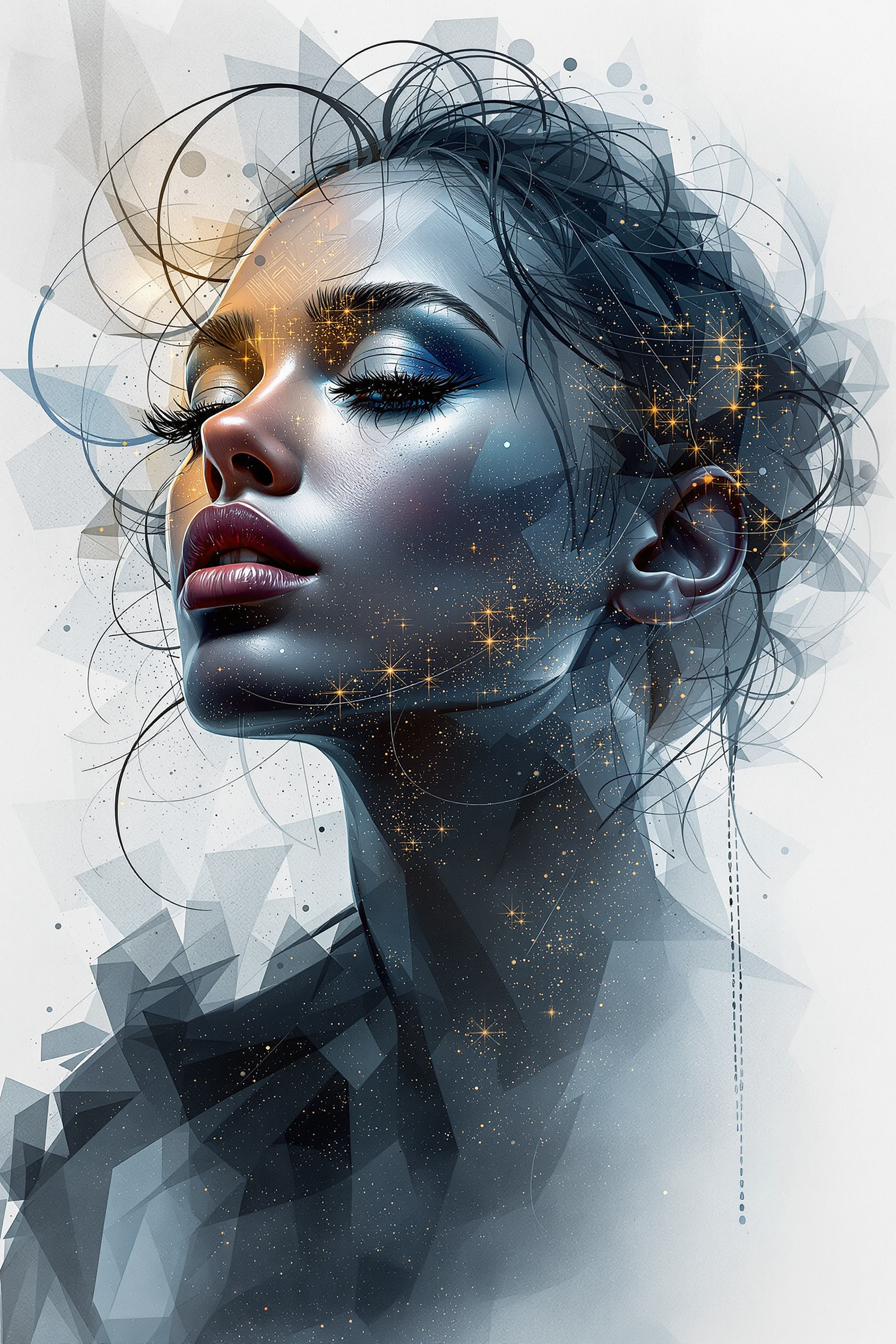
Generated on PixelDojo. Produced by PixelDojo's generation pipeline.
You deserve cinematic, gallery-worthy images that capture emotion, lighting, and story without waiting, restrictions, or endless trial-and-error. PixelDojo is the midjourney ai alternative built for creators who want professional results fast. Generate photorealistic portraits with authentic skin texture and natural imperfections, dramatic cinematic scenes with perfect composition, or brand-ready marketing visuals that look like they came from a high-end photoshoot. Achieve consistent characters across entire campaigns, produce high-resolution assets ready for print or social, and iterate in minutes instead of days. Whether you need film-like keyframes, authentic lifestyle photography, or stylized concept art, you get the outcomes that win clients and grow your audience. Join thousands of creators who rely on PixelDojo every day to turn ideas into stunning visuals that convert.
Real image examples generated on PixelDojo
Every example below was produced on PixelDojo. Hover to see the prompt.
Midjourney ai art specializes in creating stunning portraits of beautiful men
flux
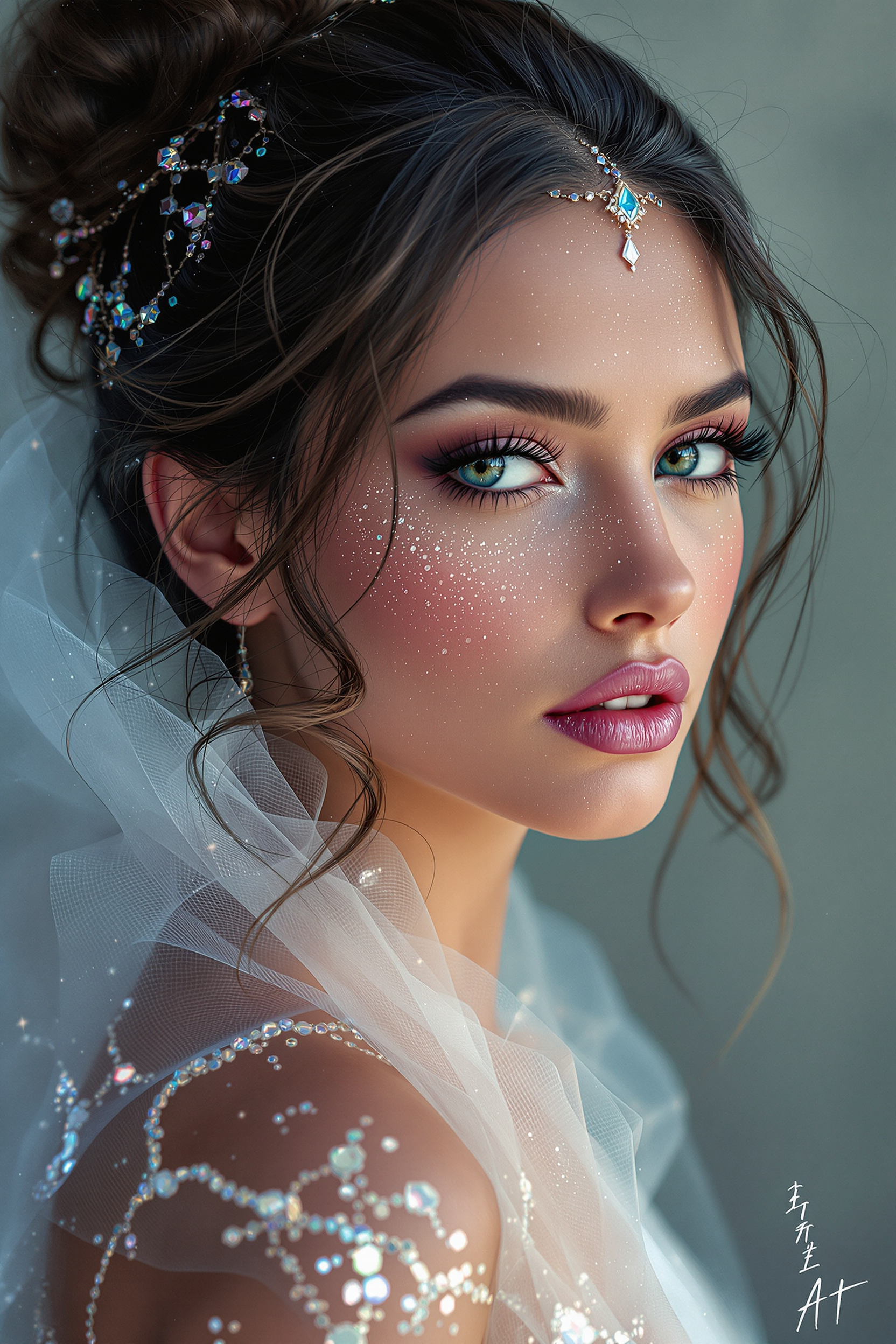
Midjourney ai art specializes in creating stunning portraits of beautiful men
flux

Image of an ai painting a human and a human painting an ai
flux
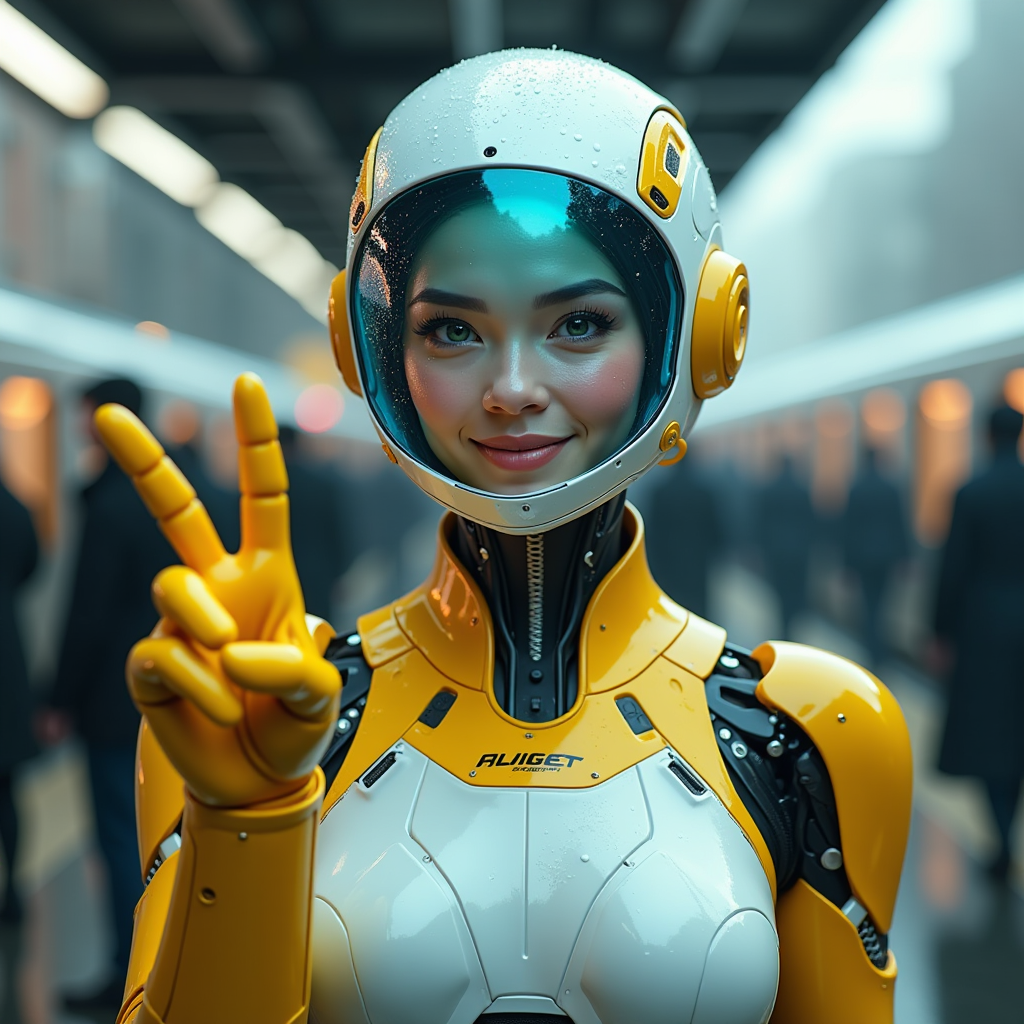
A hyper-realistic image of a female AI robot standing at a train station
flux
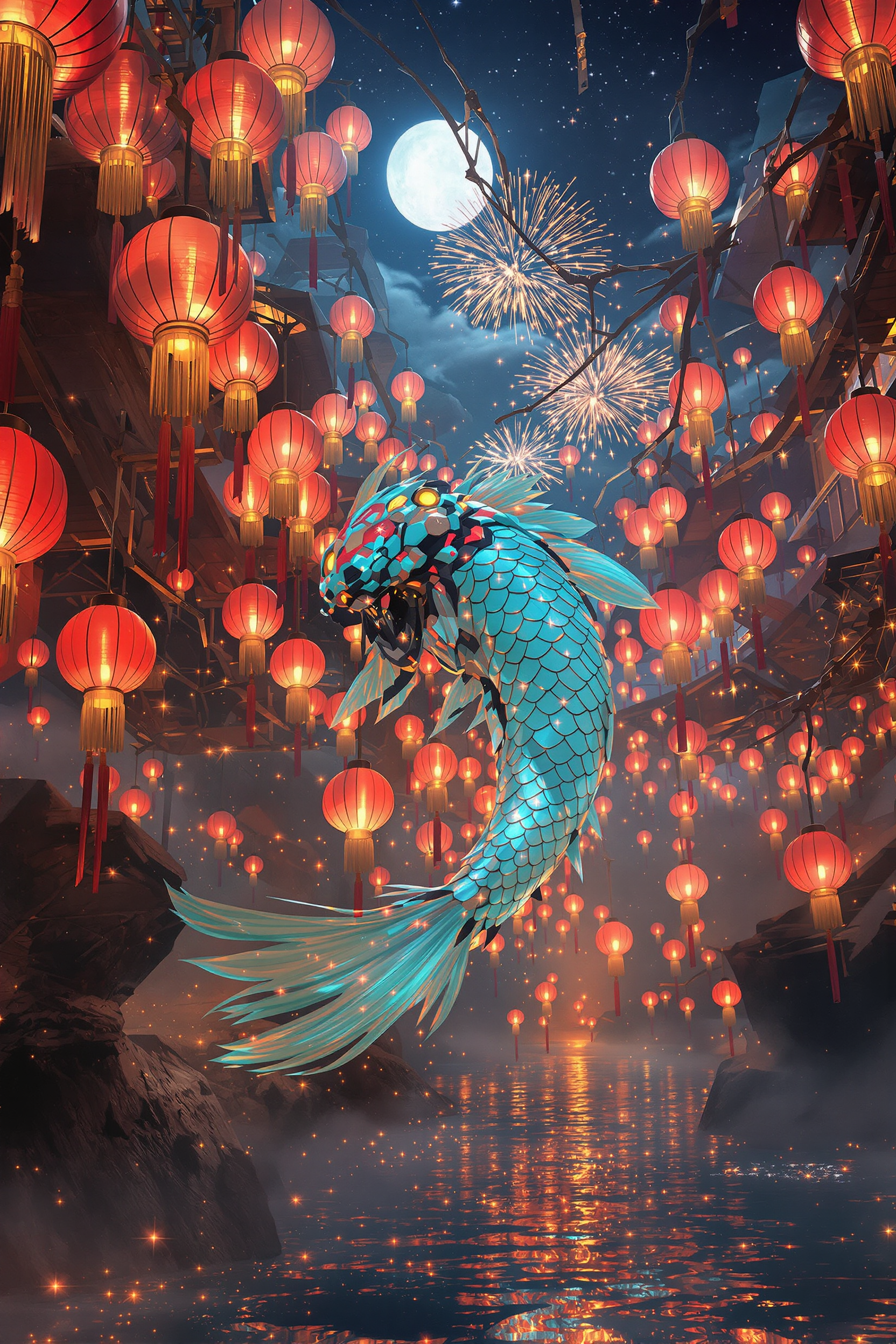
Core description: colossal jade‑chrome mecha‑koi gliding through a suspended river of glow…
flux

midjourney ai alternative on PixelDojo
flux
Models you can run on PixelDojo for midjourney ai alternative
Switch models without switching tools. Each one runs in the same PixelDojo studio.
What you can do with midjourney ai alternative on PixelDojo
Many Image Models
We host several image generators in one place so you can try different looks from a single prompt without switching tools.
Create Outside Discord
You generate and iterate in a web studio with saved history, so you do not need a Discord server or bot commands.
Flexible Sizes And Upscale
We support common aspect ratios and upscaling so you can produce images that fit social posts, prints, and product mockups.
Keep What You Make
You can download your outputs and use them in commercial projects under the terms we publish for each model.
Loved by thousands of creators worldwide. 40+ cutting-edge AI tools in one platform. Trusted for professional campaigns, cancel anytime.
Why Choose Pixel Dojo for midjourney ai alternative
Professional-quality results with cutting-edge AI technology
Cinematic Visuals That Stop Scrolls
You create film-quality images with dramatic lighting, authentic textures, and emotional impact that elevate your marketing, social content, and client work instantly.
Characters That Stay Consistent
You maintain the same face, style, and identity across dozens of scenes and campaigns, saving hours while delivering cohesive brand stories that feel professional.
Full Creative Control From Idea to Final File
You refine every detail with powerful editing, upscaling, and style tools so your images look exactly how you envisioned them, ready to download and use commercially.
How It Works
You can produce professional cinematic and photorealistic images in three straightforward steps using PixelDojo’s specialized tools designed for quality and speed.
Step 1: Choose Your Tool
Select the right generator for your goal. Use Flux.2 Studio or Kling Image for artistic cinematic depth and composition. Pick Nano Banana 2 or GPT Image 2 for fast photorealistic results with excellent prompt following. Choose Seedream 5 or Hunyuan Image 3 for high-resolution authentic photography. Ideogram 4 handles text-heavy designs while WAN Image and Recraft V4.1 deliver unique styles. Consistent Characters and Character Sheets keep identities locked in.
Step 2: Enter Your Prompt
Describe your vision like a photographer. Include the subject with specific attributes, cinematic lighting (golden hour backlight, dramatic rim light), camera details (85mm lens, shallow depth of field), composition, color grade, mood, and materials. Add constraints for authenticity such as natural skin texture or film grain. PixelDojo’s models understand detailed briefs so you get closer to your exact idea on the first generation.
Step 3: Customize & Download
Refine with Image to Image, Inpainting, Change Camera Angle, Style Transfer, or Magic Lighting. Polish with Reality Polisher and Background Remover. Upscale to print-ready quality using P-Image Upscale, Magnific Upscaler, or Clarity Pro. Download instantly in high resolution. Your images are ready for campaigns, websites, or print without extra software.
The Pixel Dojo Advantage
Why PixelDojo outperforms other options for cinematic and artistic image generation
| Others | Pixel Dojo |
|---|---|
| Traditional photography and stock libraries | You generate any scene, lighting, or character in seconds instead of booking shoots, traveling, or searching stock for hours. Unlimited variations at a fraction of the cost with full commercial rights. |
| Generic single-model AI tools | You access 40+ specialized generators including Flux.2 Studio, Seedream 5, Ideogram 4, and Hunyuan Image 3 plus complete editing and character tools in one place. Better consistency, higher quality, and no switching platforms. |
| Manual photo editing and compositing | You start with a strong generated base then use Inpainting, Style Transfer, Reality Polisher, and one-click upscalers to finish in minutes rather than hours of layer work in traditional software. |
Loved by creators on PixelDojo
Real feedback from people using PixelDojo, pulled from our in-product surveys.
the quality is the best
All the tools needed in one dashboard
Very fair and very broad in tools.
Accurate results
Great site and so much fun to use!
very useful set of tools for image creation, upscaling and enhancement
Explore more AI tools on PixelDojo
AI Tools
Compare & Switch
- Best AI Image Generators
- Best AI Video Generators
- Midjourney Alternatives
- Civitai Alternatives
- Runway Alternatives
- Leonardo Alternatives
- Pika Alternatives
- Luma Alternatives
- Magnific Alternatives
- Veo Alternatives
- Flux Alternatives
- Freepik Alternatives
- Seedance Alternatives
- Seedream Alternatives
- Pixverse Alternatives
- GPT Image Alternatives
- Synthesia Alternatives
- Playground Alternatives
- NightCafe Alternatives
- Canva AI Alternatives
- ElevenLabs Alternatives
- ComfyUI Alternatives
- Fal Alternatives
- Replicate Alternatives
Common Questions
Everything you need to know about midjourney ai alternative
What is the best midjourney ai alternative for cinematic and photorealistic images?
PixelDojo gives you dedicated tools like Flux.2 Studio and Kling Image for dramatic cinematic composition and lighting plus Seedream 5 and Hunyuan Image 3 for authentic photorealism with natural skin texture and physics-accurate lighting. You also get character consistency tools and a full editing suite so your images look professional and on-brand every time.
How do I create consistent characters with a midjourney ai alternative?
Use PixelDojo’s Consistent Characters, Character Sheets, and Ideogram Character tools. Generate a base look once, then reference it across new scenes, angles, and outfits while keeping facial features, proportions, and style locked. Combine with WAN Video Character Swap or Kling Avatar when you need motion later.
Can I generate high-resolution images ready for print or ads?
Yes. Start with models that support high output such as Seedream 5 or Flux.2 Studio, then apply P-Image Upscale, Magnific Upscaler, Clarity Pro, or Portrait Upscaler. You receive sharp, detailed files suitable for large-format print, websites, and paid advertising without quality loss.
What prompting techniques work best for photorealistic and cinematic results?
Describe the scene as a photographer would: subject details, specific lighting (cinematic rim light, golden hour), lens and camera (85mm f/1.4, medium format), composition, color grade, materials, and mood. Include authenticity cues like natural skin pores, film grain, or phone-camera imperfections. PixelDojo models follow these structured briefs closely so you spend less time regenerating.
Does PixelDojo include editing tools after generation?
Absolutely. After generating you can use Image to Image, Inpainting, Change Camera Angle, Style Transfer, Magic Lighting, Background Remover, Reality Polisher, and Image Outpainting. These tools let you fix details, change perspectives, or restyle without starting over, all inside the same platform.
Is there a risk-free way to try this midjourney ai alternative?
Yes. PixelDojo offers 40+ cutting-edge AI tools loved by thousands of creators worldwide. You can start creating immediately and cancel at any time. No long-term contracts, just professional results whenever you need them.