photo quality enhancer
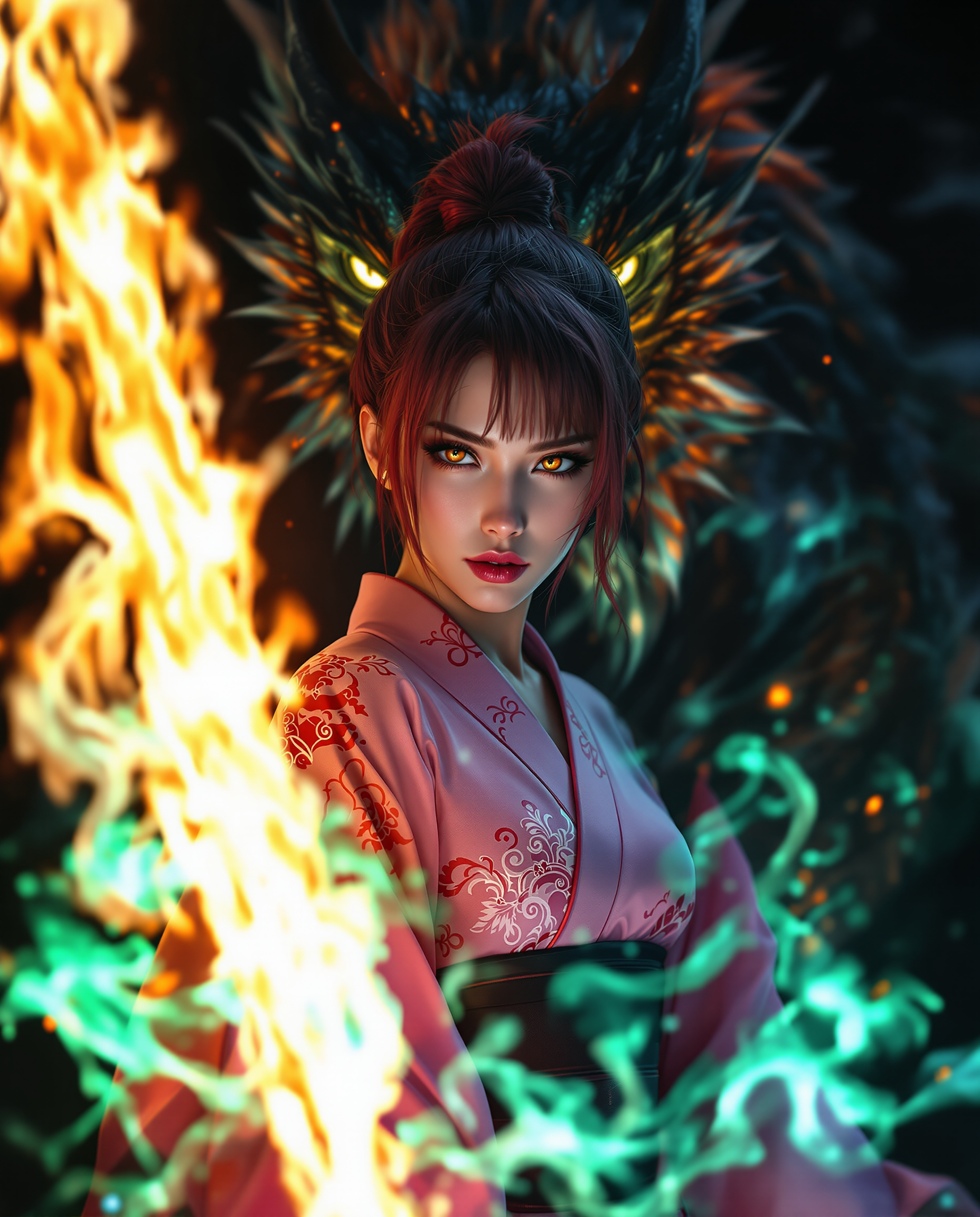
Imagine turning every blurry snapshot, faded family photo, or low-resolution image into a crisp, vibrant masterpiece that looks like it was captured with a professional camera. With PixelDojo's AI photo quality enhancer tools, you achieve exactly that – effortlessly. Your photos gain razor-sharp detail, rich colors, and print-ready resolution without spending hours in editing software or hiring experts. Whether you're a photographer preparing client deliverables, a creator polishing social media content, or someone reviving cherished memories, you get professional results in seconds that make your images stand out.
Over 75,000 creators have enhanced more than 2.5 million photos using PixelDojo. Average user rating of 4.9/5 stars. Trusted by professional photographers, e-commerce brands, and content creators worldwide for natural, artifact-free enhancements.
Why Choose Pixel Dojo for photo quality enhancer
Professional-quality results with cutting-edge AI technology
Achieve Print-Ready 8K Quality Instantly
Upscale your images up to 8x resolution while preserving natural textures and details. Your photos become suitable for large prints, billboards, or high-end marketing materials without pixelation or loss of clarity.
Restore Old and Damaged Photos in Seconds
Breathe new life into faded, scratched, or blurry vintage images. Automatically fix noise, scratches, and color fading so your family archives and historical photos look fresh and vibrant again.
Sharpen and Perfect Every Detail Effortlessly
Enhance facial features, skin texture, hair strands, and product details with natural-looking precision. Your portraits and commercial shots gain professional polish that captivates viewers and boosts engagement.
How It Works
Creating enhanced photos with PixelDojo is simple and fast. Choose from specialized tools like P-Image Upscale, Magnific Upscaler, Clarity Pro, or Portrait Upscaler to match your exact needs.
Step 1: Choose Your Tool
Select the perfect AI photo quality enhancer for your image. Use P-Image Upscale for general resolution boosts, Magnific Upscaler for creative detail enhancement, Clarity Pro for noise reduction and sharpness, or Portrait Upscaler for faces and people.
Step 2: Upload and Enhance Your Photo
Upload your image directly or describe the desired improvements. The AI analyzes lighting, noise, blur, and details automatically. Adjust intensity sliders for upscaling factor, sharpening level, or denoising strength to match your vision.
Step 3: Preview, Customize & Download
Review the enhanced version side-by-side with your original. Fine-tune colors, contrast, or specific areas if needed. Once satisfied, download your high-resolution, professional-quality photo in multiple formats.
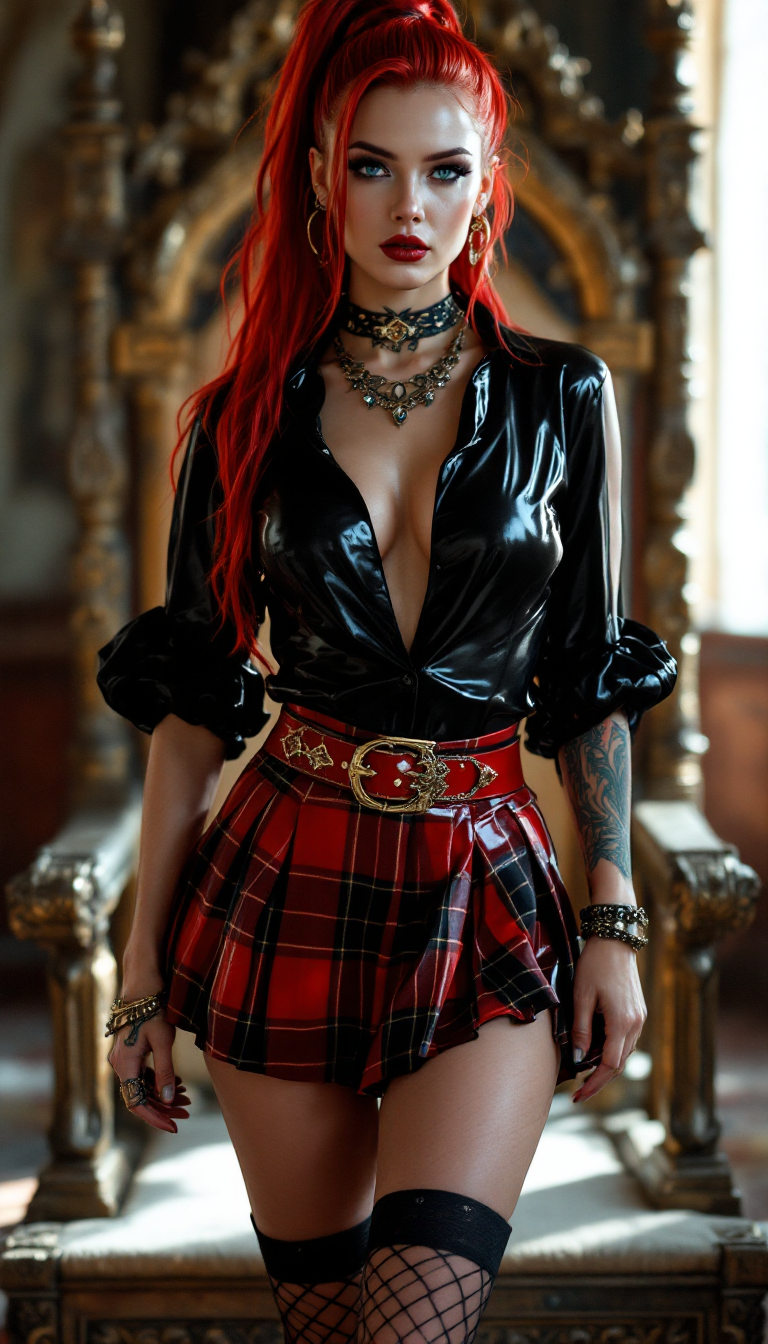
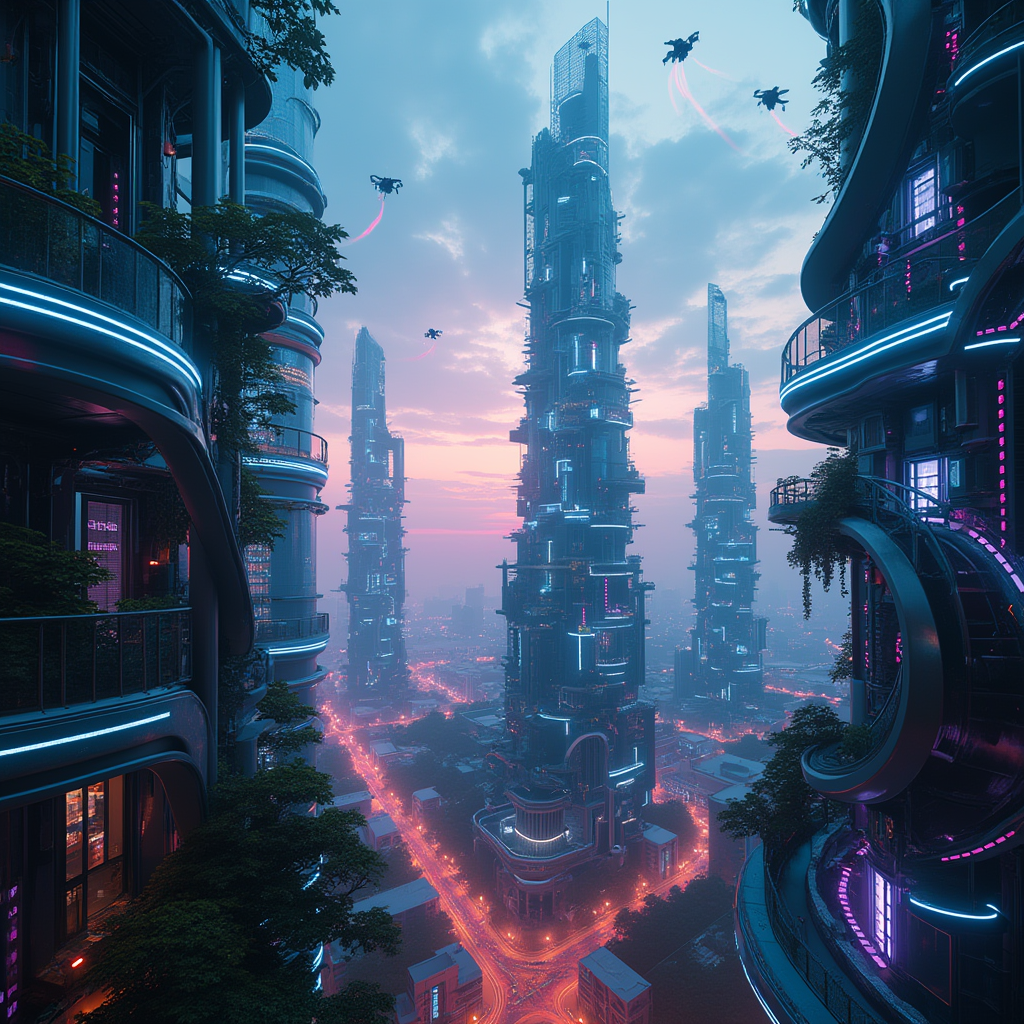
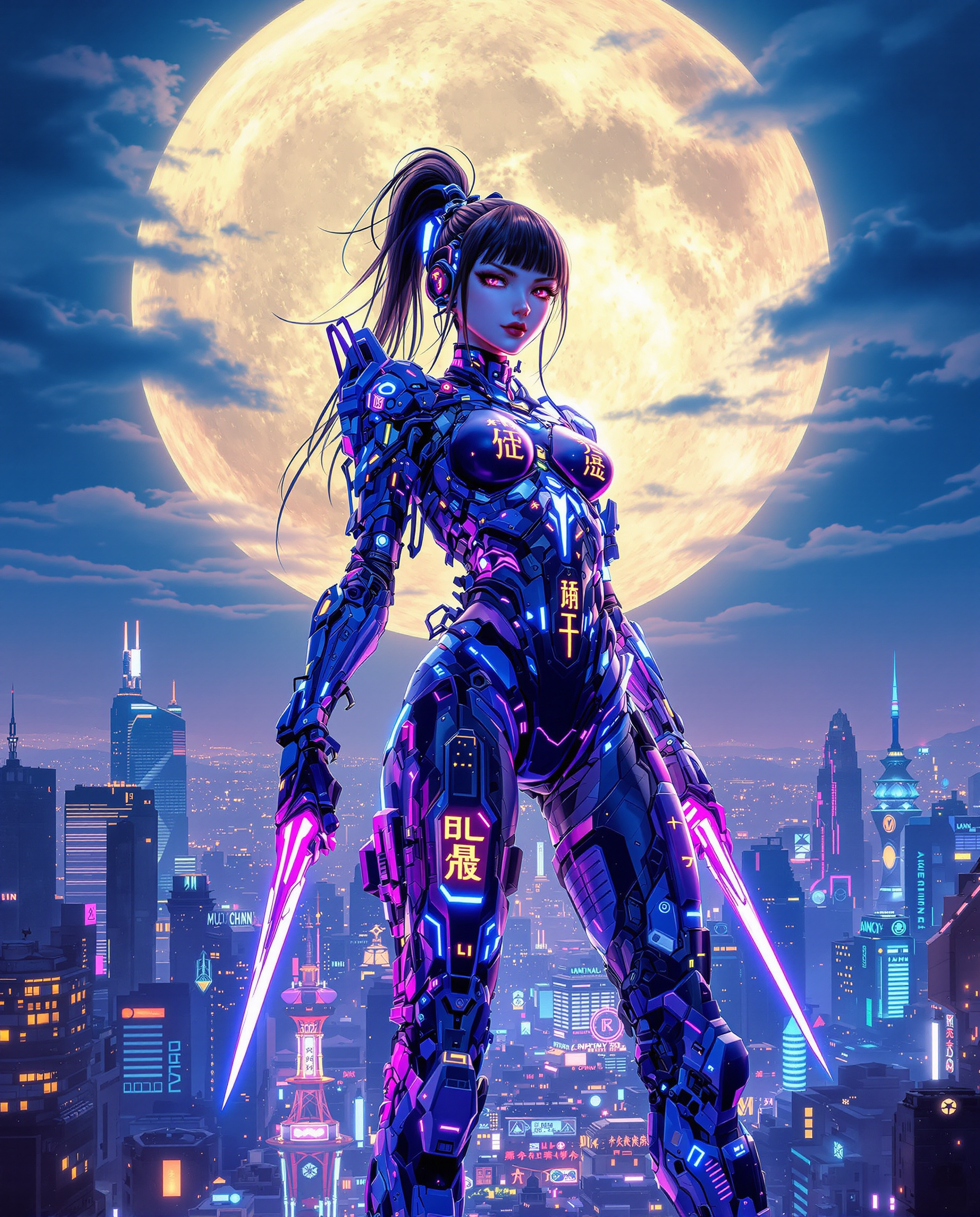
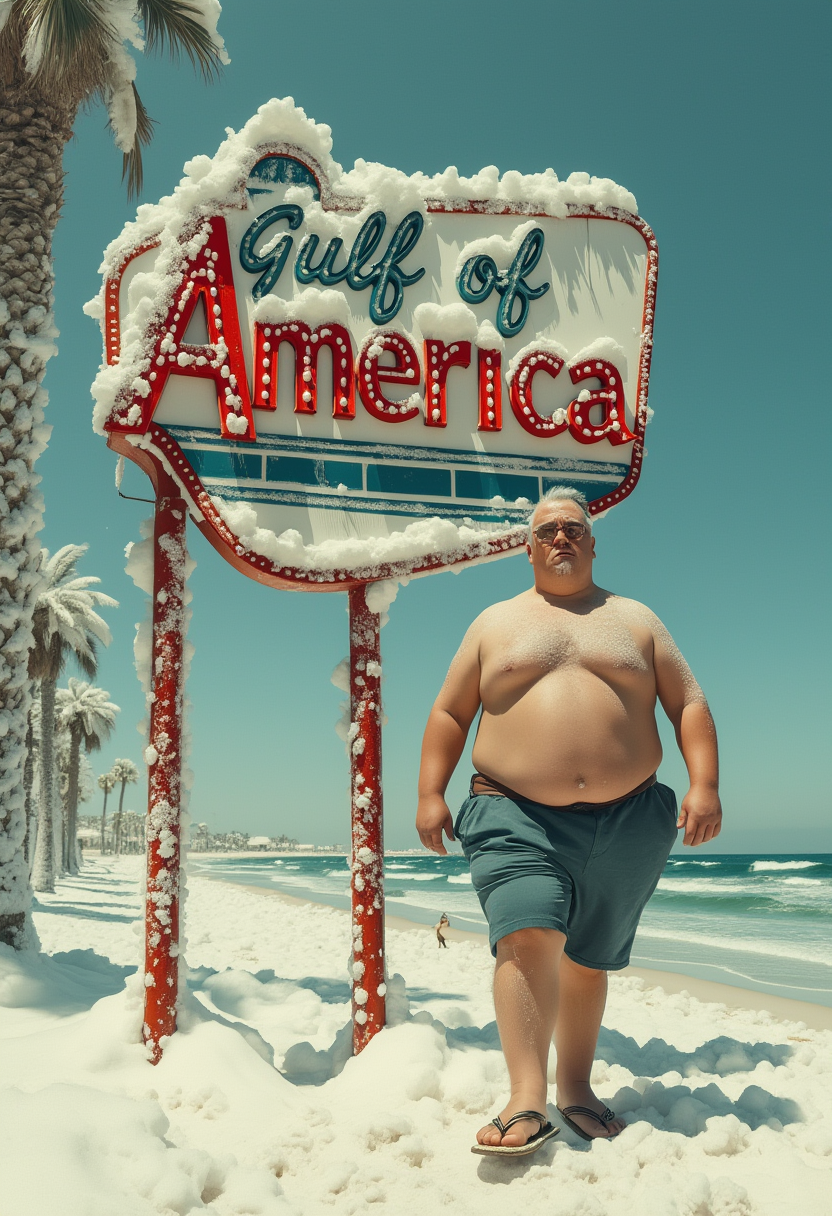

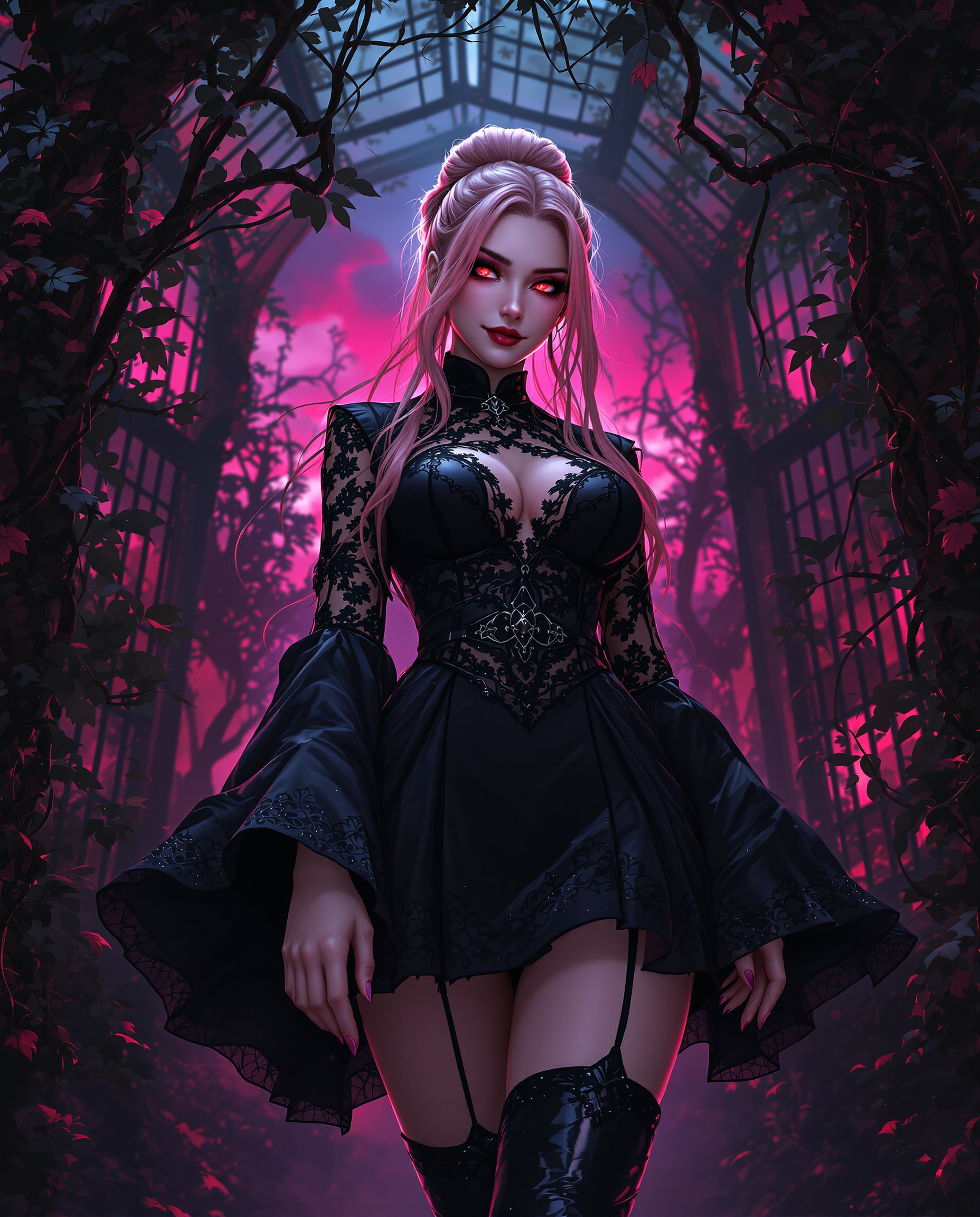
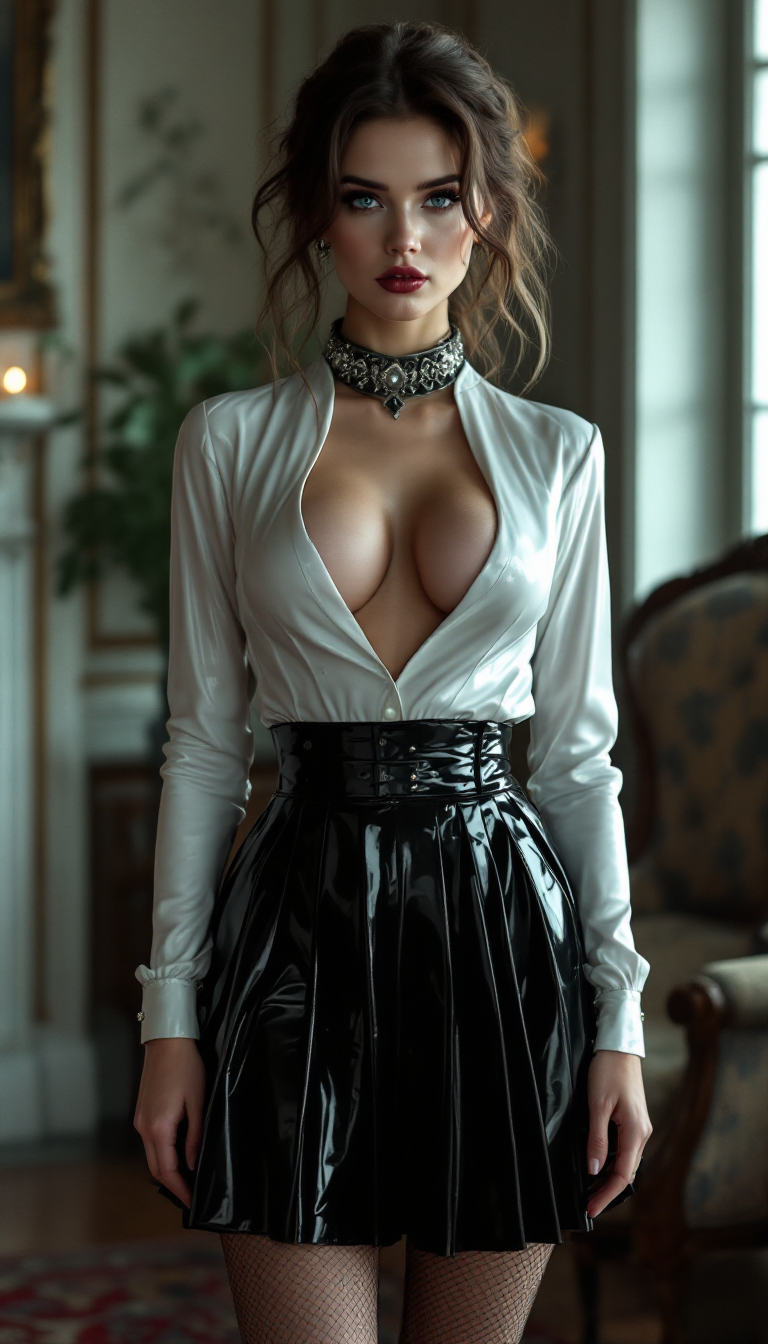
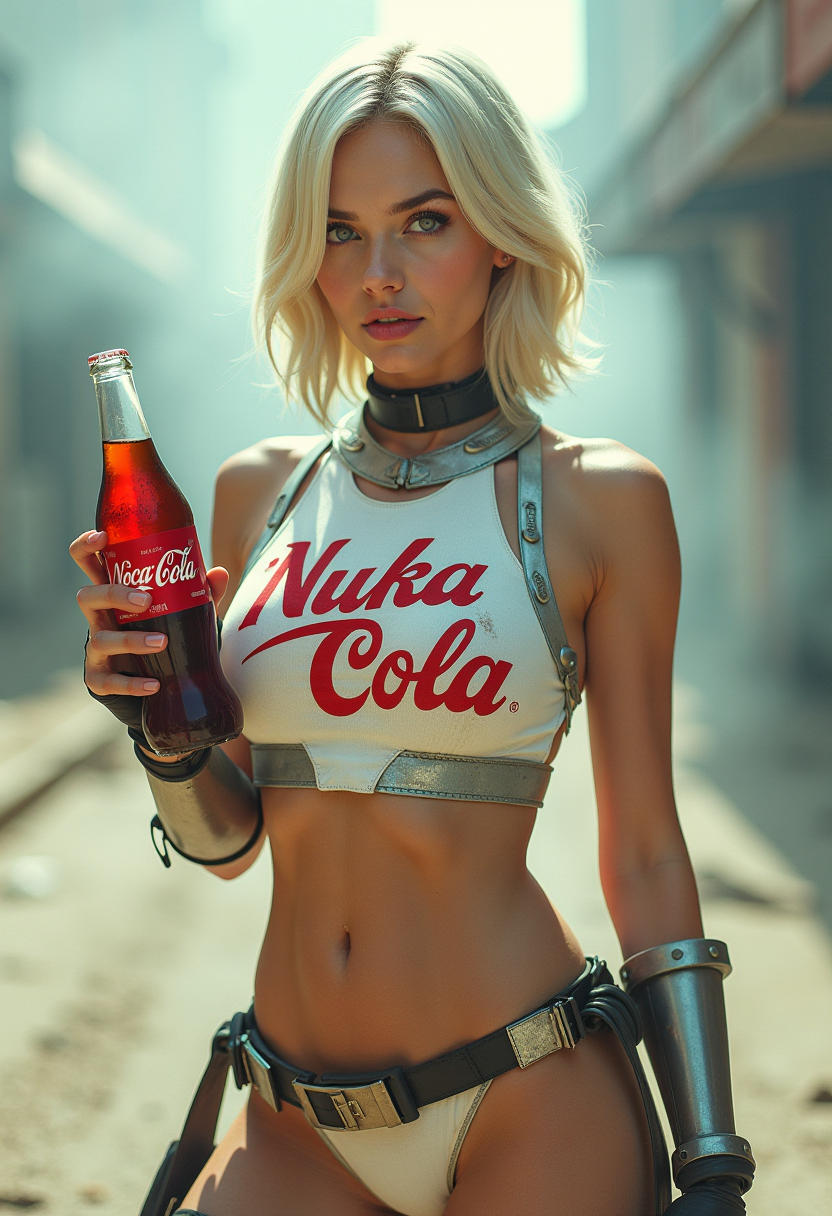


The Pixel Dojo Advantage
Why PixelDojo outperforms other options for photo quality enhancer image generation
| Others | Pixel Dojo |
|---|---|
| Traditional photo editing | Get professional results in seconds instead of hours of manual adjustments – no steep learning curve or expensive software required. |
| Generic AI tools | Access specialized enhancers like Magnific Upscaler and Portrait Upscaler tailored for natural photo restoration and upscaling, delivering consistent high-fidelity results every time. |
| Manual photo editing | AI intelligently reconstructs missing details and removes artifacts automatically, producing cleaner, more natural enhancements than hand-editing alone. |
Loved by creators on PixelDojo
Real feedback from people using PixelDojo, pulled from our in-product surveys.
the quality is the best
All the tools needed in one dashboard
Very fair and very broad in tools.
Accurate results
Great site and so much fun to use!
very useful set of tools for image creation, upscaling and enhancement
Explore more AI tools on PixelDojo
AI Tools
Compare & Switch
- Best AI Image Generators
- Best AI Video Generators
- Midjourney Alternatives
- Civitai Alternatives
- Runway Alternatives
- Leonardo Alternatives
- Pika Alternatives
- Luma Alternatives
- Magnific Alternatives
- Veo Alternatives
- Flux Alternatives
- Freepik Alternatives
- Seedance Alternatives
- Seedream Alternatives
- Pixverse Alternatives
- GPT Image Alternatives
- Synthesia Alternatives
- Playground Alternatives
- NightCafe Alternatives
- Canva AI Alternatives
- ElevenLabs Alternatives
- ComfyUI Alternatives
- Fal Alternatives
- Replicate Alternatives
Common Questions
Everything you need to know about photo quality enhancer
How to enhance photo quality with AI for free using PixelDojo?
PixelDojo offers easy access to powerful AI photo quality enhancer tools including P-Image Upscale and Clarity Pro. Start with a free trial to upscale images, reduce noise, and sharpen details instantly. Upload your photo, select the enhancement mode, and download high-resolution results without any cost upfront.
What is the best AI photo quality enhancer for old blurry photos?
For restoring old or blurry photos, use PixelDojo's Magnific Upscaler combined with Clarity Pro. These tools automatically detect and repair noise, blur, and fading while adding natural sharpness and detail. Thousands of users have successfully revived family archives and vintage images with stunning, realistic results.
Can AI photo quality enhancer tools upscale images to 8K resolution?
Yes, PixelDojo's P-Image Upscale and Creative Upscaler support upscaling up to 8x or higher, delivering crisp 8K output from low-resolution sources. The AI preserves textures and adds intelligent detail so your images remain natural and print-ready at large sizes.
How does PixelDojo's AI photo enhancer compare for portraits and faces?
Portrait Upscaler is specifically designed for faces and people. It enhances skin texture, eyes, hair, and expressions while maintaining natural skin tones and avoiding plastic-looking results. Perfect for professional headshots, family portraits, or social media photos.
Is it possible to enhance product photos with AI for e-commerce?
Absolutely. Use Clarity Pro or Magnific Upscaler on PixelDojo to sharpen product details, improve lighting, and boost resolution. Your product images become crisp and appealing, helping increase conversions on your store or marketplace listings.
What are the latest trends in AI photo quality enhancement in 2026?
Current trends focus on natural realism, multi-factor enhancements (upscaling + denoising + color correction in one pass), and seamless integration for batch processing. PixelDojo stays ahead with tools like Creative Upscaler that deliver artifact-free, photorealistic results trusted by professionals.