swap face AI Generator
Generated on PixelDojo. Produced by PixelDojo's generation pipeline.
Unlock your creative potential with PixelDojo's AI face swap tools. Whether you're looking to create humorous images, enhance your marketing campaigns, or explore new artistic expressions, our platform provides the technology to seamlessly swap faces in any image. Experience the ease and fun of transforming photos with just a few clicks.
Real image examples generated on PixelDojo
Every example below was produced on PixelDojo. Hover to see the prompt.
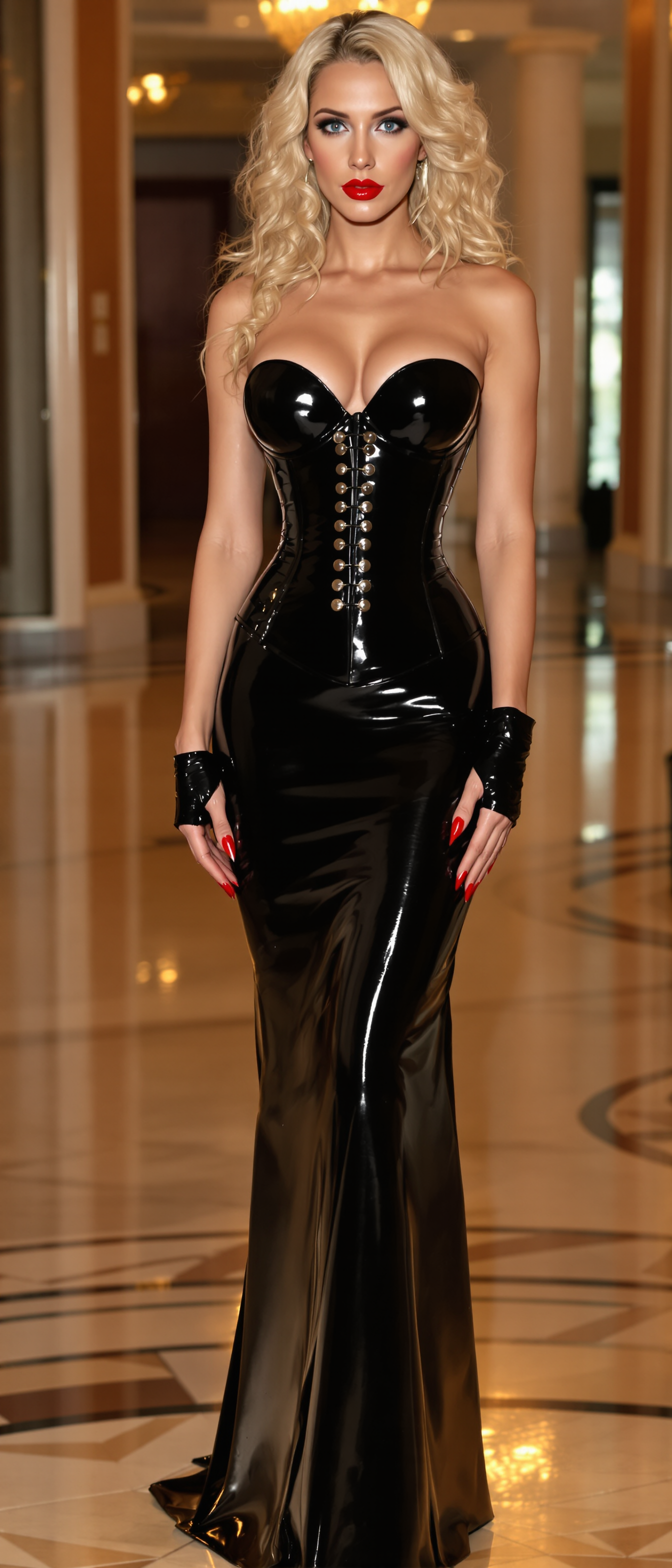
Blonde hair falls around her shoulders in curly waves
stable-diffusion
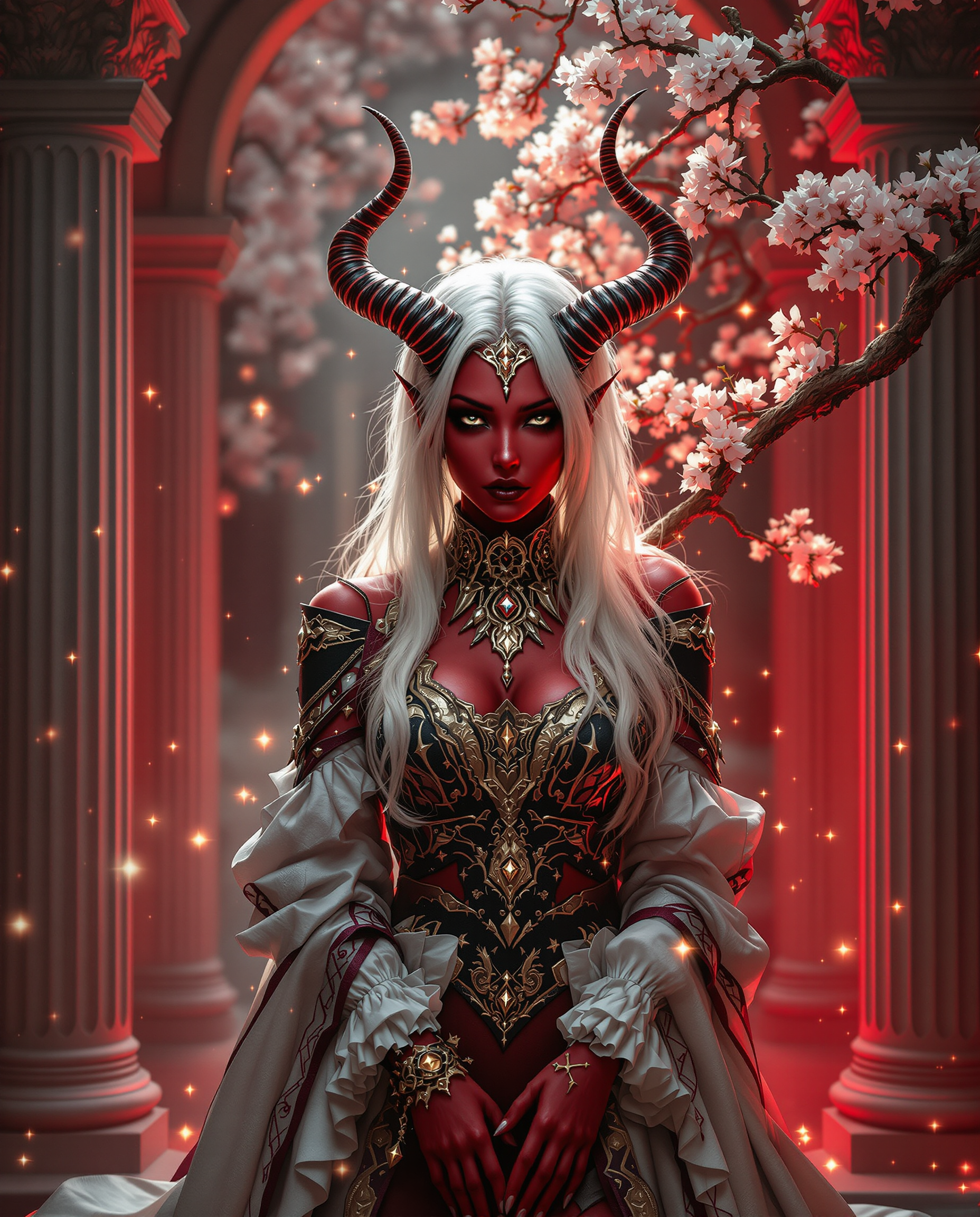
This image is a realistic photo photograph of a female real person richly detailed and art…
flux

A luxurious helicopter parked on a private landing pad
stable-diffusion
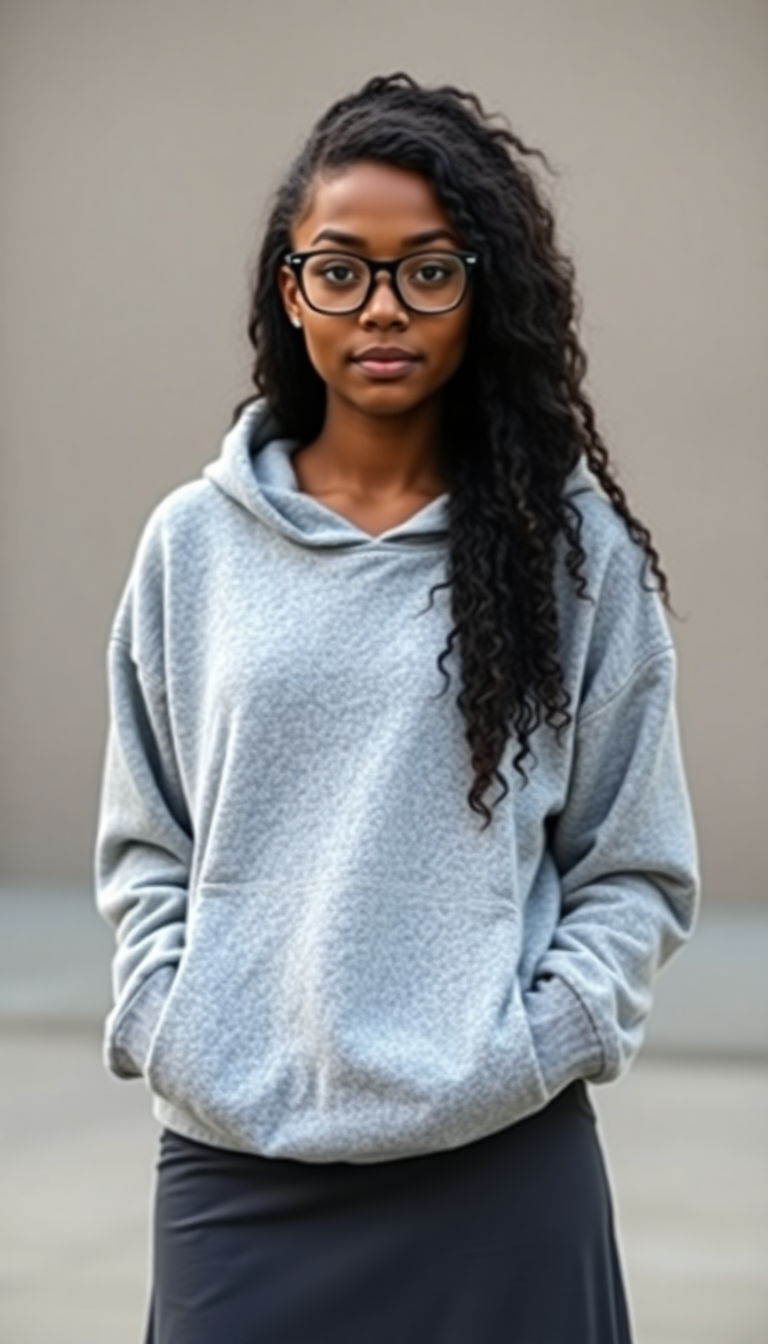
Young black woman early 20s
flux
swap face on PixelDojo
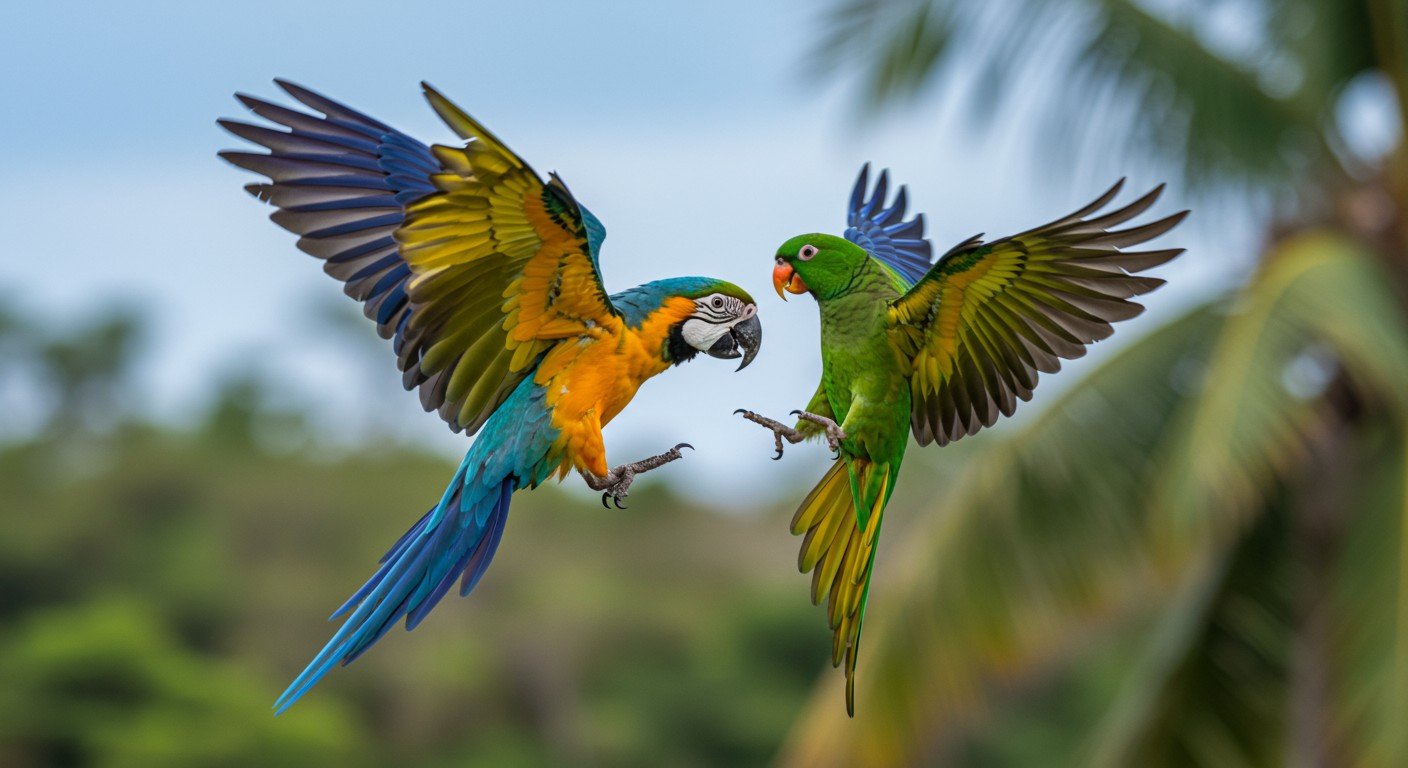
Two parrots fighting in mid air wildlife photo style
imagen
Models you can run on PixelDojo for swap face
Switch models without switching tools. Each one runs in the same PixelDojo studio.
What you can do with swap face on PixelDojo
Upload Images for Swapping
Creators upload source and target photos to begin the face swap process.
Select Target and Source Faces
We let users choose which face to replace and which to use as reference.
Generate Swapped Image Output
The system produces a new image with the faces exchanged.
Download Final Edited Version
Results are available for download after processing completes.
Join over 10,000 satisfied users who have created more than 500,000 face swap images using PixelDojo's cutting-edge AI tools.
Why Choose Pixel Dojo for swap face
Professional-quality results with cutting-edge AI technology
Effortless Creativity
Easily create engaging and entertaining images by swapping faces in your photos, perfect for social media and personal projects.
Enhanced Marketing
Develop unique and personalized marketing materials that capture attention and resonate with your audience.
User-Friendly Interface
No technical skills required. Our intuitive platform makes face swapping accessible to everyone.
How It Works
Creating stunning face swap images with PixelDojo is simple and straightforward. Follow these steps to get started:
Step 1: Choose Your Tool
Navigate to the 'Characters & Faces' section and select the 'Face Swap' tool.
Step 2: Upload Your Images
Upload the background image and the face image you wish to swap.
Step 3: Generate & Download
Click 'Generate' to process the face swap. Once satisfied with the result, download your new image.
The Pixel Dojo Advantage
Why PixelDojo outperforms other options for AI face swap image generation
| Others | Pixel Dojo |
|---|---|
| Traditional Photo Editing Software | Achieve realistic face swaps without the steep learning curve or time investment. |
| Generic AI Tools | Specialized face swap technology ensures higher accuracy and better results. |
| Manual Face Swapping | Automated process delivers faster and more consistent outcomes. |
Loved by creators on PixelDojo
Real feedback from people using PixelDojo, pulled from our in-product surveys.
amazing web site
phenomenal site. would highly recommend
Amazing features, easy to use, privacy
the number of options, and especially the quick response to questions on Discord
Love you guys!!
Trained my Lora super fast. Still working out how to creat content wit it, but I love it so far.
Explore more AI tools on PixelDojo
AI Tools
Compare & Switch
- Best AI Image Generators
- Best AI Video Generators
- Midjourney Alternatives
- Civitai Alternatives
- Runway Alternatives
- Leonardo Alternatives
- Pika Alternatives
- Luma Alternatives
- Magnific Alternatives
- Veo Alternatives
- Flux Alternatives
- Freepik Alternatives
- Seedance Alternatives
- Seedream Alternatives
- Pixverse Alternatives
- GPT Image Alternatives
- Synthesia Alternatives
- Playground Alternatives
- NightCafe Alternatives
- Canva AI Alternatives
- ElevenLabs Alternatives
- ComfyUI Alternatives
- Fal Alternatives
- Replicate Alternatives
Common Questions
Everything you need to know about swap face
How does PixelDojo's AI face swap tool work?
PixelDojo's AI face swap tool uses advanced algorithms to seamlessly replace faces in images. Simply upload your background and face images, and our AI handles the rest.
Is PixelDojo's face swap tool suitable for professional use?
Absolutely. Many professionals use our tool for marketing materials, content creation, and more, thanks to its high-quality results and ease of use.
Do I need any technical skills to use PixelDojo's face swap feature?
No technical skills are required. Our user-friendly interface makes it accessible for everyone, regardless of experience level.
Can I use PixelDojo's face swap tool for commercial projects?
Yes, you can use the images created with our tool for commercial purposes. However, ensure you have the rights to the images you upload.
Is there a limit to the number of face swap images I can create?
PixelDojo offers various subscription plans to suit different needs, including options with unlimited face swaps.
How does PixelDojo ensure the ethical use of its face swap technology?
We encourage users to obtain consent before using someone's likeness and to use our tools responsibly. Misuse of our technology is against our terms of service.