Vheer AI

Generated on PixelDojo with google-nano-banana. Produced by PixelDojo's generation pipeline.
Vheer AI is a free AI image generator that lets users create images from text prompts and related creative inputs, often with a simple browser-based workflow. If you are searching for Vheer AI, you can use Vheer directly for quick free generations, or use PixelDojo as a multi-model alternative for running Flux, GPT Image, Nano Banana and Seedream without waiting in a public queue.
Real image examples generated on PixelDojo
Every example below was produced on PixelDojo. Hover to see the prompt.
A highly detailed
stable-diffusion
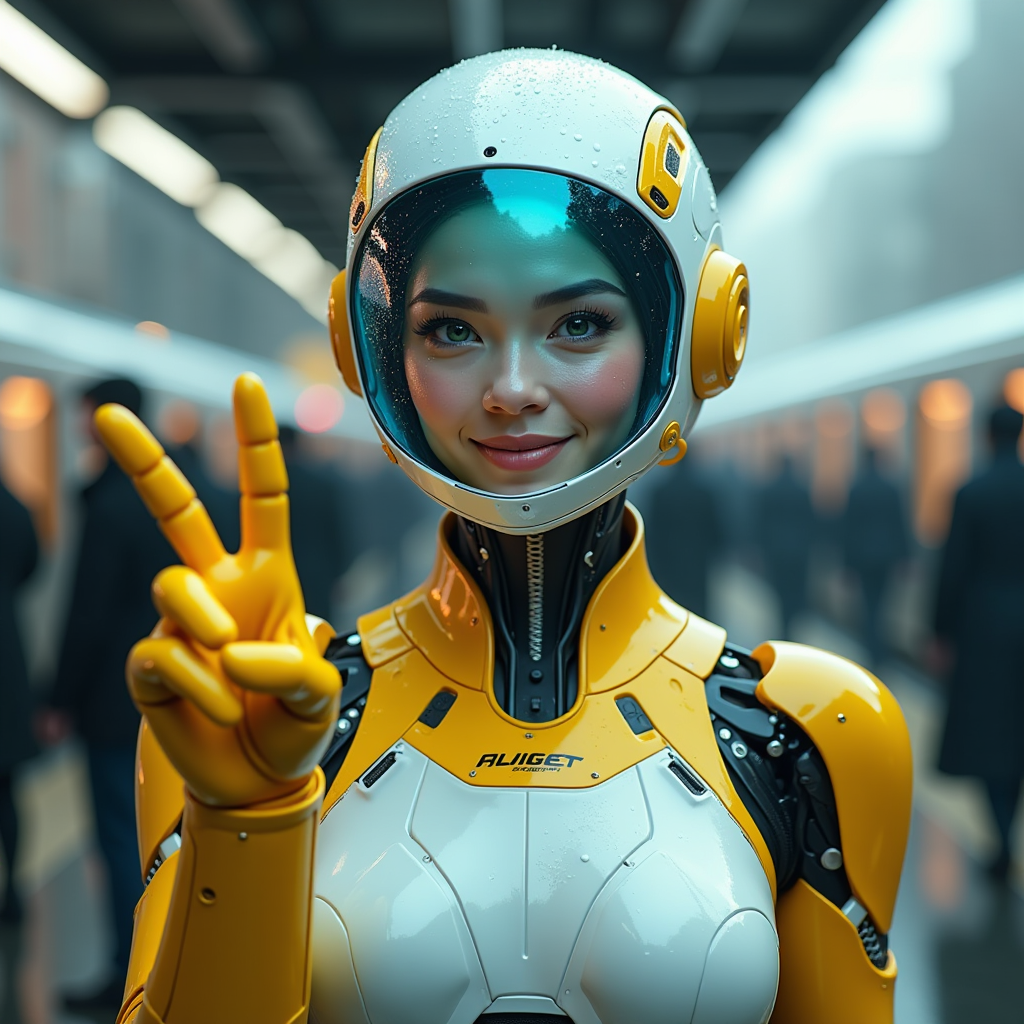
A hyper-realistic image of a female AI robot standing at a train station
flux

Image of an ai painting a human and a human painting an ai
flux
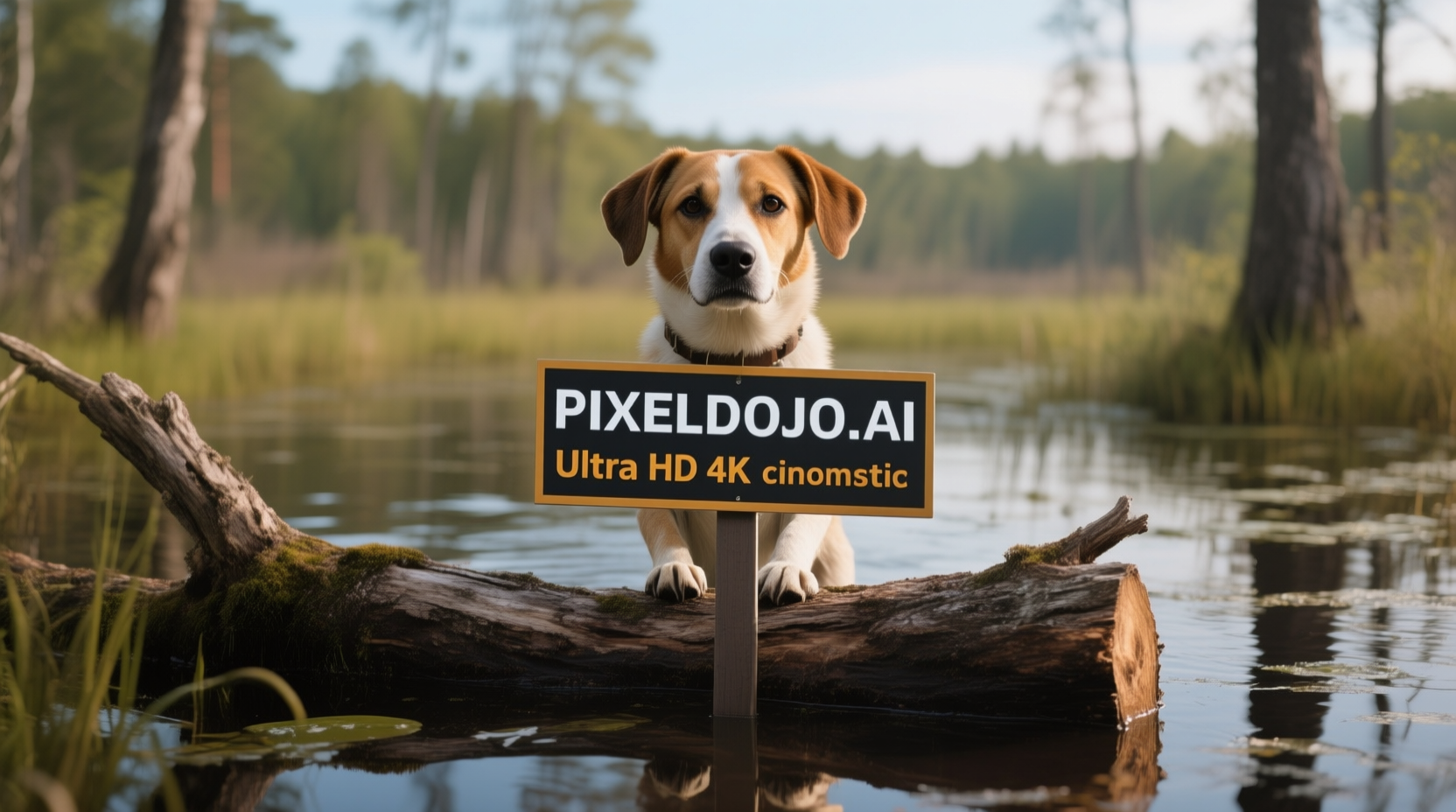
A dog in a bog on a log with a sign that reads PIXELDOJO
qwen-image

Create image of very beautiful AI robot woman in bed a happy man under the covers
flux

Create a YouTube Header for "FLUXPRO" AI image generation
flux
Models you can run on PixelDojo for Vheer AI
Switch models without switching tools. Each one runs in the same PixelDojo studio.
What you can do with Vheer AI on PixelDojo
Text Prompt Image Generation
We create images from written prompts with Vheer AI. Creators refine results through prompt adjustments.
Reference Image Guidance
We incorporate uploaded images to direct new outputs. Creators achieve visual consistency across projects.
Style Application Tools
We apply selected artistic styles during generation. Creators match outputs to specific aesthetic requirements.
Output Resolution Selection
We provide options for different image sizes. Creators choose formats suited to their intended use.
Why Choose Pixel Dojo for Vheer AI
Professional-quality results with cutting-edge AI technology
A practical free image generator to explore ideas
Vheer AI is useful for people who want to turn simple text ideas into images without starting with complex software. Its main appeal is accessibility: you can experiment with prompts, visual styles and concept directions before deciding whether you need more control or more model options.
A broader studio when one model is not enough
PixelDojo is built for creators who want to compare multiple leading image models in one place. Instead of relying on a single generator, you can move between Flux, GPT Image, Nano Banana and Seedream to match the model to the task, such as photorealism, design iteration, product visuals or stylized artwork.
No queue for supported PixelDojo models
Free tools can be convenient, but public generators may come with limits, delays or changing availability. PixelDojo focuses on a studio workflow where supported models are ready to run without the public queue, helping you keep momentum when testing prompts, refining images or producing batches of concepts.
How It Works
Use Vheer AI for simple free image generation, or choose PixelDojo when you want a multi-model workflow with more model choice.
Start with a clear prompt
Describe the subject, setting, style, mood, lighting and any important constraints. For example, a product image prompt should name the product, background, camera angle and desired use, while an illustration prompt should include style and composition details.
Choose the right model for the job
In PixelDojo, select Flux, GPT Image, Nano Banana or Seedream based on your goal. Try Flux for polished general generation, GPT Image for instruction-driven work, Nano Banana for rapid idea testing and Seedream for another creative interpretation.
Compare, refine and export
Review the outputs, adjust your prompt and rerun the model that gets closest to your target. Small changes to wording, lighting, camera details or negative constraints can make a meaningful difference in the final image.
Loved by creators on PixelDojo
Real feedback from people using PixelDojo, pulled from our in-product surveys.
Prompt updates, strong features, and a community that is always willing to help and hear/act on professional feedback. I've never had a better experience.
user friendly all in one thing
I really like the schedule of AI work performed!
The best tools for IA on the web !
The guy that operates the website is constantly updating it
I’ve been using PixelDojo for around 8 months now and it’s always worked wonderfully while constantly adding features.
Explore more AI tools on PixelDojo
AI Tools
Compare & Switch
- Best AI Image Generators
- Best AI Video Generators
- Midjourney Alternatives
- Civitai Alternatives
- Runway Alternatives
- Leonardo Alternatives
- Pika Alternatives
- Luma Alternatives
- Magnific Alternatives
- Veo Alternatives
- Flux Alternatives
- Freepik Alternatives
- Seedance Alternatives
- Seedream Alternatives
- Pixverse Alternatives
- GPT Image Alternatives
- Synthesia Alternatives
- Playground Alternatives
- NightCafe Alternatives
- Canva AI Alternatives
- ElevenLabs Alternatives
- ComfyUI Alternatives
- Fal Alternatives
- Replicate Alternatives
Common Questions
Everything you need to know about Vheer AI
What is Vheer AI?
Vheer AI is a free AI image generator available on the web. It is designed to help users create images from prompts and related creative inputs without needing traditional design software. It is best suited for quick experiments, casual image generation, social content ideas, visual brainstorming and early concept exploration.
Can I use Vheer AI on PixelDojo?
PixelDojo does not present Vheer AI as one of its hosted models. PixelDojo is the multi-model alternative for people comparing options after searching for Vheer AI. On PixelDojo, you can run supported models such as Flux, GPT Image, Nano Banana and Seedream from one studio.
How much does Vheer AI cost on PixelDojo?
Vheer AI is not sold as a PixelDojo model, so there is no Vheer AI price inside PixelDojo. PixelDojo pricing applies to PixelDojo access and supported models. For the most accurate information, check the current PixelDojo pricing page before starting a project.
What is the best Vheer AI alternative?
The best alternative depends on what you need. If you want a simple free generator, Vheer AI may be enough for quick ideas. If you want multiple model choices, fewer workflow interruptions and the ability to compare outputs from Flux, GPT Image, Nano Banana and Seedream, PixelDojo is a strong Vheer AI alternative.
Is Vheer AI free to try?
Vheer AI is commonly described as a free AI image generator, which is one reason people search for it. Free tools can be a good starting point, but availability, limits and feature access may change over time. PixelDojo offers its own access model for users who want a studio built around multiple supported generators.
What can I make with Vheer AI?
Vheer AI can be used for prompt-based image ideas such as character concepts, stylized portraits, social media visuals, fantasy scenes, product mockup concepts, thumbnails and general creative exploration. For more advanced comparison work, PixelDojo lets you test similar ideas across several models and choose the result that best fits your brief.
How do I get the best results?
Use specific prompts and refine them in stages. Include the subject, action, environment, style, lighting, framing and intended use. Avoid vague requests such as a cool poster and write a more complete brief such as a bold sci-fi event poster, centered astronaut silhouette, neon blue rim light, dark space background, cinematic composition. In PixelDojo, compare the same prompt across multiple models to see which one follows the direction best.