vidu q3 online AI Generator
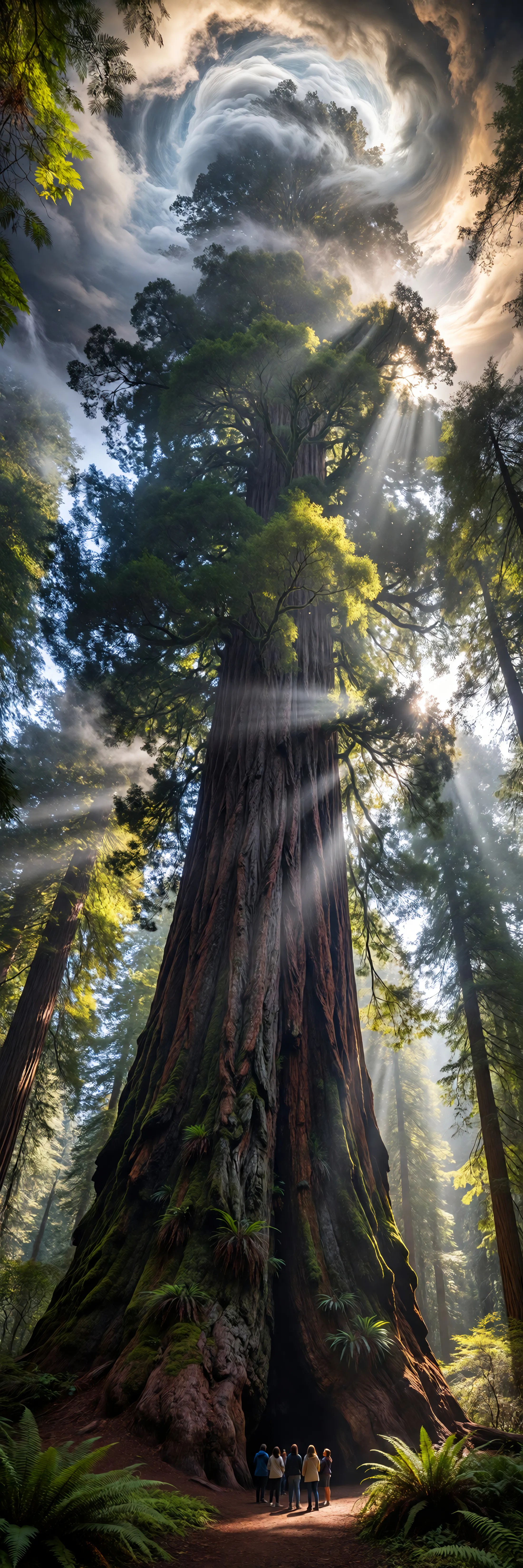
Generated on PixelDojo. Produced by PixelDojo's generation pipeline.
Imagine turning a simple idea into a complete cinematic story—complete with natural dialogue, sound effects, music, and smooth camera movements—all generated in one go. With Vidu Q3 online on PixelDojo, you achieve professional-quality videos up to 16 seconds long that look and sound ready to share, without any extra editing or audio work. Whether you're crafting anime scenes, product ads, short films, or social stories, you get consistent characters, vivid motion, and narrative flow that captivates your audience instantly. Thousands of creators already use PixelDojo's Vidu Q3 alongside tools like Marketing Studio and Consistent Characters to produce content that stands out and converts viewers into fans. Start creating your first Vidu Q3 video today and see how quickly your vision comes to life.
Real image examples generated on PixelDojo
Every example below was produced on PixelDojo. Hover to see the prompt.
Ia-ultrawide
image-to-image
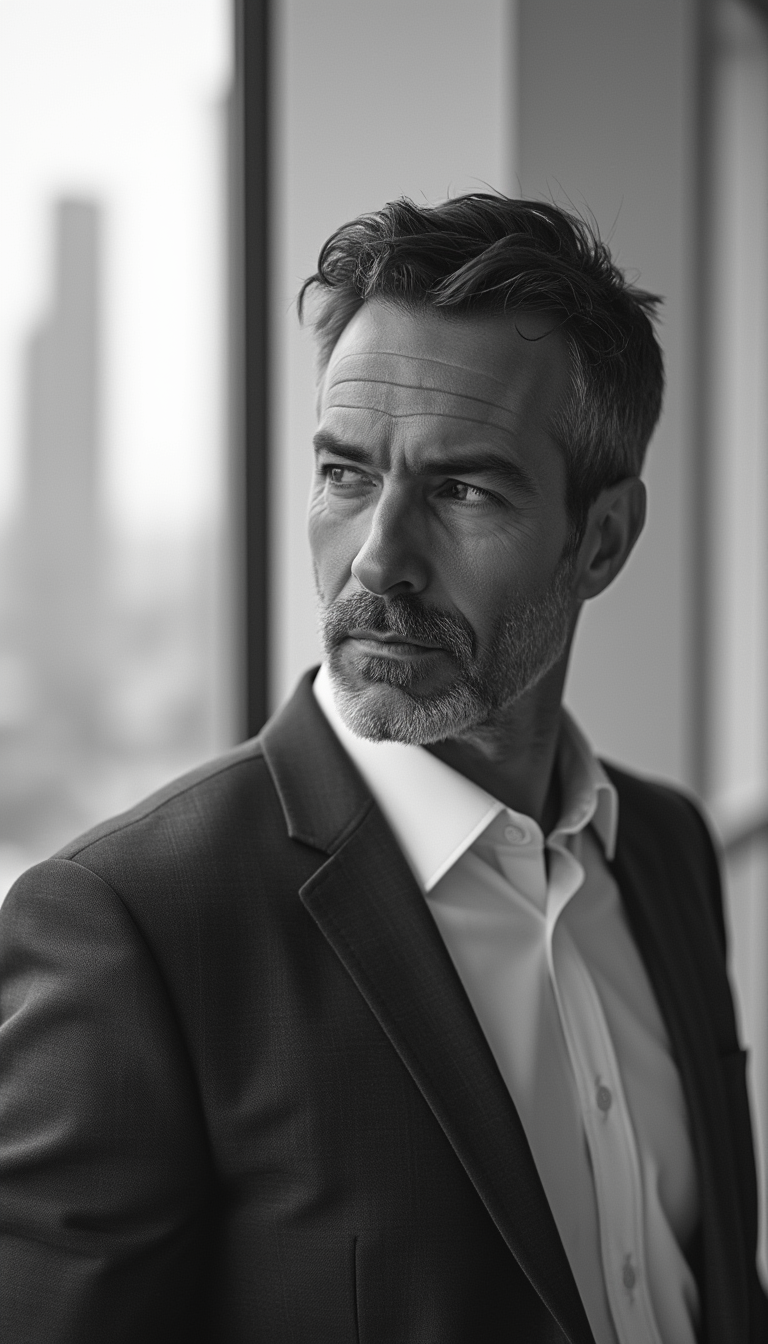
A middle-aged businessman with a sharp jawline and slight stubble
stable-diffusion

A commanding Nubian woman in her mid-40s stands as the regal centerpiece of a lavish scene
flux

A breathtaking futuristic cityscape at twilight
flux

Hayley Atwell as fashion Woman
kolors

A photo of a man wearing this hoodie standing on the streets of lisbon
stable-diffusion
Models you can run on PixelDojo for vidu q3 online
Switch models without switching tools. Each one runs in the same PixelDojo studio.
What you can do with vidu q3 online on PixelDojo
Vidu Q3 In Browser
We run Vidu Q3 image generation on PixelDojo so you can create stills from text without installing models. Open a session, write a prompt, and download the result.
Prompt To Still Images
You specify subject, composition, and visual style. We generate images you can keep, compare, and use in concept work, storyboards, and posts.
Iterate Until It Fits
Adjust the prompt and regenerate to explore variants in one place. We store recent outputs so you can pick a direction without starting over.
Creator Workflow Access
We keep generation, previews, and downloads together so you can move from idea to usable image in a single online workspace.
Loved by thousands of creators worldwide using PixelDojo's 40+ cutting-edge AI tools. Vidu Q3 delivers native audio-video generation trusted for storytelling, with cancel-anytime flexibility and proven results in ads, anime, and films.
Why Choose Pixel Dojo for vidu q3 online
Professional-quality results with cutting-edge AI technology
Ready-to-Publish Stories in One Generation
You produce complete 16-second clips with perfectly synced dialogue, effects, and music baked in, so your videos land with professional polish and zero post-production hassle.
Unbreakable Character and Scene Consistency
You maintain the exact same faces, outfits, and environments across every shot by uploading references, turning one-off clips into cohesive series that keep viewers hooked.
Cinematic Direction Without the Crew
You control camera angles, pacing, and smart cuts yourself through simple prompts, delivering film-like quality and emotional impact that traditional methods take days to achieve.
How It Works
Creating Vidu Q3 videos on PixelDojo is straightforward and designed around your creative flow. Select the tool, describe or upload your vision, tweak for perfection, and download a finished clip ready for any platform.
Step 1: Choose Your Tool
Log into PixelDojo and head to Generate Videos. Select Vidu Q3 for text-to-video or image-to-video. Pair it with Consistent Characters or Ideogram Character if you need reference images first, or use Marketing Studio for ad-focused workflows.
Step 2: Enter Your Prompt
Describe your scene in natural language, including camera moves, dialogue, and sounds. For image-to-video, upload a still from Flux.2 Studio or Seedream 5. Add details like 'slow push-in with rain sounds and character saying hello' to guide native audio and motion.
Step 3: Customize & Download
Pick resolution up to 1080p, aspect ratio, duration, and toggle audio. Generate, preview, refine with tools like Kling Video Edit or WAN 2.7 Video Edit if needed, then download your high-quality Vidu Q3 video instantly.
The Pixel Dojo Advantage
Why PixelDojo outperforms other options for Vidu Q3 video generation
| Others | Pixel Dojo |
|---|---|
| Traditional video production | You skip crews, studios, and weeks of editing—generate complete audio-visual stories in minutes with Vidu Q3 plus PixelDojo's editing suite like Runway Aleph and Video Autocaption. |
| Generic AI tools | You access Vidu Q3's native audio, 16-second length, and reference consistency in one platform alongside 40+ specialized tools like Seedance 2.5 and Face Swap, not isolated models. |
| Manual photo editing and animation | You transform stills from P-Image or Recraft V4.1 into dynamic videos with built-in sound and motion control, saving hours of frame-by-frame work while keeping full creative direction. |
Loved by creators on PixelDojo
Real feedback from people using PixelDojo, pulled from our in-product surveys.
You guys, the LORA training is the BEST in the space right now, great job with that!
Tons of variety. Ease of use. Tools for beginners and advance users.
easiest workflow to get best output image or video
awesome functionality, UX, constant flood of improvements, discord interactivity
Awesome site with so many features
Love how I can almost create anything
Explore more AI tools on PixelDojo
AI Tools
Compare & Switch
- Best AI Image Generators
- Best AI Video Generators
- Midjourney Alternatives
- Civitai Alternatives
- Runway Alternatives
- Leonardo Alternatives
- Pika Alternatives
- Luma Alternatives
- Magnific Alternatives
- Veo Alternatives
- Flux Alternatives
- Freepik Alternatives
- Seedance Alternatives
- Seedream Alternatives
- Pixverse Alternatives
- GPT Image Alternatives
- Synthesia Alternatives
- Playground Alternatives
- NightCafe Alternatives
- Canva AI Alternatives
- ElevenLabs Alternatives
- ComfyUI Alternatives
- Fal Alternatives
- Replicate Alternatives
Common Questions
Everything you need to know about vidu q3 online
How do I generate Vidu Q3 videos online with native audio on PixelDojo?
Simply choose Vidu Q3 in Generate Videos, write a prompt that includes visuals, camera, and sounds like 'character walking with footsteps and wind', or upload an image. Toggle audio on, set duration up to 16 seconds, and generate. PixelDojo handles the rest so you get a finished clip with synced dialogue and effects ready to use.
Can I keep characters consistent in Vidu Q3 online video generation?
Yes, upload up to several reference images created with tools like Consistent Characters, Character Sheets, or Flux.2 Studio. Vidu Q3 on PixelDojo locks in faces, clothing, and scenes across the entire clip, perfect for series, ads, or storytelling without drift.
What resolutions and lengths can I achieve with Vidu Q3 online?
You generate videos from 1 to 16 seconds at 360p up to 1080p in multiple aspect ratios including 16:9 and 9:16. PixelDojo lets you pick the exact settings before generating, then enhance further with FLUX Video Upscale or P-Image Upscale if needed.
Is Vidu Q3 online suitable for creating ads and anime on PixelDojo?
Absolutely. Combine Vidu Q3 with Marketing Studio for ad-focused clips featuring product consistency and native audio, or use it with PonyXL and Ideogram 4 for anime-style references. You produce commercial-ready content with cinematic camera control in one workflow.
How does PixelDojo make Vidu Q3 online easier than other platforms?
You get Vidu Q3 integrated with 40+ tools like Image to Image for references, Kling Video Edit for refinements, and Developer API for scaling. Everything stays in one place with cancel-anytime access, so you iterate faster and publish complete videos without switching apps.
What if I want to start Vidu Q3 videos from my own photos online?
Upload any photo to Vidu Q3's image-to-video mode on PixelDojo. The model animates it while preserving style and adding motion plus optional audio. Enhance the source first with Reality Polisher or Background Remover for even better results, then generate your dynamic clip.