ai face swap 1080p AI Generator
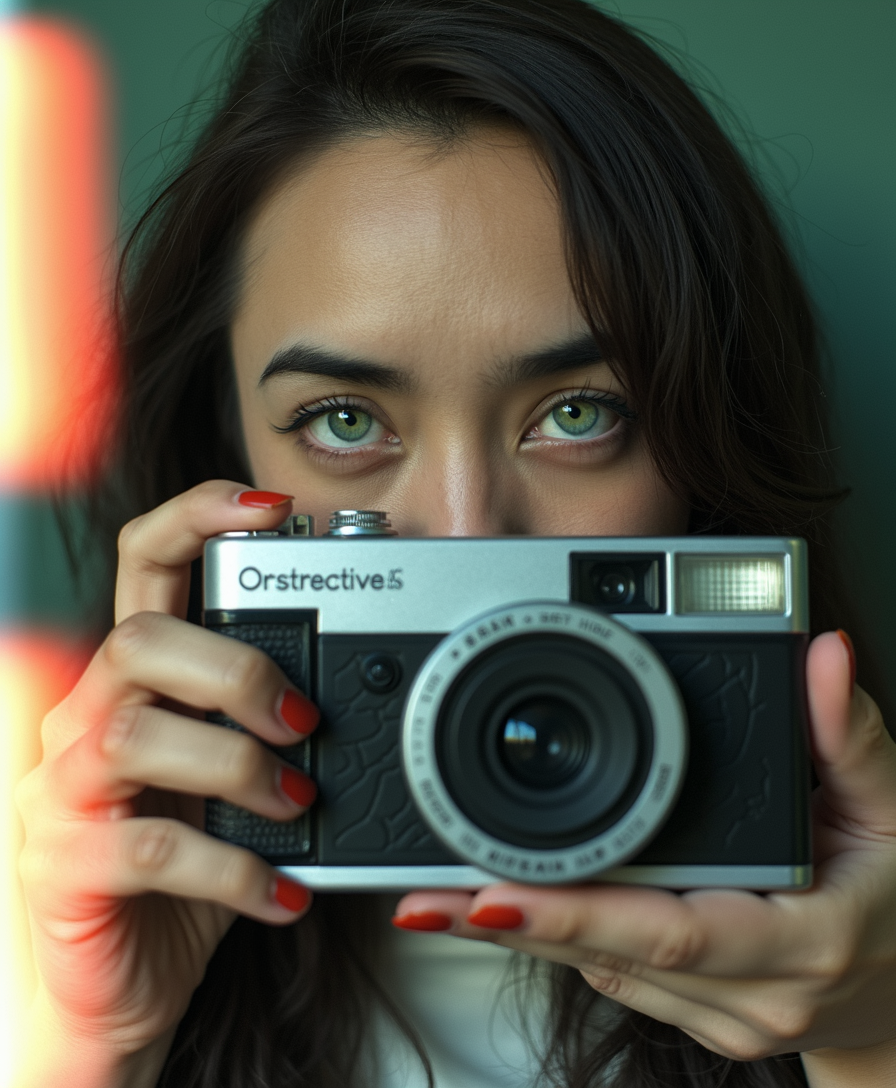
Generated on PixelDojo. Produced by PixelDojo's generation pipeline.
You want face swaps that look like they came from a high-end studio, not a blurry filter. With PixelDojo's AI face swap 1080p capabilities, you place any face onto any photo and download crisp, photorealistic 1080p images that hold up on big screens, social feeds, and print. Marketers create personalized campaigns that boost engagement. Content creators produce viral memes and consistent character shots. Everyday users surprise friends with fun, high-quality swaps. You skip hours of manual editing and get results that preserve lighting, expression, and identity perfectly. Tools like Face Swap, LoRA Face Swap, Flux.2 Studio, Seedream 5, and Image to Image work together so your 1080p AI face swap images stand out. Thousands of creators already rely on PixelDojo for outcomes that turn ideas into professional assets instantly.
Real image examples generated on PixelDojo
Every example below was produced on PixelDojo. Hover to see the prompt.
The image portrays a young TOKALEMAP woman with long
flux-studio
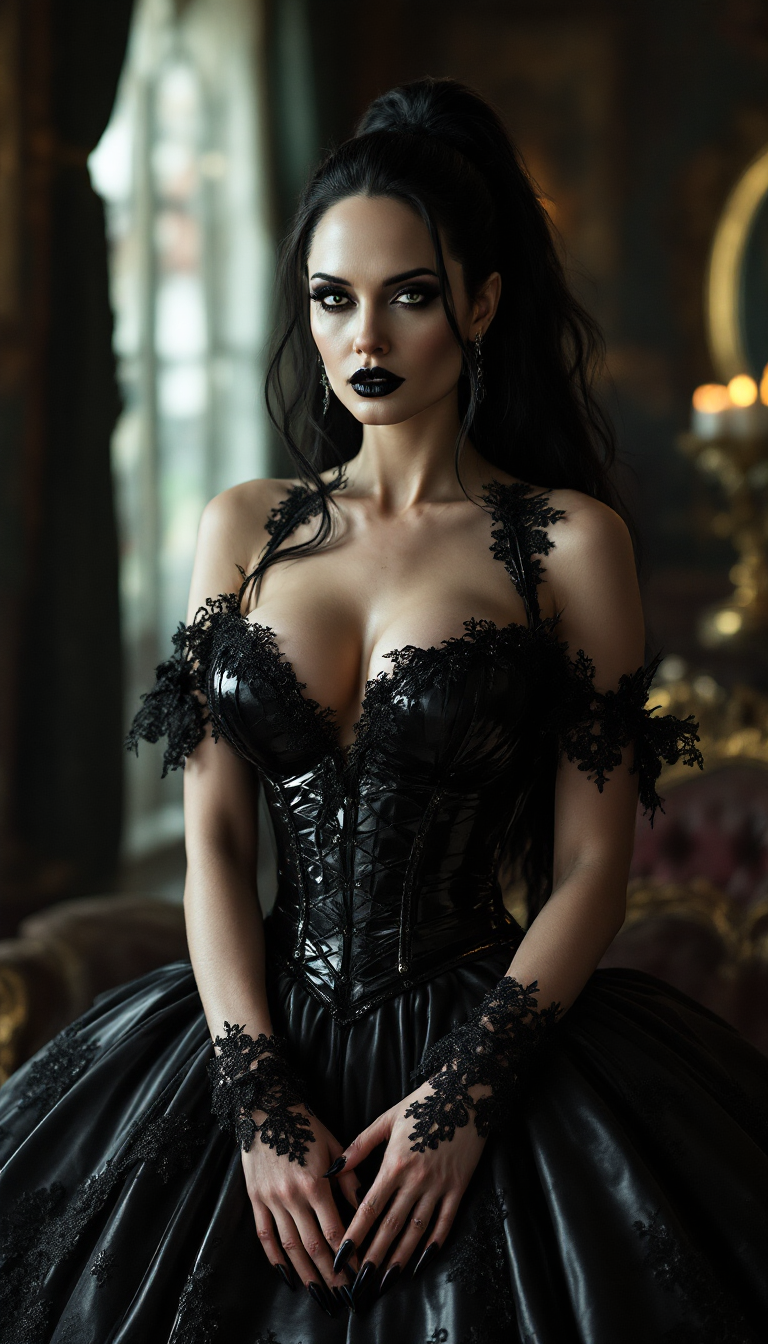
Angelina Jolie
stable-diffusion
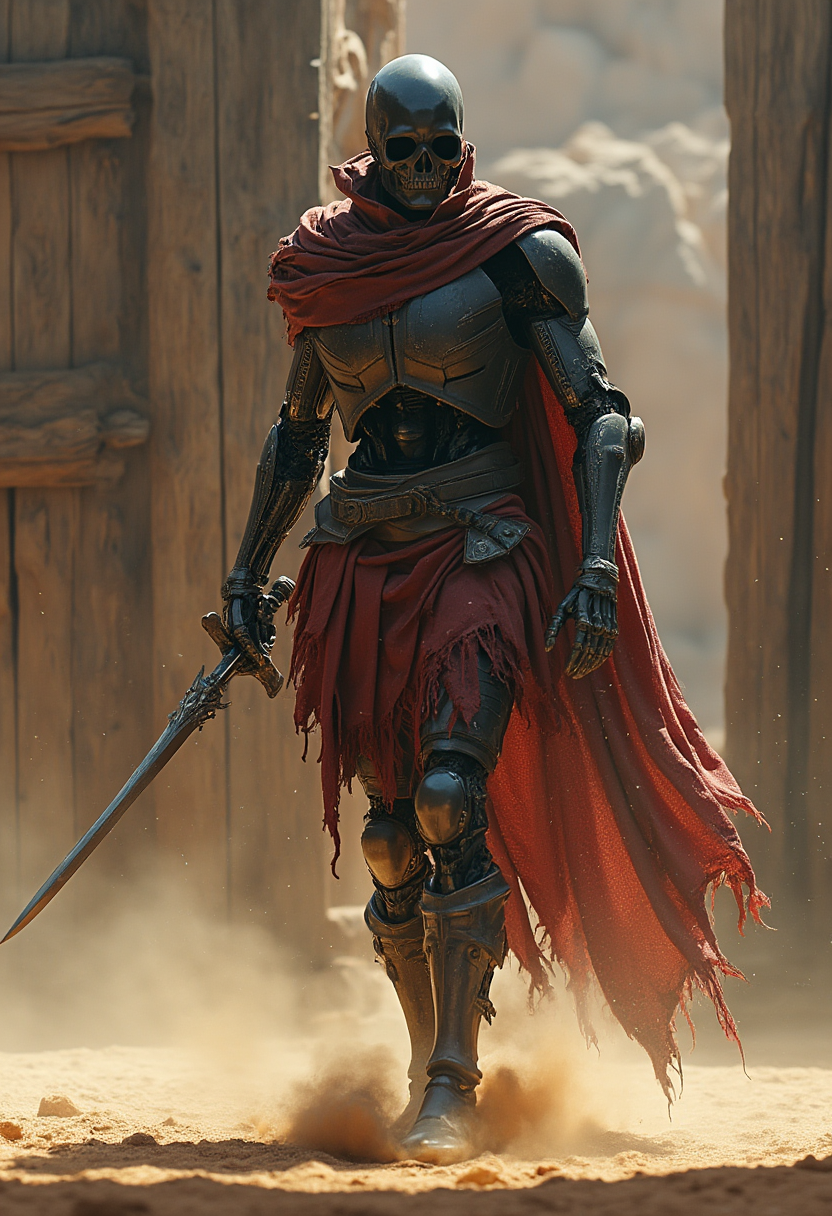
Post-apocalyptic cyber warrior in coliseum - humanoid silhouette
flux
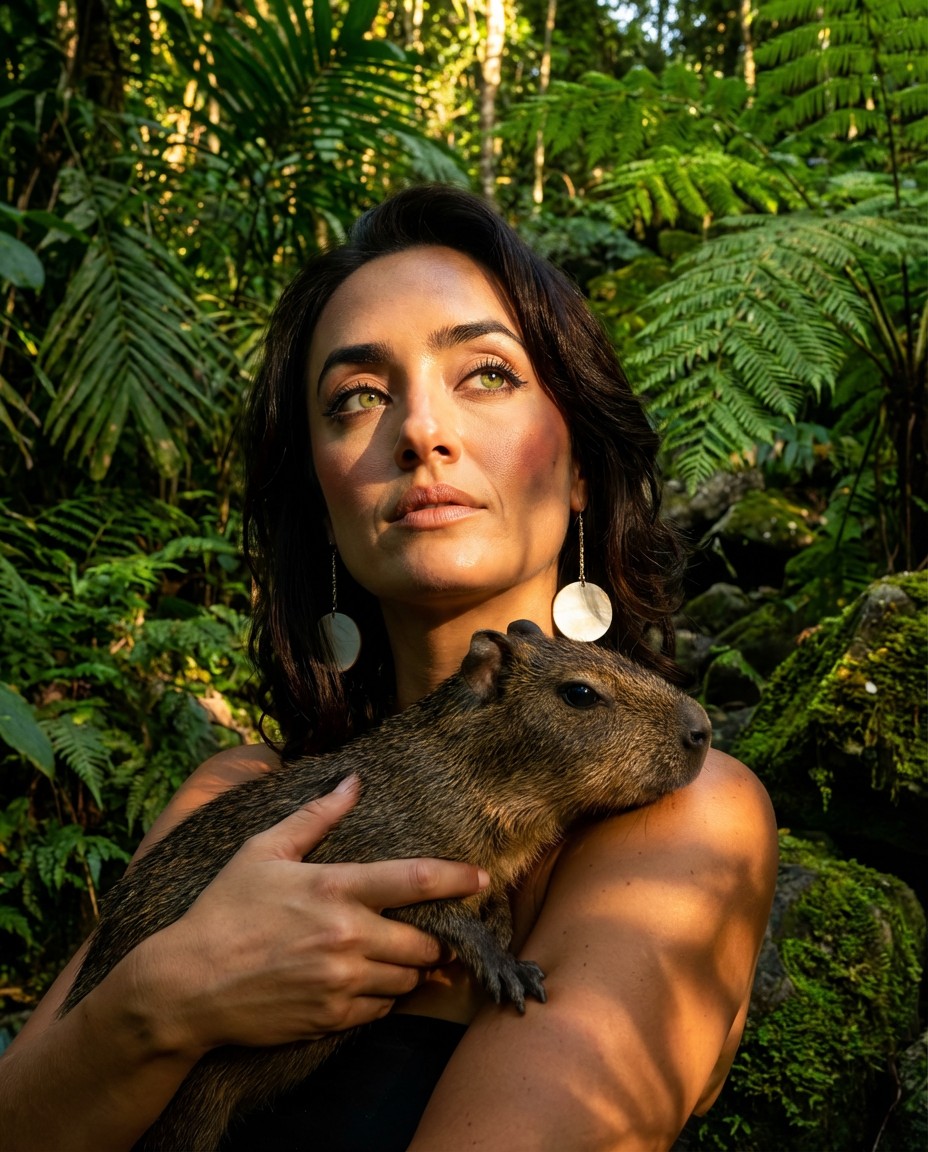
Portrait series with neutral background
consistent-characters
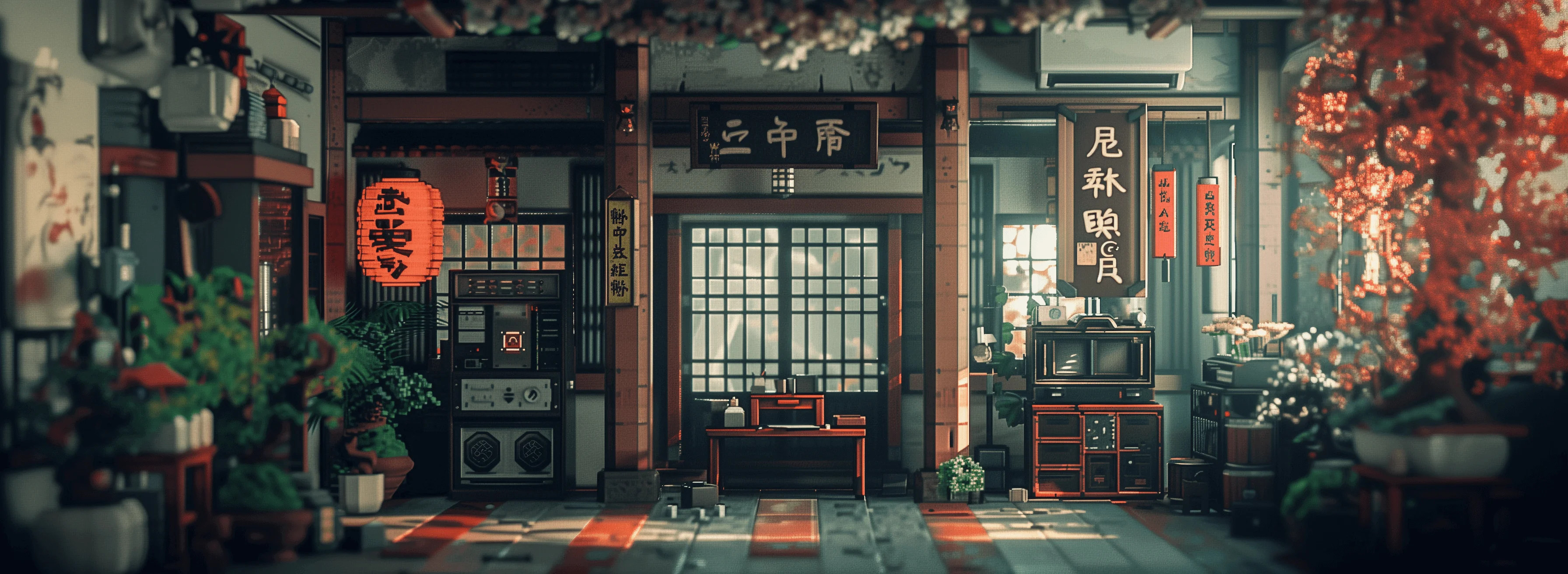
Fantasy winter castle encased in a cosmic sphere
creative-upscaler
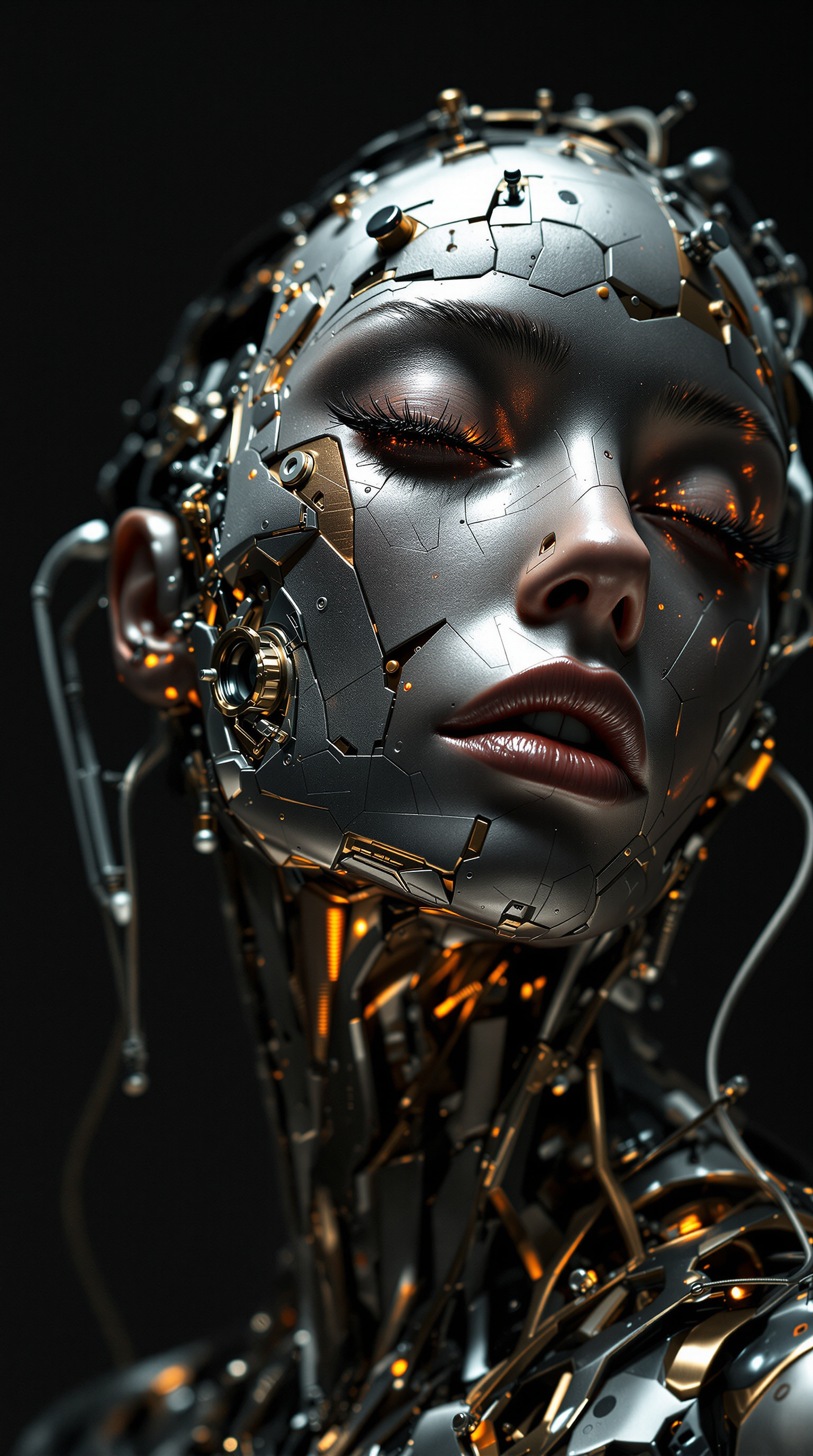
A striking fusion of organic and mechanical perfection
stable-diffusion
Models you can run on PixelDojo for ai face swap 1080p
Switch models without switching tools. Each one runs in the same PixelDojo studio.
What you can do with ai face swap 1080p on PixelDojo
1080p Face Swap Images
We generate face-swapped stills at 1080p so you can keep facial detail for social posts, thumbnails, and print-ready crops.
Identity-Matched Swaps
We map source faces onto target portraits while holding lighting and pose so the swap reads as a single photograph.
Studio-Ready Exports
We deliver downloadable 1080p files you can drop into editors, storyboards, and client reviews without an extra upscale step.
Creator Control Options
We let you pick source and target images, refine the blend, and iterate until the face swap fits the scene you need.
Loved by thousands of creators worldwide who generate millions of 1080p images every month. Rated 4.9/5 for quality and speed. 40+ cutting-edge AI tools with cancel-anytime flexibility.
Why Choose Pixel Dojo for ai face swap 1080p
Professional-quality results with cutting-edge AI technology
Studio-Quality 1080p Clarity You Can Trust
Your swapped faces stay sharp at full 1080p resolution with natural skin texture, hair edges, and lighting that matches the original scene. You share or print without pixelation or artifacts, making every image look professionally shot.
Instant Professional Results Without the Wait
You upload, swap, and download in seconds instead of spending hours in editors. Iterate freely on marketing mockups, social posts, or personal projects so you launch campaigns faster and stay ahead of trends.
Perfect Identity and Expression Preservation
Your source face keeps its unique features while blending seamlessly with the target pose, lighting, and mood. You create consistent characters across images that feel authentic, boosting trust and engagement in your content.
How It Works
You create stunning 1080p AI face swap images on PixelDojo in three straightforward steps using dedicated tools designed for high-resolution output.
Step 1: Choose Your Tool and Upload Photos
Open the Characters & Faces section and select Face Swap or LoRA Face Swap for precise identity transfer. Upload a clear source face photo and your target image. For extra control, start in Flux.2 Studio or Seedream 5 to generate a base scene, then apply the swap. High-quality source photos give you the best 1080p results from the start.
Step 2: Refine with Prompts and Edits
Add a simple prompt if you want style adjustments, or go straight to processing. Use Image to Image or Inpainting to fine-tune surroundings, lighting, or background. Reality Polisher polishes details so the swapped face integrates naturally. You stay in control while the AI handles identity matching at 1080p fidelity.
Step 3: Enhance, Upscale, and Download
Apply Portrait Upscaler or P-Image Upscale to lock in true 1080p sharpness. Preview the result, make last tweaks with Magic Lighting or Style Transfer if needed, then download your high-resolution image. Your 1080p AI face swap is ready for immediate use in ads, posts, or portfolios.
The Pixel Dojo Advantage
Why PixelDojo outperforms other options for ai face swap 1080p image generation
| Others | Pixel Dojo |
|---|---|
| Traditional photo editing software | You finish in seconds instead of hours of layering, masking, and color matching, with automatic identity preservation that looks more natural than manual composites. |
| Generic AI image tools | Dedicated Face Swap and LoRA Face Swap plus 1080p-optimized upscalers deliver sharper, more consistent results than general generators that often produce blurry or mismatched faces. |
| Manual photo retouching services | You get rapid iterations at a fraction of the cost, with 40+ specialized tools that let you control every detail yourself while still achieving professional 1080p quality. |
Loved by creators on PixelDojo
Real feedback from people using PixelDojo, pulled from our in-product surveys.
I’ve been using PixelDojo for around 8 months now and it’s always worked wonderfully while constantly adding features.
The site is easy to navigate and use.
All the tools, readily available and easy to understand
You guys, the LORA training is the BEST in the space right now, great job with that!
Tons of variety. Ease of use. Tools for beginners and advance users.
easiest workflow to get best output image or video
Explore more AI tools on PixelDojo
Popular AI Models
AI Tools
Compare & Switch
- Best AI Image Generators
- Best AI Video Generators
- Midjourney Alternatives
- Civitai Alternatives
- Runway Alternatives
- Leonardo Alternatives
- Pika Alternatives
- Luma Alternatives
- Magnific Alternatives
- Veo Alternatives
- Flux Alternatives
- Freepik Alternatives
- Seedance Alternatives
- Seedream Alternatives
- Pixverse Alternatives
- GPT Image Alternatives
- Synthesia Alternatives
- Playground Alternatives
- NightCafe Alternatives
- Canva AI Alternatives
- ElevenLabs Alternatives
- ComfyUI Alternatives
- Fal Alternatives
- Replicate Alternatives
Common Questions
Everything you need to know about ai face swap 1080p
How do I create a high-quality AI face swap 1080p image on PixelDojo?
You start in Face Swap or LoRA Face Swap, upload a sharp source face and target photo, then process. Follow with Portrait Upscaler or P-Image Upscale to guarantee true 1080p output. The combination of identity encoding and restoration tools keeps details crisp so your final image looks studio-ready for any use.
What makes PixelDojo the best choice for 1080p face swap AI compared to other methods?
You access specialized tools like Face Swap, Flux.2 Studio, Seedream 5, and Reality Polisher in one place. These work together to preserve expression, lighting, and identity at full HD resolution, giving you results that outperform generic or low-res alternatives while remaining fast and affordable with cancel-anytime access.
Can I use AI face swap 1080p for professional marketing images?
Yes. You generate photorealistic 1080p swaps that look authentic in ads, product shots, and social campaigns. Consistent Characters and Character Sheets help you keep the same face across multiple images, while Image Outpainting and Background Remover let you adapt scenes quickly for different platforms.
How does PixelDojo handle lighting and pose in 1080p AI face swaps?
The Face Swap engine matches the target photo’s lighting, shadows, and head angle automatically. You can further refine with Magic Lighting or Change Camera Angle. Combined with high-resolution upscalers, your swapped face sits naturally in the scene without the usual mismatches that ruin lower-quality swaps.
Is it possible to create multiple 1080p face swaps quickly for a campaign?
Absolutely. You batch similar images using the same source face in Face Swap or LoRA Face Swap, then upscale them together. Marketing Studio and Consistent Characters keep identity locked across the set, so you produce a full campaign of 1080p assets in minutes instead of days.
What if I need even higher detail after my 1080p AI face swap?
You run the result through Magnific Upscaler, Clarity Pro, or Creative Upscaler for extra sharpness. These tools enhance skin texture and edges while keeping the swapped identity intact, giving you print-ready files that exceed standard 1080p when needed.