image extender online
Generated on PixelDojo. Produced by PixelDojo's generation pipeline.
You captured the perfect moment, but the crop is too tight for Instagram Stories, a YouTube thumbnail, an Amazon listing or a website banner. PixelDojo's image extender online solves that instantly. You upload your photo and the AI generates natural, matching content beyond the original borders so your subject stays fully visible and perfectly composed. Achieve professional panoramic scenes, uncrop forgotten details, or adapt one image to every required aspect ratio in seconds. Whether you need extra sky for a 9:16 Reel, more background for a 16:9 header, or a completed product shot, you get results that look photographed rather than generated. Thousands of creators already rely on PixelDojo's 40+ cutting-edge AI tools including Image Outpainting, Flux.2 Studio, Nano Banana 2, GPT Image 2 and Seedream 5. Cancel anytime and keep commercial rights to everything you create.
Real image examples generated on PixelDojo
Every example below was produced on PixelDojo. Hover to see the prompt.
A stunning digital painting
stable-diffusion
image extender online on PixelDojo
Powerfully built nubian woman in her mid-20s
flux
This image is a digitally created artwork that combines elements of fantasy and superhero…
flux
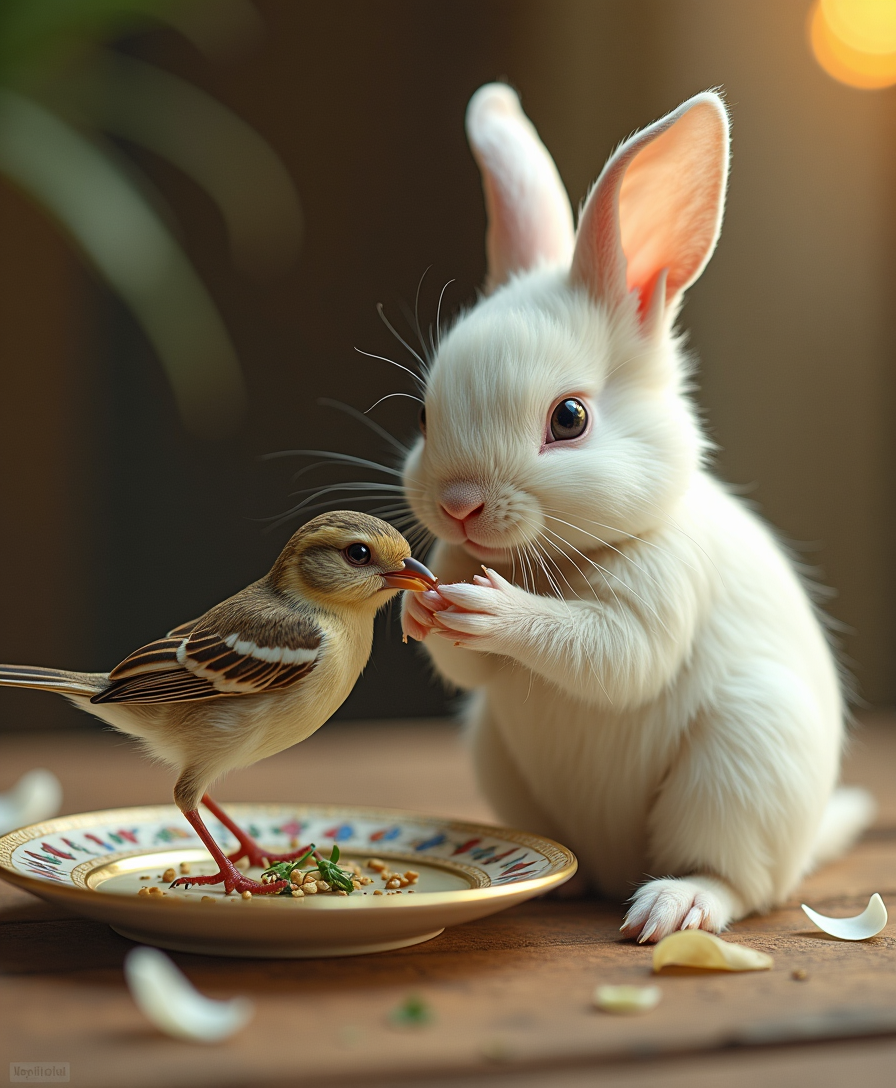
A highly detailed and vibrant surreal cinematic photograph of a small white rabbit
flux
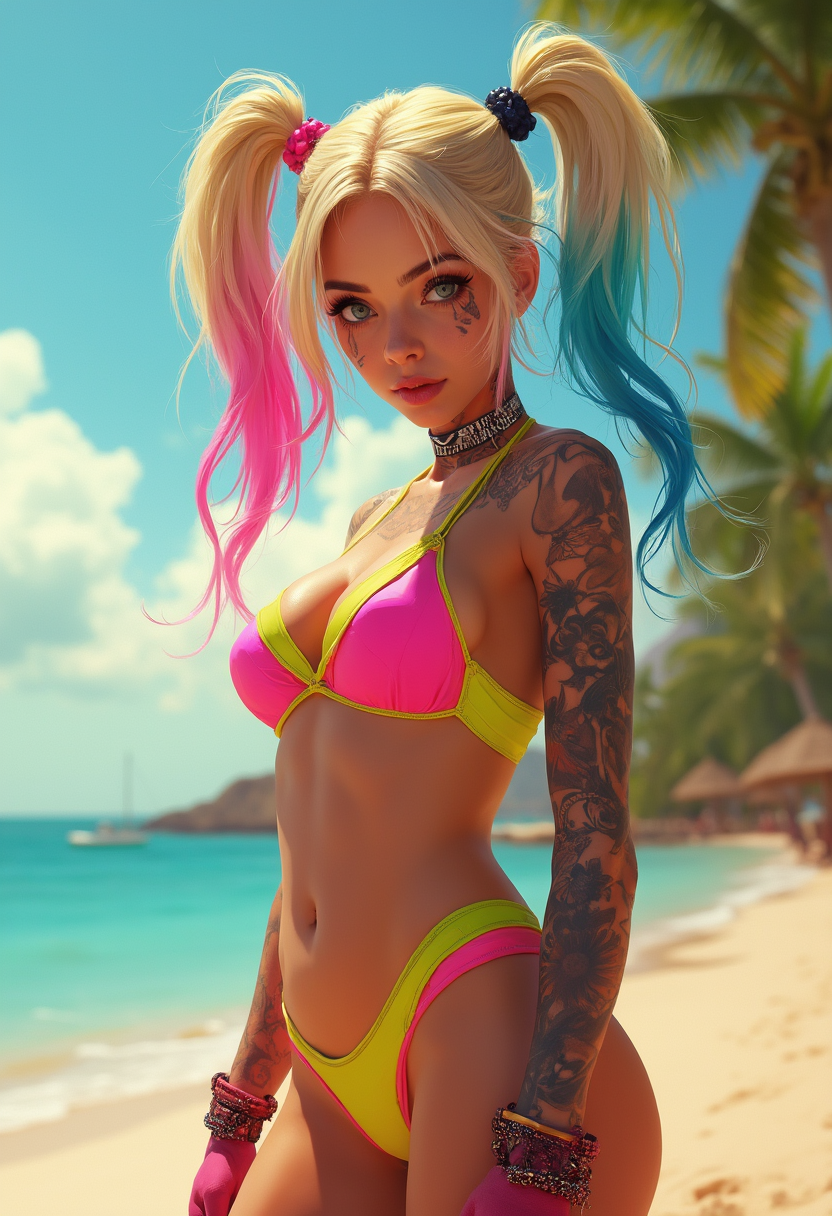
This image is a digital artwork that features a stylized Harley Quinn
flux
Models you can run on PixelDojo for image extender online
Switch models without switching tools. Each one runs in the same PixelDojo studio.
What you can do with image extender online on PixelDojo
Outpaint Images In Browser
We give you tools to extend an image past its original edges while matching lighting, style, and subject. You work in the browser with no extra software to install.
Guide What Fills The Edges
We let you add a prompt and controls so new regions follow the look of your source. You can iterate until the extra canvas fits the scene.
Switch Image Generation Models
We host multiple image models you can use for extension. Pick the one that best matches your reference and output needs.
Download The Larger Canvas
We let you export the finished, wider or taller image for design, video, or print. Keep refining the same file until the borders look consistent.
Loved by thousands of creators worldwide. 40+ cutting-edge AI tools delivering consistent, high-quality expansions every day. Commercial-use license included on every plan. Cancel anytime.
Why Choose Pixel Dojo for image extender online
Professional-quality results with cutting-edge AI technology
Perfect Aspect Ratios Without Losing Your Subject
You turn a square portrait or tight product shot into 16:9 banners, 9:16 Stories or custom sizes while keeping every important element fully in frame and naturally centered. One photo now works across every platform and campaign.
Rescue Cropped Photos and Add Missing Context
You uncrop half-visible people, complete landscapes or expand studio shots with extra space that matches existing lighting, perspective and textures. Forgotten details become usable assets instead of lost shots.
Print-Ready Quality in Seconds, Not Hours
You receive seamless, high-resolution expansions ready for ads, print or video. Pair Image Outpainting with P-Image Upscale, Magnific Upscaler or Reality Polisher for even sharper, more professional finishes.
How It Works
Creating expanded images on PixelDojo is simple. Start with Image Outpainting for precise control or generate a new scene first with Flux.2 Studio, Nano Banana 2 or Seedream 5, then extend it. You stay in full creative control at every step.
Step 1: Choose Your Tool
Open PixelDojo and select Image Outpainting from the Edit Images suite. For extra creative direction you can first generate a base image with GPT Image 2, Flux.2 Studio or WAN Image, then feed it into Outpainting. Upload your photo and decide whether you need a specific aspect ratio or directional expansion.
Step 2: Enter Your Prompt
Choose expansion directions (left, right, top, bottom or all sides) or pick a target ratio such as 16:9 or 9:16. Add a short prompt that matches your photo's mood, for example 'extend the coastal scene with more ocean waves and matching golden-hour lighting' or 'continue the studio backdrop seamlessly'. The AI uses your original lighting, perspective and textures as context.
Step 3: Customize & Download
Review the generated expansion. Use Inpainting or Magic Lighting if any small area needs refinement, then upscale with Clarity Pro or Portrait Upscaler for extra sharpness. Download in high resolution with full commercial rights. Iterate as many times as you like until it is perfect.
The Pixel Dojo Advantage
Why PixelDojo outperforms other options for image extender online generation
| Others | Pixel Dojo |
|---|---|
| Traditional photo creation and cropping | You skip hours of reshooting or heavy cropping. PixelDojo generates matching content in seconds so one photo serves every required size without losing composition or quality. |
| Generic AI tools | You access 40+ specialized models including Flux.2 Studio, Nano Banana 2, GPT Image 2, Seedream 5 and dedicated Image Outpainting instead of a single generic engine. Results stay coherent across lighting, perspective and complex scenes. |
| Manual photo editing | You avoid cloning, blending and perspective matching by hand. PixelDojo's AI understands the original scene and produces invisible seams, then lets you polish with Reality Polisher or Magic Lighting if needed. |
Loved by creators on PixelDojo
Real feedback from people using PixelDojo, pulled from our in-product surveys.
I really like the schedule of AI work performed!
The best tools for IA on the web !
The guy that operates the website is constantly updating it
I’ve been using PixelDojo for around 8 months now and it’s always worked wonderfully while constantly adding features.
The site is easy to navigate and use.
All the tools, readily available and easy to understand
Explore more AI tools on PixelDojo
Popular AI Models
AI Tools
Compare & Switch
- Best AI Image Generators
- Best AI Video Generators
- Midjourney Alternatives
- Civitai Alternatives
- Runway Alternatives
- Leonardo Alternatives
- Pika Alternatives
- Luma Alternatives
- Magnific Alternatives
- Veo Alternatives
- Flux Alternatives
- Freepik Alternatives
- Seedance Alternatives
- Seedream Alternatives
- Pixverse Alternatives
- GPT Image Alternatives
- Synthesia Alternatives
- Playground Alternatives
- NightCafe Alternatives
- Canva AI Alternatives
- ElevenLabs Alternatives
- ComfyUI Alternatives
- Fal Alternatives
- Replicate Alternatives
Common Questions
Everything you need to know about image extender online
What is the best image extender online for changing social media aspect ratios?
PixelDojo's Image Outpainting combined with Flux.2 Studio or Nano Banana 2 lets you expand any photo to 9:16, 16:9, 1:1 or custom sizes while keeping your subject fully visible. You simply choose the target ratio, add a short matching prompt, and download a seamless result ready for Stories, Reels, YouTube or LinkedIn. Thousands of creators use this daily because the lighting and perspective stay consistent.
How does an AI image extender online work to uncrop photos realistically?
PixelDojo analyzes your original photo's lighting, colors, textures, perspective and composition, then generates new content beyond the borders that continues the scene naturally. You can guide it with a prompt such as 'extend the forest with more trees and matching afternoon light'. For best results extend in stages rather than one huge jump, then polish with Reality Polisher or upscale with Magnific Upscaler. The result looks photographed, not generated.
Can I use PixelDojo's image extender online on photos with people or complex architecture?
Yes. Image Outpainting handles portraits, product shots and architecture well when you give it enough context. For people at the edge, keep the original subject fully inside the frame or use a prompt that describes the continuation. Architecture with strong perspective lines often produces excellent results when you extend generously. You can always refine faces or details afterward with Inpainting, Face Swap or Portrait Upscaler.
Is there a free image extender online with no watermark on PixelDojo?
PixelDojo's image extender is not free, but every expansion is watermark-free. Plans start at $10 a month and unlock all 40+ tools including GPT Image 2, Seedream 5 and WAN Image. Every download includes a commercial-use license and you can cancel anytime. No hidden watermarks ever appear on your files.
How do I get the best results when using an AI outpainting tool for product photos?
Start with a high-quality original, preferably with a continuous background such as a studio wall or table surface. Use Image Outpainting and a prompt that matches the existing lighting, for example 'extend the white studio backdrop seamlessly'. Combine with Background Remover first if you want a clean subject, then upscale with P-Image Upscale. PixelDojo's tools keep product details sharp and shadows consistent, making the expanded image marketplace-ready.
Which PixelDojo tools work best together with the image extender for high-quality expansions?
Image Outpainting is the core tool. Pair it with Flux.2 Studio or Nano Banana 2 when you want more creative control over the new areas, GPT Image 2 for photorealism, Seedream 5 for artistic styles, and P-Image Upscale or Magnific Upscaler afterward for extra resolution. Magic Lighting and Reality Polisher help match tones perfectly. You can even generate a video from the extended still using WAN 2.7 Video or Kling Video if you need motion.