nano banana 2 vs flux 2

Generated on PixelDojo. Produced by PixelDojo's generation pipeline.
You want images that stop the scroll, sell products, and tell consistent brand stories without hiring a studio or waiting days. PixelDojo puts Nano Banana 2 and Flux.2 Studio in one dashboard so you can generate exactly that. Choose Nano Banana 2 when you need lightning-fast iterations, accurate text, infographics grounded in real-world knowledge, and vibrant commercial looks for social campaigns. Switch to Flux.2 Studio when your project demands cinematic photorealism, pore-level skin texture, natural lighting physics, and multi-reference consistency that makes portraits and product shots indistinguishable from professional photography. Combined with PixelDojo’s Image to Image, Inpainting, Consistent Characters, Character Sheets, Face Swap, and P-Image Upscale, you move from idea to downloadable, conversion-ready assets in minutes. Thousands of creators already use these tools daily because they deliver outcomes that grow businesses, not just pretty pictures. Cancel anytime and start creating the visuals that turn visitors into customers today.
Real image examples generated on PixelDojo
Every example below was produced on PixelDojo. Hover to see the prompt.
A nano banana
google-gemini-image

A nano banana
google-gemini-image
A nano banana
image-to-video
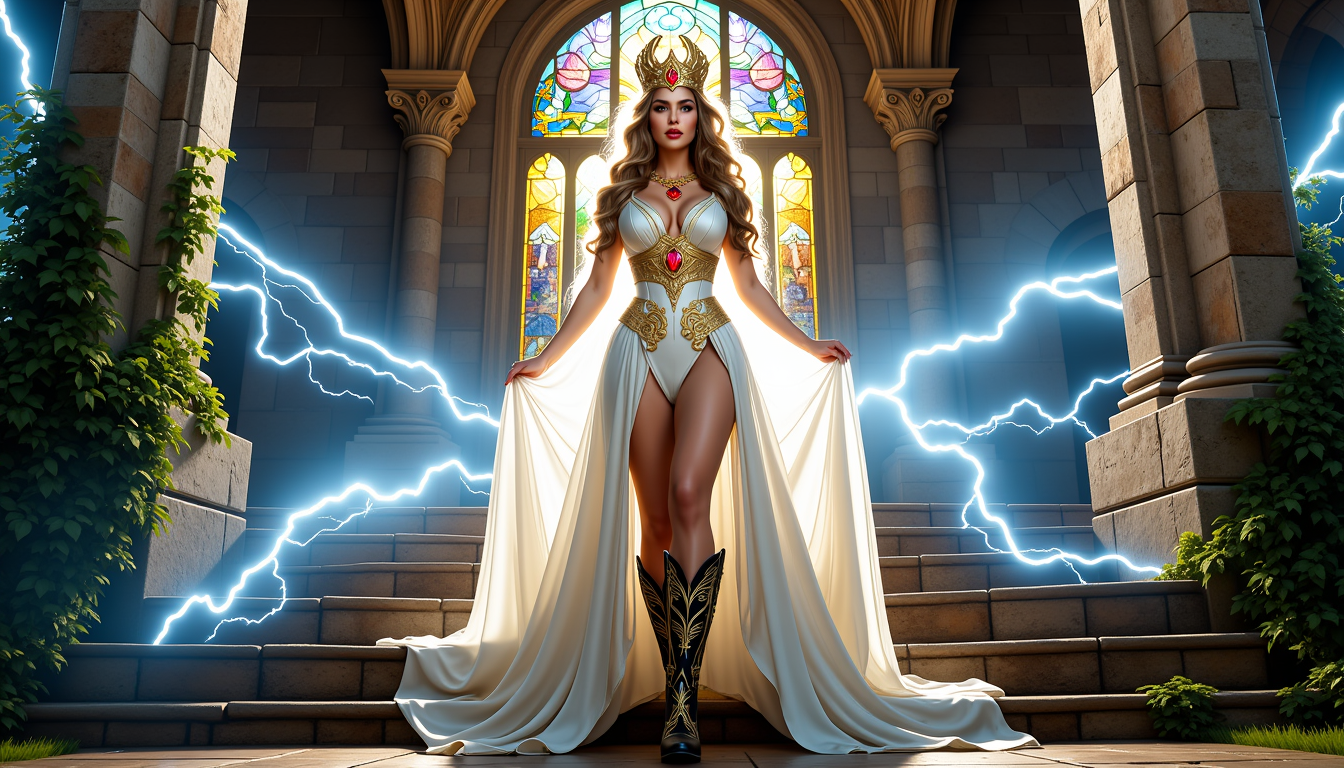
FantasyWomanLoRa
stable-diffusion

Redraw to photo ultra-realistic
flux
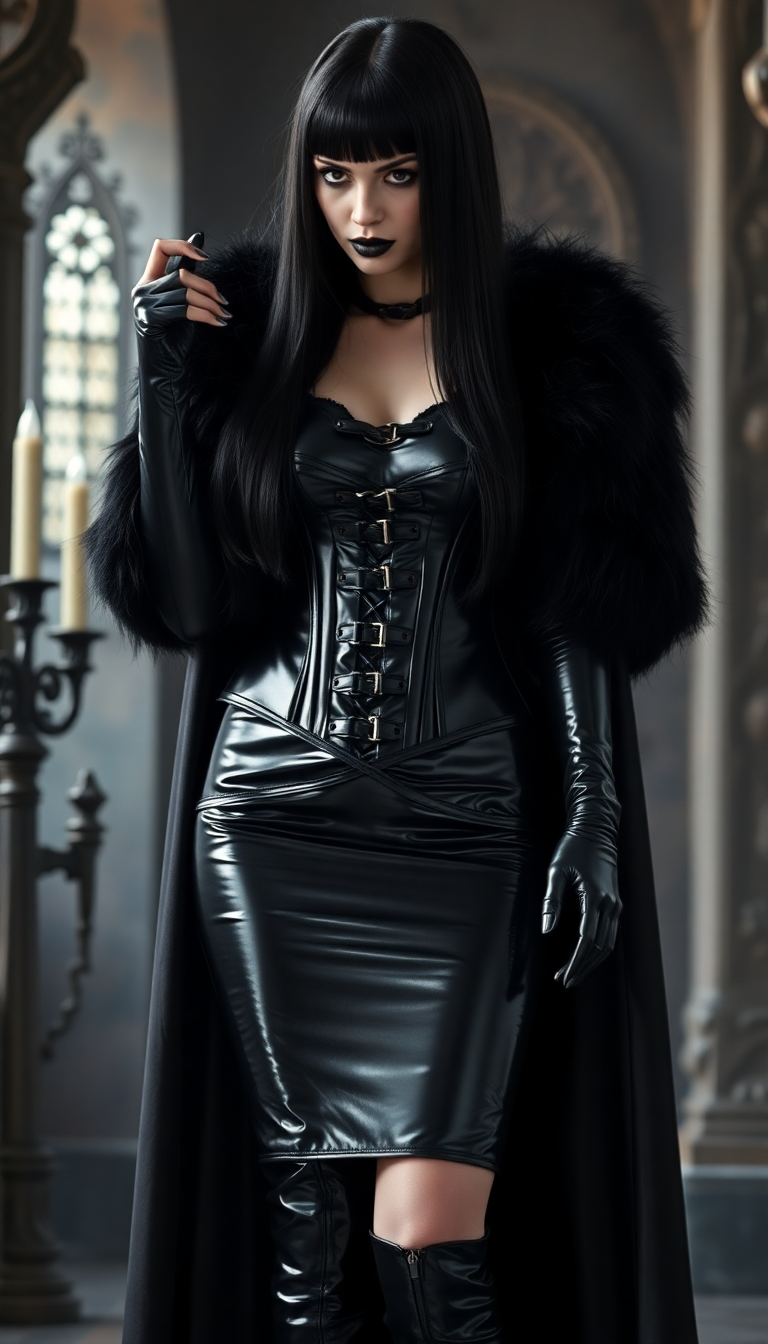
Shiny Black hair
flux
Models you can run on PixelDojo for nano banana 2 vs flux 2
Switch models without switching tools. Each one runs in the same PixelDojo studio.
What you can do with nano banana 2 vs flux 2 on PixelDojo
Compare Both Models
Run Nano Banana 2 and Flux 2 from the same workspace so you can judge style, detail, and prompt follow-through on your own images.
Shared Prompt Workflows
We keep your prompt, size, and seed settings aligned across both models so differences you see come from the model, not from setup drift.
Pick Per Project
Save outputs from either model into your library and keep using the one that fits portraits, products, or stylized scenes for that job.
Iterate Without Switching Apps
Generate, refine, and export stills in one place instead of hopping between separate tools to test Nano Banana 2 against Flux 2.
Loved by thousands of creators worldwide who generate millions of images monthly. 40+ cutting-edge AI tools with cancel-anytime flexibility and a 4.9-star average from real users shipping campaigns every week.
Why Choose Pixel Dojo for nano banana 2 vs flux 2
Professional-quality results with cutting-edge AI technology
Ship Campaigns 3x Faster
You generate dozens of on-brand social posts, ad variations, and product mockups in the time it used to take for one photoshoot. Nano Banana 2’s speed plus Flux.2 Studio’s quality means you test, refine, and launch winning creatives the same day.
Portraits and Products That Convert
You produce photorealistic hero images with natural skin, fabric weave, and studio lighting that make shoppers click Buy. Flux.2 Studio’s anatomical precision and PixelDojo’s Reality Polisher turn concepts into assets that look like they cost thousands.
Keep Characters and Brands Consistent Forever
You maintain the same face, outfit, and product across an entire campaign or storyboard using Consistent Characters, Character Sheets, and multi-reference workflows in both models. No more drifting identities that confuse your audience.
How It Works
You create professional Nano Banana 2 vs Flux 2 images in three simple steps inside PixelDojo’s Generate Images section. No technical setup required.
Step 1: Choose Your Tool
Open Generate Images and pick Nano Banana 2 for fast, knowledge-rich commercial work or Flux.2 Studio for cinematic photorealism. You can also start with GPT Image 2, Grok Image, or Krea Image if you want extra options. Upload reference photos if you need character or product consistency.
Step 2: Enter Your Prompt
Describe the scene narratively: subject, action, lighting, camera, and style. For Nano Banana 2 try “professional headshot of a 35-year-old woman, 85mm f/1.8, natural window light, cream sweater, warm smile.” For Flux.2 Studio add film-stock details like “Kodak Portra 400, golden-hour rim lighting, shallow depth of field.” PixelDojo understands both.
Step 3: Customize & Download
Use Image to Image or Inpainting to refine, Change Camera Angle for new shots, Style Transfer or Magic Lighting for mood, then upscale with P-Image Upscale or Magnific Upscaler. Download in 4K, ready for ads, print, or video. Pair with Consistent Characters or Face Swap for series work.
The Pixel Dojo Advantage
Why PixelDojo outperforms other options for Nano Banana 2 vs Flux 2 image generation
| Others | Pixel Dojo |
|---|---|
| Traditional photography and design studios | You skip weeks of booking, shooting, and retouching. Generate unlimited variations in minutes at a fraction of the cost while keeping full creative control and brand consistency. |
| Generic AI tools with one model | You access both Nano Banana 2 and Flux.2 Studio plus 40+ specialized tools like Character Sheets, Virtual Try-On, and Video Autocaption in a single subscription instead of juggling multiple platforms. |
| Manual photo editing and compositing | You replace hours of layer work with natural-language Inpainting, Background Remover, and Reality Polisher. What used to take an afternoon now takes seconds and looks more natural. |
Loved by creators on PixelDojo
Real feedback from people using PixelDojo, pulled from our in-product surveys.
Tons of variety. Ease of use. Tools for beginners and advance users.
easiest workflow to get best output image or video
awesome functionality, UX, constant flood of improvements, discord interactivity
Awesome site with so many features
Love how I can almost create anything
The Flux Pro Ultra is just amazing!
Explore more AI tools on PixelDojo
AI Tools
Compare & Switch
- Best AI Image Generators
- Best AI Video Generators
- Midjourney Alternatives
- Civitai Alternatives
- Runway Alternatives
- Leonardo Alternatives
- Pika Alternatives
- Luma Alternatives
- Magnific Alternatives
- Veo Alternatives
- Flux Alternatives
- Freepik Alternatives
- Seedance Alternatives
- Seedream Alternatives
- Pixverse Alternatives
- GPT Image Alternatives
- Synthesia Alternatives
- Playground Alternatives
- NightCafe Alternatives
- Canva AI Alternatives
- ElevenLabs Alternatives
- ComfyUI Alternatives
- Fal Alternatives
- Replicate Alternatives
Common Questions
Everything you need to know about nano banana 2 vs flux 2
Which model is better for photorealistic portraits, Nano Banana 2 or Flux 2 on PixelDojo?
Flux.2 Studio usually wins for pore-level skin, natural lighting, and cinematic grain that looks like a real camera. Nano Banana 2 delivers excellent commercial portraits faster with warmer, more saturated colors perfect for social and ads. On PixelDojo you simply generate both side-by-side and pick the winner, then refine with Portrait Upscaler or Reality Polisher.
Can I keep the same character consistent across many images using Nano Banana 2 vs Flux 2?
Yes. Flux.2 Studio supports up to 10 reference images for the strongest identity lock. Nano Banana 2 handles up to five characters reliably. Combine either with PixelDojo’s Consistent Characters, Character Sheets, Ideogram Character, Face Swap, and LoRA Face Swap so your brand ambassador or story protagonist never changes.
How do I generate images with readable text and infographics using these models?
Nano Banana 2 excels at crisp, localized text and data-driven infographics thanks to its world-knowledge grounding. Flux.2 Studio is strong on posters and packaging when you quote the exact words. Use PixelDojo’s Image Analyzer to check results, then edit with Inpainting if needed. Both models output production-ready typography you can drop straight into Marketing Studio.
What is the fastest way to create high-volume marketing assets with Nano Banana 2 vs Flux 2?
Start with Nano Banana 2 for rapid drafts and variations, then send the best ones to Flux.2 Studio for final cinematic polish. PixelDojo’s batch-friendly interface plus tools like Background Remover, Style Transfer, and Video Autocaption lets you produce an entire campaign’s worth of stills and short clips in one session.
Can I edit existing photos or combine multiple references with these models on PixelDojo?
Absolutely. Both Nano Banana 2 and Flux.2 Studio accept image-to-image and multi-reference inputs. Use PixelDojo’s dedicated Image to Image, Inpainting, Change Camera Angle, Magic Lighting, and Image Outpainting tools for precise control. You can swap backgrounds, adjust lighting, or merge products into new scenes without starting from scratch.
Is there a risk-free way to try Nano Banana 2 vs Flux 2 before committing?
Yes. PixelDojo gives you 40+ cutting-edge AI tools including Nano Banana 2, Flux.2 Studio, Seedream 5, Ideogram 4, and full video suites. Thousands of creators already trust the platform. You can cancel anytime, so you only pay for the results you actually use while you discover which model fits each project.