start frame end frame generator
Generated on PixelDojo. Produced by PixelDojo's generation pipeline.
You want videos that start exactly how you envision and end exactly where your story needs to land. PixelDojo's start frame end frame generator lets you create those two powerful keyframe images so your AI video tools deliver the precise motion, morphs and transitions you planned. Stop hoping the AI guesses your intent. Generate a compelling opening frame that sets the scene, lighting and subject, then craft a matching closing frame that delivers the payoff, reveal or transformation. Use these frames across Kling Video, WAN 2.7 Video, VEO 3.1, Seedance 2.5 and more to produce professional product reveals, character animations, before-and-after sequences and cinematic scene changes in minutes instead of days. Thousands of creators already rely on PixelDojo's 40+ cutting-edge AI tools to turn static ideas into directed video stories they can cancel anytime.
Real image examples generated on PixelDojo
Every example below was produced on PixelDojo. Hover to see the prompt.
Kira-Lux-Super
flux
<lora:add-detail-xl:0
flux
T3SLAMDLYJNP3R
flux
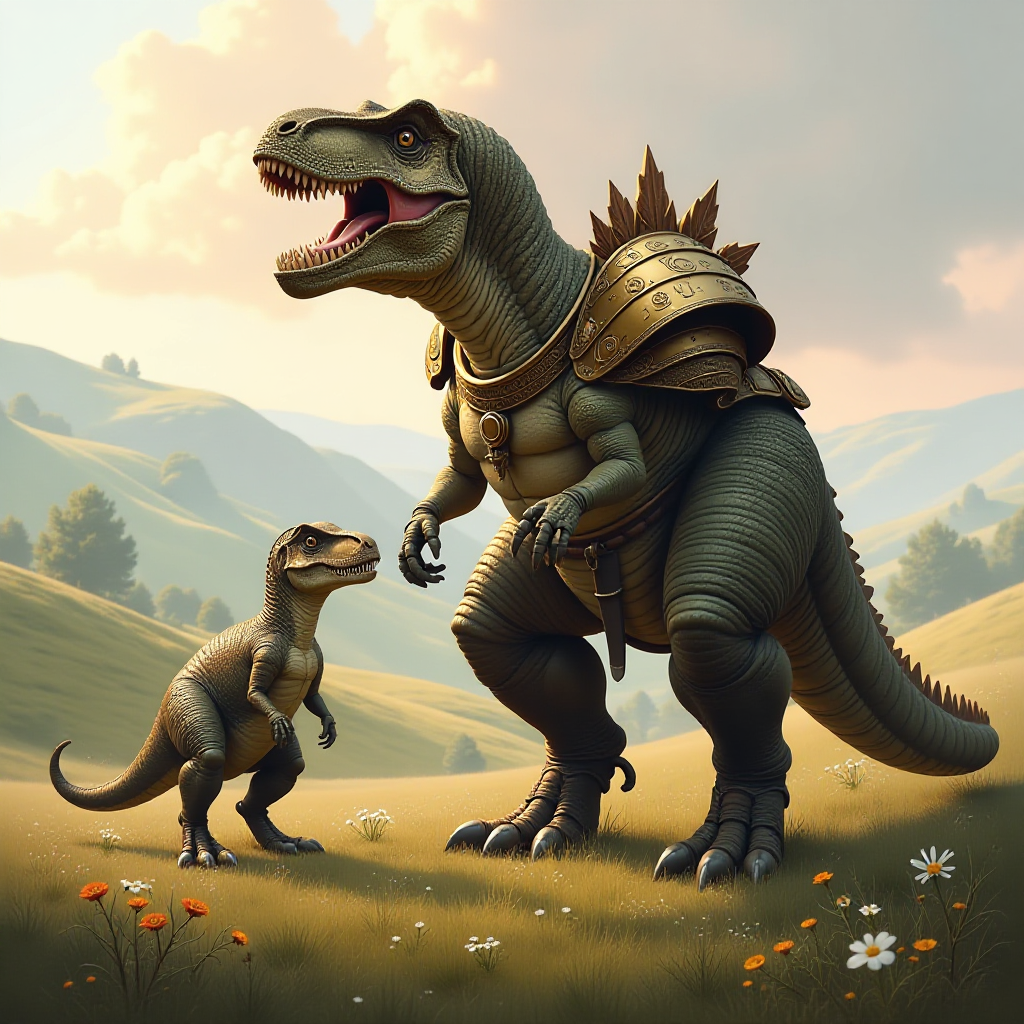
This image is a digital artwork that depicts a fantastical scene with two armored dinosaur…
flux
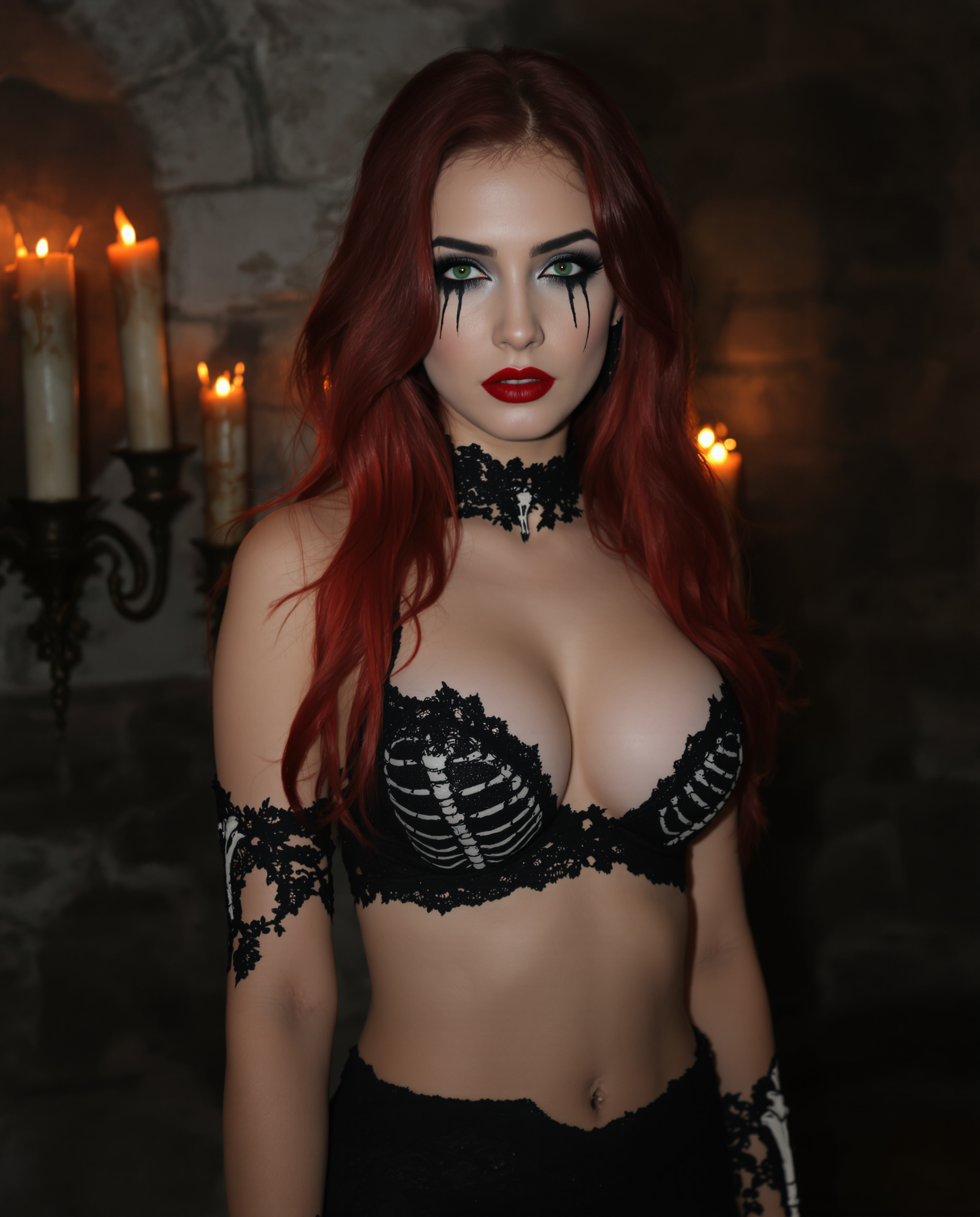
A highly detailed
flux

An 8K ultra-realistic
flux
Models you can run on PixelDojo for start frame end frame generator
Switch models without switching tools. Each one runs in the same PixelDojo studio.
What you can do with start frame end frame generator on PixelDojo
Start and End Keyframes
We generate a start frame and an end frame from your prompt so you can lock the first and last look of a scene before you animate. You keep composition, lighting, and subject intent aligned across both stills.
Matched Style Across Frames
We keep character, wardrobe, and art style consistent between the opening and closing images. You can refine either frame and regenerate the pair without starting from scratch.
Guided Scene Transitions
We let you set camera, pose, and environment on both ends so the two frames read as one story beat. You get stills that are ready to feed into video or interpolation tools.
Export Ready Stills
We output high-resolution start and end images you can download and reuse in your pipeline. You stay in control of resolution, aspect ratio, and how each frame is labeled for later edits.
Loved by thousands of creators worldwide who generate consistent start and end frames daily. 40+ cutting-edge AI tools delivering professional keyframes that convert viewers into customers.
Why Choose Pixel Dojo for start frame end frame generator
Professional-quality results with cutting-edge AI technology
Lock In Exact Video Beginnings and Endings
You define the first and last visual states so your videos never drift. Create product morphs that start with the original item and end with the upgraded version, or character shots that begin in one pose and finish in another, giving you storyboard-level control without filming.
Keep Characters and Styles Perfectly Consistent
Generate matching start and end frames that share the same face, lighting, wardrobe and environment using Consistent Characters, Character Sheets and Flux.2 Studio. Your audience sees one coherent story instead of mismatched shots that break immersion.
Turn Ideas Into Directed Videos Faster
Skip hours of traditional shooting or tedious manual interpolation. Produce high-quality start and end frames in seconds with Kling Image, WAN Image or Seedream 5, then drop them into video tools for smooth, professional results you can iterate on instantly.
How It Works
Creating start and end frames on PixelDojo is simple and gives you full creative direction over the videos that follow. Follow these three steps to generate keyframes that video models love.
Step 1: Choose Your Image Tool and Generate the Start Frame
Select Flux.2 Studio, Kling Image, WAN Image or Seedream 5 from Generate Images. Describe your opening scene in detail: subject, pose, lighting, camera angle and mood. Generate several variations until you have a strong first frame that establishes everything the viewer should see at the start of your clip.
Step 2: Create a Matching End Frame
Use Image to Image, Inpainting or the same model with a slightly adjusted prompt to produce the closing frame. Keep the subject, style and lighting consistent while changing pose, zoom, expression or product state. Tools like Consistent Characters and Character Sheets help lock identity so both frames feel like they belong to the same shot.
Step 3: Refine, Download and Use in Video Tools
Polish details with Magic Lighting, Reality Polisher or Background Remover if needed. Download both high-resolution frames. Upload them as start and end frames into Kling Video, WAN 2.7 Video, VEO 3.1 or Seedance 2.5, add a short motion prompt, and generate your directed video. Iterate quickly until the transition feels perfect.
The Pixel Dojo Advantage
Why PixelDojo outperforms other options for start frame end frame generation
| Others | Pixel Dojo |
|---|---|
| Traditional start and end frame creation | You skip expensive photo shoots, location scouting and hours of posing. Generate unlimited matching keyframes in seconds with Flux.2 Studio and Kling Image, then refine them instantly instead of reshooting. |
| Generic AI tools | PixelDojo gives you dedicated image models plus video tools that actually accept start and end frames (Kling Video, WAN 2.7 Video, Seedance). One platform keeps style, characters and lighting consistent from keyframe creation through final video. |
| Manual photo editing | Instead of painstakingly compositing two photos to look related, you generate both frames from the same creative DNA using Image to Image and Consistent Characters, producing natural matches that video models interpolate smoothly. |
Loved by creators on PixelDojo
Real feedback from people using PixelDojo, pulled from our in-product surveys.
Very easy to use, and they have fast wan 2.2 video generation with custom loras available.
The overall quality of the site and it's amazing variety of tools. The continued updates of the UI. The unbelievable level of tech support.
THIS IS SO DOPE !
I have already recommended it to friends
All the tools, plus the guidance
Excellent tools. Ease of use. Well thought out interface. Wide variety of AI tools and features which are up to date with more added each month
Explore more AI tools on PixelDojo
AI Tools
Compare & Switch
- Best AI Image Generators
- Best AI Video Generators
- Midjourney Alternatives
- Civitai Alternatives
- Runway Alternatives
- Leonardo Alternatives
- Pika Alternatives
- Luma Alternatives
- Magnific Alternatives
- Veo Alternatives
- Flux Alternatives
- Freepik Alternatives
- Seedance Alternatives
- Seedream Alternatives
- Pixverse Alternatives
- GPT Image Alternatives
- Synthesia Alternatives
- Playground Alternatives
- NightCafe Alternatives
- Canva AI Alternatives
- ElevenLabs Alternatives
- ComfyUI Alternatives
- Fal Alternatives
- Replicate Alternatives
Common Questions
Everything you need to know about start frame end frame generator
What is a start frame end frame generator and why do I need one for AI video?
A start frame end frame generator creates the two key images that bookend your AI video. The start frame locks the opening composition, lighting and subject. The end frame defines the exact visual destination. PixelDojo lets you generate both with matching style using Flux.2 Studio, Kling Image and Consistent Characters so video models like Kling Video and WAN 2.7 Video produce controlled, professional motion instead of random interpolations.
How do I keep my start and end frames looking consistent?
Use PixelDojo's Consistent Characters and Character Sheets to lock faces, clothing and identity. Generate the start frame first, then feed it into Image to Image or slightly vary the prompt while keeping core descriptors identical. Tools like Magic Lighting and Reality Polisher further unify color and atmosphere so both frames feel like they belong to the same shot.
Which PixelDojo tools work best for generating start and end frames?
Flux.2 Studio and Seedream 5 excel at photorealistic product and lifestyle frames. Kling Image and WAN Image deliver strong cinematic looks. Ideogram 4 and QWEN Image 2 handle stylized or text-heavy frames. Combine them with Image to Image and Inpainting for precise control, then drop the results into Kling Video, VEO 3.1 or Seedance 2.5.
Can I use start and end frames for product morphs and before-after videos?
Yes. Generate a start frame showing the original product or scene, then an end frame showing the transformed version. PixelDojo's image tools plus video models create smooth, believable morphs perfect for e-commerce, beauty reveals, architecture walkthroughs and marketing stories that convert viewers.
How long does it take to create professional start and end frames on PixelDojo?
Most users generate a strong start frame in under a minute and a matching end frame in another minute using the same model or Image to Image. Refinements with Inpainting or Magic Lighting take seconds. You can go from idea to video-ready keyframes in less than five minutes and iterate as many times as you want.
Do I need design skills to generate start and end frames?
No. PixelDojo is built for creators of all levels. Describe what you want in plain language, generate options, pick the best, and refine with simple sliders and tools. The 40+ AI models handle the technical work so you focus on the story you want your video to tell. Cancel anytime if it is not the right fit.