Photo plus script, talking presenter
AI Avatar Video Generator: one photo, one script, a presenter on camera
Pixel Dojo turns a single portrait and a voice track or a typed script into a talking presenter, with lip sync, head moves and hand gestures, on Kling Avatar, OmniHuman or P-Video Avatar.
We made one presenter, Rhea, gave her one short line and ran it through two avatar models side by side. Below you can play each take, see what it cost, and pick the engine that fits your video.
Already a member? Sign in
By Brian Lovett · Updated
More presenters, more jobs
Each of these started as one photo we made on Nano Banana 2.1. We wrote the line, and the avatar model did the rest.
A market florist pitching in Spanish, from a typed script with no recording at all. P-Video Avatar picked the voice and the language from two settings.
A vertical clip for social, on Kling Avatar standard. The coach nods, grins and keeps eye contact like a creator talking to the phone.
An upbeat fitness coach talking to his phone camera, energetic nods and a quick grin, slight handheld feel.
Avatars do not have to be photos. Kling Avatar gave this 3D animated guide raised eyebrows and a pointing hand on the right words.
A cheerful animated tour guide addressing her group, eyebrows raised with excitement, a little bounce, one hand pointing off to the side.
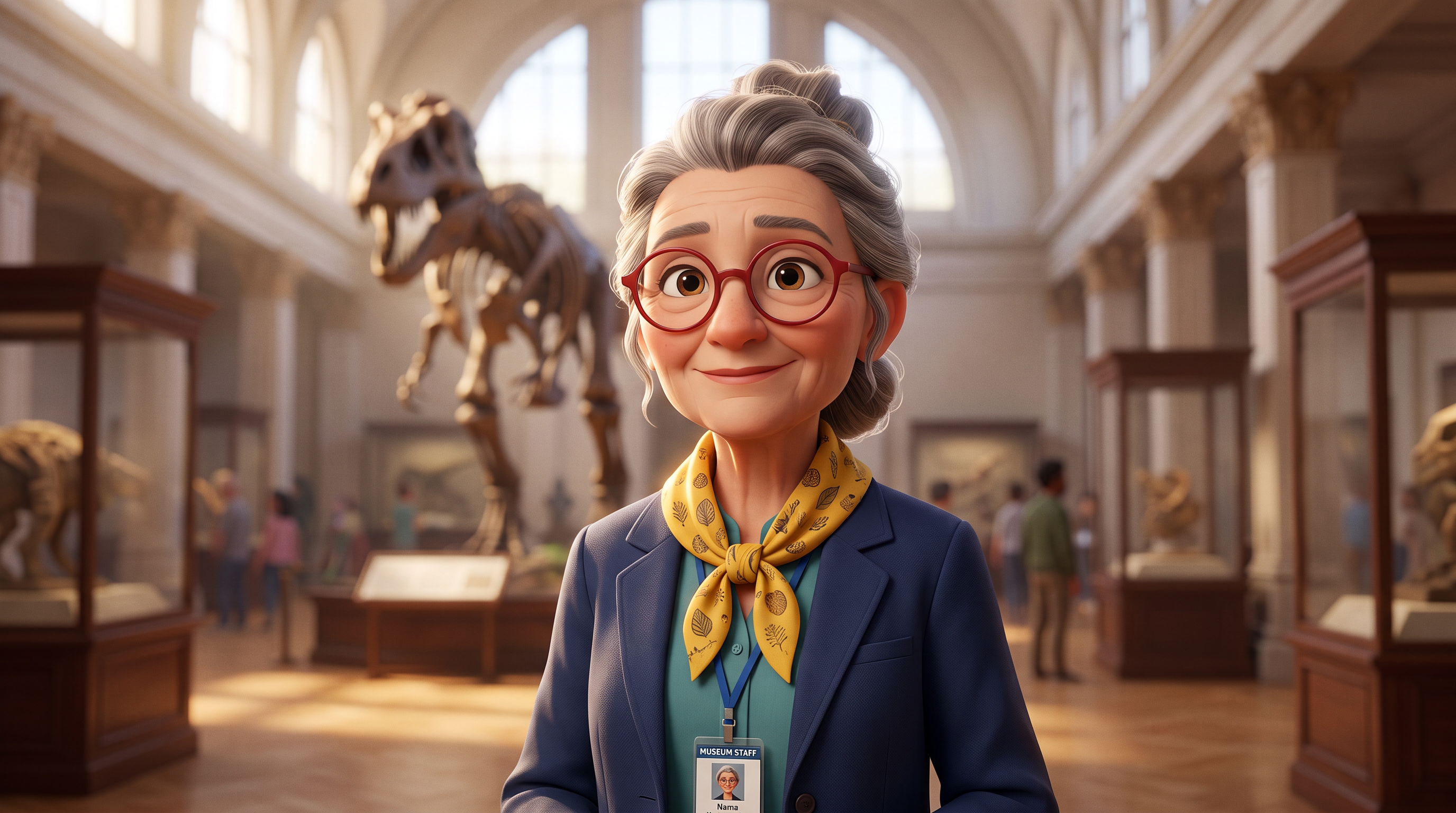
The render the guide started from, made on Nano Banana 2.1. Design a mascot or a host once and give it any script.
Stylized 3D animated character render of a cheerful museum tour guide in her sixties with round red glasses, a bright yellow patterned scarf and a lanyard badge, facing the camera, mouth closed, in a grand gallery hall with dinosaur skeletons softly blurred behind her. Soft feature animation lighting, expressive face, clean shapes.
What an AI avatar video generator does
You give it a face and words. The face is one still: a photo, a render or an illustration. The words are a voice recording, a voice you made with text to speech, or a script typed straight into the model.
The model then films that face saying those words: lips matched to the sound, a blink, a nod, a hand that moves with the sentence. It is the fastest way we know to make a course intro, a product explainer, a UGC style ad or a welcome message without a camera or a presenter on set.
We use it most for content that changes often. Rewrite the script and the presenter says the new line in minutes, in the same outfit and the same room.
The same presenter on two avatar models
We made Rhea on Nano Banana 2.1, recorded one line with our text to speech tool, then fed the same photo and the same voice file to Kling Avatar Pro and P-Video Avatar.

The only picture we gave the models. Made on Nano Banana 2.1.
Medium close-up editorial photograph of a woman in her early forties with a cropped silver streaked bob and tortoiseshell glasses, wearing a rust linen blazer over a cream tee, facing the camera with a warm, attentive expression, lips gently closed. She stands in a bright architecture studio, white foam building models and a tall window softly out of focus behind her. Soft daylight from the left, 50mm lens, natural skin texture.
Kling Avatar in pro mode.
She explains with calm confidence, small nods and a natural smile, one hand gesturing lightly, eyes on the camera. Locked off camera.
P-Video Avatar at 768p, the lower price of the two.
- Kling Avatar Pro gave Rhea the most movement: steady nods and one hand that moves with the sentence.
- P-Video Avatar kept her framing steady and broke into a warm smile mid line, for the lower price of the two.
- Both kept her face, glasses, blazer and the studio behind her the same from the first frame to the last.
Which avatar model to pick
All three take one image and lip sync it to a voice. They differ in what else they accept and how they bill.
| Model | Kling Avatar | P-Video Avatar | OmniHuman |
|---|---|---|---|
| What you give it | A photo and a voice file, plus an optional direction prompt | A photo and either a voice file or a typed script | A photo and a voice file, plus an optional direction prompt |
| Typed script, no recording | Make the voice first with text to speech | Yes, with named voices in several languages | Make the voice first with text to speech |
| Faces it takes | Realistic faces, stylized and 3D characters, cartoons and animals | A portrait | A character image |
| How it bills | Per second of audio, standard or pro mode | Per second, by resolution from 480p to 4K | Per second of audio |
| Longest clip | Set by your audio file | Up to three minutes | Up to two minutes |
Tips for avatar videos that look natural
Start with a calm, closed mouth
A portrait with lips gently closed and eyes on the lens gives the model the cleanest start. It gives the model a neutral face to start from.
Leave room for the hands
Frame from the chest or waist up if you want gestures. A tight headshot can only nod.
Direct the delivery
Kling Avatar and OmniHuman take a short prompt: "calm confidence, small nods" reads very differently from "excited, leans in".
Keep lines short
Write one idea per sentence. Short sentences give the face natural pauses to blink and breathe.
Save the presenter
Save the face in Character Studio and you can put the same person in new rooms and outfits, then make each one talk.
What else you get on Pixel Dojo
Unlimited on every plan
On every paid plan, Relax runs Qwen Image 2.1, FLUX 3 Image Klein and MiniMax H3 Turbo, plus every video and photo effect, unlimited with no credits spent.
Sensei, the AI director
Describe a project and Sensei plans it, prices it, waits for your approval and reviews every take.
Marketing Studio
Paste a product link and get a video ad with a voiceover, in UGC, unboxing, try on or commercial styles, with every take priced first.
One click video effects
300+ one-click video effects turn a photo into a trend clip, from AI Hug to AI Inflate, with no prompt to write, and 3 are free every day.
Character Studio
Save a face once and call it by @name in any prompt, so the same person shows up in every image and clip.
Start from a genre
Pick a format such as a UGC ad, a micro drama, a movie trailer or an explainer, and the matching studio opens with the settings and a sample idea filled in.
Star in any video
Upload a short clip, pick a saved character or a photo, and Character Swap puts your star in the lead while the scene, camera moves and sound stay the same.
Credits that roll over
Your credits roll over while you stay subscribed, so nothing you pay for disappears at the end of the month.
Every top model, plus an API
More than 80 image and 60 video models in one account, with a public API and a hosted MCP server for your own apps and AI assistants.
What an avatar video costs
Each tile shows what that clip cost. Rhea on Kling Avatar Pro was 21 credits, on P-Video Avatar 6 credits, and the Spanish florist from a typed script was 7 credits.
Plans are Lite $10 a month for 160 credits, Pro $25 for 500 credits, Pro Max $50 for 1,100 credits. Every plan includes all three avatar models, and every model page shows its price before you generate. Credits roll over while you stay subscribed.
Under our refund policy, a first purchase can be refunded within 7 days, in full if under 20% of the credits are used and pro-rated after that. Commercial use is included on every plan.
AI Avatar Video Generator questions
What is an AI avatar video generator?
A tool that turns one picture of a face and a voice track or script into a video of that face talking, with lip sync and natural head and hand movement.
Can I make an avatar video without recording my voice?
Yes. P-Video Avatar reads a typed script with a voice you pick, in several languages. For Kling Avatar or OmniHuman, make the voice with our text to speech tool first, then upload it.
Can I use my own photo?
Yes, a photo of yourself works. Use only faces you have the right to use: your own, a person who gave consent, or a character you made.
Which avatar model is best?
For a cartoon, 3D or illustrated face, start with Kling Avatar. For a typed script in another language, or the lowest price per clip, start with P-Video Avatar. For long talks up to two minutes from a voice file, try OmniHuman.
Can I use avatar videos in ads?
Yes. Commercial use is included on every Pixel Dojo plan. For full product ads with a voiceover, Marketing Studio builds the whole spot from a product link.
Video Effects New
Your first video is free. One photo, one click.
310 ready-made effects, from AI Hug and Earth Zoom In to product spins and listing walkthroughs. Upload a photo and press Generate. No prompt to write, and a free account gets 3 a day.
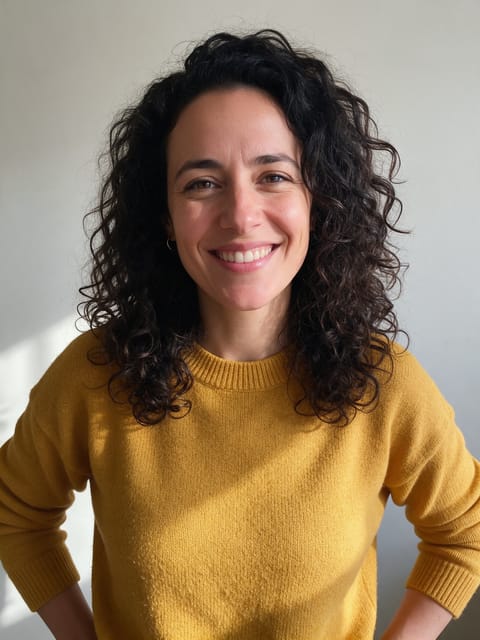
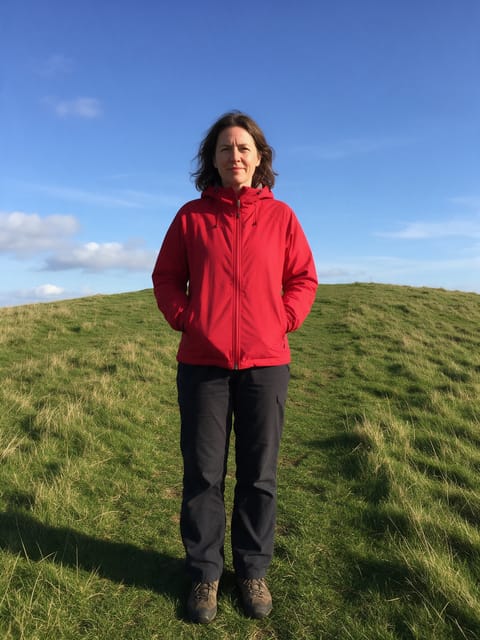
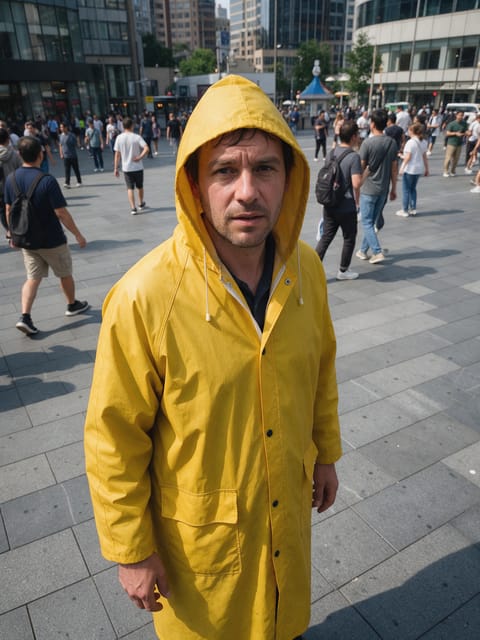
Make your first Kling Avatar clip
Write a prompt above or start from any example on this page. One plan covers every top model, six studios and Sensei, and your credits roll over.
Start with Kling Avatar