bytedance seed audio AI Generator
Generated on PixelDojo. Produced by PixelDojo's generation pipeline.
You want complete creative control over every scene you produce. With PixelDojo you generate cinematic images that bring ByteDance Seed Audio 1.0 productions to life in minutes instead of days. Describe the exact mood, characters and environment from your audio scene and watch Seedream 5 or Flux.2 Studio deliver ultra-detailed stills ready for video, ads, games or social content. Pair those images with Seed Audio 1.0’s full-scene dialogue, sound effects and ambience and you own a finished audio-visual package without hiring a studio. Thousands of creators already use this workflow to ship professional results faster, keep full ownership of every asset, and iterate endlessly. Start with a simple prompt, refine with Image to Image or Style Transfer, then drop the still into Seedance video tools or Seed Audio for perfect sync. You get 40+ cutting-edge models, cancel anytime, and never pay for unused credits.
Real image examples generated on PixelDojo
Every example below was produced on PixelDojo. Hover to see the prompt.
H3 vs Seedance 2
seedance-2-5
Video to sound generation
image-to-video

A gray Porsche Panamera with an F-35 fighter jet behind it
flux
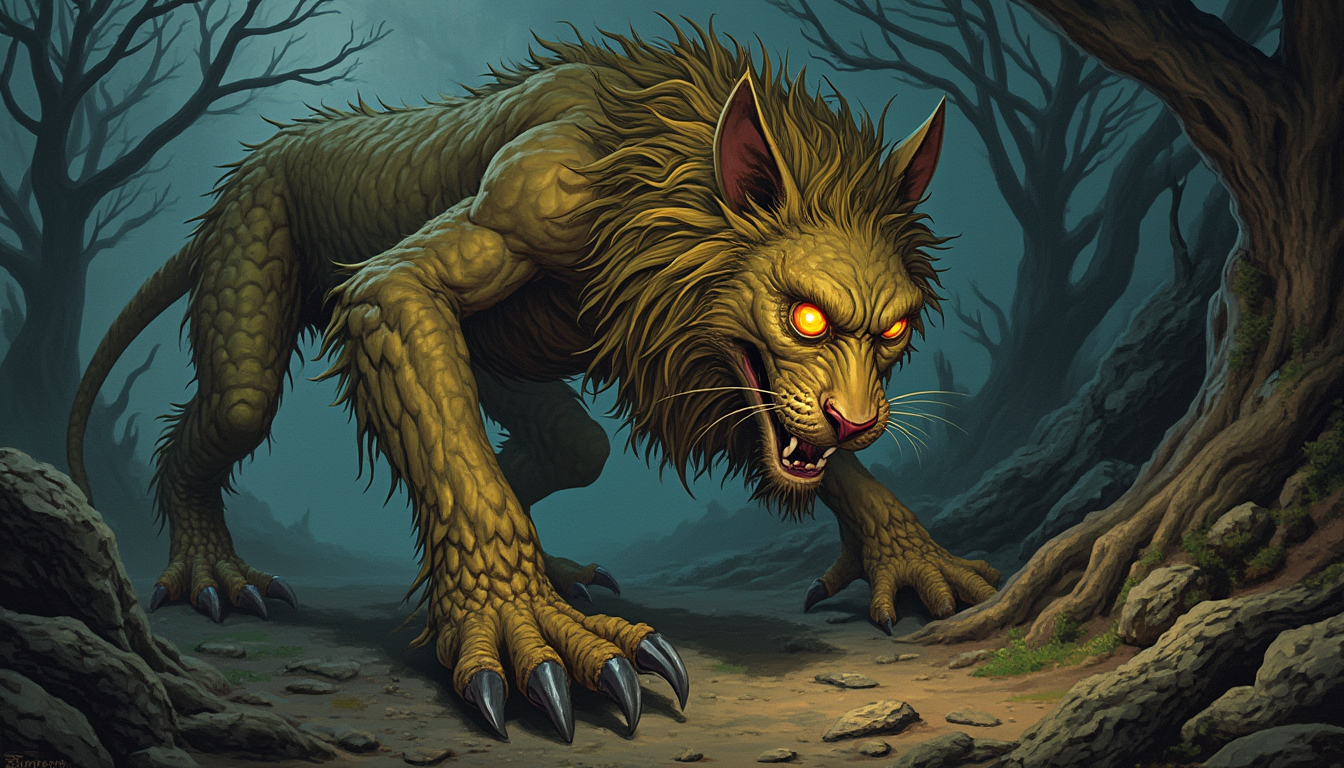
A **bandersnatch**
stable-diffusion
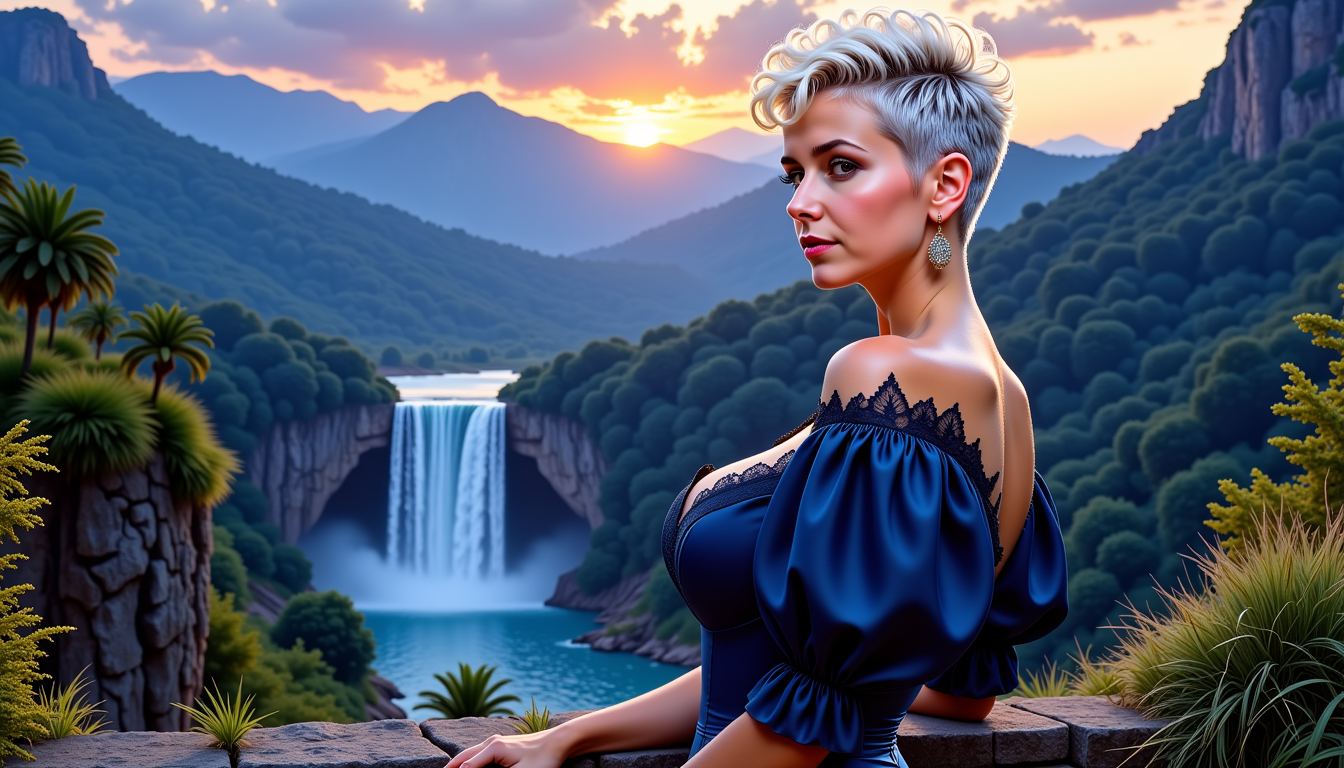
FantasyWomanLoRa
stable-diffusion
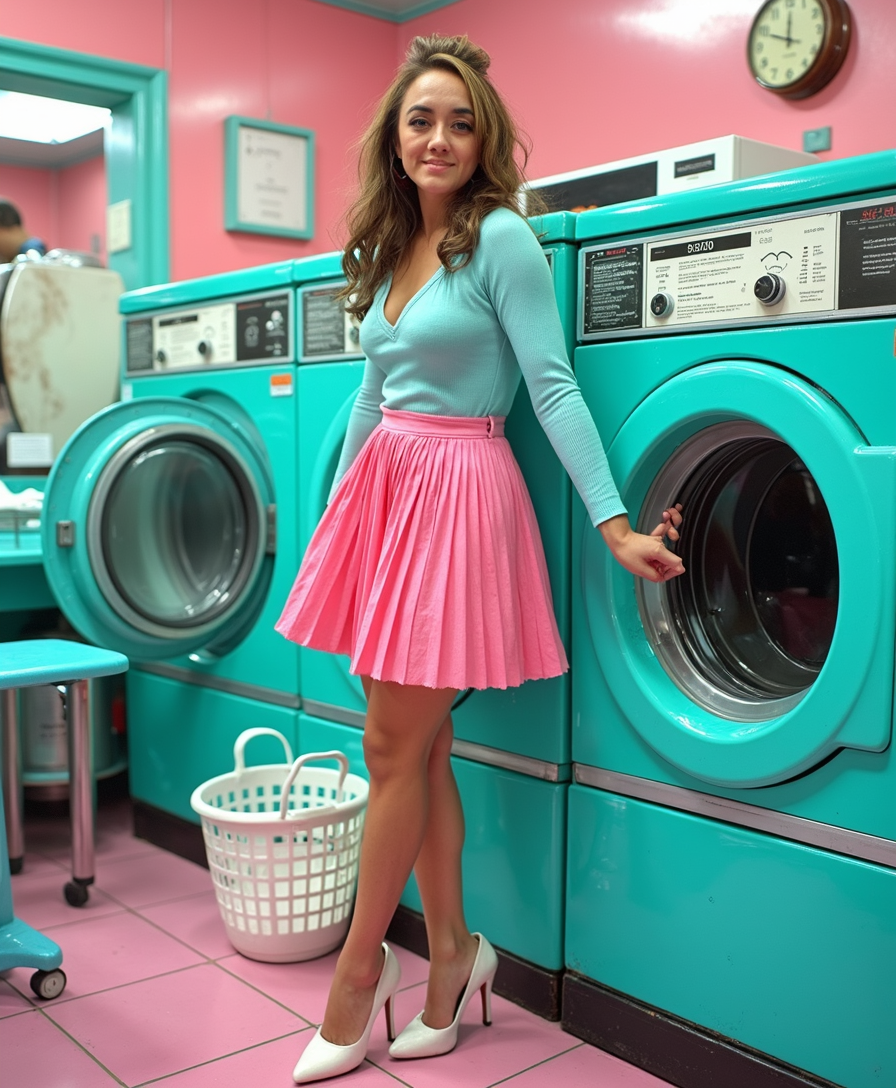
This image is a stylized photograph depicting TOKALEMAP in a laundromat
flux-studio
Models you can run on PixelDojo for bytedance seed audio
Switch models without switching tools. Each one runs in the same PixelDojo studio.
What you can do with bytedance seed audio on PixelDojo
Text to Image with Seed
We run ByteDance Seed on PixelDojo so you can turn prompts into still images without leaving the workspace. You pick aspect ratio and iterate in the same project.
Prompt Control for Stills
We expose Seed parameters that matter for composition, lighting, and subject so you can refine a look instead of starting over. Negative prompts and reference images stay attached to each run.
Batch Variants in One Place
We let you queue multiple Seed image jobs from one brief and compare outputs side by side. Keep the versions you want and discard the rest without extra tools.
Export Ready Image Files
We deliver Seed generations as standard image files you can download, upscale in PixelDojo, or send to other editors. Metadata stays with the asset so you can track prompt and model later.
Loved by thousands of creators worldwide. 40+ cutting-edge AI tools including Seedream 5, Flux.2 Studio and Seed Audio 1.0. Average 4.8-star rating from working professionals who ship daily. Cancel anytime, no contracts.
Why Choose Pixel Dojo for bytedance seed audio
Professional-quality results with cutting-edge AI technology
Perfect Visual-Audio Match in One Workflow
You generate images that exactly capture the emotion, lighting and character identity of any Seed Audio 1.0 scene so your final video or ad feels cohesive and premium.
Studio-Quality Stills Without the Studio Cost
You produce 4K cinematic frames with Seedream 5, Flux.2 Studio or Kling Image that look like they came from a high-end production house, then feed them straight into Seed Audio or Seedance.
Iterate Faster Than Any Traditional Pipeline
You test dozens of visual directions in minutes, lock the winner, then generate matching audio or video with PixelDojo’s Seed Audio 1.0 and Seedance tools, all in the same dashboard.
How It Works
You create images that perfectly complement ByteDance Seed Audio 1.0 scenes using PixelDojo’s dedicated image models, then optionally feed those stills back into audio or video generation.
Step 1: Choose Your Image Tool
Open PixelDojo and select Seedream 5 for photorealistic cinematic stills, Flux.2 Studio for artistic control, or Kling Image for stylized character work. These models understand complex scene descriptions and deliver the lighting, composition and emotion your Seed Audio track needs.
Step 2: Enter Your Scene Prompt
Paste or write a detailed description of the audio scene you already generated or plan to generate with Seed Audio 1.0. Include character appearance, environment, time of day, camera angle and emotional tone. PixelDojo’s models follow these instructions closely so the still matches the audio atmosphere.
Step 3: Customize, Enhance & Export
Use Image to Image, Inpainting or Style Transfer to refine details, then upscale with P-Image Upscale or Magnific Upscaler. Download the still and optionally upload it as an image reference into Seed Audio 1.0 to generate matching voice, or drop it into Seedance for video. Everything stays inside PixelDojo.
The Pixel Dojo Advantage
Why PixelDojo outperforms other options for ByteDance Seed Audio image generation
| Others | Pixel Dojo |
|---|---|
| Traditional photography and illustration | You skip location scouting, talent booking and days of post-production. Generate the exact cinematic still you need in under a minute and immediately pair it with Seed Audio 1.0. |
| Generic AI image tools | You get specialized models like Seedream 5 and Flux.2 Studio that understand narrative lighting and character consistency, plus one-click hand-off to Seed Audio and Seedance inside the same platform. |
| Manual photo editing and compositing | You avoid hours of layering, color grading and masking. PixelDojo’s Image to Image, Magic Lighting and Reality Polisher tools deliver finished, production-ready frames that already match your audio mood. |
Loved by creators on PixelDojo
Real feedback from people using PixelDojo, pulled from our in-product surveys.
phenomenal site. would highly recommend
Amazing features, easy to use, privacy
the number of options, and especially the quick response to questions on Discord
Love you guys!!
Trained my Lora super fast. Still working out how to creat content wit it, but I love it so far.
I love this app
Explore more AI tools on PixelDojo
Popular AI Models
AI Tools
Compare & Switch
- Best AI Image Generators
- Best AI Video Generators
- Midjourney Alternatives
- Civitai Alternatives
- Runway Alternatives
- Leonardo Alternatives
- Pika Alternatives
- Luma Alternatives
- Magnific Alternatives
- Veo Alternatives
- Flux Alternatives
- Freepik Alternatives
- Seedance Alternatives
- Seedream Alternatives
- Pixverse Alternatives
- GPT Image Alternatives
- Synthesia Alternatives
- Playground Alternatives
- NightCafe Alternatives
- Canva AI Alternatives
- ElevenLabs Alternatives
- ComfyUI Alternatives
- Fal Alternatives
- Replicate Alternatives
Common Questions
Everything you need to know about bytedance seed audio
How do I generate images that match ByteDance Seed Audio 1.0 scenes on PixelDojo?
You simply describe the same scene you used or plan to use in Seed Audio 1.0, then generate with Seedream 5 or Flux.2 Studio. The models excel at cinematic lighting, character emotion and environmental detail so the still feels like it belongs to the audio. After generation you can refine with Inpainting or Style Transfer and even upload the image as a reference back into Seed Audio 1.0 for voice consistency.
Can I use a PixelDojo image as a reference for Seed Audio 1.0 voice generation?
Yes. After you create a character still with Seedream 5, Kling Image or Ideogram Character, you can upload that image into Seed Audio 1.0’s image-reference mode. The audio model derives a matching voice timbre and performance style, giving you perfect visual-audio character lock without extra recording.
Which PixelDojo image models work best for cinematic Seed Audio visuals?
Seedream 5 delivers the highest photorealism and 4K detail for live-action style scenes. Flux.2 Studio gives you stronger artistic control and lighting direction. Kling Image and PonyXL excel at stylized or character-focused stills. All of them integrate directly with Seed Audio 1.0 and Seedance video tools inside PixelDojo.
How long does it take to create a complete image plus Seed Audio package?
Most users generate a high-quality still in 10-30 seconds with Seedream 5, then produce a matching 30-120 second Seed Audio 1.0 clip in another minute. You can iterate both in the same session, making a finished audio-visual asset in under five minutes instead of days.
Do I need separate subscriptions for image generation and Seed Audio 1.0?
No. PixelDojo gives you access to Seedream 5, Flux.2 Studio, Seed Audio 1.0, Seedance and 40+ other models under one simple credit system. You only pay for what you generate, cancel anytime, and never juggle multiple platforms or billing accounts.
Can I upscale and edit the images before pairing them with Seed Audio?
Absolutely. After generation you can run P-Image Upscale, Magnific Upscaler or Creative Upscaler, then use Image Outpainting, Background Remover or Magic Lighting to perfect the frame. The enhanced still drops straight into Seed Audio 1.0 or Seedance without leaving PixelDojo.