danbooru tags AI Generator
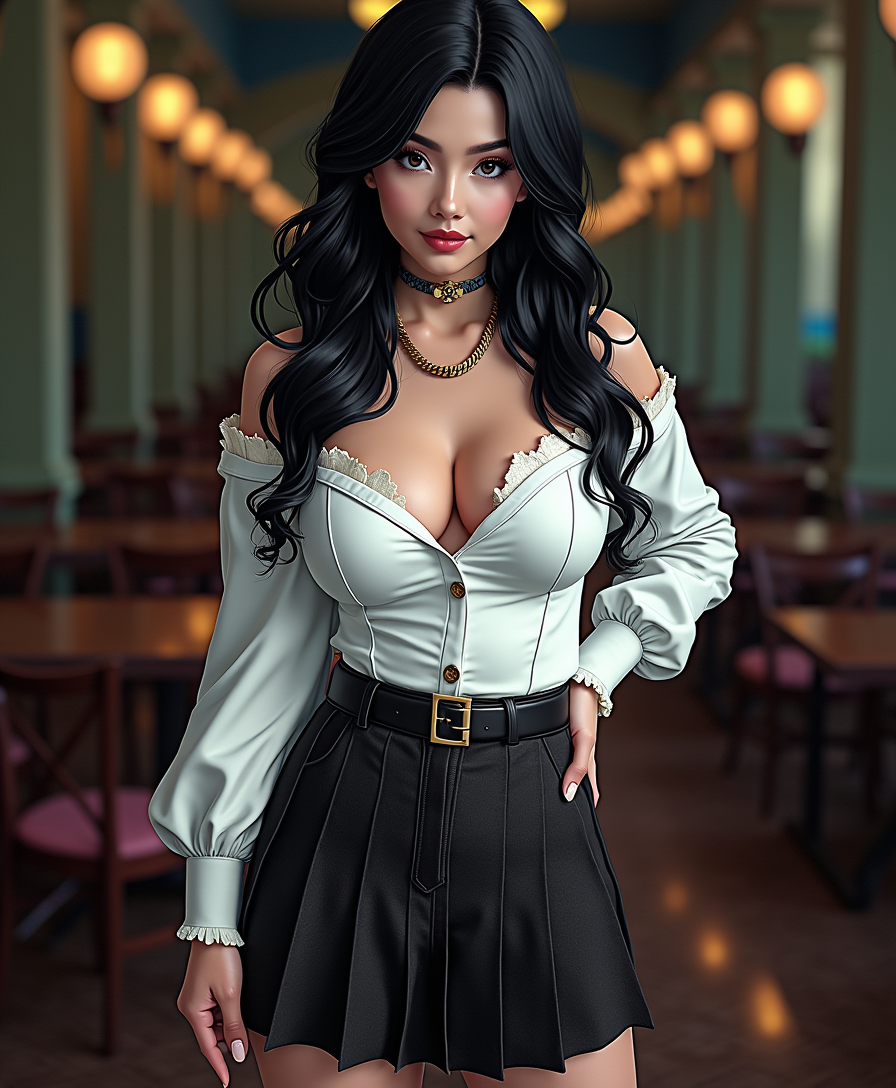
Generated on PixelDojo. Produced by PixelDojo's generation pipeline.
Elevate your AI image generation by harnessing the power of Danbooru tags. These structured keywords enable you to create images with unparalleled precision and detail, transforming your creative visions into reality effortlessly.
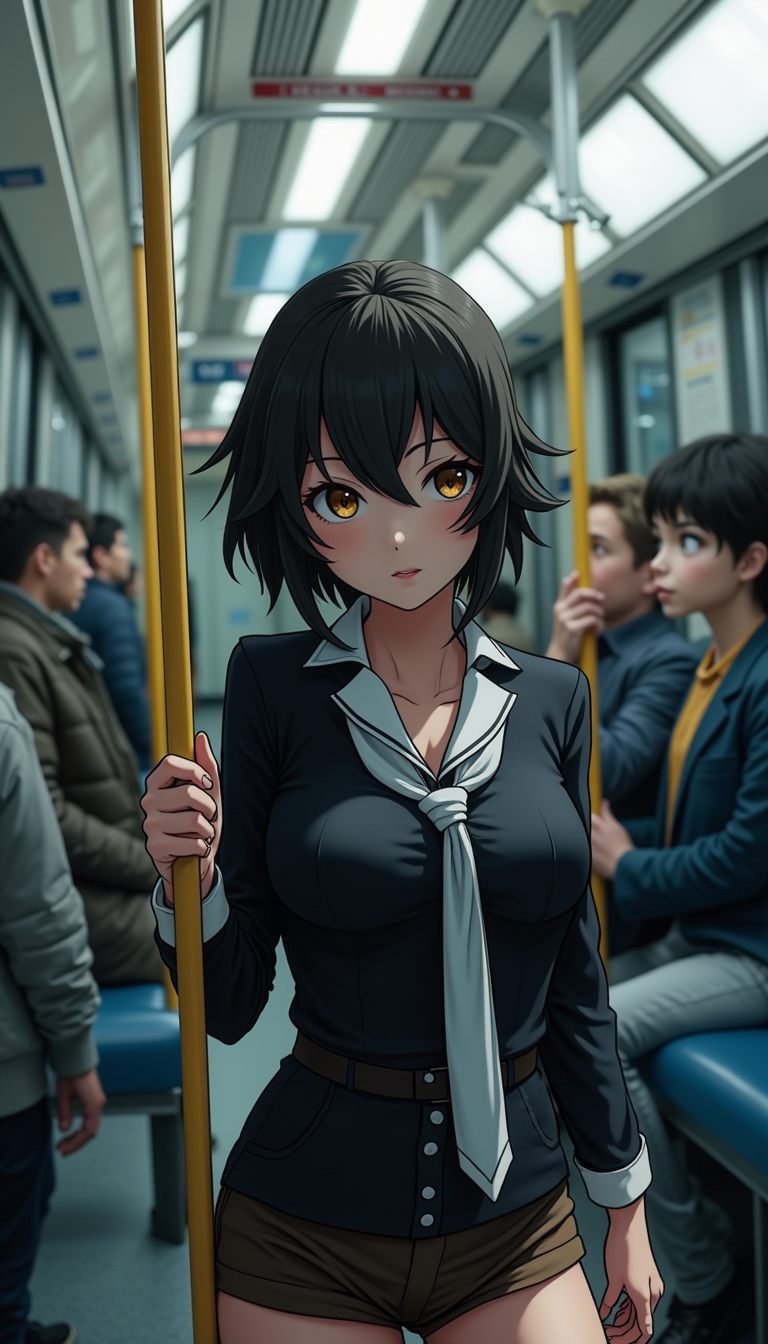
Real image examples generated on PixelDojo
Every example below was produced on PixelDojo. Hover to see the prompt.
Anime character
flux
Anime character
flux
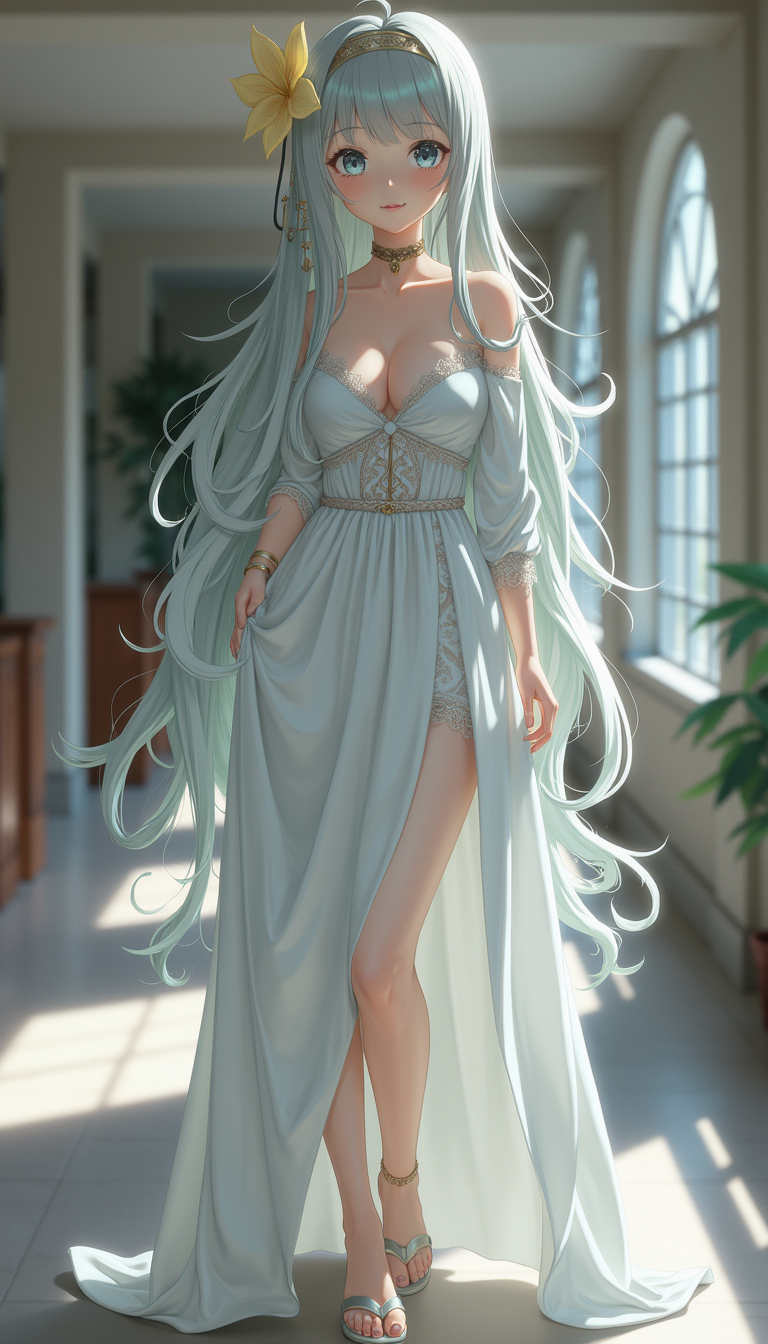
Anime character
flux
Pix-anime
image-to-video

Cute Baby cat with huge eyes
flux
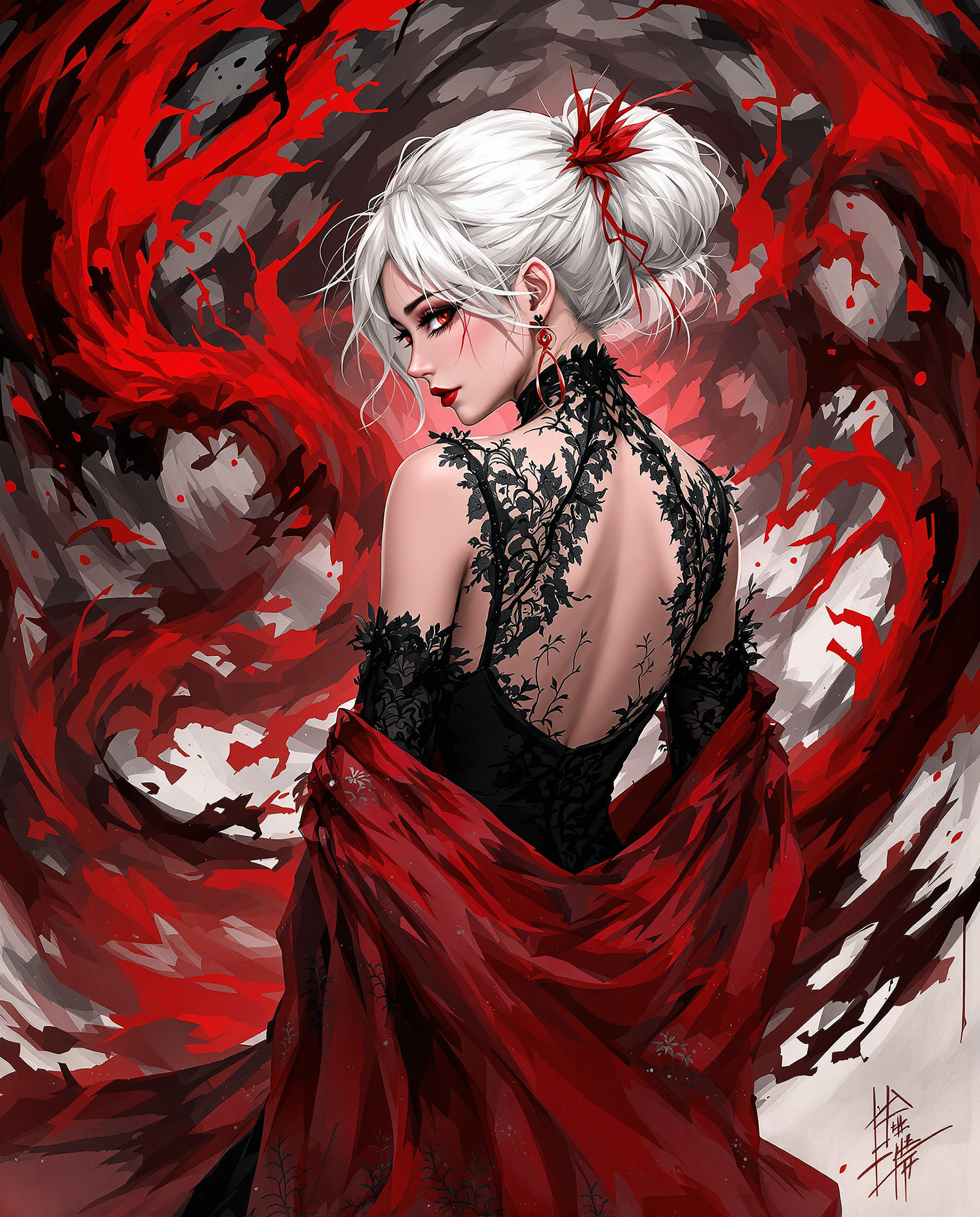
This is a realistic photo photograph of a female real person illustration that features a…
flux
Models you can run on PixelDojo for danbooru tags
Switch models without switching tools. Each one runs in the same PixelDojo studio.
What you can do with danbooru tags on PixelDojo
Direct Danbooru Tag Input
We accept standard Danbooru tags in prompts to direct image generation.
Tag Library Navigation
Creators browse and select from organized Danbooru tag categories.
Multi Tag Prompt Building
We support combining several Danbooru tags to define subjects and scenes.
Tag Guided Refinement
Users adjust Danbooru tags between generations to modify specific image elements.
Join thousands of creators who have enhanced their AI-generated images using Danbooru tags, achieving over 95% satisfaction in image accuracy and detail.
Why Choose Pixel Dojo for danbooru tags
Professional-quality results with cutting-edge AI technology
Achieve Unmatched Image Precision
Utilize Danbooru tags to generate images that align perfectly with your creative vision.
Streamline Your Creative Process
Save time and effort by using structured tags to guide the AI, reducing the need for extensive post-editing.
Expand Creative Possibilities
Explore a vast array of themes and styles by combining various Danbooru tags, unlocking new creative horizons.
How It Works
Creating precise AI-generated images with Danbooru tags is straightforward. Follow these steps to bring your ideas to life:
Step 1: Select Your Image Generation Tool
Choose from PixelDojo's suite of AI image generation tools, such as Flux, Seedream 4, or SDXL Image Creator, to begin your creation.
Step 2: Construct Your Prompt Using Danbooru Tags
Craft a detailed prompt by incorporating relevant Danbooru tags. For example, '1girl, long_hair, blue_eyes, sitting' to specify a scene with a single girl with long hair and blue eyes sitting.
Step 3: Generate and Refine Your Image
Initiate the image generation process. Review the output and adjust your prompt or settings as needed to achieve the desired result.
The Pixel Dojo Advantage
Discover why PixelDojo, combined with Danbooru tags, offers superior AI image generation capabilities:
| Others | Pixel Dojo |
|---|---|
| Traditional Image Creation | Eliminate the need for manual drawing or photography, achieving high-quality images in minutes. |
| Generic AI Tools | Gain precise control over image attributes using Danbooru tags, surpassing the capabilities of standard AI generators. |
| Manual Photo Editing | Reduce extensive editing time by generating images that closely match your vision from the start. |
Loved by creators on PixelDojo
Real feedback from people using PixelDojo, pulled from our in-product surveys.
The best tools for IA on the web !
The guy that operates the website is constantly updating it
I’ve been using PixelDojo for around 8 months now and it’s always worked wonderfully while constantly adding features.
The site is easy to navigate and use.
All the tools, readily available and easy to understand
You guys, the LORA training is the BEST in the space right now, great job with that!
Explore more AI tools on PixelDojo
Popular AI Models
AI Tools
Compare & Switch
- Best AI Image Generators
- Best AI Video Generators
- Midjourney Alternatives
- Civitai Alternatives
- Runway Alternatives
- Leonardo Alternatives
- Pika Alternatives
- Luma Alternatives
- Magnific Alternatives
- Veo Alternatives
- Flux Alternatives
- Freepik Alternatives
- Seedance Alternatives
- Seedream Alternatives
- Pixverse Alternatives
- GPT Image Alternatives
- Synthesia Alternatives
- Playground Alternatives
- NightCafe Alternatives
- Canva AI Alternatives
- ElevenLabs Alternatives
- ComfyUI Alternatives
- Fal Alternatives
- Replicate Alternatives
Common Questions
Everything you need to know about danbooru tags
What are Danbooru tags and how do they enhance AI image generation?
Danbooru tags are structured keywords used to describe image content. By incorporating these tags into your prompts, you can guide the AI to generate images with specific attributes, resulting in more accurate and detailed outputs.
How can I find the appropriate Danbooru tags for my image prompts?
You can explore Danbooru's extensive tag database to find tags that match your desired image attributes. This resource provides a comprehensive list of tags categorized by themes, characters, and more.
Do I need prior experience with Danbooru tags to use them effectively?
No prior experience is necessary. PixelDojo provides guidance and resources to help you understand and implement Danbooru tags effectively in your image generation process.
Can I combine multiple Danbooru tags in a single prompt?
Yes, combining multiple tags allows you to specify various attributes and details, enabling the AI to generate images that closely match your vision.
Are there any limitations to using Danbooru tags in AI image generation?
While Danbooru tags offer extensive control, the quality of the generated image also depends on the AI model and tool used. Experimenting with different tags and settings can help achieve optimal results.
Is there a community or support available for learning more about Danbooru tags?
Yes, PixelDojo offers a Discord community where users can share experiences, ask questions, and learn more about using Danbooru tags effectively in AI image generation.