dreamina alternatives
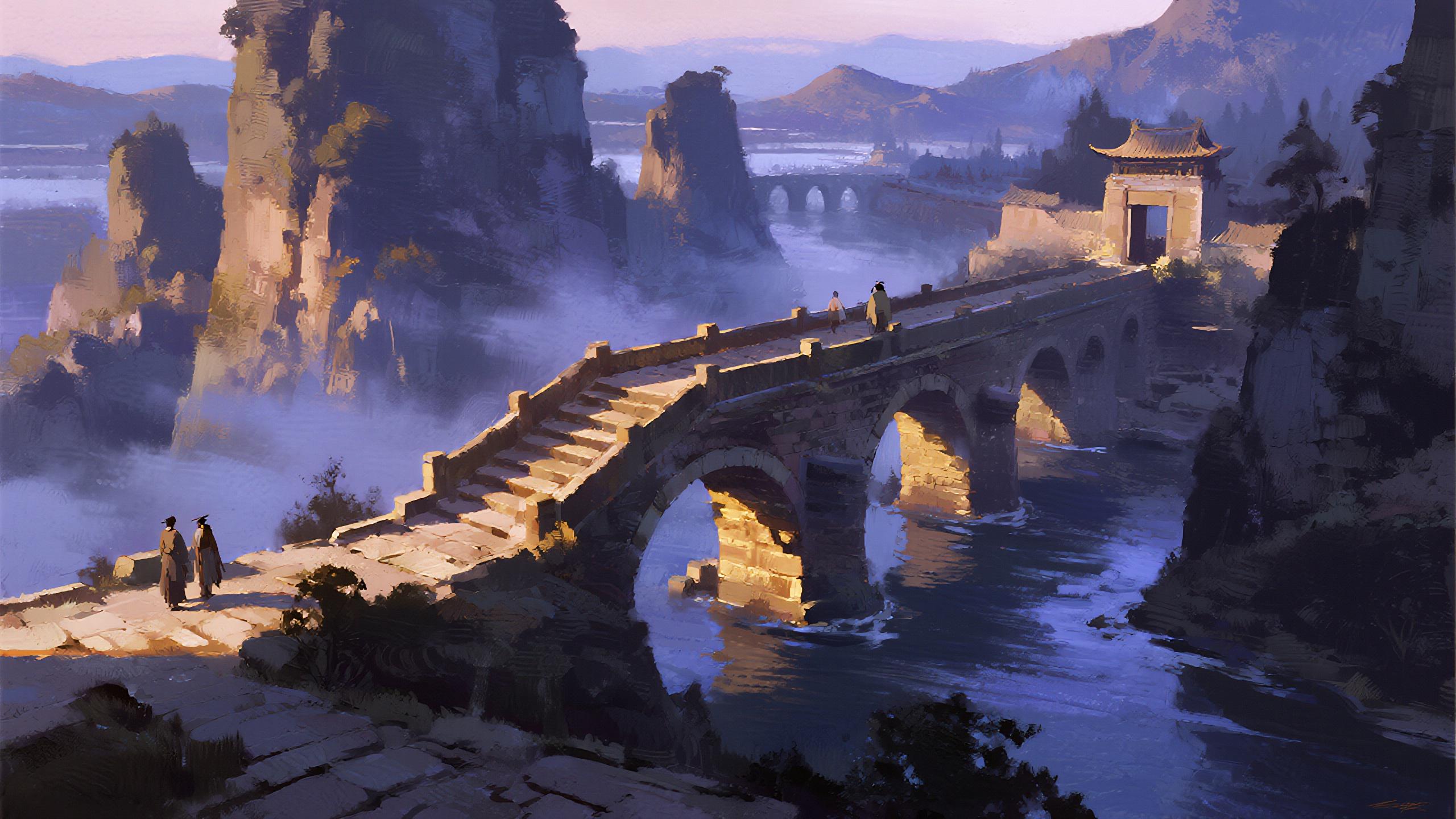
Generated on PixelDojo. Produced by PixelDojo's generation pipeline.
You can turn any idea into high-converting visuals that drive sales, engagement, and brand loyalty in minutes. As a powerful Dreamina alternative, PixelDojo puts professional image and video generation in your hands so you skip costly photoshoots, long waits, and design bottlenecks. Imagine launching a full campaign of photorealistic product shots, consistent character series, and cinematic short videos that look studio-produced—all from simple descriptions you type. Marketers create scroll-stopping ads that boost click-through rates. Creators produce daily social content that grows audiences. Designers iterate concepts at lightning speed. With tools like Flux.2 Studio, Seedream 5, Kling Image, WAN Image, GPT Image 2, and Nano Banana 2, you achieve photorealism, perfect text rendering, and character consistency that keep your brand looking unified across every asset. Latest techniques like multi-reference fusion, precise local edits, and image-to-video with natural motion let you refine until every pixel converts. Thousands of creators already rely on our 40+ cutting-edge AI tools. Try it today and cancel anytime—your next viral visual is just a prompt away.
Real image examples generated on PixelDojo
Every example below was produced on PixelDojo. Hover to see the prompt.
Drm-fantasy
image-to-image
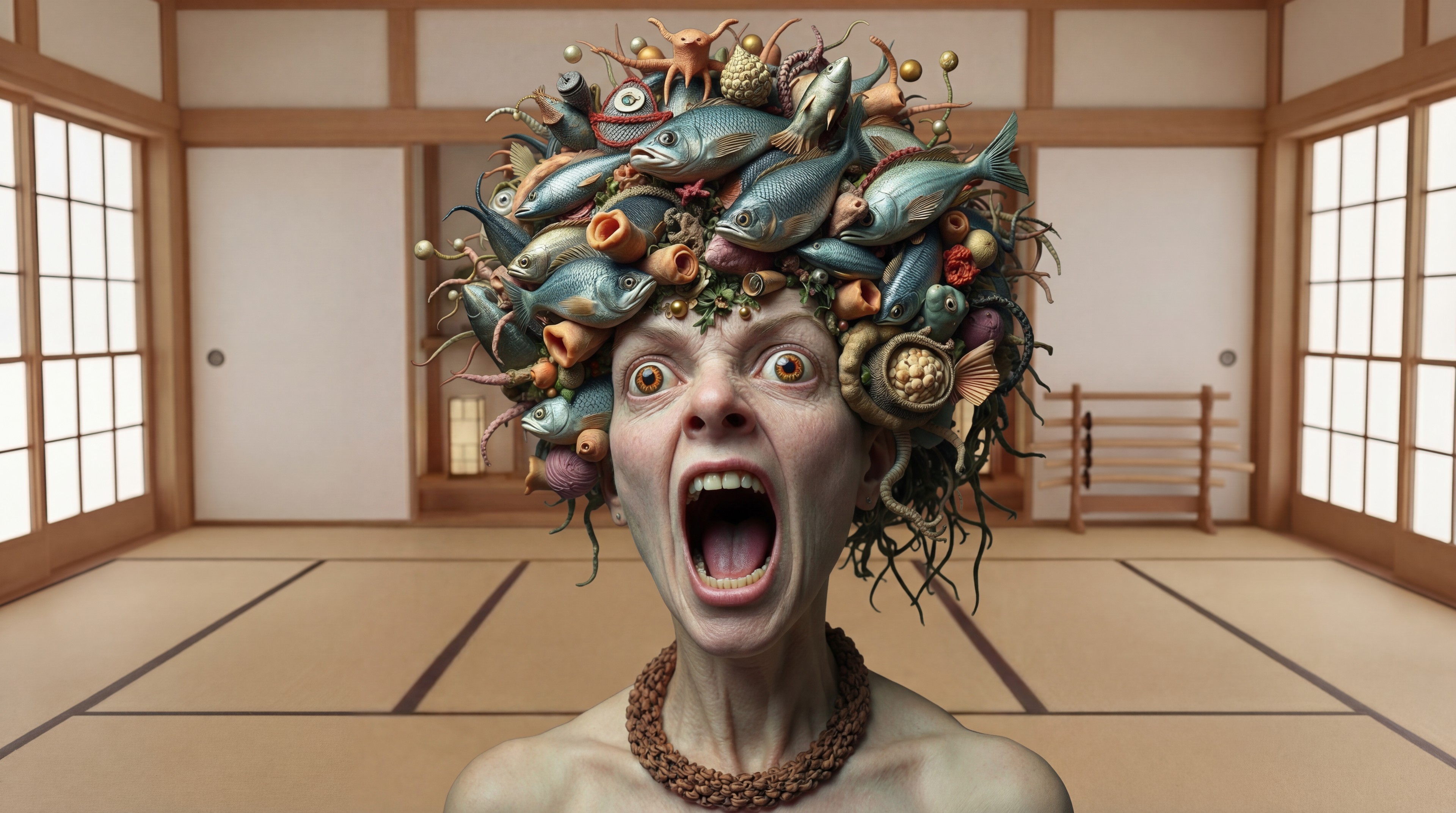
Replace the woman in the black dress with the woman with the fish edited with Google Nano…
google-gemini-image
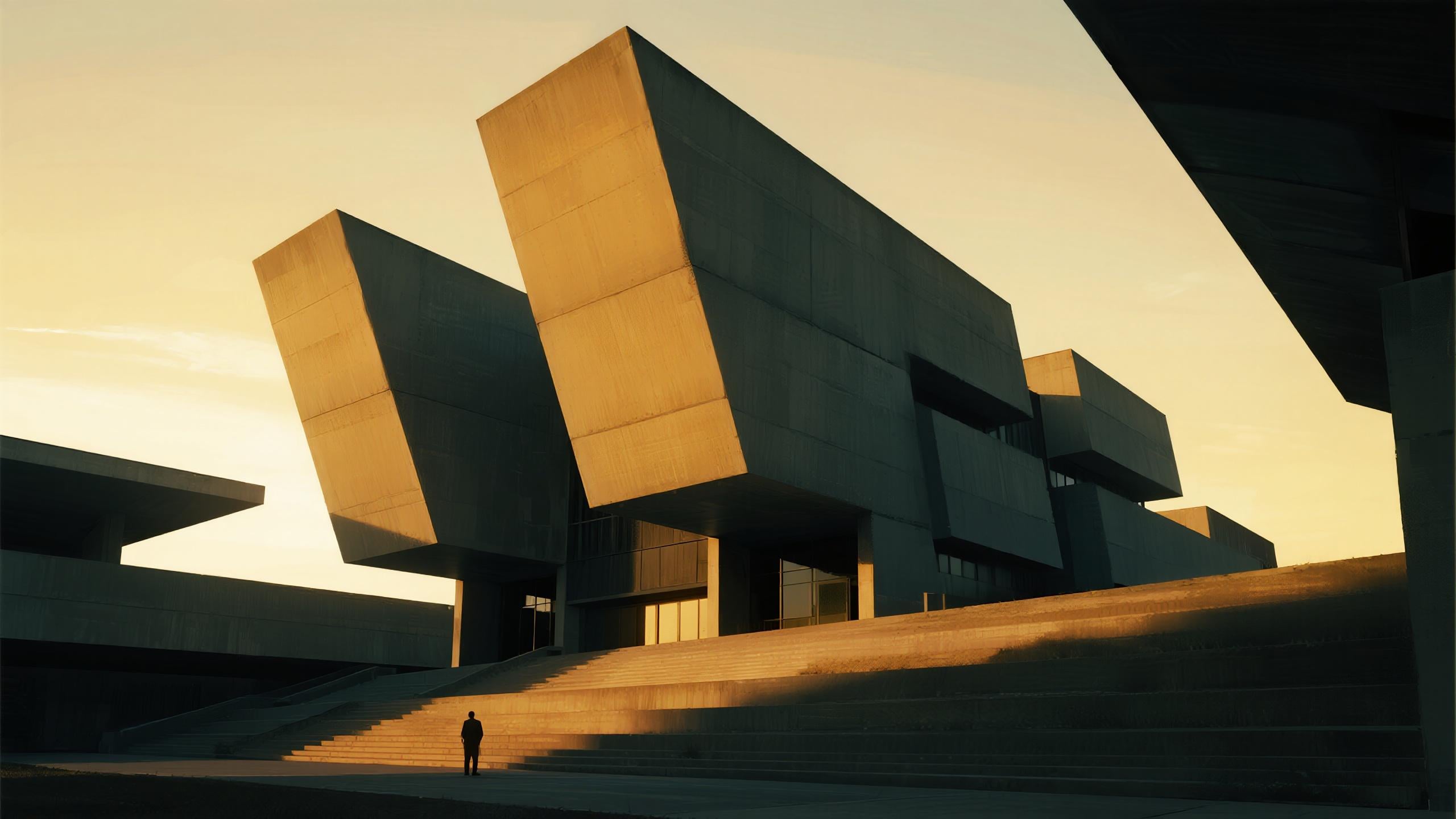
Drm-architecture
image-to-image
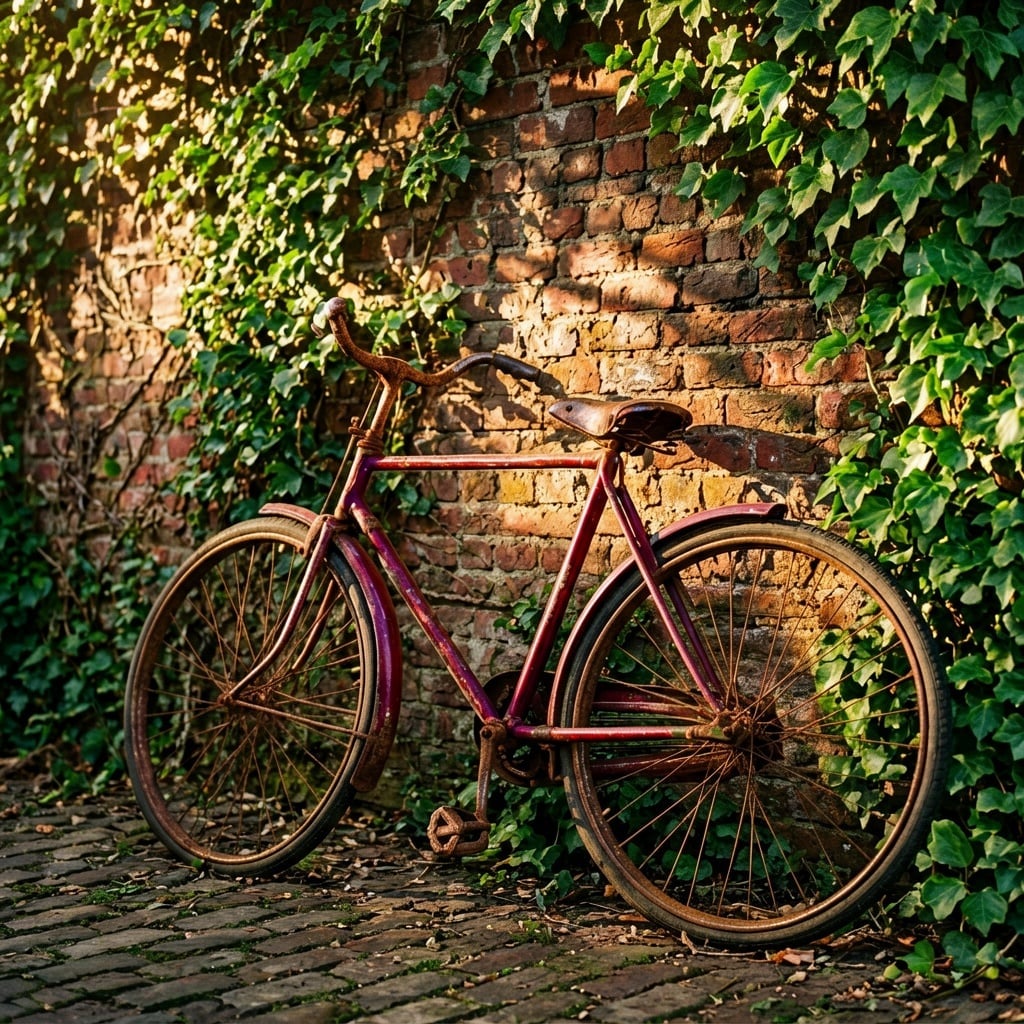
A vintage red bicycle leaning against a sunlit brick wall covered in ivy
ernie

KIRA-SUNRISE-ZIP
stable-diffusion

A magical acrylic
flux
Models you can run on PixelDojo for dreamina alternatives
Switch models without switching tools. Each one runs in the same PixelDojo studio.
What you can do with dreamina alternatives on PixelDojo
Multiple Image Models
We give you access to several image generation models in one place so you can try different looks without leaving PixelDojo.
Prompt To Image Workflow
Write a prompt, pick a model and settings, and generate stills you can iterate on with follow-up prompts and seeds.
Style And Aspect Control
We let you set aspect ratios, style presets, and negative prompts so outputs better match campaign or concept needs.
Download And Reuse Assets
Export generated images for your projects and keep history of runs so you can compare versions and continue from earlier results.
Loved by thousands of creators worldwide who generate professional assets daily. 40+ cutting-edge AI tools with consistently high user satisfaction. Join now and cancel anytime—no long-term commitment.
Why Choose Pixel Dojo for dreamina alternatives
Professional-quality results with cutting-edge AI technology
Launch Campaigns That Convert Overnight
You generate photorealistic product images, lifestyle scenes, and ad creatives that stop the scroll and drive purchases. Pair Flux.2 Studio or Seedream 5 with Reality Polisher and Magic Lighting to produce ready-to-run marketing visuals that look like they came from a high-end studio, saving you weeks of production time and thousands in fees.
Keep Every Character Looking Identical
You build a recognizable brand face or mascot that stays consistent across dozens of images and videos. Use Consistent Characters, Character Sheets, Ideogram Character, Face Swap, and LoRA Face Swap so your audience instantly recognizes your content no matter the pose, outfit, or scene—perfect for series, avatars, and virtual try-on with Flux Pro Virtual Try-On.
Turn Still Images Into Cinematic Stories
You transform a single photo into engaging videos with natural motion, camera moves, and even audio. Tools like Kling Video, WAN 3.0, Seedance 2.5, VEO 3.1, and Flux 3 Video plus editing options such as Grok Video Edit and Video Autocaption let you create social clips, product demos, and ads that hold attention far longer than static posts.
How It Works
You create Dreamina-style images and videos in three simple steps using PixelDojo’s specialized tools. No technical skills needed—just describe what you want and refine until it converts.
Step 1: Choose Your Tool
Select the perfect model for your goal. For photorealistic stills pick Flux.2 Studio, GPT Image 2, Seedream 5, or QWEN Image 2. Need artistic flair? Try Recraft V4.1 or Ideogram 4. For video start with Kling Video, WAN 2.7 Video, or Seedance 2.5. Character work uses Consistent Characters or P Video Avatar. The dashboard shows every option so you match the tool to the outcome you want.
Step 2: Enter Your Prompt
Describe your vision in natural language: subject, lighting, camera angle, mood, and style. Add reference images for Image to Image or Style Transfer. For video include motion instructions. Latest techniques like multi-reference fusion and detailed lighting cues give you precise control. Generate multiple variations instantly so you can pick the strongest converting version.
Step 3: Customize & Download
Refine with Inpainting, Change Camera Angle, Background Remover, Image Outpainting, or Reality Polisher. Upscale using Magnific Upscaler or P-Image Upscale for print-ready 4K. For video use Video Reframe, Merge Videos, or Extract Frame. Download in any format and start using immediately. Train custom models with Flux Trainer if you need even more brand control.
The Pixel Dojo Advantage
Why PixelDojo outperforms other options for Dreamina-style image and video generation
| Others | Pixel Dojo |
|---|---|
| Traditional photoshoots and agencies | You skip location fees, models, and weeks of waiting. Generate professional variations in minutes with Flux.2 Studio, Seedream 5, and Kling Image so every campaign launches faster and cheaper. |
| Generic AI tools | You access 40+ specialized models including Nano Banana 2, WAN 2.6, Ideogram 4, Recraft V4.1 plus full editing suites like Inpainting and Style Transfer all in one place instead of juggling multiple limited platforms. |
| Manual photo and video editing | You replace hours of layer work with one-click Reality Polisher, Magic Lighting, Background Remover, and Video Autocaption. Results look polished instantly so you focus on strategy instead of pixels. |
Loved by creators on PixelDojo
Real feedback from people using PixelDojo, pulled from our in-product surveys.
Qwen image 2 is amazing!!
Creative freedom, range of tools and options.
I love the training feature
the quality is the best
All the tools needed in one dashboard
Very fair and very broad in tools.
Explore more AI tools on PixelDojo
Popular AI Models
AI Tools
Compare & Switch
- Best AI Image Generators
- Best AI Video Generators
- Midjourney Alternatives
- Civitai Alternatives
- Runway Alternatives
- Leonardo Alternatives
- Pika Alternatives
- Luma Alternatives
- Magnific Alternatives
- Veo Alternatives
- Flux Alternatives
- Freepik Alternatives
- Seedance Alternatives
- Seedream Alternatives
- Pixverse Alternatives
- GPT Image Alternatives
- Synthesia Alternatives
- Playground Alternatives
- NightCafe Alternatives
- Canva AI Alternatives
- ElevenLabs Alternatives
- ComfyUI Alternatives
- Fal Alternatives
- Replicate Alternatives
Common Questions
Everything you need to know about dreamina alternatives
What are the best Dreamina alternatives for AI image generation in 2026?
PixelDojo stands out as a complete Dreamina alternative because you get 40+ models including Flux.2 Studio, GPT Image 2, Seedream 5, QWEN Image 2, Ideogram 4, and Recraft V4.1 plus advanced editing. You achieve higher consistency, better text rendering, and photorealism while generating videos in the same workspace. Thousands of creators already produce converting assets daily and you can cancel anytime.
How can I create consistent characters as a Dreamina alternative?
You use Consistent Characters, Character Sheets, Ideogram Character, Face Swap, LoRA Face Swap, and Flux Pro Virtual Try-On. Upload a few references and the tools lock facial features, body proportions, and style so every new image or video matches perfectly. This is ideal for brand mascots, series content, and virtual try-on campaigns that keep your audience recognizing you instantly.
Which PixelDojo tools replace Dreamina for image-to-video?
You choose Kling Video, WAN 3.0, WAN 2.7 Video, Seedance 2.5, VEO 3.1, Flux 3 Video, or Hailuo 2.3. Start from any still you generated, add motion prompts, camera moves, and even audio. Then refine with Grok Video Edit, Kling Video Edit, or Video Autocaption. The result is cinematic clips ready for social or ads without leaving the platform.
What latest AI image generation techniques work best with PixelDojo?
You combine detailed prompts covering lighting, camera, and mood with Image to Image, Style Transfer, and multi-reference uploads. Follow up with Inpainting for local fixes, Change Camera Angle for new perspectives, and Reality Polisher for photorealism. Upscale with Magnific Upscaler. These techniques deliver the precision and quality that turn casual ideas into professional converting visuals.
Is PixelDojo free to try as a Dreamina alternative and can I cancel anytime?
Yes. You start generating immediately with access to 40+ cutting-edge tools loved by thousands of creators worldwide. There is no long-term lock-in—you cancel anytime. This risk-free approach lets you test Flux.2 Studio, Seedream 5, Kling Image, and all editing features until you see the results that grow your business.
How do I generate photorealistic marketing images like a Dreamina alternative?
You pick GPT Image 2, Flux.2 Studio, or Seedream 5, write a prompt that includes lighting, lens, and texture details, then apply Magic Lighting and Reality Polisher. Add Background Remover or Image Outpainting if needed. The output looks like a professional photoshoot so your ads, product pages, and social posts convert at higher rates without extra cost or time.