flux 2 online AI Generator
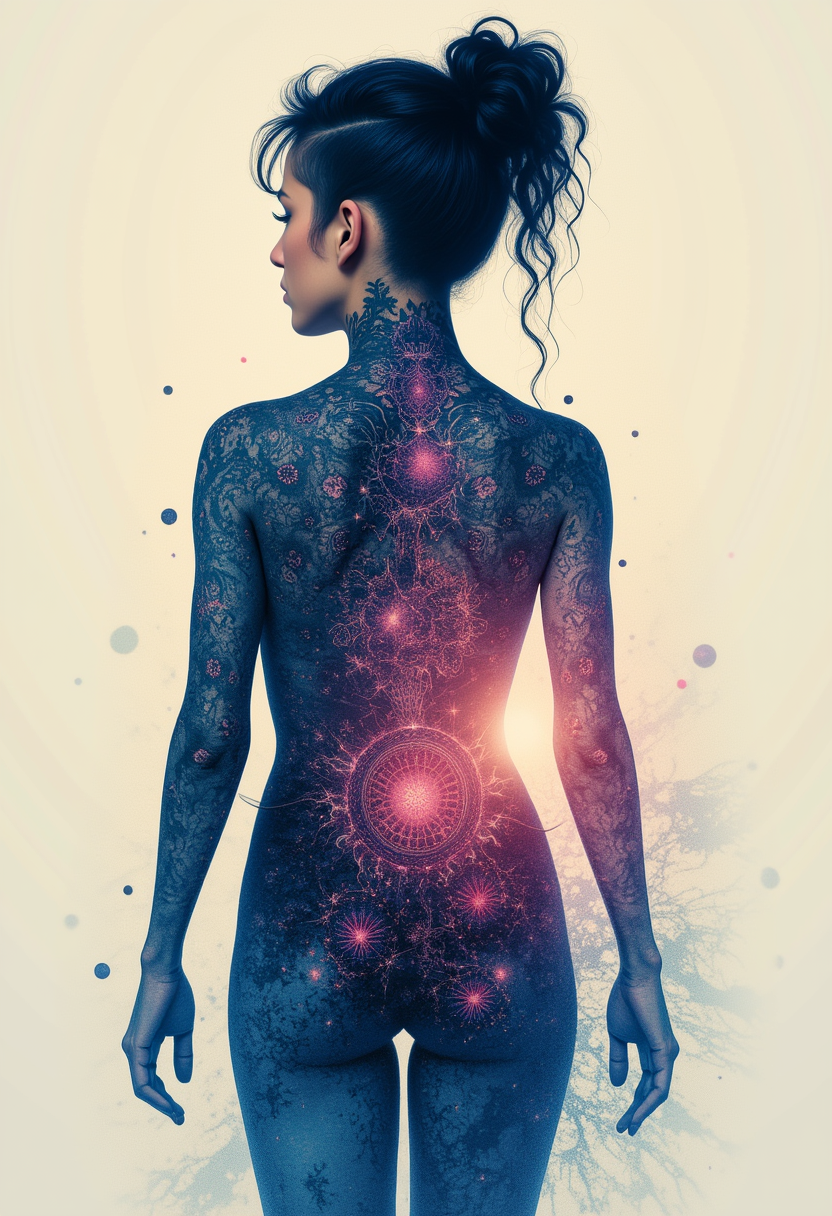
Generated on PixelDojo. Produced by PixelDojo's generation pipeline.
Imagine producing magazine-quality product photos, campaign-ready character shots, and infographics with perfectly readable text – all from a simple description or a handful of reference photos, right in your browser. That's the power of Flux 2 online on PixelDojo. You skip expensive photoshoots, endless revisions, and technical barriers. Instead, you get photorealistic images that match your brand colors exactly, keep characters identical across dozens of scenes, and deliver professional lighting and textures that look photographed, not generated. Whether you need e-commerce assets, social ads, or concept art, Flux.2 Studio plus PixelDojo's full suite of editing and enhancement tools lets you go from idea to downloadable high-resolution file in minutes. 1M+ creators already use these tools daily to ship campaigns faster and look more professional.
Real image examples generated on PixelDojo
Every example below was produced on PixelDojo. Hover to see the prompt.
Kira-Lux-Flux
flux

Add a log edited with Flux Kontext Dev
flux-studio
FLUX Video Upscale Lola talking-head Friday 9am
seedance-2-5
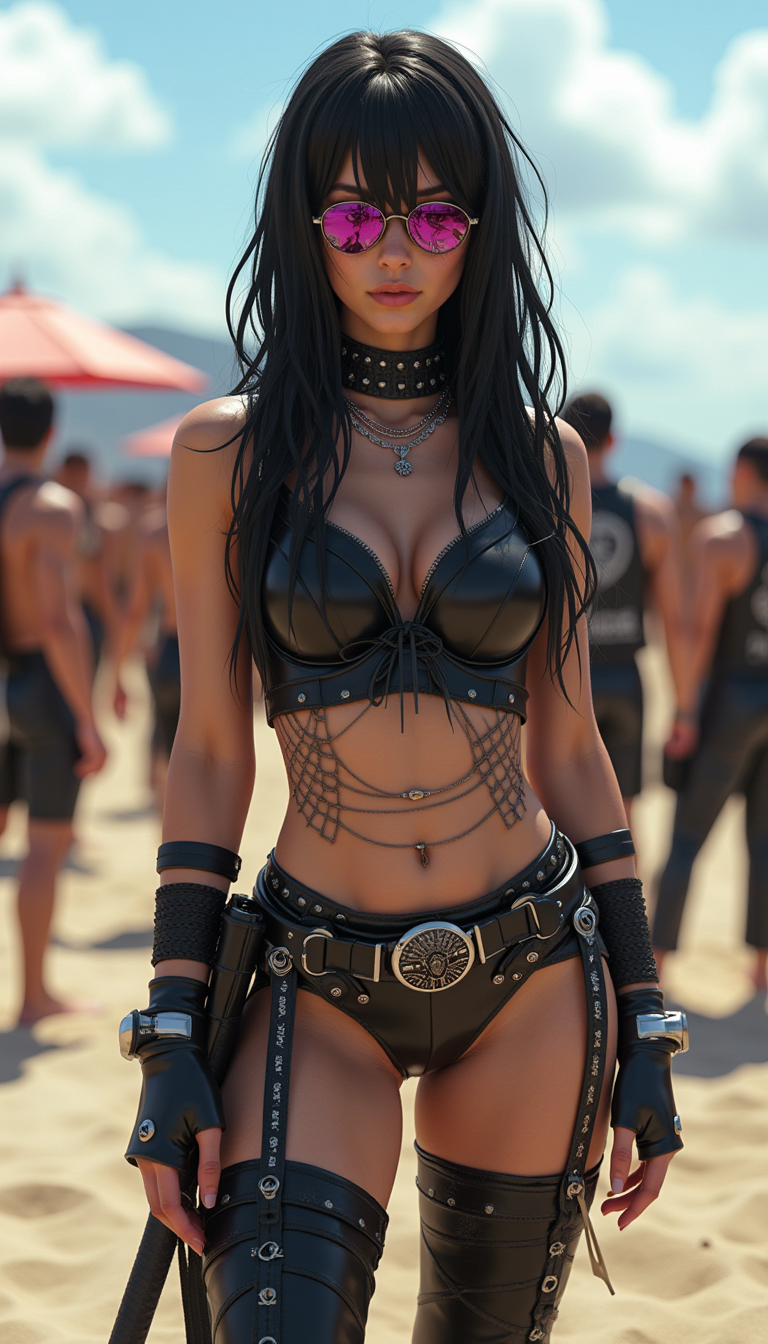
Aidmarealisticskin
stable-diffusion
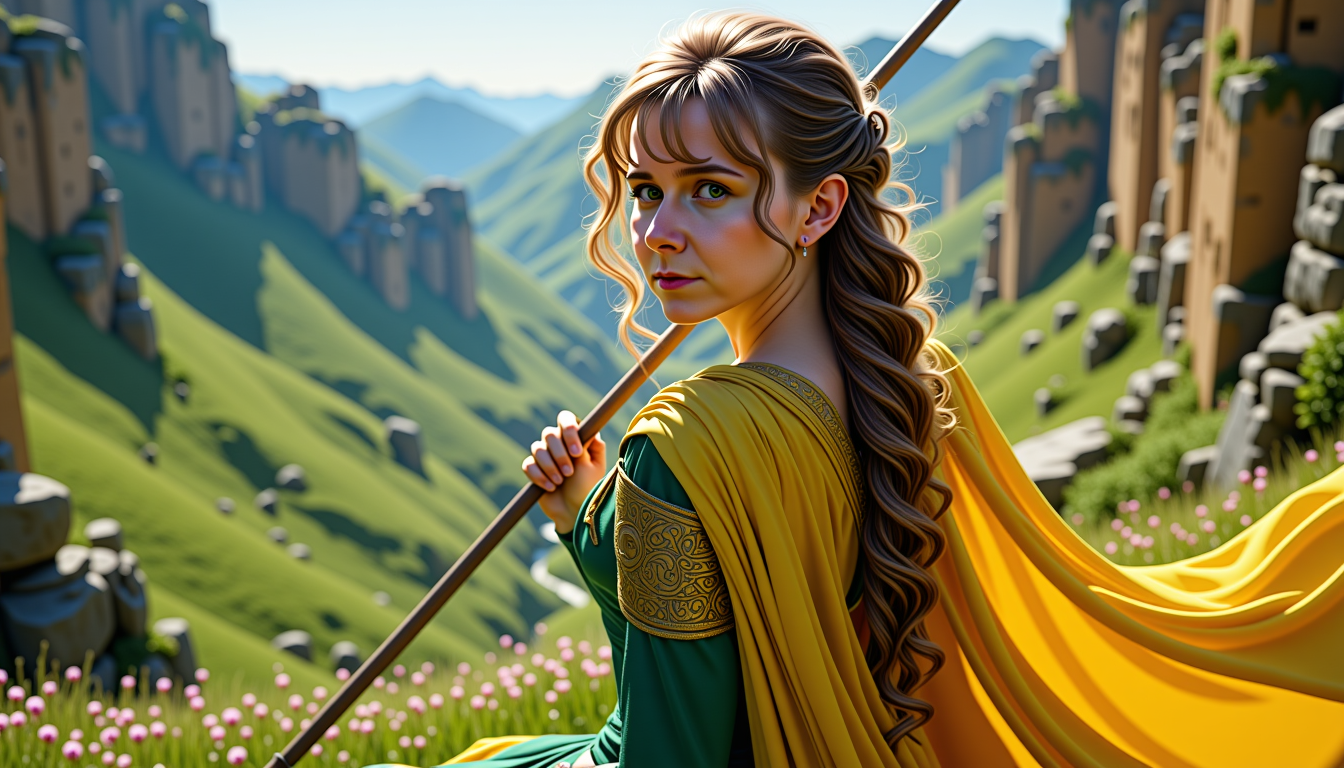
MO-LoRa-Multi
stable-diffusion
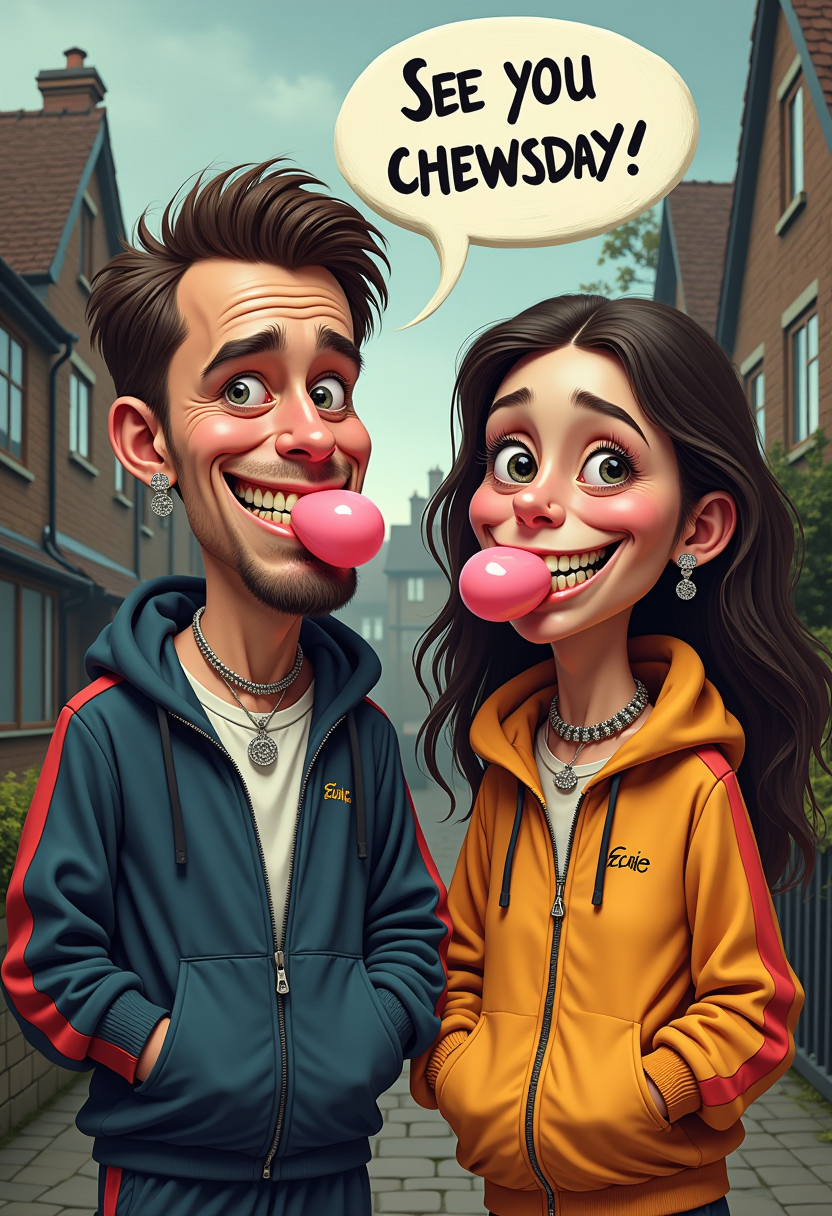
Oi! See you Chewsday!” messy cgi caricature with slightly silly features
flux
Models you can run on PixelDojo for flux 2 online
Switch models without switching tools. Each one runs in the same PixelDojo studio.
What you can do with flux 2 online on PixelDojo
Flux 2 in the browser
We host Flux 2 so you can generate images online without installing local models or managing GPU drivers. Open a session, write a prompt, and render from any device we support.
Prompt and style control
We give you the usual generation controls: prompts, negative prompts, seeds, and aspect ratios. You can steer composition and look while keeping runs comparable across attempts.
Iterate without starting over
We let you reuse seeds, tweak prompts, and produce variations from a result you already like. That keeps exploration organized when you are refining a single idea.
Exports for real projects
We provide downloadable outputs you can drop into design, social, and product workflows. You keep the files on your side after generation completes.
Loved by 1M+ creators worldwide. Access 100+ cutting-edge AI tools including Flux.2 Studio. Cancel anytime – no long-term commitment.
Why Choose Pixel Dojo for flux 2 online
Professional-quality results with cutting-edge AI technology
Photorealistic Product Shots Without a Studio
You generate high-resolution product images with accurate materials, lighting, and your exact hex brand colors. Flux.2 Studio handles complex textures and compositions so your e-commerce pages and ads look premium instantly.
Keep Characters and Products Identical Across Campaigns
Upload up to 10 reference images and Flux.2 maintains perfect facial identity, product details, and style across every variation. You create entire fashion editorials or ad series without hiring models or reshooting.
Typography and Infographics That Actually Work
You produce posters, UI mockups, and data visuals with crisp, readable text and precise layouts. No more garbled letters – your marketing materials look professionally designed every time.
How It Works
Creating Flux 2 images on PixelDojo is straightforward. You combine the latest Flux.2 capabilities with powerful editing tools so every output is campaign-ready.
Step 1: Choose Flux.2 Studio
Sign in to PixelDojo and go to Generate Images. Select Flux.2 Studio. Pick the variant that matches your goal – pro for production speed or flex for extra control over details and typography. You can also start with related tools like Image to Image if you already have a base photo.
Step 2: Enter Your Prompt or Upload References
Describe what you want in natural language or structured JSON. Specify lighting, camera angle, hex colors, and composition. Upload up to 10 reference images for character or product consistency. Flux.2 understands complex instructions and world knowledge so your first result is already close to perfect.
Step 3: Refine, Enhance and Download
Use Edit Images tools such as Inpainting, Change Camera Angle, Style Transfer, or Background Remover to perfect the shot. Then upscale with P-Image Upscale or Magnific Upscaler for print-ready 4MP files. Download instantly or send to Video tools like Marketing Studio if you need motion. Everything stays in one platform.
The Pixel Dojo Advantage
PixelDojo gives you dedicated Flux.2 Studio plus a complete creative suite so you outperform every other option for professional Flux 2 online image generation.
| Others | Pixel Dojo |
|---|---|
| Traditional photography and retouching | You produce dozens of variations in minutes instead of days, at a fraction of the cost, while keeping perfect consistency across an entire campaign. |
| Generic AI image tools | You get native Flux.2 multi-reference, hex-color steering, and 4MP output plus specialized editors like Reality Polisher and Consistent Characters that generic platforms simply do not offer. |
| Manual photo editing software | You skip hours of masking and compositing. Flux.2 plus Inpainting and Magic Lighting deliver finished, photorealistic results with a few clicks and no advanced skills required. |
Loved by creators on PixelDojo
Real feedback from people using PixelDojo, pulled from our in-product surveys.
phenomenal site. would highly recommend
Amazing features, easy to use, privacy
the number of options, and especially the quick response to questions on Discord
Love you guys!!
Trained my Lora super fast. Still working out how to creat content wit it, but I love it so far.
I love this app
Explore more AI tools on PixelDojo
Popular AI Models
AI Tools
Compare & Switch
- All AI Tool Alternatives
- Pollo AI Alternative
- PixelDojo vs Pollo AI
- Pollo AI Review
- MotionMuse AI Alternative
- MioCreate Alternative
- Dessi AI Alternative
- Runway Alternatives
- CapCut Alternatives
- Leonardo Alternatives
- OpenArt Alternatives
- Midjourney Alternatives
- Canva AI Alternatives
- Pika Alternatives
- InVideo Alternatives
- Higgsfield Alternatives
- Krea Alternatives
- Luma Alternatives
- Magic Hour Alternatives
- HeyGen Alternatives
- PixAI Alternatives
- Vidu Alternatives
- Seedream Alternatives
- Tensor.Art Alternatives
Common Questions
Everything you need to know about flux 2 online
How do I generate Flux 2 images online for professional use on PixelDojo?
Open Flux.2 Studio, choose your variant, write a detailed prompt or upload references, then generate. Follow up with Image to Image, Inpainting, or P-Image Upscale to reach print quality. The entire workflow stays inside PixelDojo so you never leave the platform.
Can I create consistent characters with Flux 2 online without extra training?
Yes. Flux.2 Studio accepts up to 10 reference images and maintains identity, clothing, and style across new scenes. Pair it with Consistent Characters and Character Sheets tools for even tighter control on long campaigns.
What resolution and quality can I expect from Flux 2 Studio?
You generate up to 4 megapixel photorealistic images with sharp textures, accurate lighting, and readable text. Then use Magnific Upscaler or Clarity Pro if you need even larger files for print or billboards.
Is Flux 2 online on PixelDojo suitable for product photography and e-commerce?
Absolutely. Hex-color matching, multi-reference product consistency, and tools like Background Remover plus Virtual Try-On let you create entire catalog shots, lifestyle images, and ad variants in one session.
Can I train my own Flux 2 model on PixelDojo?
Yes. Use Flux 2 Trainer to fine-tune on your brand assets, products, or characters. Once trained, generate with your custom model inside Flux.2 Studio and keep using all the editing and upscaling tools.
How does PixelDojo make Flux 2 online easier than running models locally?
You skip GPU setup, VRAM limits, and ComfyUI complexity. PixelDojo gives you Flux.2 Studio plus 100+ complementary tools, instant upscaling, video conversion, and a simple interface. Cancel anytime if it is not the right fit.