Kling Image v3 Prompting Guide

High-quality text-to-image.
1K and 2K resolution.

Kling Image v3 is Kuaishou's image-side model — the same family behind Kling video. Strong photoreal and stylized output, 1K and 2K resolution tiers, eight aspect ratios, and batch generation up to 9 images per prompt. 1 credit per image.

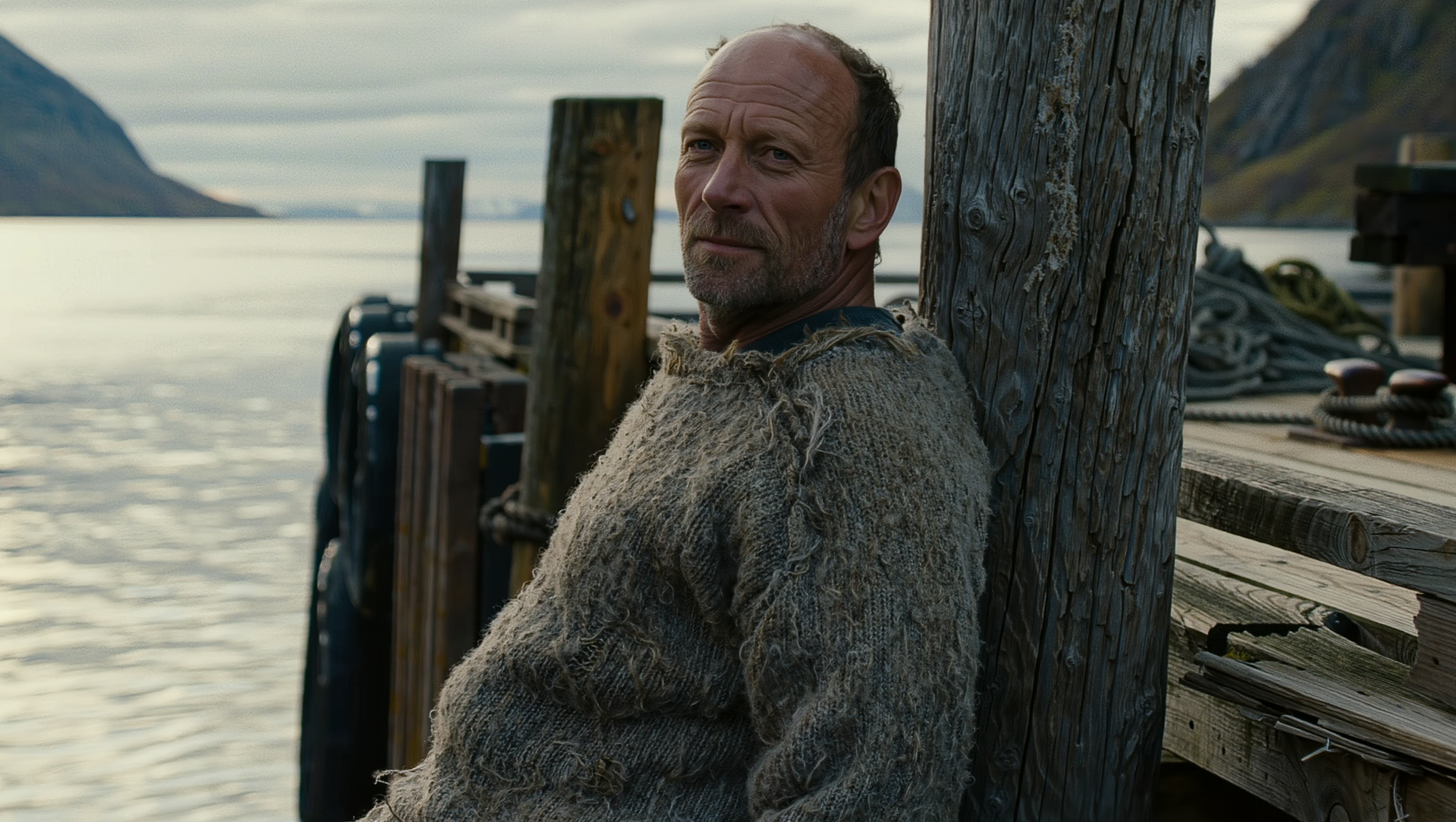
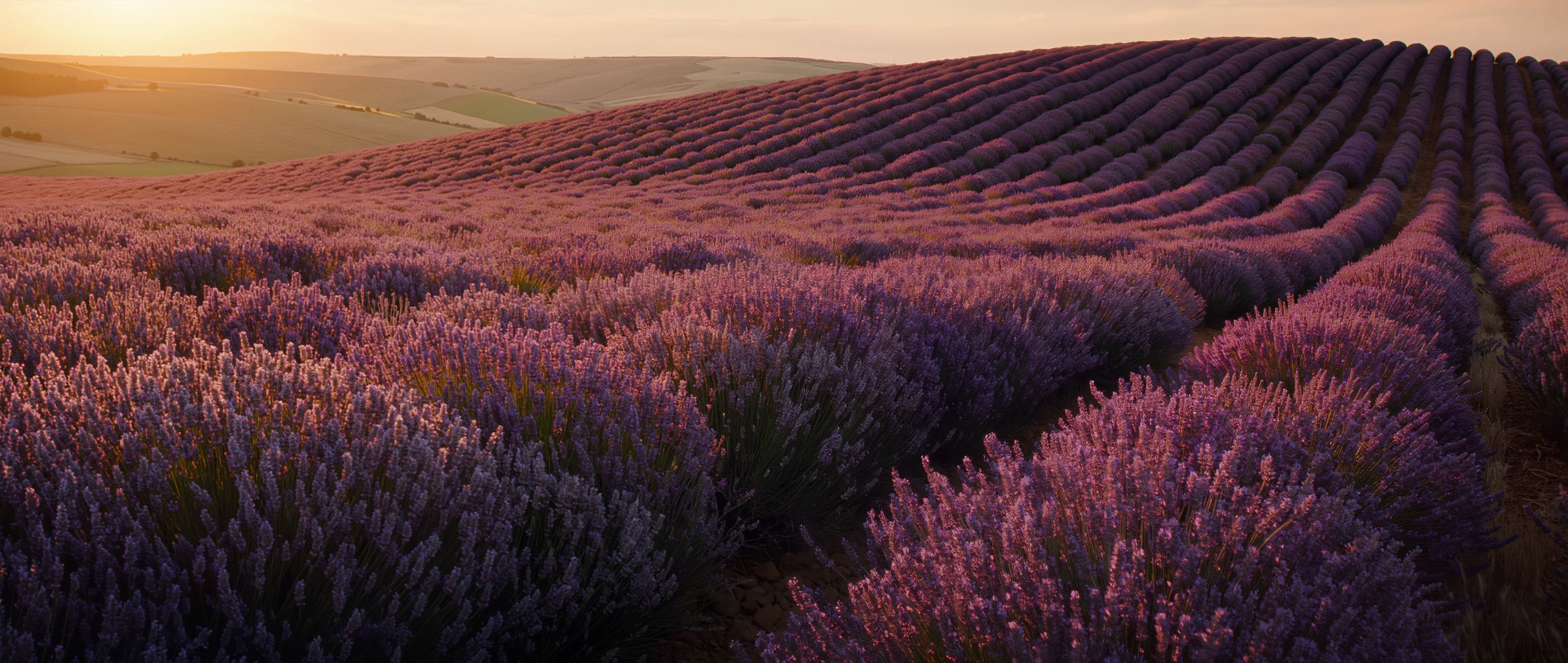
Kling Image v3 hero — cinematic scene

Overview

Kling Image v3 is the image-generation sibling of Kling Video — same family from Kuaishou, same prompting language carries between them. It produces strong photoreal output, handles stylized work cleanly, and renders text reasonably well at 2K.

Two resolution tiers (1K and 2K), eight aspect ratio presets covering square through ultra-wide, and a batch mode that returns 1-9 outputs in a single call. Flat 1 credit per image, regardless of resolution or aspect.

8

Aspect ratio presets

1K · 2K

Resolution tiers

1–9

Outputs per prompt

Key Features

High-Quality Output
Photoreal and stylized

High-Quality Output

Kling Image v3 produces strong photoreal output by default and switches cleanly to illustrated / stylized when you name the medium. It's a versatile general-purpose model — particularly strong on character work and atmospheric scenes.
1K and 2K Resolution
Pick by use case

1K and 2K Resolution

1K (default) for social and web — fast turnaround, smaller files. 2K for hero shots and print-fidelity output where fine detail matters. Same 1 credit either way.

Eight Aspect Ratios
16:9 · 9:16 · 1:1 · 4:3 · 3:4 · 3:2 · 2:3 · 21:9

Eight Aspect Ratios

Every common output frame covered: square social, landscape cinematic, vertical reels, traditional photography ratios, and 21:9 ultra-wide for cinematic landscapes. Pick the aspect to match your downstream use — no upscaling tax.

Batch Generation
1–9 outputs per prompt

Batch Generation

Generate up to 9 variations of the same prompt in a single call — great for moodboarding, A/B testing compositions, or just casting a wider net on a tricky prompt. Each output is its own 1 credit charge.

Example Images

Each example shows the exact prompt that produced the result. Copy any prompt with one click.

Editorial Portrait, Photoreal

Editorial Portrait, Photoreal

2K · 4:3 · 1 credit

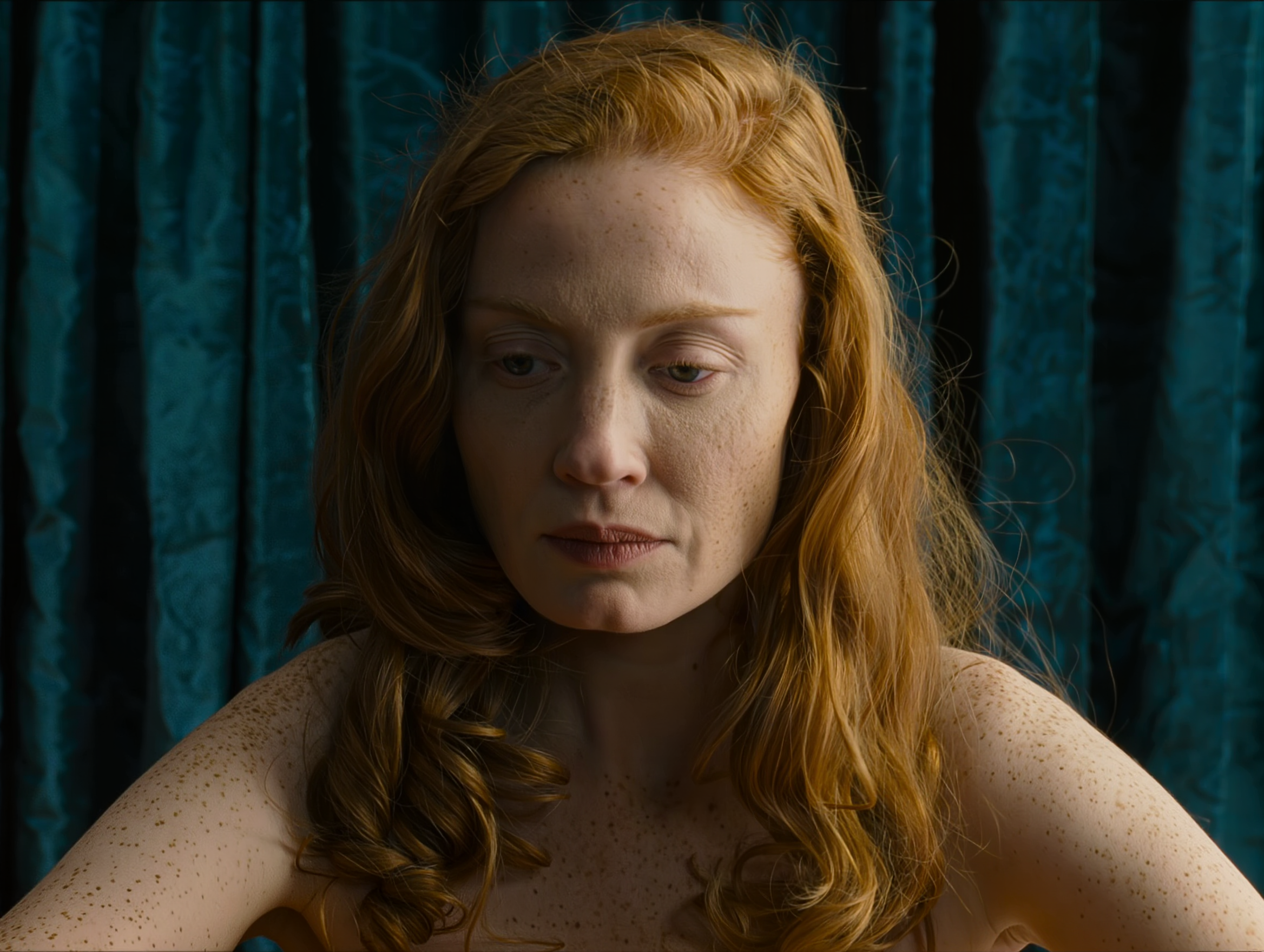
Editorial portrait of a young woman with copper-red hair against a deep teal velvet backdrop, soft Rembrandt lighting from camera-left, freckles visible, melancholic gaze, shot on medium format film, hyper-detailed skin texture, 8k photography

Standard editorial-portrait recipe. Kling Image v3 handles skin texture and fabric weave especially well at 2K. Lead with subject + lighting setup + format anchor for consistently strong portrait output.

Square Product Spot

Square Product Spot

2K · 1:1 · 1 credit

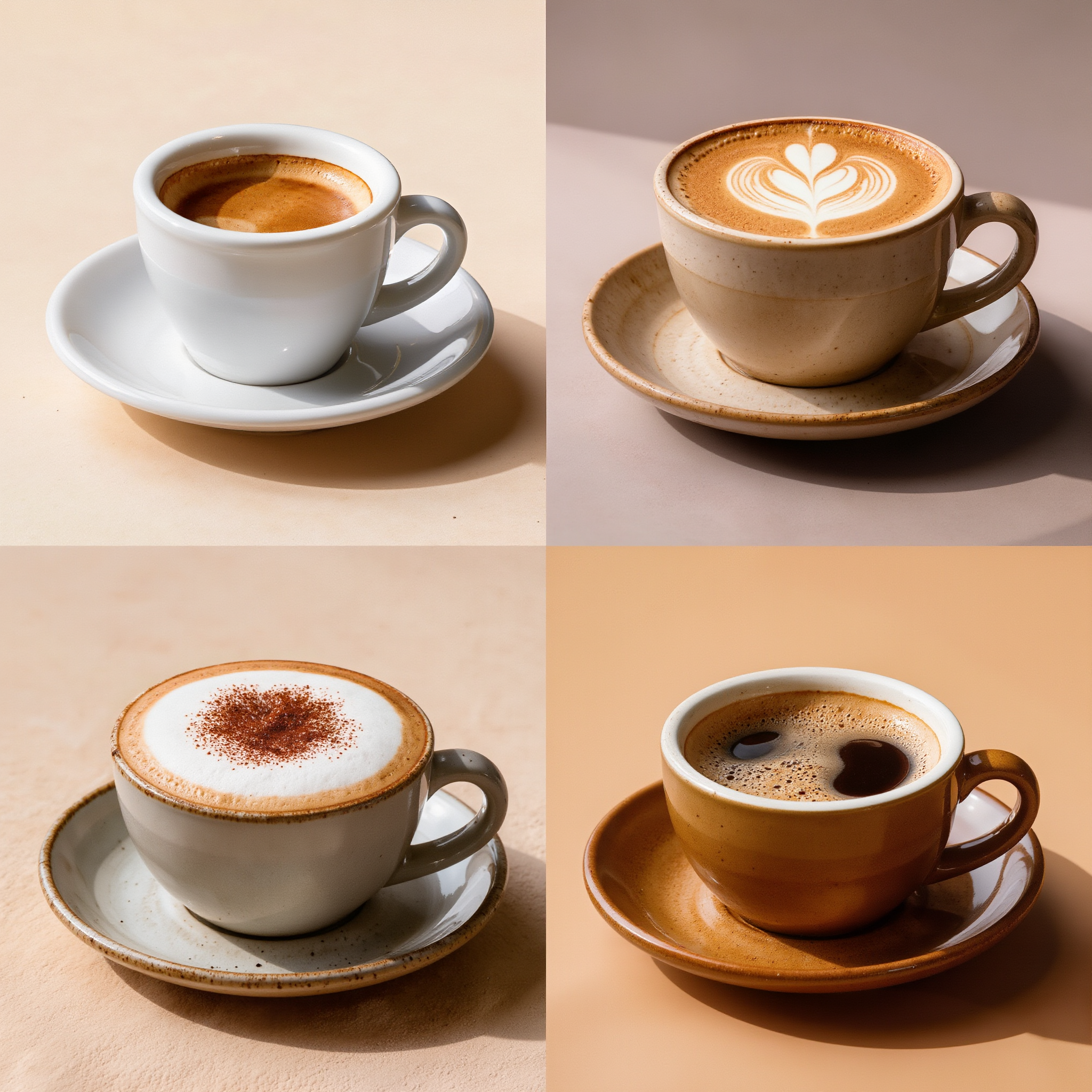
Studio product shot of a matte-black ceramic coffee mug on a polished walnut surface, steam curling upward, soft top-down rim lighting against a charcoal gradient backdrop, photoreal, advertising quality, no text on the product

Square 1:1 at 2K is product social sweet spot. Specify surface, lighting setup, and add "no text" to suppress unwanted typography. The material textures (matte ceramic, polished walnut) read crisp at 2K.

Cinematic Landscape

Cinematic Landscape

2K · 21:9 · 1 credit

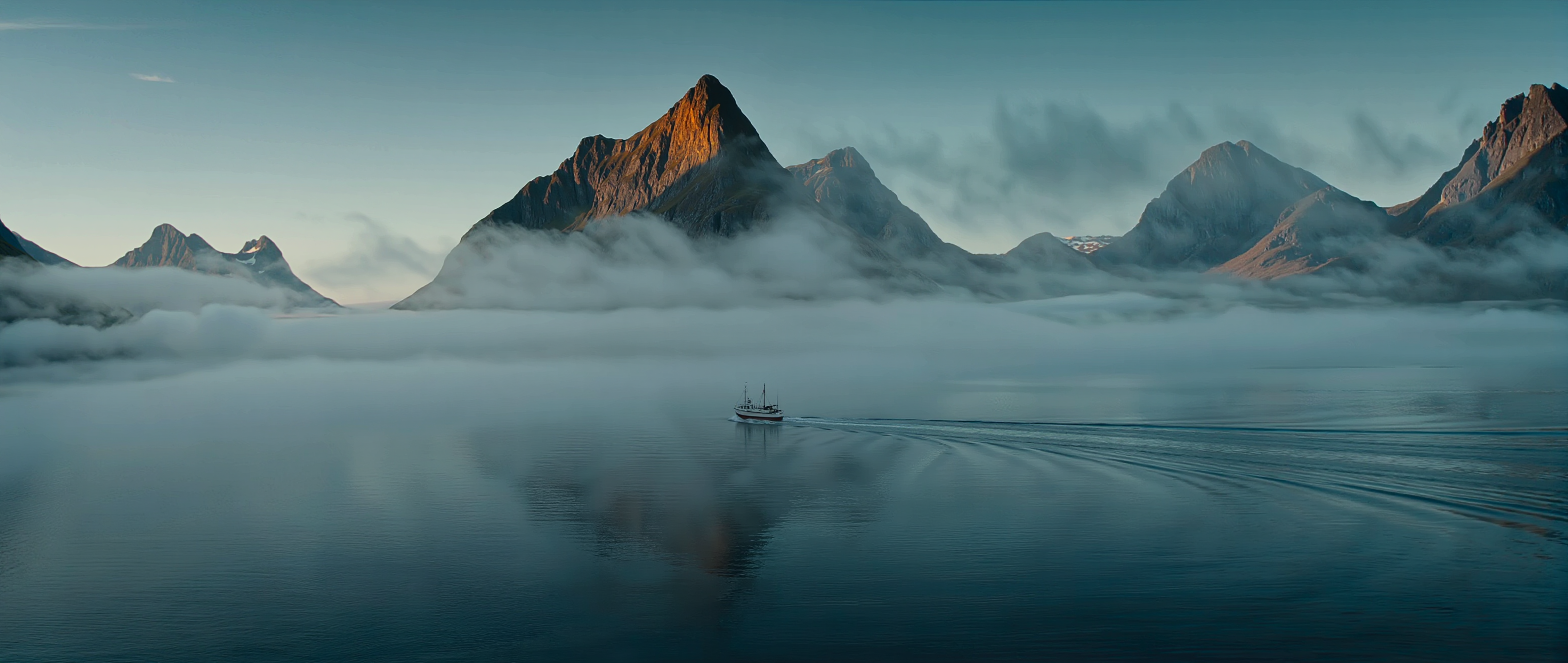
Wide cinematic landscape of a misty fjord at dawn, mountain peaks emerging through low fog, a single distant boat leaving a thin wake on glassy water, cool blue-green palette with warm amber glow on one peak, hyper-detailed 8k

21:9 ultra-wide rewards atmospheric landscapes. Pair the wide aspect with a single "warm spot" to break the cool palette — that contrast is what reads cinematic. 2K preserves fog and water-surface detail that compress at 1K.

Character at Distance

Character at Distance

2K · 16:9 · 1 credit

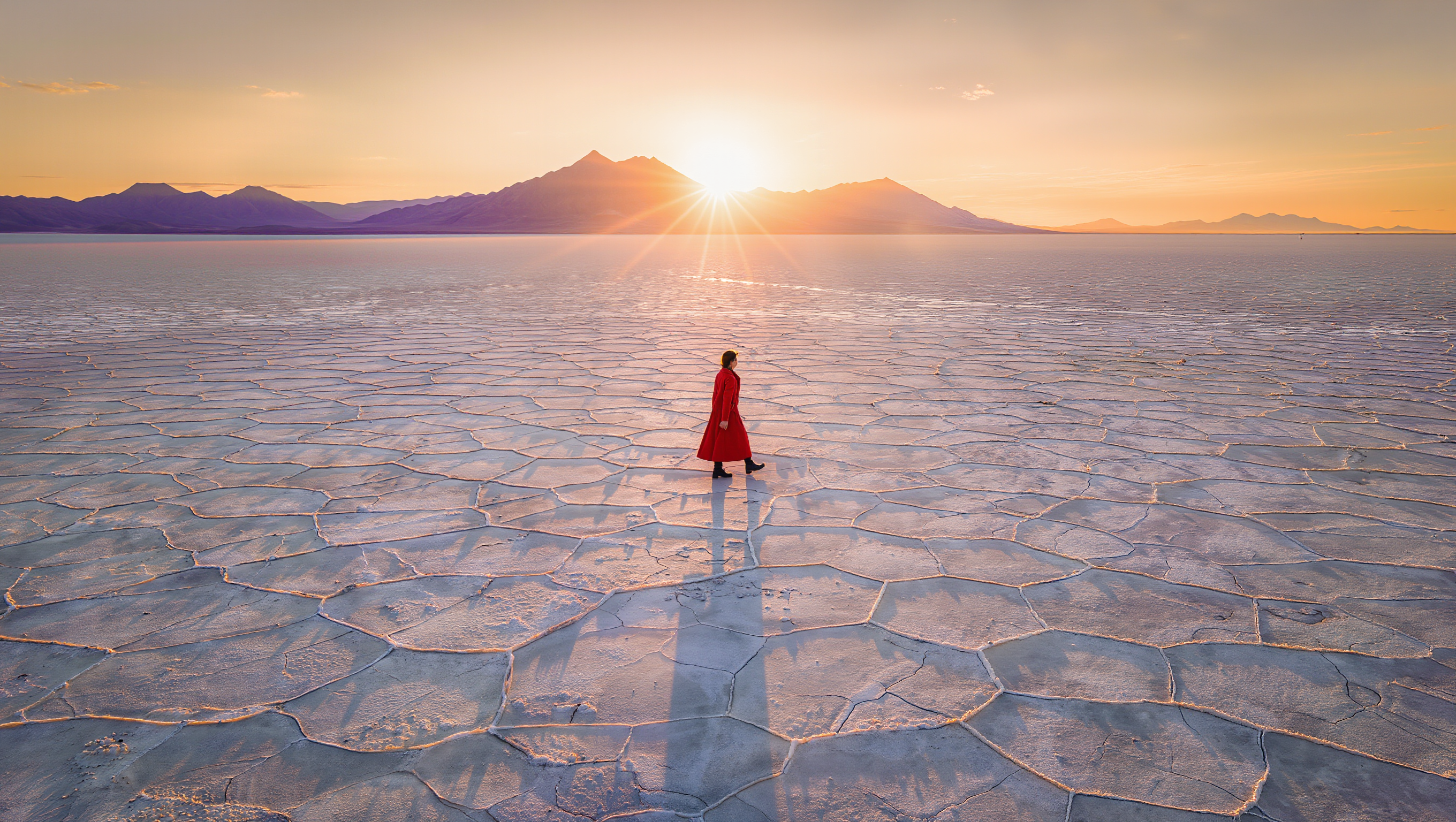
Long-shot of a lone figure in a red trench coat walking across a vast cracked salt flat at sunrise, silhouette razor-thin, casting a long shadow across the white earth, distant violet mountains, warm amber backlight, photoreal 8k

Kling Image v3 handles characters-at-distance well. Pair "long shot" or "wide establishing shot" with environmental scale ("vast salt flat", "endless desert") to push the character into the landscape rather than fighting it for frame.

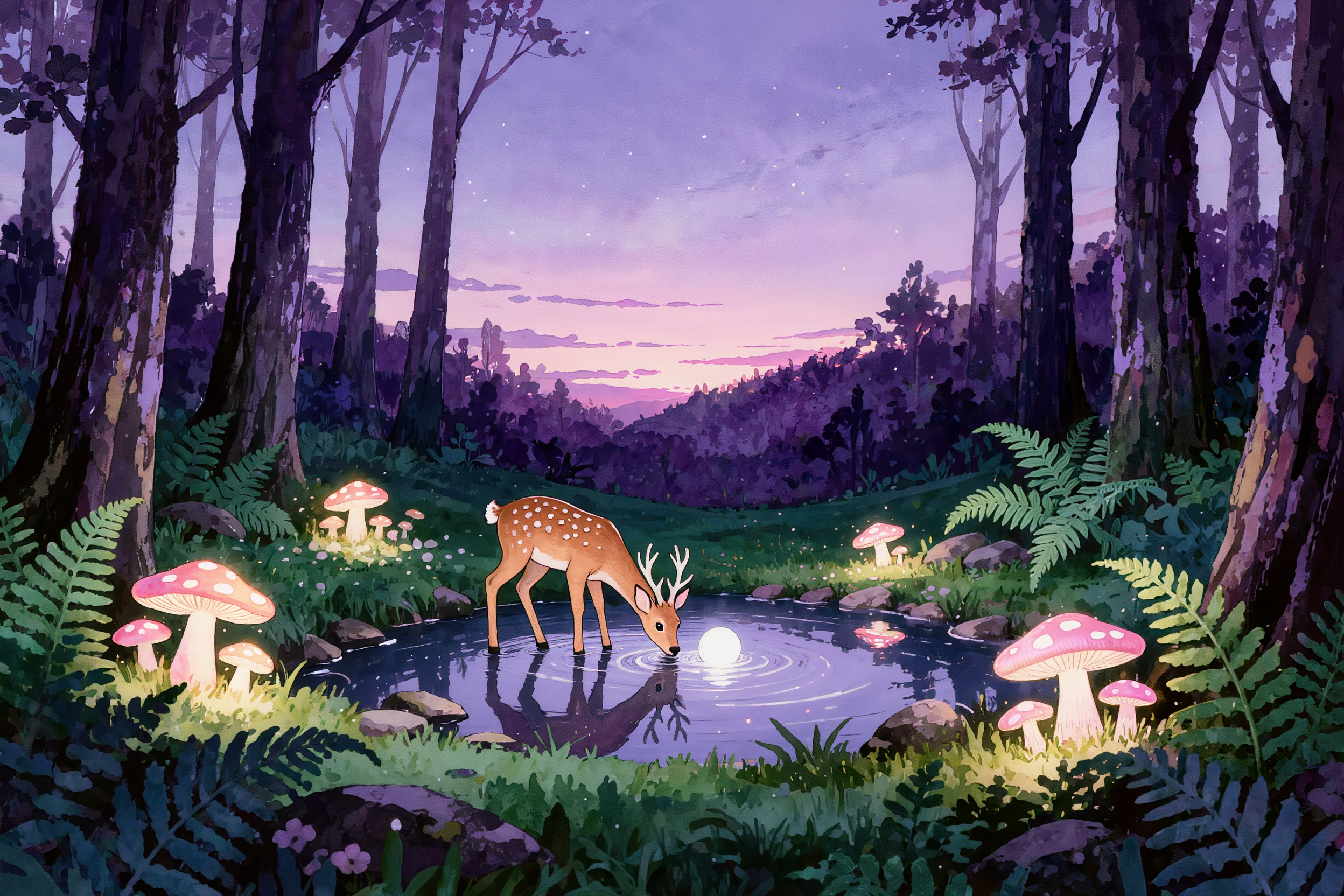
Stylized Illustration

Stylized Illustration

2K · 3:2 · 1 credit

Watercolor illustration of an enchanted forest clearing at twilight, glowing mushrooms scattered through ferns, a small deer drinking from a moonlit pond, soft pastel palette with deep purple shadows, hand-painted texture, storybook quality

For stylized work, name the medium explicitly ('watercolor', 'gouache', 'oil paint') and the tradition ('storybook', 'editorial illustration'). Kling Image v3 commits to non-photo styles cleanly when the prompt also commits to a non-photo look.

Prompting Tips

Default to 1K for iteration

1K is faster, same credit cost, and quality is plenty for prompt iteration. Switch to 2K only for the final render where atmospheric detail or material texture really matters.

Use batch generation early

When prompts are vague or you're moodboarding, set outputs=4-9 in a single call. Cheaper feedback per variation than re-submitting one at a time, and you'll often see something unexpectedly good in the batch.

Pick the aspect by use case

1:1 for product social, 16:9 for landscape cinematic, 9:16 for vertical reels, 2:3 / 3:4 for portraits, 21:9 for ultra-wide. Generating at the right aspect saves crop loss and looks intentional.

Match style language to medium

For photoreal, use camera language (lens, lighting, film stock). For stylized, name the medium (watercolor, gouache, oil paint) and the tradition (editorial illustration, storybook). Mismatched language confuses the model.

Negative prompts are useful

Kling Image v3 responds well to a short negative prompt — 'blurry, low quality, distorted hands' is a sane default. Over-stuffed negatives can backfire by stripping detail you'd want.

Quote literal text

For in-image text, wrap the exact string in double quotes. Kling renders short text reasonably well at 2K; longer paragraphs are better on FLUX Kontext or Recraft Pro.

Settings Reference

SettingValuesNotes
Resolution1K (default) · 2KSame 1 credit either way. 2K for hero shots and atmospheric detail.
Aspect ratio16:9 · 9:16 · 1:1 · 4:3 · 3:4 · 3:2 · 2:3 · 21:9Eight presets cover every common output frame.
Outputs1–9Each output is its own 1 credit charge. Use 4-9 for moodboarding.
Output formatPNG (default) · JPG · WEBPPNG for transparency-aware flows.
Negative promptstring (optional)Keep short — Kling responds well to focused negatives.
Image-to-imageEdit endpoint at /api/kling-image-editSeparate tool — pass image_url for image edits and restyling.

FAQ

Kling Image is the all-rounder — strong photoreal, clean stylized work, batch generation up to 9. FLUX is sharper on hands and prompt adherence. Seedream has better aesthetic defaults from sparse prompts. Pick Kling Image when you want a single model that handles both photo and illustration styles cleanly.