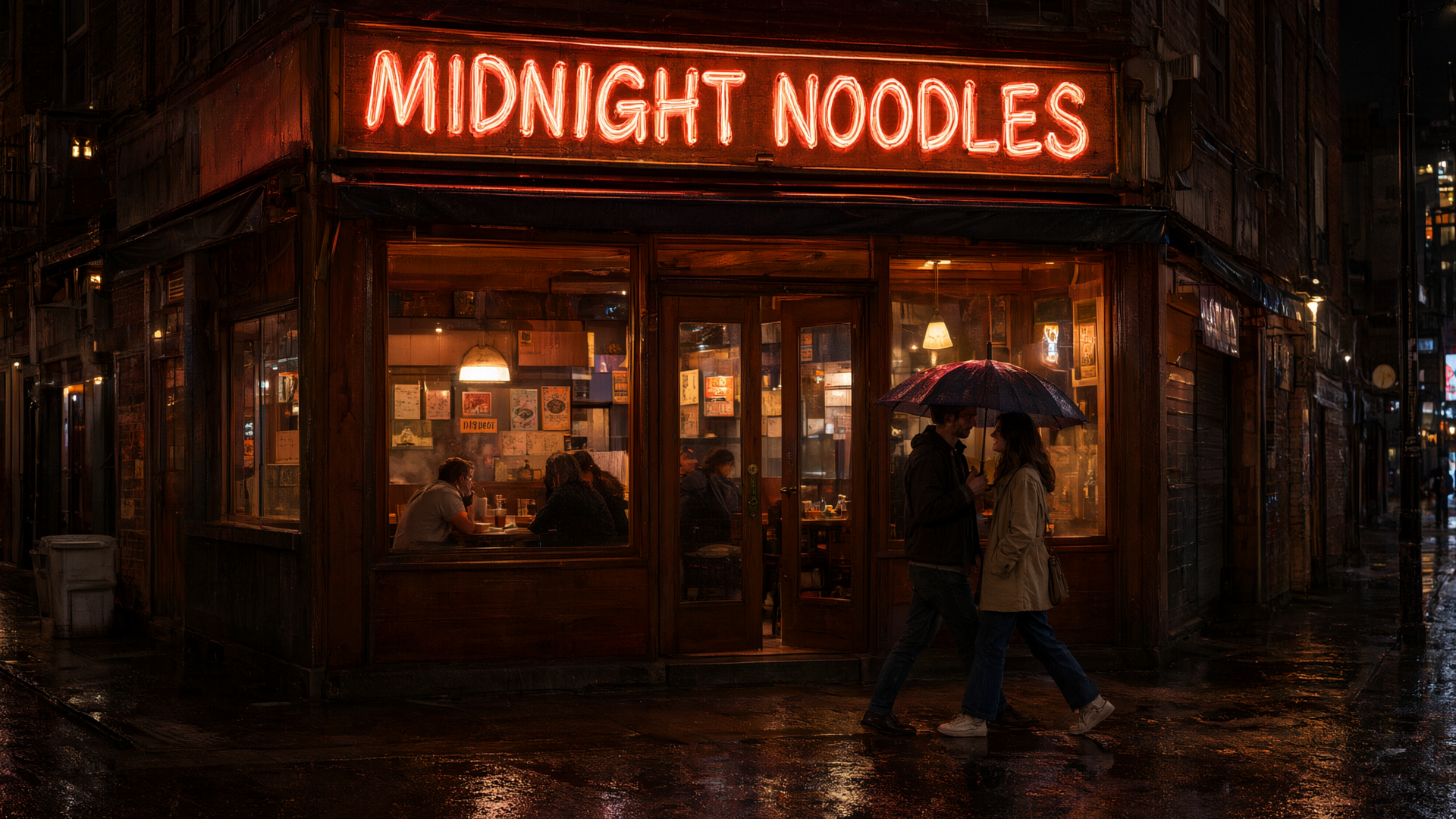
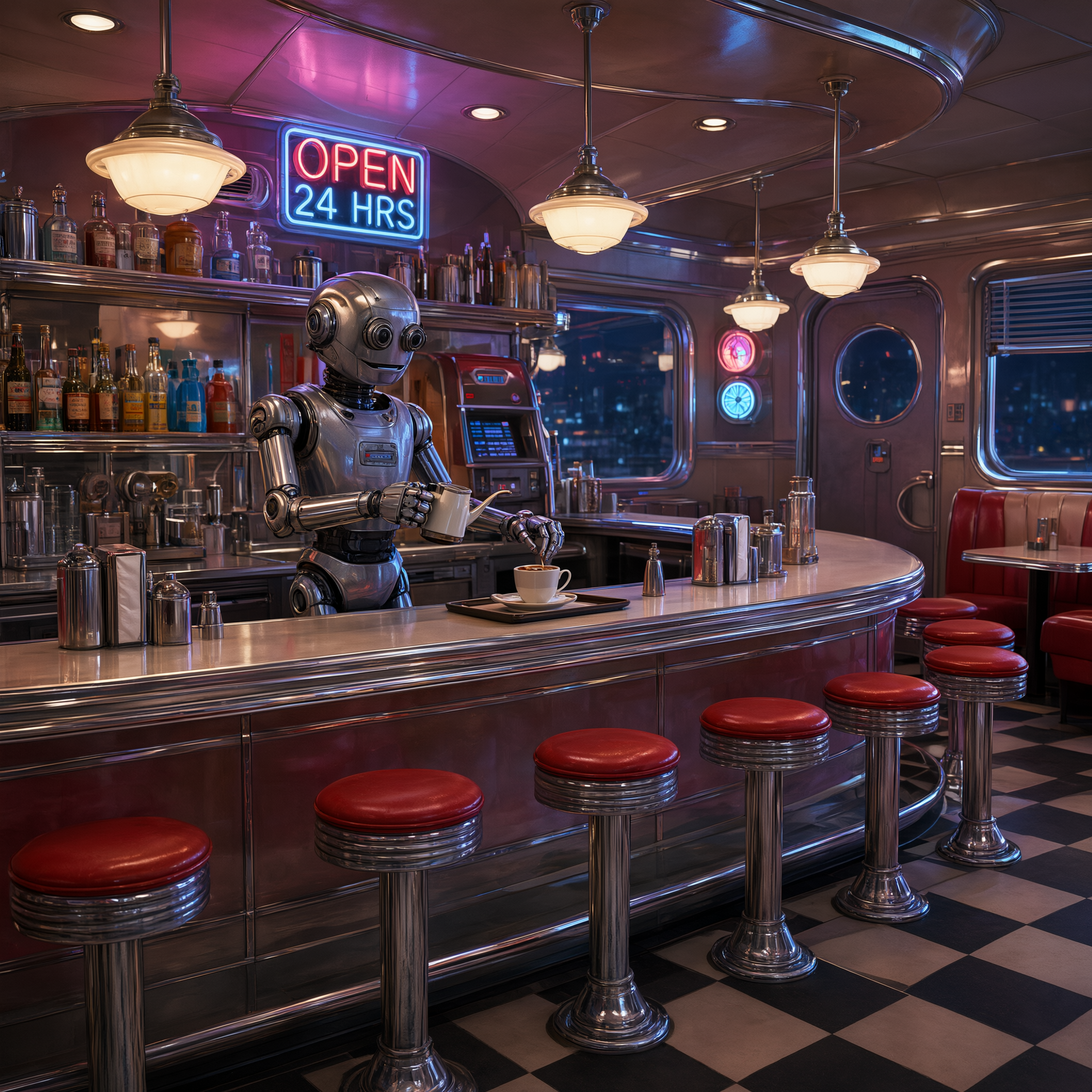
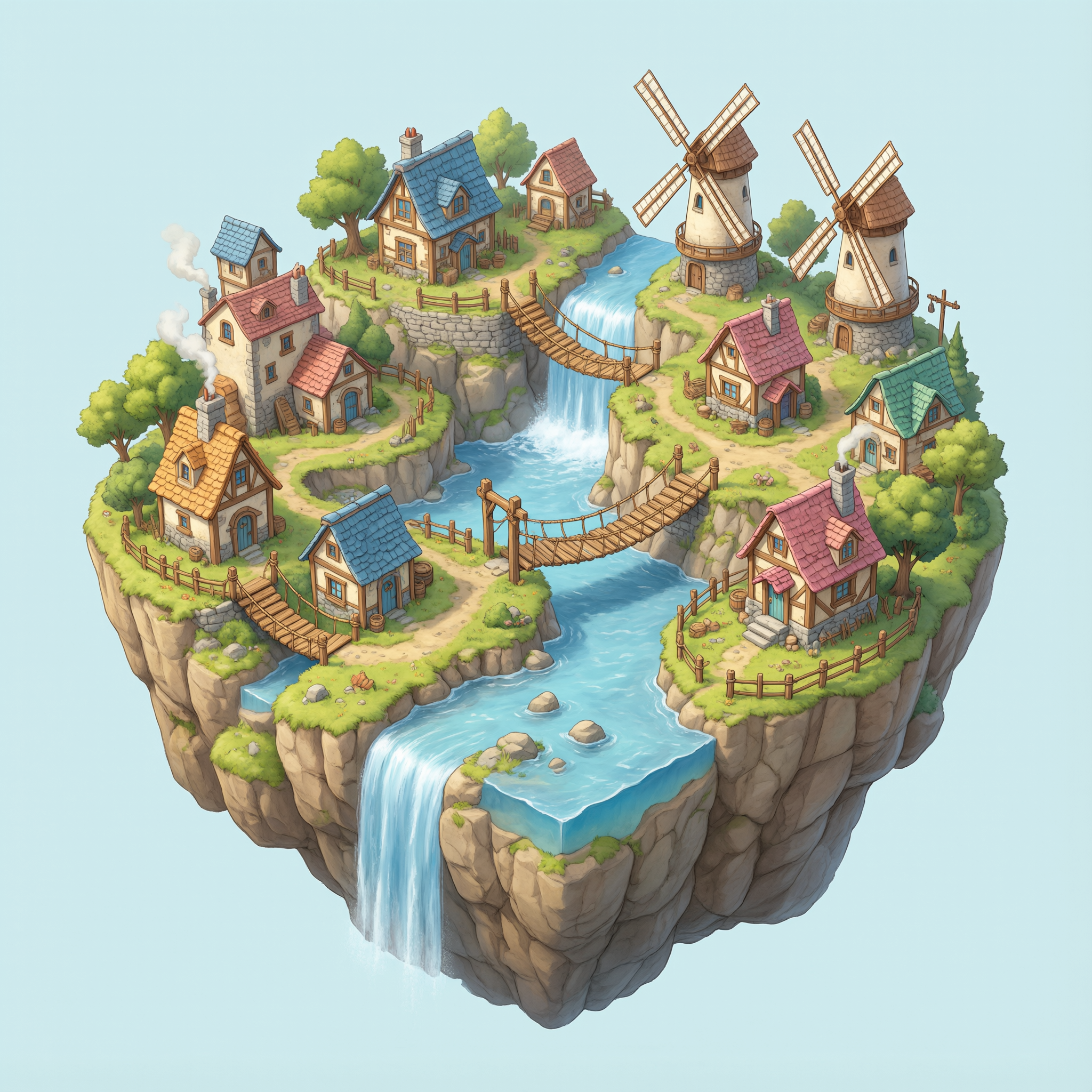
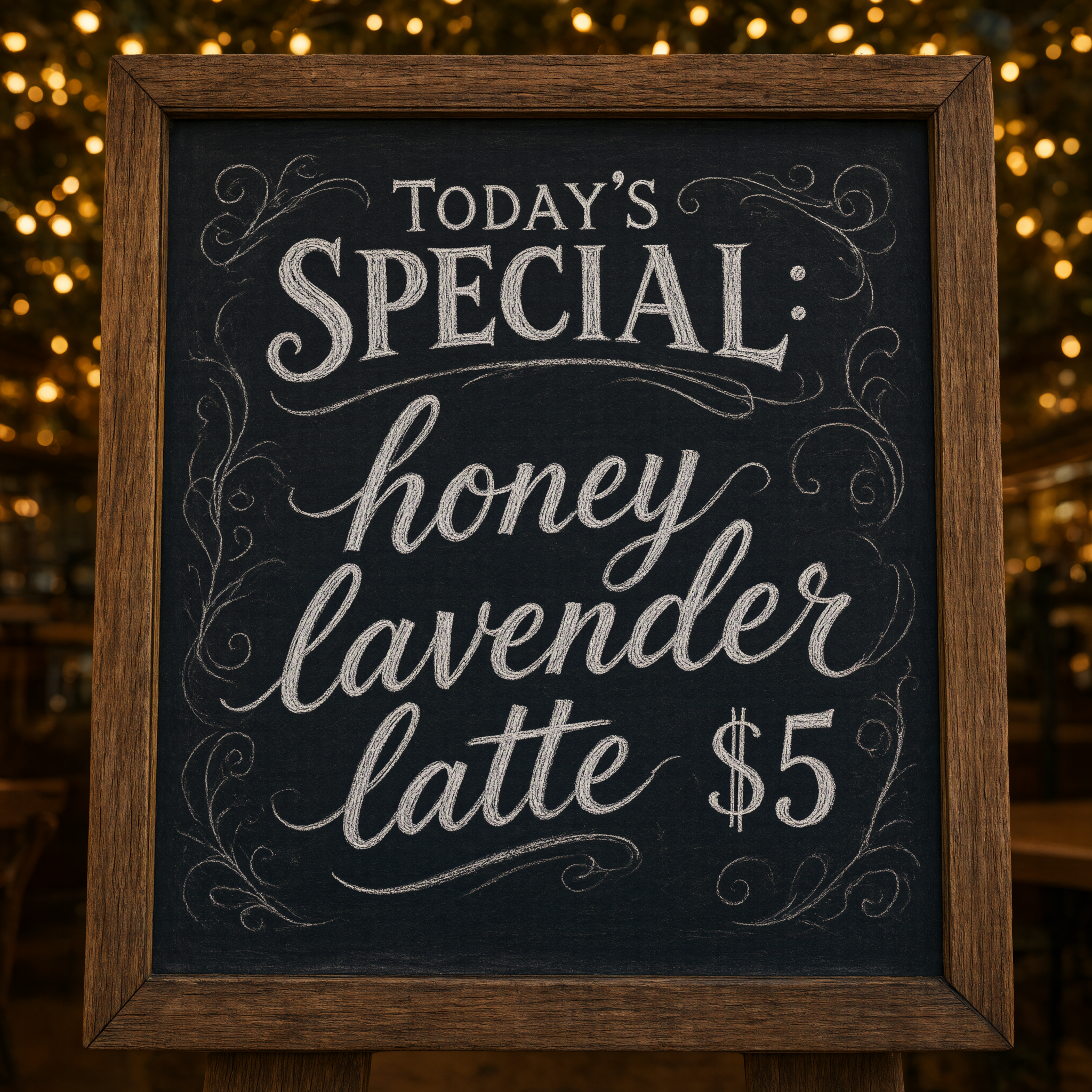
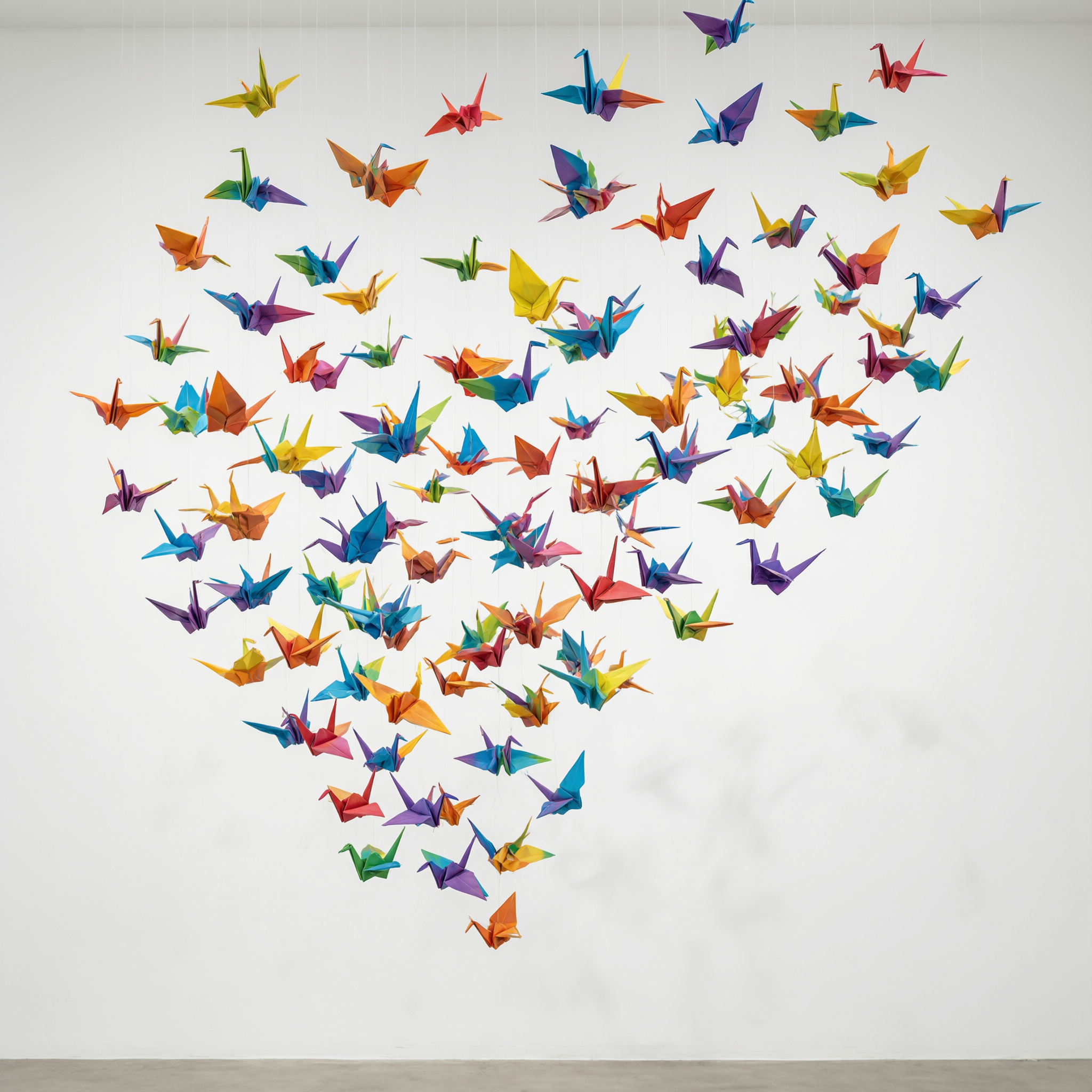
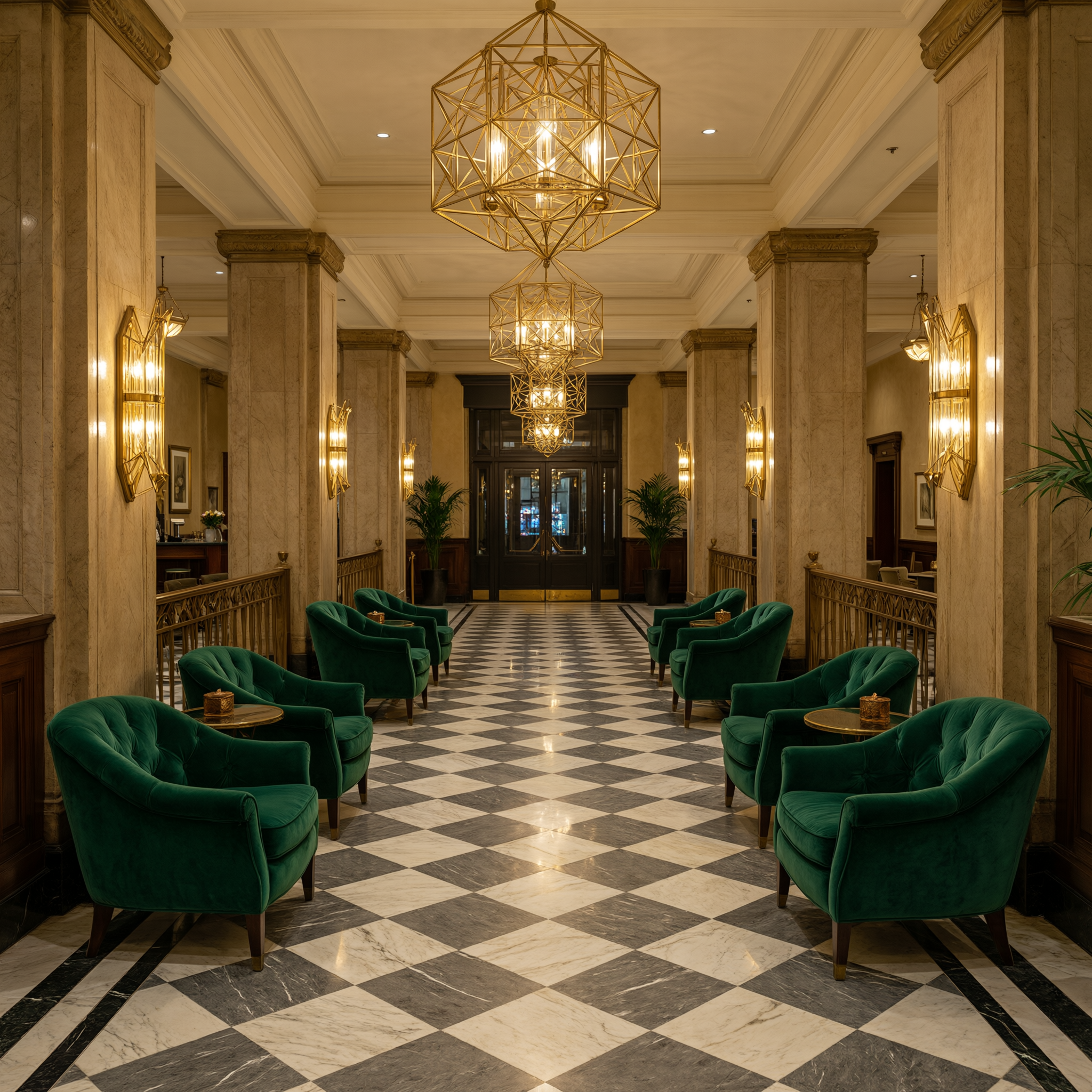
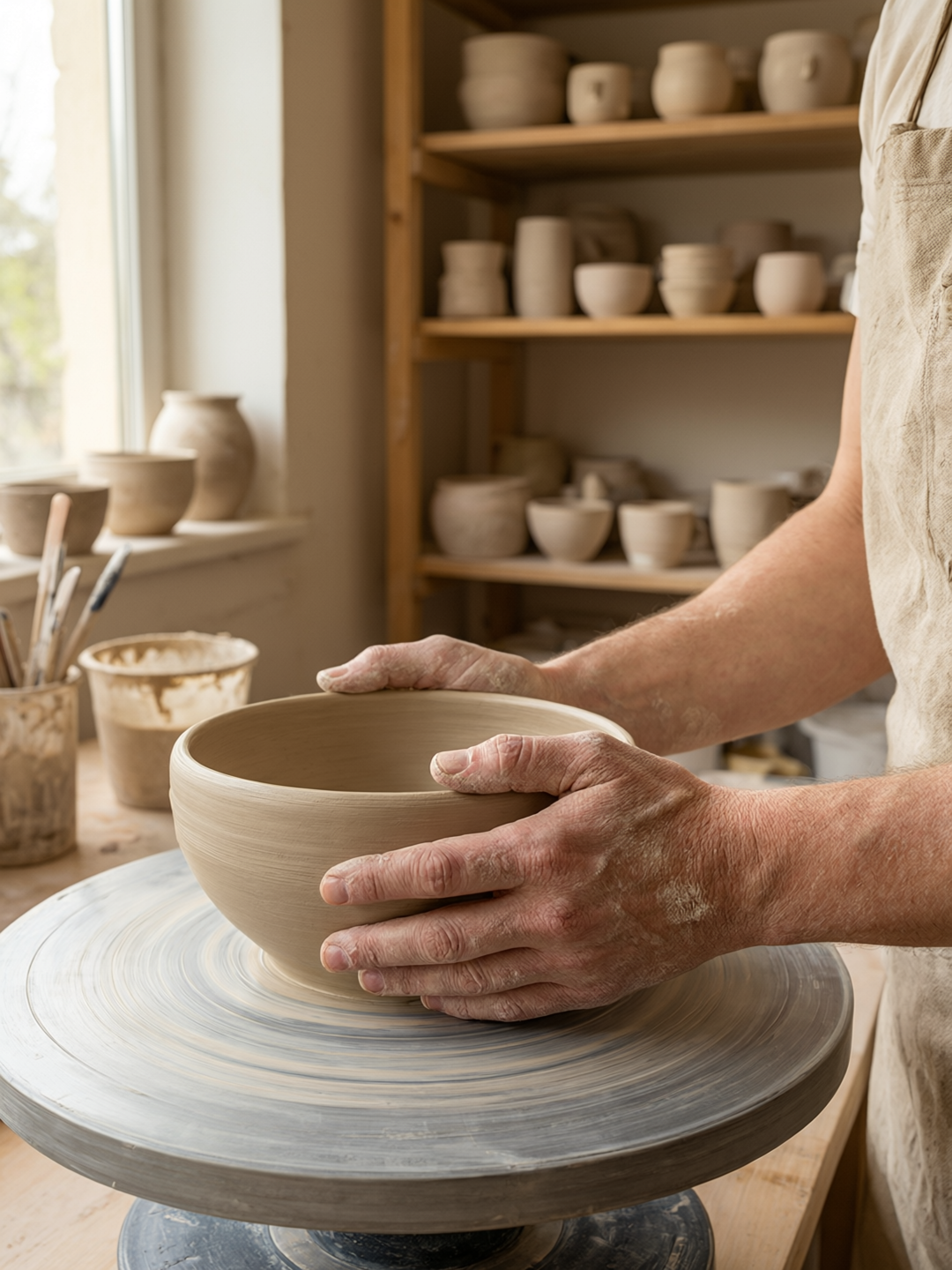
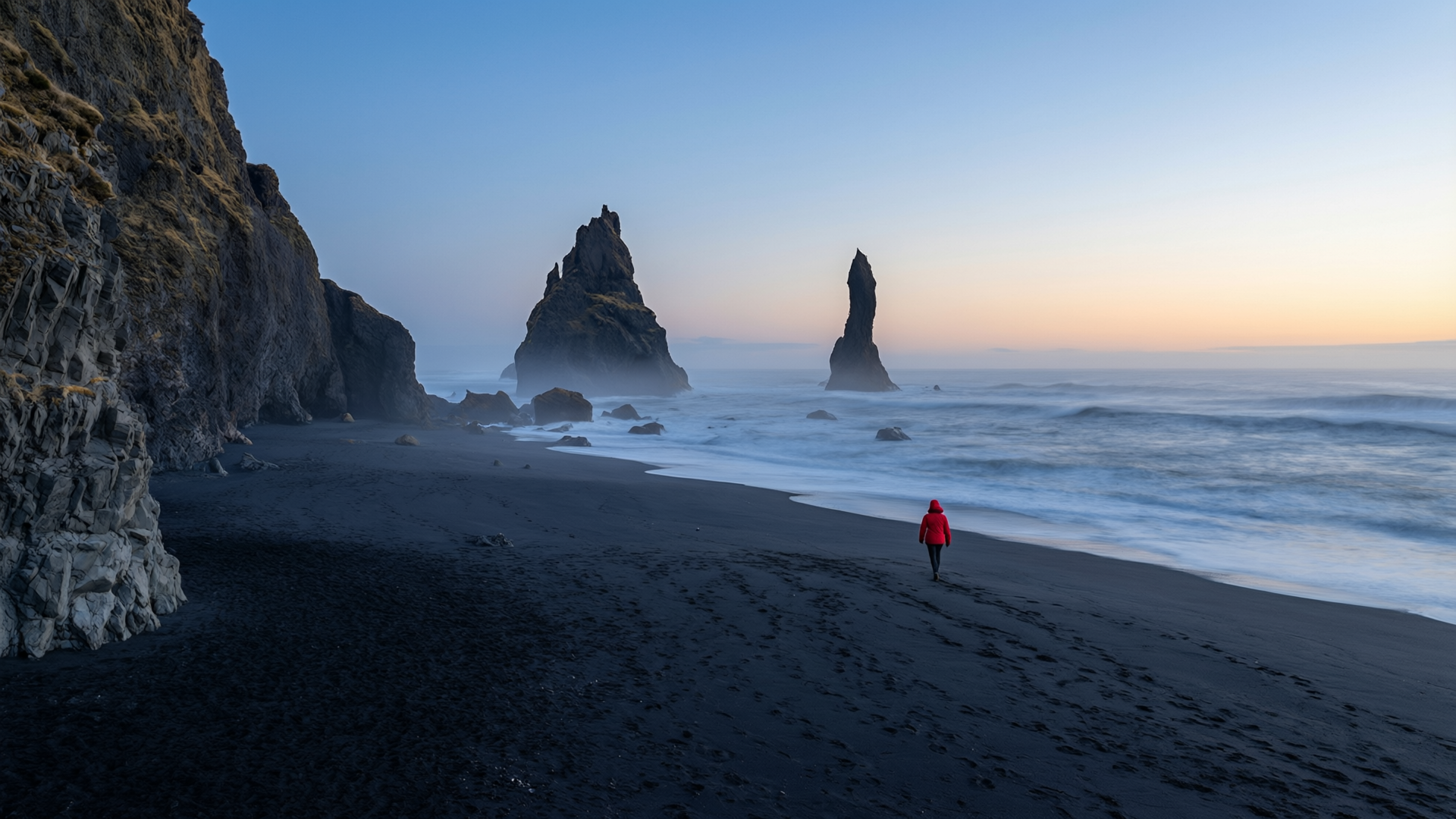
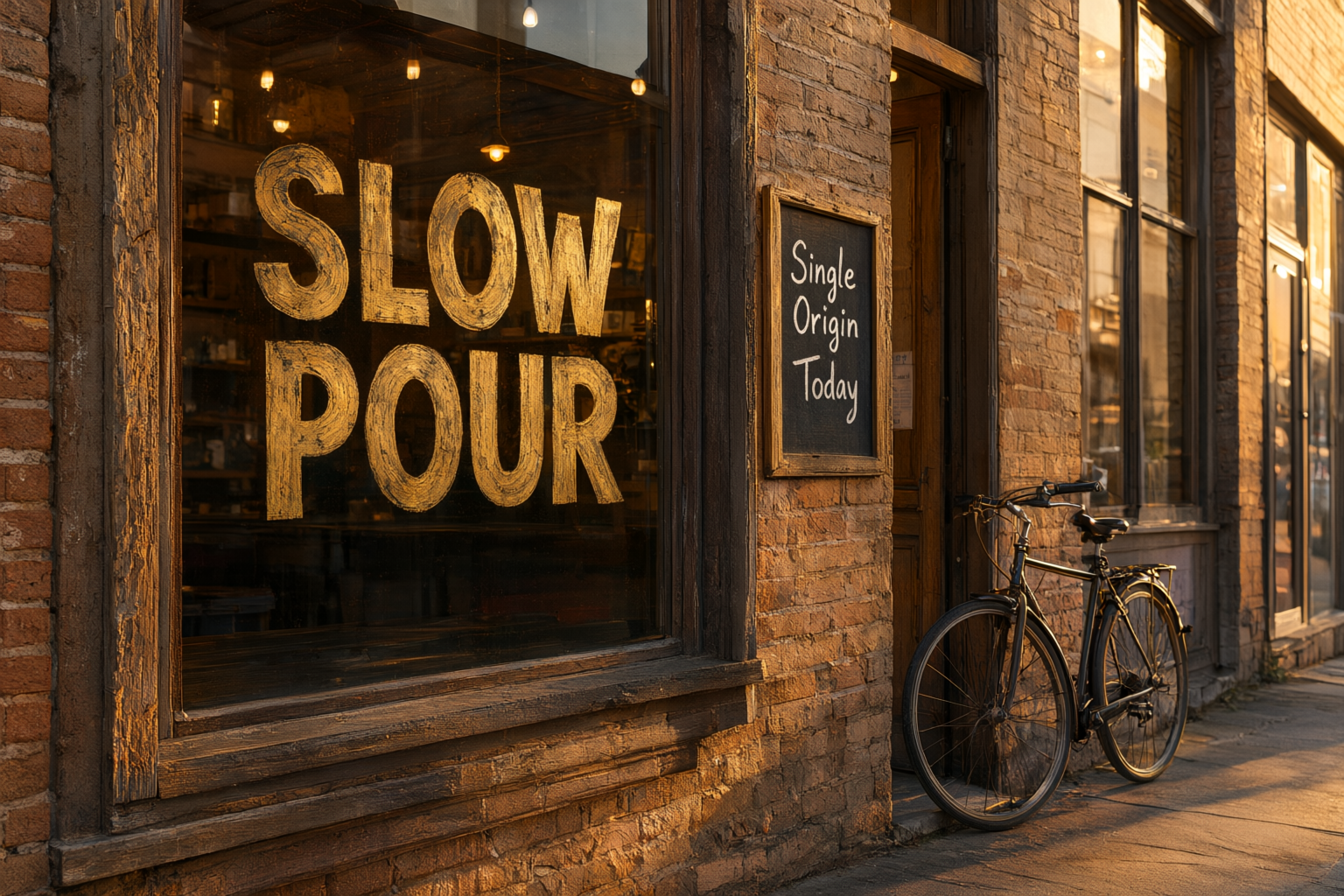
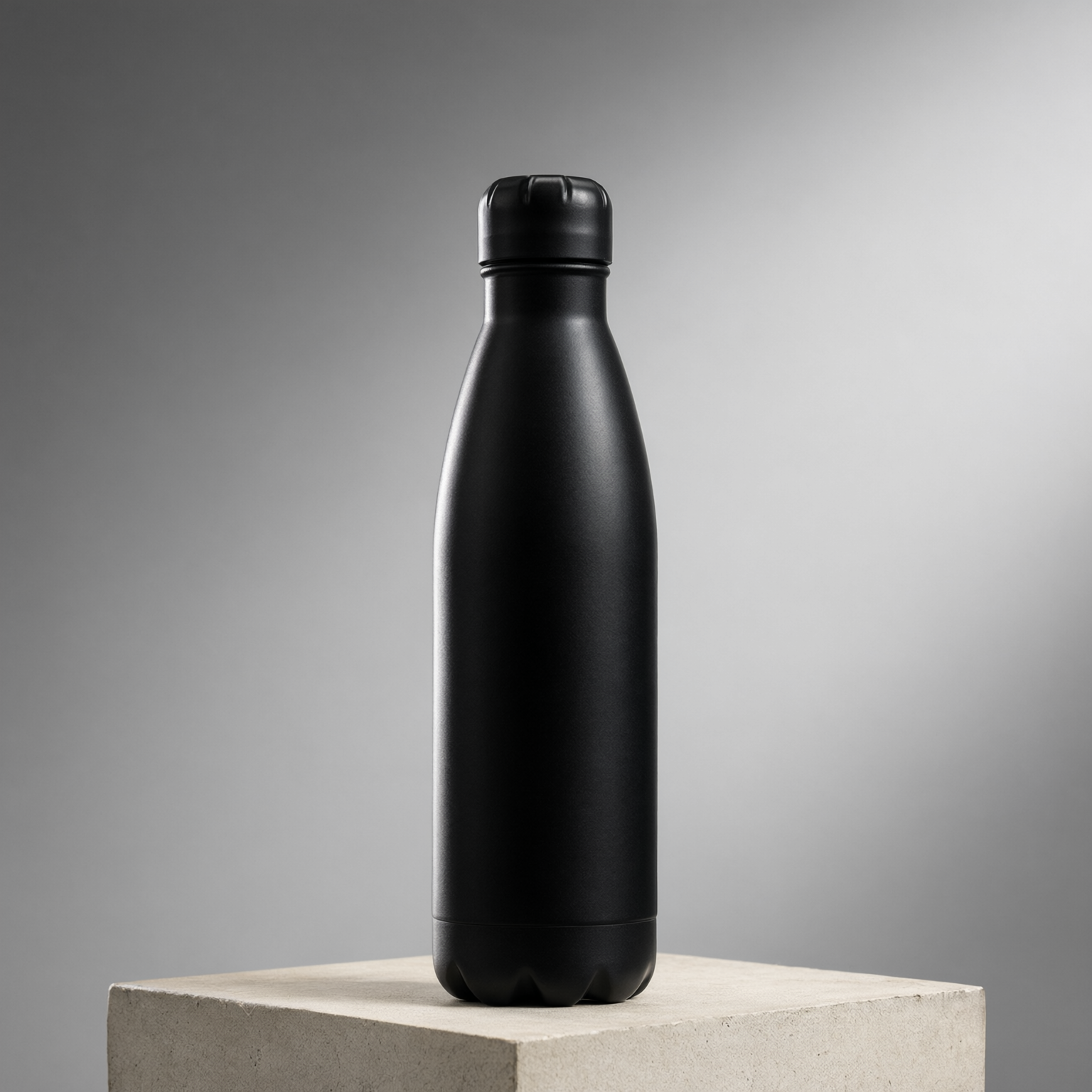
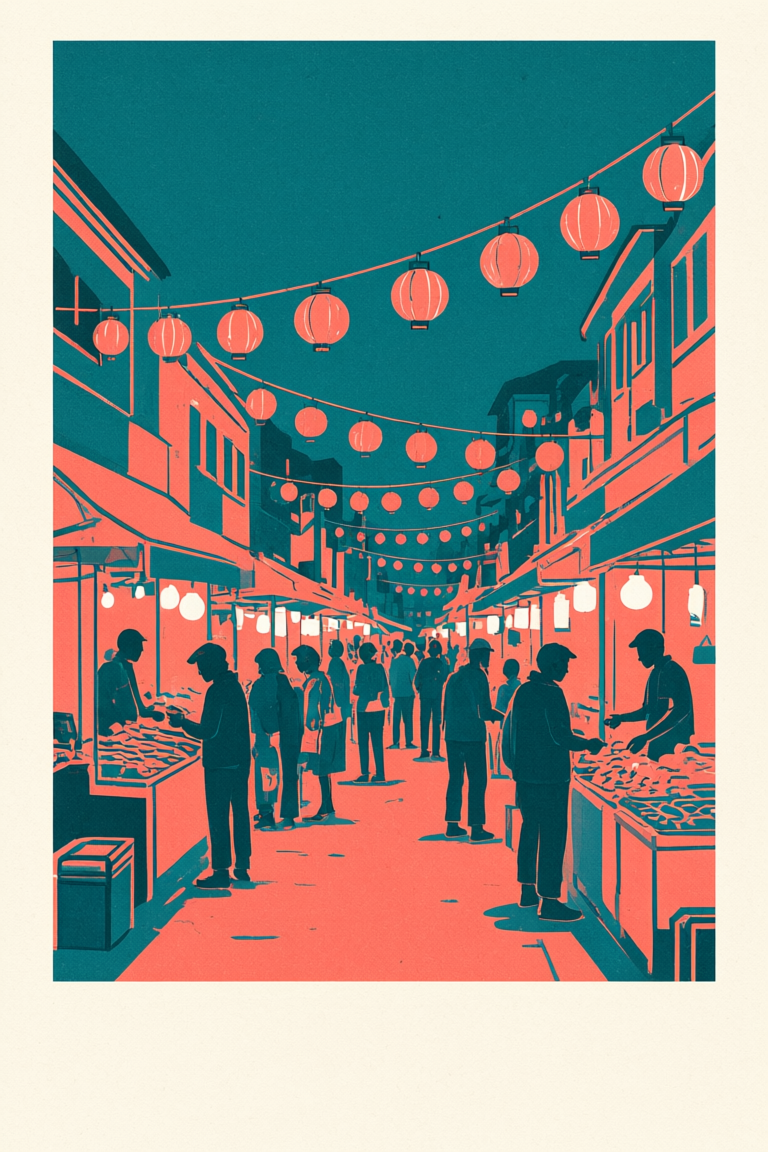
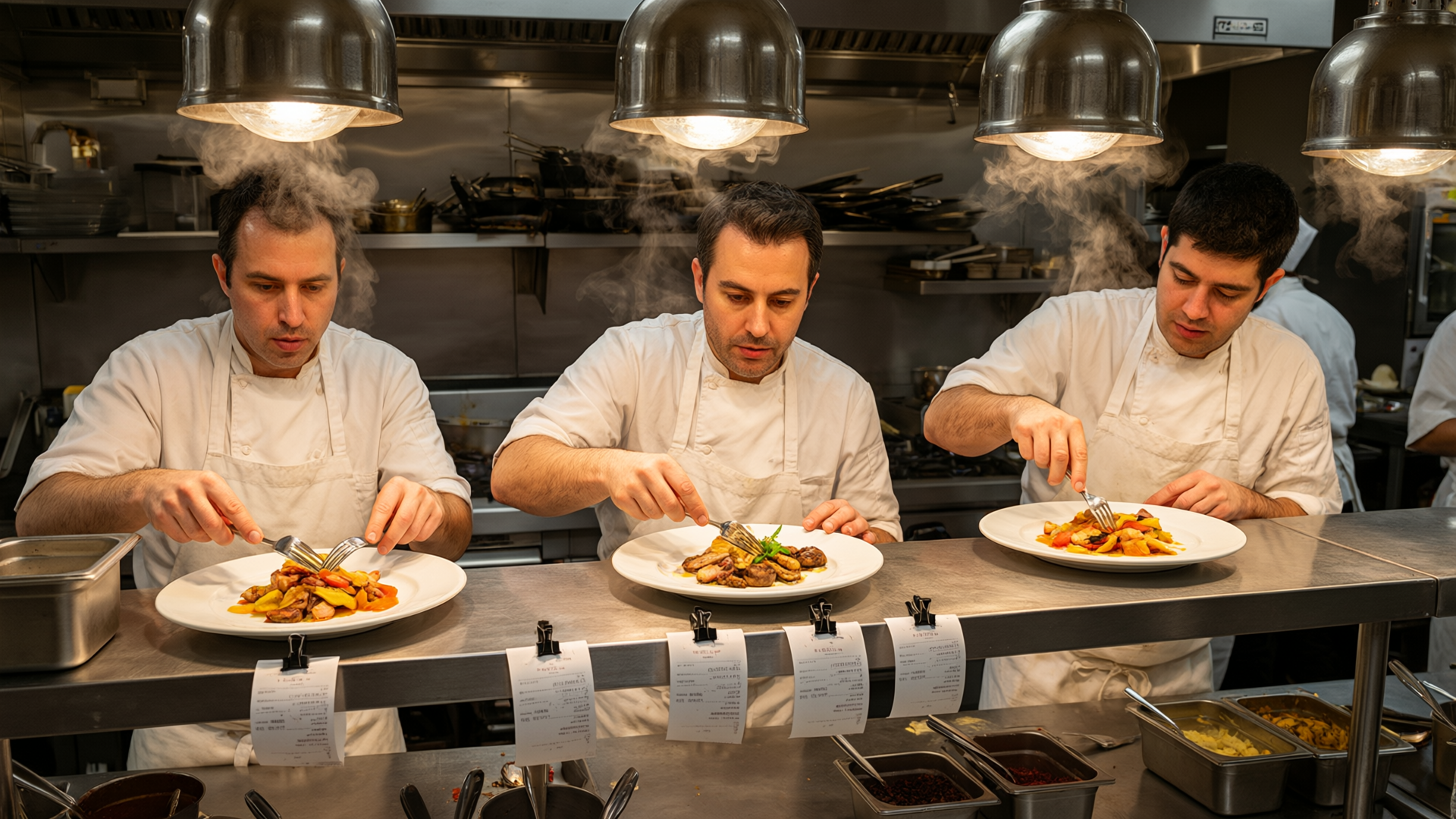
Attach one to three images and the prompt stops being a description and starts being an instruction. Write it as a command, not a caption: "make his shirt red", "remove the hat", "replace the background with a snowy street at night". Describing the finished picture instead of the change is the most common reason an edit comes back looking like a fresh generation.
With more than one image, refer to them by position: "put the character from image 1 into the environment from image 2", or "apply the color palette of image 2 to image 1". Numbering follows attachment order, so rearranging your uploads rewrites your prompt. Accepted formats are JPG, PNG, BMP, TIFF, WEBP, and GIF, up to 10 MB each.
Leave the size on Auto for edits. Auto matches the input image, so the result comes back at the same shape you started with and nothing gets cropped or letterboxed. Picking an explicit size is for when you deliberately want a different crop, for example turning a square product photo into a 16:9 banner.
Keep prompt enhancement off when the edit has to be exact. It is off by default for that reason: enhancement rewrites your instruction with a language model first, which is useful for a three word idea and actively harmful when you have specified precisely which button on the jacket to change. Turn it on for exploration, off for production.