stable diffusion AI Generator
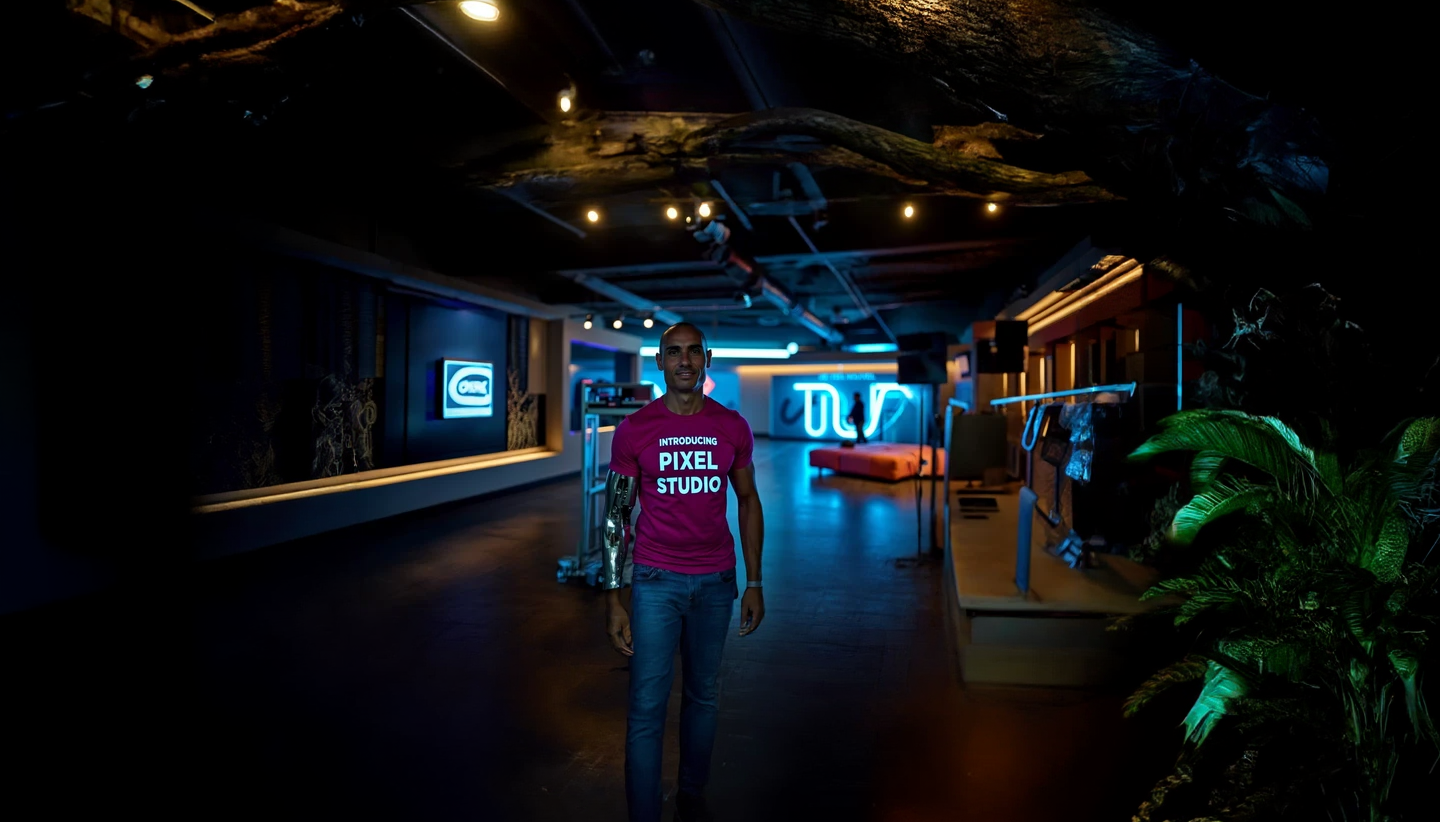
Generated on PixelDojo. Produced by PixelDojo's generation pipeline.
Unlock the power of AI to bring your creative visions to life with PixelDojo's Stable Diffusion tools. Whether you're an artist, designer, or content creator, our platform empowers you to generate high-quality, customized images effortlessly. Say goodbye to complex design software and hello to intuitive, AI-driven image creation.
Real image examples generated on PixelDojo
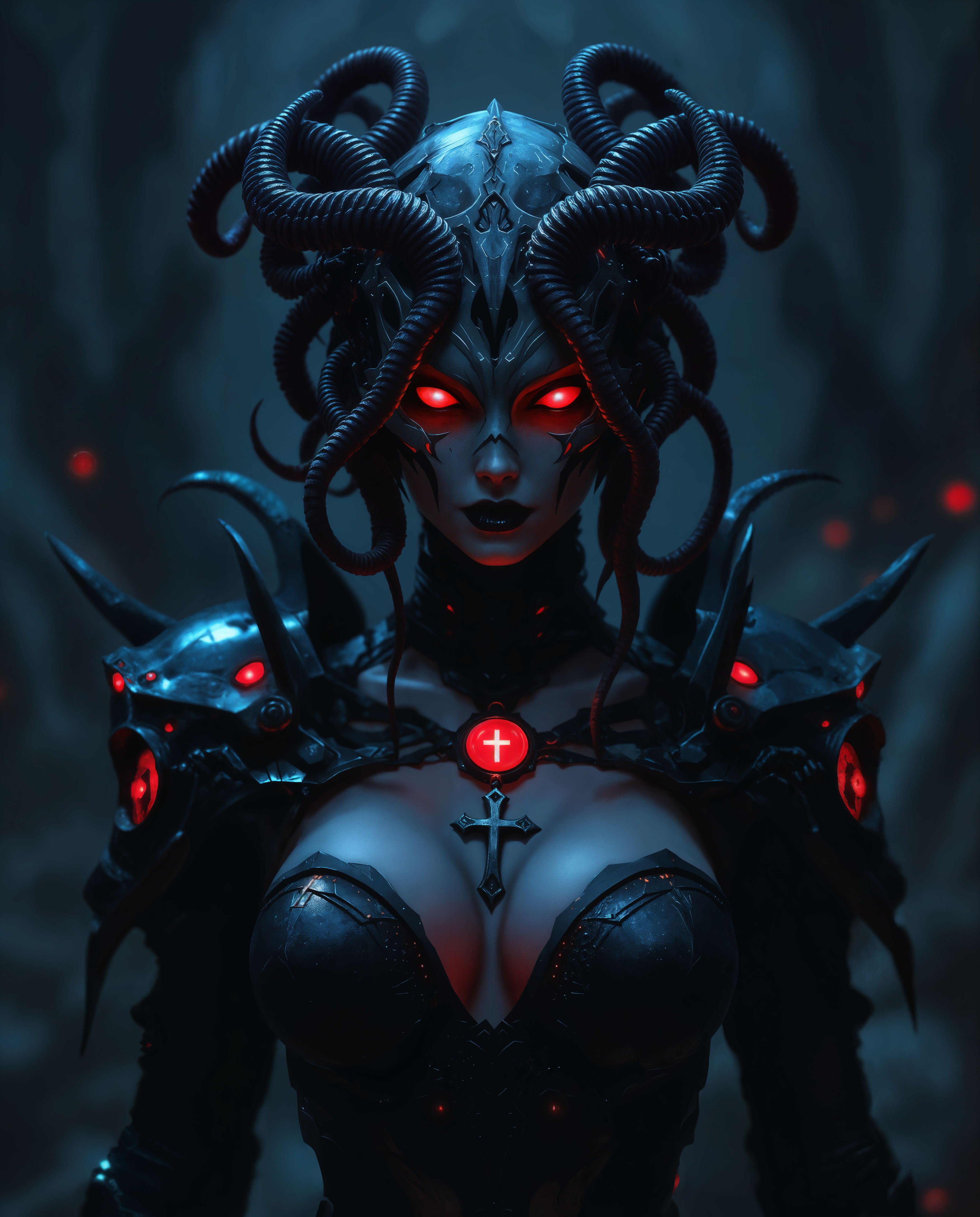
Every example below was produced on PixelDojo. Hover to see the prompt.
stable diffusion on PixelDojo
stable-diffusion
Bubbling liquid and dancing beakers
image-to-video
Bubbling liquid and dancing beakers
image-to-video

A photo of SH72
flux
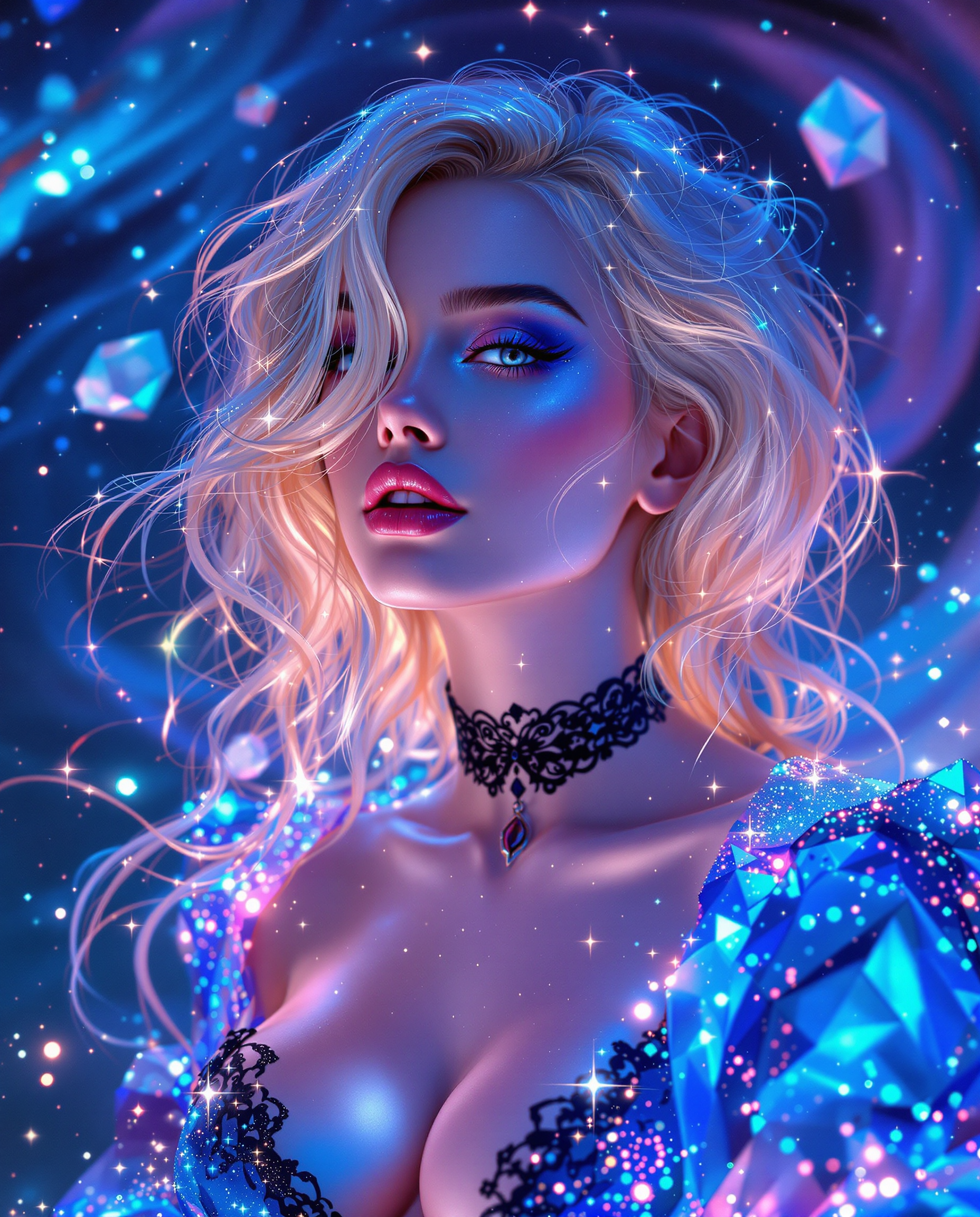
A stunning photorealistic portrait captures a stylized female figure in a digital painting
flux
stable diffusion on PixelDojo
Models you can run on PixelDojo for stable diffusion
Switch models without switching tools. Each one runs in the same PixelDojo studio.
What you can do with stable diffusion on PixelDojo
Text to Image Generation
We allow creators to produce images directly from text prompts using stable diffusion.
Fine Tune Your Models
Creators upload datasets to train specialized stable diffusion models on our platform.
Batch Image Processing
We enable generating multiple variations from a single prompt in one run.
Adjust Guidance Settings
Users modify the guidance scale to balance prompt adherence and image quality.
Join over 10,000 satisfied creators who have transformed their ideas into stunning visuals using PixelDojo's cutting-edge AI tools.
Why Choose Pixel Dojo for stable diffusion
Professional-quality results with cutting-edge AI technology
Effortless Image Creation
Generate high-quality images from simple text prompts, eliminating the need for complex design skills.
Versatile Editing Capabilities
Refine and enhance your images with advanced editing tools like inpainting, outpainting, and style transfer.
Rapid Prototyping
Quickly visualize concepts and ideas, accelerating your creative workflow and decision-making process.
How It Works
Creating stunning images with PixelDojo's Stable Diffusion tools is simple and intuitive. Follow these steps to bring your ideas to life:
Step 1: Choose Your Tool
Select from our suite of AI image generation tools, such as Flux, Seedream 4, or SDXL, to begin your creative journey.
Step 2: Enter Your Prompt
Input a descriptive text prompt detailing the image you envision. For example, 'a serene sunset over a mountain range in watercolor style.'
Step 3: Customize & Download
Utilize editing features like style transfer or inpainting to refine your image. Once satisfied, download your creation in high resolution.
The Pixel Dojo Advantage
Why PixelDojo outperforms other options for AI image generation
| Others | Pixel Dojo |
|---|---|
| Traditional Image Creation | Eliminate the need for manual drawing or photography; generate images instantly from text prompts. |
| Generic AI Tools | Access a comprehensive suite of specialized tools tailored for diverse creative needs, from image generation to advanced editing. |
| Manual Photo Editing | Save time and effort with AI-driven editing features that automate complex tasks like inpainting and style transfer. |
Loved by creators on PixelDojo
Real feedback from people using PixelDojo, pulled from our in-product surveys.
The guy that operates the website is constantly updating it
I’ve been using PixelDojo for around 8 months now and it’s always worked wonderfully while constantly adding features.
The site is easy to navigate and use.
All the tools, readily available and easy to understand
You guys, the LORA training is the BEST in the space right now, great job with that!
Tons of variety. Ease of use. Tools for beginners and advance users.
Explore more AI tools on PixelDojo
Popular AI Models
AI Tools
Compare & Switch
- Best AI Image Generators
- Best AI Video Generators
- Midjourney Alternatives
- Civitai Alternatives
- Runway Alternatives
- Leonardo Alternatives
- Pika Alternatives
- Luma Alternatives
- Magnific Alternatives
- Veo Alternatives
- Flux Alternatives
- Freepik Alternatives
- Seedance Alternatives
- Seedream Alternatives
- Pixverse Alternatives
- GPT Image Alternatives
- Synthesia Alternatives
- Playground Alternatives
- NightCafe Alternatives
- Canva AI Alternatives
- ElevenLabs Alternatives
- ComfyUI Alternatives
- Fal Alternatives
- Replicate Alternatives
Common Questions
Everything you need to know about stable diffusion
How does PixelDojo's Stable Diffusion generate images from text prompts?
PixelDojo utilizes advanced AI models that interpret your text descriptions to generate corresponding images, allowing you to create visuals without any design skills.
Can I edit the images after they are generated?
Absolutely! PixelDojo offers a range of editing tools, including inpainting, outpainting, and style transfer, to help you refine and customize your images.
Is PixelDojo suitable for professional use?
Yes, many professionals use PixelDojo for rapid prototyping, concept visualization, and creating high-quality images for various projects.
Do I need any prior experience to use PixelDojo?
No prior experience is necessary. PixelDojo's intuitive interface and AI-driven tools make it accessible for users of all skill levels.
What file formats are available for download?
You can download your images in various formats, including JPEG and PNG, suitable for both web and print use.
Is there a limit to the number of images I can create?
PixelDojo offers credit-based plans starting at $10 a month, with no daily caps on image generation.