Golpo AI alternative
Golpo AI alternative: build the explainer one piece at a time
Golpo AI turns a document into a finished whiteboard video. Pixel Dojo hands you the pieces instead: hand drawn boards, animated diagrams, a talking presenter and burned in captions, each made on the model that does it best and priced before you click.
We built a short compost explainer the way an editor would. We sketched the whiteboard, brought it to life, put a garden educator on camera to explain it, then added captions. Every step is below with the credits it used.
10 credits ($0.63) per 5 s clip at 720p. Included in every plan, from $10/month.
Already a member? Sign in
By Brian Lovett · Updated
More explainer styles we made here
Golpo AI offers sketch, chalkboard and diagram looks. Here is how those styles came out on Pixel Dojo, each with its prompt.
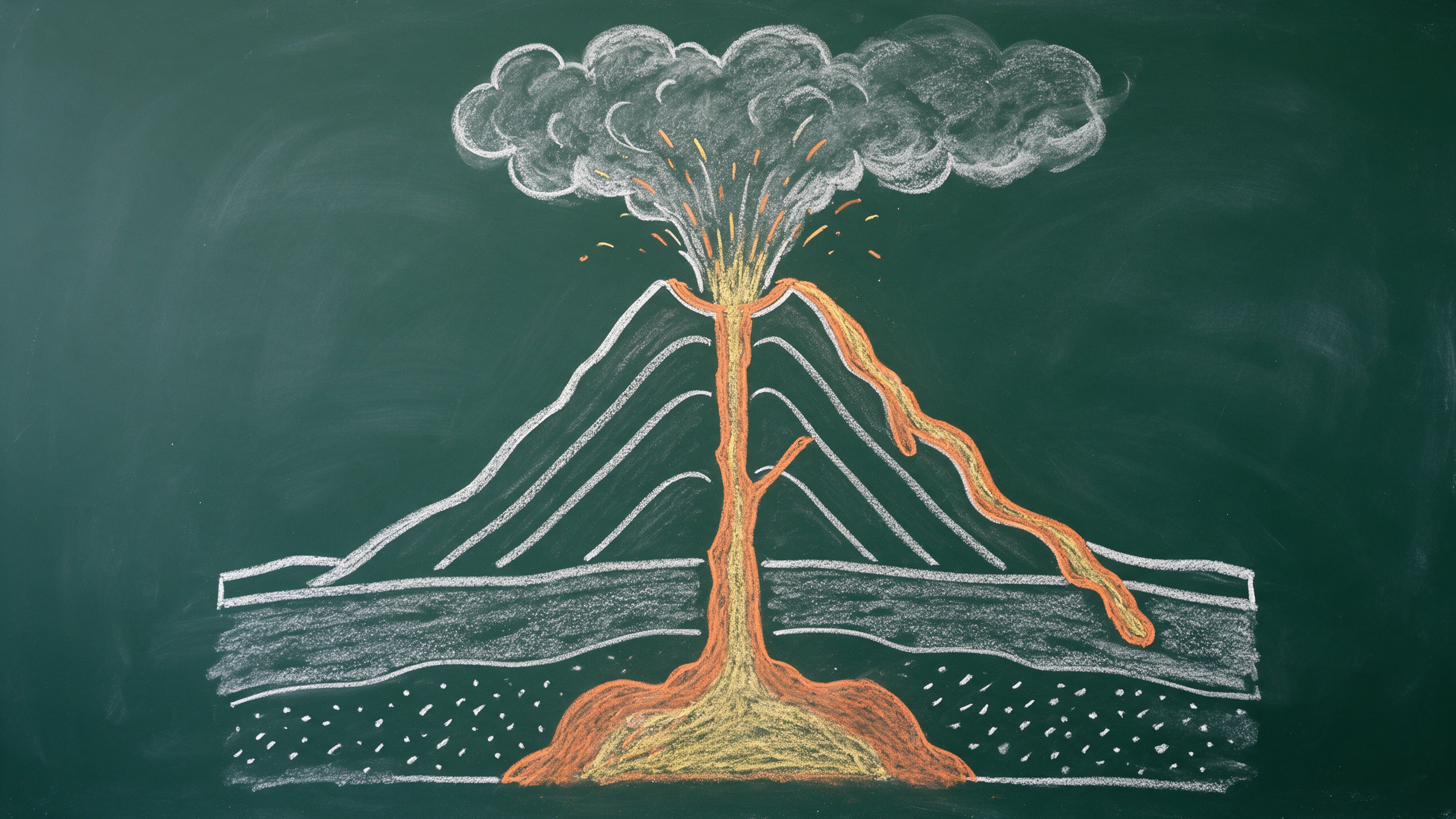
A chalkboard lesson on Seedream 5, with smudges and chalk dust that read like a real classroom board.
Blackboard chalk diagram of a cross section of a volcano for a science lesson: magma chamber deep below, a vent rising through rock layers, an ash cloud above the crater and lava flowing down one side, drawn in white, orange and yellow chalk on a dark green board with soft smudges and chalk dust, photographed straight on in classroom light, no lettering, no labels.
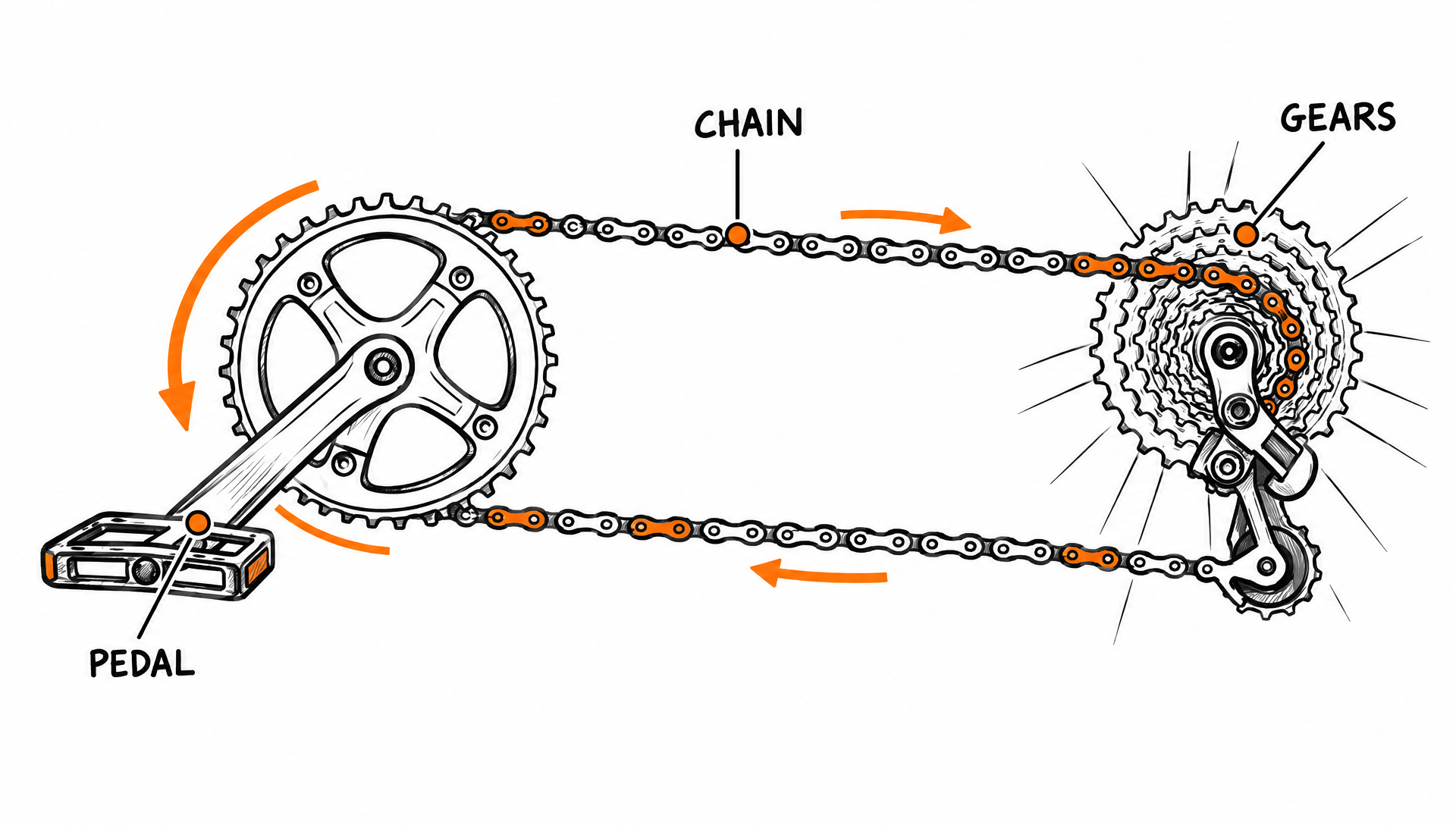
A labeled technical diagram on GPT Image 2.5. All three labels came out spelled right.
Clean technical explainer diagram in a hand drawn marker style on white: how bicycle gears work, a side view of a chainring, chain and rear cassette with curved arrows showing the pedal turning the chain, three neat labels reading PEDAL, CHAIN and GEARS in simple capital letters, black ink with orange accents, lots of white space.
A vertical paper craft explainer on MiniMax H3 Turbo for shorts and reels, with paper rustles built in.
Vertical top down stop motion explainer on a pale yellow desk: paper craft stages of a monarch butterfly life cycle slide into a circle one after another on their own, a tiny paper egg on a milkweed leaf, a striped paper caterpillar, a green paper chrysalis, then an orange and black paper butterfly that flaps its wings and lifts off. Soft daylight, crisp paper texture, no hands, no text. Sound: light paper rustles and a soft chime.
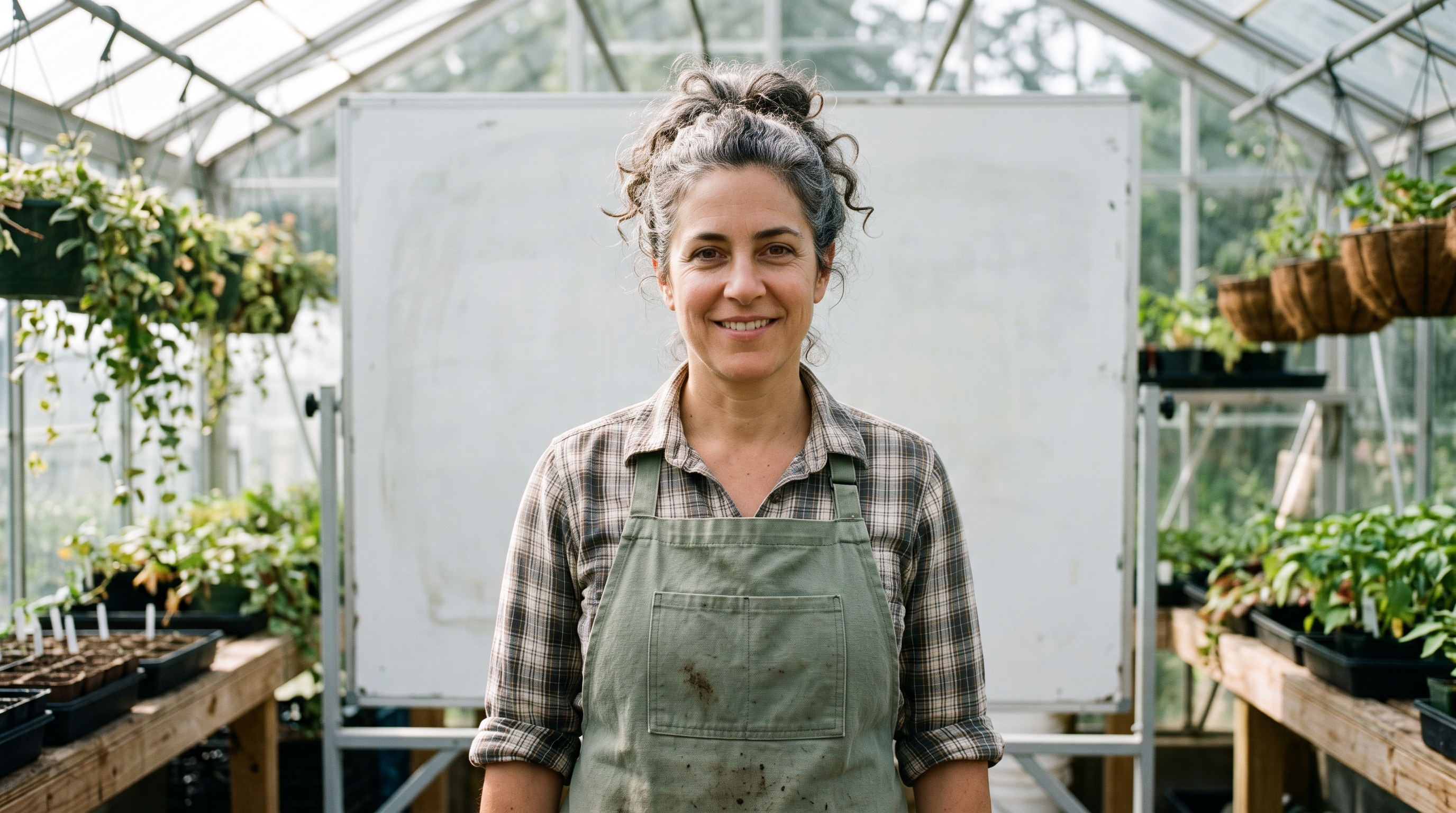
The presenter still on Nano Banana 2.1 that we turned into the talking clip above.
Medium close up photograph of a community garden educator in her forties with curly grey hair tied back, a sage green canvas apron and rolled sleeves, standing in front of a blank whiteboard in a bright greenhouse classroom, looking straight into the camera with a warm, relaxed smile, mouth closed, soft window light, 50mm lens, shallow depth of field.
How we built a compost explainer in four steps
- 1
Draw the board
Nano Banana 2.1 drew four whiteboard sketches joined by arrows: kitchen scraps, a wooden bin, worms in the soil and a seedling.
- 2
Animate the drawing
WAN 2.7 took the sketch as its first frame and set it moving with a marker squeak and a light plucked tune.
- 3
Put a presenter on camera
We generated a garden educator, wrote her two line script, and P-Video Avatar voiced and animated her in one run.
- 4
Add captions
Auto captions transcribed her line and burned it in, with key words picked out in yellow.
The compost explainer, step by step
These are the actual outputs. Each step used the output of the one before, and each tile lists its settings and credits.
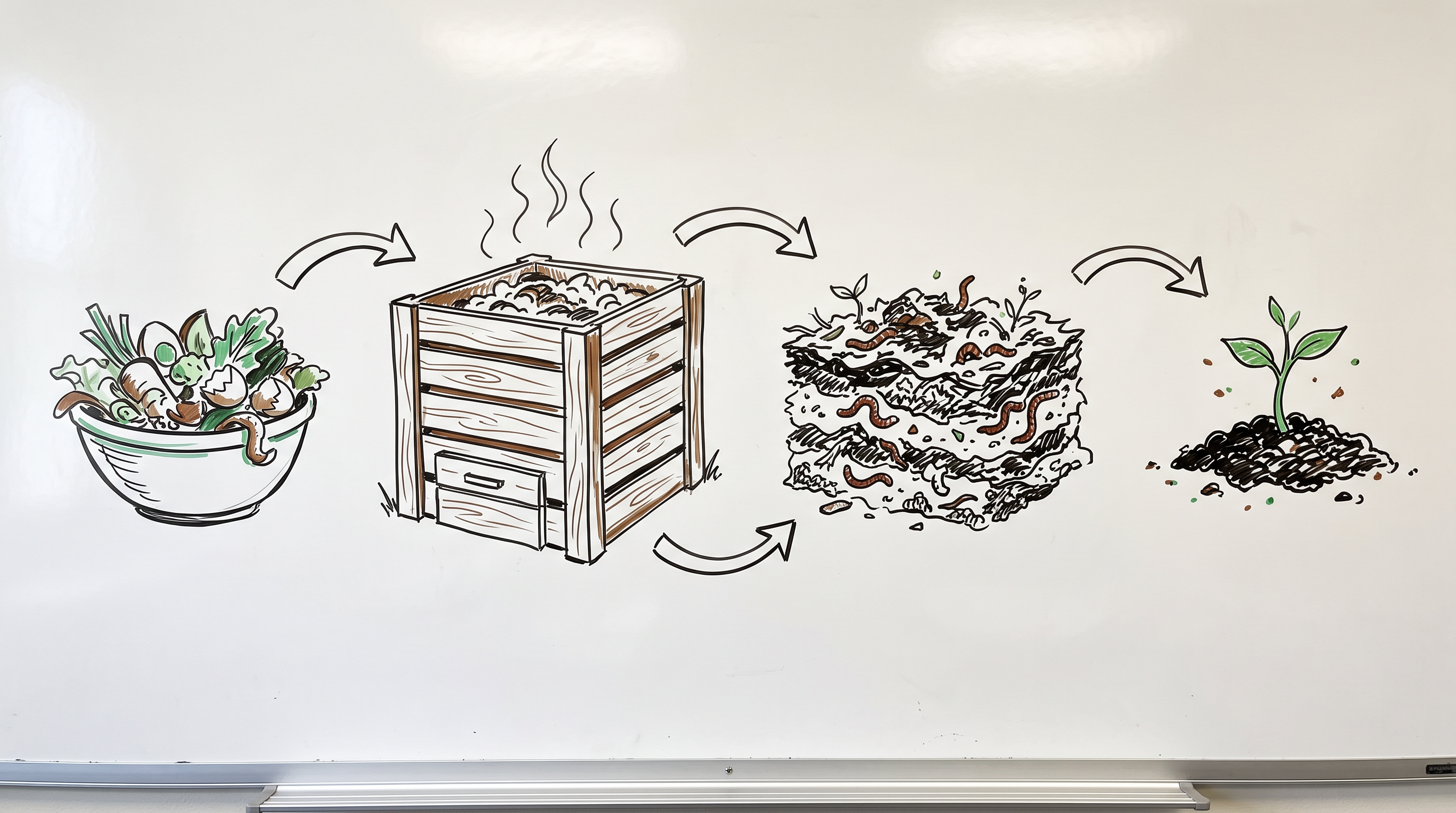
Hand drawn whiteboard explainer illustration in black marker with a few green and brown accents on a clean white board: how a backyard compost bin turns kitchen scraps into soil, shown as four simple sketches left to right joined by curved arrows: a bowl of vegetable peels, a slatted wooden bin with steam lines, a cutaway of worms and crumbly layers, a seedling growing in dark soil. Loose confident line work, no words, no letters, no numbers, even soft light on the board, shot straight on.
Static camera on the whiteboard drawing, hand drawn animation style: the curved arrows pulse one after another from left to right, the steam lines above the wooden bin wiggle and rise, the worms in the soil layers wriggle slowly and the seedling on the right unfurls its two leaves. Clean white board, no new drawings, no text. Sound: a soft marker squeak and a light, playful plucked melody.
- Nano Banana 2.1 kept the board clean and free of stray lettering, which matters when you add your own titles later.
- WAN 2.7 kept the hand drawn look while the arrows flashed red and the seedling grew into a big two leaf sprout.
- P-Video Avatar spoke the whole script with matching lips, natural nods and a small hand gesture, from one still and one line of text.
- Auto captions transcribed her line word for word and kept the captions inside the frame.
Golpo AI plans vs Pixel Dojo
Everything in the Golpo AI column comes from its pricing and home pages, read on October 15, 2026.
| At a glance | Golpo AI | Pixel Dojo |
|---|---|---|
| Monthly plans | Starter $39.99 for 20 credits, Creator $99.99 for 60, Growth $199.99 for 150, Business $499.99 for 390, Scale $999.99 for 800 | Lite $10 a month for 160 credits, Pro $25 for 500 credits, Pro Max $50 for 1,100 credits |
| What a credit buys | 1 credit is 1 minute of video; an AI Presenter costs 5 credits a minute with your own photo or 3 with a Golpo avatar | Each model page shows its credit price before you generate |
| Pay as you go | $7.99 a credit for 5 to 19, $5.99 for 20 to 99, $3.99 for 100 or more | API credit packs from $5 |
| API | On the Scale plan, a $200 add on for Business, or an API only tier with a $200 minimum | Public API with docs generated from each model's spec, plus a hosted MCP server |
| Refunds | Renewal charges are non refundable if not canceled before the billing date | A first purchase can be refunded within 7 days, in full if under 20% of the credits are used and pro-rated after that |
Why Pixel Dojo for explainers
Pixel Dojo is the better fit when you want control over each shot, a mix of styles, real footage and presenters, or explainers that are part of a bigger video project. For a faceless channel, our faceless video generator does the whole short for you.
Why Golpo AI users switch to Pixel Dojo
Unlimited on every plan
On every paid plan, Relax runs Qwen Image 2.1, FLUX 3 Image Klein and MiniMax H3 Turbo, plus every video and photo effect, unlimited with no credits spent.
Sensei, the AI director
Describe a project and Sensei plans it, prices it, waits for your approval and reviews every take.
Marketing Studio
Paste a product link and get a video ad with a voiceover, in UGC, unboxing, try on or commercial styles, with every take priced first.
One click video effects
300+ one-click video effects turn a photo into a trend clip, from AI Hug to AI Inflate, with no prompt to write, and 3 are free every day.
Character Studio
Save a face once and call it by @name in any prompt, so the same person shows up in every image and clip.
Start from a genre
Pick a format such as a UGC ad, a micro drama, a movie trailer or an explainer, and the matching studio opens with the settings and a sample idea filled in.
Star in any video
Upload a short clip, pick a saved character or a photo, and Character Swap puts your star in the lead while the scene, camera moves and sound stay the same.
Credits that roll over
Your credits roll over while you stay subscribed, so nothing you pay for disappears at the end of the month.
Every top model, plus an API
More than 80 image and 60 video models in one account, with a public API and a hosted MCP server for your own apps and AI assistants.
What each explainer step cost on Pixel Dojo
Plans are Lite $10 a month for 160 credits, Pro $25 for 500 credits, Pro Max $50 for 1,100 credits. Commercial use is included on every plan. Credits roll over while you stay subscribed.
In our walkthrough the board cost 1.5 credits, the animation 10, the presenter clip 12 and the captions 5. Each tile shows its own price.
Under our refund policy, a first purchase can be refunded within 7 days, in full if under 20% of the credits are used and pro-rated after that.
Golpo AI questions
What is a good alternative to Golpo AI?
Pixel Dojo lets you build an explainer from parts: whiteboard or chalkboard art, animated diagrams, a talking presenter, text to speech and auto captions, with each step priced before you generate.
How much does Golpo AI cost?
Golpo AI lists Starter at $39.99 a month for 20 credits up to Scale at $999.99 for 800, where 1 credit is 1 minute of video. Pay as you go credits cost $3.99 to $7.99 each.
Does Golpo AI have a free plan?
Golpo AI's free plan makes one 1 minute video. It carries a watermark and cannot be downloaded.
Can Pixel Dojo make a talking presenter for an explainer?
Yes. Generate or upload a portrait, write the script, and an avatar model voices and animates it. Our garden educator clip cost 12 credits.
Can I add captions to an explainer clip?
Yes. Auto captions transcribes the speech and burns it into the clip. It cost 5 credits in our walkthrough.
Video Effects New
Your first video is free. One photo, one click.
310 ready-made effects, from AI Hug and Earth Zoom In to product spins and listing walkthroughs. Upload a photo and press Generate. No prompt to write, and a free account gets 3 a day.






Switch from Golpo AI to Pixel Dojo today
Write a prompt above or start from any example on this page. One plan covers every top model, six studios and Sensei, and your credits roll over.
Start with WAN 2.7Sources
Facts about Golpo AI come from these public pages, checked on Oct 15, 2026. Prices and plans change; check the source before you buy.