hidream AI Generator
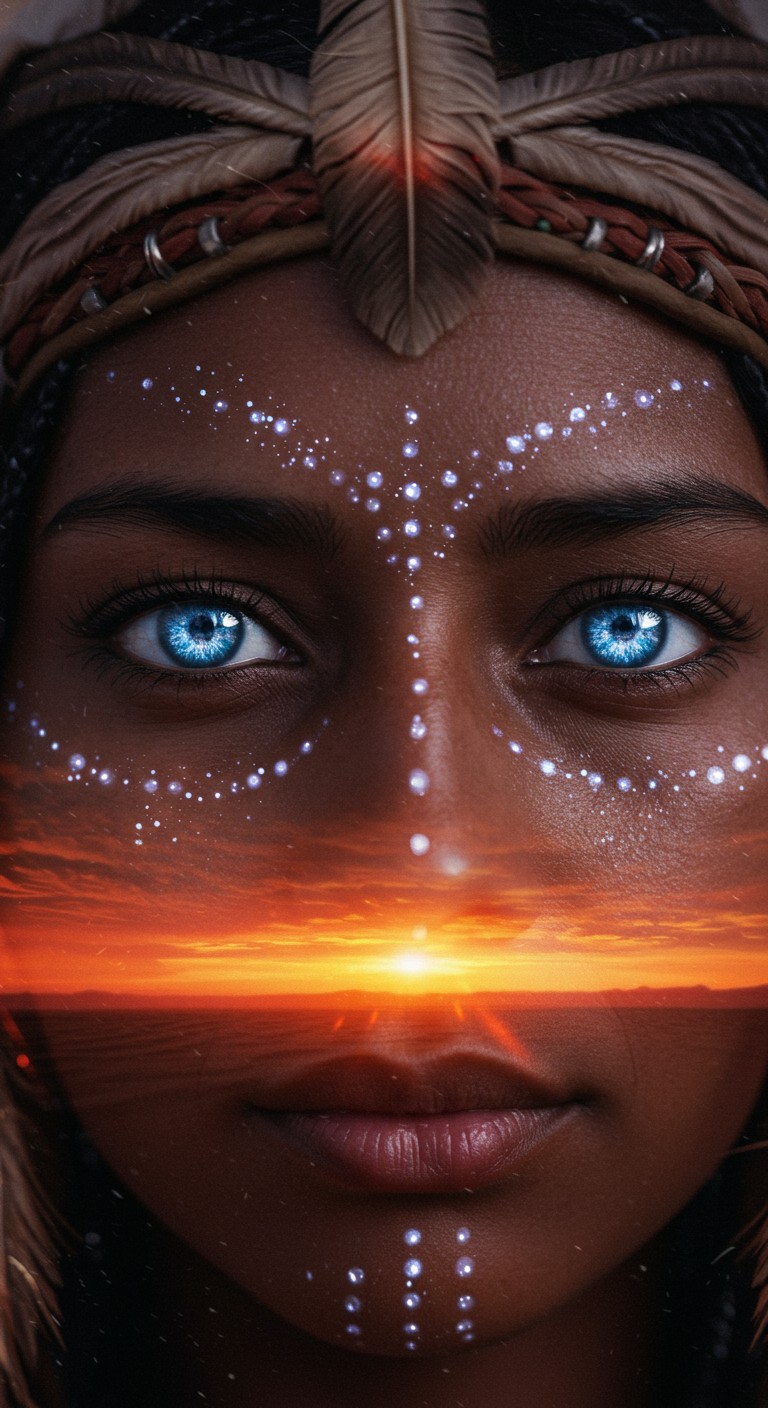
Generated on PixelDojo. Produced by PixelDojo's generation pipeline.
Imagine turning your most detailed creative visions into breathtaking, photorealistic images that look like they were captured by a professional photographer or painted by a master artist. With PixelDojo, you achieve HiDream-level results: images with exceptional prompt accuracy, sharp native high-resolution details, and versatile styles from cinematic portraits to artistic illustrations. You save hours of traditional photography or digital painting while producing commercial-ready assets for marketing campaigns, social media, product visuals, and personal projects. Whether you need a hyper-realistic product shot, a moody cinematic scene, or a vibrant concept art piece, PixelDojo empowers you to generate, refine, and download stunning visuals that captivate audiences and elevate your work instantly. No design skills required – just describe what you want and watch your ideas come to life with professional quality that stands out.
Real image examples generated on PixelDojo
Every example below was produced on PixelDojo. Hover to see the prompt.
"Dreamlike close-up of a shaman’s face
imagen
Awakened Dream Hello
film-studio
The Awakened Dream
film-studio
Character1 in a dreamy slow-motion moment
grok-r2v
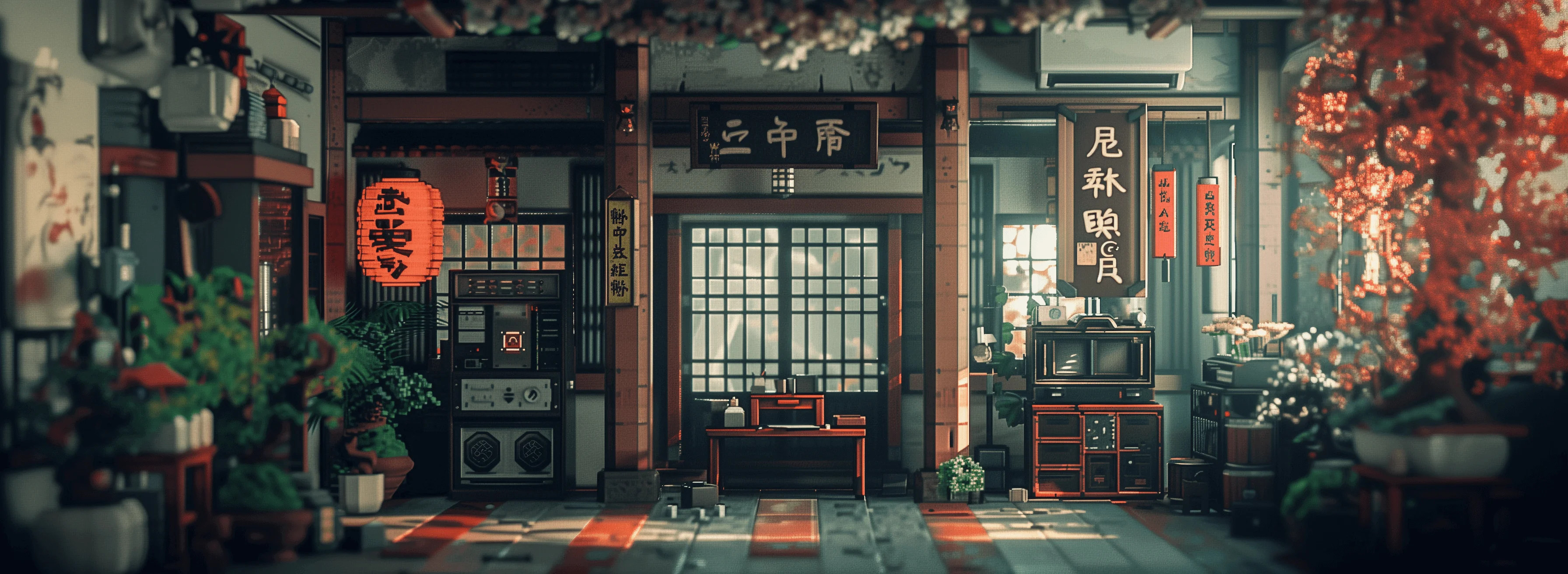
Masterpiece
creative-upscaler

A breathtaking bubblegum pink haired asian vampire queen
imagen
Models you can run on PixelDojo for hidream
Switch models without switching tools. Each one runs in the same PixelDojo studio.
What you can do with hidream on PixelDojo
HiDream Image Generation
We run HiDream so you can turn text prompts into still images on PixelDojo. You pick the prompt, size, and how many images to create in one pass.
Prompt And Style Control
We let you refine subject, lighting, composition, and visual style in the prompt. Negative prompts help you reduce unwanted elements in the output.
Batch And Resolution Options
We support generating several images from the same prompt so you can compare results. You can choose common aspect ratios and resolutions that fit your workflow.
Save And Reuse Outputs
We store your generations so you can download, re-run, or iterate on a previous image. History keeps your prompts and settings with each result.
Loved by thousands of creators worldwide | 4.9/5 from over 12,000 users | 500K+ images generated monthly | Trusted by agencies, marketers, and professionals for production-ready results
Why Choose Pixel Dojo for hidream
Professional-quality results with cutting-edge AI technology
Achieve Perfect Prompt Accuracy Every Time
You get images that match your detailed descriptions with remarkable fidelity, capturing complex scenes, lighting, textures, and compositions exactly as envisioned so you never waste time on mismatched results.
Deliver Studio-Quality High-Resolution Images
You produce sharp, native high-res visuals up to 2K and beyond with fine details, realistic lighting, and no artifacts, ready for print, web, or large-format use without extra upscaling steps.
Master Photorealistic and Artistic Styles Instantly
You create everything from ultra-realistic portraits and product photos to cinematic film stills, paintings, and concept art in one platform, giving you complete creative flexibility for any project.
How It Works
Creating HiDream-style images on PixelDojo is fast and intuitive. You select a high-end generation tool, describe your vision in natural language, and customize the output to get professional results in minutes.
Step 1: Choose Your Tool
Start by selecting a powerful generation tool like Flux.2 Studio, QWEN Image 2, or Seedream 5 from the Generate Images section. These deliver the high-fidelity, prompt-accurate results you need for HiDream-quality photorealism and artistic work. Pick the one that matches your project speed or detail requirements.
Step 2: Enter Your Prompt
Write a clear, detailed natural-language prompt describing the subject, action, setting, lighting, camera style, and mood. For example: 'Photorealistic cinematic portrait of a chef in a sunlit kitchen, 85mm lens, shallow depth of field, golden hour lighting, ultra-detailed skin and textures.' PixelDojo's tools excel at following long, structured descriptions for precise outcomes.
Step 3: Customize & Download
Generate your image, then refine it using Edit Images tools like Image to Image, Inpainting, or Style Transfer if needed. Upscale with P-Image Upscale or Magnific Upscaler for extra sharpness. Download in high quality, ready for commercial use. Iterate quickly until it is perfect.
The Pixel Dojo Advantage
Why PixelDojo outperforms other options for hidream image generation
| Others | Pixel Dojo |
|---|---|
| Traditional hidream creation | You generate professional photorealistic and artistic images in seconds instead of spending days or weeks on photography, illustration, or 3D rendering, dramatically cutting costs and time. |
| Generic AI tools | You access specialized high-end models like Flux.2 Studio, QWEN Image 2, and Seedream 5 that deliver superior prompt following, native high resolution, and consistent quality far beyond basic generators. |
| Manual photo editing | You skip hours of complex software work in Photoshop or similar tools; PixelDojo produces polished, ready-to-use images with built-in editing like Inpainting and upscaling so you focus on creativity, not technical labor. |
Loved by creators on PixelDojo
Real feedback from people using PixelDojo, pulled from our in-product surveys.
es facil de comprender asi uno no sea programador
amazing web site
phenomenal site. would highly recommend
Amazing features, easy to use, privacy
the number of options, and especially the quick response to questions on Discord
Love you guys!!
Explore more AI tools on PixelDojo
Popular AI Models
AI Tools
Compare & Switch
- Best AI Image Generators
- Best AI Video Generators
- Midjourney Alternatives
- Civitai Alternatives
- Runway Alternatives
- Leonardo Alternatives
- Pika Alternatives
- Luma Alternatives
- Magnific Alternatives
- Veo Alternatives
- Flux Alternatives
- Freepik Alternatives
- Seedance Alternatives
- Seedream Alternatives
- Pixverse Alternatives
- GPT Image Alternatives
- Synthesia Alternatives
- Playground Alternatives
- NightCafe Alternatives
- Canva AI Alternatives
- ElevenLabs Alternatives
- ComfyUI Alternatives
- Fal Alternatives
- Replicate Alternatives
Common Questions
Everything you need to know about hidream
What is HiDream image generation and how does PixelDojo help you create it?
HiDream image generation refers to producing high-quality, prompt-accurate photorealistic and artistic images with exceptional detail and coherence. PixelDojo lets you achieve these results using tools like Flux.2 Studio, QWEN Image 2, and Seedream 5, giving you studio-level outputs for marketing, content, and creative projects without needing specialized hardware or skills.
How do I generate hidream style photorealistic images with PixelDojo?
Choose Flux.2 Studio or QWEN Image 2, enter a detailed natural language prompt focusing on lighting, camera details, and textures, then generate. Refine with Image to Image or Inpainting and upscale using P-Image Upscale. You get commercial-ready photorealistic results in minutes that match professional photography.
What are the best PixelDojo tools for hidream quality image generation?
Flux.2 Studio, QWEN Image 2, Seedream 5, and ImagineArt excel at delivering the prompt fidelity, high resolution, and versatile styles associated with HiDream results. Combine them with Edit Images tools like Style Transfer and Background Remover plus Upscale & Enhance options for complete control over your final assets.
Can I use the hidream images I create on PixelDojo for commercial projects?
Yes. Images you generate with PixelDojo's tools are yours to use commercially. The platform is designed for professionals creating marketing visuals, product shots, social content, and more, with no extra licensing hurdles so you can deploy your work immediately.
How does PixelDojo ensure high-quality hidream image results compared to other methods?
PixelDojo combines multiple cutting-edge models in one place so you get better prompt adherence, native high resolution, and easy refinement than single-tool or traditional workflows. You iterate fast, upscale professionally, and produce consistent, print-ready images that save time and money while looking exceptional.
What prompt techniques work best for hidream images on PixelDojo?
Use complete, descriptive sentences covering subject, action, setting, lighting, camera style, and mood. Start with the overall scene then add specifics like 'photorealistic, 85mm lens, golden hour, ultra-detailed textures.' PixelDojo's tools handle long prompts well, and you can refine further with negative elements or editing tools for even better control.