podcast dialogue generator
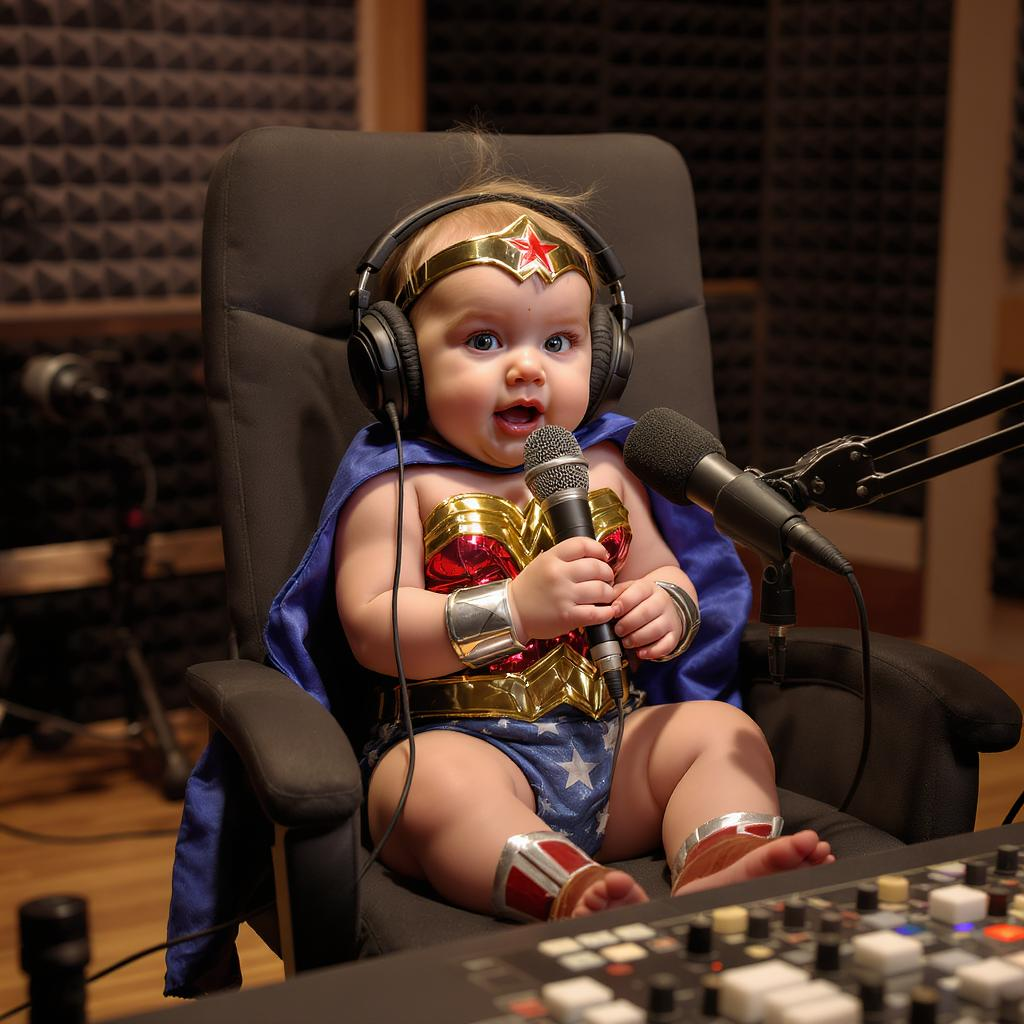
Generated on PixelDojo. Produced by PixelDojo's generation pipeline.
You want your podcast to look as professional as it sounds. PixelDojo's podcast dialogue generator lets you transform conversation scripts into vivid images of hosts talking, authentic studio setups, and episode artwork that stops scrollers in their tracks. Visualize key dialogue moments, create consistent host portraits, and produce square covers that shine on every platform. Achieve magazine-quality results without photoshoots, designers, or waiting days. Thousands of podcasters already use our tools to build visual brands that grow audiences. Start generating today and watch your show stand out with images that match the energy of every conversation.
Real image examples generated on PixelDojo
Every example below was produced on PixelDojo. Hover to see the prompt.
A baby wonder woman talking on a pod cast in a studio
flux-studio
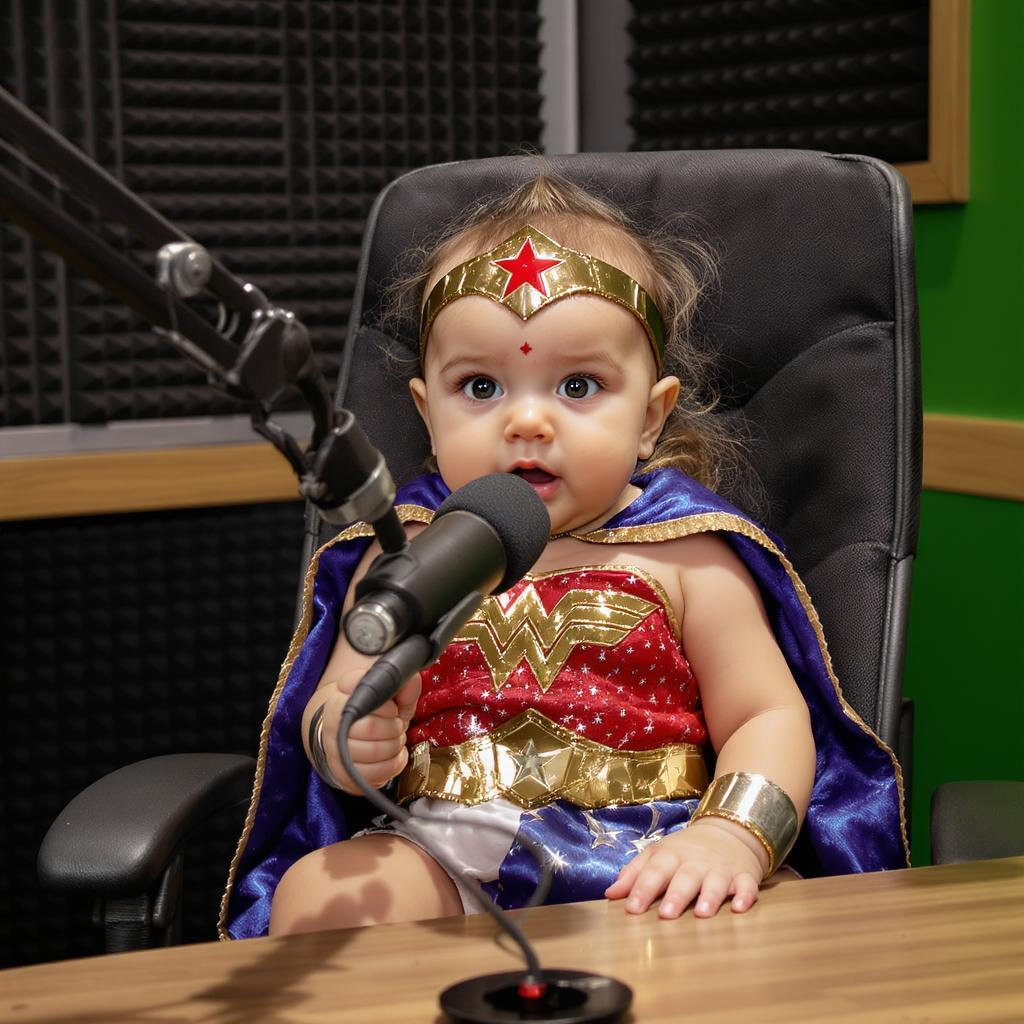
A baby wonder woman talking on a pod cast in a studio
flux-studio
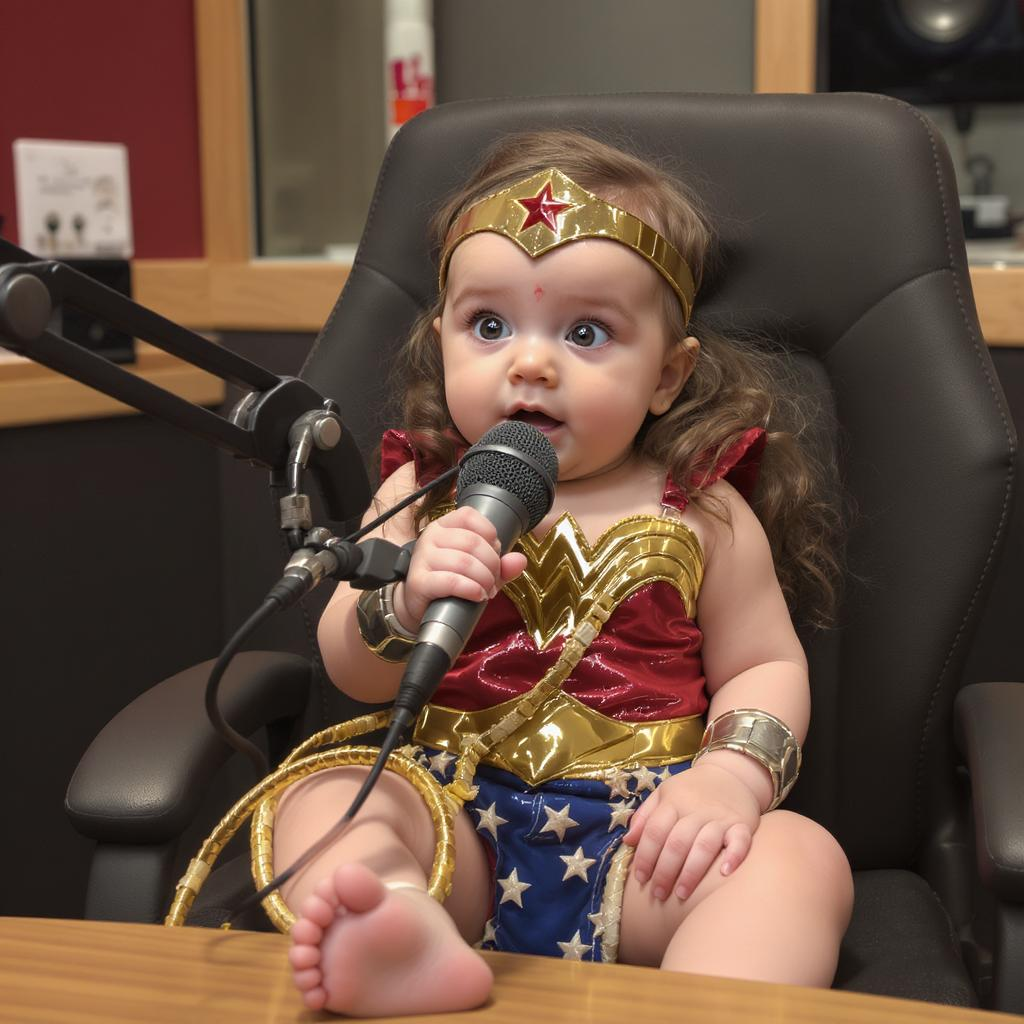
A baby wonder woman talking on a pod cast in a studio
flux-studio
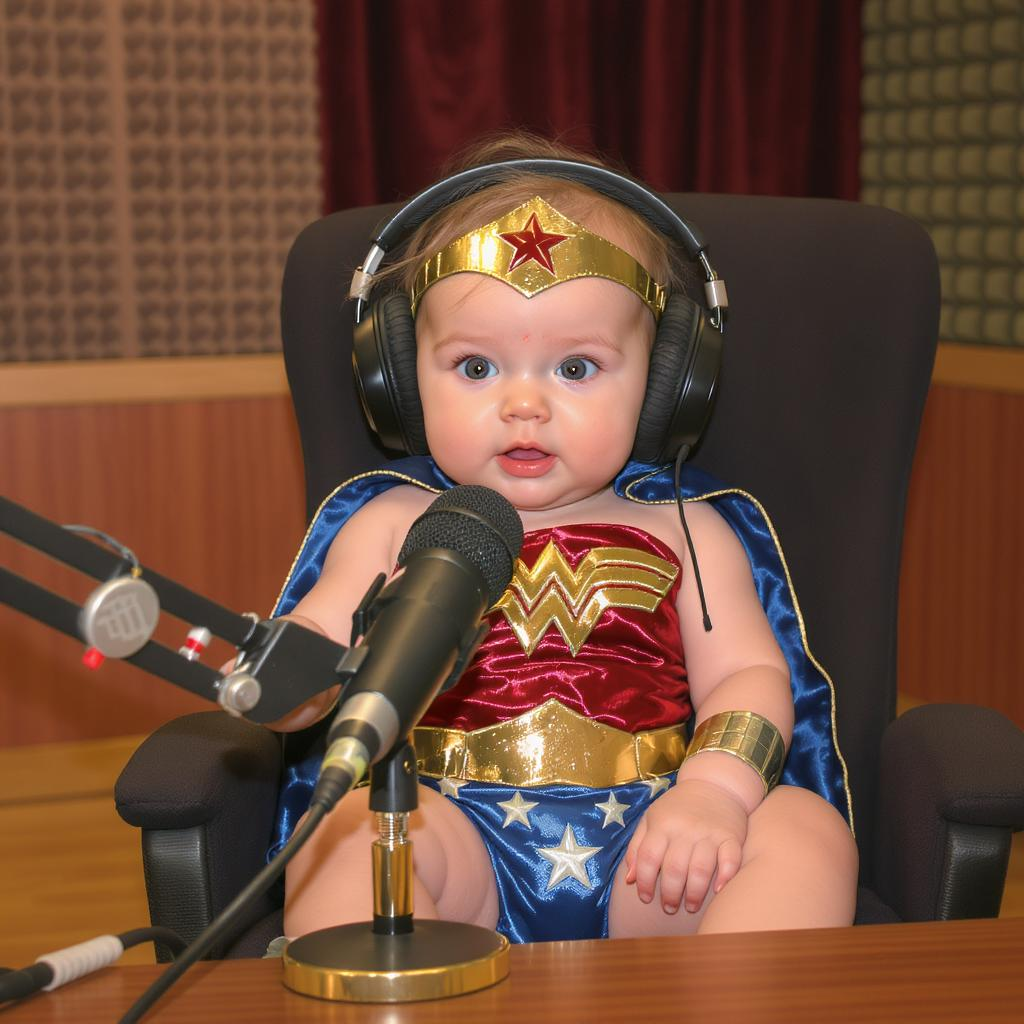
A baby wonder woman talking on a pod cast in a studio
flux-studio
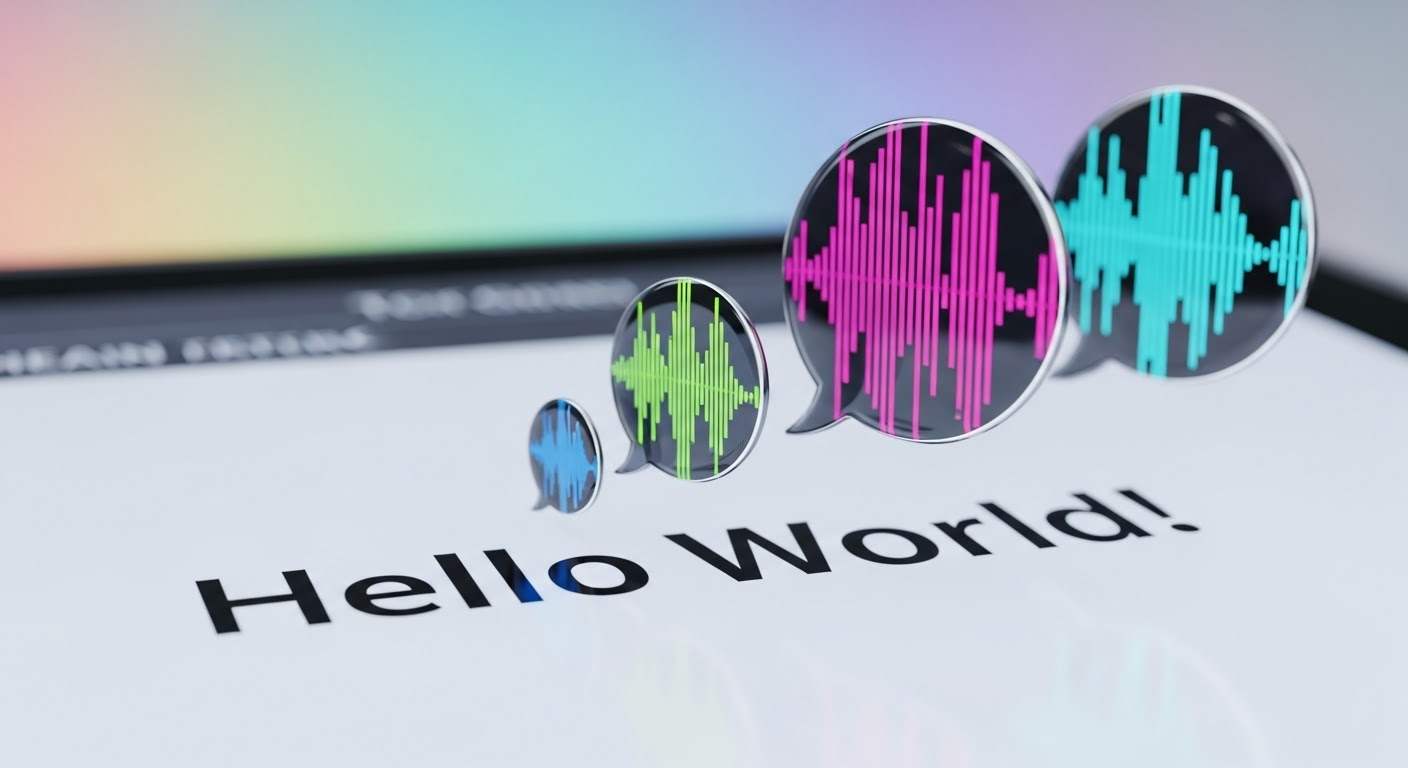
Text turning into speech
imagen
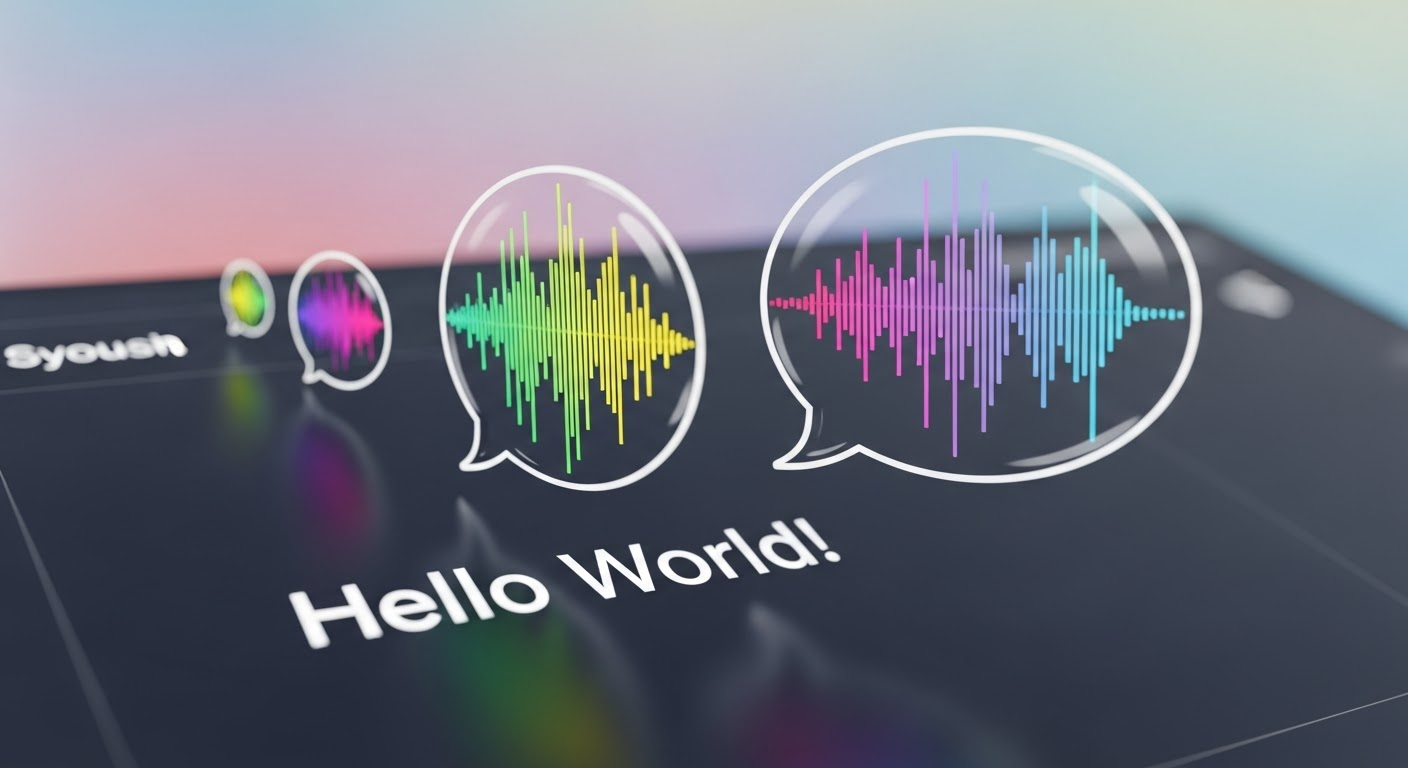
Text turning into speech
imagen
Models you can run on PixelDojo for podcast dialogue generator
Switch models without switching tools. Each one runs in the same PixelDojo studio.
What you can do with podcast dialogue generator on PixelDojo
Podcast Scene Stills
We generate stills of hosts and guests in conversation so you can visualize episodes, show notes, and promo posts from a short prompt.
Host and Guest Looks
We create consistent character portraits you can reuse across episode art, thumbnails, and social clips without rebuilding the same faces each time.
Episode Cover Images
We produce cover and thumbnail images that match your show tone, so each episode has a clear visual identity next to the dialogue.
Quote Moment Frames
We turn a line of dialogue into a framed image you can use in carousels, recaps, and landing pages alongside the audio.
Loved by thousands of creators worldwide generating millions of images. 40+ cutting-edge AI tools with 4.9-star user feedback. Cancel anytime, no contracts.
Why Choose Pixel Dojo for podcast dialogue generator
Professional-quality results with cutting-edge AI technology
Turn Scripts Into Living Conversation Scenes
You describe the topic and mood; PixelDojo delivers photorealistic or illustrated images of hosts in genuine dialogue, complete with microphones, expressions, and studio lighting that feel real.
Keep Hosts Looking Identical Across Every Episode
Build a recognizable visual identity using Consistent Characters and Character Sheets so your podcast hosts appear the same in every thumbnail, cover, and social graphic.
Produce Platform-Ready Artwork in Minutes
Generate 3000x3000 covers, episode thumbnails, and quote cards that meet directory specs and look sharp at thumbnail size, all without leaving the platform.
How It Works
You create professional podcast dialogue images in three simple steps using PixelDojo's specialized tools. No design experience required.
Step 1: Choose Your Perfect Tool
Pick Flux.2 Studio or GPT Image 2 for photorealistic studio conversations, Ideogram 4 or Recraft V4.1 for illustrated covers with clean space for titles, or start with Consistent Characters to lock in your host looks. Kling Image and Seedream 5 give extra artistic range.
Step 2: Enter Your Dialogue Prompt
Type a detailed description such as two diverse hosts discussing your exact topic, wearing modern clothing, natural expressions, professional mics on boom arms, acoustic panels, shallow depth of field. Add mood words like energetic, intimate, or investigative. The AI captures speaker dynamics and setting perfectly.
Step 3: Refine, Upscale and Download
Use Image to Image or Inpainting to adjust poses and lighting, Style Transfer for brand colors, then P-Image Upscale or Magnific Upscaler for crisp 3000-pixel files. Download instantly in the exact format your podcast directories require.
The Pixel Dojo Advantage
Why PixelDojo outperforms other options for podcast dialogue image generation
| Others | Pixel Dojo |
|---|---|
| Traditional podcast photoshoots | You skip expensive studio rentals and scheduling; generate conversation scenes and covers in seconds instead of days. |
| Generic AI tools | You get purpose-built models like Flux.2 Studio for realism, Ideogram 4 for text-ready covers, and Consistent Characters for host continuity that generic platforms cannot match. |
| Manual photo editing | You avoid complex software and hours of compositing; PixelDojo delivers ready-to-use, high-resolution dialogue images with perfect lighting and composition every time. |
Loved by creators on PixelDojo
Real feedback from people using PixelDojo, pulled from our in-product surveys.
Very fair and very broad in tools.
Accurate results
Great site and so much fun to use!
very useful set of tools for image creation, upscaling and enhancement
ease of use, variety of tools, high quality trainings, and a well-maintained discord channel
Ease of use, friendliness and support of the owner, continued innovation.
Explore more AI tools on PixelDojo
Popular AI Models
AI Tools
Compare & Switch
- Best AI Image Generators
- Best AI Video Generators
- Midjourney Alternatives
- Civitai Alternatives
- Runway Alternatives
- Leonardo Alternatives
- Pika Alternatives
- Luma Alternatives
- Magnific Alternatives
- Veo Alternatives
- Flux Alternatives
- Freepik Alternatives
- Seedance Alternatives
- Seedream Alternatives
- Pixverse Alternatives
- GPT Image Alternatives
- Synthesia Alternatives
- Playground Alternatives
- NightCafe Alternatives
- Canva AI Alternatives
- ElevenLabs Alternatives
- ComfyUI Alternatives
- Fal Alternatives
- Replicate Alternatives
Common Questions
Everything you need to know about podcast dialogue generator
What is the best AI podcast dialogue generator for creating conversation scenes?
PixelDojo stands out because you can choose Flux.2 Studio or GPT Image 2 for photorealistic two-host dialogues, Ideogram 4 for illustrated styles, and Consistent Characters to keep faces identical. You describe the topic, lighting, and mood once and receive professional studio-quality images instantly.
How do I generate podcast cover art from a dialogue script using AI?
Paste key lines or a summary into the prompt along with your desired style. Tools like Recraft V4.1 and Ideogram 4 automatically leave clean space for titles while capturing the conversation energy. You then upscale to 3000x3000 pixels with P-Image Upscale so the artwork meets every directory requirement.
Can I create consistent host characters for my podcast images?
Yes. Start with Consistent Characters or Character Sheets to train your hosts' appearance, then reuse those references in Flux.2 Studio, Ideogram Character, or WAN Image. Every new episode image features the same faces, clothing style, and studio setup so your brand stays instantly recognizable.
What size should AI generated podcast dialogue images be for covers and thumbnails?
Generate at the highest resolution available then upscale with Magnific Upscaler or Clarity Pro to 3000x3000 pixels for main covers. Episode thumbnails and social graphics work perfectly at 1080x1080 or 1920x1080. PixelDojo outputs stay sharp even when displayed as tiny app icons.
How can I visualize key moments from my podcast transcripts as images?
Copy a short transcript excerpt into the prompt and add visual cues such as 'two hosts reacting with surprise' or 'intimate late-night discussion'. Models like Seedream 5 and Hunyuan Image 3 interpret the emotional tone and produce matching scenes. You can generate a sequence of images that follow the conversation flow.
Does PixelDojo offer video tools to animate my podcast dialogue images?
Absolutely. After creating stills you can feed them into Kling Video, WAN 2.7 Video, or Seedance 2.5 to produce talking-head clips with natural lip movement and gestures. Combine with Text to Speech for complete video podcasts without extra software.