qwen image 2 vs flux 2

Generated on PixelDojo. Produced by PixelDojo's generation pipeline.
You no longer have to guess which AI image model will deliver the exact outcome your project needs. On PixelDojo you get both QWEN Image 2 and Flux.2 Studio in one place, so you can produce marketing graphics with perfectly readable text or cinematic photorealistic shots with consistent characters across every frame. Whether you are launching a product campaign, building social content, or creating client-ready mockups, you simply pick the tool that matches your goal and generate in seconds. Thousands of creators already use this combination to ship more work, keep full commercial rights, and skip expensive software or photoshoots. Qwen 3 Pro even lets you generate and edit in a single prompt, while Flux.2 Studio’s multi-reference power keeps brands looking identical from one image to the next. Start creating the visuals that convert visitors into customers today.
Real image examples generated on PixelDojo
Every example below was produced on PixelDojo. Hover to see the prompt.
This image is a stylized representation of a woman in a vintage setting
flux
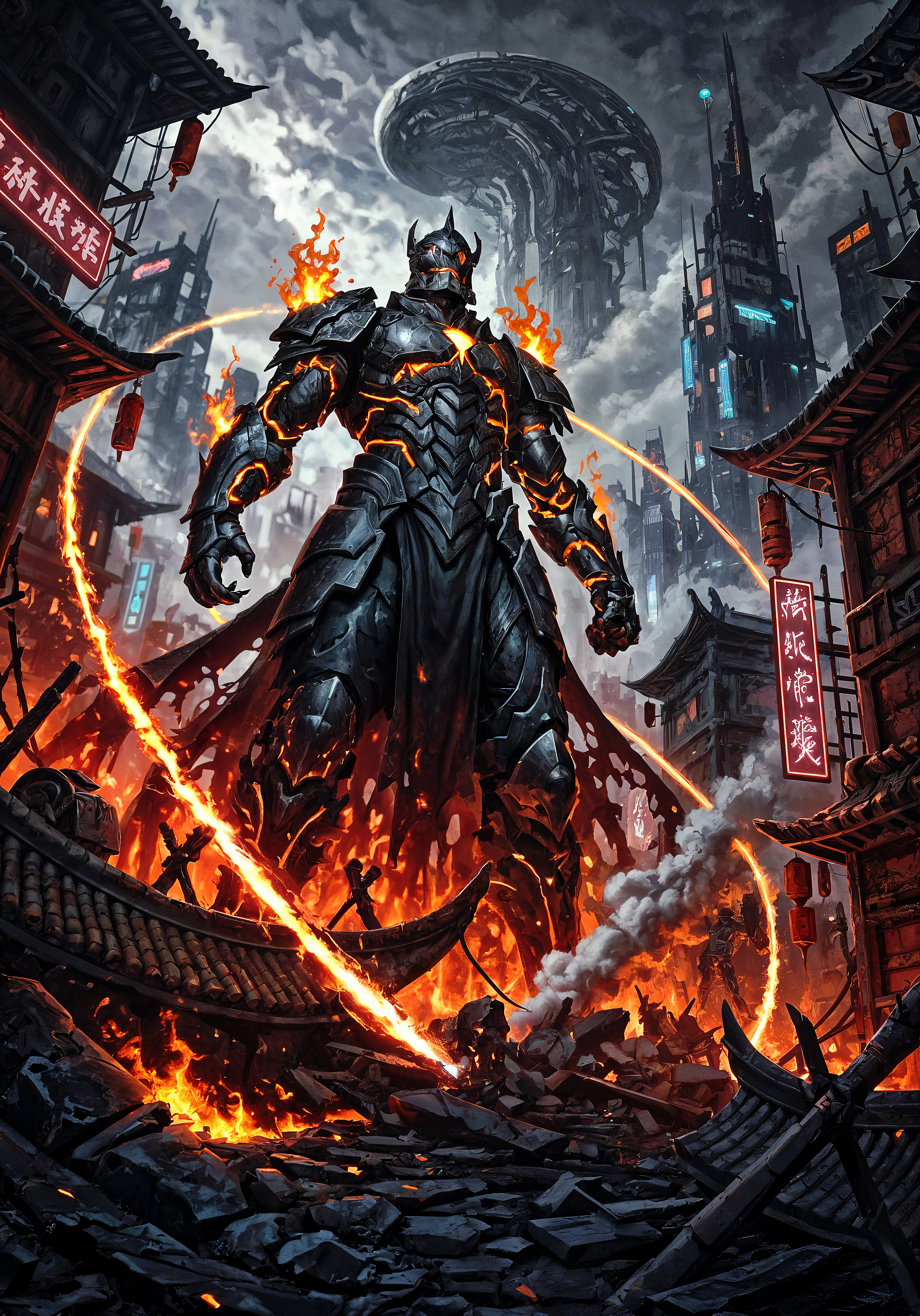
qwen image 2 vs flux 2 on PixelDojo

A dramatic
imagen

Make her dress yellow and her hair black edit
stable-diffusion

Create a realistic photography of a TAC 50 cal rifle in a 1950's kitchen sitting on a tabl…
flux
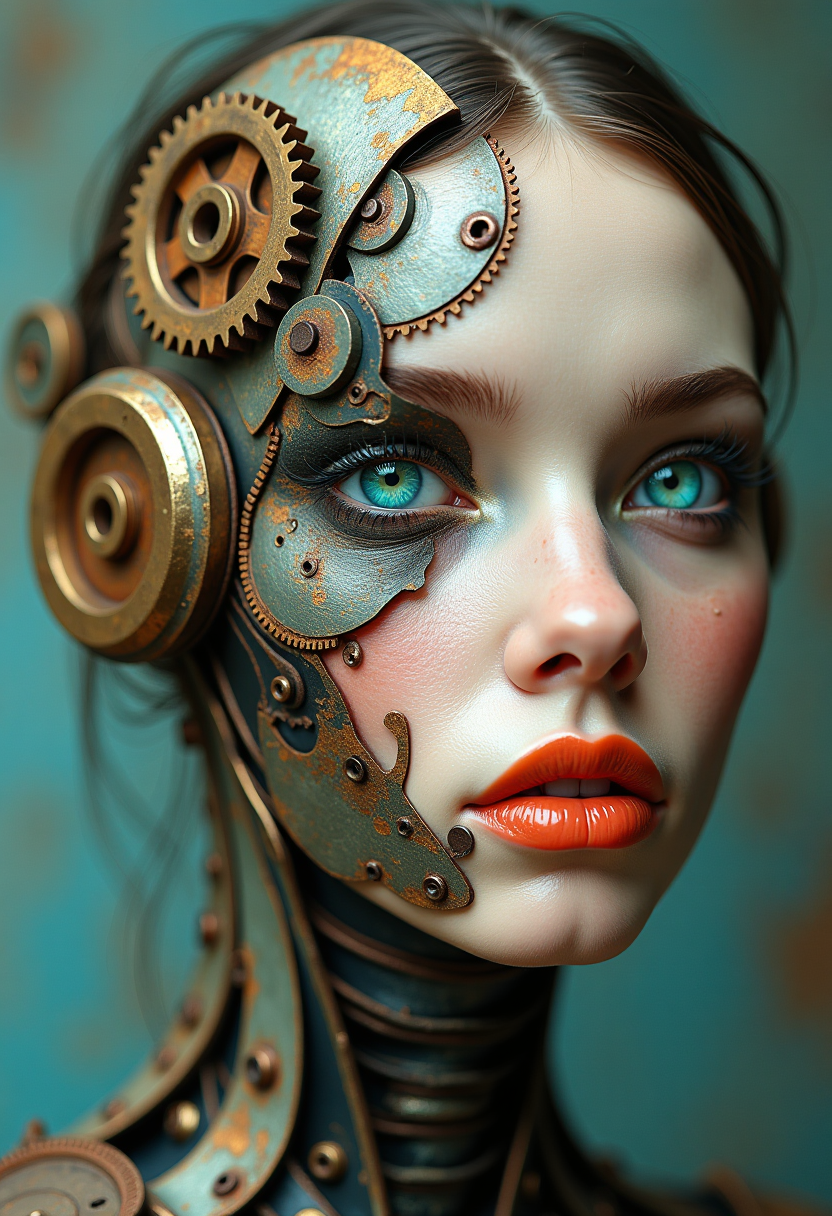
A surreal
flux
Models you can run on PixelDojo for qwen image 2 vs flux 2
Switch models without switching tools. Each one runs in the same PixelDojo studio.
What you can do with qwen image 2 vs flux 2 on PixelDojo
Side by side compare
You can run Qwen Image 2 and Flux 2 on the same prompt and settings so you can judge lighting, text, and detail before you choose a final frame.
Swap models, keep settings
We let you keep prompt, seed, and controls while you switch between Qwen Image 2 and Flux 2, so the comparison stays fair.
Reuse prompts across models
Save a prompt once and send it to either model. That keeps your tests repeatable when you check style, anatomy, or product shots.
Download from either engine
Export stills from Qwen Image 2 or Flux 2 in the formats you already use for edits, comps, and client delivery.
Loved by thousands of creators worldwide. 5 million+ images generated. 4.9/5 from verified PixelDojo users. Trusted for commercial campaigns with cancel-anytime plans.
Why Choose Pixel Dojo for qwen image 2 vs flux 2
Professional-quality results with cutting-edge AI technology
Ship Text-Perfect Ads and Infographics Instantly
With QWEN Image 2 you generate posters, packaging, and social graphics where every letter, logo, and headline renders correctly the first time. You skip the usual garbled text and deliver client-ready assets that actually convert.
Keep Characters and Products Identical Across Campaigns
Flux.2 Studio lets you upload multiple reference images so the same face, product, or style appears consistently in every shot. You create entire ad series or character sheets without starting over.
Generate Then Refine Without Leaving PixelDojo
Qwen 3 Pro plus Image to Image, Inpainting, and Style Transfer let you tweak lighting, swap backgrounds, or add text on the fly. You iterate faster and finish more projects in one subscription.
How It Works
You create professional results with Qwen Image 2 versus Flux 2 in three straightforward steps on PixelDojo. No design experience required.
Step 1: Choose Your Tool
Open Generate Images and select QWEN Image 2 when you need crisp typography and infographics, or Flux.2 Studio when you want photorealistic portraits and multi-reference consistency. Qwen 3 Pro is also available for combined generate-and-edit workflows.
Step 2: Enter Your Prompt
Describe the outcome you want in plain language. For QWEN Image 2 add details like readable signage or product labels. For Flux.2 Studio mention lighting, camera angle, and attach reference images for character or product lock-in. PixelDojo’s prompt helpers make it easy.
Step 3: Customize & Download
Pick aspect ratio, generate variations, then refine with Background Remover, Magic Lighting, or Image Outpainting if needed. Download high-resolution files with full commercial rights. Upscale further with P-Image Upscale or Magnific Upscaler for print-ready quality.
The Pixel Dojo Advantage
Why PixelDojo outperforms other options for Qwen Image 2 vs Flux 2 image generation
| Others | Pixel Dojo |
|---|---|
| Photographers and designers | You generate studio-quality product shots and marketing graphics in seconds instead of booking photographers, designers, or waiting days for revisions. |
| Generic AI tools | You access both QWEN Image 2 and Flux.2 Studio plus 40+ specialized models, QWEN Trainer, Flux 2 Trainer, and editing suites in one affordable subscription instead of juggling multiple sites. |
| Manual photo editing | You start from a generated image and refine with Inpainting, Style Transfer, and Reality Polisher rather than spending hours in complex software you may not even own. |
Loved by creators on PixelDojo
Real feedback from people using PixelDojo, pulled from our in-product surveys.
You guys, the LORA training is the BEST in the space right now, great job with that!
Tons of variety. Ease of use. Tools for beginners and advance users.
easiest workflow to get best output image or video
awesome functionality, UX, constant flood of improvements, discord interactivity
Awesome site with so many features
Love how I can almost create anything
Explore more AI tools on PixelDojo
Popular AI Models
AI Tools
Compare & Switch
- Best AI Image Generators
- Best AI Video Generators
- Midjourney Alternatives
- Civitai Alternatives
- Runway Alternatives
- Leonardo Alternatives
- Pika Alternatives
- Luma Alternatives
- Magnific Alternatives
- Veo Alternatives
- Flux Alternatives
- Freepik Alternatives
- Seedance Alternatives
- Seedream Alternatives
- Pixverse Alternatives
- GPT Image Alternatives
- Synthesia Alternatives
- Playground Alternatives
- NightCafe Alternatives
- Canva AI Alternatives
- ElevenLabs Alternatives
- ComfyUI Alternatives
- Fal Alternatives
- Replicate Alternatives
Common Questions
Everything you need to know about qwen image 2 vs flux 2
Which is better for text rendering, Qwen Image 2 or Flux 2 on PixelDojo?
QWEN Image 2 is the stronger choice when you need perfectly readable text in ads, packaging, infographics, or posters. Flux.2 Studio handles simpler typography well but QWEN Image 2 delivers professional layouts and bilingual accuracy so your marketing assets look polished and convert better. You can test both instantly on PixelDojo.
Can I use Flux.2 Studio for consistent characters while using Qwen Image 2 for product labels?
Yes. PixelDojo lets you switch between Flux.2 Studio’s multi-reference power for character and product consistency and QWEN Image 2 for any image that must include accurate text. Combine them with Character Sheets or Ideogram Character tools and you cover every campaign need without leaving the platform.
How do I choose Qwen Image 2 vs Flux 2 for photorealistic product photography on PixelDojo?
Use Flux.2 Studio when material textures, lighting, and overall photorealism matter most. Switch to QWEN Image 2 or Qwen 3 Pro when the product packaging or labels must display correct, readable text. Many creators generate the hero shot in Flux.2 Studio then refine text details with Qwen tools, all inside one workflow.
Does PixelDojo let me train custom models for Qwen Image 2 and Flux 2?
Absolutely. You can train your own LoRAs with QWEN Trainer and Flux 2 Trainer so both models learn your brand style, specific products, or unique characters. Once trained, you generate matching images at scale and keep everything consistent across QWEN Image 2 and Flux.2 Studio outputs.
What editing tools work with images from Qwen Image 2 and Flux.2 Studio?
Every image you create can be refined with Image to Image, Inpainting, Change Camera Angle, Style Transfer, Magic Lighting, Background Remover, Image Outpainting, and Reality Polisher. Qwen 3 Pro even combines generation and editing in one prompt, so you iterate faster than ever.
Is there a risk-free way to try Qwen Image 2 vs Flux 2 on PixelDojo?
Yes. PixelDojo offers 40+ cutting-edge AI tools including both models, loved by thousands of creators worldwide. You can start creating immediately, enjoy full commercial rights, and cancel anytime. Credits are shown before every generation so you stay in complete control.