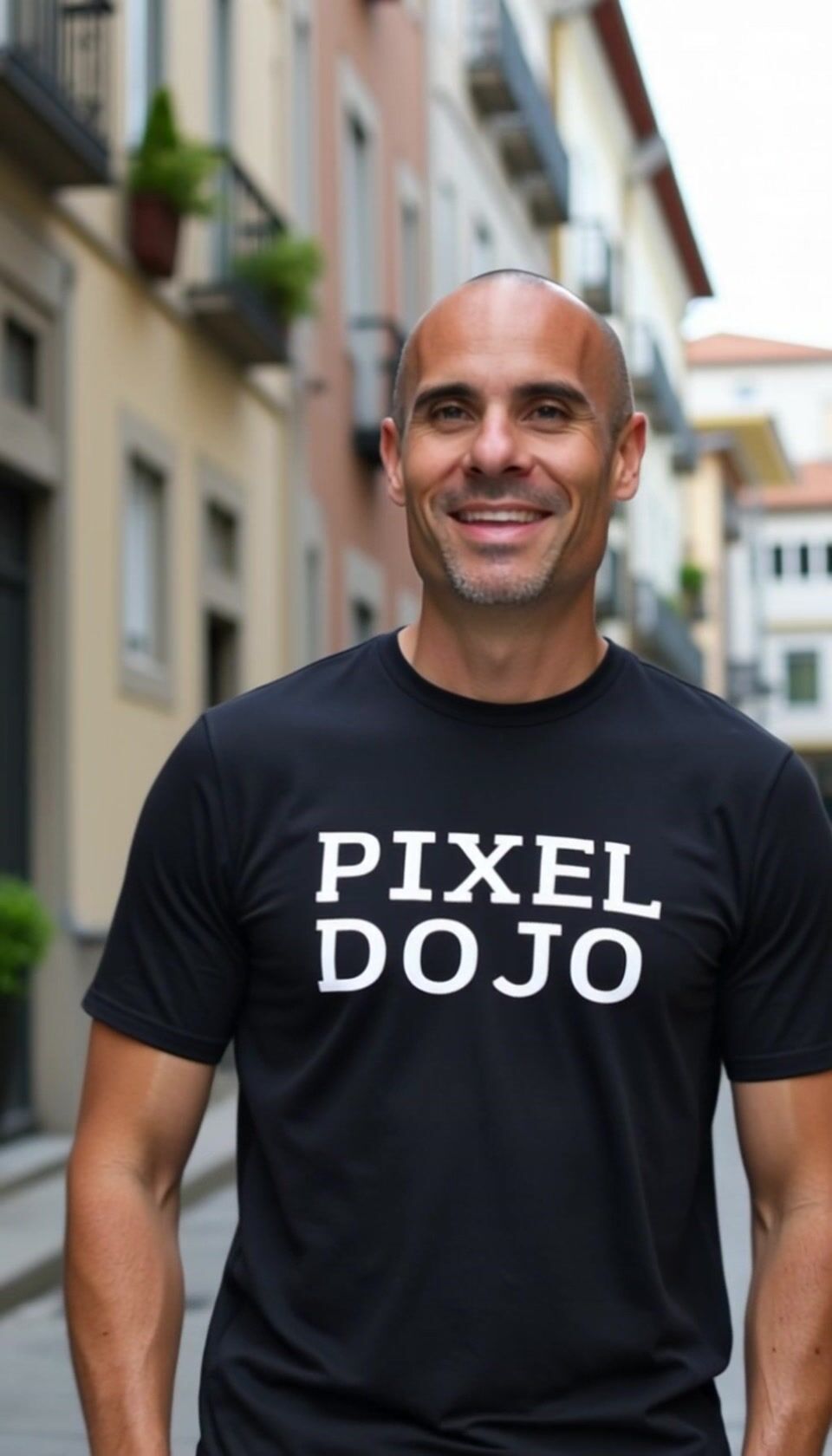
在 PixelDojo 上生成的實際影片範例
以下每個範例都是在 PixelDojo 上製作。將滑鼠移到上方即可查看提示詞。
A man talking
image-to-video
A friendly female podcaster in a cool modern studio announcing that Pixel Dojo now has sup…
image-to-video
A woman says "hi
image-to-video
The woman is talking and saying "welcome to pixel dojo the only AI tool you need"
image-to-video
OmniHuman 1
image-to-video
A kpop girl dancing and singing a song about how pixel dojo is the only ai tool you need
image-to-video
在 PixelDojo 上用於 Minimax AI 文字生成影片修改版 APK 的模型
換模型不必換工具,所有模型都在同一個 PixelDojo 工作室執行。
在 PixelDojo 上,Minimax AI 文字生成影片修改版 APK 能做什麼
文字生成影片
我們使用 Minimax AI,將文字提示詞轉成影片片段。
風格與長度設定
創作者可在處理前調整影片長度與視覺風格。
批次處理提示詞
我們可在同一次操作中處理多筆文字輸入。
直接匯出影片
使用者可將生成的影片儲存為常見檔案格式。
超過 10,000 位滿意的創作者,已用 PixelDojo AI 工具生成超過 50,000 部影片。易用性與成果品質,獲得社群 4.8/5 的肯定。
為什麼選擇 Pixel Dojo 製作Minimax ai text to video apk mod
最先進的 AI 技術,帶來專業級成果
輕鬆創作影片
不需要技術背景,就能把文字轉成專業影片,省下時間與資源。
多元內容應用
打造適用於行銷、教育、社群媒體等情境的影片,讓內容策略更全面。
高品質成果
生成具備流暢轉場、動畫與情境背景的影片,讓成品更精緻。
使用方式
用 PixelDojo 把文字變成影片,流程就是這麼簡單。跟著以下步驟,讓你的點子成真:
步驟 1:選擇工具
從 PixelDojo 的 AI 工具中選擇「文字生成影片」,開始創作。
步驟 2:輸入提示詞
輸入文字,詳細描述你想呈現的場景或故事。描述越具體,越能有效引導 AI。
步驟 3:調整並下載
檢視生成的影片,依需求調整,再下載可直接使用的成品。
The Pixel Dojo Advantage
為什麼 PixelDojo 的 AI 文字生成影片比其他選擇更出色:
| Others | Pixel Dojo |
|---|---|
| 傳統影片製作 | 不需要昂貴設備或繁複剪輯,讓每個人都能輕鬆創作影片。 |
| 通用 AI 工具 | 專為文字生成影片打造的功能,讓生成結果更精準、更貼合內容。 |
| 手動製作動畫 | 自動完成動畫製作,大幅減少打造吸睛影片所需的時間與心力。 |
PixelDojo 創作者好評推薦
來自 PixelDojo 使用者的真實回饋,取自我們的產品內問卷。
all in one place
It is a lot of fun to uae and easy too.
So many different models to try out
You keep adding to it to stay up to date and that is GOLD.
very easy to use and good support
Very easy to use
探索更多 PixelDojo AI 工具
熱門 AI 模型
AI 工具
常見問題
關於Minimax ai text to video apk mod,你需要知道的一切
PixelDojo 的 AI 文字生成影片工具如何運作?
PixelDojo 的 AI 會分析你輸入的文字,生成對應影片,結合動畫、轉場與相關視覺素材,讓內容生動呈現。
生成的影片可以自行調整嗎?
可以。初次生成後,你可以檢視並調整,確保最終影片符合你的構想。
這款工具能製作哪些內容?
你可以製作各式內容,包括行銷影片、教學素材、社群貼文等。
使用 PixelDojo 工具需要技術背景嗎?
不需要。PixelDojo 操作直覺,沒有技術背景也能製作專業品質的影片。
生成一部影片需要多久?
生成時間取決於輸入內容的複雜程度,但大多數影片幾分鐘內就能完成。
影片創作數量有限制嗎?
PixelDojo 採點數制方案,每月 $10 起,影片創作沒有每日上限。