Dojo Academy · 7 lessons · 13 min
Get started. Your first image and video, today.
Learn where everything lives, make your first AI video, edit any image with words and create without spending a credit.
The lessons
 1:53Lesson 1
Tour PixelDojo in two minutes
Where the studios, tools, models, credits and your library live, so you always know where to start.
White belt · Dashboard
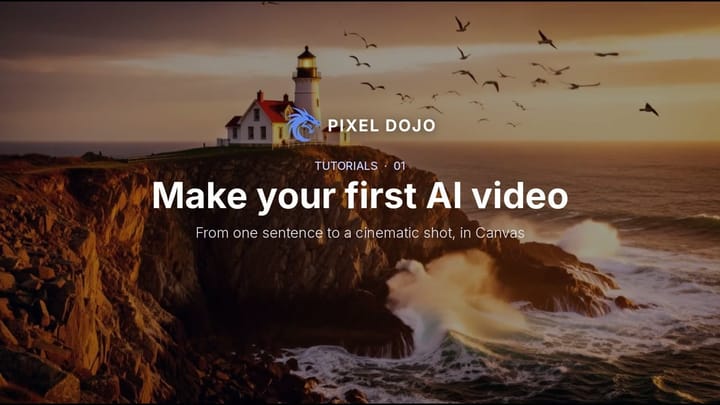 2:06Lesson 2
Make your first AI video
Write one sentence, make a still, then animate it in Canvas. Two clicks from idea to a cinematic shot.
White belt · Canvas
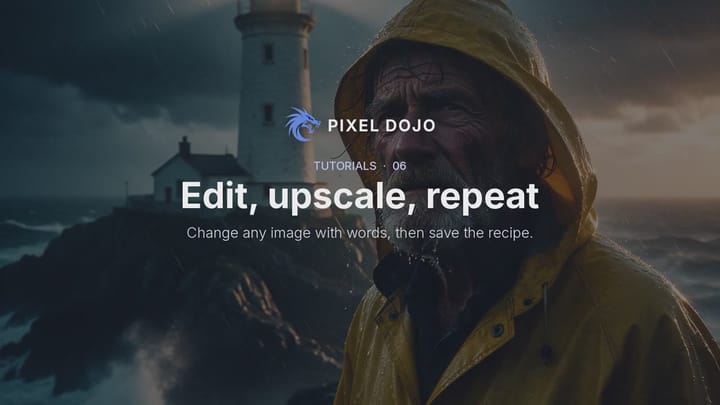 1:58Lesson 3
Edit any image with words
Upload a photo, describe the change, keep everything else. Then upscale it to 4K in one click.
White belt · Seedream 5
 1:40Lesson 4
Create without spending credits
Relax mode runs selected image and video models for free on every plan, with no daily cap. Here is how to switch it on.
White belt · Qwen Image 2.1
 1:38Lesson 5
Prompt like a director
Call the shot size, one camera move and the light, one shot per prompt. The four words that turn a vague clip into a scene.
Green belt · Seedance 2.5
 2:18Lesson 6
Voices, sound and music
A narrator, a full audio scene with voices and effects, and an original score, each from one prompt.
Green belt · Seed Audio
 1:48Lesson 7
Your characters and products in every clip
Save a character or product once, attach both in Video Studio, call them by name and keep every clip on model.
Green belt · Video Studio