kling video 3.0 start- und endbilder
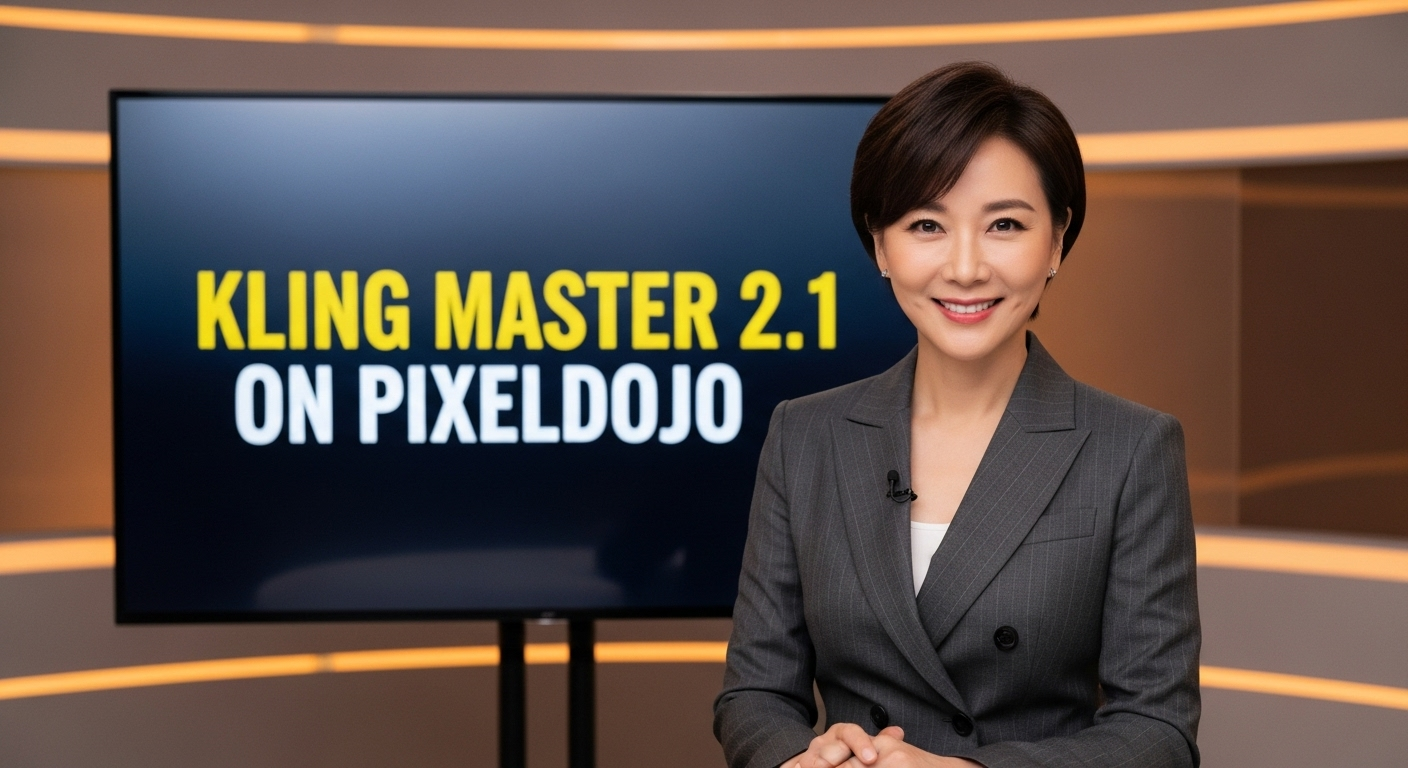
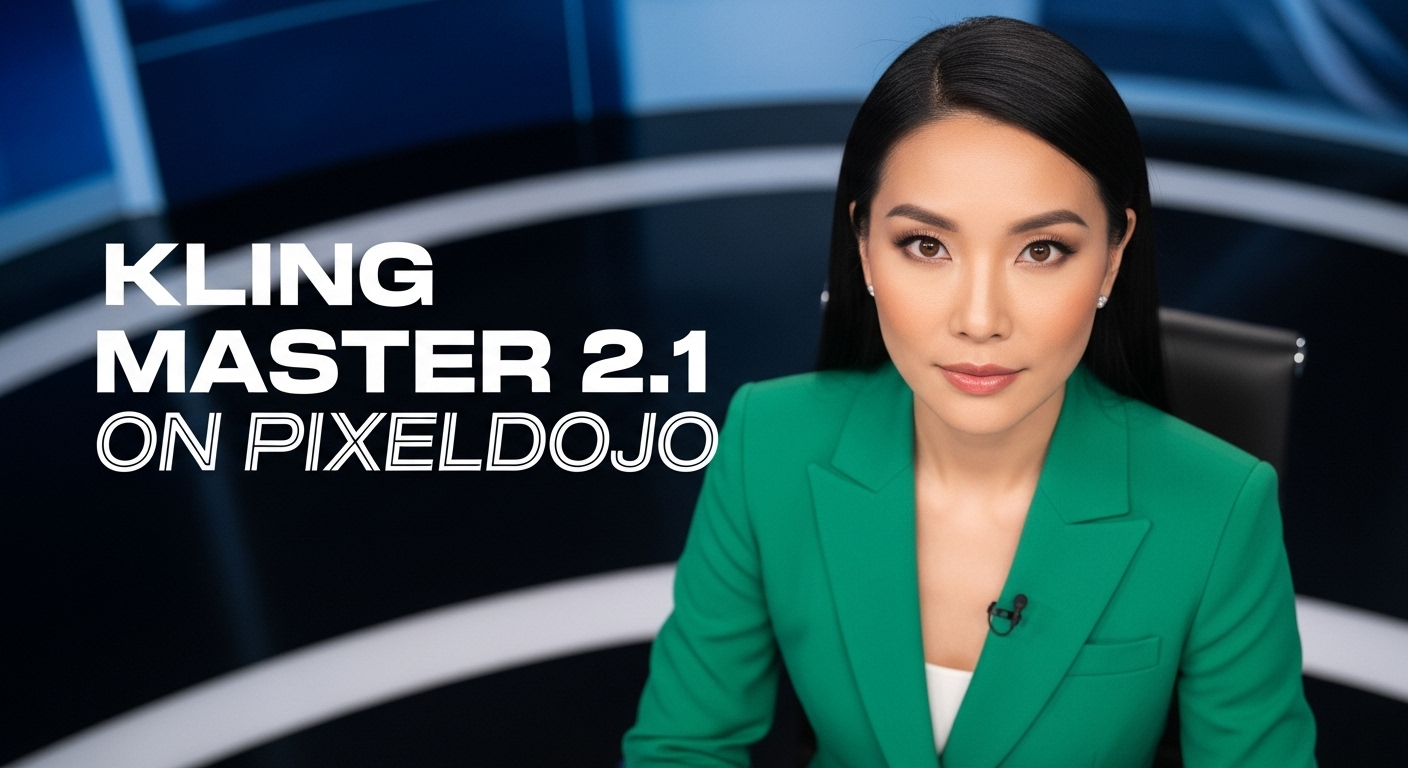
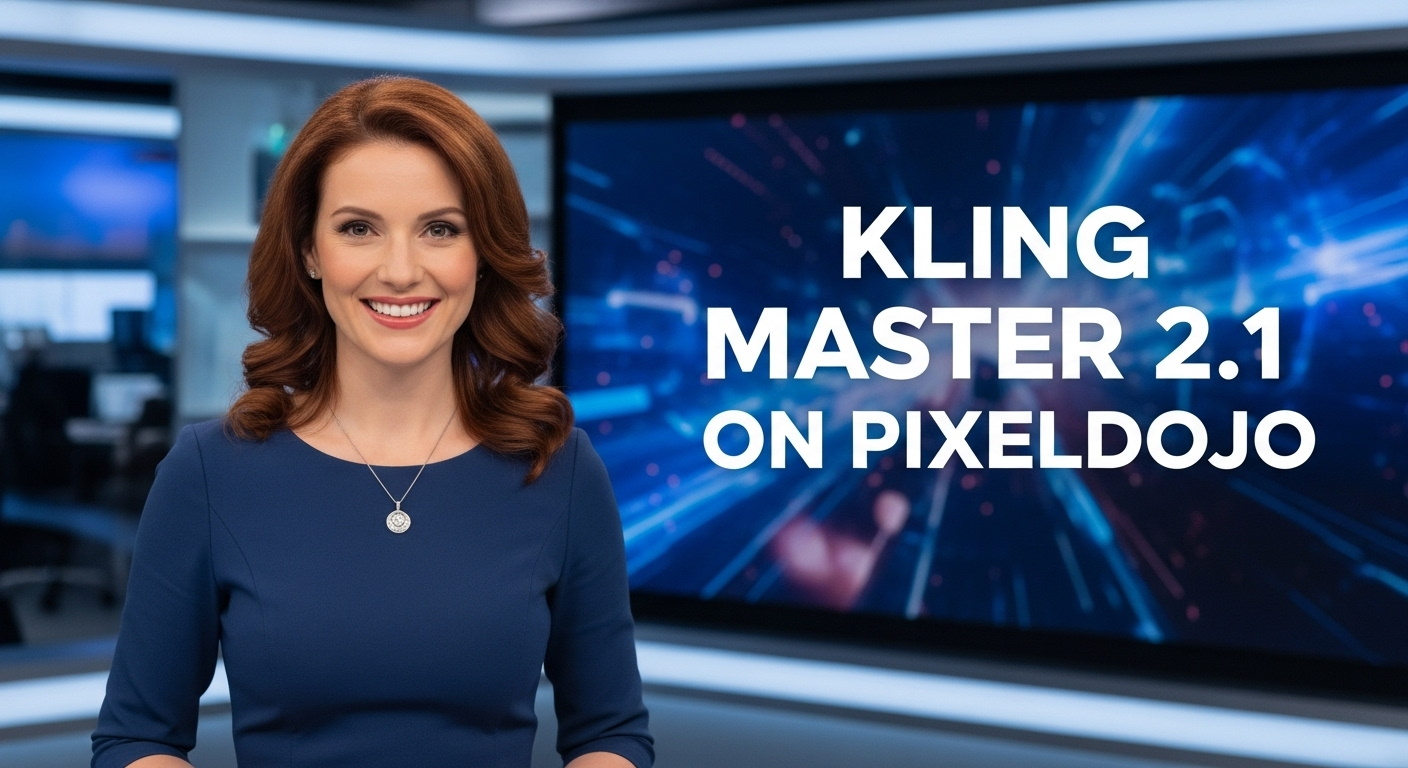
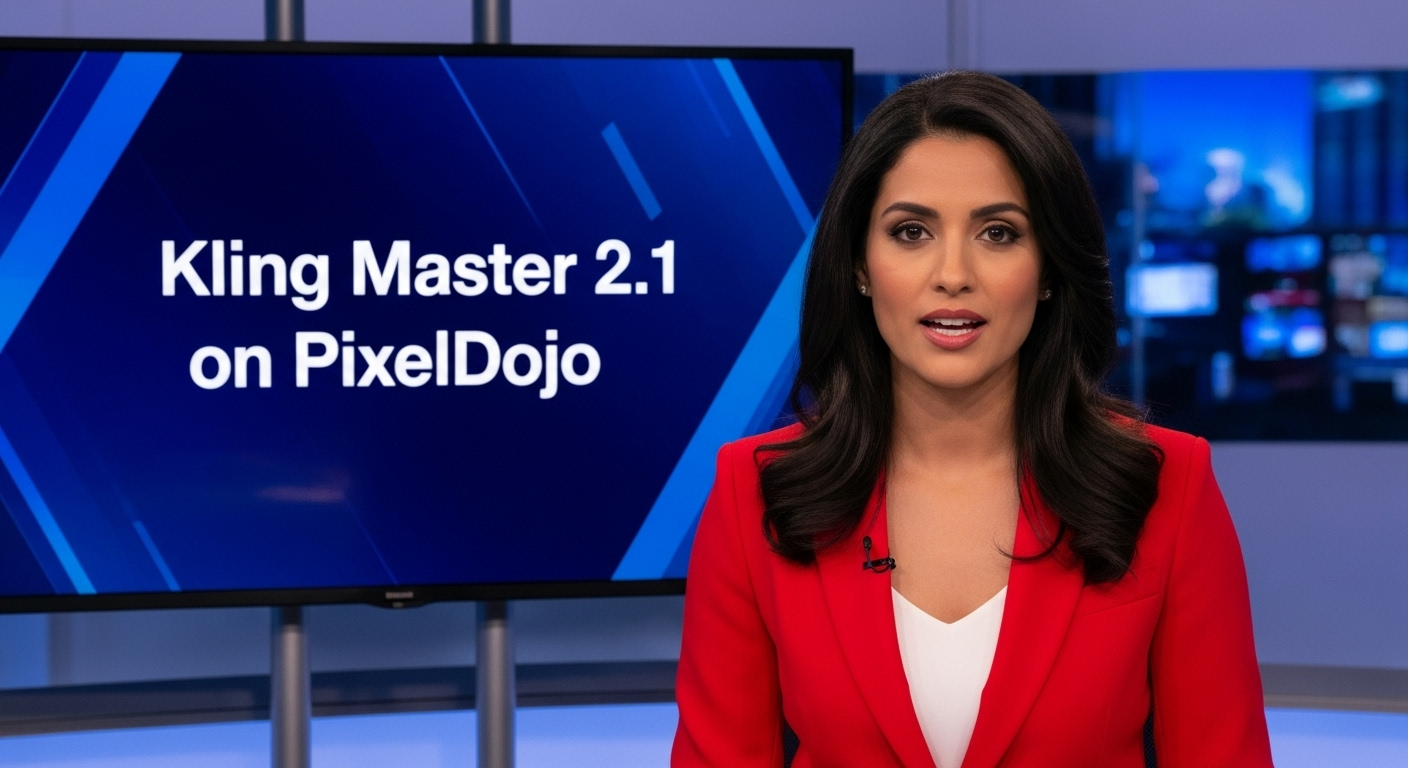
A photo of a beautiful news anchor. bold text across the screen says "Kling Master 2.1 on PixelDojo"
AI Generated
Jederzeit kündbarLizenz zur kommerziellen Nutzung140+ KI-ModelleTarife ab 10 $/Monat

Stell dir vor, zwei einfache Bilder werden zu einem atemberaubenden, fließenden Video, das in Sekunden eine ganze Geschichte erzählt: deine perfekte Anfangsszene und dein gewünschtes Finale. Mit der Start- und Endbild-Funktion für Kling Video 3.0 auf PixelDojo und modernsten Tools wie Kling v2.6 Pro bringst du Bewegung in Hollywood-Qualität auf den Bildschirm. Ohne Kamera, Filmteam oder Schnittsoftware. Ob virale Social-Media-Clips, professionelle Werbespots oder erzählerische Kurzfilme: Du steuerst jeden Übergang präzise und setzt deine Vision genau so um, wie du sie dir vorstellst. Schluss mit ruckelnden Animationen und wechselnden Charakteren. Stattdessen entstehen flüssige, mitreißende Videos, die dein Publikum fesseln und das Engagement steigern. Tausende Creator nutzen PixelDojo täglich, um Ideen schneller zu testen, Stunden in der Produktion zu sparen und online mit starken Ergebnissen aufzufallen. Bereit, deine statischen Bilder in dynamische Meisterwerke zu verwandeln? Leg los und verändere deine Content-Produktion für immer.

Über 50.000 Creator weltweit vertrauen uns | 4,9/5 Sterne aus über 12.000 Bewertungen | Über 2 Millionen Videos im Kling-Stil generiert | In führenden Creator-Communitys vorgestellt

Warum Pixel Dojo für kling video 3.0 start end frames

Professionelle Ergebnisse mit modernster KI-Technologie

Nahtlose Übergänge für deine Story

Erzähle packende Geschichten: Verwandle ein beliebiges Startbild mit fließenden, natürlichen Bewegungen in dein Endbild. Ideal für emotionales Storytelling in Werbespots, Erklärvideos oder Social Reels, die vom ersten Frame bis zum Finale fesseln.

Deine Charaktere bleiben identisch

Mit den integrierten Tools Kling Video Character Swap und Consistent Characters bleiben Gesicht und Körper im gesamten Video perfekt konsistent. Deine Hauptfiguren sehen immer gleich aus, ob beim Spaziergang durch die Stadt oder beim Flug ins All.

Videos blitzschnell testen

Generiere produktionsfertige Clips in unter 60 Sekunden, teste endlos neue Varianten ganz ohne Vorkenntnisse und exportiere hochauflösende Videos für TikTok, YouTube oder Kundenpräsentationen. So verkürzt du die Erstellungszeit um 90%.

So funktioniert’s

Mit der intuitiven Oberfläche und über 40 spezialisierten KI-Tools von PixelDojo werden Start- und Endbild-Videos mit Kling Video 3.0 zum Kinderspiel. Lade deine Start- und Endbilder hoch oder generiere sie direkt, ergänze einen Bewegungs-Prompt und sieh zu, wie die KI daraus professionelle Videos macht. Alles in wenigen Minuten, ganz ohne Fachwissen.

1

Schritt 1: Start- und Endbilder erstellen oder hochladen

Öffne die Bildgeneratoren, etwa Flux.2 Studio, oder die Frame-Tools von Kling v2.6 Pro. Erstelle deine Anfangsszene, zum Beispiel eine stillstehende Figur, und dein Schlussbild, etwa dieselbe Figur in Aktion. Nutze WAN Image oder ImagineArt 1.0 für hyperrealistische Details. Lade beide Bilder direkt in den Kling-Video-Workflow hoch, sie sind sofort kompatibel.

2

Schritt 2: Bewegungs-Prompt und Einstellungen festlegen

Wähle Kling v2.6 Pro unter den Videogeneratoren. Gib einen einfachen Prompt ein, etwa „bei Sonnenaufgang mit fließenden Bewegungen den Pfad hinaufwandern, dynamischer Kameraschwenk“. Lege Start- und Endbilder, Dauer (5-30s) und Stil fest. Nutze Pose Control oder WAN Reference to Video für präzise Bewegungen. Physik, Licht und stimmige Abläufe übernimmt die KI automatisch.

3

Schritt 3: Generieren, verfeinern und exportieren

Starte die Generierung deines Videos im Kling 3.0-Stil. Prüfe die Vorschau und verfeinere das Ergebnis mit Video Upscaler für 4K-Schärfe oder Lip Sync für Dialoge. Bearbeite es bei Bedarf mit Runway Gen-4 und lade es ohne Wasserzeichen herunter. Teile es direkt oder hole mit Magnific Upscaler noch mehr aus dem Ergebnis heraus.
Community kling video 3.0 start end frames Gallery

Real examples created by our community

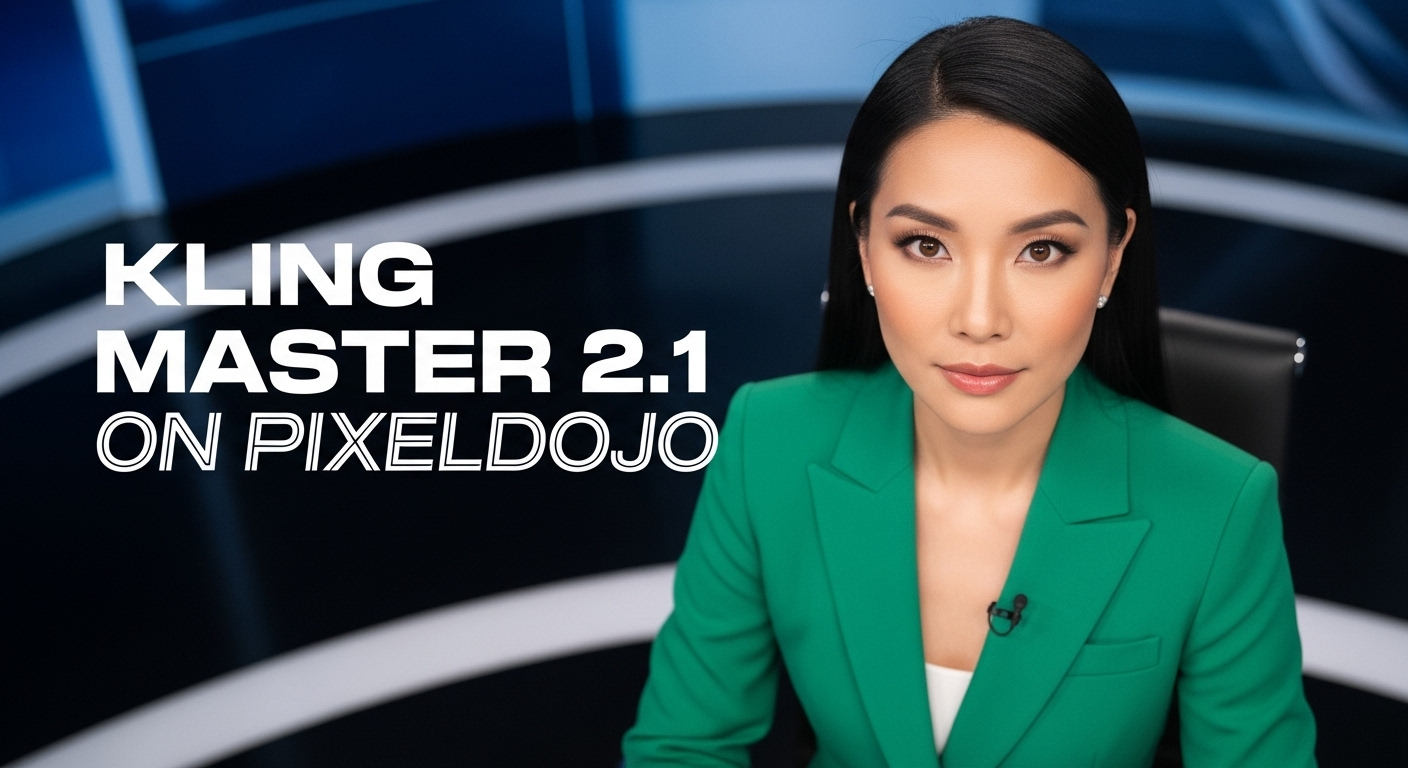
A photo of a beautiful news anchor. bold text across the screen says "Kling Master 2.1 on PixelDojo"
add a log (edited with Flux Kontext Dev)
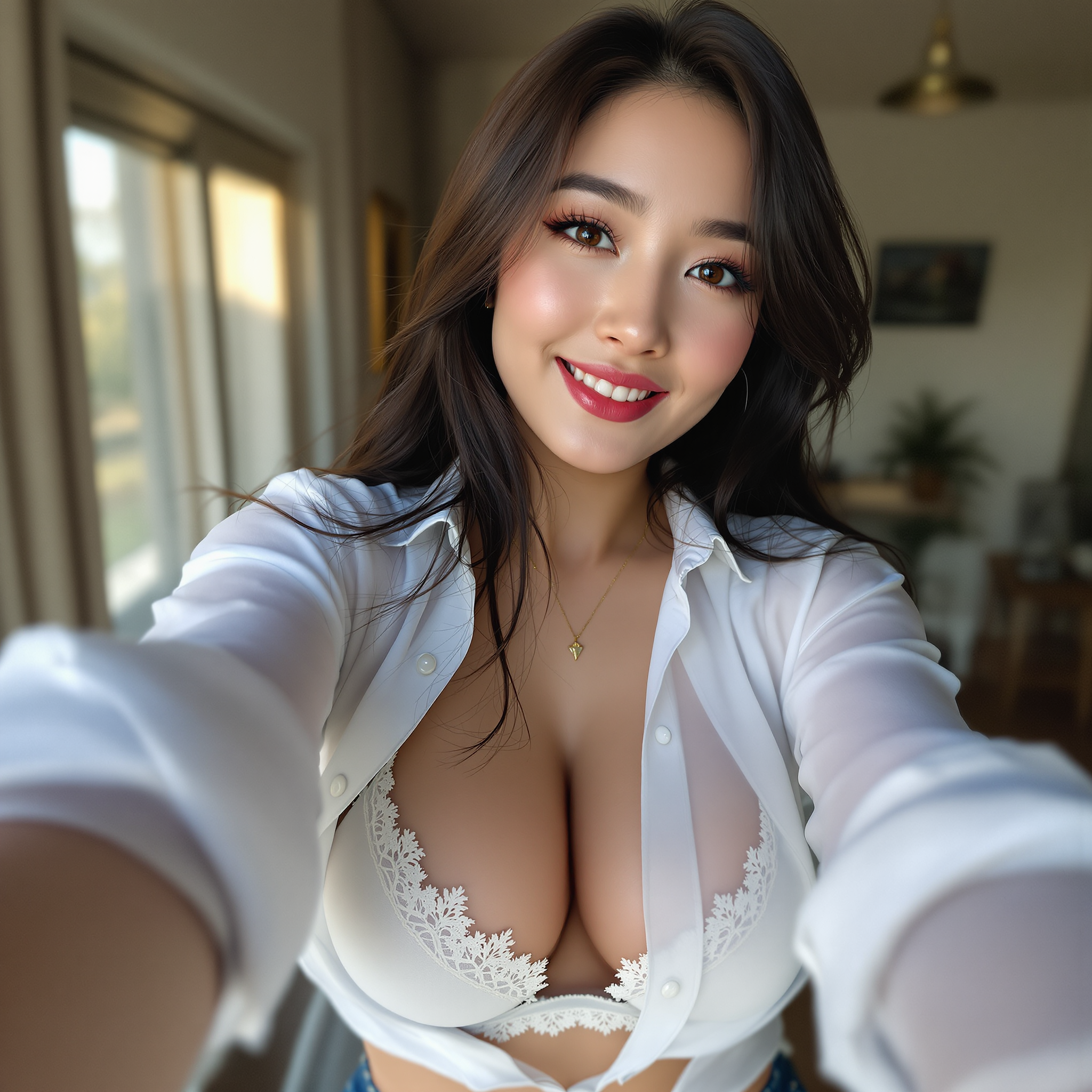
Capture a **first-person point of view selfie** of a **Korean woman** with **long, dark hair** cascading over one shoulder. She is wearing an **unbuttoned white shirt**, partially revealing a **white bra**. Her **curvaceous figure** is accentuated by her **natural, full bust**. 

**Style:** Employ a **soft, natural lighting** setup to enhance the realism and intimacy of the moment. Use a **bokeh effect** to blur the background, focusing attention on the subject. The photography style should reflect a **candid, lifestyle portrait** with elements of **fashion photography** to highlight the clothing details.

**Visual Details:**
- **Skin Tone:** Warm, natural with a subtle glow.
- **Shirt:** Crisp white, slightly sheer, with visible texture of the fabric.
- **Bra:** White, lace detailing, slightly visible through the open shirt.
- **Facial Expression:** A playful, confident smile with a hint of coyness.

**Composition:**
- **Camera Angle:** Held at chest level to capture the selfie, creating an intimate, up-close-and-personal feel.
- **Framing:** Her face and upper torso are central, with the shirt's opening framing the view of the bra.

**Mood and Atmosphere:**
- **Time of Day:** Late afternoon, with soft, golden light filtering through a nearby window.
- **Ambiance:** Relaxed, casual, and personal, conveying a sense of self-assuredness and playfulness.

**Technical Aspects:**
- **Aperture:** f/2.8 to achieve the desired depth of field, ensuring the subject is in sharp focus while the background blurs.
- **Lens:** Wide-angle lens to mimic the selfie perspective.

**Cohesion:** The elements combine to create a moment of self-expression, capturing the natural beauty and confidence of the subject in a personal and artistic manner.
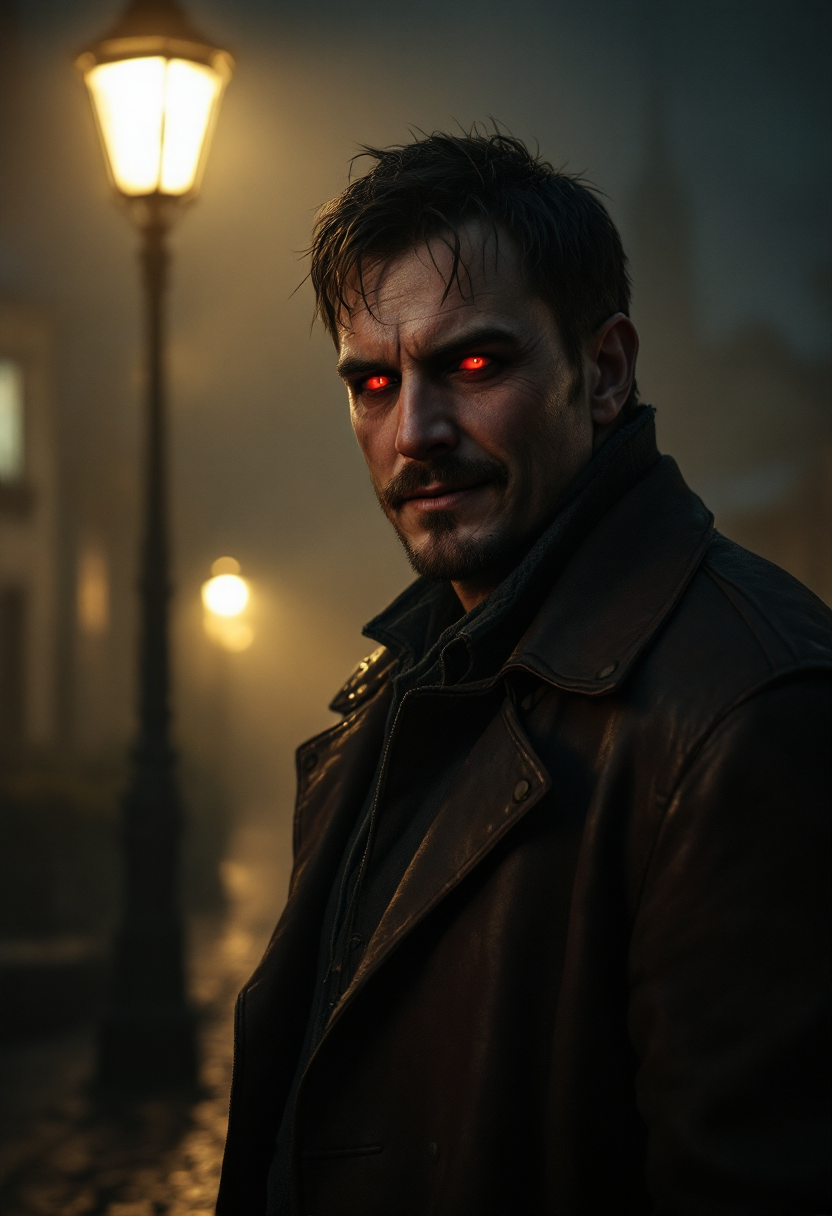
In the heart of a **misty Irish village** at night, under the **flickering light of a streetlamp**, stands a **tall, broad-shouldered Irishman** with **short, unkempt dark hair** and a **five o'clock shadow**. He wears a **slightly disheveled, dark brown leather jacket**, its texture reflecting the dim light in a way that hints at its worn history. His **eyes are dark and hollow**, with an unsettling depth that seems to **swallow the light**, revealing **red pupils** that pierce through the gloom. His **smile** is **eerily perfect**, too symmetrical, **as if carved into a mask**, while his **stance** suggests an **otherworldly control** over his form, as if he's merely **wearing human skin** as a **costume**. 

The **mood** is **ominous and surreal**, with the **village's cobblestone streets** glistening from the **recent rain**, the **streetlight casting long, distorted shadows** behind him. The **lighting** is **low-key**, emphasizing the **contrasts** between light and shadow, creating an **atmosphere of unease**. The **camera angle** is **slightly low**, looking up at him, giving him an imposing presence. The **composition** is **asymmetrical**, with the man positioned off-center, allowing the **elongated shadow** to stretch towards the frame's edge, suggesting an **unnatural extension** of his presence into the viewer's space. 

**Artistic style** would be **noir with elements of surrealism**, capturing the **uncanny valley** between human and otherworldly. Use **chiaroscuro** lighting to enhance the **mysterious** and **eerie** ambiance, and ensure the **details** of his attire, like the **leather jacket**, are rendered with **hyperrealistic texture**, juxtaposed against the **surreal elements** of his eyes and shadow.
Create an image of Donald Trump pointing at the viewer and holding a sign with the words "70% Tarrif Canada "
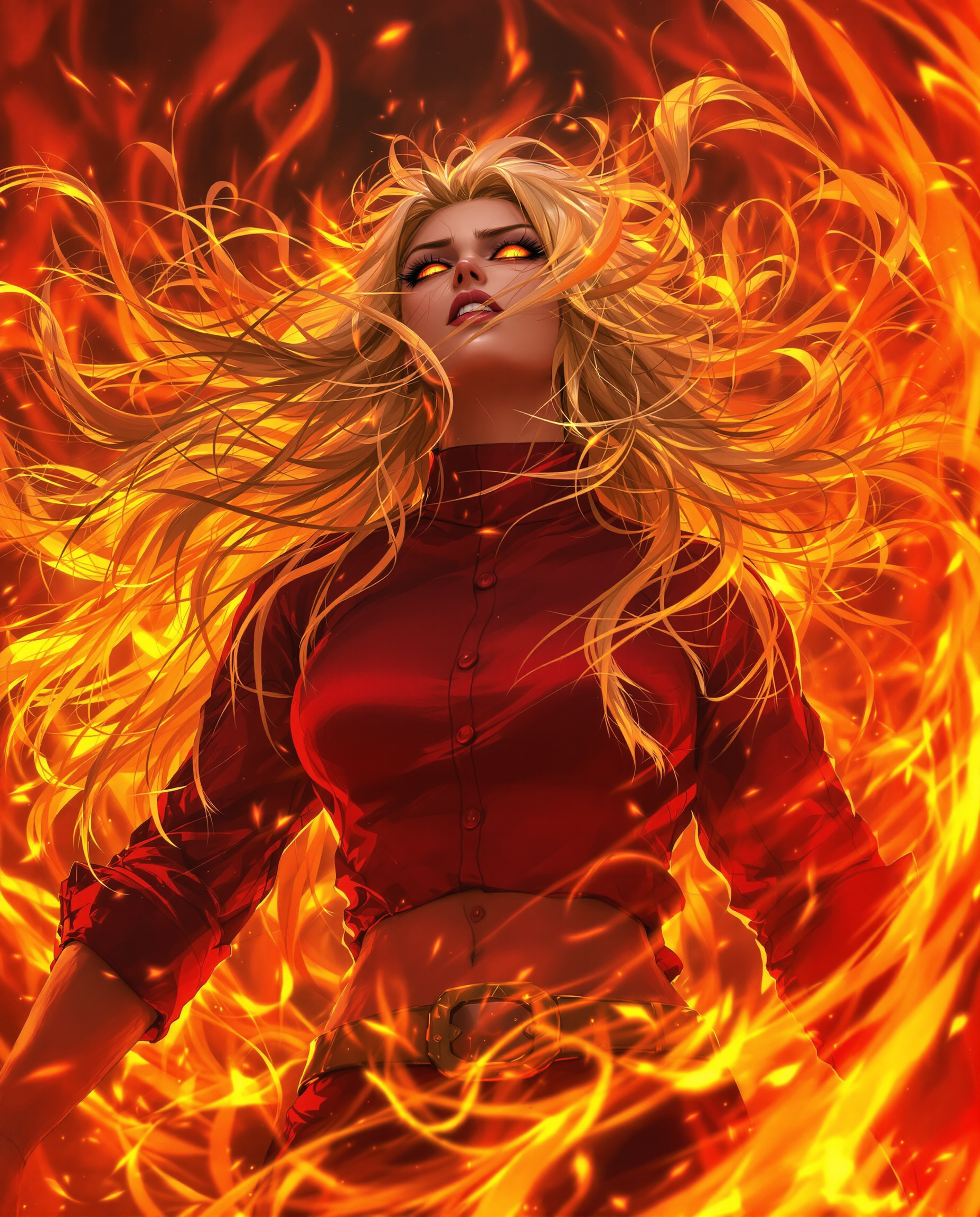
A hyper-realistic DSLR photograph captures a fierce female anime character in a dynamic, intense pose, her long golden hair flowing wildly with chaotic strands and fiery glowing highlights, partially obscuring a deep red high-collared garment with rolled-up sleeves revealing muscular arms shadowed dramatically. Her exaggerated features include large, expressive heterochromia eyes and a pronounced mouth, set against a swirling background of vivid fiery red and orange flames with high contrast and saturation. Cinematic lighting emphasizes passion and aggression in sharp 8K detail, with a 50mm lens and shallow depth of field.
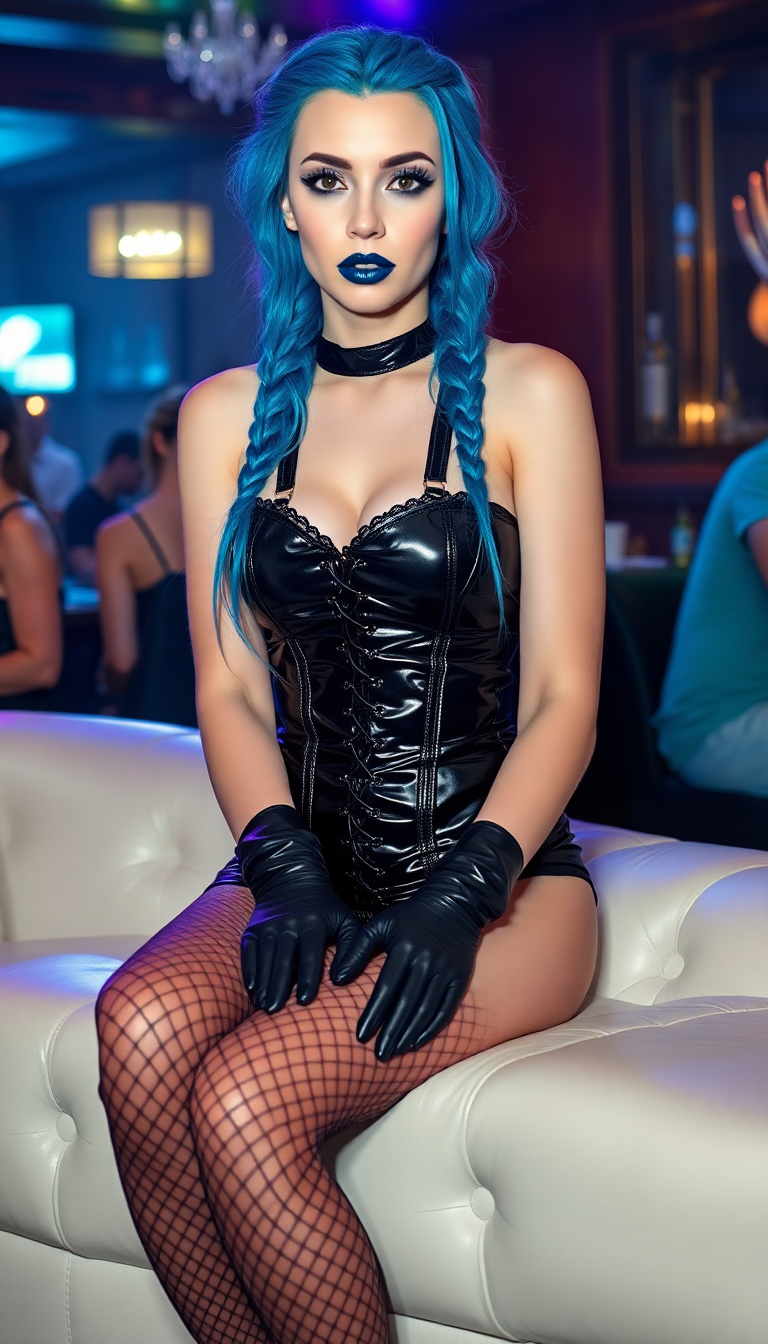
A full-body picture featuring a pale-skinned woman with long, flowing bright blue braided hair, and vividly colored, dark blue painted lips, in a shiny black latex corset mini-dress accessorized with black fishnet tights, shiny black latex elbow length opera gloves. sitting on a couch in a nightclub.
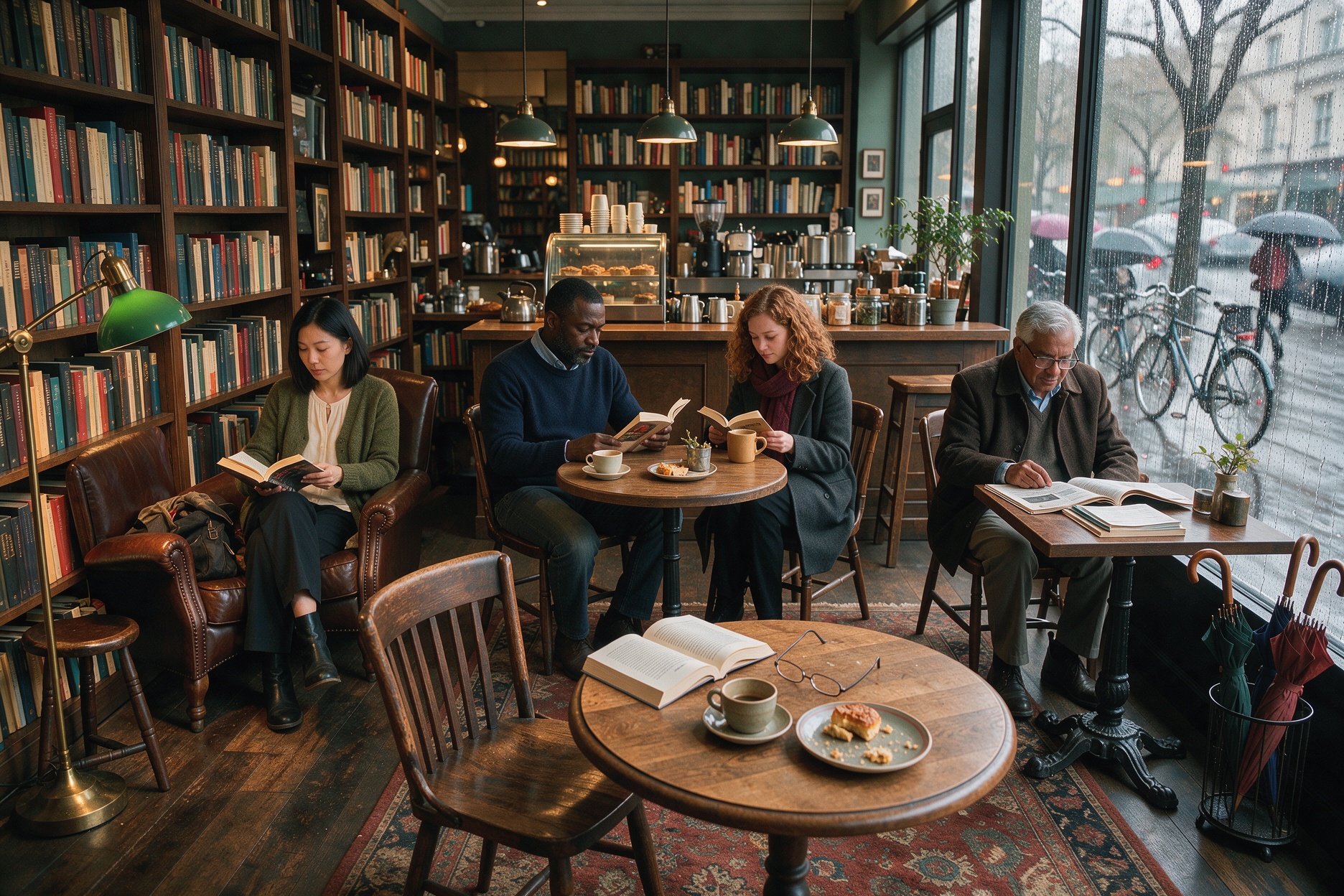
Cozy bookstore cafe on a rainy afternoon, customers reading, warm lamps, rain-streaked windows
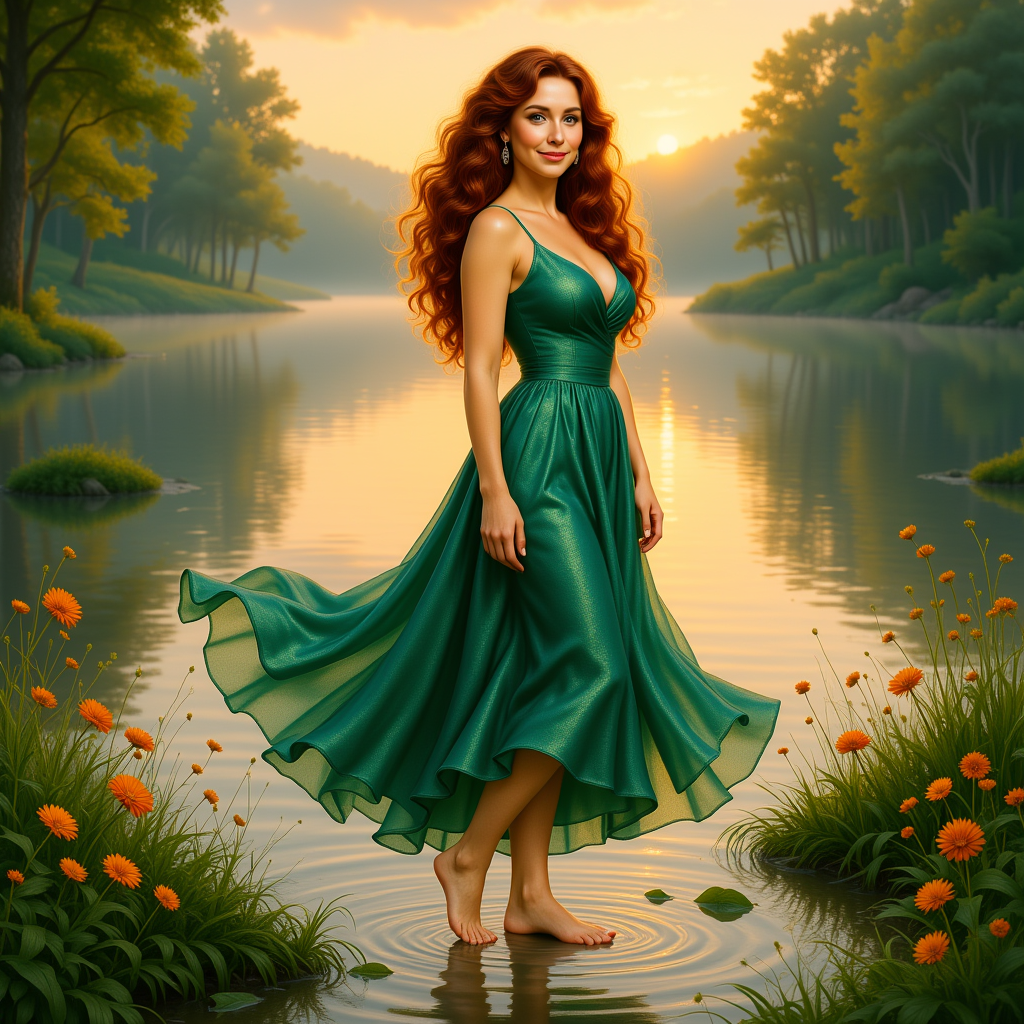
KIRA_SUNRISE, KIRA-SUNRISE-ZIP, Kira-Original-Zip, Kira-Super-Zip, Kira-Super, Kira-Pixie, Kira-Pixie-2, Kira-Curly-Pixie-Zip, Kira-Lux-Flux, Kira-Lux-Super, Mix-Kira, Kira, Kira1, Kira12, Kira12a, KiraVision, Kira12B, a beautiful woman with long, curly cherry-red hair, wearing a flowing emerald green dress with soft golden shimmer, standing barefoot at the edge of a tranquil forest lake at dawn, soft mist over the water, golden-pink light on the horizon, her expression calm and gentle, wildflowers and tall grass around her, water reflecting her silhouette, dreamlike, serene, photorealistic, Artgerm and James Gurney style with cinematic morning light
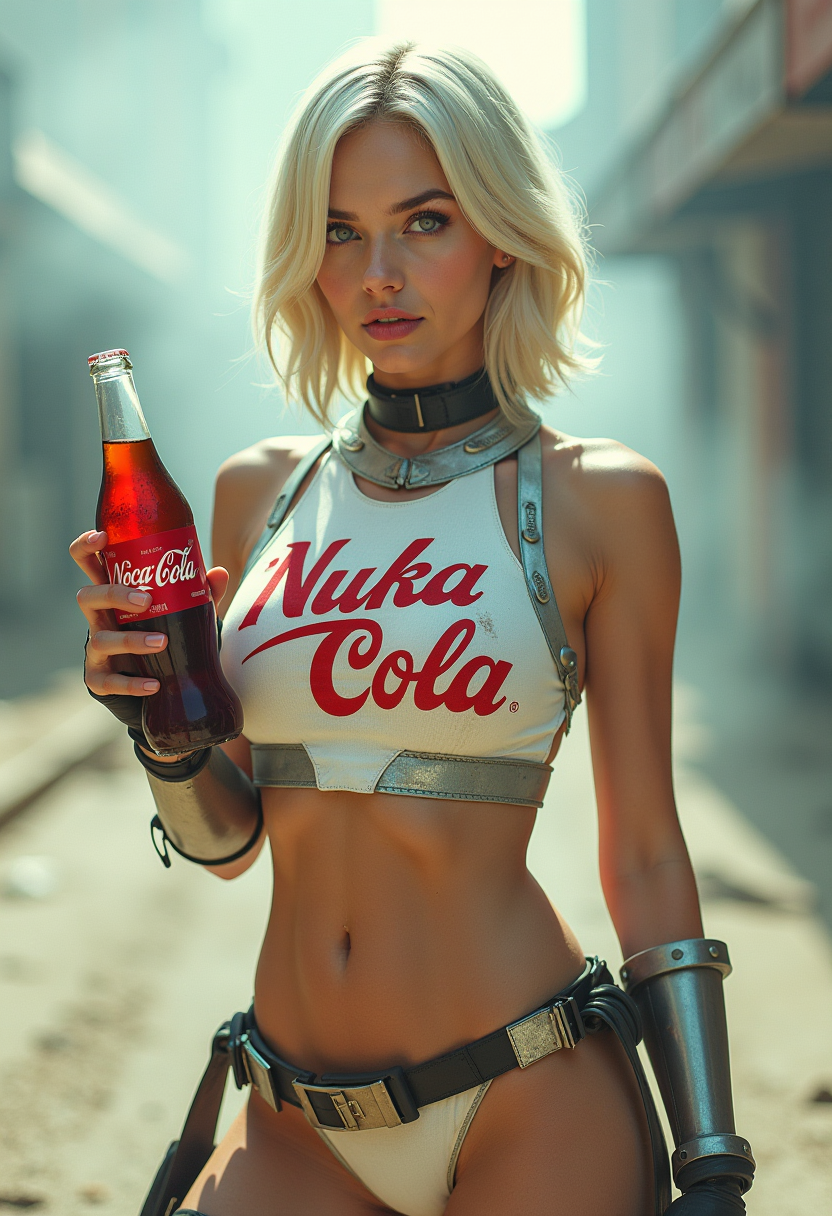
A young, vintage Caucasian woman, positioned slightly off-center to the left of the image, is depicted in a stylized, post-apocalyptic fashion. She has shoulder-length, platinum blonde hair, styled in a fashion with mechanical accents. Her expression is confident and slightly intense, with prominent, striking makeup including outlined eyes and rosy lips.  She is wearing a white, distressed-design bodysuit adorned with a large "Nuka Cola" logo in bold red script; it features cut-out details on the midriff, and metallic accessories, including a belt, and arm coverings.  The bodysuit implies a futuristic, possibly superhero-inspired aesthetic.  She is holding a vintage-style red soda bottle with the words "Nuka Cola", in her hand.  The background is a slightly hazy, desaturated blend of grayish-blue and soft white, and light-based effects create a dusty, slightly ethereal atmosphere.  The image's style is photorealistic but with digitally enhanced and embellished details, giving it a blend between fantasy and reality. The image has a high degree of detail in both the subject and the surrounding environment, creating a compelling and elaborate composition. Her body type is slender and curvy, with well-defined abdominal features. The overall tone is characterized by the artistic rendering and high contrast elements.
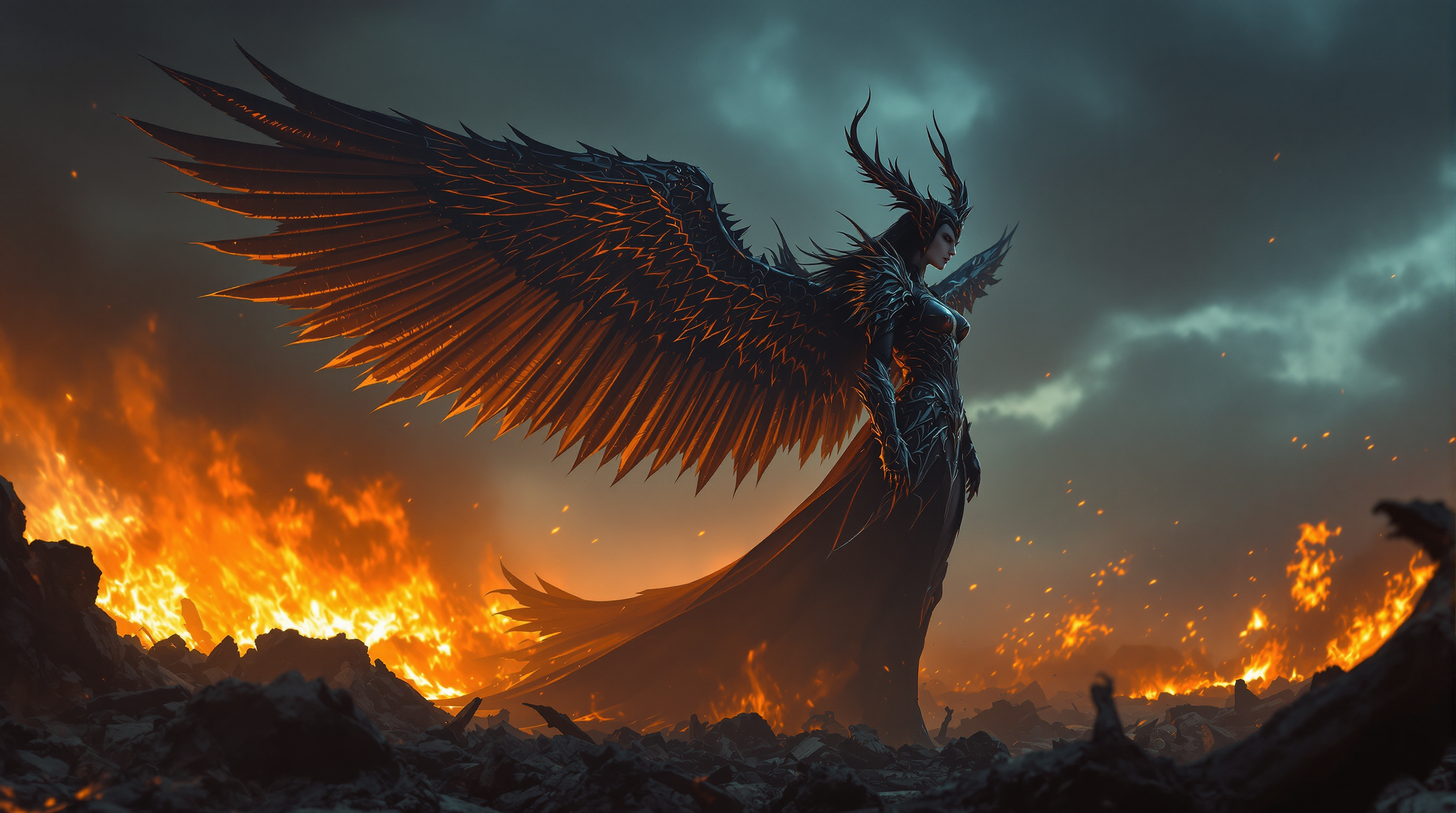
A powerful valkyrie queen stands off-center to the right in a cinematic high-fantasy scene, her expansive wings spread wide across the frame, exuding grandeur and scale against a fiery, chaotic landscape of embers and destruction. Dramatic, moody lighting with warm orange hues from a setting sun or blazing inferno highlights the intricate textures of her ornate gothic armor and wings, creating a striking chiaroscuro effect with a dark, smoky sky fading into cool blues. The composition uses negative space and her imposing silhouette to draw focus, delivering depth, tension, and a mythic sense of action in stunning 8K detail.

Erstelle noch heute Kling 3.0-Videos mit Start- und Endbildern

Über 40 modernste KI-Tools, von Tausenden Creatorn weltweit geliebt. Jederzeit kündbar. Teste sie noch heute.

The Pixel Dojo Advantage

Warum PixelDojo bei Kling Video 3.0 mit Start- und Endbildern die Nase vorn hat

OthersPixel Dojo
Klassische VideoproduktionSpare dir wochenlange Dreharbeiten, Schauspieler und Postproduktion. Erziele mit zwei Bildern in wenigen Minuten cineastische Ergebnisse und spare Tausende an Kosten.
Allgemeine KI-ToolsAnders als einfache Generatoren mit zufälligen Ergebnissen bietet dir Kling v2.6 Pro auf PixelDojo präzise Kontrolle über Start- und Endbilder, Charaktertausch und 4K-Upscaling. Für konsistente Ergebnisse auf Profi-Niveau, jedes Mal.
Manuelle Foto-zu-Video-BearbeitungDu brauchst weder After Effects-Kenntnisse noch mühsam gesetzte Keyframes für jedes Einzelbild. Die KI automatisiert fließende Übergänge. Du konzentrierst dich auf deine Kreativität statt auf endlose Detailarbeit.

Von Creatorn auf PixelDojo geliebt

Echtes Feedback von Menschen, die PixelDojo nutzen, aus unseren In-Product-Umfragen.

Creative freedom, range of tools and options.
Verifizierter PixelDojo-Creator
I love the training feature
Verifizierter PixelDojo-Creator
the quality is the best
Verifizierter PixelDojo-Creator
All the tools needed in one dashboard
Verifizierter PixelDojo-Creator
Very fair and very broad in tools.
Verifizierter PixelDojo-Creator
Accurate results
Verifizierter PixelDojo-Creator

Häufige Fragen

Alles, was du über kling video 3.0 start end frames wissen musst

Wie funktionieren Start- und Endbilder mit Kling Video 3.0 auf PixelDojo?

Mit Kling v2.6 Pro auf PixelDojo lädst du Start- und Endbilder hoch, die du mit Flux.2 Studio oder Z Image Turbo generiert hast. Die KI berechnet realistische Bewegungen zwischen den Bildern. Ergänze Prompts für Kamerafahrten, Effekte oder Aktionen. So entstehen nahtlose Videos in 1080p+ mit bis zu 30s Länge, die du mit Tools wie Video Upscaler weiter optimierst.

Welche Prompts eignen sich am besten für Kling 3.0-KI-Videos mit Start- und Endbildern?

Konzentriere dich auf Bewegung: „Figur geht vom Waldweg (Startbild) zu einer Lichtung mit Wasserfall (Endbild), sanfter Zoom, natürliche Lichtwechsel.“ Erstelle die Bilder mit ImagineArt 1.0 auf PixelDojo und nutze dann Kling für das Video. Experimentiere direkt in der Oberfläche mit Dauer und Stil für Trends wie dynamische Schwenks oder langsame Morphing-Übergänge.

Bleiben meine Charaktere in Kling Video 3.0 mit Start- und Endbildern konsistent?

Absolut. Kombiniere Kling v2.6 Pro mit Kling Video Character Swap oder Consistent Characters. Generiere Gesichter einmal mit PonyXL oder HiDream und übertrage sie auf die anderen Frames. So bleibt der Look identisch. Perfekt für Geschichten, Werbespots oder Serien, bei denen Kontinuität für einen professionellen Eindruck sorgt.

Welche Bildgrößen eignen sich für Kling 3.0 mit Start- und Endbildern auf PixelDojo?

Optimal sind 1024x576 oder 1280x720 im Querformat. Erstelle die Bilder mit SDXL oder WAN 2.6 und skaliere sie bei Bedarf mit Portrait Upscaler hoch. PixelDojo passt sie automatisch an Video-Seitenverhältnisse an. Mit Video Reframe sind auch angesagte vertikale TikTok-Formate möglich.

Wie lang sind Kling Video 3.0-Videos mit Start- und Endbildern und kann ich sie verlängern?

Standard sind Clips mit 5-10s, die du durch Aneinanderreihen mit WAN 2.6 Video oder Runway Gen-4 auf 30s+ verlängern kannst. Das Tool Merge Videos verbindet mehrere Clips nahtlos. Trends zeigen: 15s-Loops funktionieren auf Social Media besonders gut. Für Verlängerungen steht Hailuo 2.3 bereit.

Kann ich Kling Video 3.0 mit Start- und Endbildern auf PixelDojo kostenlos testen?

Nein, bei der Anmeldung gibt es keine kostenlosen Credits. Für die Generierung brauchst du Credits aus einem kostenpflichtigen Abo. Nutze alle über 40 Tools, darunter Seedance 1.5 als Backup, mit einem gemeinsamen Credit-Guthaben. Abos starten bei 10 $/Monat und sind jederzeit kündbar. Mit Usage Report behältst du deinen Verbrauch im Blick. Creator lieben die professionellen Ergebnisse.

Bereit für beeindruckende Kling 3.0-Videos mit Start- und Endbildern?

Bereit, deine Ideen zum Leben zu erwecken?

Schließe dich über 1 Mio. Creatorn an, die mit KI ihre Ideen zum Leben erwecken