kling video 3.0 images de début et de fin
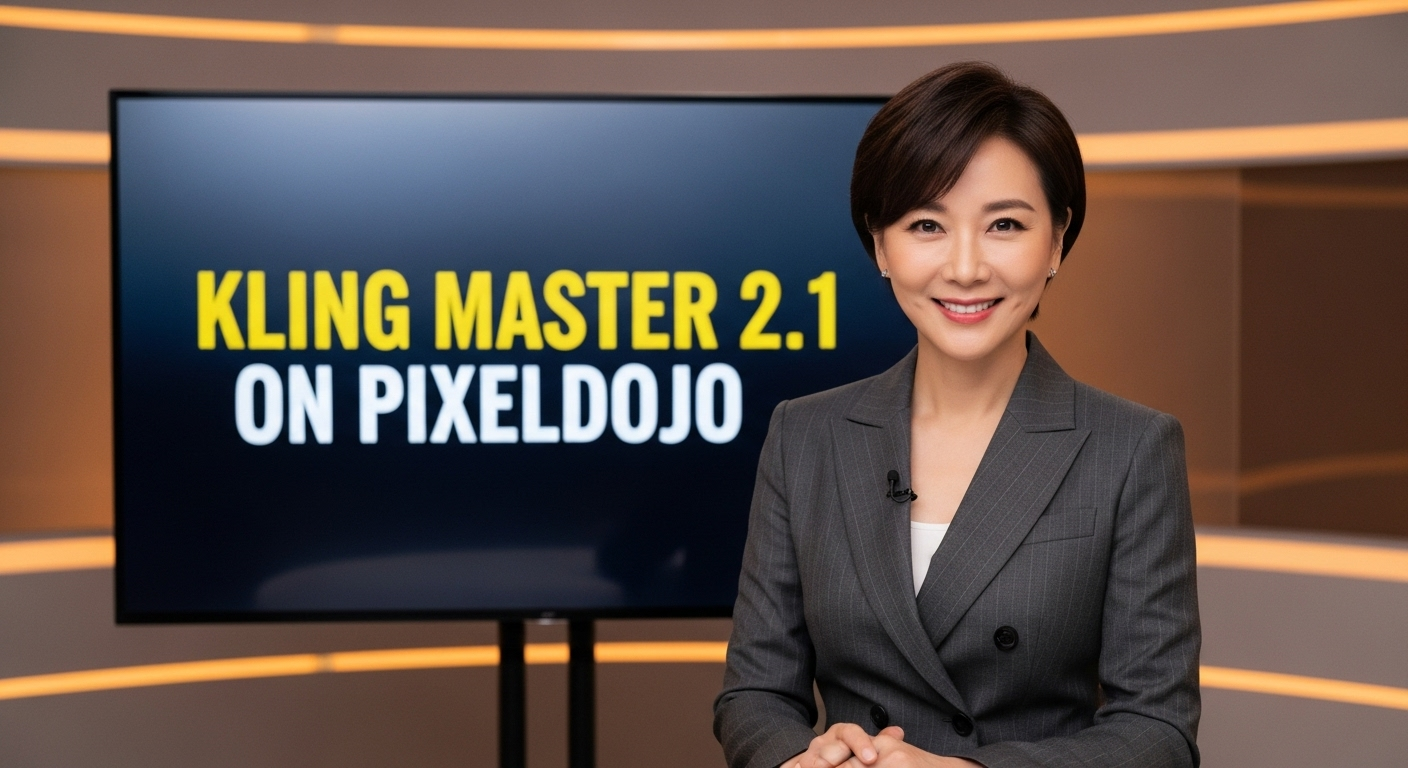
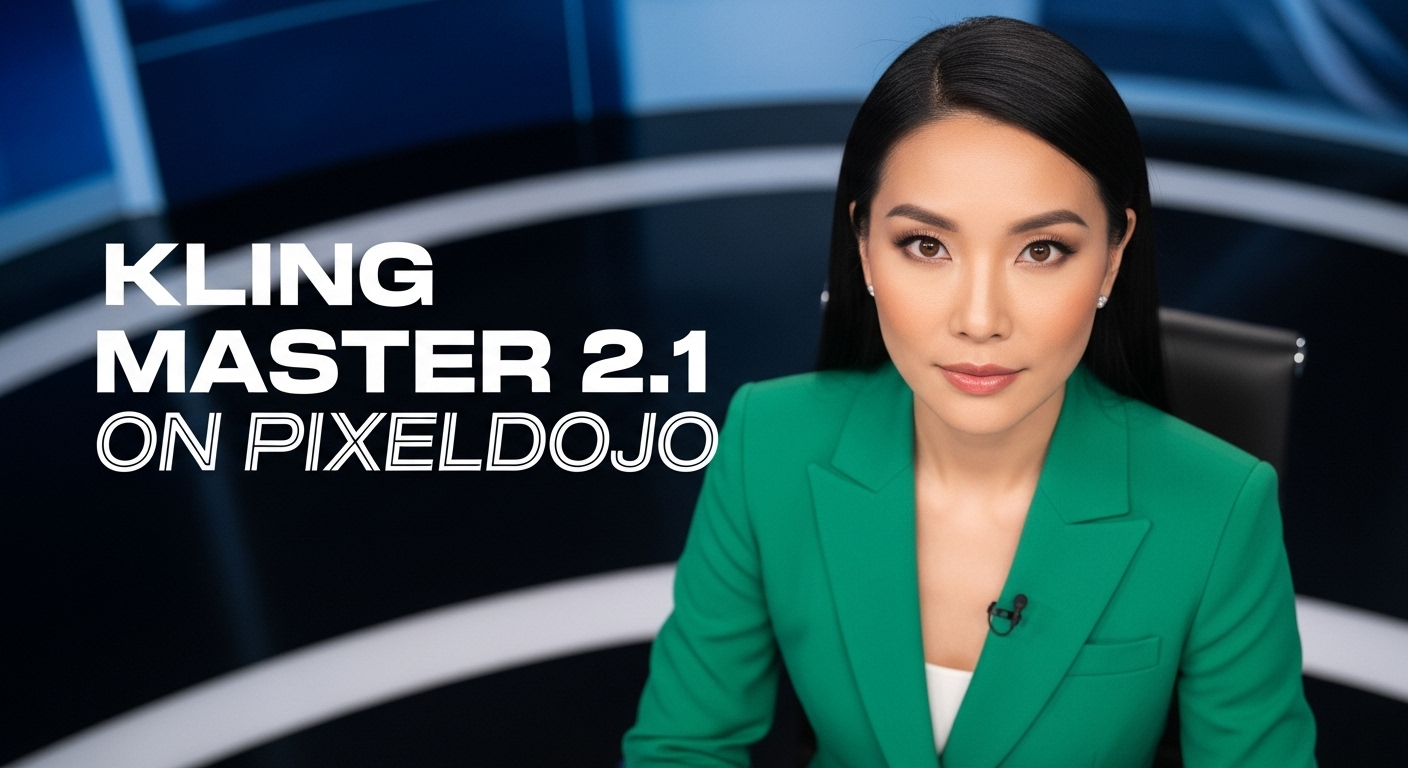
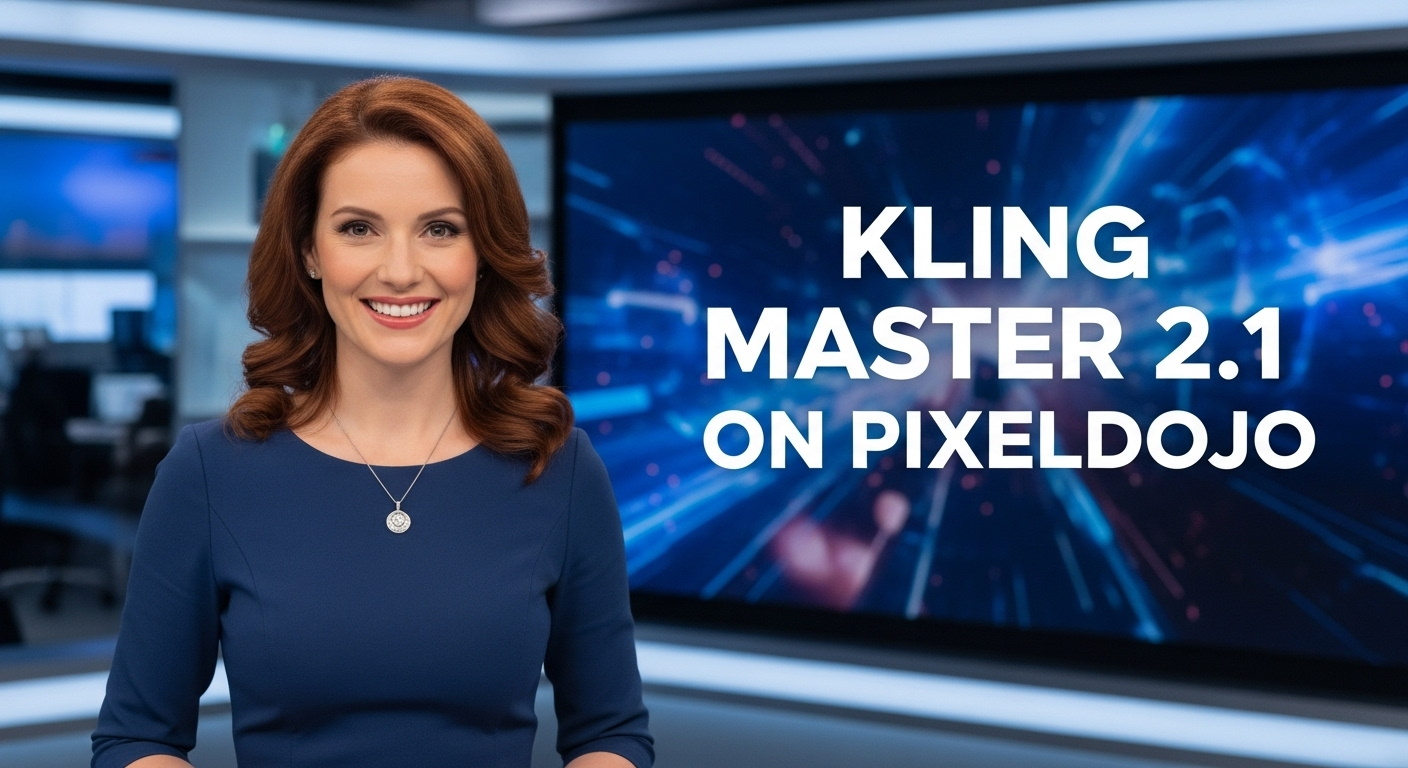
A photo of a beautiful news anchor. bold text across the screen says "Kling Master 2.1 on PixelDojo"
AI Generated
Résiliable à tout momentLicence d’usage commercial140+ modèles IAForfaits dès 10 $/mois

Imagine : deux images toutes simples, ta scène de départ idéale et l'arrivée dont tu rêves, deviennent une vidéo fluide et saisissante qui raconte toute une histoire en quelques secondes. Avec les images de début et de fin de kling video 3.0 sur PixelDojo, et des outils de pointe comme Kling v2.6 Pro, tu obtiens des mouvements dignes d'Hollywood, sans caméra, sans équipe et sans logiciel de montage. Clips viraux pour les réseaux, pubs pro ou courts-métrages narratifs : tu contrôles chaque transition avec précision pour donner vie à ta vision, exactement comme tu l'imagines. Fini les animations saccadées et les personnages qui changent d'apparence. Place à des vidéos fluides et captivantes qui accrochent ton audience et boostent l'engagement. Des milliers de créateurs utilisent PixelDojo chaque jour pour tester leurs idées plus vite, économiser des heures de production et publier des créations qui sortent du lot. Prêt à donner vie à tes images fixes ? Lance-toi et transforme pour de bon ta façon de créer.

50,000+ créateurs nous font confiance dans le monde | 4.9/5 sur 12,000+ avis | Plus de 2 millions de vidéos de style Kling générées | À l'honneur dans les grandes communautés de créateurs

Pourquoi choisir Pixel Dojo pour kling video 3.0 start end frames

Des résultats de qualité pro grâce à une IA de pointe

Des transitions sans rupture

Raconte des histoires qui marquent en transformant n'importe quelle image de départ en image de fin, avec des mouvements fluides et naturels. Idéal pour donner de l'émotion à tes pubs, vidéos pédagogiques ou reels et captiver ton audience de la première à la dernière image.

Des personnages toujours cohérents

Garde les mêmes visages et les mêmes silhouettes tout au long de ta vidéo grâce aux outils intégrés Kling Video Character Swap et Consistent Characters. Tes héros restent identiques, qu'ils marchent en ville ou s'envolent dans l'espace.

Des prototypes vidéo en un éclair

Génère des clips prêts pour la production en moins de 60 secondes, multiplie les versions sans aucune compétence technique et exporte des vidéos haute résolution pour TikTok, YouTube ou tes présentations client. Réduis ton temps de création de 90%.

Comment ça marche

Avec son interface intuitive et ses 40+ outils IA spécialisés, PixelDojo simplifie la création de vidéos Kling Video 3.0 à partir d'images de début et de fin. Importe ou génère tes deux images, ajoute un prompt de mouvement et regarde l'IA les transformer en vidéos pro. Le tout en quelques minutes, sans expertise.

1

Étape 1 : crée ou importe tes deux images

Ouvre les générateurs d'images comme Flux.2 Studio ou les outils d'images clés de Kling v2.6 Pro. Crée ta scène d'ouverture, par exemple un personnage immobile, puis ton image de fin, avec ce même personnage en action. Utilise WAN Image ou ImagineArt 1.0 pour des détails hyperréalistes. Importe les deux directement dans le workflow vidéo Kling pour une compatibilité immédiate.

2

Étape 2 : ajoute le prompt et les réglages

Sélectionne Kling v2.6 Pro dans les générateurs vidéo. Saisis un prompt simple comme « avance avec fluidité sur le sentier au lever du soleil, panoramique dynamique ». Définis les images de début et de fin, la durée (5-30s) et le style. Affine les mouvements avec Pose Control ou WAN Reference to Video. L'IA gère automatiquement la physique, l'éclairage et la cohérence.

3

Étape 3 : génère, affine et exporte

Lance la génération de ta vidéo de style Kling 3.0. Prévisualise le résultat, affine-le avec Video Upscaler pour une netteté 4K ou Lip Sync pour les dialogues. Retouche avec Runway Gen-4 si besoin, puis télécharge sans filigrane. Partage directement ou augmente encore la résolution avec Magnific Upscaler pour une finition impeccable.
Community kling video 3.0 start end frames Gallery

Real examples created by our community

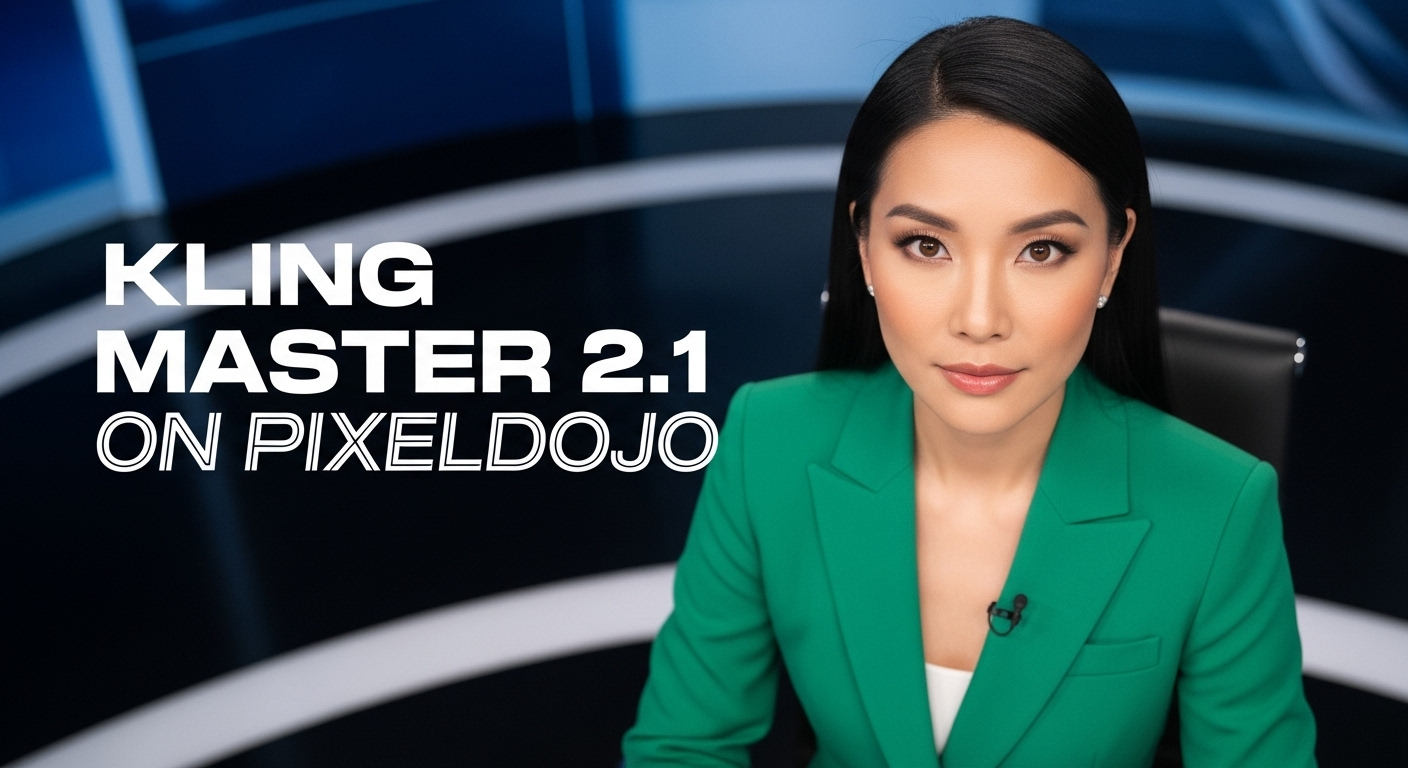
A photo of a beautiful news anchor. bold text across the screen says "Kling Master 2.1 on PixelDojo"
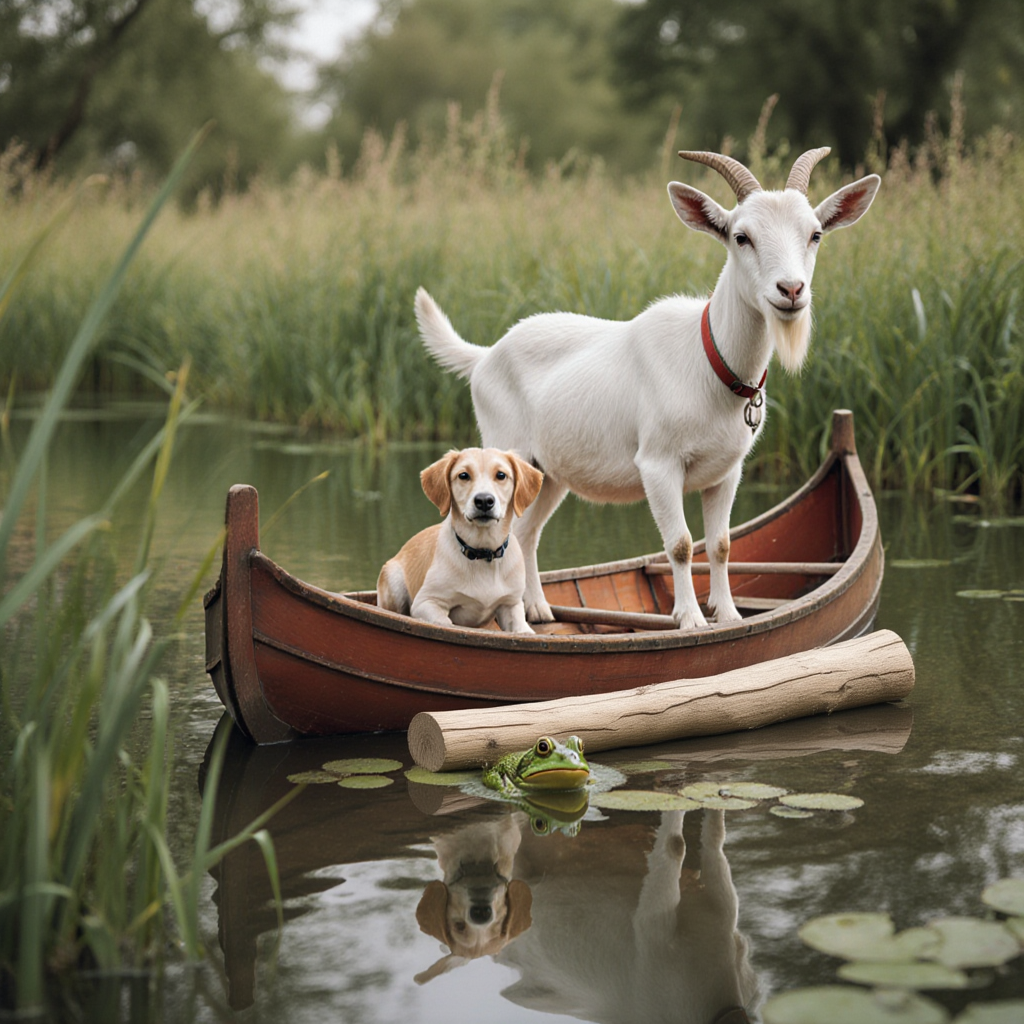
add a log (edited with Flux Kontext Dev)
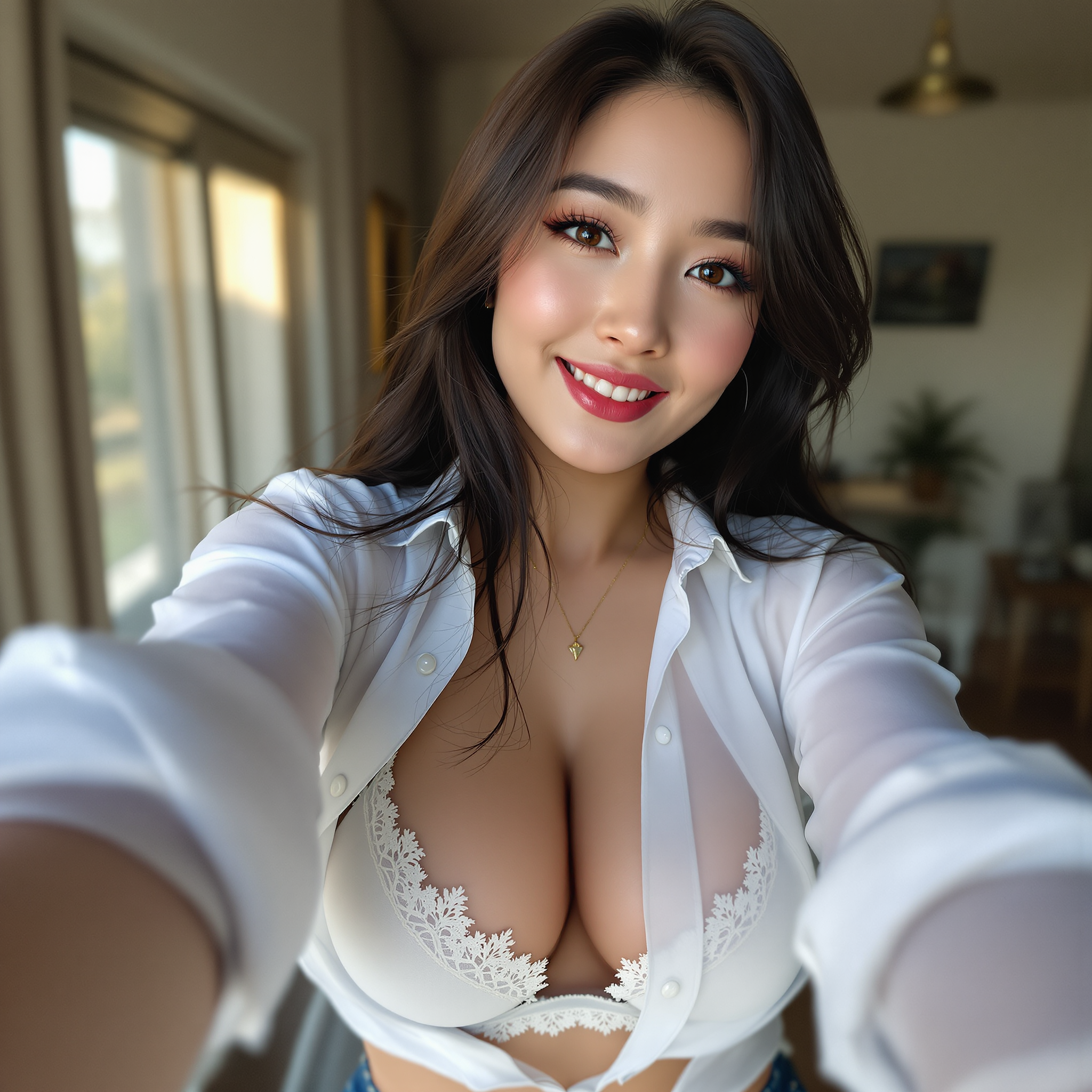
Capture a **first-person point of view selfie** of a **Korean woman** with **long, dark hair** cascading over one shoulder. She is wearing an **unbuttoned white shirt**, partially revealing a **white bra**. Her **curvaceous figure** is accentuated by her **natural, full bust**. 

**Style:** Employ a **soft, natural lighting** setup to enhance the realism and intimacy of the moment. Use a **bokeh effect** to blur the background, focusing attention on the subject. The photography style should reflect a **candid, lifestyle portrait** with elements of **fashion photography** to highlight the clothing details.

**Visual Details:**
- **Skin Tone:** Warm, natural with a subtle glow.
- **Shirt:** Crisp white, slightly sheer, with visible texture of the fabric.
- **Bra:** White, lace detailing, slightly visible through the open shirt.
- **Facial Expression:** A playful, confident smile with a hint of coyness.

**Composition:**
- **Camera Angle:** Held at chest level to capture the selfie, creating an intimate, up-close-and-personal feel.
- **Framing:** Her face and upper torso are central, with the shirt's opening framing the view of the bra.

**Mood and Atmosphere:**
- **Time of Day:** Late afternoon, with soft, golden light filtering through a nearby window.
- **Ambiance:** Relaxed, casual, and personal, conveying a sense of self-assuredness and playfulness.

**Technical Aspects:**
- **Aperture:** f/2.8 to achieve the desired depth of field, ensuring the subject is in sharp focus while the background blurs.
- **Lens:** Wide-angle lens to mimic the selfie perspective.

**Cohesion:** The elements combine to create a moment of self-expression, capturing the natural beauty and confidence of the subject in a personal and artistic manner.
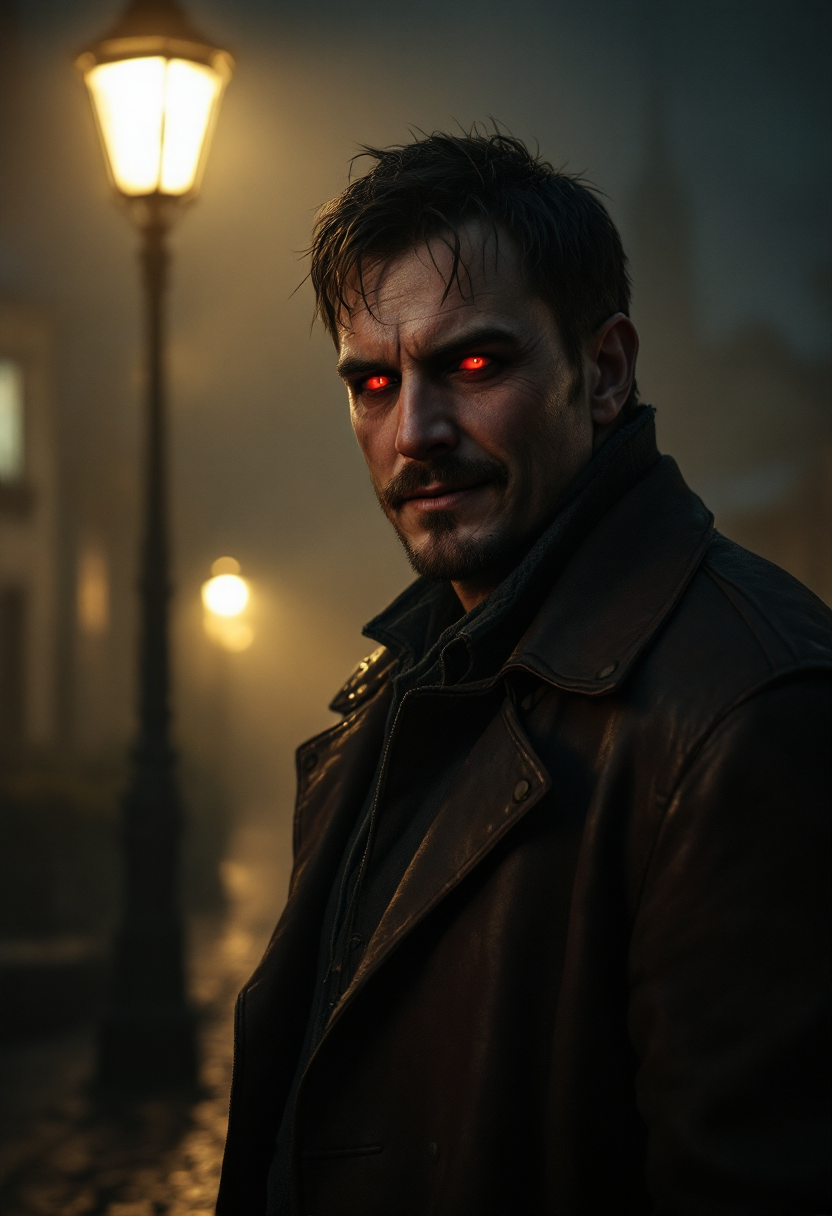
In the heart of a **misty Irish village** at night, under the **flickering light of a streetlamp**, stands a **tall, broad-shouldered Irishman** with **short, unkempt dark hair** and a **five o'clock shadow**. He wears a **slightly disheveled, dark brown leather jacket**, its texture reflecting the dim light in a way that hints at its worn history. His **eyes are dark and hollow**, with an unsettling depth that seems to **swallow the light**, revealing **red pupils** that pierce through the gloom. His **smile** is **eerily perfect**, too symmetrical, **as if carved into a mask**, while his **stance** suggests an **otherworldly control** over his form, as if he's merely **wearing human skin** as a **costume**. 

The **mood** is **ominous and surreal**, with the **village's cobblestone streets** glistening from the **recent rain**, the **streetlight casting long, distorted shadows** behind him. The **lighting** is **low-key**, emphasizing the **contrasts** between light and shadow, creating an **atmosphere of unease**. The **camera angle** is **slightly low**, looking up at him, giving him an imposing presence. The **composition** is **asymmetrical**, with the man positioned off-center, allowing the **elongated shadow** to stretch towards the frame's edge, suggesting an **unnatural extension** of his presence into the viewer's space. 

**Artistic style** would be **noir with elements of surrealism**, capturing the **uncanny valley** between human and otherworldly. Use **chiaroscuro** lighting to enhance the **mysterious** and **eerie** ambiance, and ensure the **details** of his attire, like the **leather jacket**, are rendered with **hyperrealistic texture**, juxtaposed against the **surreal elements** of his eyes and shadow.
Create an image of Donald Trump pointing at the viewer and holding a sign with the words "70% Tarrif Canada "
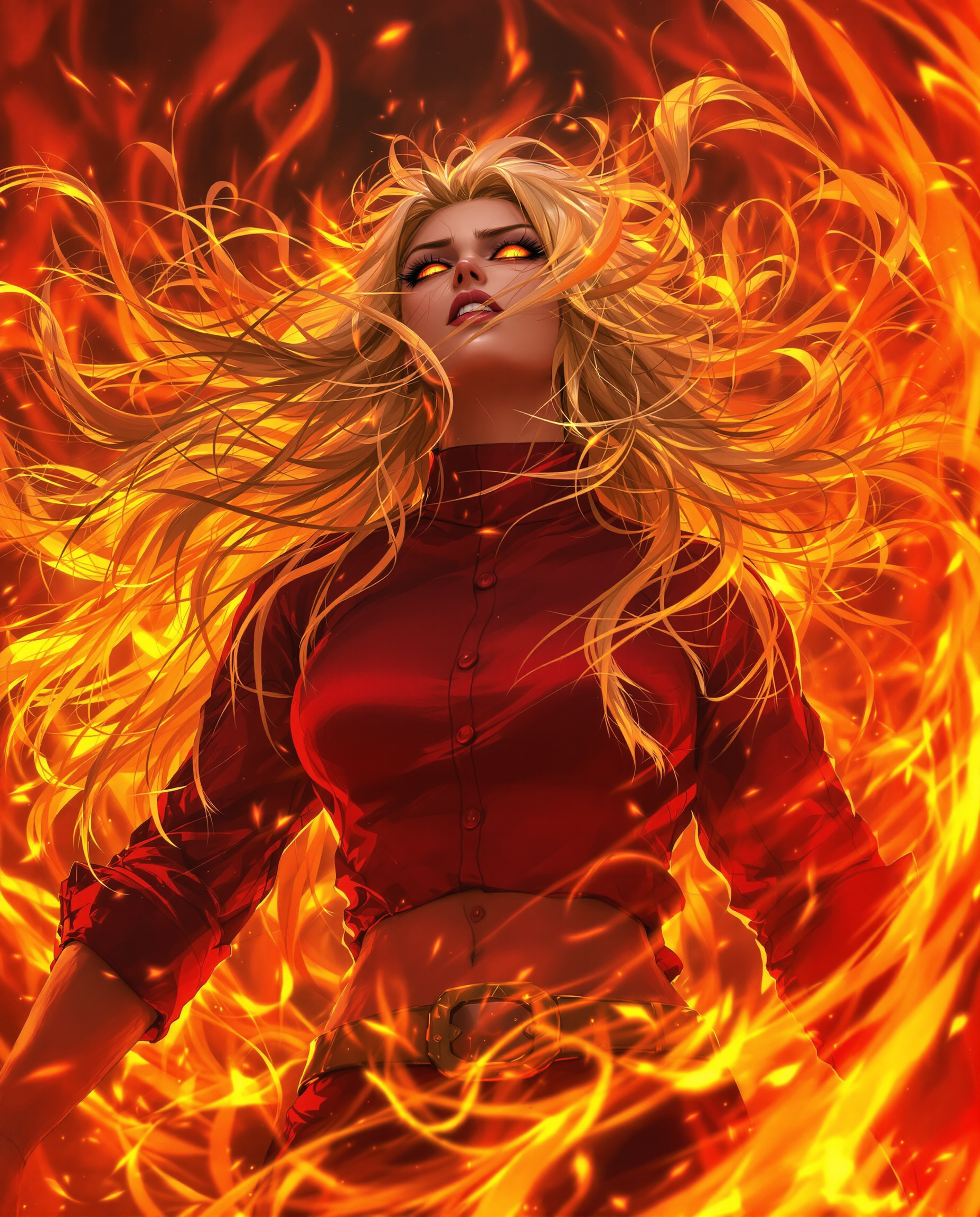
A hyper-realistic DSLR photograph captures a fierce female anime character in a dynamic, intense pose, her long golden hair flowing wildly with chaotic strands and fiery glowing highlights, partially obscuring a deep red high-collared garment with rolled-up sleeves revealing muscular arms shadowed dramatically. Her exaggerated features include large, expressive heterochromia eyes and a pronounced mouth, set against a swirling background of vivid fiery red and orange flames with high contrast and saturation. Cinematic lighting emphasizes passion and aggression in sharp 8K detail, with a 50mm lens and shallow depth of field.
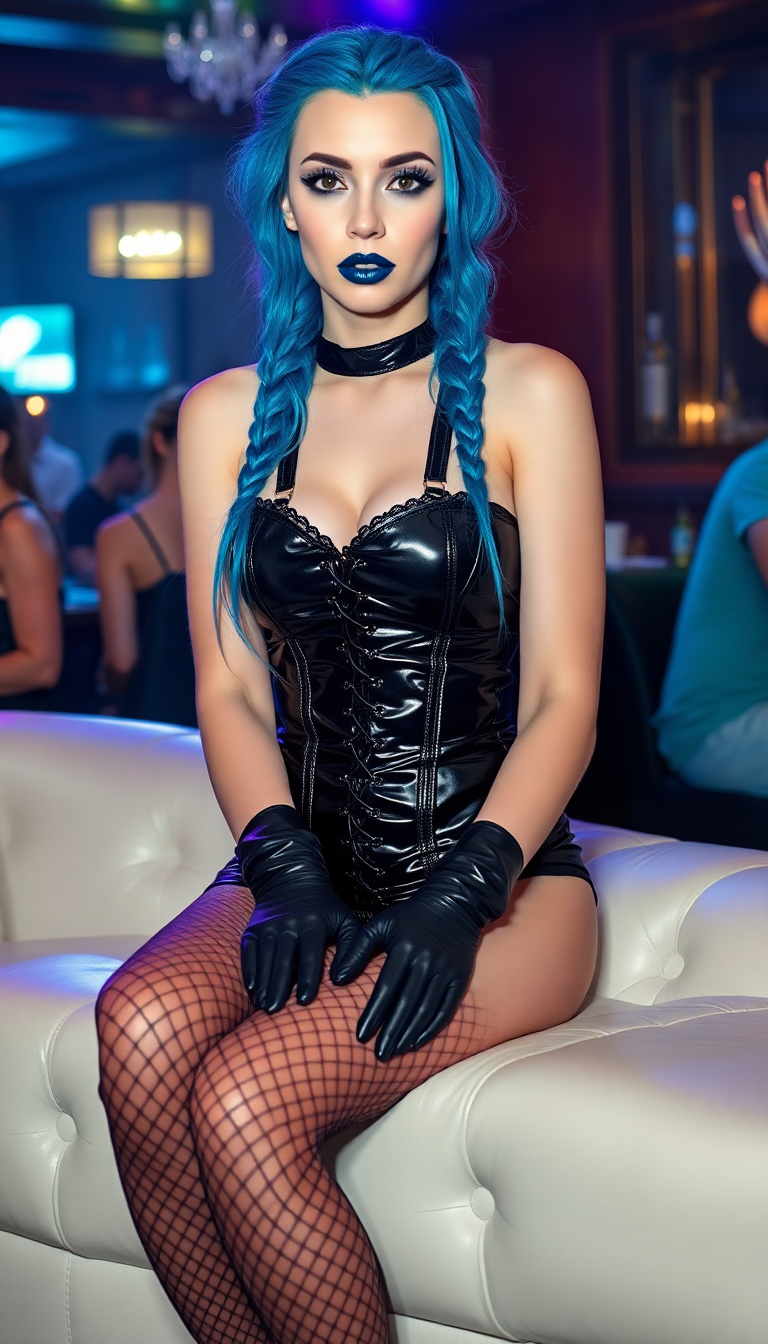
A full-body picture featuring a pale-skinned woman with long, flowing bright blue braided hair, and vividly colored, dark blue painted lips, in a shiny black latex corset mini-dress accessorized with black fishnet tights, shiny black latex elbow length opera gloves. sitting on a couch in a nightclub.
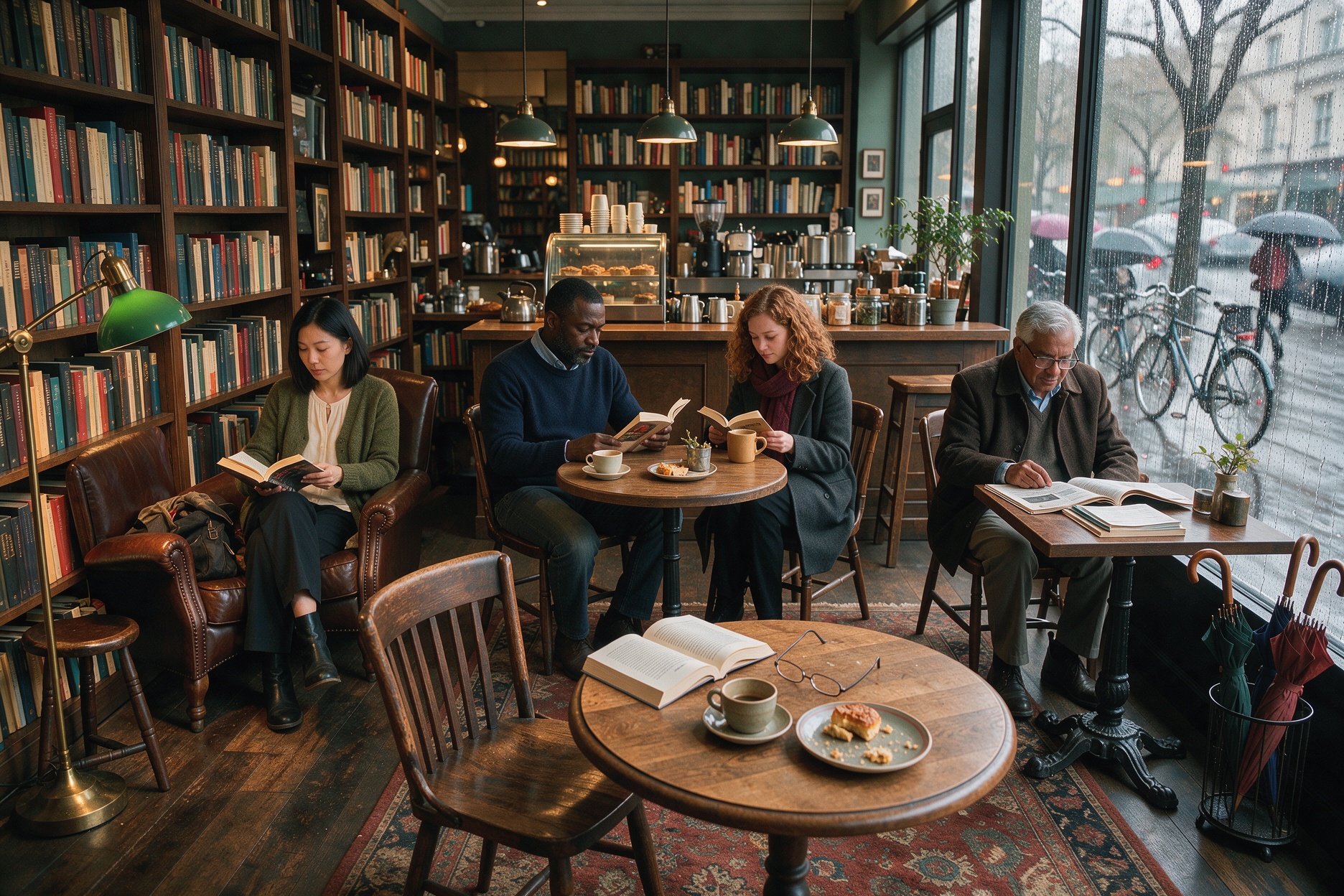
Cozy bookstore cafe on a rainy afternoon, customers reading, warm lamps, rain-streaked windows
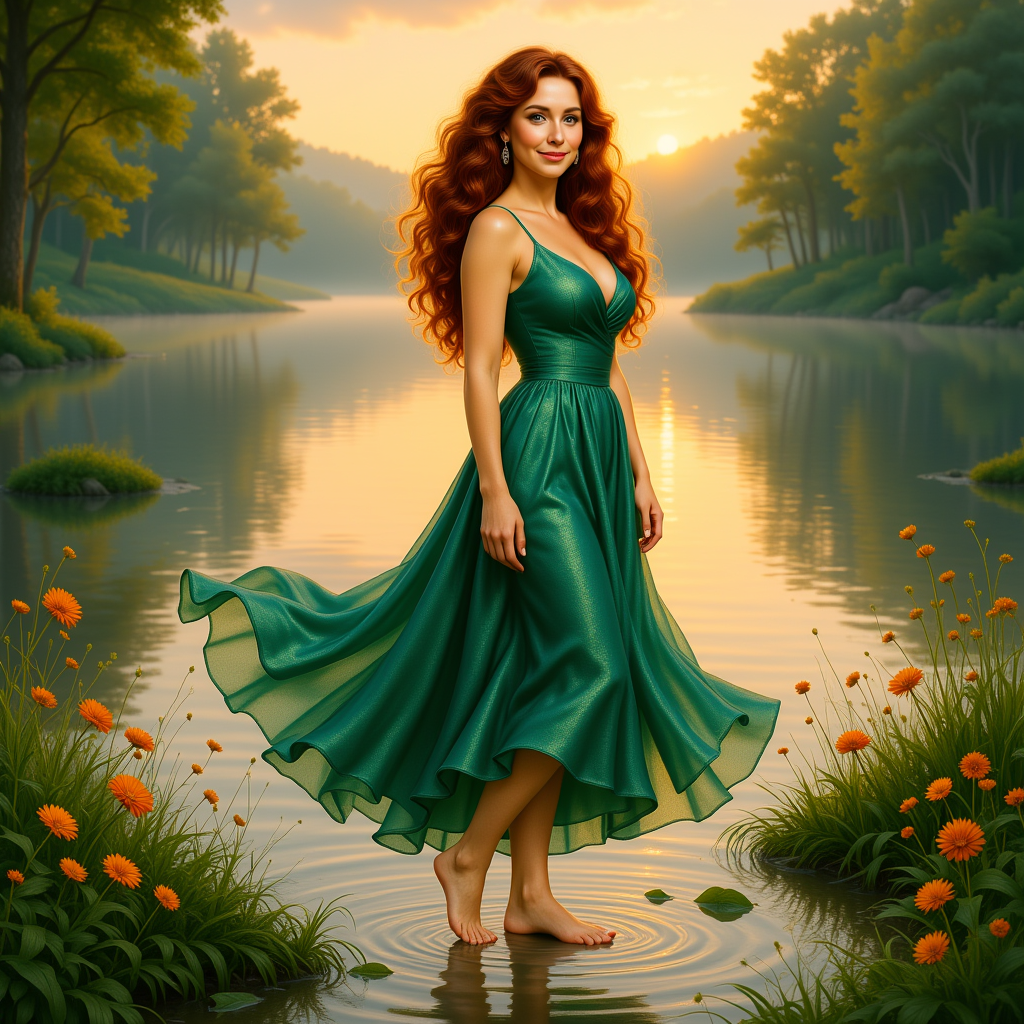
KIRA_SUNRISE, KIRA-SUNRISE-ZIP, Kira-Original-Zip, Kira-Super-Zip, Kira-Super, Kira-Pixie, Kira-Pixie-2, Kira-Curly-Pixie-Zip, Kira-Lux-Flux, Kira-Lux-Super, Mix-Kira, Kira, Kira1, Kira12, Kira12a, KiraVision, Kira12B, a beautiful woman with long, curly cherry-red hair, wearing a flowing emerald green dress with soft golden shimmer, standing barefoot at the edge of a tranquil forest lake at dawn, soft mist over the water, golden-pink light on the horizon, her expression calm and gentle, wildflowers and tall grass around her, water reflecting her silhouette, dreamlike, serene, photorealistic, Artgerm and James Gurney style with cinematic morning light
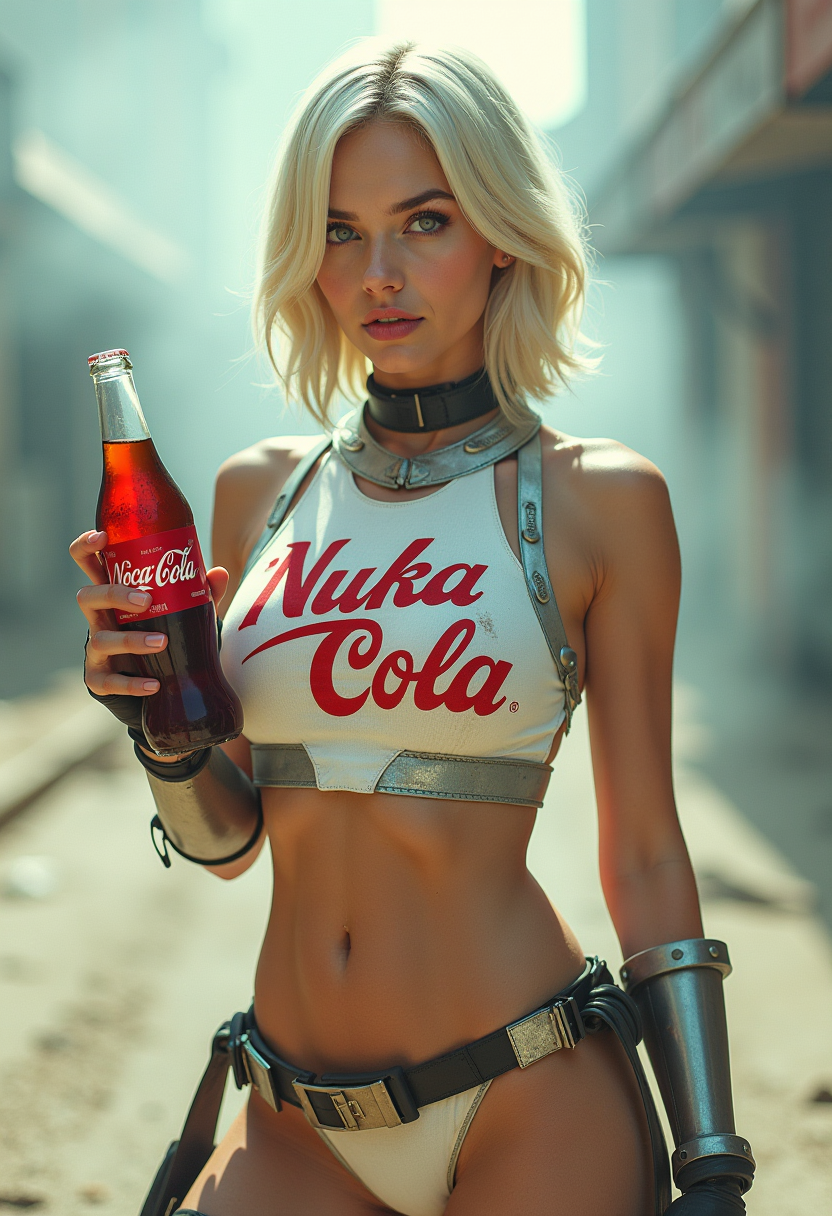
A young, vintage Caucasian woman, positioned slightly off-center to the left of the image, is depicted in a stylized, post-apocalyptic fashion. She has shoulder-length, platinum blonde hair, styled in a fashion with mechanical accents. Her expression is confident and slightly intense, with prominent, striking makeup including outlined eyes and rosy lips.  She is wearing a white, distressed-design bodysuit adorned with a large "Nuka Cola" logo in bold red script; it features cut-out details on the midriff, and metallic accessories, including a belt, and arm coverings.  The bodysuit implies a futuristic, possibly superhero-inspired aesthetic.  She is holding a vintage-style red soda bottle with the words "Nuka Cola", in her hand.  The background is a slightly hazy, desaturated blend of grayish-blue and soft white, and light-based effects create a dusty, slightly ethereal atmosphere.  The image's style is photorealistic but with digitally enhanced and embellished details, giving it a blend between fantasy and reality. The image has a high degree of detail in both the subject and the surrounding environment, creating a compelling and elaborate composition. Her body type is slender and curvy, with well-defined abdominal features. The overall tone is characterized by the artistic rendering and high contrast elements.
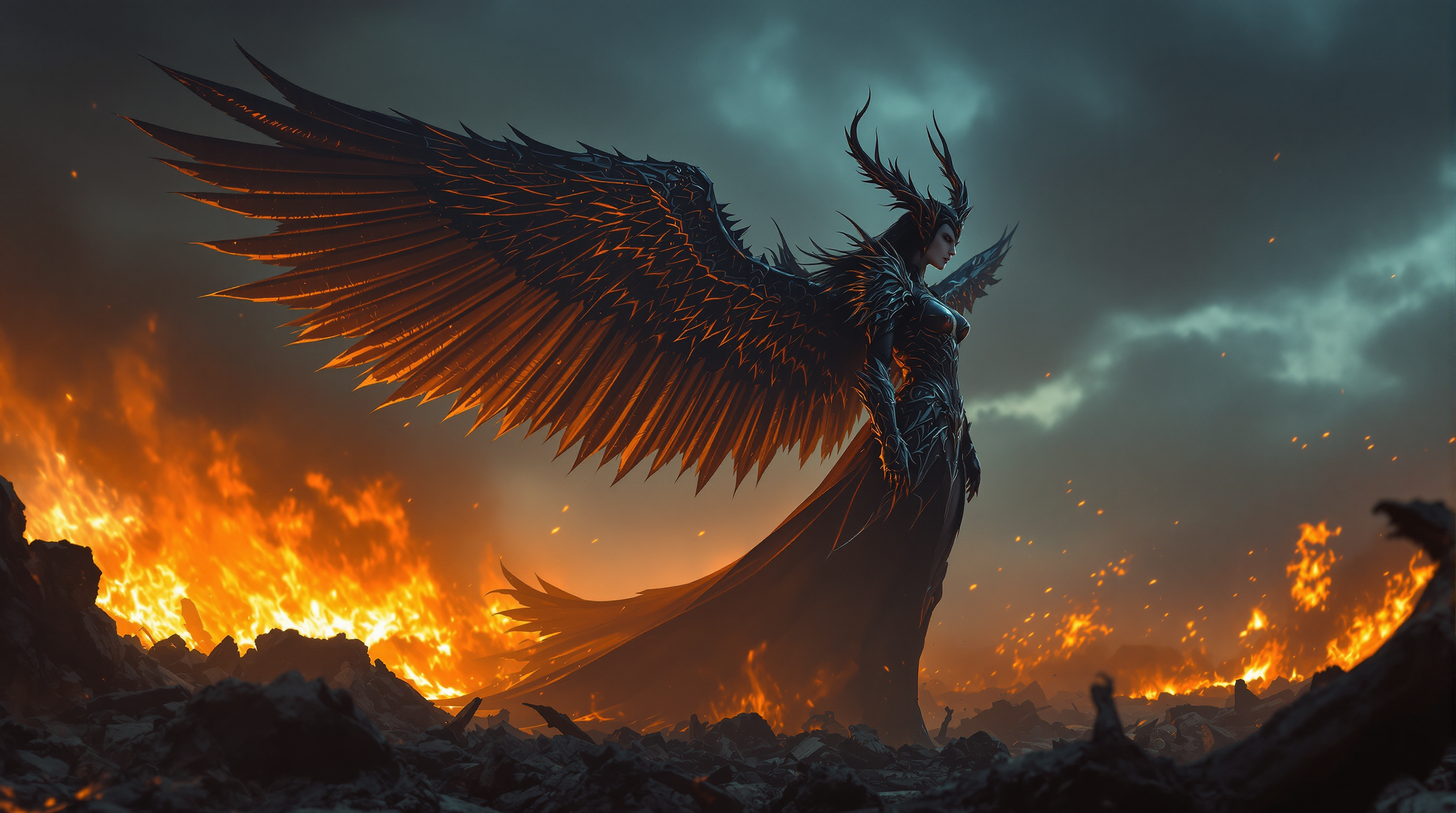
A powerful valkyrie queen stands off-center to the right in a cinematic high-fantasy scene, her expansive wings spread wide across the frame, exuding grandeur and scale against a fiery, chaotic landscape of embers and destruction. Dramatic, moody lighting with warm orange hues from a setting sun or blazing inferno highlights the intricate textures of her ornate gothic armor and wings, creating a striking chiaroscuro effect with a dark, smoky sky fading into cool blues. The composition uses negative space and her imposing silhouette to draw focus, delivering depth, tension, and a mythic sense of action in stunning 8K detail.

Crée tes vidéos Kling 3.0 entre deux images dès aujourd'hui

40+ outils IA de pointe, plébiscités par des milliers de créateurs dans le monde. Résilie à tout moment, essaie dès aujourd'hui.

The Pixel Dojo Advantage

Pourquoi PixelDojo fait mieux pour tes vidéos Kling Video 3.0 entre deux images

OthersPixel Dojo
Production vidéo classiqueÉvite des semaines de tournage, le recours à des acteurs et la postproduction. Obtiens un rendu cinéma à partir de deux images en quelques minutes et économise des milliers en frais de production.
Outils IA généralistesContrairement aux générateurs basiques aux résultats aléatoires, Kling v2.6 Pro sur PixelDojo offre un contrôle précis des images de début et de fin, le remplacement de personnages et l'agrandissement en 4K. Une cohérence pro à chaque création.
Montage photo vers vidéo manuelPas besoin de maîtriser After Effects ni de poser des images clés une à une. L'IA automatise les transitions fluides pour que tu te concentres sur la création, pas sur les réglages fastidieux.

Adoré par les créateurs sur PixelDojo

De vrais avis de personnes qui utilisent PixelDojo, recueillis dans nos sondages intégrés.

Creative freedom, range of tools and options.
Créateur PixelDojo vérifié
I love the training feature
Créateur PixelDojo vérifié
the quality is the best
Créateur PixelDojo vérifié
All the tools needed in one dashboard
Créateur PixelDojo vérifié
Very fair and very broad in tools.
Créateur PixelDojo vérifié
Accurate results
Créateur PixelDojo vérifié

Questions fréquentes

Tout ce qu’il faut savoir sur kling video 3.0 start end frames

Comment créer une vidéo Kling video 3.0 entre deux images sur PixelDojo ?

Avec Kling v2.6 Pro sur PixelDojo, importe des images de début et de fin générées dans Flux.2 Studio ou Z Image Turbo. L'IA crée ensuite un mouvement réaliste entre les deux. Ajoute des prompts pour les mouvements de caméra, les effets ou les actions et obtiens des vidéos fluides en 1080p+ jusqu'à 30s. Affine le résultat avec des outils comme Video Upscaler.

Quels prompts utiliser pour créer une vidéo IA Kling 3.0 entre deux images ?

Mise sur le mouvement : « Le personnage marche du sentier forestier (image de début) jusqu'à la cascade dans une clairière (image de fin), zoom doux, variations naturelles de lumière. » Crée tes images avec ImagineArt 1.0 sur PixelDojo, puis ta vidéo avec Kling. Teste les durées et les styles dans l'interface pour explorer les tendances, comme les panoramiques dynamiques ou les transformations lentes.

Puis-je garder des personnages cohérents dans Kling video 3.0 entre deux images ?

Absolument. Associe Kling v2.6 Pro à Kling Video Character Swap ou Consistent Characters. Génère tes visages une seule fois dans PonyXL ou HiDream, puis réutilise-les d'une image à l'autre pour garder une apparence identique. Parfait pour les récits, les pubs ou les séries où la continuité renforce le rendu pro.

Quelles tailles d'image choisir pour Kling 3.0 entre deux images sur PixelDojo ?

L'idéal : 1024x576 ou 1280x720 en paysage. Crée tes images dans SDXL ou WAN 2.6, puis augmente leur résolution avec Portrait Upscaler si besoin. PixelDojo les adapte automatiquement aux proportions vidéo et prend aussi en charge les formats verticaux tendance de TikTok via Video Reframe.

Combien de temps durent les vidéos Kling video 3.0 entre deux images et peut-on les prolonger ?

Les clips standards durent 5-10s et peuvent atteindre 30s+ en les enchaînant avec WAN 2.6 Video ou Runway Gen-4. L'outil Merge Videos assemble plusieurs clips sans rupture. Les tendances montrent que les boucles de 15s cartonnent sur les réseaux, avec Hailuo 2.3 pour les prolonger.

Peut-on tester gratuitement Kling video 3.0 entre deux images sur PixelDojo ?

Non, aucun crédit gratuit n'est offert à l'inscription : la génération utilise les crédits d'un abonnement payant. Accède aux 40+ outils, dont Seedance 1.5 comme solution de repli, avec un seul solde de crédits et des abonnements dès 10 $/mois. Résilie à tout moment et suis ta consommation avec Usage Report. Les créateurs apprécient ses résultats pro.

Prêt à créer des vidéos Kling 3.0 saisissantes entre deux images ?

Prêt à donner vie à tes idées ?

Rejoins plus d’1M de créateurs qui font des images et vidéos IA sur Pixel Dojo. Tes premiers effets sont gratuits.