품질과 사용 편의성 평점 4.8/5. PixelDojo의 AI 도구로 이미지를 업그레이드한 10,000명 이상의 만족한 크리에이터와 함께하세요.
magichour에 Pixel Dojo를 선택하는 이유
최첨단 AI 기술로 만드는 프로급 결과물
언제든 완벽한 빛으로
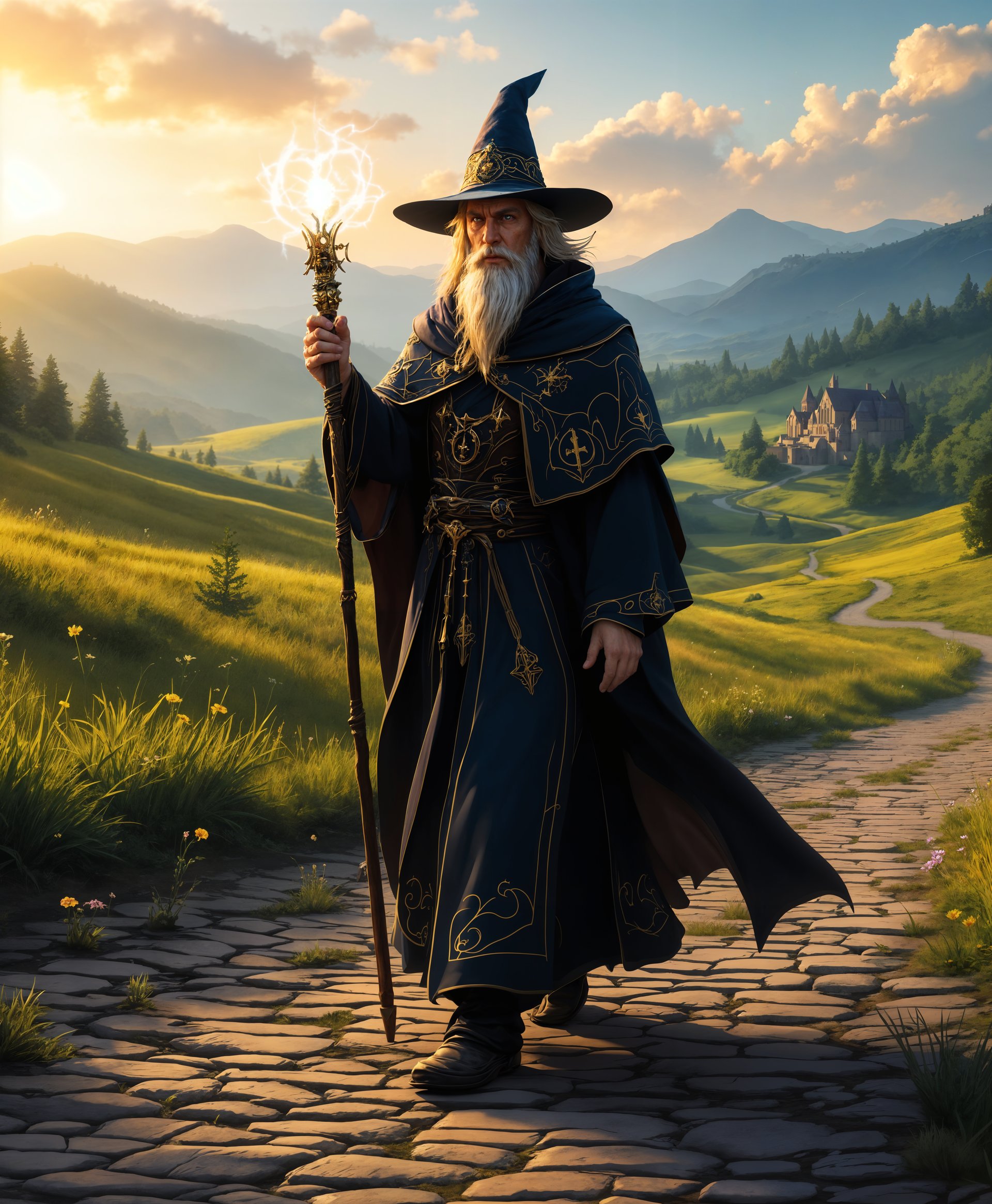
자연광과 날씨의 제약 없이 언제든 눈부신 매직아워 효과를 연출해요.
단번에 시선을 사로잡는 이미지
따뜻한 황금빛 톤으로 감성을 더하고 보는 이의 시선을 사로잡아요.
AI 자동화로 시간 절약
AI 도구로 복잡한 조명 효과도 빠르게 적용하고, 작업 흐름을 더 간결하게 만들어요.
이용 방법
PixelDojo의 직관적인 플랫폼이라면 매혹적인 매직아워 이미지도 간단해요. 다음 단계에 따라 사진을 바꿔 보세요.
1단계: 이미지 선택
보정할 사진을 PixelDojo에 업로드하세요.
2단계: 매직 라이팅 적용
'매직 라이팅' 도구로 이미지를 자동 보정하고, 매직아워 특유의 따뜻한 색감을 더하세요.
3단계: 세부 조정 및 다운로드
강도와 따뜻한 정도를 원하는 대로 조절한 뒤, 완성된 이미지를 다운로드하세요.



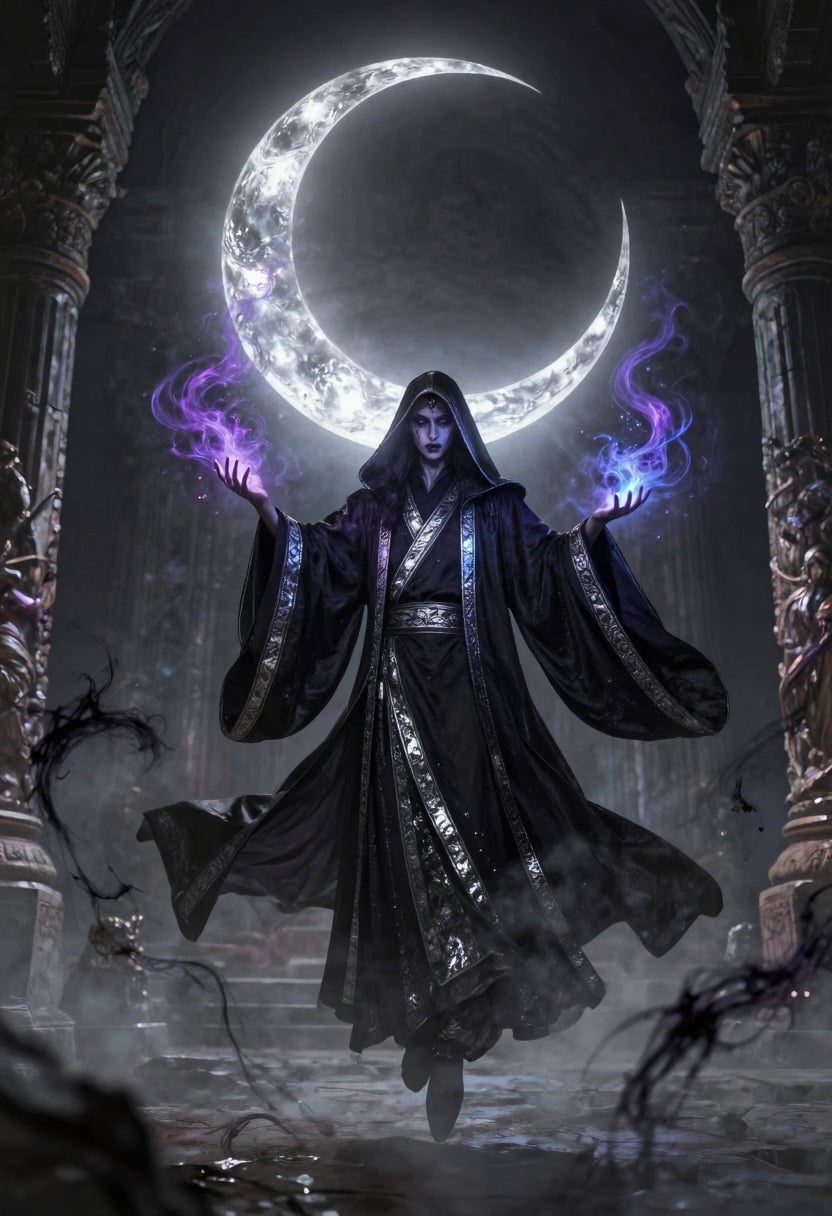
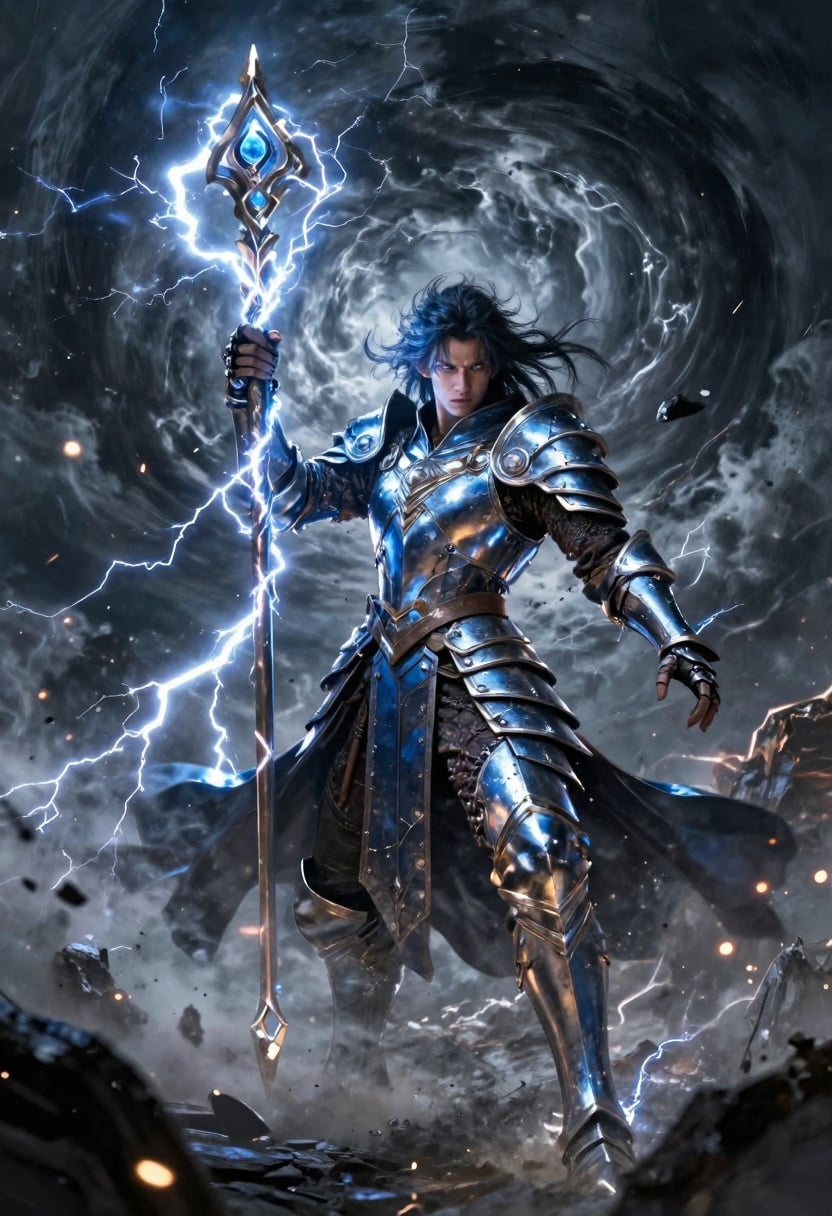
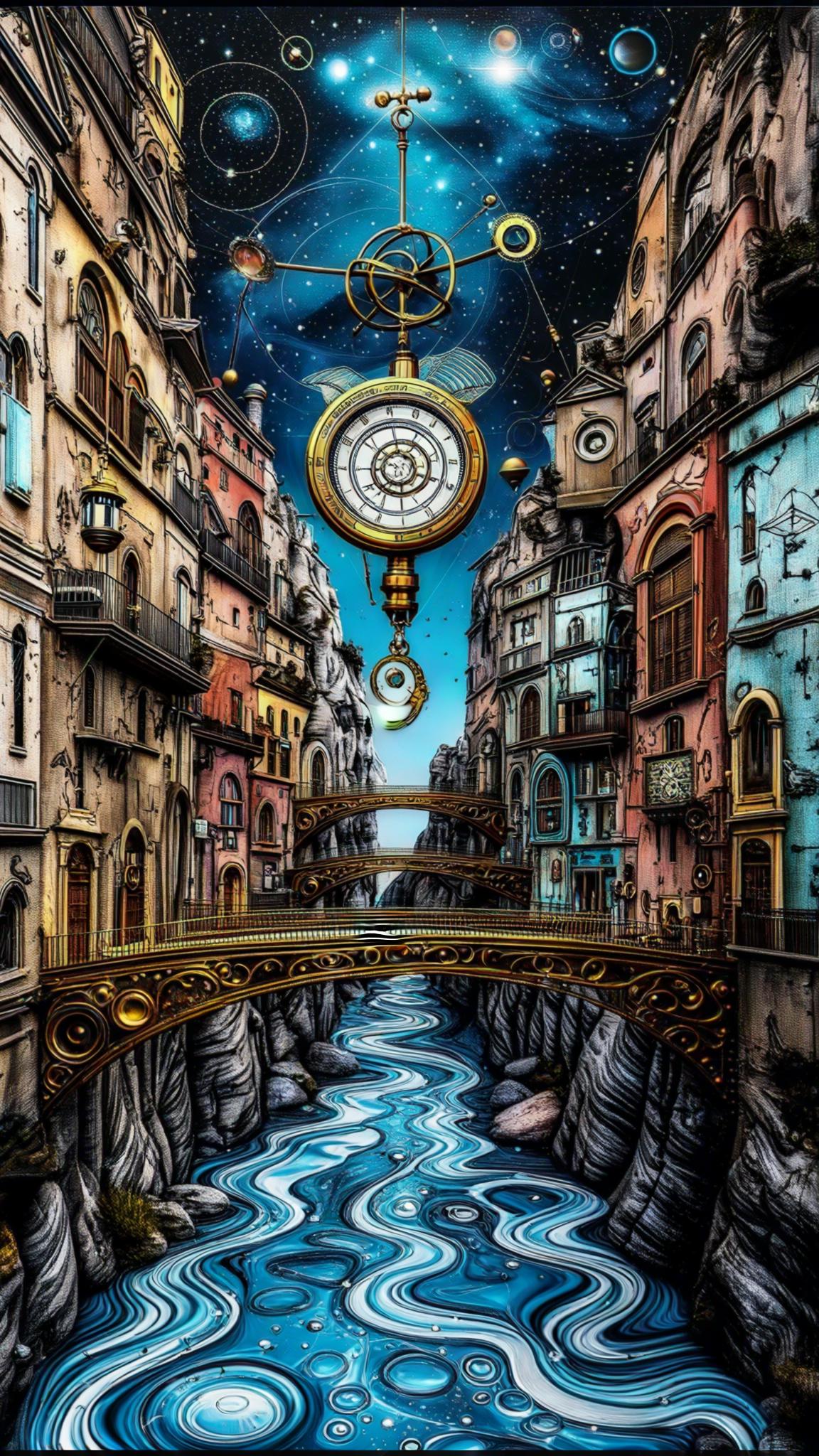


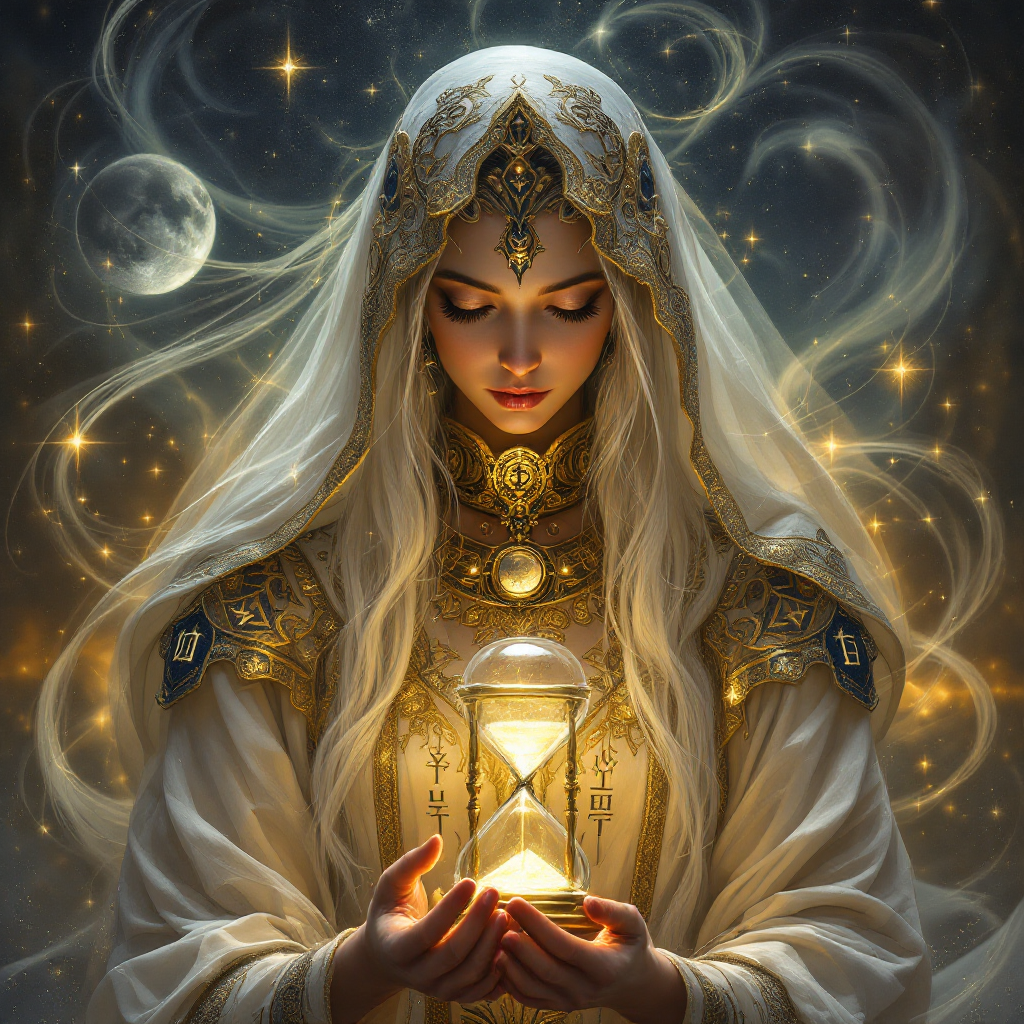
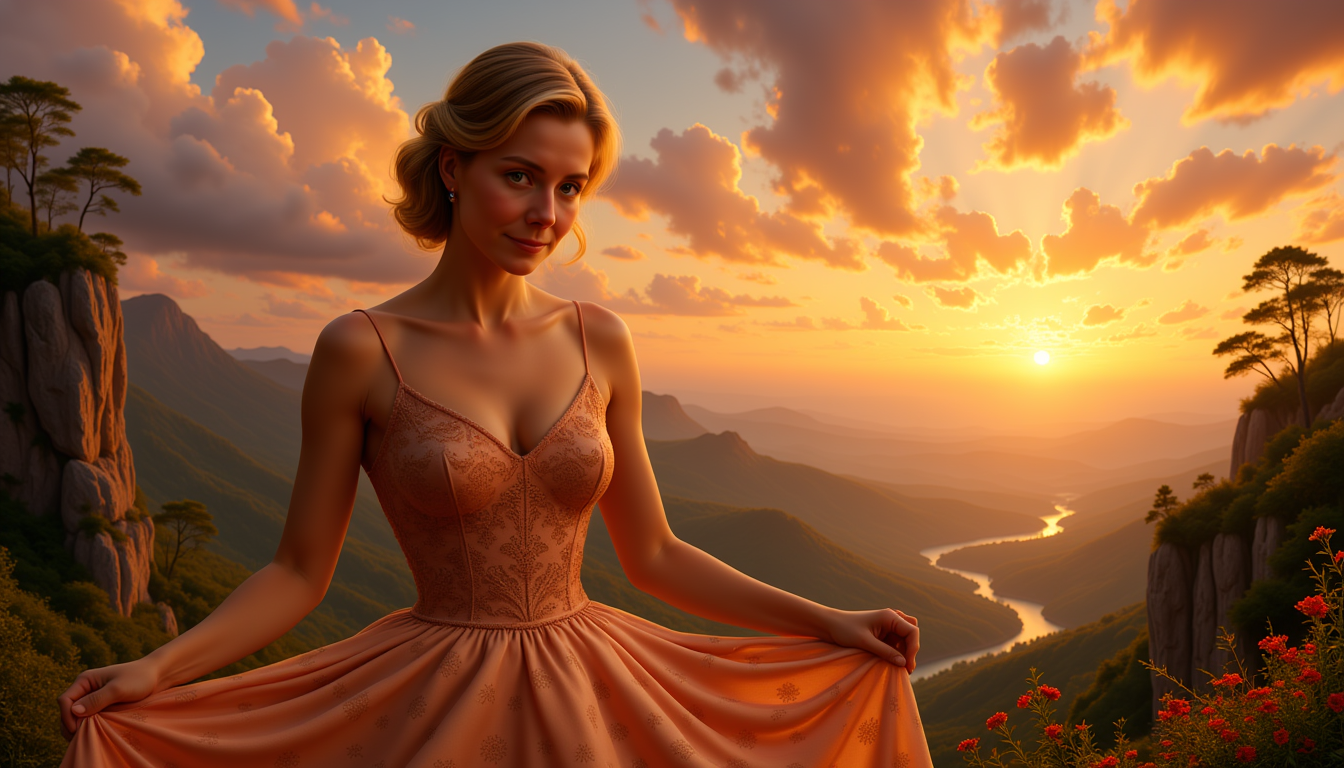

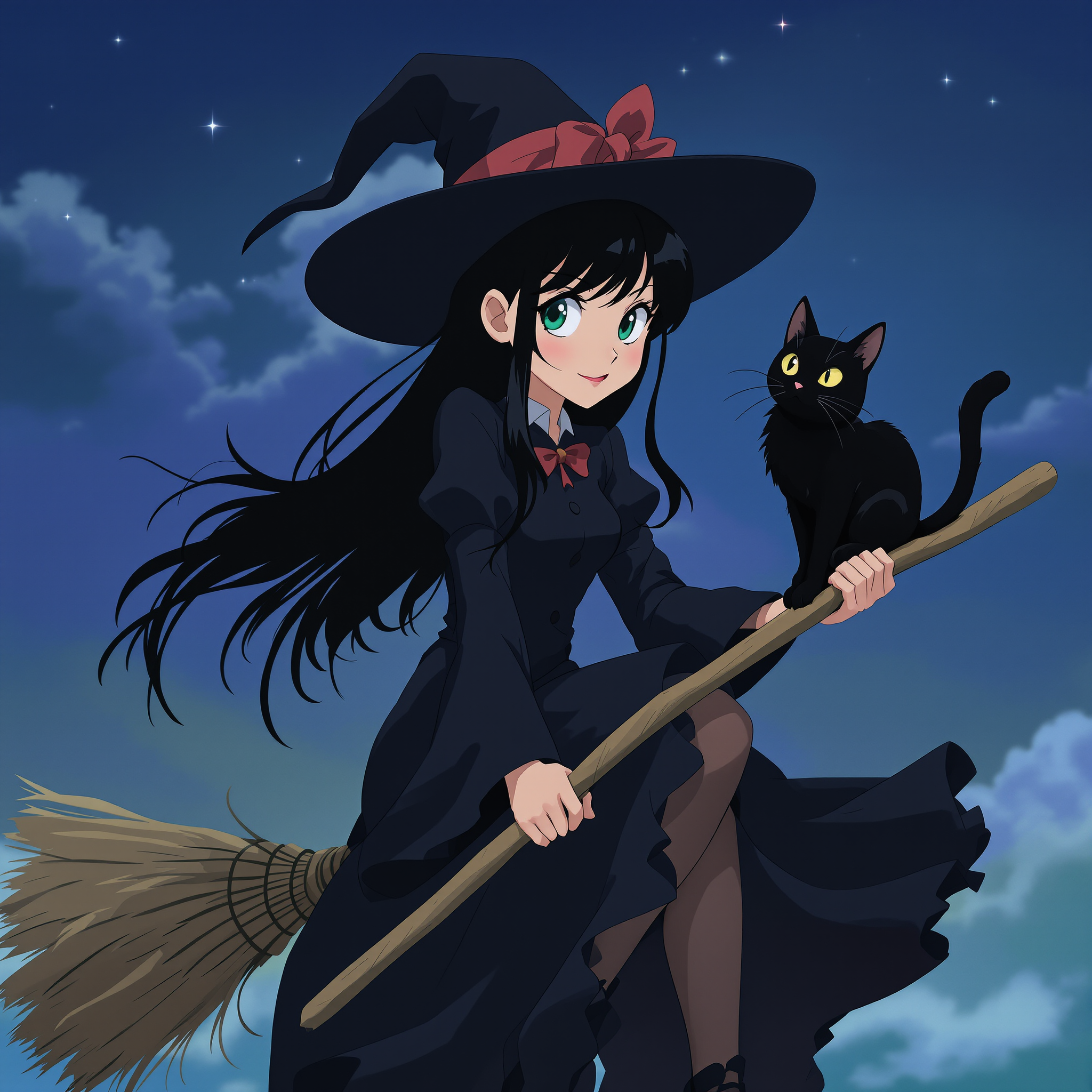
The Pixel Dojo Advantage
매직아워 이미지 제작에 PixelDojo가 더 뛰어난 이유를 확인하세요.
| Others | Pixel Dojo |
|---|---|
| 기존 사진 촬영 | 완벽한 한 장을 위해 특정 시간이나 날씨를 기다릴 필요가 없어요. |
| 일반 사진 편집 프로그램 | 수동 조정 없이 AI 자동화로 정교하고 일관된 조명 보정을 완성해요. |
| 수동 사진 편집 | 복잡한 조명 효과를 몇 초 만에 적용하는 자동화 도구로 시간과 수고를 줄여요. |
PixelDojo 크리에이터들이 사랑하는 서비스
PixelDojo 사용자들이 제품 내 설문에서 남긴 실제 후기예요.
Great site and so much fun to use!
everyone has gotten so expensive and limits what can be done, you all are simply the best available option by miles
Easy to use and good quality and fun
very useful set of tools for image creation, upscaling and enhancement
ease of use, variety of tools, high quality trainings, and a well-maintained discord channel
Ease of use, friendliness and support of the owner, continued innovation.
PixelDojo의 더 많은 AI 도구 둘러보기
인기 AI 모델
AI 도구
비교하고 갈아타기
- All AI Tool Alternatives
- Pollo AI Alternative
- PixelDojo vs Pollo AI
- Pollo AI Review
- MotionMuse AI Alternative
- MioCreate Alternative
- Dessi AI Alternative
- Runway Alternatives
- CapCut Alternatives
- Leonardo Alternatives
- OpenArt Alternatives
- Midjourney Alternatives
- Canva AI Alternatives
- Pika Alternatives
- InVideo Alternatives
- Higgsfield Alternatives
- Krea Alternatives
- Luma Alternatives
- Magic Hour Alternatives
- HeyGen Alternatives
- PixAI Alternatives
- Vidu Alternatives
- Seedream Alternatives
- Tensor.Art Alternatives
자주 묻는 질문
magichour에 대해 알아야 할 모든 것
PixelDojo는 사진에 매직아워 효과를 어떻게 적용하나요?
PixelDojo는 고급 AI 알고리즘으로 이미지를 분석하고, 매직아워 특유의 따뜻한 황금빛을 재현하도록 조명을 조절해요. 사진 전체의 분위기와 완성도를 높여줘요.
매직아워 효과의 강도를 조절할 수 있나요?
네, '매직 라이팅' 도구에서 효과의 강도와 따뜻한 정도를 조절해 원하는 분위기를 연출할 수 있어요.
초보자도 PixelDojo를 사용할 수 있나요?
물론이에요! PixelDojo는 직관적인 인터페이스로 설계되어, 실력에 상관없이 누구나 멋진 이미지를 손쉽게 만들 수 있어요.
PixelDojo를 사용하려면 프로그램을 설치해야 하나요?
아니요, PixelDojo는 웹 기반 플랫폼이에요. 별도 설치 없이 브라우저에서 모든 AI 도구를 바로 사용할 수 있어요.
PixelDojo는 어떤 파일 형식의 업로드와 다운로드를 지원하나요?
PixelDojo는 JPEG, PNG, TIFF를 비롯한 다양한 파일 형식을 지원해 기존 작업 흐름에 맞춰 사용할 수 있어요.
PixelDojo를 무료로 체험할 수 있나요?
네, PixelDojo는 AI 도구를 이용할 수 있는 무료 체험을 제공해요. 구독하기 전에 다양한 기능을 살펴보고 직접 만들어 볼 수 있어요.